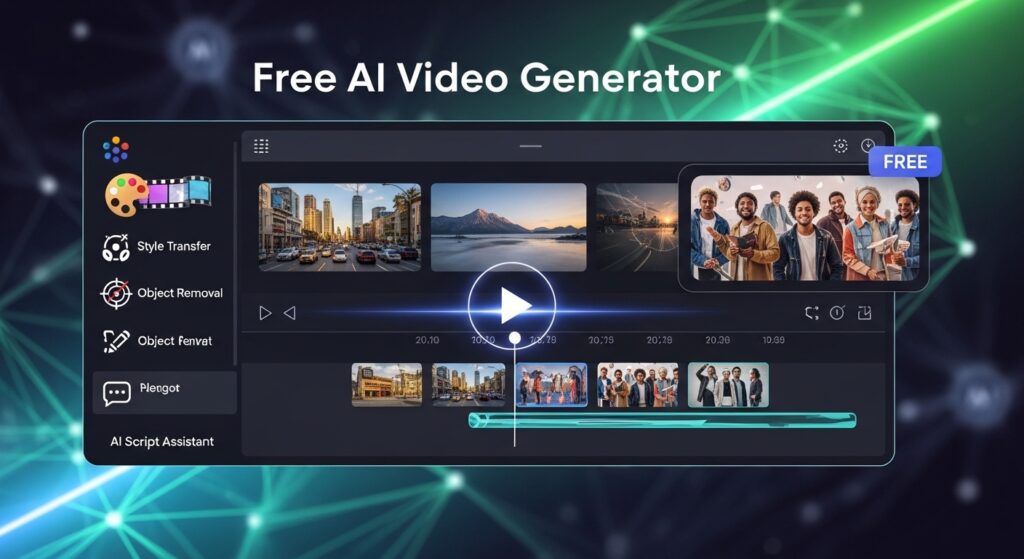
Best free ai video generator (Top 18) for short video content

Short video content now dominates platforms like TikTok, Instagram Reels, and YouTube Shorts, and creators need faster ways to keep up. The best free ai video generator tools now help you create short video content without editing stress, high costs, or long production time. This article focuses on the best free ai video generator options, carefully selected as the top 18 for short video content based on speed, output quality, and ease of use.
You will see which tools deliver clean visuals, how each one performs for short-form content, and how to choose the right free ai video generator for your workflow. With the right setup and tools like VidAU, you can create consistent short videos, post more often, and improve engagement without slowing down.
- Best free ai video generator (Top 18) for short video content
- What makes a free ai video generator the best choice for short video content?
- Best free ai video generator for short video content explained
- How do free ai video generator tools compare in performance and output?
- How does VidAU improve results when using a free ai video generator?
- How can you scale content using a free ai video generator without losing quality?
- Conclusion
- FAQs
What makes a free ai video generator the best choice for short video content?
A free ai video generator works best for short video content when it delivers speed, quality, and consistency in output.
Short videos need quick turnaround. Data shows that TikTok creators who post 3 to 5 times weekly grow 2x faster than inactive accounts. That means you need tools that remove editing friction and help you publish faster.
Here is what defines a strong tool:
- Fast generation time, under 5 minutes per video
- Clean motion and stable visuals
- Support for vertical formats like 9:16
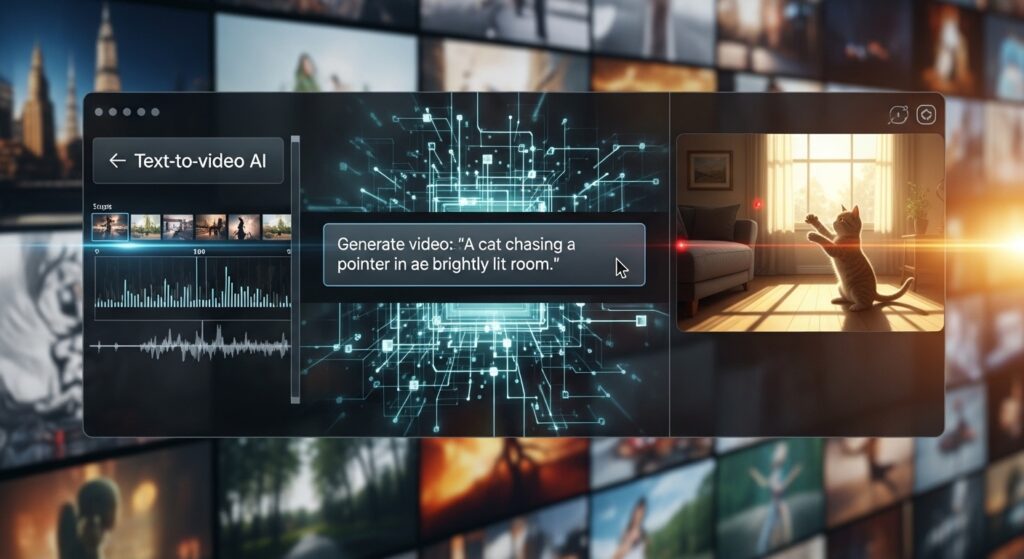
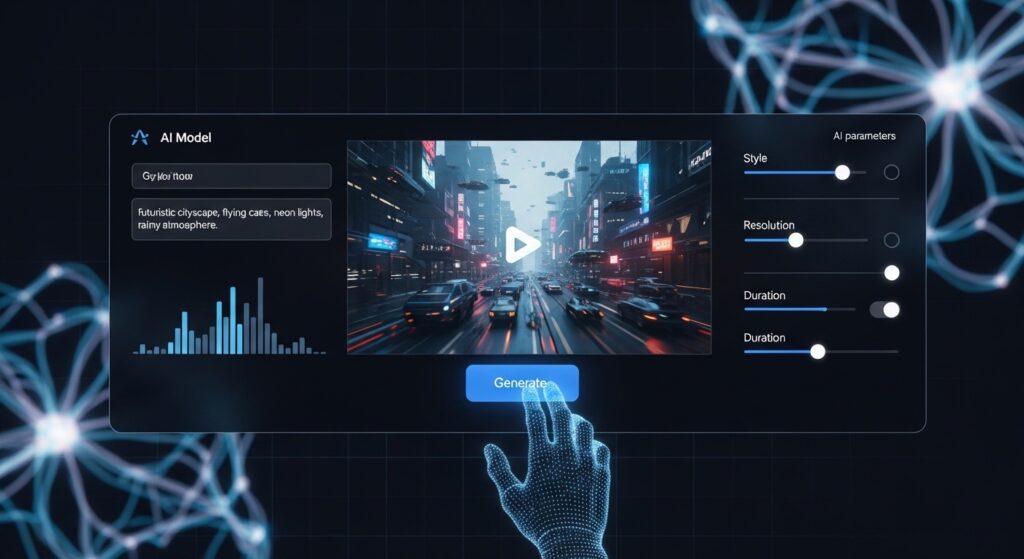
- Text to video or image to video input
- Basic editing features like captions and voiceover
When these features come together, your content pipeline becomes easier to manage.
Best free ai video generator for short video content explained
A free ai video generator for short video content helps you turn simple ideas into ready-to-post videos in minutes.
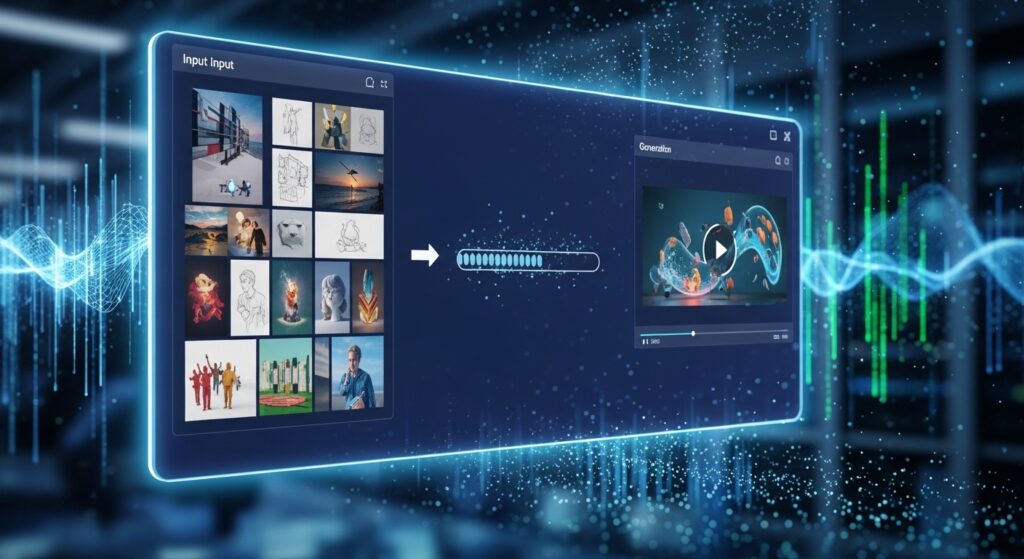
These tools take text, images, or product links and convert them into short videos with motion, captions, and structure. Instead of editing from scratch, you focus on ideas while the tool handles execution.
The result is faster production, consistent visuals, and more content published over time.
Below is a detailed breakdown of each option so you understand where each one fits.
VidAU
VidAU stands out as a free ai video generator built for speed and consistency.
It converts text, product links, or images into short videos. The output stays clean, and the motion feels natural. This helps creators produce multiple videos daily without losing quality.
Best for: product videos, ads, short clips
Limit: advanced editing control remains limited
Runway Gen-3
Runway Gen-3 delivers strong cinematic visuals for short clips.
It handles motion well and creates realistic scenes from prompts. However, free access comes with limited credits.
Best for: creative storytelling
Limit: credit restrictions
Pika Labs
Pika Labs focuses on short, looping video content.
It works well for social media clips. The interface stays simple, so beginners get results fast.
Best for: looping animations
Limit: limited scene control
Kling AI
Kling AI generates smooth motion and realistic visuals.
It handles human movement better than many tools. This makes it useful for storytelling clips.
Best for: realistic motion
Limit: access availability varies
Sora
Sora produces high-quality video output from text prompts.
It focuses on realism and detail. However, access remains limited.
Best for: advanced visuals
Limit: restricted availability
D-ID
D-ID specializes in talking avatar videos.
You upload a face image and add voice. The tool syncs speech with facial movement.
Best for: explainer videos
Limit: limited scene variation
Luma AI
Luma AI creates smooth camera movement in short clips.
It works well for product visuals and 3D-style content.
Best for: product showcases
Limit: learning curve
InVideo AI
InVideo AI turns scripts into short videos quickly.
It adds stock footage, captions, and transitions automatically.
Best for: social content
Limit: generic visuals sometimes
Canva Video Generator
Canva provides a simple way to generate short videos.
It combines templates with automation, making it easy for beginners.
Best for: quick edits
Limit: limited motion depth
CapCut AI Video
CapCut integrates AI tools into video editing.
It helps you create short content with effects and captions.
Best for: TikTok creators
Limit: requires editing steps
Veed AI
Veed AI focuses on captions and social-ready videos.
It helps improve engagement through text overlays.
Best for: caption-heavy content
Limit: limited free exports
Animoto
Animoto builds videos from images and text.
It suits basic marketing content.
Best for: simple slideshows
Limit: less dynamic motion
Synthesia
Synthesia creates AI avatar videos.
It supports multiple languages and voiceovers.
Best for: training videos
Limit: limited free use
DeepBrain AI
DeepBrain AI focuses on realistic avatars.
It works well for business presentations.
Best for: corporate content
Limit: pricing tiers
FlexClip
FlexClip offers quick video creation tools.
It supports templates and basic editing.
Best for: beginners
Limit: watermark on free plan
Designs AI
Designs AI creates marketing videos from text.
It focuses on speed and simplicity.
Best for: ads
Limit: limited customization
Wave.video
Wave.video supports social video creation.
It includes hosting and editing features.
Best for: marketers
Limit: free plan limits
Steve AI
Steve AI converts scripts into animated videos.
It helps with storytelling content.
Best for: explainer clips
Limit: animation style limits
How do free ai video generator tools compare in performance and output?
Different free ai video generator tools vary in speed, output quality, and ease of use.
Before choosing a tool, you need a clear comparison of what matters most. The table below highlights key performance areas without listing the tools themselves.
| Feature | Why It Matters | Ideal Standard |
| Rendering Speed | Faster output helps you post more often | Under 5 minutes |
| Video Quality | Clean visuals increase watch time | 1080p preferred |
| Format Support | Short videos need vertical formats | 9:16 support |
| Input Type | Flexibility improves workflow | Text and image input |
| Editing Options | Minor edits save time | Captions, trims |
This comparison helps you judge tools based on real use, not hype.
How does VidAU improve results when using a free ai video generator?
VidAU improves results by turning simple inputs into structured, ready-to-publish videos.
You upload text, images, or product links. Then, the system builds scenes, adds motion, and formats your content for short video platforms. This reduces editing time and keeps your visuals consistent.
Key strengths include:
- Stable character and scene consistency
- Fast rendering for multiple variations
- Clean output for TikTok, Reels, and Shorts
- Easy conversion from product pages to video ads
This makes VidAU a reliable option when you need repeatable results.
How can you scale content using a free ai video generator without losing quality?
You scale content with a free ai video generator by focusing on consistency and batching.
Create multiple variations from one idea. Then schedule posts across platforms. This keeps your output steady without extra effort.
Here is how to scale:
- Create 3 to 5 variations per idea
- Use the same structure for consistency
- Post across TikTok, Reels, and Shorts
- Track performance and adjust
Creators who follow this method increase output and engagement.
Conclusion
A free ai video generator now plays a key role in content creation. It reduces effort, speeds up production, and improves consistency.
However, results depend on the tool you choose and how you use it. Tools like VidAU help you maintain quality while producing content at scale. When you combine the right tool with a clear workflow, you create videos faster and grow your audience steadily.
Start simple. Test one idea. Then scale your output.
FAQs
What is the best free ai video generator for short video content?
VidAU stands out because it produces clean, consistent short videos quickly. Canva and CapCut also work well for beginners.
Can I use a free ai video generator for TikTok and Reels?
Yes. Most tools support vertical formats like 9:16, which fit TikTok and Instagram Reels perfectly.
How long does a free ai video generator take to create a video?
Most tools generate short videos in under five minutes depending on the complexity of the input.
Do free ai video generator tools reduce video quality?
Good tools maintain strong quality, especially when they support HD output and stable motion.
How do I get better results from a free ai video generator?
Use clear prompts, test multiple versions, and keep your video structure consistent for better results.