VidAU Editorial · AI Search
Best ai headshot generator: Top Free & Paid Tools for Professional Results
Looking for a professional AI headshot fast? We rank the best AI headshot generator tools, spotlight the top free options, and show how to get studio-quality results.
By the VidAU Editorial Team · Reviewed before publishing

Looking for an ai headshot generator that actually produces a usable, professional photo for free? We rank the strongest free and paid tools by realism, turnaround time, style variety, and price plus a fast-start workflow so you can get a studio-quality headshot today.
Looking for an ai headshot generator that actually produces a usable, professional photo for free? We rank the strongest free and paid options by realism, turnaround time, style variety, and price then give you a step-by-step workflow to get a polished, LinkedIn-ready headshot today.
Quick Summary
• Dr.Headshot or Supawork are the most reliable free picks for fast, usable AI headshots with neutral backgrounds and clean lighting.
• PortraitPal AI or Aragon AI are the best upgrades when you need higher realism, more lighting control, and consistent styles across multiple looks.
• A workflow with 8–15 well-lit selfies plus light edits in the Canva ai headshot generator or editor yields professional results in under an hour.
• US professionals, job seekers, founders, and small teams benefit most when they need LinkedIn-ready photos without booking a studio.
What Is an AI Headshot Generator?
An AI headshot generator is a tool that uses machine learning to create or enhance professional-looking portraits from your selfies or existing photos. After you upload several reference images, it learns your facial features and outputs styled headshots with studio-like lighting, backgrounds, and framing. Many tools also offer retouching and background options.
Best Free AI Headshot Generators (Ranked by Realism, Speed, and Style)
Start here if you need a credible, professional-looking headshot without paying. These picks focus on photo realism, quick turnaround, and clean backgrounds. Expect some variation per face; try two tools and keep the best outputs.
1) Dr.Headshot
• Strengths: Solid facial consistency, natural skin tones, clean office or studio-like backgrounds.
• What to expect: A few strong keepers per run; occasional hair-edge softness is possible.
• Best for: Fast, neutral LinkedIn headshots without heavy editing.
2) Supawork
• Strengths: Professional framing, tidy compositions, pleasant light; quick results.
• What to expect: Good for standard corporate looks; fewer creative styles.
• Best for: Job seekers who need a straightforward, professional photo today.
3) Vidnoz
• Strengths: Variety of backgrounds and looks; approachable interface.
• What to expect: Usable results with light retouching; check for small artifacts around hair or collars.
• Best for: Creators and freelancers who want slightly more style range from a free tool.
4) PFPMaker
• Strengths: Simple background control, easy export, helpful for quick cleanups.
• What to expect: More of a fast enhancer than a full-blown generator; great for refining a good selfie.
• Best for: Tight timelines where a clean, consistent profile photo beats full style exploration.
Suggested Visual: A 2×2 grid showing sample free picks with neutral backgrounds and different lighting styles.
Best Paid ai headshot generator Tools for Professional Results
Upgrade if you need higher realism, consistent styling across multiple outfits, better lighting control, or batch quality for teams.
• PortraitPal AI
• Why choose: Strong realism, balanced skin tones, and dependable consistency.
• Use case: Founders, executives, and creators who want polished, editorial-feel portraits.
• The Multiverse AI
• Why choose: Wider style variety and creative lighting options.
• Use case: Personal brands that need multiple on-brand looks across social and websites.
• BetterPic AI
• Why choose: Versatile professional styles with clean corporate and startup looks.
• Use case: Job seekers or teams aiming for credible LinkedIn-ready sets quickly.
• Aragon AI
• Why choose: Emphasis on studio-like results and realistic facial structure.
• Use case: Professionals who want portraits that closely mimic a real photo session.
When to upgrade from free:
• You need consistency across 5–10 shots for a website, press kit, or team page.
• You want refined lighting, truer hair/skin rendering, or wardrobe-specific styles.
• Free tools failed to reproduce your features accurately.
Top Picks at a Glance
• Need: Fast, neutral LinkedIn photo
Recommended Tools: Dr.Headshot, Supawork
Why: Clean results, minimal edits
• Need: Free plus style variety
Recommended Tools: Vidnoz
Why: More backgrounds and looks
• Need: Quick cleanup of a selfie
Recommended Tools: PFPMaker
Why: Background and simple retouch
• Need: Highest realism upgrade
Recommended Tools: PortraitPal AI, Aragon AI
Why: Lifelike skin, strong lighting
• Need: Multiple brand looks
Recommended Tools: The Multiverse AI, BetterPic AI
Why: Style range and consistency
How to Get a Great Headshot Today (Fast-Start Workflow)
Even if tool availability changes, this tool-agnostic workflow will get you a professional outcome quickly.
1) Capture strong source photos (8–15 images)
• Use bright, even window light; face the light.
• Neutral background; remove glasses and hats.
• Include front, slight left/right angles, and a couple of varied expressions.
• Wear a solid-color top that matches your brand or role.
2) Run a free ai headshot generator tool
• Start with Dr.Headshot and Supawork; run both to compare.
• Prioritize neutral backgrounds and standard corporate lighting for LinkedIn.
• Download 3–5 promising outputs.
3) Inspect realism and consistency
• Look for accurate eyes, ears, teeth, and natural skin texture.
• Check hair edges and collars for artifacts.
• Ensure proportions match your features; avoid uncanny reshaping.
4) Refine in the Canva ai headshot generator or editor
• Crop to a clean 1:1 portrait; leave breathing room above the head.
• Use background remover and a subtle studio-gray or soft-color backdrop.
• Adjust exposure/white balance; keep skin tones natural.
• Lightly retouch blemishes; avoid heavy smoothing or plastic-looking skin.
5) Final checks and export
• Confirm clarity at typical profile sizes; zoom out and in.
• Export a high-resolution square image; keep a smaller web copy for uploads.
• Name files clearly, e.g., firstname-lastname-headshot-1×1.
Pro tips
• If results skew over-smoothed, add more natural, sharp reference photos.
• Avoid harsh backlighting or mixed color temperatures in source images.
• For curly or textured hair, include multiple angles to guide the model.
• If eyes look off, upload reference photos with sharp, well-lit eyes.
• Run two tools in parallel and pick the best—speed plus quality.
Suggested Visual: A simple checklist graphic mapping each workflow step to a thumbnail example.
Selection Criteria: How We Ranked Each ai headshot generator tool
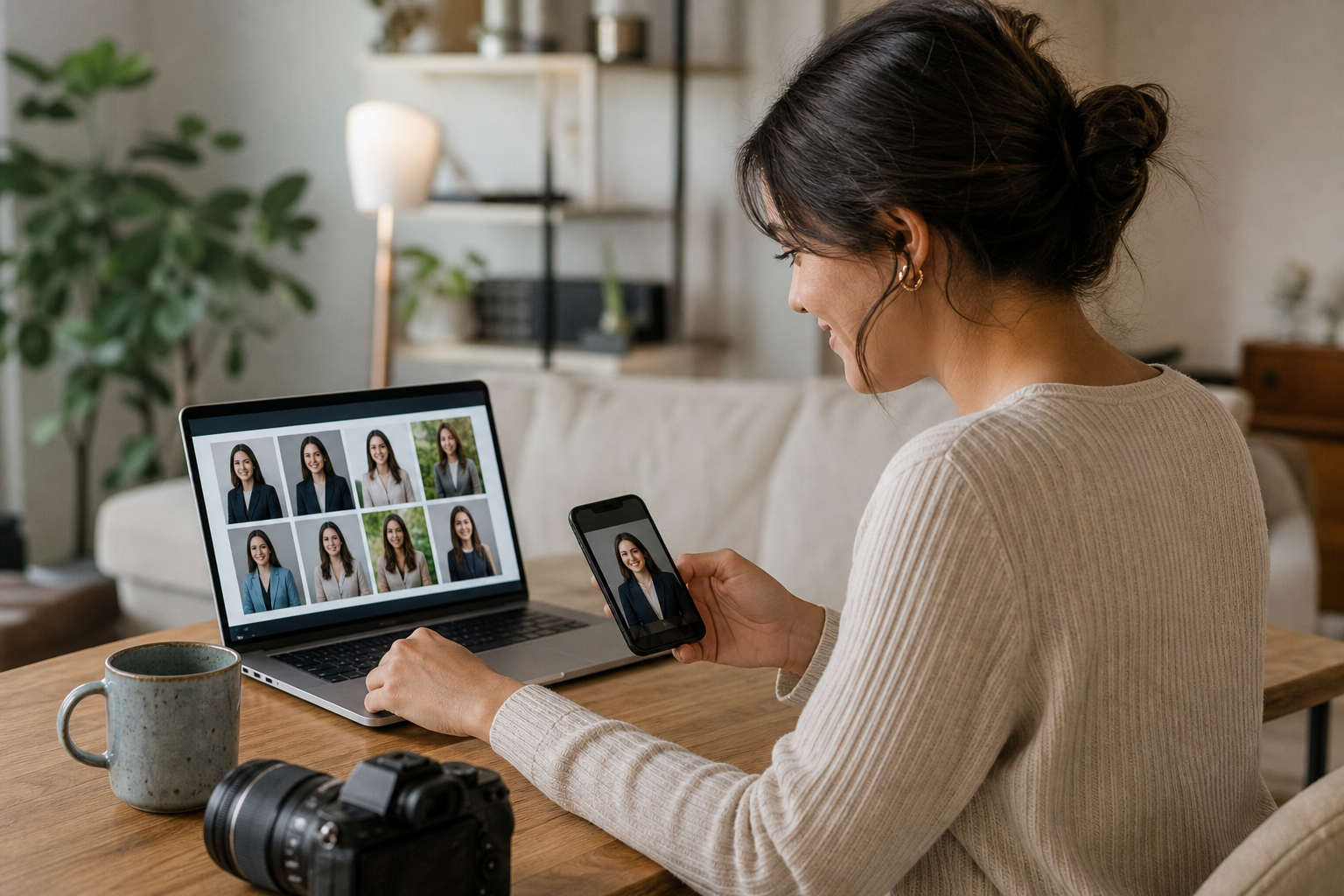
We scored tools against practical needs for US professionals and teams.
• Realism and facial fidelity: Natural skin, accurate eyes/teeth, true facial structure.
• Turnaround speed: From upload to a set of keepers quickly.
• Style variety and control: Corporate vs startup looks, lighting, backgrounds.
• Ease of use: Clear prompts, straightforward uploads, no confusing steps.
• Output quality: High-resolution exports and clean compositions.
• Editing options: Background control, light retouching, color balance.
• Value: Free usability or paid consistency worthy of an upgrade.
Suggested Visual: A compact scorecard mockup listing criteria with simple icons.
Common Mistakes And How To Fix Them
• Over-smoothing or plasticky skin
• Fix: Reduce retouching; prefer subtle edits; use natural, sharp source photos.
• Uncanny eyes or mismatched teeth
• Fix: Upload photos with crisp, front-lit eyes and neutral expressions.
• Hair and ear artifacts
• Fix: Add varied-angle references; keep backgrounds simple in sources.
• Distracting backgrounds
• Fix: Choose neutral studio tones or soft gradients; avoid busy textures.
• Poor wardrobe choices
• Fix: Solid, well-fitting tops; avoid small patterns or neon tones.
When To Use A Professional ai headshot generator
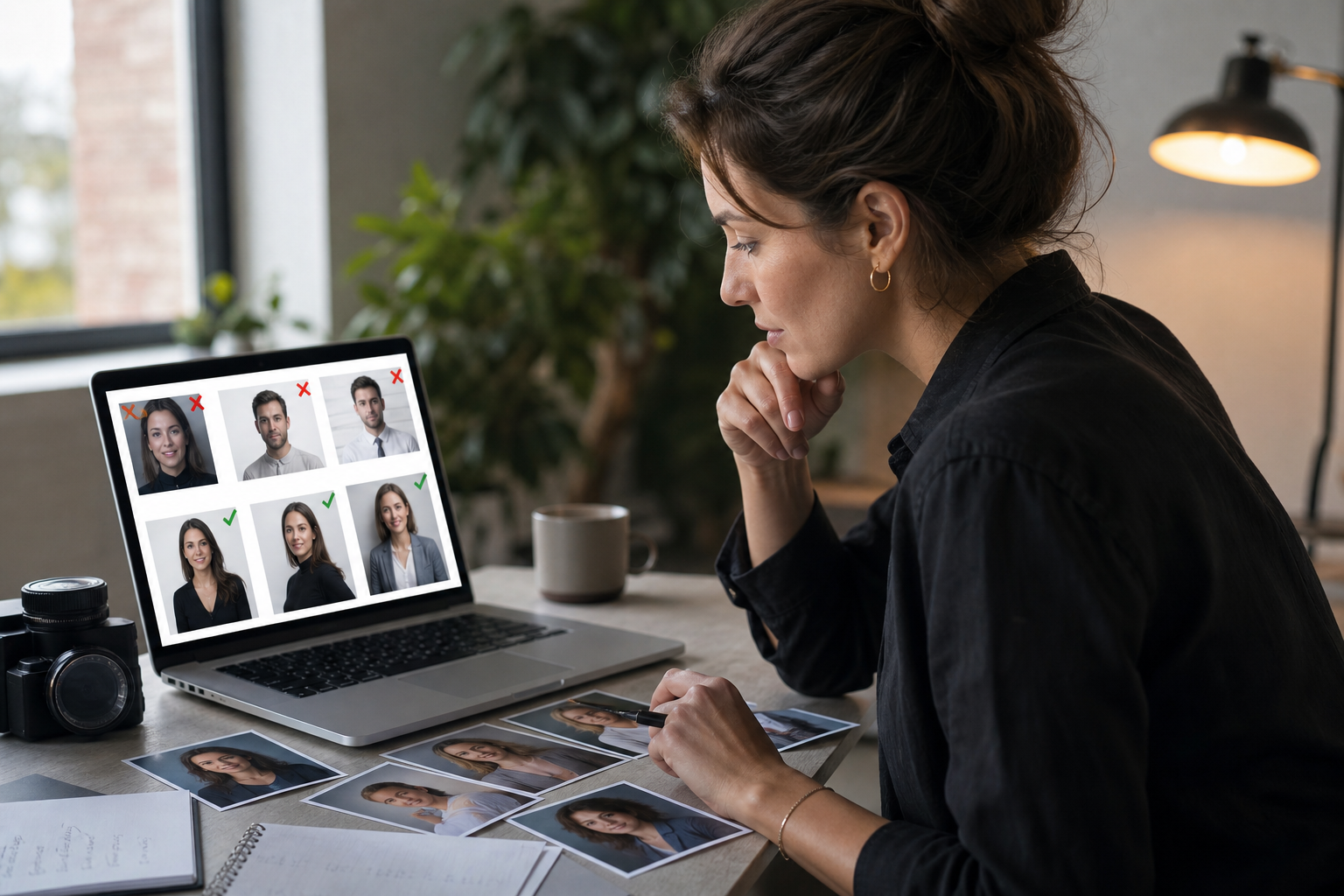
Free tools are often enough for a LinkedIn refresh or resume update. Move to a professional ai headshot generator if you need:
• Consistent looks for a personal brand, website, or speaking kit.
• Editorial lighting control and on-brand backgrounds.
• Multiple coordinated shots for executive teams or hiring pages.
Shortlist for upgrades: PortraitPal AI, The Multiverse AI, BetterPic AI, and Aragon AI.
Create With VidAU
Turn scripts, product URLs, and creative ideas into ad-ready video assets with a structured AI workflow.
Key takeaway
Final Thoughts
If you need a credible headshot fast, start with a free ai headshot generator like Dr.Headshot or Supawork, then lightly refine the best result in the Canva ai headshot generator or editor. When you need higher realism and consistency across multiple looks, step up to a professional ai headshot generator such as PortraitPal AI or Aragon AI.
Choose one path today, follow the workflow, and you can publish a polished, LinkedIn-ready photo in under an hour.
Frequently asked questions
What is the best free ai headshot generator right now?
Dr.Headshot and Supawork are reliable free options for fast, usable results with neutral backgrounds. Vidnoz and PFPMaker are also strong, especially if you want more style variety or quick background cleanup. Try two tools, compare outputs, and keep the most natural-looking results for LinkedIn or resumes.
Are free AI headshots good enough for LinkedIn?
Yes, free tools can deliver credible, professional headshots if your source selfies are well lit and you make light refinements. Focus on natural skin tones, clear eyes, and simple studio-style backgrounds. A brief pass in the Canva ai headshot generator or editor can polish exposure and framing for a clean profile.
How many photos should I upload to an ai headshot generator?
Aim for 8–15 well-lit, sharp selfies with front and slight angle views, neutral backgrounds, and consistent styling. Include a couple of natural expressions. More varied yet consistent references help the model learn your features, improving realism and reducing artifacts in hair, ears, and collars.
When should I upgrade to a professional ai headshot generator?
Upgrade when you need consistent results across multiple images, higher realism, better lighting control, or on-brand styles for websites and press kits. Tools like PortraitPal AI, The Multiverse AI, BetterPic AI, or Aragon AI typically provide more dependable facial fidelity and cleaner studio-like outcomes.
Is the canva ai headshot generator good for editing final images?
Yes. The Canva ai headshot generator and editor are useful for quick refinements: background removal, subtle retouching, exposure and color balance, and 1:1 cropping. Keep edits light to preserve realism. Combine a strong free output with minor Canva adjustments to get a polished, professional headshot quickly.
How fast can I get results from an ai headshot generator tool?
Many tools generate a usable set within minutes, especially free options focusing on neutral looks. Budget a bit more time for uploading references and making light edits. With a solid workflow, you can often go from selfies to a LinkedIn-ready image in under an hour.
What should I wear for AI headshots?
Choose a solid-color, well-fitting top that complements your skin tone and role. Avoid tiny patterns, busy textures, neon colors, and reflective fabrics. Keep jewelry simple. If you plan multiple outputs, wear something timeless that fits both corporate and startup settings.
How do I avoid the uncanny valley look?
Start with sharp, evenly lit reference photos. Include clear eye detail and avoid extreme expressions. Choose neutral studio lighting styles. After generation, apply minimal retouching and keep skin texture visible. If a tool struggles with your features, try another generator and compare.
Can I create team headshots with these tools?
Yes. For small teams, free tools can work if you standardize lighting, background, and framing. For larger teams or leadership pages, a professional ai headshot generator often yields more consistent style and realism. Create a brief (wardrobe, background color, crop) to keep outputs aligned.
Are AI headshots acceptable for resumes and professional sites?
Generally yes, provided the image looks natural and professional. Keep the background simple, ensure accurate facial features, and avoid heavy filters. Many US professionals use AI-enhanced headshots on LinkedIn, resumes, and personal sites if the result is believable and consistent with their real appearance.