UGC Video: How to Make AI UGC Creatives for TikTok Ads
UGC video ads rule TikTok today. Users trust content that feels real and unscripted, not polished like classic studio ads. Brands now use AI to copy this style at scale. Tools like Sora 2, Arcads, Veo 3.1, Topview Video Agent, and Nano Banana Pro help creators turn one product image into a full UGC video. This guide shows how AI helps you create UGC ads that look real, feel real, and convert better.
What Is UGC Video and Why It Works for TikTok Ads?
UGC video is content that looks like it was made by real users. TikTok pushes this style because it blends with the feed.
Why UGC Outperforms Traditional Ads
UGC works because it feels personal. People trust videos that look like everyday moments. TikTok rewards this style with higher reach.
What Makes UGC Trend on TikTok
Strong hooks, simple demos, and honest reactions. These patterns get fast engagement and watch time.
How AI Changes UGC Video Creation in 2025
AI lets anyone produce UGC-style ads without hiring creators.
From Real Creators to AI UGC Agents
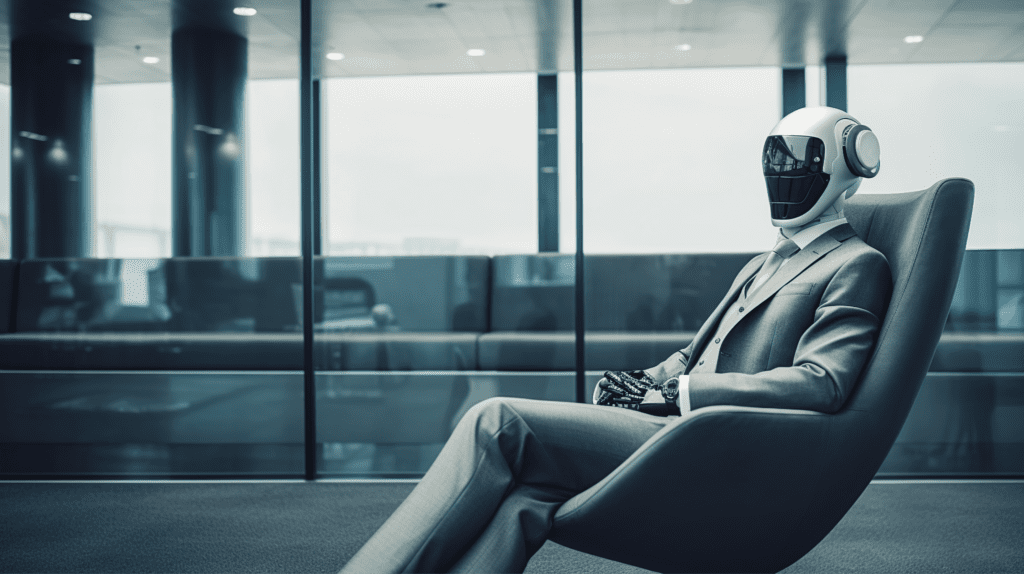
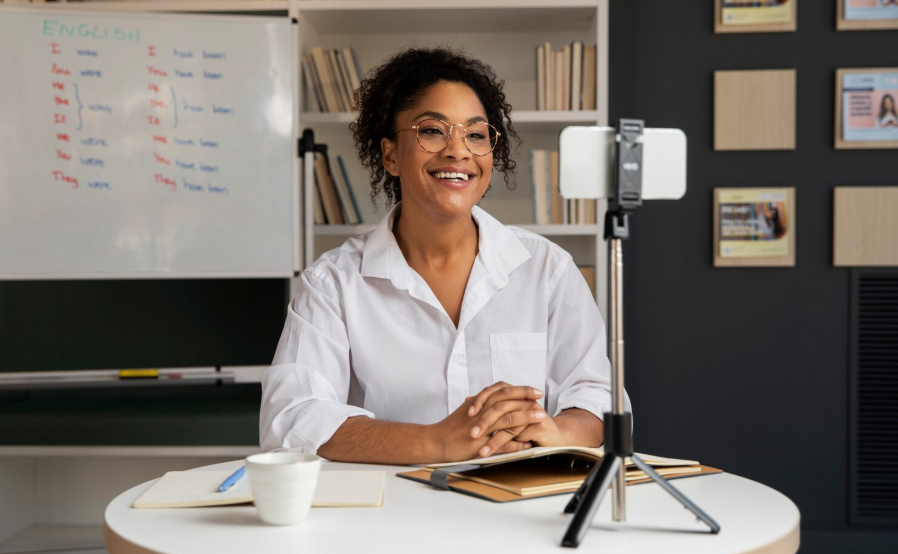
Arcads and Topview Video Agent let you create AI presenters that act like real UGC creators.
Faster Production and Lower Cost
You skip filming sessions, revisions, and scheduling. AI UGC costs less and scales fast.
Tools That Lead the AI UGC Shift
- Arcads for talking scenes
- Sora 2 for wide motion
- Veo 3.1 for dynamic b-roll
- Nano Banana Pro for image-to-video UGC
How to Make an AI UGC Video from a Product Image
You can turn a simple product photo into a full UGC video.
Step 1 – Pick a Strong Product Image
Use a clean, bright photo. Show the label and packaging.
Step 2 – Use Nano Banana Pro or Similar Tools
Upload the product image. The model generates a UGC-style video scene around it.
Step 3 – Add Voiceover or AI Actor
Use Arcads or Topview Video Agent to add a talking actor. You can also use an AI voice like Minimax 2.6.
Step 4 – Add Motion and Story
Add camera shake, hand movement, or a simple script. Keep the tone casual.
Step 5 – Edit on VidAU for TikTok Delivery
Resize the video. Add fast captions. Export for TikTok Ads Manager.
How to Create AI TikTok Ads Using Arcads + Sora 2
Arcads makes the actor. Sora 2 makes the world around the actor.
Why Arcads + Sora 2 Works
Sora 2 makes high-motion b-roll. Arcads adds a talking face. Together they build strong TikTok ads.
The Workflow for TikTok Ads
Script → AI actor → b-roll → sync → export.
How to Keep It UGC Style
Use selfie angles, soft lighting, and simple scripts. Avoid perfect framing.
How to Clone Viral UGC Videos with AI
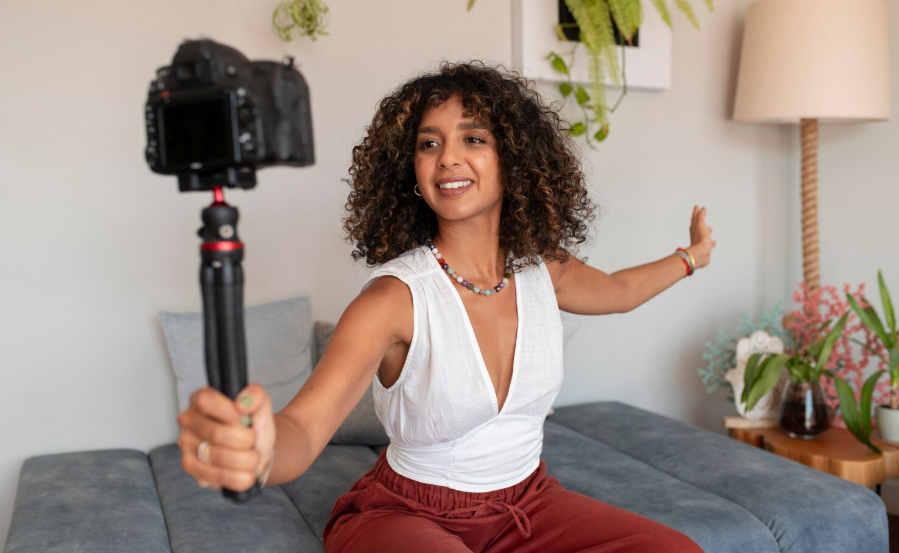
You study the viral format and rebuild it with AI.
Study the Winning Format
Most viral UGC ads follow a pattern:
Hook → demo → benefit → proof → CTA.
Rebuild the Structure Using AI Tools
Arcads makes the talking head. Sora 2 or Veo 3.1 creates movement shots. Nano Banana Pro adds product scenes.
Keep Human Imperfections for Authenticity
Add slight pauses, noise, and natural pacing. Do not make it too perfect.
Best AI Tools for UGC Creative Production
Below is a simple table summarizing the strongest tools:
AI UGC Tools Comparison
| Tool | Best Use | Strength |
| Nano Banana Pro | Image-to-UGC video | Fast and realistic |
| Arcads | Talking actor | Natural lip-sync |
| Sora 2 | Cinematic b-roll | Strong motion |
| Veo 3.1 | Product visuals | Clean detail |
| VidAU | Editing & subtitles | Ad-ready outputs |
Tips for High-Converting AI UGC TikTok Ads
These simple rules help UGC ads perform better.
Use Fast Hooks
Start strong. Use a bold question or quick reaction.
Make the Product the Hero
Show how the product helps the user.
Keep Videos Under 12 Seconds
Short videos get better completion rates.
Add a Clear Spoken CTA
Tell users what to do next.
Conclusion
AI UGC ads help brands scale TikTok content fast. You can turn a product image into a viral-style UGC video with Nano Banana Pro, Sora 2, Arcads, and Veo 3.1. When you finish the clip in VidAU, you get a clean, ad-ready file built for TikTok’s format and pace. AI gives you speed, style, and consistency so you can launch high-quality UGC ads every day.
FAQs
1. Can AI make UGC videos without real people?
Yes. Tools like Arcads and Topview Video Agent create talking actors. Image-to-video models like Nano Banana Pro turn product photos into UGC scenes. The result looks real enough for TikTok ads.
2, What type of product images work best for AI UGC?
Clean images with good lighting work best. Use front-facing angles and visible labels. The clearer the product, the better the UGC output.
3. Is it safe to run AI UGC ads on TikTok?
Yes. TikTok approves AI-generated ads if they look natural and follow ad policies. The UGC style fits TikTok’s content flow.
4. How long should a UGC TikTok ad be?
Most high-performing ads run between 6 and 12 seconds. Quick pacing keeps the viewer engaged.
5. Which AI tool is best for UGC videos?
Use Nano Banana Pro for product scenes, Arcads for talking actors, and Sora 2 or Veo 3.1 for cinematic clips. Use VidAU to finalize the ad.