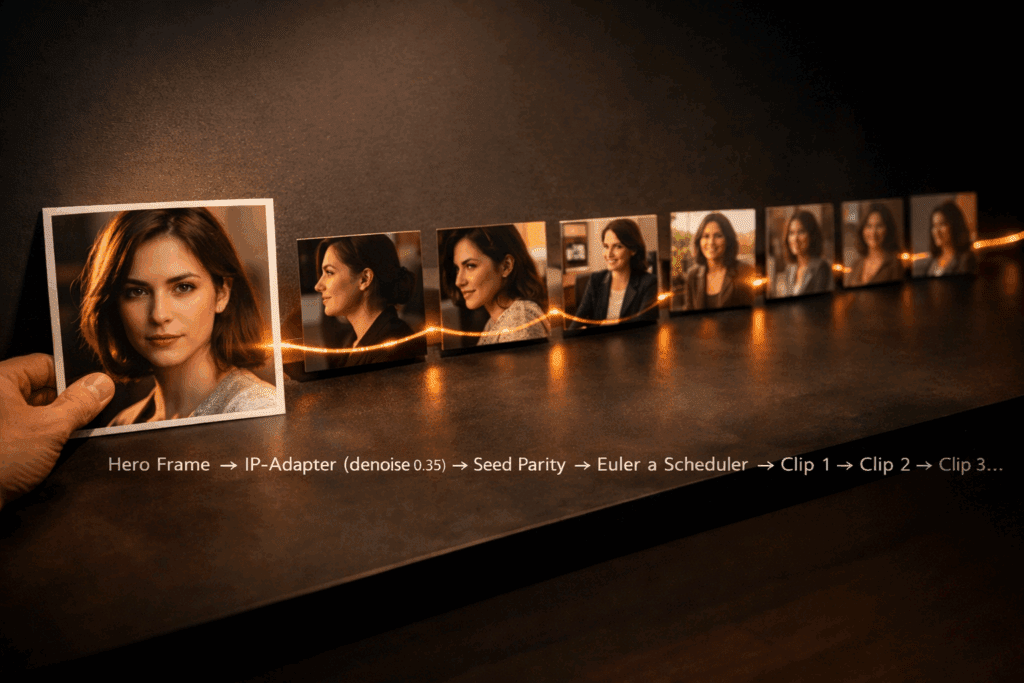
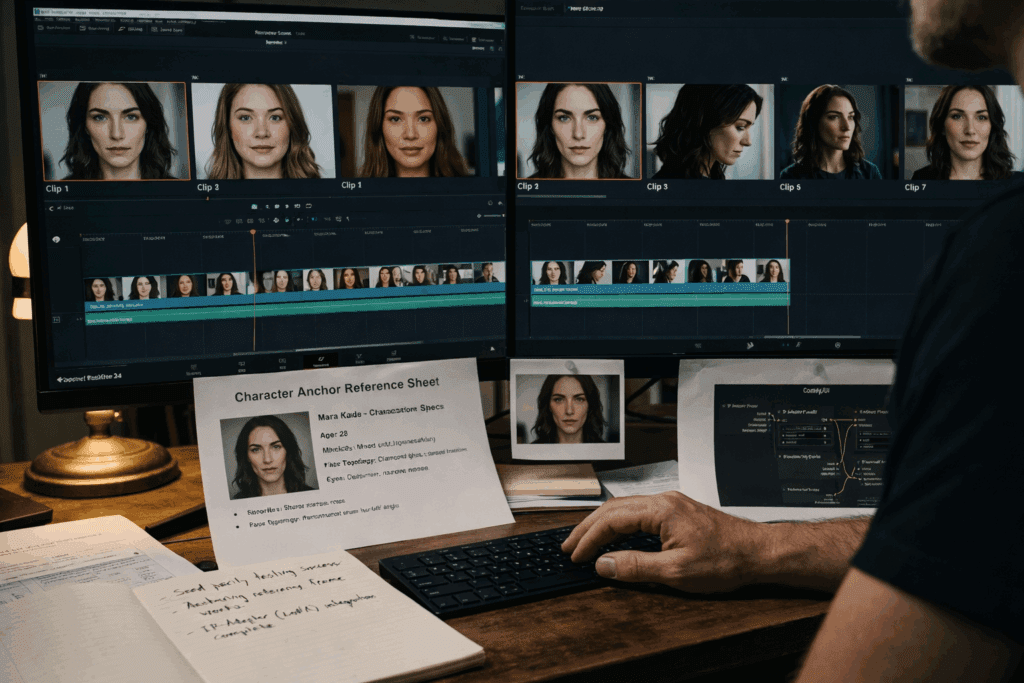
How to Build a Custom Veo 3 Prompt Engineer with NotebookLM (Automated RAG Workflow for Scalable AI Video Production)
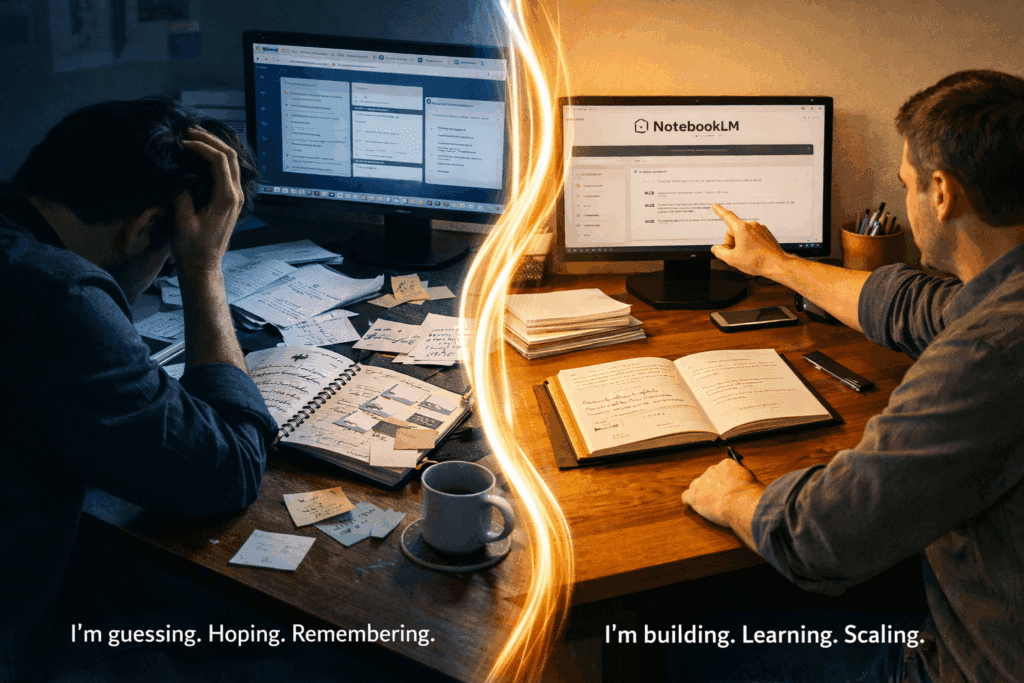
I built an AI that writes better Veo 3 prompts than I do, here’s the exact workflow.
If you’re serious about AI video production, you already know the real bottleneck isn’t rendering time.
It’s prompt engineering.
Veo 3 is powerful, but extracting cinematic consistency, motion stability, and narrative control requires hours of iterative refinement. You tweak camera descriptors. Adjust motion strength. Rewrite lighting instructions. Re-run generations. Compare seed variations. Repeat.
That doesn’t scale.
So instead of getting better at writing prompts manually, I built a custom prompt engineer using NotebookLM, a Retrieval-Augmented Generation (RAG) system that researches, analyzes, and optimizes Veo 3 prompts automatically.
This is the full technical breakdown.
Why Manual Veo 3 Prompting Breaks at Scale
Veo 3 operates as a high-fidelity text-to-video model that responds heavily to structured scene language. Subtle phrasing changes can alter:
- Temporal coherence
- Motion interpolation
- Camera path stability
- Lighting realism
- Subject consistency across frames
Manual workflows introduce three scaling problems:
1. Inconsistent pattern recall – You forget which phrasing produced stable dolly motion.
2. Seed drift – Without systematic seed parity testing, you lose reproducibility.
3. Stylistic fragmentation – Outputs vary wildly because prompts aren’t standardized.
What you actually need is:
- A memory system of proven prompts
- Pattern extraction from successful generations
- Automated rewriting using those learned structures
That’s exactly what a RAG system does.
NotebookLM becomes the control center.
Turning NotebookLM into a Dedicated Veo 3 Prompt Research Engine
NotebookLM isn’t just a note tool. It’s a contextual reasoning engine over curated documents.
The goal is to convert it into a specialized Veo 3 prompt intelligence layer.
Step 1: Create a Dedicated Notebook
Create a notebook titled:
“Veo 3 Prompt Engineering System”
This notebook should contain only high-signal documents related to:
- Successful Veo 3 prompts
- Output analyses
- Motion breakdowns
- Cinematic shot structures
- Lighting descriptors
- Camera grammar
You’re not building a knowledge base.
You’re building a training corpus.
Step 2: Define System Instructions
Inside NotebookLM, set a persistent instruction context such as:
> You are a Veo 3 prompt engineer. Your task is to analyze prior successful prompts and generate optimized prompts that maximize temporal consistency, cinematic motion control, subject fidelity, and lighting realism. Structure outputs with clearly separated sections for scene description, camera movement, lighting, environment detail, and motion constraints.
This ensures all outputs follow a standardized structure.
Training the System with High-Performing Veo 3 Outputs
The power of RAG comes from feeding it real examples.
What to Upload
For every successful Veo 3 generation, document:
1. The exact prompt used
2. Model settings (if adjustable)
3. Seed value
4. Duration
5. Motion intensity
6. What worked
7. What failed
Example documentation format:
Prompt:
A cinematic wide shot of a lone astronaut walking across a frozen alien desert, low-angle tracking shot, soft volumetric lighting, 35mm lens, subtle wind movement, ultra-realistic textures
Seed: 482193
Duration: 8s
Motion Strength: Medium
Success Notes:
- – Stable subject silhouette
- – No limb distortion
- – Consistent shadow direction
Failure Notes:
- – Slight horizon warping at 6s mark
Upload 20–50 of these.
NotebookLM will begin identifying patterns such as:
- “Low-angle tracking shot” improves subject grounding
- “35mm lens” increases cinematic depth realism
- Specific lighting phrasing reduces flicker
This becomes your pattern memory.
Building the Automated RAG Workflow: Idea → Research → Optimized Prompt
Now we automate.
Stage 1: Input Idea
You provide a simple creative idea:
> “Cyberpunk street chase in heavy rain at night”
Stage 2: Pattern Retrieval
NotebookLM searches your database for:
- Similar lighting conditions (rain, night scenes)
- Fast motion sequences
- Tracking shots
- Crowd simulations
It retrieves relevant prompt structures.
This is the RAG layer in action.
Stage 3: Structured Prompt Synthesis
Instead of producing a generic paragraph, instruct it to output in modular format:
[Scene]
[Primary Subject]
[Camera Movement]
[Lighting]
[Environment Dynamics]
[Motion Constraints]
[Technical Stabilizers]
Example output:
Scene:
Dense cyberpunk city street at night during heavy rainfall, neon reflections across wet asphalt
Primary Subject:
Motorcyclist weaving through traffic at high speed
Camera Movement:
Low-angle forward tracking shot, stabilized pursuit framing, 35mm lens equivalent
Lighting:
High-contrast neon signage, volumetric rain diffusion, reflective ground bounce lighting
Environment Dynamics:
Rain particles interacting with headlights, subtle steam vents from street grates
Motion Constraints:
Maintain subject center-frame stability, avoid limb distortion, preserve wheel geometry
Technical Stabilizers:
Consistent shadow direction, prevent horizon warping, maintain environmental continuity across frames
This structured formatting dramatically improves Veo 3 reliability.
Advanced Optimization: Latent Consistency, Seed Strategy, and Scheduler Awareness
This is where most creators stop.
But if you want scale without quality loss, you need to encode deeper generation logic into your system.
1. Latent Consistency Awareness
Even though Veo 3 abstracts much of the diffusion process, it still operates over temporal latent spaces.
Prompt phrasing influences how stable those latents remain across frames.
NotebookLM should learn patterns like:
- “Locked-off camera” reduces latent drift
- “Slow cinematic push-in” maintains smoother interpolation
- “Handheld shaky cam” increases motion noise
By retrieving past examples where temporal coherence was strong, it automatically biases future prompts toward stable latent transitions.
2. Seed Parity Strategy
Always log seed values.
NotebookLM can recommend:
- Reusing seeds for stylistic continuity
- Slight seed offsets for variation testing
- Running A/B seed batches for motion comparison
Example system instruction addition:
> When appropriate, recommend whether to reuse a previous seed for stylistic consistency or generate seed variations for motion experimentation.
This turns creative exploration into controlled experimentation.
3. Scheduler and Motion Energy Awareness
While Veo 3 doesn’t expose raw schedulers like Euler a or DPM++ the way ComfyUI does, motion intensity and temporal sampling still behave similarly to diffusion step variance.
Teach NotebookLM to recognize patterns such as:
- Higher motion scenes require more explicit geometry constraints
- Fast pans increase distortion probability
- Environmental particle density impacts frame coherence
When it detects “high-speed chase” or “explosion,” it should automatically:
- Add geometry preservation instructions
- Reinforce subject tracking
- Increase lighting clarity descriptors
That’s automated stabilization.
Scaling the System for Production Teams
Once built, this system becomes a shared intelligence layer.
For Solo Creators
- Reduce prompt drafting time by 70%
- Increase first-pass success rate
- Maintain consistent cinematic style
For Teams
You can:
- Upload team-wide successful prompts
- Standardize formatting
- Maintain brand-consistent visual language
- Reduce revision cycles
You’ve effectively created:
A Veo 3 Prompt Engineering Department.
The Real Advantage: Compounding Prompt Intelligence
Every successful generation feeds back into the system.
This creates a compounding effect:
- Better retrieval
- More refined structures
- Increased cinematic reliability
- Fewer failed generations
Instead of guessing what works, your AI references proof.
And because it operates through structured RAG, it doesn’t hallucinate cinematic logic.
It retrieves it.
Final Workflow Summary
1. Document every successful Veo 3 output
2. Upload structured prompt analyses into NotebookLM
3. Define strict system instructions
4. Use modular prompt formatting
5. Encode motion and stability logic
6. Reuse and test seeds intentionally
7. Continuously feed results back into the system
You stop being a prompt writer.
You become a prompt architect.
And once your AI writes better Veo 3 prompts than you do, you’re no longer trading time for quality.
You’re scaling cinematic intelligence.
That’s the difference between experimenting with AI video…
…and building a production engine.
Frequently Asked Questions
Q: Do I need coding skills to build this Veo 3 prompt engineering system?
A: No. NotebookLM handles retrieval and synthesis without code. However, disciplined documentation of prompts, seeds, and results is critical. The system’s quality depends on structured input data.
Q: How many example prompts should I upload before the system becomes effective?
A: You’ll see improvement with 15–20 high-quality documented prompts, but 40–60 examples create significantly stronger pattern recognition, especially for motion-heavy or complex lighting scenes.
Q: Can this workflow be adapted for other video models like Runway, Sora, or Kling?
A: Yes. The RAG architecture remains the same. You would simply tailor the training corpus to model-specific behaviors such as motion interpretation, temporal coherence handling, or camera grammar differences.
Q: How does this improve temporal consistency in Veo 3 outputs?
A: By retrieving and reusing phrasing patterns that previously produced stable latent transitions, consistent camera framing, and preserved geometry, the system biases new prompts toward high-coherence structures.