How To Create Lip-Synced Voiceovers Using Veo3 Animated Voice
You want talking videos that actually match the lips. Perfect. In this walk-through, you will learn the exact moves for clean lip-sync with veo3 animated voice, plus a simple workflow that saves time and sanity.
What Is Veo3 Animated Voice?
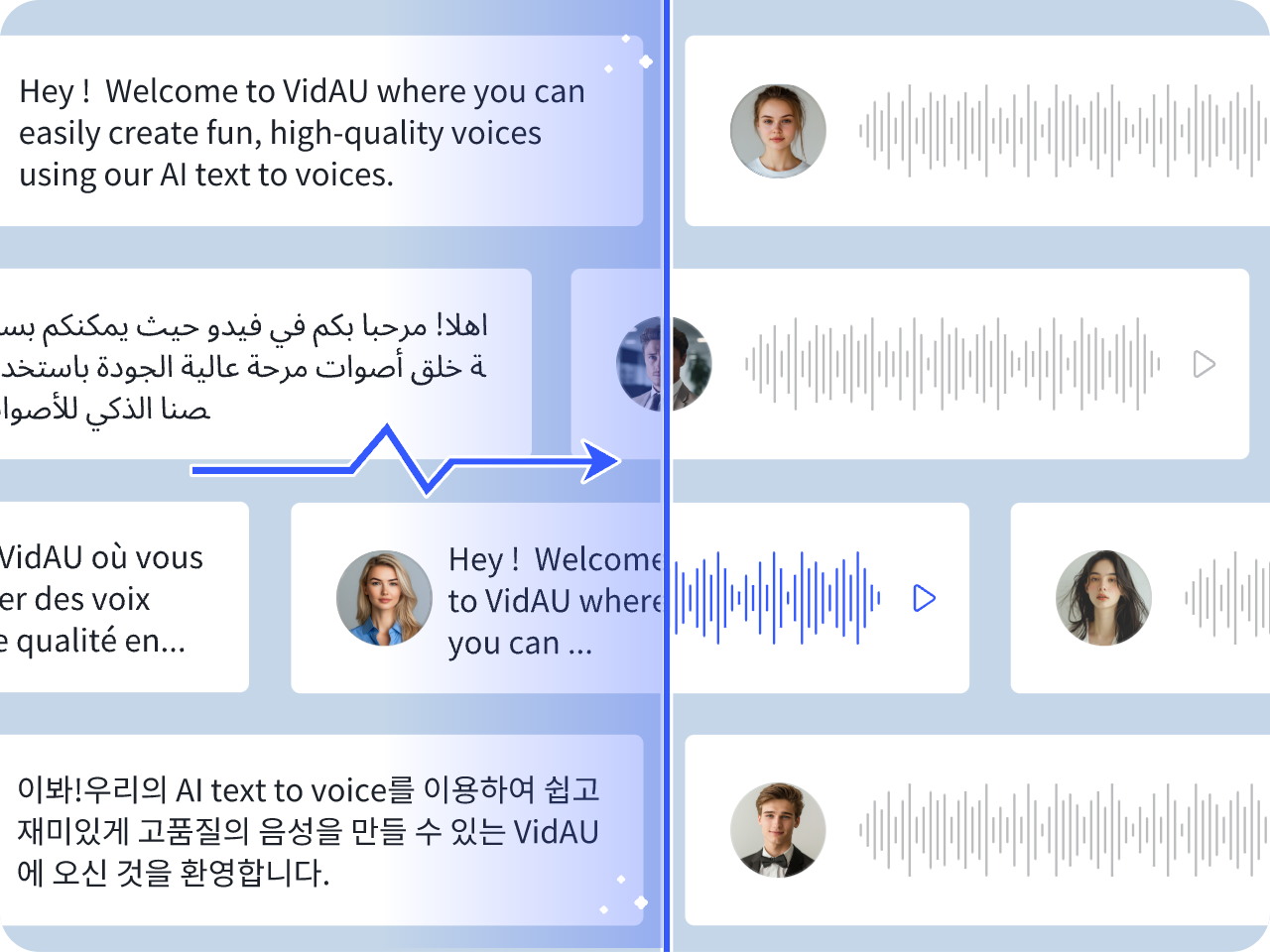
Veo 3 can generate video and audio together, which means dialogue, ambience, and subtle effects arrive in one pass. That is why creators lean on VEO3 animated voice for fast drafts and believable talking heads. Because the speech is born with the visuals, you reduce manual syncing, cut tool juggling, and ship more clips. Also, teams can keep prompts consistent across episodes, so your characters do not sound random from scene to scene. Veo3 animated voice refers to AI-powered voice generation combined with lip synchronization technology that matches spoken audio to facial movements in animated characters or avatars.
This technology enables creators to produce realistic talking videos without manual frame-by-frame animation.
It is widely used in marketing, entertainment, education, and social media content.
How To Create Veo3 Animated Voice
Follow this sequence. It is simple, repeatable, and friendly.
Step 1 — Draft Your Script
Write one sentence. Put the exact words in quotes. Add tone and pace notes in brackets. Because short lines help veo 3 lip sync, keep it tight.
Step 2 — Choose Your Surface
Begin in VidAU Veo3 for guided prompting and quick comparisons. Then, if you need scale, move the same blocks into your preferred Veo endpoint. This keeps your veo3 animated voice outcomes predictable.
Step 3 — Build The Prompt
Describe the scene first. After that, add an Audio section with the line in quotes, a brief ambience note, and a music note if needed. Clear structure lifts veo 3 audio prompts quality.
Step 4 — Generate And Review
Play the clip. Watch the lips on plosives like P and B. If timing drifts, trim the line or slow the pace. Small edits go a long way for veo 3 lip sync.
Step 5 — Iterate With Timing Cues
Insert short pauses like pause one second inside brackets. Then try a closer shot. Because the model sees the mouth better, veo3 animated voice often tightens up.
Step 6 — Decide On Your Audio Path
Keep the native track if it sells the moment. If brand tone requires your voice, export the video and replace the audio. Align carefully, then spot check at 0.75x speed.
Step 7 — Lock And Deliver
Add captions, confirm loudness, and publish. You are done, and your veo3 animated voice take should hold up even on large screens.
When Should You Use Veo3 Animated Voice Or Your Own Voice?
Most test cuts work well with the native engine. The built-in speech tracks with the mouth, and ambience sits low, which is ideal for speed. However, certain projects need a specific voice. In that case, keep the Veo video but swap the track in your editor. Align waveform peaks to mouth closures, then lock the take. That way, you still enjoy veo3 animated voice visuals while your brand voice or talent carries the message.
How AI Lip Sync Works
AI lip sync tools align speech audio with mouth movements automatically.
Step 1
Upload voice audio or generate speech using text-to-speech.
Step 2
AI analyzes phonemes and speech timing.
Step 3
The system maps mouth shapes to spoken sounds.
Step 4
Facial animation is rendered with synchronized speech.
This creates realistic speaking animations.
Common Uses for AI Lip Sync Technology
AI lip sync improves video production across industries.
Popular use cases include:
- AI avatar ads
- Product explainers
- UGC-style videos
- Educational tutorials
- Animated storytelling
- Virtual influencers
- Localization and dubbing
Create Lip-Synced Videos with VidAU
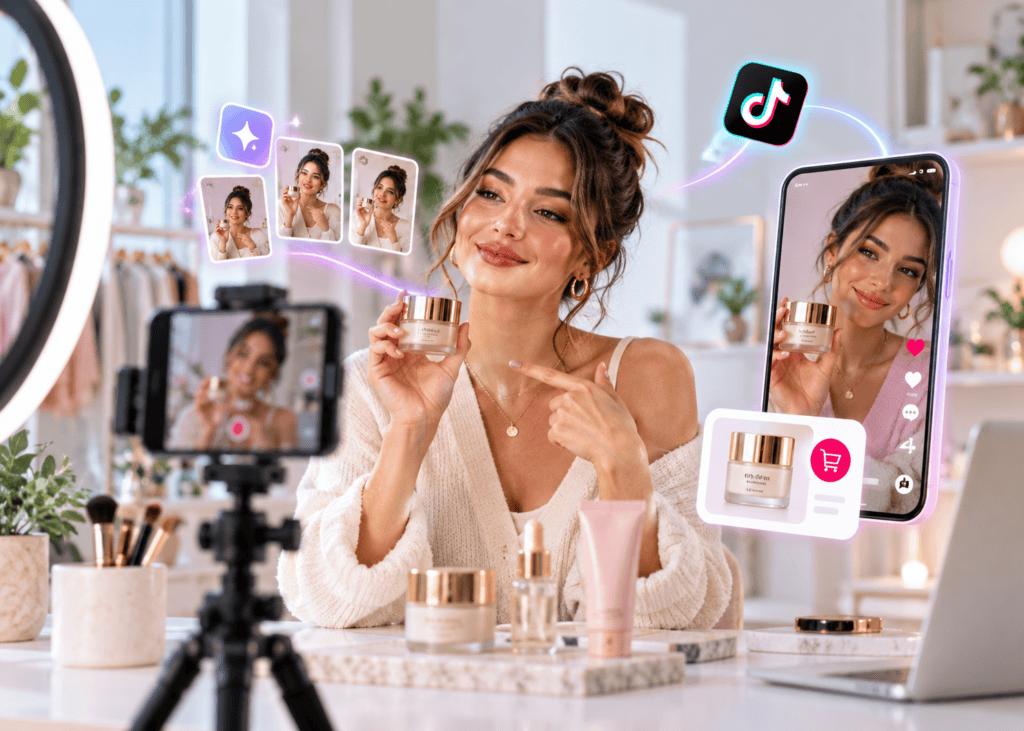
VidAU helps creators generate AI-powered talking videos using avatars, voice synthesis, and automated video workflows.
This supports:
- Talking product ads
- AI spokesperson campaigns
- Multilingual marketing videos
- Scalable video production
VidAU reduces production time while improving creative output.
What Platforms Support Veo3 Animated Voice?
Here is a quick comparison you can save.
| Platform | Best For | Audio Support | Why Choose It |
| VidAU Veo3 | Guided builds, organized iterations, team review | Native audio workflows supported | First stop for templates, comparisons, and faster approvals with veo3 animated voice |
| Vertex AI (Veo 3 family) | Scale, repeatable pipelines, enterprise control | Native audio generation | Strong option when you need many versions and stable storage |
| AI Studio | Learning, testing prompt craft, single shots | Native audio generation | Great for refining veo 3 audio prompts before big batches |
| Consumer Surfaces | Quick concept tests and social-ready shorts | Native audio where available | Useful for idea validation and rapid sharing |
Conclusion
You now have a simple, proven method to create lip-synced voiceovers with Veo. With VidAU Veo3 as your first stop, plus clean prompts and short lines, your clips will look natural and ship faster. Keep practicing, keep templates tight, and let veo3 animated voice drive believable results across your projects.
Frequently Asked Questions
1. How Do I Make A Character Say A Specific Line?
Put the exact sentence in quotes. Add tone and pace notes. Then keep the line short so the mouth shapes match. This simple habit improves veo3 animated voice in every clip.
2. Where Do I Start If I Am New?
Start in VidAU Veo3 to build prompt blocks and compare takes. After that, move to your main Veo endpoint for production runs. This keeps veo 3 audio prompts clean and repeatable.
3. What Makes Lip Sync Look Real?
Short lines, visible mouths, and clear pacing. Also, avoid heavy music that masks consonants. With those three, veo 3 lip sync becomes reliable.
4. When Should I Replace The Native Audio?
Replace it when brand voice, accent, or legal needs are strict. Keep the Veo video, then align your studio voice to the mouth motion. This keeps veo3 animated voice visuals while your narration leads.
5. Which Settings Matter Most?
Shot distance, tone, and pace. Then ambience. Tuning those four will lift veo 3.1 audio and reduce retries.
6 . What is AI lip sync?
AI lip sync automatically matches speech audio to facial movements.
7 . Can an AI generate talking avatars?
Yes. AI tools can animate avatars with synchronized speech and expressions.
8 . What is Veo3 animated voice used for?
It is used for marketing, education, entertainment, and digital content creation.
9 . Which AI lip sync tool is best?
The best tool depends on realism, speed, and workflow needs.