AI Image Generator Tutorial · 2026
VidAU Image V1.5: How to Generate Images from Text (2026)
Turn written descriptions into ready-to-use visuals for ads, product pages, blog posts, and social media in seconds.
By the VidAU Editorial Team · Updated 2026 · 8 min read
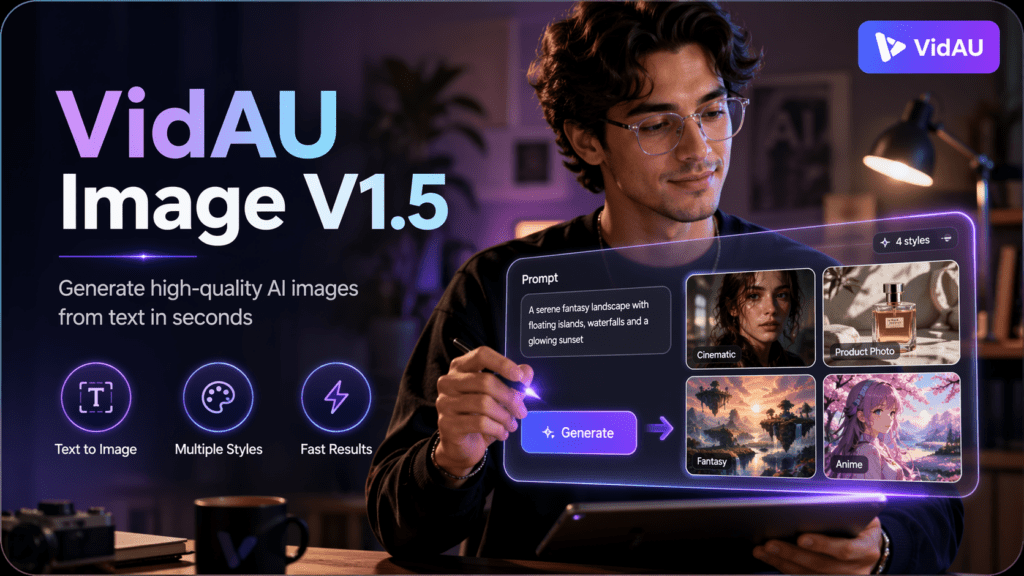
VidAU Image V1.5 is an AI image generator that turns written descriptions into ready-to-use visuals. Write a prompt, set your format, and generate images for ads, product pages, blog posts, and social media in seconds. No design tools. No stock photo searches.
Quick summary
- VidAU Image V1.5 turns text prompts into publish-ready visuals for ads, e-commerce listings, blog posts, thumbnails, social media, and marketing campaigns.
- It supports reference image guidance, character consistency, creative prompt enhancement, batch generation, and seed control.
- Each image costs 1 credit, and users can generate 1, 2, 3, or 4 images per run.
- The workflow is simple: open the tool, write a prompt, optionally upload a reference image, choose an aspect ratio, set quantity, choose a seed, check credits, and generate.
Contents
What VidAU Image V1.5 Generates
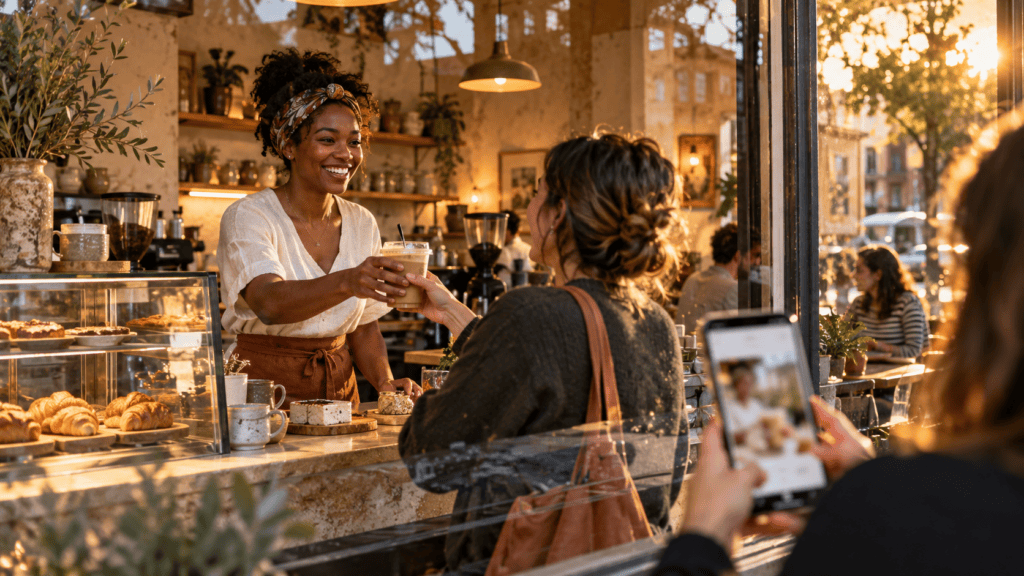
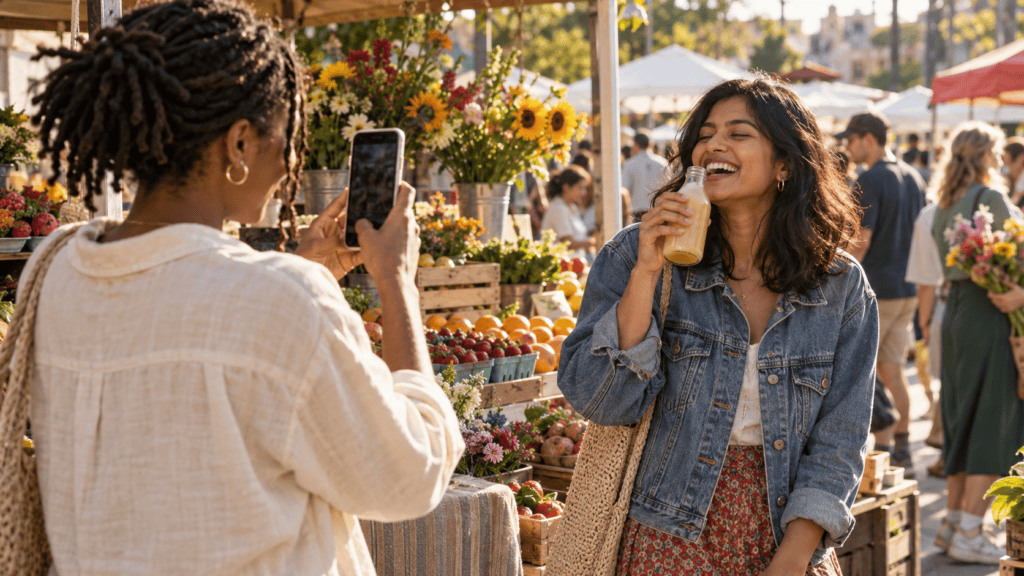
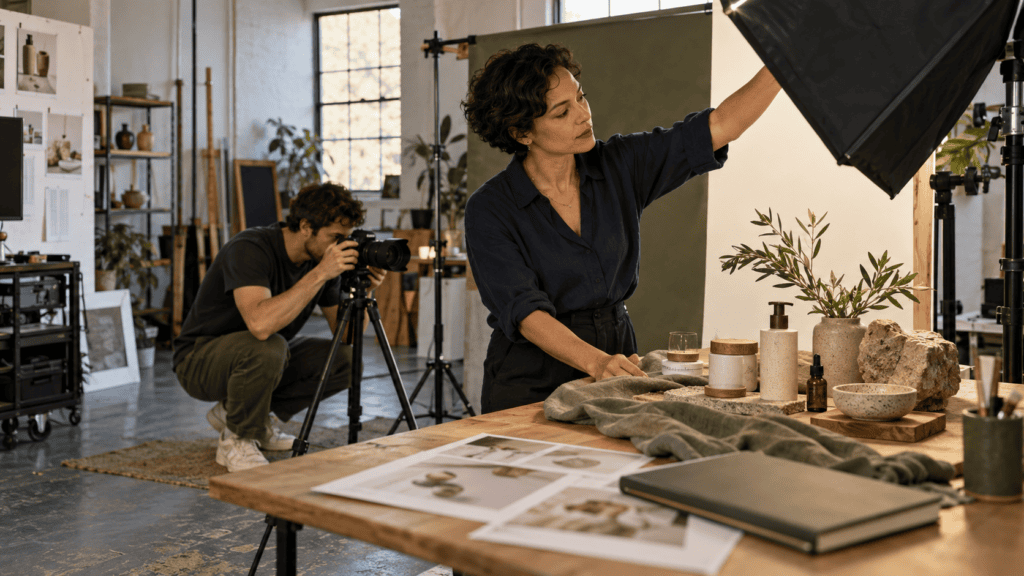
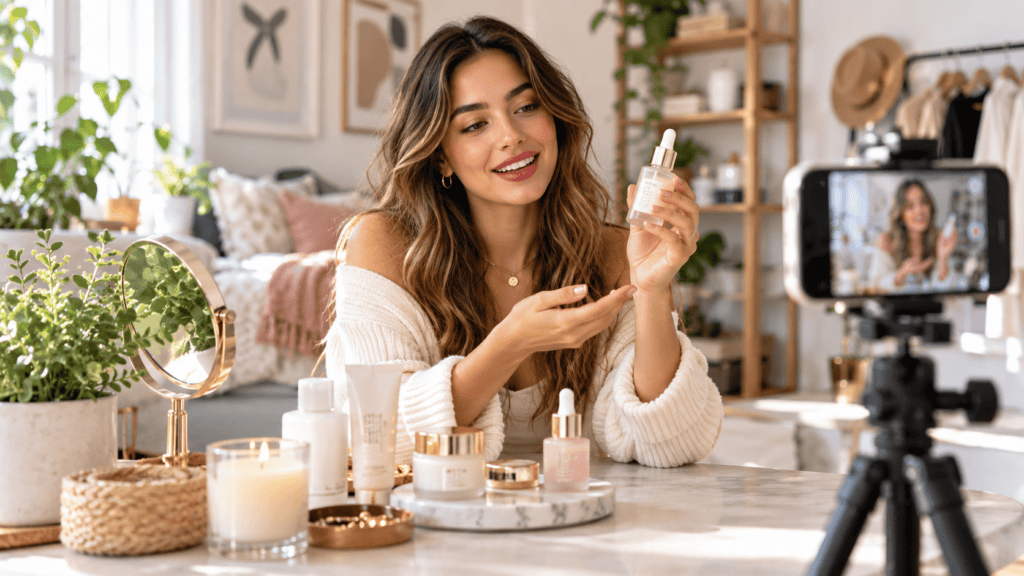
VidAU Image V1.5 is a text to image generator built for everyday content creation. You describe the scene and the model produces structured, high-quality images ready to publish. Here is what you can create:
🛒
Product scene images
Product scene images for e-commerce listings and ads.
📱
Social media graphics
Social media graphics for Instagram, Pinterest, and LinkedIn.
📝
Blog visuals
Blog featured images and article thumbnails.
📣
Advertising visuals
Advertising visuals for Meta, Google, and social platforms.
- YouTube thumbnails and video cover images
- Marketing graphics for campaigns and product launches
Why VidAU Image V1.5
Most AI image generators are built for designers or artists who spend time crafting detailed prompts and iterating endlessly. VidAU Image V1.5 is built for a different use case: fast, practical visual creation for content, ads, and e-commerce.
Here is what sets it apart:
Built for everyday content
V1.5 produces clean, structured visuals that work directly in ads, product listings, blog posts, and social graphics. The outputs are publish-ready, not experimental.
1 credit per image. Most premium AI image generators charge significantly more per generation or lock high-quality output behind expensive plans. V1.5 keeps costs low enough to generate multiple variations and test what works.
Reference image guidance. Unlike basic text to image generators that only take a prompt, V1.5 lets you upload a reference image to guide style, color, and composition. This is useful when you need outputs that match an existing brand or visual identity.
Character consistency. V1.5 preserves facial features, clothing details, and visual identity across multiple generations. Competitors like standard DALL-E and basic Canva AI struggle with this at scale.
Batch generation up to 4 images per run. You get multiple variations from a single prompt without regenerating manually. This speeds up the process of finding the right visual.
Creative prompt enhancement. The Creativity toggle expands your short description into a richer prompt automatically. You do not need prompt engineering skills to get detailed, high-quality outputs.
Seed control for repeatability. If you find a visual style or composition that works, you can reproduce it using the same seed number. This matters for campaigns and content series where consistency across images is important.
Key Specs
| Setting | Options |
|---|---|
| Prompt character limit | 2000 characters |
| Reference image formats | JPG, PNG, JPEG, WEBP, max 10MB |
| Aspect ratios | 1:1, 16:9, 4:3, 21:9, 9:16, 3:4, 9:21 |
| Generate quantity | 1, 2, 3, or 4 images per run |
| Credits required | 1 credit per image |
Step-by-Step: How to Use VidAU Image V1.5
1
Open the Tool
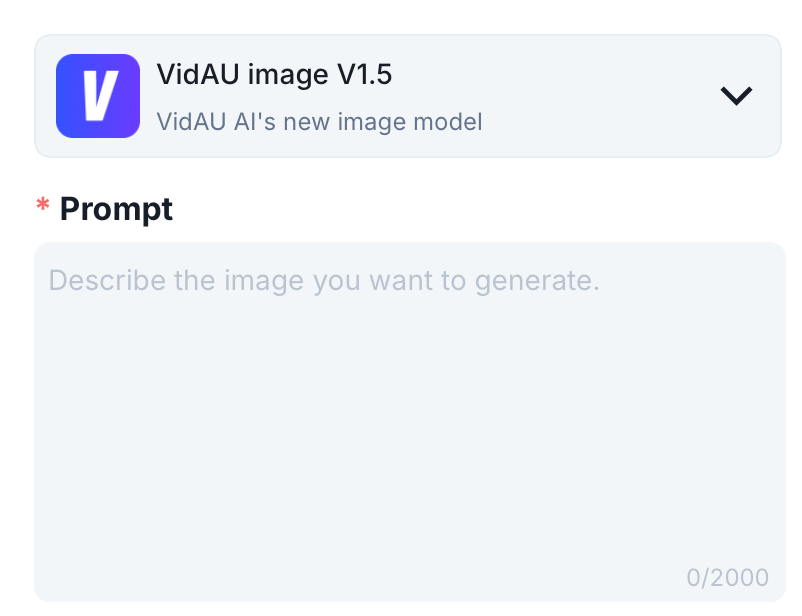
Go to VidAU dashboard and sign in. Select VidAU Image V1.5 from the model selector at the top of the page.
2
Write Your Prompt
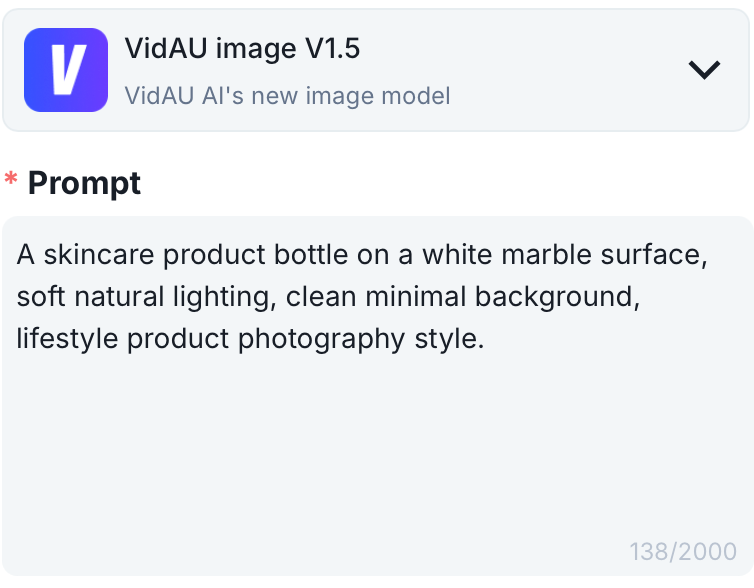
Click the Prompt field and describe the image you want to generate. The field accepts up to 2000 characters.
Be specific. Include the subject, background, lighting, style, and mood. The more detail you give the model, the closer the output matches your idea.
To generate images from text with richer detail automatically, turn on the Creative toggle before generating. This tells VidAU Image V1.5 to expand your description with additional visual elements.
3
Upload a Reference Image (Optional)
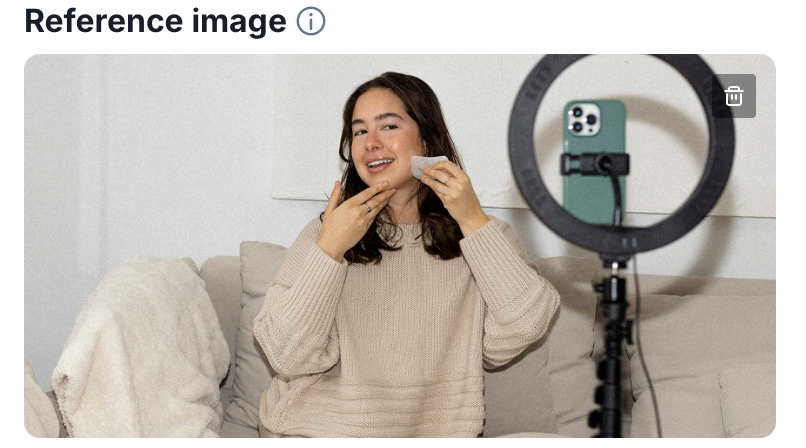
To guide the style, color tone, or composition of your output, upload a reference image. Click the Reference Image area and drag in your file or click Upload.
Accepted formats: JPG, PNG, JPEG, WEBP. Max file size: 10MB.
VidAU Image V1.5 analyzes the reference for color tones, composition, and structure to influence the generated image.
4
Choose Your Aspect Ratio
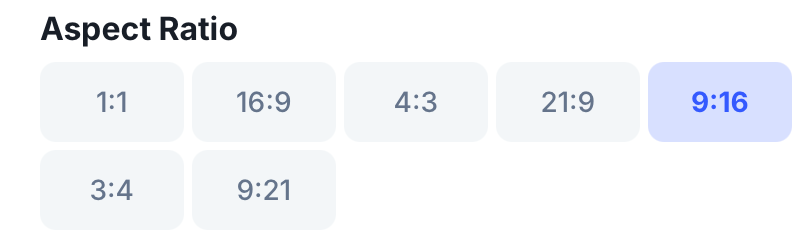
Select the aspect ratio that fits your publishing platform.
- 1:1 for Instagram posts and general social use
- 9:16 for Instagram Stories, TikTok, and Pinterest
- 16:9 for YouTube thumbnails, blog headers, and presentations
- 4:3 for general marketing and display ads
- 3:4 for Pinterest pins and portrait-format content
- 21:9 for cinematic banners and wide-format visuals
- 9:21 for tall vertical formats
5
Set Generate Quantity
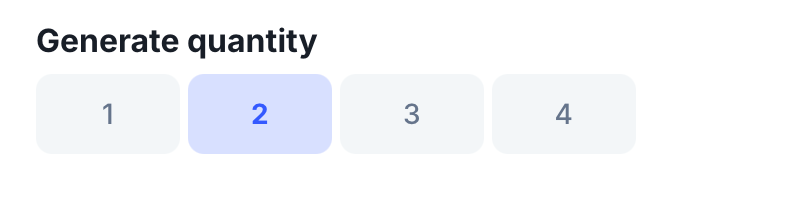
Choose how many image variations you want from this prompt: 1, 2, 3, or 4.
Generating 2 to 4 at once gives you options without rewriting the prompt. Each image costs 1 credit.
6
Set Seed (Optional)
The Seed field controls reproducibility. Leave it on Random for fresh variations each time. Enter a specific seed number to reproduce or closely repeat a previous result.
7
Check Credits and Generate
Confirm the credits required at the bottom of the panel (1 credit per image). Click Generate.
VidAU Image V1.5 processes your prompt and produces your selected number of images. Review the outputs, download the one you want, or click Regenerate to produce new variations from the same prompt.
Prompt Examples
Use these as a starting point or adapt them to your content.
Prompt tip
Be specific. Include the subject, background, lighting, style, and mood. The more detail you give the model, the closer the output matches your idea.
Product photography “A premium wireless headphone placed on a clean white desk, soft studio lighting, minimal white background, product photography style, sharp focus, 4K quality.”
E-commerce lifestyle scene “A skincare serum bottle surrounded by fresh green leaves and white flowers on a marble surface, warm natural lighting, clean minimal background, luxury beauty brand aesthetic.”
Social media graphic “A bold promotional graphic for a summer sale, bright coral and yellow color palette, clean sans-serif typography, modern flat design style, square format.”
Blog featured image “A flat lay of a laptop, notebook, coffee cup, and plant on a wooden desk, soft morning light, warm tones, minimal workspace aesthetic, top-down view.”
Advertising visual “A young woman holding a reusable water bottle outdoors, sunny park background, natural candid style, lifestyle photography, vibrant and energetic mood.”
Start Generating Images with VidAU Image V1.5
Write a prompt, set your format, and generate publish-ready visuals for ads, product pages, blogs, thumbnails, and social media.
VidAU Image V1.5 Workflow and Features
🖼️
Text to image generation
VidAU Image V1.5 is a text to image AI model built into the VidAU platform. You write a prompt describing the image you want, and the model generates it in seconds.
🎨
Creative prompt enhancement
Turning on Creativity tells VidAU Image V1.5 to automatically expand your prompt with additional visual detail.
🔁
Batch generation
Choose 1, 2, 3, or 4 images per run using the Generate Quantity selector. Each image costs 1 credit.
🎯
Reference image and seed control
The reference image is optional and guides the style and composition of the output. Seed controls reproducibility for closely matching previous generations.
Key takeaway
Conclusion
VidAU Image V1.5 suits creators, marketers, e-commerce sellers, and content teams who need clean, publish-ready images without design software or stock photo subscriptions. At 1 credit per image with batch generation up to 4 per run, it is one of the most cost-efficient ways to produce visual content at scale inside the VidAU platform. Write a prompt, generate, and publish. That is the entire workflow.
Frequently Asked Questions
Here are answers to common questions about VidAU Image V1.5, including cost, prompts, reference images, aspect ratios, and supported file formats.
What is VidAU Image V1.5?
VidAU Image V1.5 is a text to image AI model built into the VidAU platform. You write a prompt describing the image you want, and the model generates it in seconds. It is designed for everyday content creation including ads, product visuals, blog images, and social graphics.
How much does it cost to generate an image with VidAU Image V1.5?
1 credit per image. Generating 4 images at once costs 4 credits.
Do I need a reference image to use VidAU Image V1.5?
No. The reference image is optional. It guides the style and composition of the output but VidAU Image V1.5 generates images from a text prompt alone.
How detailed does my prompt need to be?
A short prompt works but a detailed one gives better results. Include the subject, background, lighting, and style. The prompt field accepts up to 2000 characters.
What is the Creativity toggle in VidAU Image V1.5?
Turning on Creativity tells VidAU Image V1.5 to automatically expand your prompt with additional visual detail. It produces richer, more imaginative outputs from short descriptions without requiring prompt engineering skills.
What is the Seed field for?
Seed controls reproducibility. Enter a specific seed number to reproduce or closely match a previous generation. Leave it on Random for fresh variations each time.
Can I generate multiple images from one prompt?
Yes. Choose 1, 2, 3, or 4 images per run using the Generate Quantity selector. Each image costs 1 credit.
What aspect ratio should I use for Instagram?
Use 1:1 for feed posts and 9:16 for Stories and Reels.
Can I use VidAU Image V1.5 generated images for commercial purposes?
Yes. Images generated with VidAU Image V1.5 are ready for use in ads, product pages, and marketing content. Check VidAU’s terms of service for full details.
What file formats does the reference image support?
JPG, PNG, JPEG, and WEBP. Maximum file size is 10MB.