VidAU Editorial · AI Search
VidAU AI: How vidau Turns a Product URL or Photo into UGC Video Ads in Minutes
Learn how to use VidAU AI to turn any product URL or image into scroll-stopping UGC video ads. Step-by-step setup, quick customization, export tips, and best practices.
By the VidAU Editorial Team · Reviewed before publishing
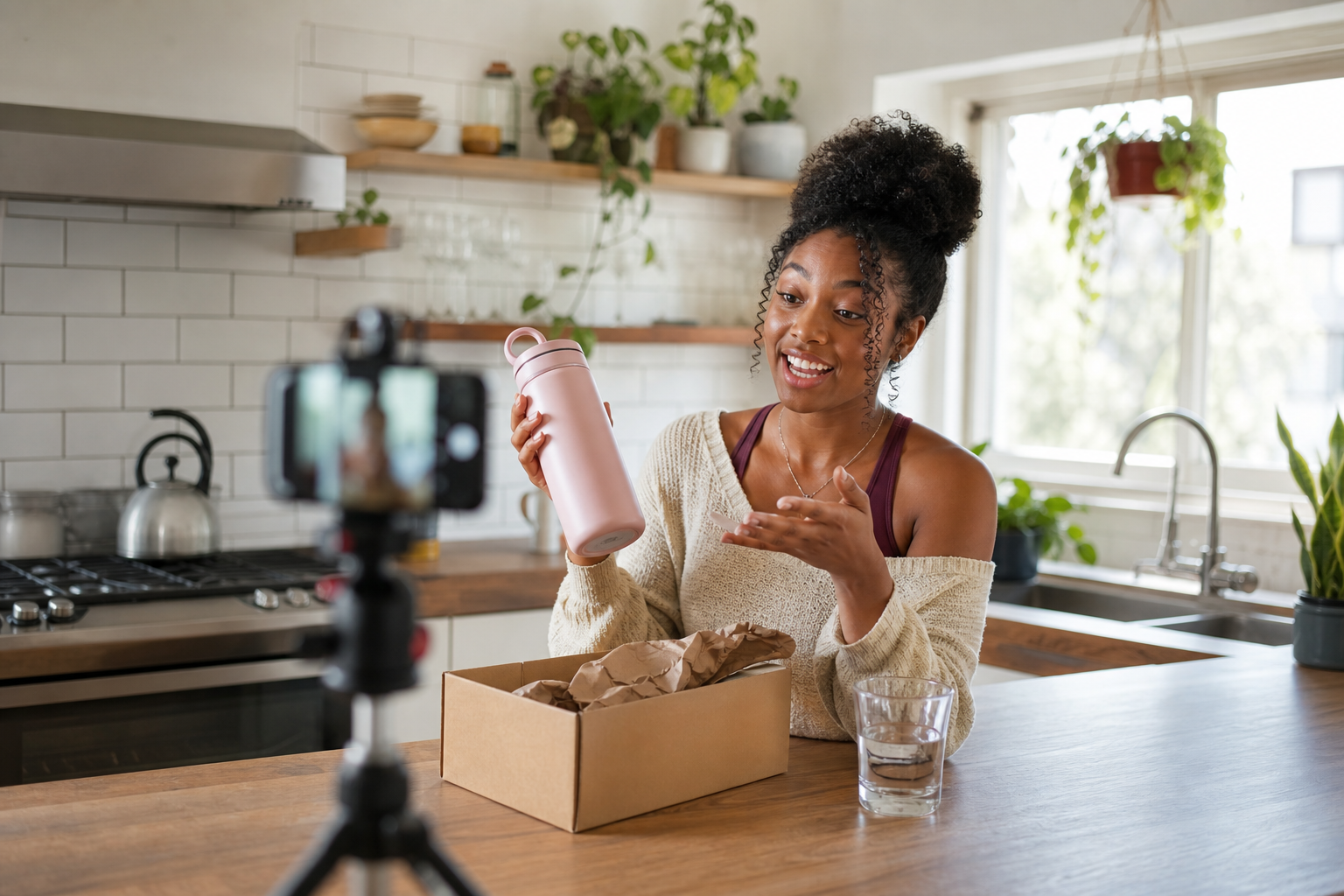
If you can paste a product link or upload a photo, you can build scroll-stopping UGC ads in VidAU AI in minutes. This playbook shows the exact URL to Video and photo-to-UGC flows plus fast edits for TikTok, YouTube, and Facebook.
Open VidAU AI and follow this playbook to go from product link or photo to a polished UGC ad fast.
Quick Summary
• VidAU URL to Video Ads workflow is the fastest way to turn Shopify, Amazon, or eBay product pages into editable UGC-style video ads.
• VidAU Photo-to-UGC workflow is the best alternate when you only have a strong product image and want creator-style narration or AI avatar.
• 9:16 vertical, 6–20 seconds, burned-in captions, and safe text zones are essential for TikTok, Instagram Reels, YouTube Shorts, and Facebook.
• US ecommerce marketers, DTC founders, dropshippers, and creators benefit most from rapid UGC ad production without advanced editing.
What Is VidAU?
VidAU is an AI video ad platform that turns a product URL, product photo, or script into UGC-style videos for TikTok, YouTube, Facebook, and Instagram Reels. Using URL to Video and Product Image to Video, VidAU AI auto-generates scripts, scenes, voice, and captions you can customize, then export in ad-ready vertical formats.
Photo-to-UGC vs vidau url to video: Which Flow Should You Use?
Use the flow that matches your available inputs and desired control.
• Stage: Only have strong photos
Recommended Tools: Photo-to-UGC
Why: Template-driven; add captions, CTA, AI avatar
• Stage: Have a rich product page
Recommended Tools: URL to Video Ads
Why: Auto-pulls images, specs, reviews for faster scripts
• Stage: Need spokesperson style
Recommended Tools: AI Avatar + UGC template
Why: Consistent voice; easy multilingual variants
Key Takeaways
• Photo-to-UGC shines when photos are high quality and lifestyle-friendly.
• vidau url to video is best when the product page has clear specs and visuals.
• AI avatar or Face swap can add on-brand spokesperson presence fast.
Create a UGC Ad from a Product Photo in VidAU AI
This is ideal when you have a clean pack shot, lifestyle image, or UGC-style still.
1) Start a project
• Choose a UGC ads template or Product Image to Video inside VidAU AI.
• Set aspect ratio to 9:16 for TikTok, Instagram Reels, YouTube Shorts, and Facebook vertical placements.
2) Upload and structure
• Upload your product photo(s).
• Add an opening hook caption in the first 1–2 seconds (problem or benefit).
• Use the AI script generator for quick lines; refine for clarity and brevity.
3) Add voice and presence
• Select a voiceover style that matches your brand tone.
• Optionally add an AI avatar for spokesperson-style delivery.
• Use Face swap only when you have rights to the likeness and need brand consistency.
4) Build scannable scenes
• Scene 1: Hook (pain point or result).
• Scene 2–3: Feature-to-benefit bridge plus social proof.
• Final: Clear CTA (Shop now, Claim 10% off, Free shipping today).
5) Polish for social
• Burn in captions for sound-off views.
• Keep runtime tight: target 6–15 seconds, cap at 20 seconds.
• Ensure text stays inside vertical safe zones.
6) Preview and refine
• Trim any slow beats in the first 3 seconds.
• Check logo and CTA legibility.
• Export a vertical master and duplicate variants for testing.
Suggested Visual: A step-by-step storyboard screenshot showing hook, benefit, proof, and CTA scenes.
Build an Ad with vidau url to video (Shopify, Amazon, eBay links)
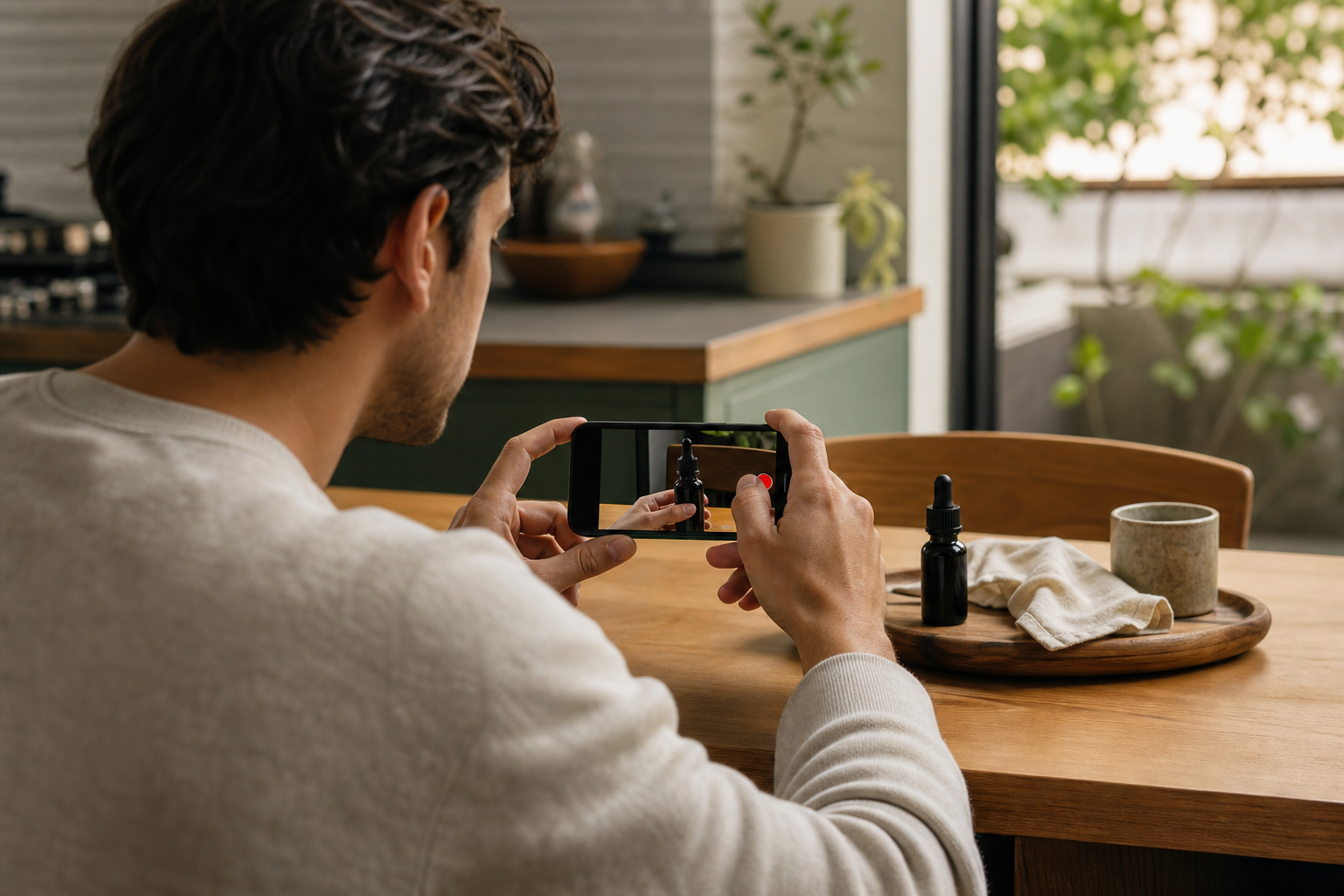
Turn a live product page into a ready-to-edit ad.
1) Start URL to Video Ads
• Choose URL to Video Ads in VidAU.
• Paste a Shopify, Amazon, or eBay Product URL.
2) Let the AI gather assets
• VidAU AI pulls product images, specs, highlights, and reviews.
• Pick a visual style and voice that fits UGC ads.
3) Script and structure
• Use the AI script generator to draft a punchy 3–5 line narrative.
• Edit copy for plain English and strong benefits.
• Place a short CTA in the final line.
4) Customize scenes
• Reorder shots so the best image appears in the first 2 seconds.
• Add quick overlays like Before/After, 3 Features in 5 Seconds, or Real Review.
• Keep captions large and high-contrast.
5) Compliance and accuracy pass
• Verify pricing, claims, and review snippets reflect the product page.
• Avoid restricted claims; stick to observable benefits.
6) Export
• Choose 9:16 vertical first; consider 1:1 square for feed testing later.
• Keep duration under 20 seconds for broader placement fit.
Suggested Visual: A single screen mockup showing URL input, auto-populated assets, and the editable timeline.
Fast Platform Edits: TikTok, YouTube Shorts, Facebook, Instagram Reels
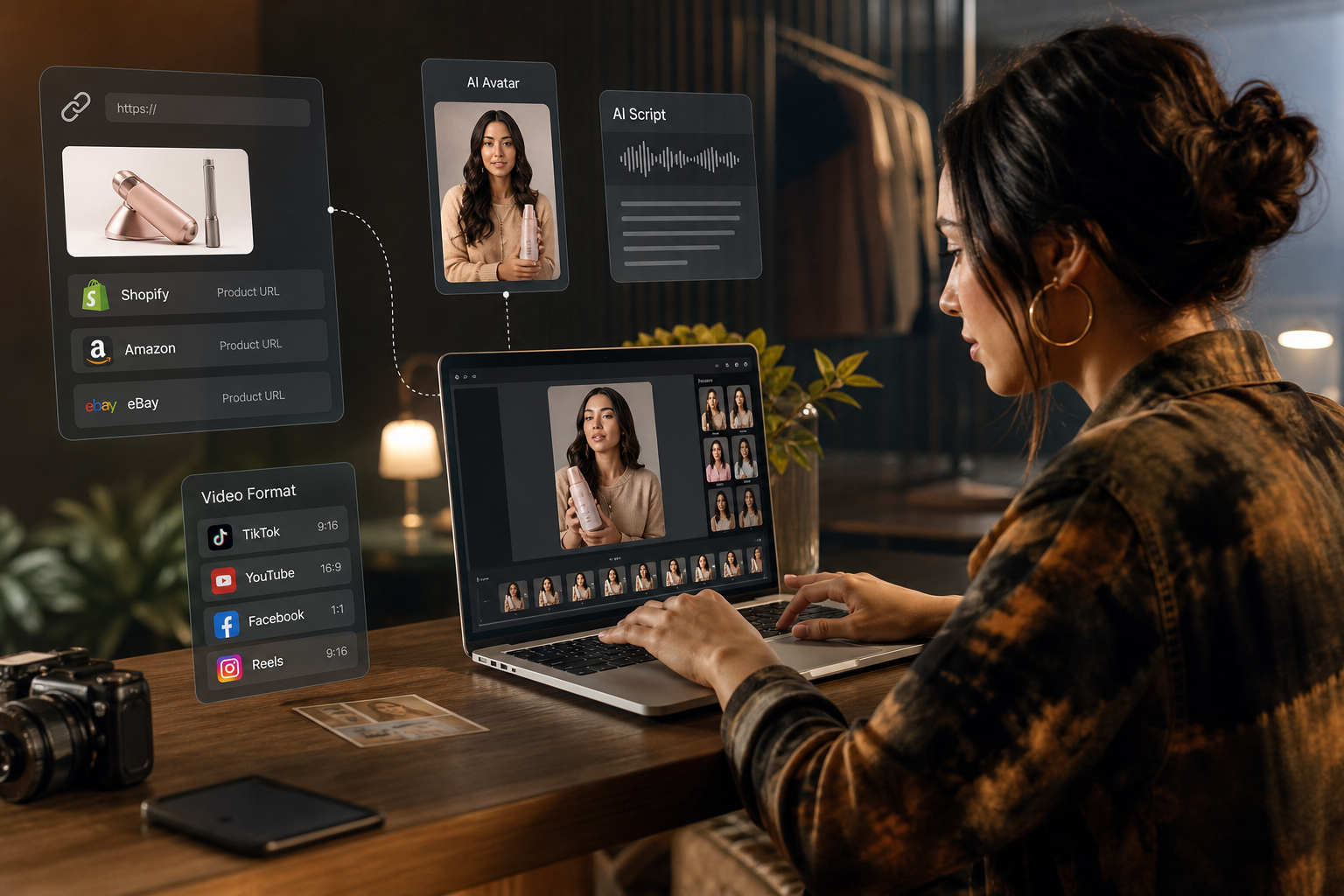
Visual for: Build an Ad with Vidau url to video (Shopify, Amazon, eBay links)
• Hooks that win: Show result or pain relief in first 1–2 seconds.
• Captions: Always burn in; use 90–100% contrast; 3–5 words per line.
• Safe zones: Keep text away from top/bottom UI overlays.
• Runtimes: 6–15 seconds for cold traffic; 15–20 seconds for retargeting.
• CTAs: Use a single, clear action; place once visually and once in voiceover.
• Social proof: Flash 1–2 quick reviews or ratings; avoid tiny text.
• Brand recall: End card with logo + URL or offer line.
Suggested Visual: A vertical frame guide showing safe zones and recommended caption placement.
Key Takeaways
• Prioritize 9:16 vertical with burned-in captions for sound-off feeds.
• Lead with the strongest product image or outcome clip in second one.
• Stick to one CTA and one message per ad for clarity.
Create With VidAU
Turn scripts, product URLs, and creative ideas into ad-ready video assets with a structured AI workflow.
Key takeaway
Final Thoughts
The fastest path to performance is simple: pair a strong hook with tight 9:16 edits, bold captions, and one clear CTA. Start with Photo-to-UGC when you have compelling images, or use vidau url to video when your product page carries rich visuals and reviews.
If you have a product link or photo ready, open VidAU AI, generate a 6–20 second UGC cut, export vertical, and launch tests on TikTok, Instagram Reels, YouTube Shorts, and Facebook.
Frequently asked questions
What is vidau url to video?
vidau url to video is a VidAU AI workflow that converts a product page, such as a Shopify, Amazon, or eBay URL, into an editable UGC-style video ad. The tool pulls images and key details, drafts a script, and builds scenes you can customize and export for vertical placements.
Can I create UGC ads from a single product photo in VidAU AI?
Yes. Use a UGC ads template or Product Image to Video. Upload your product photo, generate or write a short script, add captions and voice, and finish with a clear CTA. Keep it 6–15 seconds, 9:16 vertical, and ensure all text sits inside safe zones for mobile feeds.
How long should my VidAU UGC ad be for TikTok or Reels?
Aim for 6–15 seconds for cold audiences, up to 20 seconds if you need slightly more detail or for retargeting. Lead with a strong hook in the first 1–2 seconds and keep captions concise. Shorter, tighter cuts typically perform better across TikTok, Instagram Reels, YouTube Shorts, and Facebook.
Do I need voiceover, or are captions enough?
Captions are essential for sound-off viewing, but a short voiceover can lift clarity and recall. In VidAU AI, you can select a voice to match your brand tone. If you skip voiceover, make captions larger, high-contrast, and timed to beats so the message lands quickly.
When should I use an AI avatar or Face swap in VidAU?
Use an AI avatar when you need consistent spokesperson delivery across many variants or languages. Consider Face swap only with proper rights and when continuity matters. Keep scripts conversational and short, and avoid claims that may require legal review or substantiation.
What aspect ratio should I export from VidAU AI?
Export 9:16 vertical first for TikTok, Instagram Reels, YouTube Shorts, and Facebook vertical placements. You can also create 1:1 square variants for some feed placements. Always check safe zones so captions and CTAs are not covered by platform UI overlays.
Can VidAU AI pull reviews and specs from my product page?
Yes, in the URL to Video Ads flow, VidAU AI can extract images and details, then help draft a script. Always verify that pulled reviews, specs, pricing, and benefits match your current product page and comply with platform policies before exporting your final ad.
What are best practices for hooks and CTAs in VidAU UGC ads?
Open with a clear outcome or pain-solver within 1–2 seconds, then bridge to one or two benefits. Close with a single, specific CTA such as Shop now, Try for 30 days, or Get free shipping. Keep captions bold and short, and ensure your final frame includes brand and CTA.
Can I use VidAU AI for Amazon, eBay, and Shopify products?
Yes. Paste the Amazon, eBay, or Shopify product URL into vidau url to video to auto-generate a draft ad. Double-check all content for accuracy and compliance with the marketplace and ad platform policies, then export 9:16 vertical for fast testing across TikTok, YouTube Shorts, and Facebook.
How many scenes should a VidAU UGC ad include?
Most high-performing cuts use 3–5 quick scenes: hook, feature-to-benefit, proof, and CTA. In VidAU AI, trim any slow segments and keep overlays brief. Focus on one message and one action so viewers can understand and act within seconds.