Video to Audio Downloader: Convert Any Video Into Clean Audio Fast
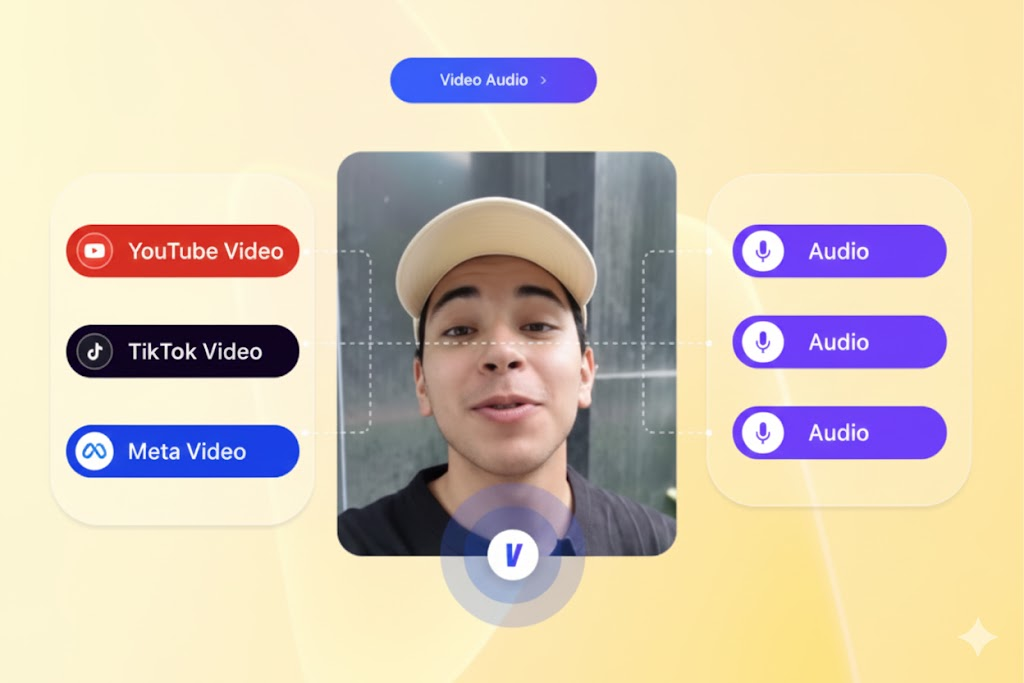
Creators, editors and marketers need fast access to clean audio. You use audio for voiceovers, product demos, background tracks and short-form content. Downloading the audio from a video saves time and removes the need for manual extraction.
VidAU Video to Audio Downloader gives you a simple way to extract audio from any supported link. You paste the URL, click Download and get a clean audio file you use for editing, ads or social posts.
You start with a video link. You end with a ready audio file.
Need to extract audio from a video link on VidAU? The process stays simple. Paste your link, click Download and get a clean audio file in seconds. No extra software, no complex setup and no hidden steps. The tool works fast and keeps your file secure.
Use the audio for editing, social content or playback on any device. VidAU keeps the quality high from start to finish. After downloading, you can also use VidAU tools to translate the audio, add subtitles or build new video assets with the same sound. You move from video to audio and into full content creation with only a few clicks.
What the Video to Audio Downloader Delivers
• Fast extraction from supported links
• Clean audio output for editing and repurposing
• Simple workflow for beginners and teams
• High-quality sound for ads, podcasts and social clips
• Ready files for TikTok, Instagram, YouTube and Facebook
• Zero editing skills needed
You get clear audio without extra tools.
Step by Step: How VidAU Video to Audio Downloader Works
Step 1 — Paste Your Video Link
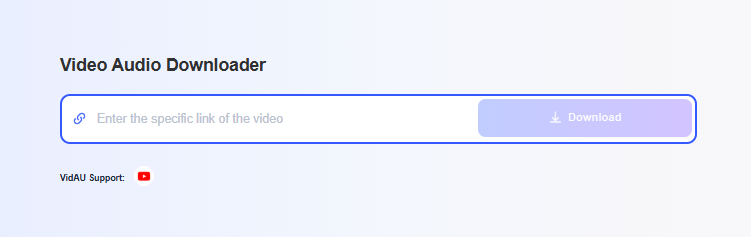
Open the Video Audio Downloader tool. Paste the full link of your video into the input field. The system detects the source instantly and prepares the file for processing.
You see the link sitting inside the blue text bar, ready for download.
Step 2 — Click Download
Press the Download button. VidAU starts preparing the audio. A pop-up may show a quick preview or a prompt that explains the next action.
The system begins processing in the background.
Step 3 — Wait for the Audio Processing
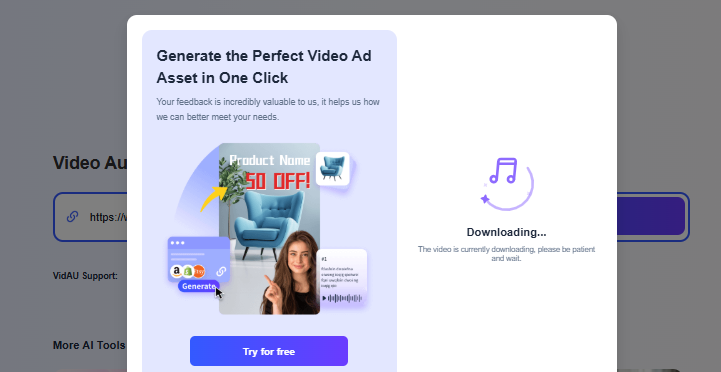
A Downloading screen appears. It shows that the video is being processed into an audio file. You do not need to adjust settings. VidAU handles the extraction. Processing takes only a few seconds.
Step 4 — Confirm Credit Usage
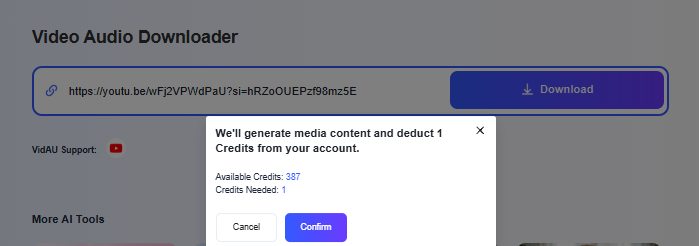
A confirmation box appears.
It shows:
• Available Credits
• Credits Needed
Click Confirm to continue. VidAU deducts one credit to generate the audio.
This keeps your account secure and ensures every download is intentional.
Step 5 — Download the Clean Audio File
The audio file becomes ready for download. Click the download button and save it to your device. You now have a clean audio track from the original video.
You can repeat the process with any other links.
Why Video to Audio Downloader Works
Audio saves time in a content workflow. You extract useful parts from a video without manual editing. Clean audio removes noise and helps you create:
- Voiceovers
- Background tracks
- Script references
- Product demos
- Social clips and reels
- Training videos
Creators publish faster when audio is ready in seconds.
Where Video to Audio Downloader Performs Best
- TikTok and Instagram reels
- YouTube shorts
- Podcast intros Product ads
- UGC content
- Tutorial videos
- Voice reference clips
- Editing workflows for agencies and solo creators
The tool supports any workflow that needs audio extracted fast.
How Video to Audio Downloader Helps Creators and Teams
VidAU gives you clean audio with one link. The output works across your editing tools, ad platforms and social content. You avoid long downloads, screen recordings and third-party converters that lower quality.
This supports:
• Fast content repurposing
• Faster editing speed
• Better sound quality in ads
• More audio versions for testing
• Consistent production output
VidAU helps you build more content with less effort.
Strong Tips for Better Results
• Use high-quality video sources
• Paste full links, not shortened links
• Keep your audio organized by naming files clearly
• Use the audio inside VidAU tools for ads and video edits
• Download multiple versions for creative testing
Clean input leads to clean output.
What to Do Next
You have downloaded your first audio file. Your next step is to use the audio inside your content workflow. Upload it into VidAU AI Video tools, add it to product demos or use it as background sound for short clips.
Strong audio improves watch time across TikTok, Instagram and YouTube. Use it to build more variations and publish faster.
FAQ
Does the tool support YouTube links
Yes. The system extracts audio from supported YouTube links.
Does it reduce sound quality
No. VidAU keeps the audio clean during extraction.
Do I need editing skills
No. Paste the link and download the file.
Can I use the audio in ads
Yes. You can use the audio in your creative assets.
Does each download use a credit
Yes. One credit per audio extraction.
Can I extract audio from long videos
Yes, as long as the link is supported.