Vidnoz AI Image to Video · Free Photo Animation Workflow
Vidnoz AI Image to Video: Turn Photos into Stunning Videos for Free (2026)
Learn how Vidnoz AI Image to Video converts static photos into short animated clips using models like Kling, Ultra, and Runway, with practical workflows for real photos, cartoons, low-resolution images, animals, and social video.
By the VidAU Editorial Team · AI image-to-video guide · 12 min read
Vidnoz AI Image to Video converts a static photo into a short animated clip in one click, and the free tier lets you generate roughly 5 to 8 videos a day without editing skills.
Vidnoz AI Image to Video converts a static photo into a short animated video in one click, and the free tier gives you roughly 5 to 8 video generations per day. You upload an image, pick an AI model like Kling or Ultra, add a short prompt if you want, and the tool animates the scene. No timeline editing or motion graphics skills are needed.
This guide is for content creators, social media marketers, and beginners who want to animate photos without learning editing software. I reviewed the available Vidnoz tutorials and model tests to map a realistic workflow, including which model fits real photos, cartoons, low-resolution images, and animals.
Quick Summary
- Vidnoz AI Image to Video animates a still photo in one click using models like Kling, Runway, and Ultra, with about 5 to 8 free generations daily.
- The Kling model targets high-precision facial animation and lip-sync, while the Ultra model adds more expression range and control for emotional delivery.
- Results vary by input quality, so high-resolution photos animate more cleanly than low-res or heavily stylized images.
- Creators, social marketers, and non-editors benefit most, especially for short vertical clips like reels, TikToks, and YouTube Shorts.
In This Guide
- What Vidnoz AI Image to Video is and how it works
- Who this Vidnoz image to video tool is for
- Step-by-step workflow to convert a photo to video
- How the Kling and Ultra models compare
- Example workflows for different image types
- Common mistakes with the Vidnoz AI video generator
- When a video ad platform fits better than a photo animator
- Final Thoughts
- FAQ
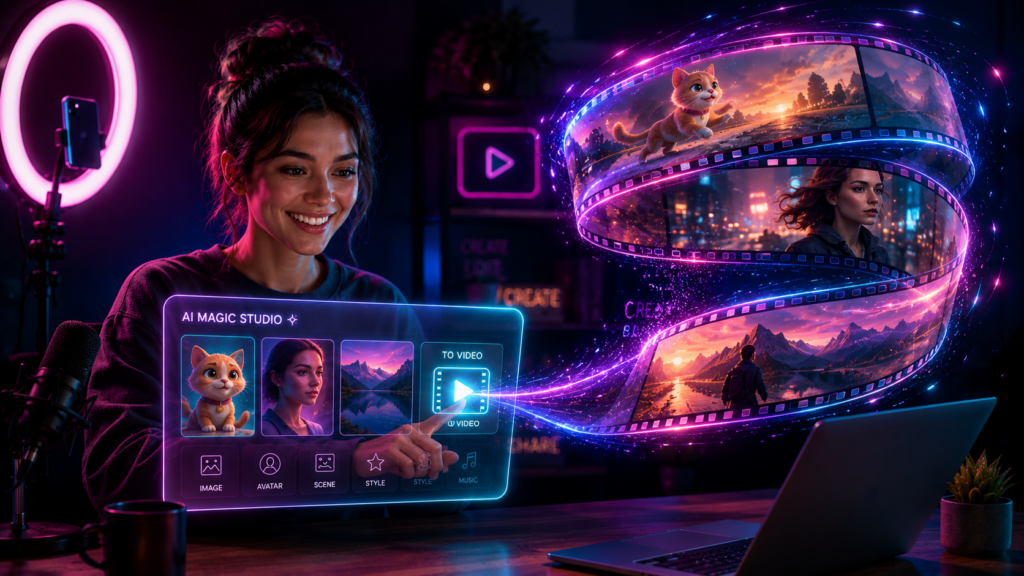
What Is Vidnoz AI Image to Video?
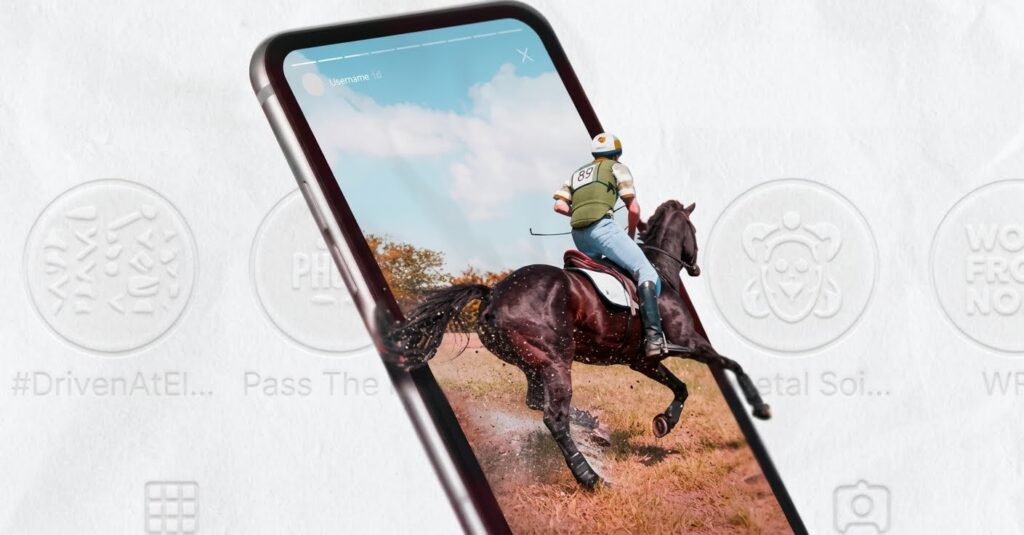
Vidnoz AI Image to Video is a free AI video generator that turns a single static image into a short animated clip. The AI analyzes the photo, infers motion, and produces movement such as facial animation, gentle camera drift, or scene action based on your selected model and optional text prompt.
The tool sits inside Vidnoz AI’s broader suite, which also includes talking photo avatars and text to video. For this guide, the focus stays on photo animation specifically, not the full avatar feature set.
Key Takeaways
- The vidnoz image to video ai workflow is upload, choose model, prompt, generate.
- Free users get about 5 to 8 daily generations, useful for quick social testing.
- Output realism depends on the model and the quality of your source image.
Who This Vidnoz Image to Video Tool Is For
This vidnoz ai photo to video tool fits people who need short animated clips fast and do not want to learn editing software. It works well for:
- Content creators making reels, Shorts, and TikTok clips
- Social media marketers testing creative hooks
- Beginners animating old or AI-generated photos
- Hobbyists reviving still images into moving scenes
It is less suited to long-form video, precise frame control, or fully branded product ads. For those, a dedicated video platform makes more sense, which I cover near the end.
Important limitation
Vidnoz AI Image to Video is useful for fast single-photo animation, but it is less suited to long-form video, precise frame control, or fully branded product ads.
How to Use Vidnoz AI Image to Video Step by Step
Here is the full vidnoz image to video workflow, structured like the video tutorials people search for.
Step 1: Open the Image to Video tool
Go to the Vidnoz Image to Video page and sign in. The free plan covers your daily generation quota, so you do not need to pay to test the feature.
Step 2: Upload your photo
Upload a clear, well-lit image. High-resolution photos animate more cleanly. If you only have a low-res or old photo, expect softer motion and occasional distortion around edges.
Step 3: Choose an AI model
Select a model based on your goal. Pick Kling for facial detail and lip-sync accuracy, or Ultra for stronger expression range. Other options like Runway suit broader scene motion.
Step 4: Add a short prompt (optional)
A short prompt guides the motion. For example, a noodle figure dancing on a plate or a monkey vlogger talking to the camera. Keep prompts specific but short for cleaner results.
Step 5: Generate and review
Click generate with one tap. The AI processes the image and returns a short clip. Review the motion, then regenerate with a different model or prompt if the result drifts.
Step 6: Download and post
Export the clip and drop it into your social schedule, or layer it with audio in a separate editor. For voiceover, you can pair it with a text to speech tool before posting.
Tip
Start with a clear, well-lit, high-resolution photo and a short, specific prompt. Then review the first output as a draft before using more of your daily free generations.
How Do the Kling and Ultra Models Compare?
The Kling model focuses on high-precision facial animation with natural details and lip-sync accuracy, while the Ultra model adds more expression and emotional control. Choosing the right one depends on your image type and how much movement you want.
| Model | Best For | Trade-off |
|---|---|---|
| Kling | Real faces, lip-sync, natural detail | Can distort heavy stylized art |
| Ultra | Expressive, emotional delivery | More movement may look unnatural |
| Runway | General scene motion | Less facial precision |
From reviewing the Vidnoz model tests, the practical takeaway is simple. Use Kling when a human face is the focus, and switch to Ultra when you want more visible emotion or motion in the scene.
Model choice
Use Kling when a human face is the focus. Then, Use Ultra when you want stronger expression or more visible motion. Explore Runway when the goal is broader scene movement rather than facial precision.
Create Video Ads With VidAU
Use VidAU AI Video, URL to Video, Product Sample to Video, Text to Speech, and UGC Avatars when you need scripted product ads, brand control, multilingual output, and repeatable ad-ready video at scale.
VidAU workflow
Where VidAU fits beside Vidnoz AI Image to Video
- Use Vidnoz for quick single-photo animation: Upload one image, choose a model, add an optional prompt, and create a short clip for social testing.
- Use VidAU for full product ads: Use VidAU AI Video when the project needs scripted product ads, stronger brand direction, or repeatable campaign output.
- Turn product pages into video: Use URL to Video when you need to convert a product page into a video instead of animating only one static photo.
- Add human-facing ad formats: Use UGC Avatars when the ad needs a spokesperson-style clip rather than image animation alone.
- Add audio and localization: Use Text to Speech when your animated clip or product video needs controlled narration before publishing.
Example Workflows by Image Type
The vidnoz ai video generator handles different inputs with different results. Based on the published model tests, here is what to expect.
High-resolution real photos: These animate the most cleanly. Facial movement and lip-sync look natural, so Kling is a safe first choice.
Cartoon and AI-generated images: Results are hit or miss. The model can keep the style or distort details, so test both Kling and Ultra and pick the cleaner output.
Low-resolution and old photos: Useful for reviving family pictures, but motion stays softer and edges can warp. Keep expectations modest and the clip short.
Animals: Pets and creatures, like the monkey vlogger example from creator tests, can animate well for fun viral content, though detail varies by frame.
| Image Type | Expected Result | Recommended Approach |
|---|---|---|
| High-resolution real photos | Clean facial movement and natural-looking lip-sync | Start with Kling |
| Cartoon and AI-generated images | Hit-or-miss style preservation; possible detail distortion | Test both Kling and Ultra |
| Low-resolution and old photos | Softer motion with possible edge warping | Keep clips short and expectations modest |
| Animals | Fun viral-style animation with detail variation by frame | Use short, specific prompts and review carefully |
Key Takeaways
- Match the model to the input: Kling for faces, Ultra for expression.
- Sharp source images beat any model choice for clean results.
- Short, specific prompts reduce weird distortions.
Common Mistakes With the Vidnoz AI Video Generator
Most beginners waste free generations on avoidable errors. Here are the ones I would steer you away from.
- Uploading blurry or tiny images and expecting clean motion
- Writing long, conflicting prompts that confuse the model
- Using one model for every image type instead of testing two
- Expecting long clips when the tool is built for short outputs
- Skipping a quick review before downloading the final clip
Results vary by image and model. Treat the first generation as a draft, then refine the prompt or switch models before spending your remaining daily quota.
Watch out
Do not spend free generations on blurry images, long conflicting prompts, the same model for every input, long-clip expectations, or final downloads without reviewing the animation first.
When a Video Ad Platform Fits Better Than a Photo Animator
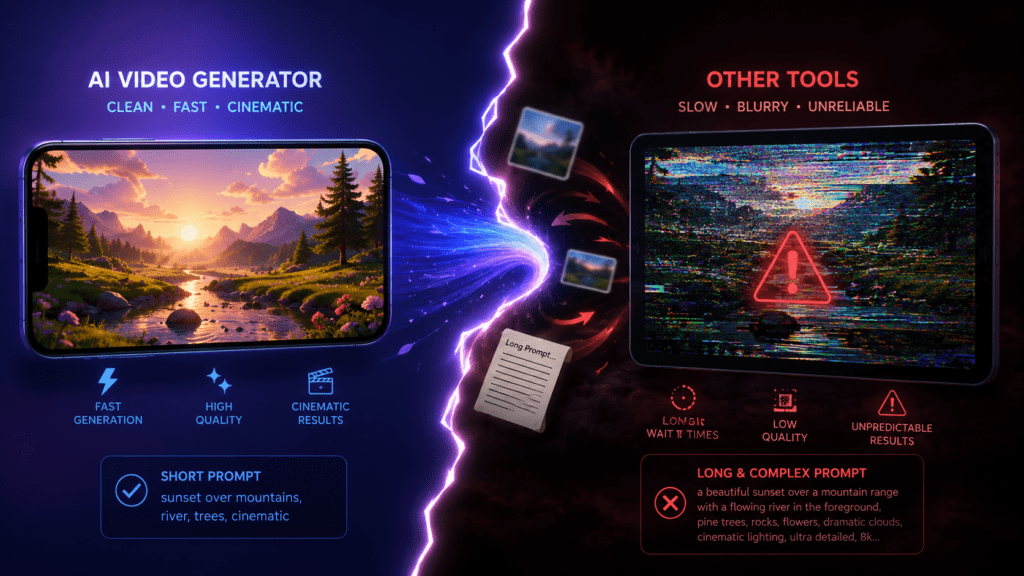
Vidnoz AI Image to Video is great for animating single photos, but it is not built for full ad production. If you need scripted product ads, brand control, or multilingual output, a dedicated platform fits better.
VidAU is an AI video ad platform that generates video ads from product URLs, images, or scripts in 49 languages. For ecommerce sellers, you can turn a product page into a video with URL to Video , animate product shots through VidAU AI Video , or create spokesperson clips with UGC Avatars .
The honest limitation is direction: Vidnoz is the simpler pick for quick single-photo animation, while VidAU is the better fit when you need repeatable, ad-ready video at scale. If you mainly want to test a creative hook from one image, Vidnoz does the job for free.
| Workflow Need | Better Fit | Why |
|---|---|---|
| Quick single-photo animation | Vidnoz AI Image to Video | Simple one-click workflow and free daily generations |
| Testing a creative hook from one image | Vidnoz AI Image to Video | Fast enough for short social content and free testing |
| Scripted product ads | VidAU AI Video | Built for ad-ready output from images, scripts, or product assets |
| Product page to video | VidAU URL to Video | Converts ecommerce pages into video workflows |
| Spokesperson-style product clips | VidAU UGC Avatars | Creates human-facing ad formats beyond photo animation |
| Multilingual ad output | VidAU | Supports repeatable video ad production in 49 languages |
Tip
Choose Vidnoz when you mainly want to animate one image. Choose VidAU when you need scripted product ads, brand control, multilingual versions, or repeatable ad-ready video at scale.
Key takeaway
Final Thoughts
Vidnoz AI Image to Video is a low-friction way to animate photos without editing skills, and the free daily quota makes it easy to test ideas before committing time. Pick Kling for faces, Ultra for expression, start with high-resolution images, and treat your first output as a draft.
If your goal shifts from animating one photo to producing full product ads in multiple languages, move to a video ad workflow with VidAU AI Video or convert your store pages directly with URL to Video . Match the tool to the job, and you save both time and generations.
FAQ
Here are answers to common questions about Vidnoz AI Image to Video, the Vidnoz image to video AI workflow, Vidnoz AI photo to video, free daily generations, Kling, Ultra, old photos, cartoons, AI-generated images, video length, editing skills, distortion, and VidAU video ad workflows.
Is Vidnoz AI Image to Video free to use?
Yes, Vidnoz AI Image to Video offers a free tier that allows roughly 5 to 8 video generations per day. You can test models like Kling and Ultra without paying. Daily limits mean you should plan your generations and refine prompts before spending your remaining free quota.
What is the best Vidnoz model for animating faces?
The Kling model is the strongest choice for animating real faces because it targets high-precision facial animation and lip-sync accuracy. For more dramatic expression or emotional delivery, switch to the Ultra model. Test both on the same photo and keep whichever output looks most natural for your clip.
Can Vidnoz AI photo to video animate old or low-resolution images?
Yes, but results vary. Low-resolution and old photos can be animated, which is useful for reviving family pictures, yet motion stays softer and edges may warp. For cleaner output, use the highest-resolution version you have and keep the generated clip short to limit visible distortion.
Does Vidnoz image to video work with cartoons and AI-generated images?
It can, though results are inconsistent. Cartoon and AI-generated images sometimes keep their style and sometimes distort details depending on the model. The practical approach is to test both Kling and Ultra on the same image, then pick the version that preserves the look you want.
How long are videos created with the Vidnoz AI video generator?
The tool produces short animated clips rather than long-form videos. It is designed for quick social content such as reels, TikToks, and YouTube Shorts. If you need longer or scripted videos, pair the clip with an editor or use a dedicated text to video or video ad platform instead.
Do I need editing skills to use Vidnoz image to video ai?
No editing skills are required. The workflow is upload a photo, choose a model, add an optional short prompt, then generate with one click. The AI handles the motion automatically, which makes it suitable for beginners, content creators, and social marketers who want fast results without software.
How is Vidnoz different from a video ad platform like VidAU?
Vidnoz focuses on animating single photos quickly and for free. VidAU is an AI video ad platform that builds video ads from product URLs, images, or scripts in 49 languages. Choose Vidnoz for quick photo animation, and VidAU when you need repeatable, ad-ready, multilingual video at scale.
Why does my Vidnoz video look distorted?
Distortion usually comes from a low-quality source image, a stylized input the model struggles with, or a long, conflicting prompt. Upload a sharp, well-lit photo, write a short specific prompt, and try a different model. Treat the first generation as a draft and refine before using more daily credits.