Wan 2.5 on VidAU, How Creators Turn Ideas into Motion in Minutes
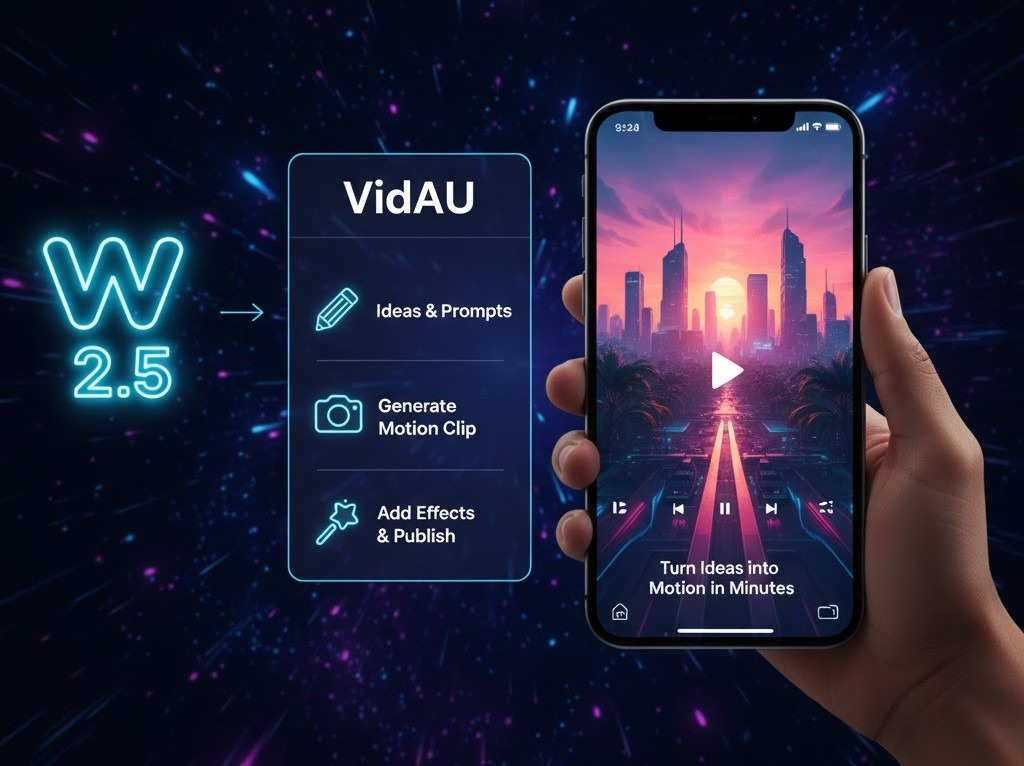
Wan 2.5 is VidAU’s motion-focused AI video model built for creators, marketers and teams who need fast, repeatable video output without filming or editing. It converts short text descriptions and optional reference images into short animated scenes with camera movement, lighting control and subject motion.
Wan 2.5 does not focus on still visuals. It focuses on how objects move, how light changes over time and how attention flows across frames. This makes it useful for ads, reels, product demos, background loops and visual concept testing.
You describe what should move. Wan 2.5 builds how it moves.
How Wan 2.5 Controls Motion and Light Over Time
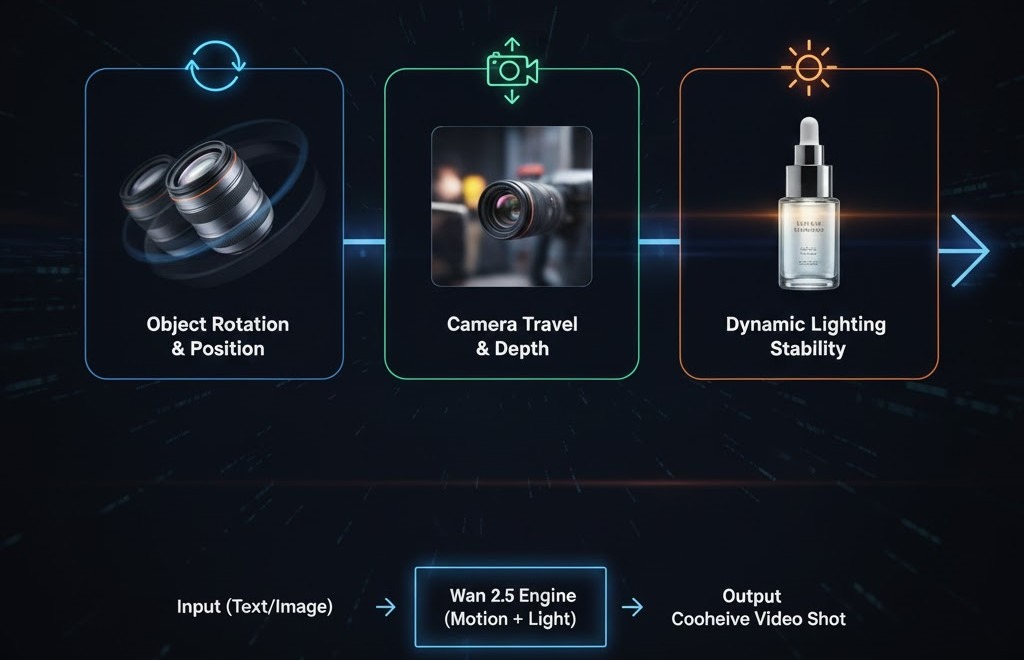
Wan 2.5 treats every scene as a time-based action rather than a static frame. The system computes how the subject enters the shot, how it shifts position, how light wraps across surfaces and how the camera travels through space.
This allows Wan 2.5 to generate object rotations with stable balance, smooth push-in and pull-back camera moves, side-to-side tracking shots, controlled depth shifts between foreground and background, and clean continuity from the first frame to the last.
Lighting in video behaves differently than lighting in still images, and Wan 2.5 accounts for that shift. It manages shadow direction across frames, controls highlight movement on reflective surfaces and keeps exposure stable during camera motion. This prevents flicker, protects shape and keeps depth consistent as motion unfolds.
Together, motion control and lighting stability separate Wan 2.5 from static image generation. The output feels like a real shot, not a sequence of stitched frames.
Why Wan 2.5 Matters Inside the VidAU Ecosystem
VidAU combines AI video generation, avatars, subtitles, translation, editing and ad automation in one system. Wan 2.5 powers the motion layer inside this workflow.
Wan 2.5 solves key video production bottlenecks:
No access to live video shoots
High cost of motion design
Slow ad creative testing
Limited time for trend response
Inconsistent video output across platforms
Without strong motion, static content struggles to hold attention. Wan 2.5 builds the moving scenes that support video ads, product demos and short-form social content.
Once a video scene is generated, it can flow into other VidAU tools:
AI Video Generator
Image to Video AI
Product to Video Ads
URL to Video
AI Avatars
Subtitle and Translation tools
Wan 2.5 becomes the motion engine that feeds VidAU’s full performance workflow.
Step-by-Step Guide
Step 1 — Open Wan 2.5
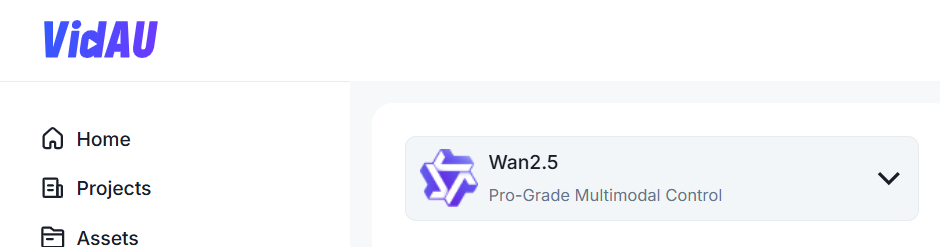
Sign in to your VidAU dashboard.
Click AI Video in the left navigation menu.
Open Projects to view past work or create a new one.
At the top of the workspace, open the model dropdown and select Wan 2.5.
This opens the video prompt workspace where all Wan 2.5 video generation begins.
Step 2 — Write Your Scene Prompt
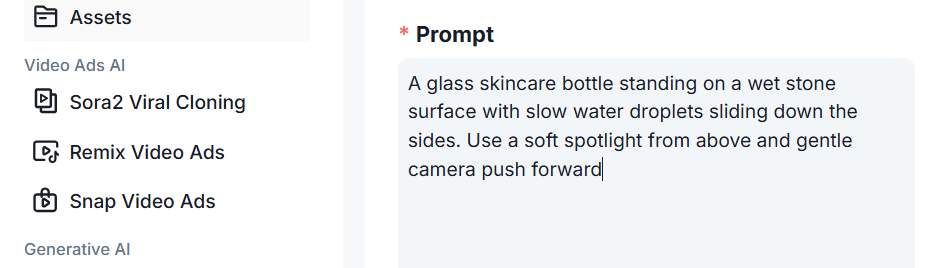
The prompt box controls what Wan 2.5 builds.
Write short, visual instructions.
Describe the subject, action, camera motion and lighting.
Example:
“A glass skincare bottle standing on a wet stone surface with slow water droplets sliding down the sides. Use a soft spotlight from above and gentle camera push forward.”
Once the scene is clear in your head, type it in and stop. Wan 2.5 builds the motion.
Step 3 — Upload a Reference Image
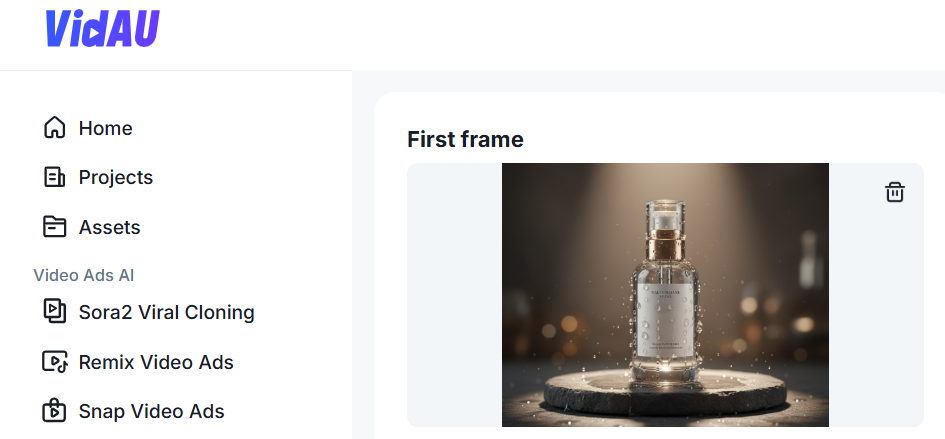
Upload a reference image if you need accurate product shape, branding or colors.
Wan 2.5 uses this to match the real object while applying animation and camera movement.
Skip this step if you want creative freedom.
Step 4 — Choose Your Aspect Ratio
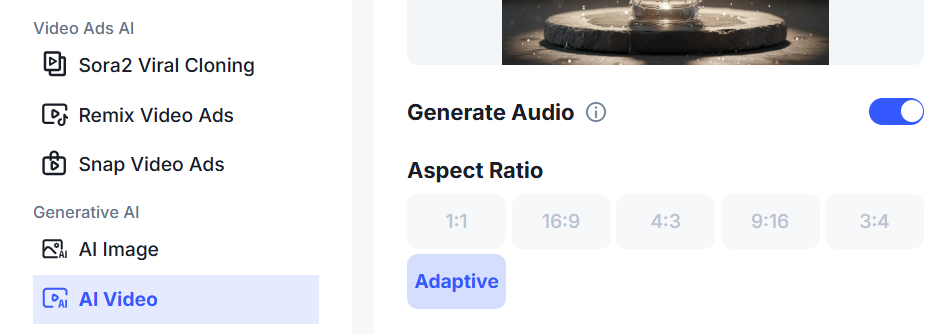
This controls where the video will be published.
9:16 for TikTok, Reels and Shorts
1:1 or 4:5 for feed posts
16:9 for YouTube and websites
Once selected, Wan 2.5 locks the output to that format.
Step 5 — Review Credits and Generate
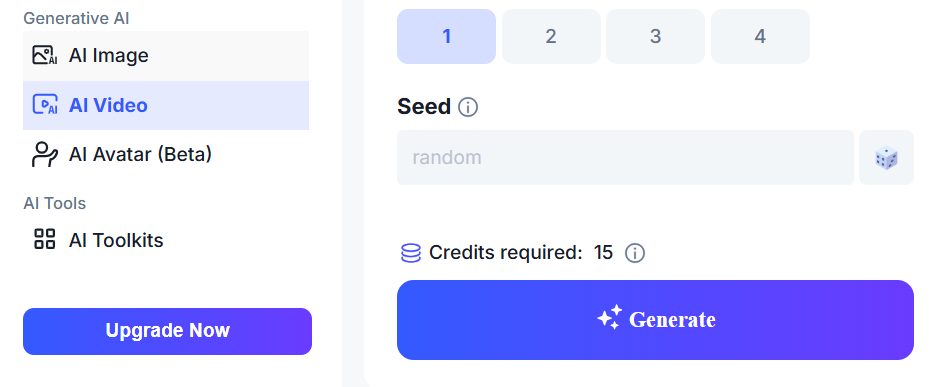
Set the Seed for Control or Variation. The Seed controls whether your next video stays consistent or changes completely.
Check the credit count (15) below the format selector.
Click Generate.
Wan 2.5 processes the video and displays a preview when complete.
If the result needs changes, adjust the prompt or angle and generate again. Each generation gives a new motion interpretation.
Industries and Teams Wan 2.5 Supports
Wan 2.5 is used across many content-driven industries.
Ecommerce Businesses
They use Wan 2.5 for motion product clips, rotating displays and lifestyle ad visuals without filming.
TikTok and Meta Ad Creators
Motion drives scroll stops. Short animated product scenes improve hook speed and retention.
Amazon and Shopify Sellers
Listings perform better with product movement. Wan 2.5 builds visual motion that supports conversions.
Creative Agencies
Agencies use Wan 2.5 for early video concepts, pitch visuals and client previews before full production.
Solo Creators and Small Marketing Teams
Creators without editing skills generate professional motion content for brands and personal pages.
Every team follows the same workflow. Only the publishing goal changes.
Scaling Workflow for High-Volume Video Creation
Teams generating multiple ads follow this system:
Write three prompt angles
Upload one to three product visuals
Keep lighting consistent
Generate batches of videos
Sort and export the strongest versions
From one product, teams create:
Ad version
Landing page loop
Social reel
UGC background clip
Product teaser
This replaces days of motion design with a repeatable digital process.
Prompt Patterns by Niche
Ecommerce
“Luxury perfume bottle rotating slowly on black glass with soft overhead spotlight.”
TikTok and Meta Ads
“Energy drinks can burst through water splash with fast zoom and sharp highlights.”
Amazon and Shopify
“Smartwatch resting on a clean white surface with slow camera orbit and crisp shadow.”
Creative Agencies
“Minimal chair design rotating in a soft studio with gentle side light and shallow depth.”
Troubleshooting and Correction Techniques
| Issue | Cause | Fix |
| Video feels flat | Weak lighting | Add spotlight or rim lighting |
| Motion looks slow | No action in prompt | Describe rotation, push-in or object movement |
| Brand colors look off | No reference image | Upload real product photo |
| Scene looks cluttered | Too many background elements | Simplify the environment |
Wan 2.5 responds best when you fix one element at a time.
Scaling Workflow for High-Volume Video Creation in Wan 2.5
Teams generating multiple ads follow this system:
Write three prompt angles
Upload one to three product visuals
Keep lighting consistent
Generate batches of videos
Sort and export the strongest versions
From one product, teams create:
Ad version
Landing page loop
Social reel
UGC background clip
Product teaser
This replaces days of motion design with a repeatable digital process.
Conclusion
Wan 2.5 gives creators, sellers and agencies a fast way to generate short motion content without filming or editing. It turns text ideas into moving scenes that support ads, product pages and social content.
Inside VidAU, Wan 2.5 forms the motion layer that connects into a full performance system. Users generate scenes, add voice, captions, avatars and CTAs, then publish across every major platform.
Wan 2.5 is available inside the VidAU dashboard. Start generating motion content now and build your next video campaign in minutes.
FAQ
Does Wan 2.5 support commercial usage
Yes. Videos are safe for ads and marketing.
Do I need long prompts
No. Short visual prompts perform best.
Is a reference image required
Only for brand accuracy.
What video formats does Wan 2.5 export
It exports high-quality short video formats ready for ads and social platforms.
Can I generate multiple videos from one prompt
Yes. Each run produces a new motion variation.