

Powered by VidAU Image
VidAU Image V1.5
Generate clean, eye-catching images from simple prompts.
Prompt. Generate. Publish Visuals instantly.
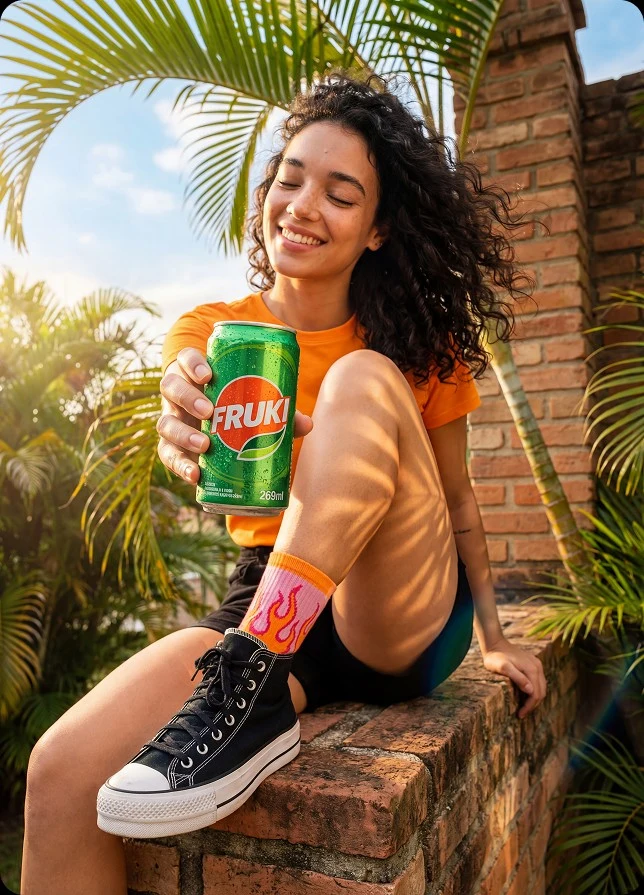
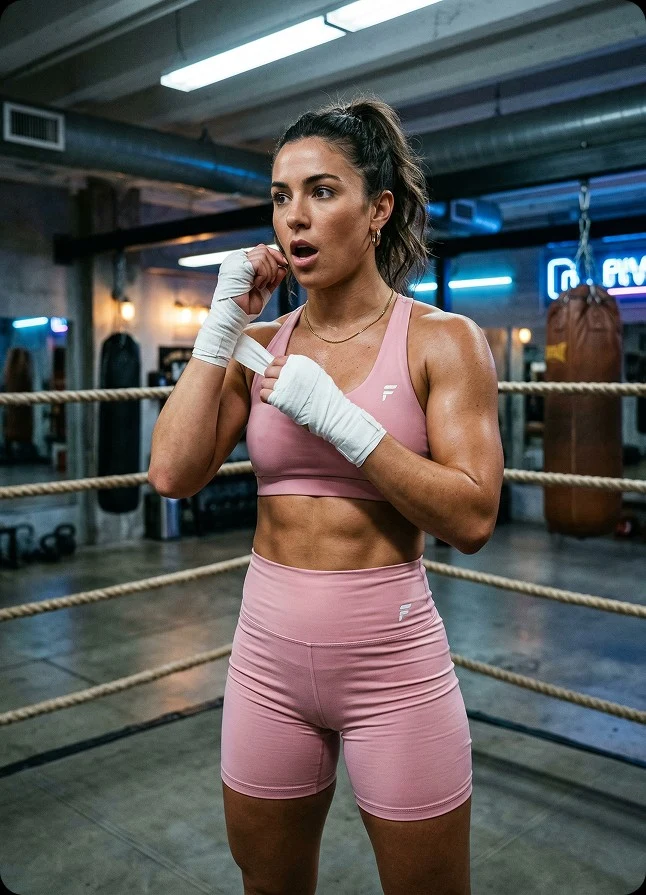
Turns ideas into clean, ready-to-use visuals in seconds. Write a prompt. Select your image format. Upload a reference image if needed. Click Generate. V1.5 produces structured, high-quality images ready for ads, product pages, blog posts, and social media content without design tools or stock image searches.
The Model: VidAU Image V1.5
Built for fast visual creation from simple prompts
VidAU Image V1.5 is a text-to-image generation model designed to turn written ideas into visual content. Instead of searching for stock photos or building graphics manually, you describe the scene, and the system generates the image. V1.5 focuses on everyday content creation. It produces clear, structured visuals that work for ads, product scenes, thumbnails, and social graphics without requiring advanced design skills.
Try VidAU Image V1.5 Now
What VidAU V1.5 does
VidAU V1.5 focuses on fast visual generation with flexible output formats.
Text to Image Generation
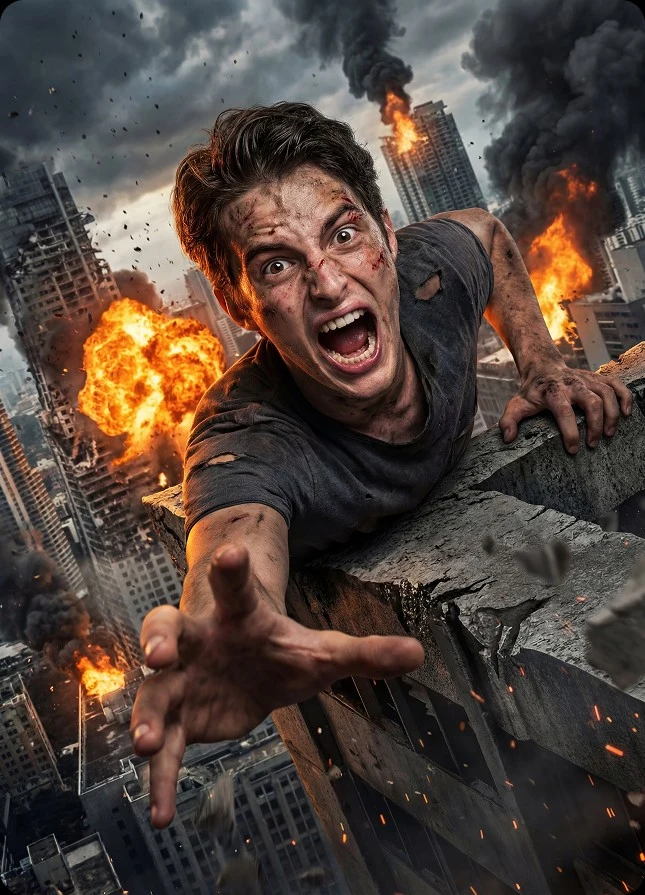
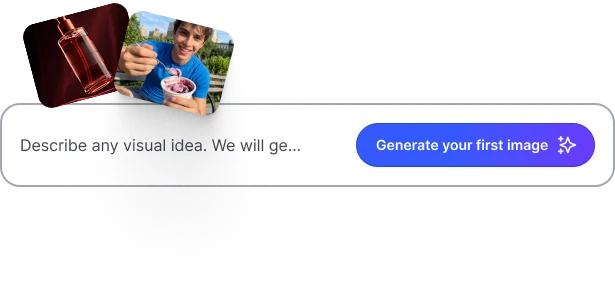
Write a prompt describing the scene you want. VidAU Image V1.5 converts the description into a structured image, including objects, lighting, background, and visual composition.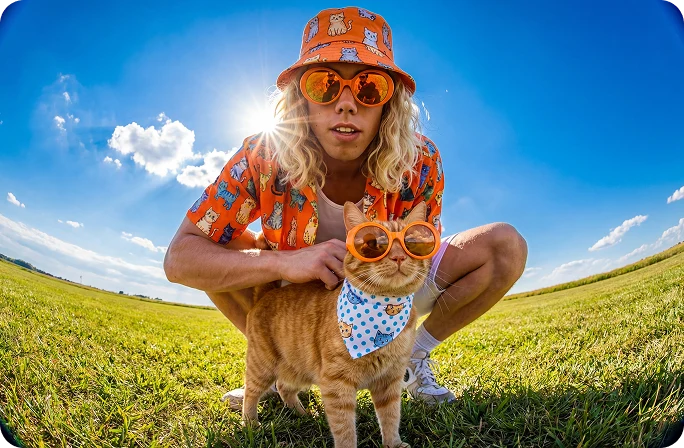
Image Regeneration
Regenerate new image versions from the same prompt idea. Each run produces new visual interpretations without rewriting the concept.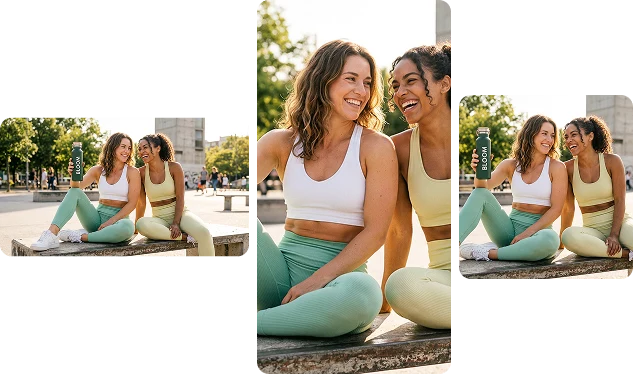
Multiple Image Formats
Generate images in formats suited for modern publishing platforms. Supported aspect ratios include 1:1, 9:16, 16:9, 4:3, 3:4, 21:9, and 9:21.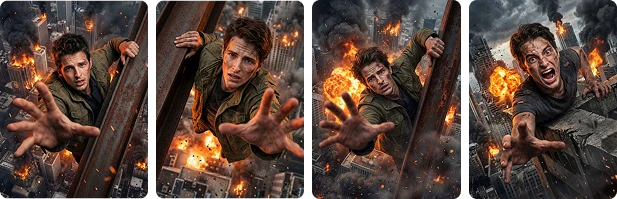
Batch Image Creation
Generate multiple image results from a single prompt so you have several options to choose from.A glamorous blonde woman in oversized black safety goggles and black satin robe stands in a dark studio, gripping a heavy hammer. She raises it high, then powerfully smashes a large....|
Prompt Editing
Update your description to improve the image output. Small changes help adjust the scene, lighting, or objects.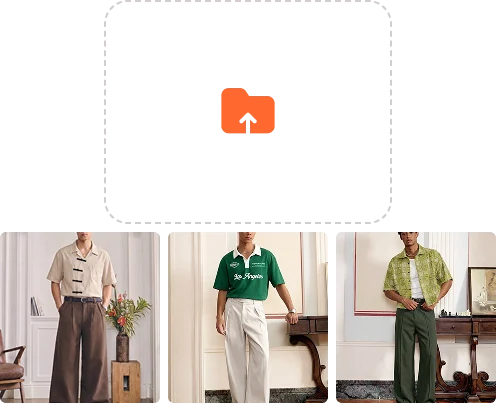
Reference Image Guidance
Upload a JPG or PNG reference image to guide style and layout. VidAU Image V1.5 analyzes color tones, composition, and structure to influence the generated image.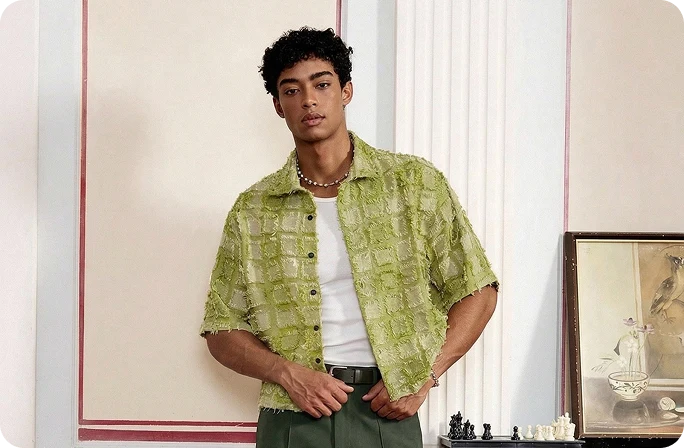
Character Consistency
Generate multiple images with the same character appearance. VidAU Image V1.5 preserves facial features, clothing details, and visual identity so characters remain recognizable across scenes, campaigns, or visual stories.high fashion studio photo, female model wearing elegant outfit, soft studio lighting, sharp focus, ultra detailed fabric texture, luxury fashion photography, clean background, professional editorial style, 8k
Creative Prompt Enhancement
Use the Creative option to expand your prompt automatically. VidAU Image V1.5 refines the description with additional visual details so the generated image appears richer and more imaginative than the original prompt.
How VidAU V1.5 Works
Create visual content in seconds without design tools or stock photo libraries.
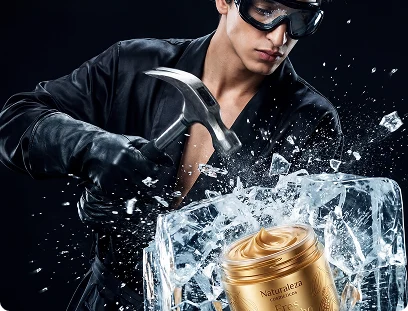
A glamorous blonde woman in oversized black safety goggles and black satin robe stands in a dark studio, gripping a heavy hammer. She raises it high, then powerfully smashes a large....|
Write a short description of the image you want.
Describe the scene, object, or idea you want to turn into an image.
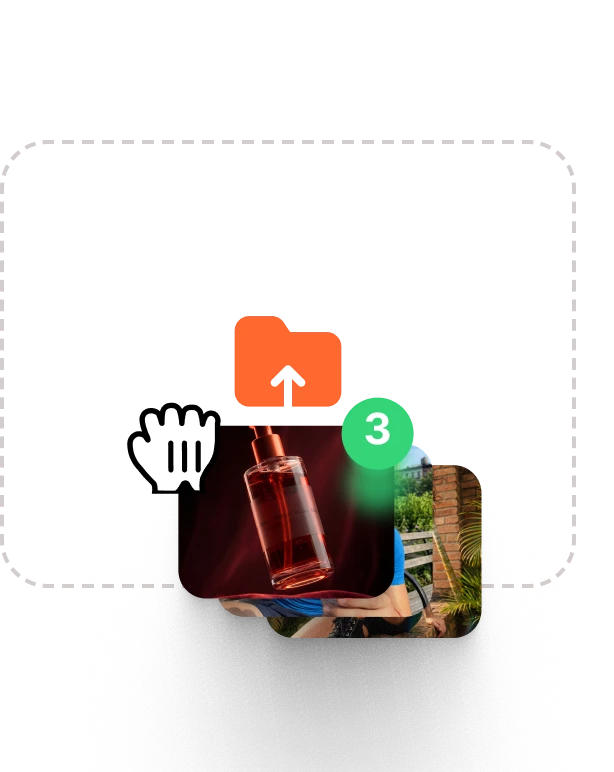
Upload a reference image (optional).
Add a picture to guide the result. VidAU Image V1.5 uses it to match style, colors, or composition.
1:1
9:16
3:4
720p
1080p
4K
Select the image dimension that fits your use.
Choose a size such as 1:1, 9:16, 3:4, or another format for your platform.
Generate the image.
VidAU Image V1.5 creates image results from your prompt. Review the images, download the one you like, or generate new versions.
What You Can Create with VidAU V1.5
One idea can produce many visual assets for marketing and content.
Social Media Graphics
Create visuals for Instagram posts, Pinterest pins, LinkedIn graphics, and promotional content. Generate square or vertical images that fit social feeds perfectly.
Blog Visuals
Generate featured images, section illustrations, and article thumbnails that match the topic of your content.
Advertising Visuals
Generate creative images for digital ads across Meta, Google, and social platforms.
Thumbnail Images
Create YouTube thumbnails or video cover images that grab attention and communicate the topic clearly.
Marketing Graphics
Produce promotional visuals for campaigns, announcements, and product launches without design software.
Product Scene Images
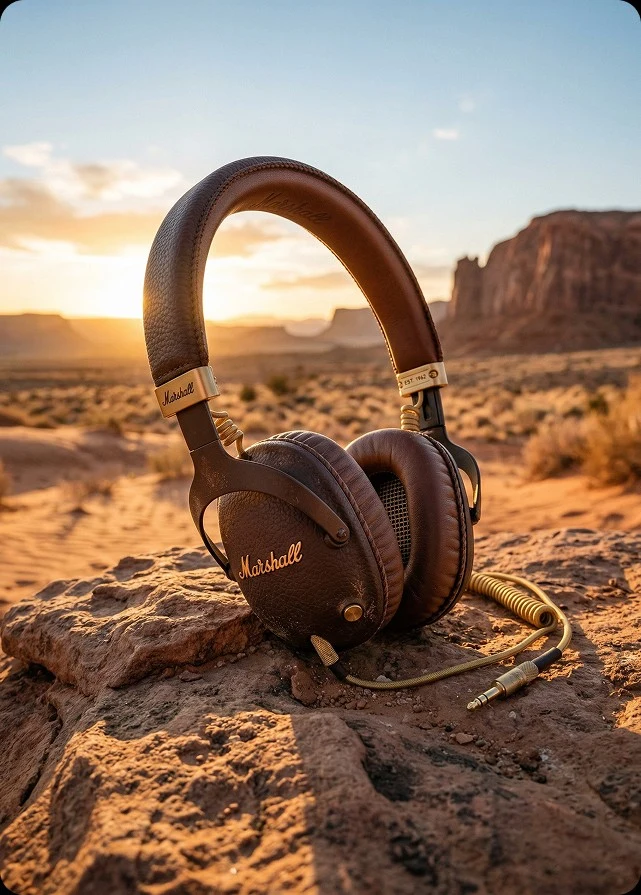
Generate lifestyle product scenes or branded product environments for e-commerce listings and advertisements.
Social Media Graphics
Create visuals for Instagram posts, Pinterest pins, LinkedIn graphics, and promotional content. Generate square or vertical images that fit social feeds perfectly.
Blog Visuals
Generate featured images, section illustrations, and article thumbnails that match the topic of your content.
Advertising Visuals
Generate creative images for digital ads across Meta, Google, and social platforms.
Thumbnail Images
Create YouTube thumbnails or video cover images that grab attention and communicate the topic clearly.
Marketing Graphics
Produce promotional visuals for campaigns, announcements, and product launches without design software.
Product Scene Images
Generate lifestyle product scenes or branded product environments for e-commerce listings and advertisements.
Built for Consistent Image Creation at Scale
Generate more images, keep results consistent, and control production cost.
Seed Control
Repeatable Image Results
Low-Cost Image Generation
Real Experiences from Users

"The different image formats save me time. I generate square images for Instagram and vertical versions for Pinterest from the same idea. The results stay consistent across platforms."
Jordan Hayes
Social Media Manager

"The regeneration feature in VidAU Image V1.5 makes prompt testing easy. I adjust the description slightly and generate again until the lighting and background match the visual style I want."
Liam Robertson
Creative Strategist

"I needed lifestyle scenes for a product page, but had no photos available. I wrote a short prompt describing the product setting and generated multiple scenes I could use immediately."
Elena Novak
Online Store Founder

"VidAU Image V1.5 replaced the stock image search process for our blog team. I write a short prompt and generate visuals that match the article instantly. Publishing content now moves much faster."
Melissa Carter
Content Publisher
"The different image formats save me time. I generate square images for Instagram and vertical versions for Pinterest from the same idea. The results stay consistent across platforms."
Jordan Hayes
Social Media Manager
"The regeneration feature in VidAU Image V1.5 makes prompt testing easy. I adjust the description slightly and generate again until the lighting and background match the visual style I want."
Liam Robertson
Creative Strategist
"I needed lifestyle scenes for a product page, but had no photos available. I wrote a short prompt describing the product setting and generated multiple scenes I could use immediately."
Elena Novak
Online Store Founder
"VidAU Image V1.5 replaced the stock image search process for our blog team. I write a short prompt and generate visuals that match the article instantly. Publishing content now moves much faster."
Melissa Carter
Content Publisher
"The different image formats save me time. I generate square images for Instagram and vertical versions for Pinterest from the same idea. The results stay consistent across platforms."
Jordan Hayes
Social Media Manager
"The regeneration feature in VidAU Image V1.5 makes prompt testing easy. I adjust the description slightly and generate again until the lighting and background match the visual style I want."
Liam Robertson
Creative Strategist
Frequently Asked Questions
VidAU Image V1.5 is a text-to-image generation tool. You type a description of the image you want, and the system produces visuals based on your prompt.
Ready to Generate with VidAU Image V1.5?
Write a prompt. Upload a reference image if needed. Choose your format. Click Generate. A finished visual is ready within seconds.