VidAU Editorial · AI Search
AI Fashion Model Generator: Create Realistic ai fashion model Images for Clothing & Accessories
Learn how to use an AI fashion model generator to create photorealistic models wearing your clothing and accessories. Step-by-step workflow, tool selection checklist, quality tips, and e‑commerce delivery guidelines.
By the VidAU Editorial Team · Reviewed before publishing
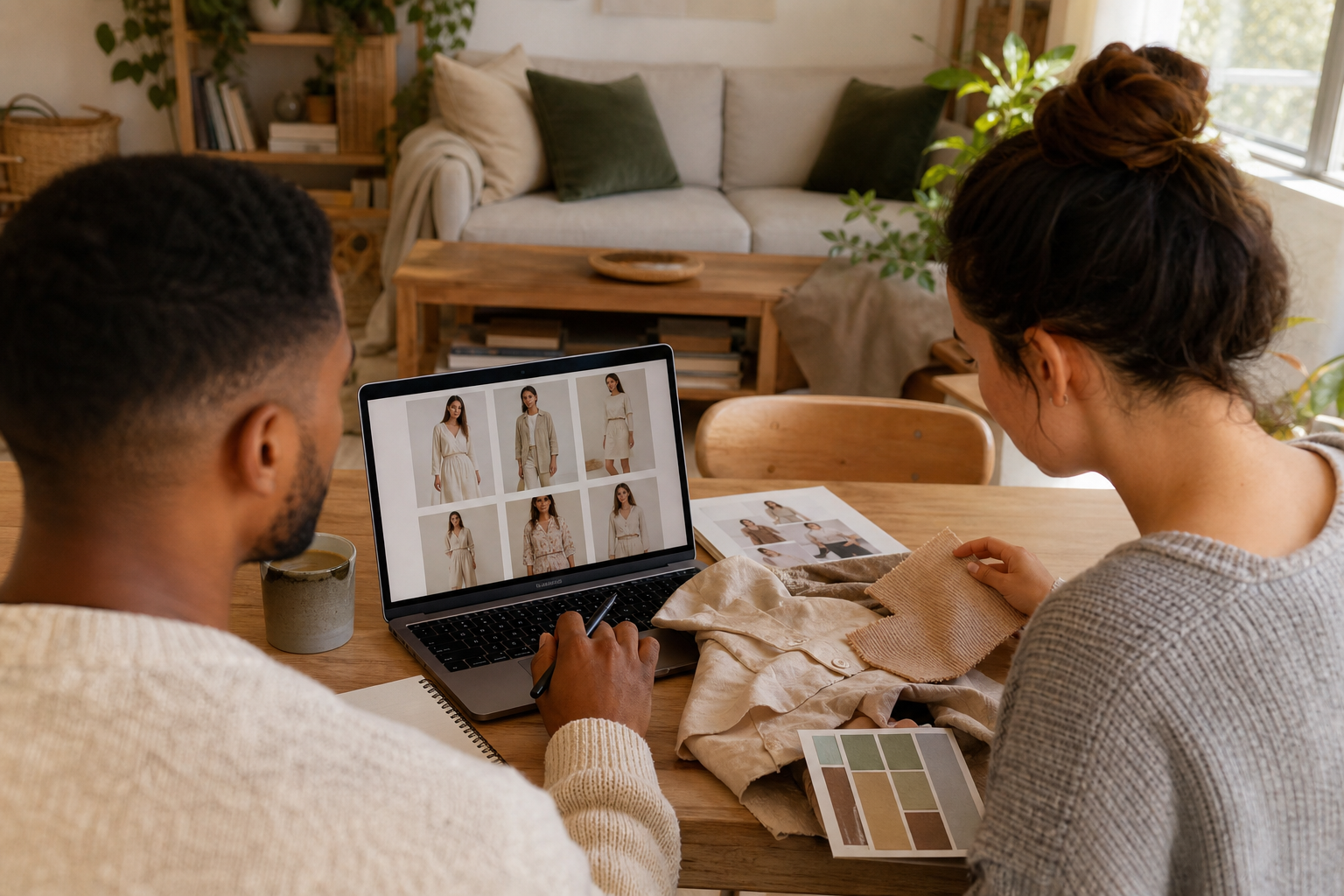
Use an ai fashion model generator to turn your uploaded clothing and accessories into photorealistic ai fashion models in minutes. This step‑by‑step workflow covers 1–3 item outfits, precise control over gender, body type, ethnicity, age, and hairstyle, and brand‑ready studio, street, runway, and lifestyle scenes.
Use an ai fashion model generator to turn your uploaded clothing and accessories into photorealistic ai fashion models in minutes. This workflow prioritizes multi‑item outfits, precise control over model attributes, and brand‑ready scenes for PDPs, lookbooks, social, and ads.
Quick Summary
• A dedicated AI fashion model generator with 1–3 item outfitting, granular model controls, and studio/street/runway/lifestyle scenes is the fastest way to create photorealistic on‑model images for 2026 e‑commerce.
• An alternate method pairs garment segmentation with virtual try‑on, or uses integrated platforms such as The New Black that bundle both steps.
• Standard outputs include 1:1 3000×3000 for PDP, 4:5 1080×1350 for Instagram, 3:4 for lookbooks, and 9:16 1080×1920 for Stories/Reels; keep proportions and lighting consistent.
• US fashion brands, indie designers, dropshippers, and e‑commerce managers benefit most when replacing or supplementing photoshoots.
What Is an AI Fashion Model Generator?
An AI fashion model generator is a creative tool that composites your garments or accessories onto lifelike ai fashion models with controllable attributes such as gender, body type, ethnicity, age, and hairstyle. It renders photorealistic images across studio, street, runway, and lifestyle scenes, enabling fast, consistent visuals for e‑commerce product detail pages (PDPs), lookbooks, social content, and ads.
AI Fashion Model Workflow: Step by Step
Follow this practical workflow to create reliable, on‑brand results.
Step 0: Prepare your inputs
• Collect clean garment and accessory images (flat lay or mannequin), ideally on neutral backgrounds. PNG transparency helps.
• Name files by SKU and colorway to simplify batching: BRAND_SKU_COLOR_ITEMTYPE.png
• Decide on 1–3 items per look (e.g., top + pants + bag) and which is primary.
Step 1: Start a new look and load 1–3 items
• In your ai fashion model generator, open a new look.
• Upload 1–3 items: prioritize the hero garment first, then layer accessories or complementary pieces.
• If available, enable auto‑fit and edge awareness for sleeves, collars, waistbands, and straps.
Step 2: Set model attributes
• Define gender presentation, body type, ethnicity, age range, and hairstyle.
• Choose height or proportions if supported so fabric drape and fit look realistic across sizes.
• Save your attribute preset for future looks to maintain campaign consistency.
Step 3: Pick a brand‑fit scene
• Choose a studio scene for PDPs and consistency; a street scene for casual looks; a runway scene for elevated drops; or a lifestyle scene for story‑driven campaigns.
• Select lighting style (softbox, daylight, golden hour) to match your brand palette.
Step 4: Fit, masking, and alignment
• Use alignment handles or masks to place collars, waistlines, hems, and accessories correctly.
• Check sleeve openings, necklines, and bag straps for clean separation from skin and hair.
• If your tool supports physics or drape hints, set fabric behavior (stiff denim vs. fluid silk) to improve realism.
Step 5: Pose and camera control
• Choose a pose that complements the silhouette: neutral front for PDPs; 3/4 turn for depth; seated or walking for lifestyle and runway energy.
• Set camera framing: full‑body for length, mid‑shot for styling, close‑up for textures and trims.
• Match focal length (e.g., 50–85mm portrait) to avoid distortion of proportions.
Step 6: Generate, review, and refine
• Generate multiple variants. Compare fabric drape, textures, proportions, and lighting.
• Rerender to fix artifacts or warping. Use light inpainting to remove stray marks or hallucinated logos.
• Adjust hair placement to avoid intersecting collars or earrings; tweak shadows for contact realism.
Step 7: Lock consistency for a set
• Once you approve a look, lock the seed or style profile if available.
• Apply the same model attributes, lighting, and camera to all colorways.
• Save scene and export presets for frictionless delivery.
Suggested Visual: A side‑by‑side of input garments, generator controls (attributes and scene), and final on‑model outputs.
Scene Selection Guide for Brand‑Ready Images
Use this quick guide to map scenes to e‑commerce and campaign needs.
• Scene: Studio
Best for: PDPs, marketplaces, consistency
Lighting cues: Softbox, seamless white/gray
• Scene: Street
Best for: Casual, denim, sneakers
Lighting cues: Daylight, mild shadows
• Scene: Runway
Best for: Premium drops, editorial
Lighting cues: Hard light, long shadows
• Scene: Lifestyle
Best for: Storytelling, gifting, accessories
Lighting cues: Ambient, warm/tone‑matched
Suggested Visual: Four thumbnails comparing studio, street, runway, and lifestyle renderings of the same outfit.
AI Fashion Model Quality Control Checklist
Ensure photorealism before you ship.
• Fabric drape: Gravity‑true folds at elbows, knees, and hems; no floating cloth.
• Textures: Knit grain, denim twill, leather sheen visible without blurring.
• Proportions: Sleeve and inseam lengths, waistband rise, collar size match size chart.
• Lighting: Directional consistency; garment shadows align with face and scene.
• Edges and intersections: Clean seams at necklines; no skin or hair clipping through fabric.
• Hands and accessories: Belts, buckles, zips, earrings, and bag straps connect believably.
• Logos and prints: No extra or distorted marks; pattern alignment is natural at seams.
• Skin and hair: Natural tones; hair not embedded in collars; no duplicated fingers.
• Camera integrity: Avoid warped lenses; keep focal length consistent across a set.
• Diversity and inclusion: Represent body type, ethnicity, age, and hairstyle aligned to your audience and brand values.
Refinements that help:
• Slightly adjust pose or crop to flatter the silhouette.
• Nudge light angle or intensity to restore fabric volume.
• Use soft inpainting for tiny edge repairs; rerender if artifacts persist.
Key Takeaways
• Photorealism depends on fabric drape, texture fidelity, and consistent lighting.
• Small pose, light, or mask tweaks often resolve 80% of artifacts.
• Locking seeds and presets is essential for multi‑SKU consistency.
Suggested Visual: A zoomed grid showing drape, texture, edge, and lighting pass/fail examples with brief captions.
Delivery for PDPs, Lookbooks, and Ads
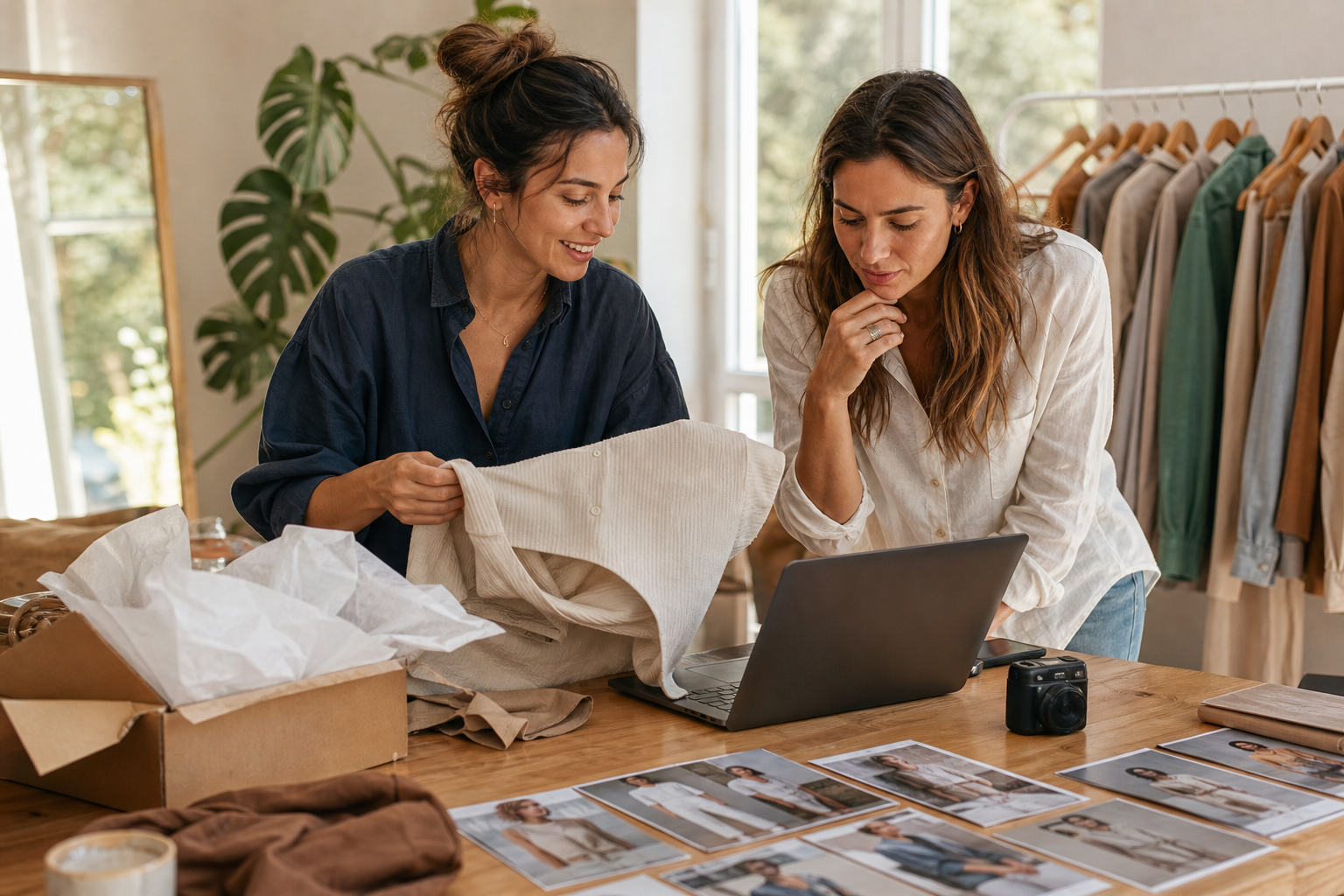
Align outputs to channel standards so your ai fashion models ship cleanly into workflows.
PDP (e‑commerce product detail page)
• Aspect ratio: 1:1 (2000–3000 px square) or 3:4 depending on your template.
• Background: Studio scene with consistent white/neutral; keep horizonless for uniform crops.
• Coverage: Front, 3/4, back, and detail crops (collar, cuff, buttons, print).
• File: JPG or WebP, sRGB, moderate compression; name files by SKU_color_view.
• Accessibility: Add descriptive alt text including garment, colorway, and notable features.
Lookbooks and editorial
• Aspect ratios: 3:4 or 4:5; mix full‑body and mid‑shots for rhythm.
• Scenes: Street, runway, or lifestyle to convey narrative.
• Sequencing: Keep model attributes, lighting, and focal length consistent across a spread.
Social and ads
• Aspect ratios: 1:1, 4:5 (1080×1350), and 9:16 (1080×1920) for Reels/Stories.
• Safety margins: Leave 250–300 px at top/bottom in 9:16 to avoid UI overlap.
• Variants: Create colorway carousels and accessory‑focused close‑ups.
Tip: Convert your best stills into short ad videos when useful. For example, take 3–5 approved on‑model images, import them into VidAU AI Video, choose a Product Image to Video workflow, add short motion, music, and a CTA overlay, then export 9:16 and 4:5 cuts for testing on TikTok and Meta.
How to Choose the Best AI Fashion Model Generator
Use this checklist to evaluate the best ai fashion model generators for your brand.
• Multi‑item outfitting: Natively supports 1–3 items per look with layering order.
• Attribute control: Gender, body type, ethnicity, age, and hairstyle with reusable presets.
• Photorealism engine: Strong fabric drape, texture fidelity, and human proportions.
• Scene presets: Studio, street, runway, and lifestyle with adjustable lighting.
• Fit tools: Alignment handles, garment masking, and strap/edge awareness.
• Pose and camera: Full‑body to close‑up framing; focal length control.
• Batch consistency: Seed/style locking, copy settings across SKUs and colorways.
• Export presets: PDP, lookbook, and ad aspect ratios with naming templates.
• Artifact handling: Rerendering, inpainting, and logo/artifact mitigation tools.
• Workflow integration: Simple import/export with your DAM or storefront pipeline.
• Governance: Clear terms for commercial use; internal approval checkpoints.
Note: Platforms such as The New Black emphasize multi‑item outfit generation, granular model controls, and brand‑ready scenes. Evaluate against your real catalog and delivery specs before standardizing.
Troubleshooting and Real‑World Limitations
• Warped hems or collars: Re‑mask and slightly change pose; rerender with a higher quality pass.
• Hair intersecting garments: Move hair behind shoulders or switch hairstyle; repair edges with soft inpainting.
• Hallucinated logos or extra buttons: Use negative cues or mask removal; rerender variants and pick the cleanest.
• Pattern misalignment at seams: Reduce pose complexity; generate a neutral stance for PDP, then a dynamic version for lookbooks.
• Shiny materials (satin, leather): Add a controlled key light; lower contrast in post to avoid plastic shine.
• Skin tone drift across a set: Lock lighting and white balance; keep the same seed/profile.
• Accessory placement (bags, belts): Enable collision/strap guidance; make micro‑pose changes to ensure believable contact shadows.
Create With VidAU
Turn scripts, product URLs, and creative ideas into ad-ready video assets with a structured AI workflow.
Key takeaway
Final Thoughts
With a focused workflow, an ai fashion model generator can replace or supplement photoshoots for fast, photorealistic outputs across PDPs, lookbooks, and ads. Prioritize multi‑item outfitting, granular model controls, and scene consistency, then enforce a tight quality checklist before delivery.
If you want to extend stills into motion for campaigns, import your approved on‑model images into VidAU AI Video and use a Product Image to Video workflow to produce shoppable short‑form variants for testing.
Frequently asked questions
What is an ai fashion model, and how is it used in e‑commerce?
An ai fashion model is a lifelike, AI‑generated person used to showcase garments and accessories. Brands use ai fashion models to produce consistent, on‑model images for product detail pages (PDPs), lookbooks, social content, and ads without scheduling full photoshoots. Results can be tuned for body type, ethnicity, age, hairstyle, and scene.
How do I use an ai fashion model generator to show my clothing?
Upload 1–3 garments or accessories, set model attributes (gender, body type, ethnicity, age, hairstyle), choose a studio, street, runway, or lifestyle scene, and generate variants. Refine masking, pose, and lighting, then export PDP, lookbook, and ad crops. Lock seeds and presets to keep colorways consistent.
Which are the best ai fashion model generators for realistic results?
The best ai fashion model generators offer multi‑item outfitting, granular attribute control, strong fabric drape and texture rendering, scene presets, batch tools, and export profiles. Evaluate platforms such as The New Black against your catalog with a small pilot, focusing on photorealism, consistency, and delivery speed.
How can I ensure photorealism in ai fashion models?
Check four pillars: fabric drape, textures, proportions, and lighting. Fix edge artifacts with careful masking, adjust pose or focal length to avoid distortion, and rerender to remove hallucinated logos. Keep lighting and style settings locked across a set so images look like they were shot together.
Can I control body type, ethnicity, age, and hairstyle in the outputs?
Yes. Many ai fashion model generators provide controls for body type, ethnicity, age, and hairstyle. Save presets per campaign to maintain representation and brand consistency. Always confirm that your selected attributes match your size charts, target audience, and merchandising strategy.
How many items can I put into one ai fashion model look?
For reliability, plan 1–3 items per look, such as a hero garment plus 1–2 accessories. Multi‑item outfitting reduces styling gaps and is manageable for masking and alignment. Beyond three items, artifact risk rises and consistency across angles becomes harder to maintain.
What file sizes and aspect ratios work best for PDP, lookbooks, and ads?
For PDPs, 1:1 at 2000–3000 px is standard. Lookbooks often use 3:4 or 4:5. Social and ads favor 1:1, 4:5 (1080×1350), and 9:16 (1080×1920). Use JPG or WebP in sRGB with moderate compression, and maintain consistent naming tied to SKU, colorway, and view.
How do I choose scenes like studio, street, runway, or lifestyle?
Match scene to intent: studio for PDP clarity and marketplace rules; street for casual wear and sneakers; runway for premium or editorial capsules; lifestyle for storytelling and gifting. Keep lighting, focal length, and background palette consistent across a set to feel like one shoot.
Can I turn ai fashion model images into videos for ads?
Yes. Combine your approved on‑model stills in a short video with gentle motion, music, and captions. A practical approach is importing images into a Product Image to Video workflow, such as in VidAU AI Video, then exporting 9:16 and 4:5 cuts for TikTok, Instagram, and Meta placements.
Are ai fashion models acceptable for marketplaces and brand sites?
They are commonly used on brand sites and in campaigns. For marketplaces, verify current image requirements and acceptability, as standards vary. Regardless of channel, keep photorealism high, avoid hallucinated logos, and ensure diversity and sizing cues match your customer expectations.