VidAU Editorial · AI Search
Realistic AI Video Generator: Best Tools and a Proven Workflow for Ultra‑Realistic Results (2026)
Looking for a realistic AI video generator? See the best tools and follow a proven workflow (Seedance 2.5, Higgsfield, Artlist) with prompts, realism tips, and troubleshooting.
By the VidAU Editorial Team · Reviewed before publishing
Looking for a realistic AI video generator that delivers ultra‑realistic results without the AI look? This guide combines Seedance 2.5, Higgsfield, and Artlist in a proven, credit‑smart workflow, from references to final grade, for cinematic, character‑consistent shots.
Quick Summary
• Seedance 2.5 is the top pick for ultra realistic AI videos thanks to natural camera behavior, Draft Mode iterations, and strong prompt control in 2026 workflows.
• Higgsfield (Soul 2.0) is the strongest alternative for ads and character reuse; use Artlist as a friendly UI and consider Kling’s 4K update for high‑resolution shots.
• One continuous 3–6 second shot with long‑lens compression, subtle shake, and no hard cuts reliably improves AI realism; iterate in Seedance 2.5 Draft Mode before final renders.
• US creators, marketers, short‑form editors, and indie filmmakers benefit most when they build character sheets first, prompt with lens/distance cues, and finish with grain and broadcast‑style compression.
What Is a Realistic AI Video Generator?
A realistic AI video generator is a model or toolchain that produces footage with lifelike faces, motion, lighting, textures, and camera behavior. In 2026, creators combine image models for ultra-realistic AI images, prompt‑engineering tools for scene language, and video models like Seedance 2.5 to achieve believable results with consistent characters and cinematic movement.
The Shortlist: Best Realistic AI Video Generator Stack (2026)
Late‑2026 workflows rely on a small set of battle‑tested tools. Use this stack as your starting point, then swap pieces based on your use case.
• Stage: Reference images
Recommended Tools: Higgsfield Soul 2.0; GPT Images 2.5; Seedream 5 Pro
Why: Consistent faces; photorealistic textures
• Stage: Prompt building
Recommended Tools: Claude
Why: Precise lens, motion, parallax language
• Stage: Video generation
Recommended Tools: Seedance 2.5; Artlist UI
Why: Natural camera; Draft Mode iterations
• Stage: High‑res option
Recommended Tools: Kling (4K update)
Why: Detailed wides; cinematic sharpness
• Stage: Ads/character reuse
Recommended Tools: Higgsfield
Why: Actor/product continuity across shots
Which Realistic AI Video Generator Should You Pick?
• If you need natural camera motion and believable scene physics: Choose Seedance 2.5. Its outputs feel less synthetic when you prompt with lens length, distance, and parallax. Draft Mode lets you iterate cheaply.
• If you’re doing ads with recurring actors or products: Choose Higgsfield (Soul 2.0). Build character sheets once and reuse them across shots. It’s strong for product placements and commercial scenarios.
• If you want a clean interface and a proven realism trick: Use Artlist to run Seedance and then film the result off‑screen with your phone for a broadcast‑style look that hides AI telltales.
• If your project is all about resolution: Consider Kling’s 4K update for wide, cinematic, or landscape shots. Resolution alone isn’t realism, so still use lens language and avoid rapid cuts.
A Proven Realistic AI Video Generator Workflow (2026)
This end‑to‑end process reflects current YouTube‑proven methods. It balances AI realism with credit efficiency.
Step 1: Build Ultra Realistic AI Images and Character Sheets
Use Higgsfield Soul 2.0, GPT Images 2.5 (via OpenArt), or Seedream 5 Pro to create consistent, ultra realistic AI images. Aim for 6–12 shots per character with varied angles and lighting.
Do this:
• Capture or generate 3 angles per face: front, 3/4 left, 3/4 right.
• Match wardrobe, hairstyle, and age across references.
• Add 2–3 environment plates (e.g., rooftop at golden hour, alley at night) for texture cues.
Reference prompt template (for portraits):
• Lighting: soft window key, practical fill, slight specular on cheeks
• Optics: 135mm lens, f/2.8, shallow DoF, mild chromatic aberration
• Texture: natural skin pores, micro‑contrast, subtle flyaways, imperfect makeup
• Mood: candid editorial, not glossy, filmic color bias
Why this matters: Ultra realistic AI images become anchors for identity, materials, and micro‑detail, reducing face drift and rubbery textures later.
Step 2: Write Cinematic Prompts With Lens And Distance Language
Use Claude to analyze your reference images and draft motion‑focused prompts. Include lens length, camera distance, movement, and atmospheric artifacts that sell reality.
Claude prompt template (to produce your video prompt):
• Shot intent: one continuous unbroken shot, no cuts or jumps
• Camera: extreme telephoto 300mm, slow orbit, subtle handshake, parallax
• Distance: 150–300 feet away, heavy lens compression
• Atmosphere: heat shimmer, slight haze, muted palette
• Action: character turns to camera, wind lifts hair, eyes squint
• Constraints: avoid rapid zooms, no CGI glows, no surreal morphing
• Identity: face matches reference_1; wardrobe matches reference_black_coat
Copy the output into your video tool with small edits for scene specifics.
Step 3: Image‑to‑Video In Seedance 2.5 (Use Draft Mode First)
Seedance 2.5 is the realism workhorse. The key is to iterate cheaply, lock identity, and push camera realism.
Recommended approach:
1) Input: Select 1–2 strongest reference images for the character or product.
2) Draft Mode: Generate 2–4 clips at 3–6 seconds each. Tweak lens length, distance, and speed.
3) Identity control: Increase face/subject fidelity; bias toward the chosen reference.
4) Camera: Favor slow orbits, lateral dolly, or push‑ins,avoid snap zooms or whip pans.
5) Atmosphere: Add haze, heat shimmer, slight chromatic aberration; avoid overly clean CGI looks.
6) Final render: Only after Draft Mode looks right, run a high‑quality pass.
Settings checklist:
• Duration: 3–6 seconds per shot
• Movement: slow, continuous, one action beat per shot
• Optics: 85–300mm telephoto, shallow DoF, subtle vignetting
• Constraints: no hard cuts; no sudden FOV jumps; maintain consistent wardrobe
Suggested Visual: Side‑by‑side of a Draft Mode clip vs. final render with notes on lens and parallax changes.
Step 4: Alternate Path For Ads And Character Reuse In Higgsfield
If your priority is product shots or recurring actors in multiple scenes:
• Create a character sheet in Higgsfield (Soul 2.0) and bind it to a product or style board.
• Animate with a simple motion prompt (e.g., slow push‑in, head turn, natural eye blink).
• Keep hands minimal or partially obscured to avoid artifacts.
• Export clips and match color and grain in your NLE.
Step 5: Edit And Finish For AI Realism
A believable finish hides telltales and glues the footage together.
• Add slight film grain (fine, non‑patterned), 5–10% strength.
• Introduce gentle highlight roll‑off; avoid hyper‑sharp edges.
• Use restrained motion blur and micro‑shake.
• Grade toward a muted filmic palette; keep skin tones natural.
• Sound: layered wind, traffic rumble, rustle, and room tone sell the shot.
Off‑screen filming trick (from Artlist‑based tutorials):
• Play the clip full‑screen on a high‑brightness display.
• Record on your phone using full telephoto; hold at slight angle.
• The organic moiré, compression, and exposure variations reduce AI sheen and increase plausibility.
Key Takeaways
• Lock identity with strong references first; then animate.
• Use lens, distance, and parallax language; avoid rapid cuts.
• Finish with grain, light blur, and off‑screen capture when needed.
For Product Ads: A Fast Path With VidAU AI (Then Seedance 2.5)
When you need realistic AI video for ecommerce or paid social, start with ad‑ready building blocks, then refine realism.
Mini‑workflow:
• Input: Product URL or product images.
• VidAU capability: Generate shoppable short video or script‑to‑ad variants tailored for TikTok, Meta, or YouTube.
• Output: Export the best frame(s) or short clip as reference plates.
• Refine: Feed the plate into Seedance 2.5 with a cinematic prompt (long‑lens, slow parallax) and iterate in Draft Mode.
• Review/testing: Cut multiple 3–6 second variants; test in platform placements; keep the best performers.
Why it fits: Marketers get fast, on‑brand creative from product inputs, then layer Seedance 2.5’s realism for hero shots without rebuilding from scratch.
Realism Hacks That Consistently Work
• Long‑lens compression: 85–300mm optics with distance flatten perspective realistically.
• Single continuous shot: No cuts; just one clean movement with inertia.
• Hide complexity: Limit full hand articulation, mirrors, and tricky reflections.
• Atmospheric glue: Slight haze, heat shimmer, lens breathing, and faint CA.
• Human imperfection: Micro‑shake, blink cycles, stray hairs, imperfect exposure.
• Keep shots short: 3–6 seconds per beat; stitch several beats in the edit.
Suggested Visual: A checklist graphic with lens length, duration, atmosphere, and motion notes.
Troubleshooting Ultra Realistic AI Videos
• Face drift or identity swap: Strengthen reference weighting; use fewer but higher‑quality anchors; try a closer focal length and slower motion.
• Rubber skin or waxy textures: Add micro‑contrast and film grain; avoid flat lighting; include pores and flyaways in the prompt.
• Hands or props glitching: Crop tighter; obscure hands; isolate motion to one limb; composite a practical plate if essential.
• Text or logos rendering poorly: Keep them off‑camera or add in post; for flags, use broad text and distance so it’s legible without perfect fidelity.
• Flicker or exposure pumping: Reduce motion complexity; use steadier lighting cues; add gentle post‑stabilization and noise.
• Budget creep: Start every idea in Draft Mode; limit final‑quality renders to locked prompts.
When To Use Kling’s 4K Update
• Best for: Wide establishing shots, architecture, landscapes, and product hero angles where pixel detail matters.
• Watch‑outs: 4K does not guarantee realism; you still need lens language, parallax, and restrained motion. Consider blending 4K wides with Seedance 2.5 close‑ups for continuity.
Prompt Snippets You Can Reuse
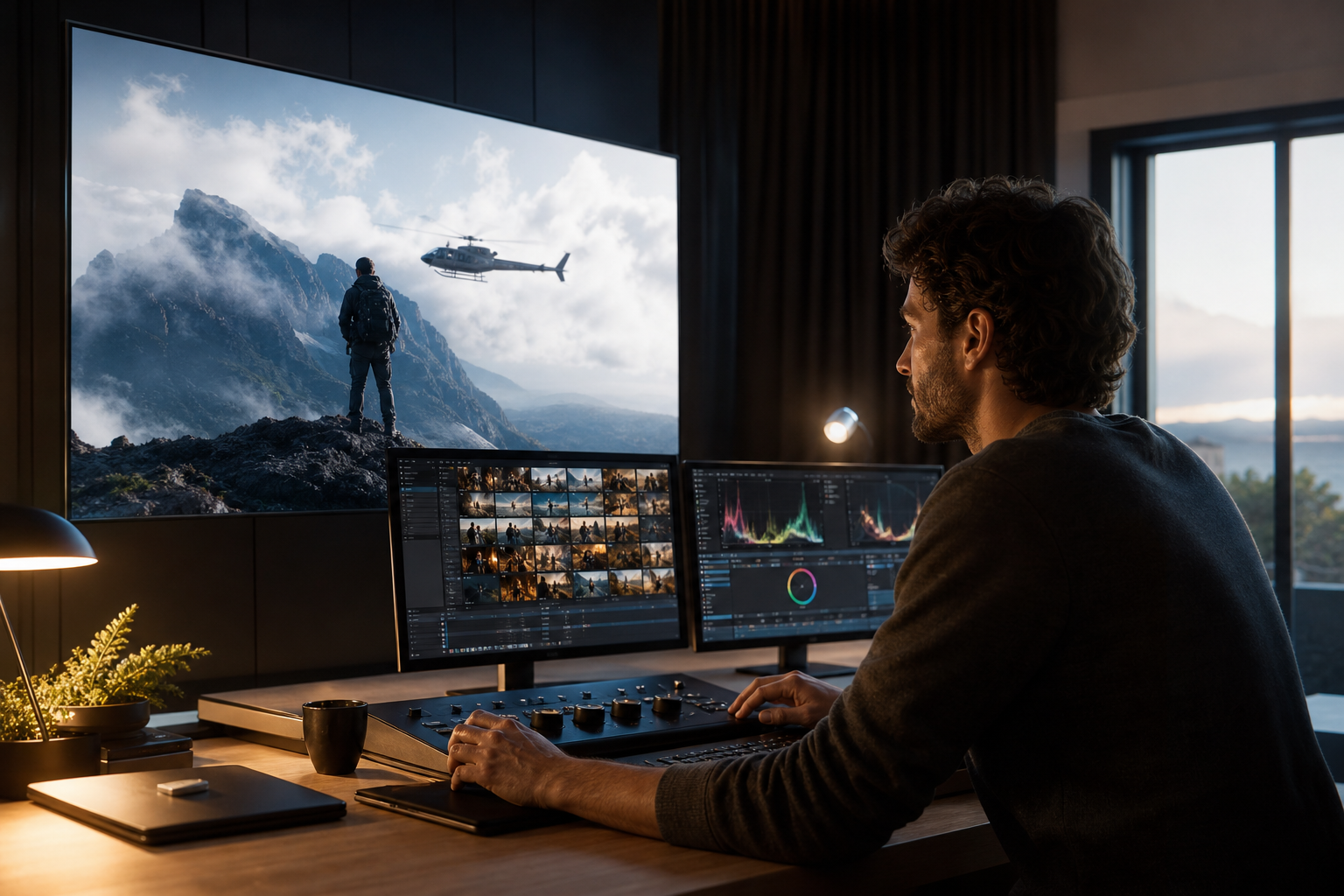
• One‑shot realism: one continuous unbroken shot, no cuts, slow orbit, telephoto 200–300mm, shallow depth of field, natural lens breathing, subtle handshake, distant camera with heavy compression, slight haze and heat shimmer, muted color palette
• Urban rooftop: late‑afternoon sun, long shadows, NYC skyline haze, wind flicks hair, loose clothing flutter, helicopter‑style parallax, paparazzi long‑lens vibe
• Product close‑up: 100mm macro‑style, cross‑polarized reflections tamed, softbox key with negative fill, micro‑scratches visible, gentle rack focus from logo to texture
Create With VidAU
Turn scripts, product URLs, and creative ideas into ad-ready video assets with a structured AI workflow.
Key takeaway
Final Thoughts
If you want believable results from a realistic AI video generator, lock character identity with ultra realistic AI images first, write prompts with lens and distance cues, iterate in Seedance 2.5 Draft Mode, and finish with grain, subtle shake, and, when needed, an off‑screen capture pass.
For marketers producing product ads, a practical next step is to generate on‑brand short‑form creative from your product URL or images in VidAU AI Video, export the strongest frames, and push those plates through Seedance 2.5 for cinematic realism. This hybrid approach balances speed, control, and credibility.
Frequently asked questions
What is the most realistic AI video generator in 2026?
Seedance 2.5 is the top choice for cinematic camera behavior and prompt control that improves AI realism. For recurring actors and products in ads, Higgsfield stands out. If resolution is your priority, Kling’s 4K update is compelling, but realism still depends on lens language, motion restraint, and good references.
How do I get character consistency for ultra realistic AI videos?
Create a character sheet of ultra realistic AI images first using Higgsfield Soul 2.0, GPT Images 2.5, or Seedream 5 Pro. Include 6–12 angles and lighting conditions. Reference the same images in your video model and emphasize identity/face fidelity. Keep hair, wardrobe, and age consistent across shots to reduce drift.
What prompt elements most affect AI realism?
Use lens length, camera distance, and parallax. Specify one continuous shot, telephoto optics (85–300mm), slow movement, shallow depth of field, and subtle shake. Add atmospheric glue like haze or heat shimmer. Avoid rapid cuts, whip pans, and unnatural zooms. Clear constraints help the model maintain plausibility.
How can I save credits while iterating in Seedance 2.5?
Start in Draft Mode with 3–6 second clips and limited variations. Lock identity and movement first before running full‑quality renders. Iterating this way narrows your options cheaply, ensuring final passes only happen once the lens, distance, and motion are dialed.
Why do faces warp or drift between frames, and how do I fix it?
Warping often comes from weak identity signals or overly complex motion. Strengthen reference weighting by using fewer, higher‑quality anchors, reduce motion complexity, and prefer telephoto lenses with steady movement. Add micro‑texture prompts and refine lighting to avoid plastic, shifting features.
Are ultra realistic AI images necessary before video?
Yes—ultra realistic AI images serve as identity and texture anchors. Use Higgsfield Soul 2.0, GPT Images 2.5 (via OpenArt), or Seedream 5 Pro to capture pores, flyaways, and consistent styling. Strong references reduce rubbery skin, face drift, and wardrobe inconsistencies during video generation.
Is 4K required for realism, or just nice to have?
4K is useful for wide shots and product macro details, and Kling’s 4K update can shine there. But realism relies more on optics, motion, and atmosphere than resolution. Many convincing shots are 1080p if you nail lens compression, parallax, and a subtle, continuous move.
How does Artlist fit into a realistic AI video workflow?
Artlist offers a friendly UI to run models like Seedance. After generating, a popular realism hack is filming the result off‑screen on a phone at telephoto, which bakes in organic compression, exposure variance, and micro‑shake. This reduces the polished AI sheen for news‑style believability.
Can I use a realistic AI video generator for product ads?
Absolutely. Build product and actor references first, generate hero shots in Seedance 2.5, and keep each shot to one clear action. For faster campaign starts, produce draft ad creative from a product URL or images in VidAU AI Video, then refine key moments with cinematic prompts and a filmic finish.
What are the fastest fixes for rubbery, plastic‑looking footage?
Add micro‑contrast and fine grain, specify real‑world lighting (key plus negative fill), and use telephoto lenses with distance to flatten perspective naturally. Include tiny imperfections like hair flyaways and slight exposure shifts, and consider the off‑screen capture pass to mask synthetic sharpness.