AI Prompts · YouTube Video Creation
AI Prompt for Creating Viral Videos on YouTube: Step-by-Step Guide
Learn how to use AI prompts for scripts, visuals, animation, voiceovers, editing, YouTube optimization, and scalable faceless video production.
By the VidAU Editorial Team · Updated 2026 · 21 min read
Mastering ai prompts for creating viral videos can transform your YouTube content strategy and help you produce content faster with better structure. This guide walks you through every step, from generating engaging scripts to creating stunning visuals and adding voiceovers. You create viral videos without appearing on camera or relying on expensive production setups.
The rise of AI-powered content creation has opened new possibilities for YouTube creators who want to produce engaging videos without traditional filming equipment or on-camera presence. AI prompts serve as the foundation of this workflow, directing tools to generate exactly what you need at each stage of video production.
This guide focuses on the practical application of AI prompts across the entire video creation process. You will learn how to write prompts that produce usable results, how to structure your workflow efficiently, and how to refine outputs until they meet your quality standards.
Quick summary
- AI prompts are structured instructions that guide script generation, image creation, animation, voiceovers, editing plans, metadata, and YouTube optimization.
- High-quality prompts include context, constraints, tone, format, style, audience, and desired outcome. Generic prompts produce generic results.
- A complete AI YouTube workflow includes niche selection, topic research, script writing, image generation, image animation, voiceovers, editing, optimization, and iteration.
- Tools like VidAU AI can support integrated video workflows when creators need faster production, consistent assets, avatar-led videos, product videos, and marketing-ready video content.
Contents
- Understanding AI Prompts for Video Creation
- Selecting Your Video Niche and Topic
- Crafting High-Performing Video Scripts
- Generating Images with AI Tools
- Animating Images into Video Clips
- Creating AI Voiceovers
- Assembling Your Video in Editing Software
- Advanced Prompt Engineering Techniques
- Optimizing for Different Video Formats
- Creating Consistent Series Content
- Troubleshooting Common Prompt Problems
- Leveraging YouTube Research for Better Prompts
- Batch Production with AI Workflows
- Platform-Specific Optimization Strategies
- Alternative Tools and Workflows
- Measuring Success and Iterating
- Ethical Considerations and Best Practices
- Scaling Your AI Video Production
- Common Questions About AI Video Creation
- Conclusion
- FAQ
Understanding AI Prompts for Video Creation
AI prompts are structured instructions that tell AI tools what to create. The quality of your output depends directly on how clearly you communicate your needs through these prompts.
Effective prompts contain specific details about style, format, tone, and purpose. Generic prompts produce generic results. Detailed prompts that include context, constraints, and desired outcomes generate content that aligns with your vision.
When creating videos for YouTube, your prompts must account for platform-specific requirements: audience retention patterns, optimal video length, thumbnail compatibility, and content discovery factors. Each element of your video requires a different type of prompt tailored to the tool you are using and the output you need.
The most successful AI video creators treat prompt writing as a skill that improves through practice and iteration. They maintain libraries of effective prompts, document what works, and continuously refine their approaches based on results.
Why this matters
The quality of your AI-generated video assets depends directly on how clearly you communicate style, format, tone, purpose, constraints, and desired outcomes.
Selecting Your Video Niche and Topic
Before you write any prompts, you need a clear direction for your content. Niche selection determines your audience, competition level, and growth potential.
Start with a prompt that helps you explore viable niches:
“I want to start a faceless YouTube channel using AI tools. Suggest 10 specific niches that work well for AI-generated content. For each niche, include: average view potential, content format options, and audience demographics. Focus on niches where visual storytelling and narration are more important than on-camera presence.”
This prompt generates a list you can evaluate against your interests and resources. When ChatGPT or another AI assistant provides options, ask follow-up questions about specific niches that interest you.
Once you select a niche, generate topic ideas using this structure:
“I run a YouTube channel about [your niche]. Analyze current trending topics in this space and suggest 20 video titles that could attract views. Format each title for high click-through rate. Include a brief explanation of why each topic has viral potential.”
Refine the results by requesting variations:
“From the list above, take the top 5 titles and create 3 variations of each. Make them more specific and add emotional hooks that would make viewers click immediately.”
Your goal is to generate a content pipeline that you can work through systematically. Document successful topics and analyze patterns in what performs well.
Crafting High-Performing Video Scripts
The script forms the backbone of your video. A well-structured script keeps viewers engaged from the first second through to the end.
Use this base prompt structure for script generation:
“Write a YouTube video script about [specific topic] for a [duration] video. Target audience: [describe audience]. The script should follow this structure: hook (first 5 seconds to grab attention), problem introduction, main content with 3-5 key points, practical examples, and a call to action. Use conversational language. Include timing markers for each section.”
For explainer videos, add these specifications:
“Create an explainer video script that breaks down [complex topic] into simple terms. Use analogies and real-world examples. Structure the explanation from basic concepts to more advanced ideas. Each major point should take 30-45 seconds to deliver. Total script length: 800-1000 words.”
For story-based content:
“Write a motivational story script about [theme]. Include: a relatable protagonist, a clear challenge, moments of struggle, a turning point, and a resolution with a practical lesson. The story should feel authentic and emotionally resonant. Length: 900-1200 words. Use present tense for immediacy.”
When you receive a script, review it for pacing and engagement. Ask for revisions:
“The hook needs to be stronger. Rewrite the first 15 seconds to immediately present a surprising fact or bold statement that creates curiosity.”
“The middle section feels too dense. Break point 3 into two shorter points with specific examples for each.”
“Add transition phrases between sections to improve flow.”
Script prompts should specify tone, pacing, and structural elements. The more context you provide, the less editing you will need to do afterward.
Generating Images with AI Tools
Visual content drives engagement on YouTube. AI image generators create custom visuals when you provide detailed prompts.
Understand the components of effective image prompts:
- Subject: What is the main focus of the image
- Setting: Where does the scene take place
- Style: What visual aesthetic do you want
- Details: Specific elements that add depth
- Technical specs: Lighting, camera angle, resolution preferences
Here is a template for generating consistent character images:
“Create an image of [character description with specific details about appearance, age, clothing, expression]. Setting: [location details]. Style: [realistic/anime/illustrated/3D render]. Camera angle: [front view/side profile/three-quarter view]. Lighting: [soft natural light/dramatic lighting/bright daylight]. Background: [detailed or blurred]. Mood: [calm/energetic/serious].”
For scene-based images:
“Generate an image showing [action or scene]. Include these elements: [list specific items, characters, or features]. Art style: [specify]. Color palette: [warm/cool/vibrant/muted]. Composition: [centered/rule of thirds]. Make sure [critical element] is clearly visible and prominent.”
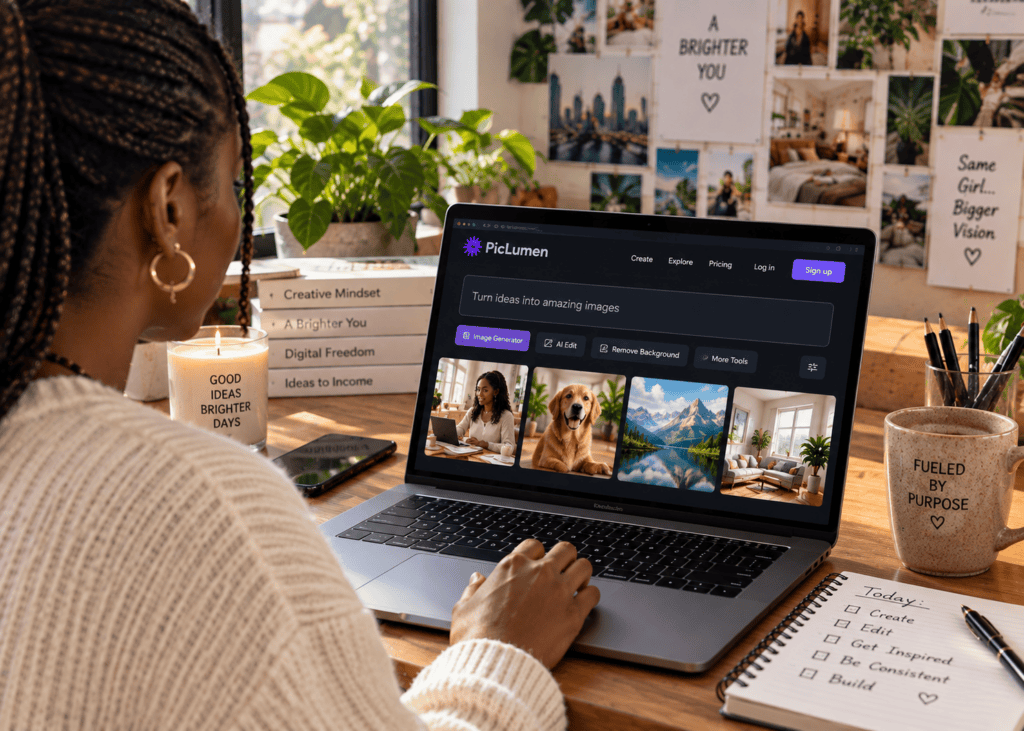
Tools like Leonardo AI, Dreamina, and PicLumen each respond differently to prompts. Test the same prompt across multiple platforms to find which produces results closest to your vision.
When creating a series of images for one video, maintain consistency:
“Generate 5 images of the same character in different poses and settings. Character: [detailed description]. Each image should show: [list 5 different scenarios]. Maintain consistent facial features, body type, clothing style, and lighting across all images. Style: [specify].”
Add negative prompts to exclude unwanted elements:
“Do not include: distorted faces, extra limbs, blurry details, watermarks, text, logos, unrealistic proportions.”
Image generation often requires iteration. Generate multiple versions, select the best results, and use them as reference images for creating variations.
Animating Images into Video Clips
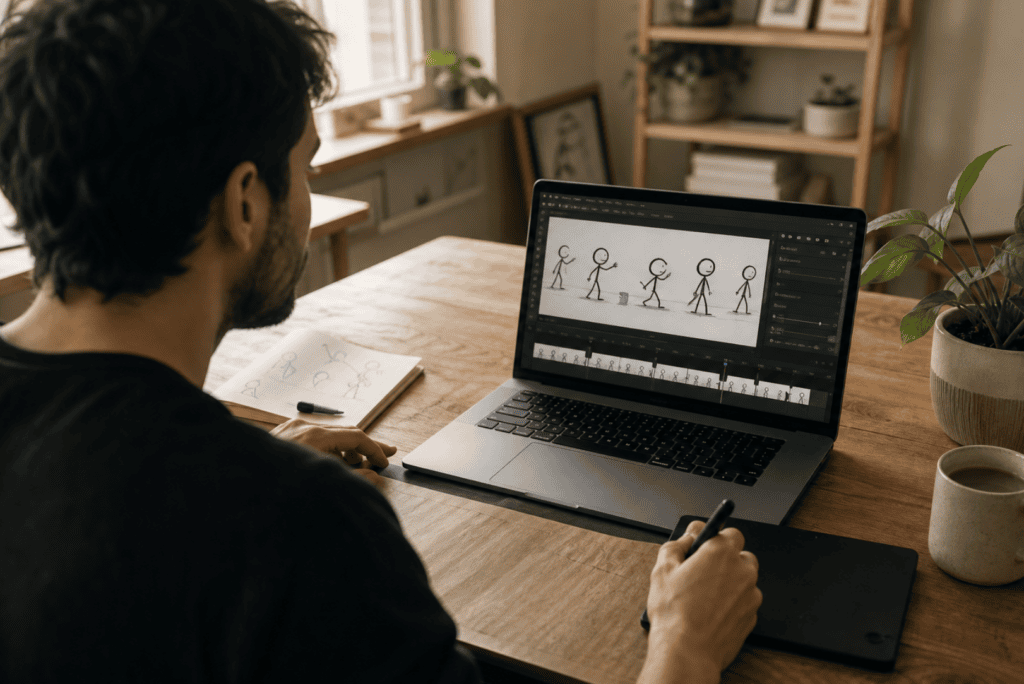
Static images become dynamic video content through AI animation tools. Kling AI, Hailuoai, and similar platforms transform still images into motion.
Your animation prompts must describe movement, camera motion, and scene dynamics:
“Animate this image with the following motion: [describe character movement]. Camera movement: [slow zoom in/pan left to right/static]. Duration: [5/10/15 seconds]. Motion intensity: [subtle/moderate/dynamic]. Ensure smooth, natural movement without distortion. Lighting should remain consistent throughout.”
For character-based animations:
“Character action: The person slowly turns their head from left to right, makes eye contact with the camera, and smiles naturally. Background: slightly blurred with subtle depth. Camera: remains static. Add natural breathing movement. Keep facial features stable.”
For scene animations:
“Animate the scene with: gentle wind moving the leaves, slight camera drift to the right, sunlight creating soft shadows that shift naturally. Overall mood: calm and serene. Avoid sudden movements.”
When creating multiple clips for one video, specify consistency:
“Create 8 animated clips from these images, each 10 seconds long. Maintain consistent motion style across all clips. Use smooth transitions between actions. Camera movements should feel natural and purposeful, not random.”
Animation tools interpret prompts differently. Start with conservative motion descriptions and increase complexity once you understand how the tool responds.
Some platforms allow you to upload a reference video showing the type of motion you want. Use this feature when your prompt alone does not achieve the desired effect.
Tip
Start with subtle animation prompts first. Specify exactly which elements should move, which should stay static, and how intense the motion should be before attempting complex scene dynamics.
Creating AI Voiceovers
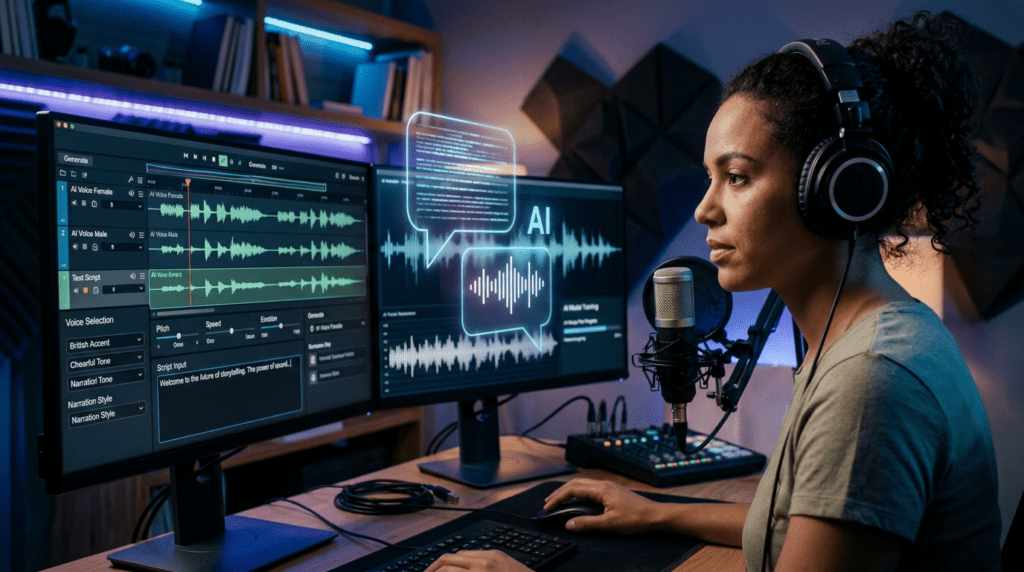
Voice brings your script to life. AI voiceover tools like ElevenLabs and Google AI Studio generate natural-sounding narration.
Most voiceover platforms do not use prompts in the same way as image generators. Instead, you select voice characteristics through interface options: gender, age, accent, tone, and speaking pace.
However, you can optimize your script for better voiceover delivery:
“Rewrite this script specifically for AI voiceover. Add natural pauses marked with […]. Break long sentences into shorter phrases. Replace complex words with simpler alternatives that sound better when spoken. Add emphasis markers on key words. Format: each sentence on a new line.”
For emotional delivery:
“Adapt this script section to sound more [enthusiastic/calm/serious/urgent]. Adjust word choice and sentence rhythm to enhance the emotional tone when read aloud by AI.”
When using advanced voiceover platforms that accept pronunciation guides:
“In this script, mark any technical terms, brand names, or unusual words with pronunciation guides in brackets. Example: ‘AI [A-I]’, ‘niche [neesh]’, ‘Kling [kling]’.”
Test different voice options with the same script. Voice selection significantly impacts how your content is received. Match voice characteristics to your content type: energetic voices for motivational content, calm voices for educational content, authoritative voices for news-style content.
Some creators generate multiple voiceover versions and combine the best segments during editing.
Assembling Your Video in Editing Software
Editing transforms individual assets into a cohesive video. CapCut, Canva, and similar platforms provide the tools you need.
While editing software does not use prompts directly, you can use AI to plan your edit:
“Create a detailed editing timeline for my video. Total length: [duration]. I have: [number] animated clips, 1 voiceover track, background music. Suggest: where to place each clip, when to add text overlays, where transitions work best, pacing recommendations. Format as a timestamp breakdown.”
For text overlay planning:
“Generate 15 short text overlays (3-7 words each) that highlight key points from this script: [paste script]. These will appear on screen during the video. Make them punchy and readable. Format: timecode – text.”
For transition planning:
“Based on this video structure [describe sections], recommend which transitions to use between segments. Consider: maintaining viewer engagement, matching content mood, avoiding overuse of flashy effects. Explain why each transition choice works.”
The editing process requires manual work, but AI planning helps you make decisions faster and maintain consistent quality across videos.
When editing, prioritize viewer retention. Place your strongest content in the first 30 seconds. Use visual variety to maintain interest. Add subtle motion to static elements. Layer multiple visual elements without creating clutter.
Background music should support but not overpower your voiceover. Use royalty-free music from platforms like Uppbeat or YouTube Audio Library to avoid copyright issues.
Add captions to every video. Captions improve accessibility and increase watch time since many viewers watch without sound.
Create Viral YouTube Videos with AI
Use VidAU AI to support faster video creation with scripts, visuals, avatars, voiceovers, product videos, UGC-style clips, and platform-ready video assets.
Advanced Prompt Engineering Techniques
As you gain experience, you can use more sophisticated prompt strategies to improve output quality.
Chain-of-thought prompting breaks complex tasks into steps:
“Let’s create a video about [topic] step by step. First, suggest 3 possible angles for approaching this topic. Wait for my selection. Then, outline a script structure based on the chosen angle. After I approve the structure, write the full script. Finally, generate image prompts for each section.”
This approach gives you control points where you can guide the AI toward better results.
Role-based prompting assigns the AI a specific expertise:
“You are an expert YouTube scriptwriter who specializes in [niche]. You understand audience psychology and retention tactics. Write a script that applies best practices for viral content while remaining authentic and valuable.”
Constraint-based prompting sets specific limits:
“Write a video script with these constraints: exactly 800 words, no more than 5 sentences per paragraph, include exactly 3 statistics, use second-person perspective (‘you’), maintain a conversational but professional tone, include a question every 60 seconds.”
These techniques produce more precise results but require more time and interaction. Use them when working on important videos or when standard prompts do not deliver what you need.
Optimizing for Different Video Formats
YouTube supports multiple video formats, each requiring different prompt approaches.
Long-form content (8-15 minutes):
“Create a comprehensive script about [topic] structured as: intro hook (30 seconds), problem statement (1 minute), solution overview (1 minute), detailed explanation with 5 main points (6 minutes), practical application (2 minutes), summary (1 minute), call-to-action (30 seconds). Use storytelling elements to maintain engagement.”
YouTube Shorts (under 60 seconds):
“Write a 45-second script that delivers one clear message about [topic]. Structure: immediate hook with surprising statement (3 seconds), quick problem setup (7 seconds), rapid solution delivery with visual elements (25 seconds), memorable closer with call-to-action (10 seconds). Every second must provide value.”
Educational explainers:
“Create a teaching script that explains [concept] clearly. Use the following structure: state what viewers will learn, explain why it matters, break down the concept into 3 simple parts, provide a real-world example for each part, recap the key takeaway. Use metaphors and analogies. Avoid jargon unless explained.”
Story-driven content:
“Write a narrative script with these elements: relatable character facing a clear challenge, rising tension as obstacles appear, unexpected twist or insight, satisfying resolution with practical lesson. Keep dialogue natural. Build emotional connection. Length: 5-7 minutes when narrated.”
Format-specific prompts help you create content that fits platform expectations and viewer behavior patterns.
Creating Consistent Series Content
Building a successful channel requires consistency across multiple videos. AI prompts help you maintain brand identity and content quality.
Create a style guide prompt:
“Based on these 3 successful videos [describe or paste key elements], extract a style guide for future content. Include: typical video structure, tone and language patterns, types of examples used, visual style preferences, pacing and rhythm, call-to-action approach. Format as a reference document I can use when creating new prompts.”
Use this for series planning:
“I want to create a 10-video series about [broader topic]. Suggest 10 specific video topics that: build on each other logically, cover the subject comprehensively, avoid overlap, each stand alone as individual videos. For each, provide: title, brief description, key points to cover, estimated length.”
For visual consistency:
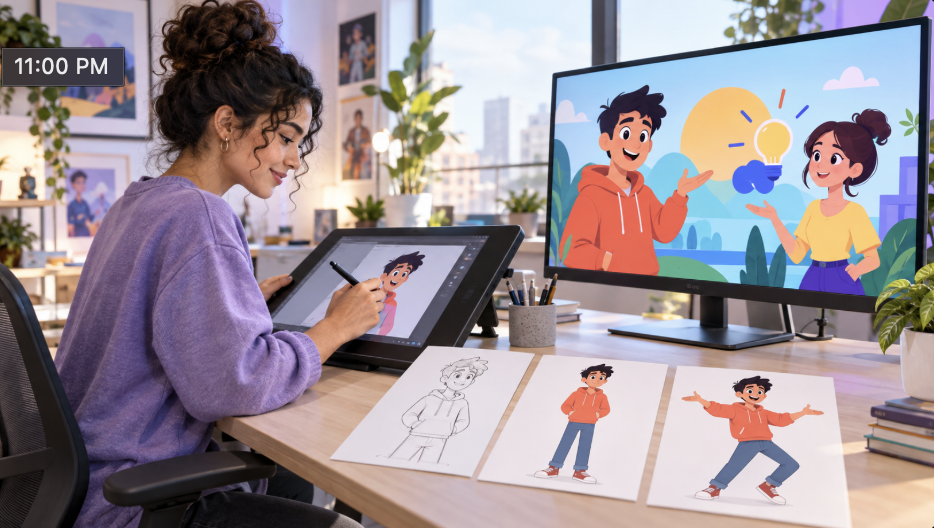
“Create character reference sheets for my video series. I need: main character design with full description, 5 alternative poses, 3 different outfits, 4 expression variations. All should maintain these consistent features: [list key traits]. Provide detailed prompts for generating each variation.”
For script templates:
“Based on my successful videos, create 3 script templates for different content types in my niche: [type 1], [type 2], [type 3]. Each template should include: section headers, approximate word counts per section, tone guidelines, example phrases, and placeholders for specific content.”
Consistency builds viewer expectations and makes content creation more efficient.
Troubleshooting Common Prompt Problems
Even experienced creators encounter issues with AI outputs. Recognizing and fixing prompt problems saves time.
Problem: Generated content is too generic
Solution: Add specific details, examples, and constraints. Replace “create a video about productivity” with “create a video about morning routines for remote workers who struggle with early starts, including specific techniques backed by sleep science.”
Problem: Images do not match your vision
Solution: Break down visual elements more granularly. Instead of “person in a kitchen,” use “30-year-old woman with shoulder-length brown hair, wearing casual home clothes, standing at a wooden kitchen counter, natural window light from the left, modern minimalist kitchen with white cabinets, close-up shot showing hands preparing ingredients.”
Problem: Script tone feels off
Solution: Provide reference examples or specific tone descriptors. Add constraints about sentence length, vocabulary level, or perspective. Request specific revision: “make this more conversational by adding contractions, shorter sentences, and direct questions to the viewer.”
Problem: AI responses are inconsistent
Solution: Start conversations with context-setting prompts that establish the framework for all following requests. Save successful prompt templates. Use reference points: “remember the video structure we used before” or “apply the same style as the previous example.”
Problem: Outputs require too much editing
Solution: Invest time upfront creating detailed prompts. The 5 minutes spent crafting a comprehensive prompt saves 30 minutes of editing later. Build prompt libraries for different tasks.
Problem: Animation results look unnatural
Solution: Request subtler motion in your prompts. Specify exactly which elements should move and which should remain static. Test with short duration clips before committing to longer animations.
Document problems and solutions as you encounter them. This creates a personal knowledge base that accelerates your workflow over time.
Watch out
If your AI output feels generic, the prompt usually needs more context, examples, constraints, style direction, or reference material. A stronger prompt often saves more editing time later.
Leveraging YouTube Research for Better Prompts
Successful creators analyze what works on the platform and adapt their approach accordingly.
Use this research prompt:
“Analyze these 5 viral video titles in my niche: [paste titles]. Identify patterns in: word choice, length, emotional hooks, promise made to viewer, curiosity gaps created. Then generate 10 new titles following these patterns but on different specific topics within the niche.”
For content analysis:
“Based on these successful video descriptions [paste 3-5 descriptions], create a template for my video descriptions that: starts with a strong hook, clearly states what viewers will learn, includes timestamps, ends with a call-to-action, and maintains SEO-friendly keyword usage.”
For visual style research:
“I want to replicate the visual style I see in [channel name or video description]. The videos feature [describe visual elements]. Create detailed image generation prompts that would produce similar visual quality and style.”
Video platform trends change regularly. What works today may become saturated tomorrow. Use AI to help you identify emerging patterns:
“Based on these recent top-performing videos in my niche [provide data or descriptions], what content trends do you notice? Suggest 5 ways I could create content that aligns with these trends while offering a unique angle.”
Adaptation beats imitation. Study successful content to understand principles, then apply those principles in fresh ways.
VidAU workflow
From prompt idea to scalable YouTube video production
- Define the video direction: Choose the niche, topic, title angle, target audience, and format before writing production prompts.
- Generate the creative assets: Use AI prompts for scripts, visuals, animation notes, voiceover formatting, captions, overlays, and editing plans.
- Use VidAU AI where speed matters: Create avatar-led videos, product videos, UGC-style clips, multilingual assets, and social-ready video variations faster.
- Review and improve: Track views, retention, CTR, prompt performance, output quality, and production time so each new video improves the workflow.
Platform-Specific Optimization Strategies
YouTube’s algorithm prioritizes certain content characteristics. Structure your prompts to create algorithm-friendly content.
For retention-focused scripts:
“Write a script optimized for high audience retention. Apply these techniques: strong hook in first 5 seconds, preview of payoff early in the video, content delivery that matches the title promise exactly, strategic pacing with quick wins every 60-90 seconds, open loops that resolve later in the video, pattern interrupts to reset attention, clear progress markers so viewers know how much content remains.”
For searchable content:
“Rewrite this video script to naturally incorporate these keywords: [list keywords]. The language should remain conversational and valuable. Keywords should appear in: the opening hook, at least 3 times in the main content, and once in the closing. Do not force keywords awkwardly.”
For thumbnail conceptualization:
“Based on this video title and script [provide details], suggest 5 thumbnail concepts that would achieve high click-through rate. For each concept, describe: main visual element, text overlay (if any), color scheme, emotional trigger being used, and why this would make someone click.”
For metadata optimization:
“Create complete metadata for this video [provide script or summary]. Include: SEO-optimized title (under 60 characters), compelling description (first 150 characters are critical), 15 relevant tags mixing broad and specific terms, and 3 custom thumbnail text options (under 4 words each).”
Algorithm preferences evolve. What matters most is creating content that genuinely serves viewer intent. Optimization tactics should enhance good content, not replace it.
Alternative Tools and Workflows
While this guide focuses on specific tools, understanding alternatives helps you make informed choices.
For script generation, ChatGPT is widely used, but alternatives include Claude AI, Google Gemini, and specialized copywriting tools. Each responds to prompts differently. Test the same prompt across platforms to find which produces scripts matching your style.
For image generation, Leonardo AI, Dreamina, PicLumen, and Midjourney each have strengths. Leonardo AI offers consistent character generation. Dreamina integrates well with video workflows. PicLumen provides free credits. Midjourney produces highly artistic results. Your prompt structure will need minor adjustments between platforms.
For video generation from images, Kling AI, Hailuoai, Runway ML, and emerging tools each process motion prompts differently. Kling AI handles complex motion well. Hailuoai offers free credits. Runway provides advanced control options. Test short clips before committing to full video production.
For voiceover, ElevenLabs provides natural voices and cloning options. Google AI Studio offers free access with quality voices. WellSaid Labs and Murf AI serve professional needs. Voice quality and naturalness vary by language and accent.
For editing, CapCut combines ease of use with powerful features. DaVinci Resolve offers professional-grade tools with a learning curve. Canva provides template-based editing for beginners. Adobe Premiere Pro remains the industry standard for advanced users.
Platforms like VidAU AI offer integrated workflows where script, visual, and voiceover generation happen in one place. These all-in-one solutions can streamline production for certain content types, particularly advertising and marketing videos. They work well when you need consistent output quickly, though specialized tools often provide more creative control for specific tasks.
Your tool selection should match your skill level, budget, content type, and production volume. Start with free tools, learn the fundamentals, then invest in paid options that remove specific bottlenecks in your workflow.
Watch out
Verify factual claims, understand licensing terms, avoid misleading AI-generated scenarios, and use extra care with health, finance, or sensitive topics.
Key takeaway
Conclusion
AI prompts are the foundation of a modern faceless YouTube workflow. They help creators move from niche research and topic ideation to scripts, visuals, animation, voiceovers, editing plans, metadata, and performance analysis with more speed and structure.
The strongest results come from specificity, iteration, and organization. Build prompt libraries, document what works, test multiple tools, refine outputs, verify facts, and measure performance. With a repeatable system and tools like VidAU AI where integrated video workflows are helpful, AI video production becomes easier to scale without losing quality or creative control.
FAQ
Here are answers to common questions about AI prompts, YouTube video creation, script generation, image prompts, animation prompts, monetization, free tools, workflow speed, and improving AI-generated video quality.
What is an AI prompt for creating viral videos?
An AI prompt is a detailed instruction you give to AI tools to generate specific content elements for your video. For video creation, prompts guide script generation, image creation, animation, and other production tasks. Effective prompts include clear descriptions of what you want, the style or format needed, and any constraints or requirements.
Which AI tool is best for generating video scripts?
ChatGPT is widely used for script generation due to its conversational interface and ability to follow complex instructions. Google Gemini and Claude AI are solid alternatives. The best tool depends on your specific needs, preferred writing style, and how well the AI responds to your prompting approach. Test multiple options to find which produces scripts closest to your voice.
How do I write prompts that create consistent characters across multiple images?
Create a detailed character description including physical features, clothing, age, and style. Save this as a reference and include it in every image prompt. Use phrases like “same character as before” and reference specific traits. Some tools allow you to upload reference images and request variations. Maintain consistent lighting and art style specifications across prompts.
Can I monetize YouTube videos made entirely with AI tools?
Yes, AI-generated content can be monetized if it follows YouTube Partner Program policies. The platform evaluates content based on originality, value to viewers, and adherence to community guidelines rather than production method. Focus on creating genuinely useful content that viewers want to watch regardless of how it was produced.
What is the difference between image generation and image-to-video animation prompts?
Image generation prompts describe static visual elements like subjects, settings, style, and composition. Animation prompts describe motion, camera movement, timing, and how elements change over time. When converting images to video, your prompts should specify which elements move, how they move, camera behavior, and the intensity of motion to create natural-looking animations.
How long should my video script be for YouTube?
Script length depends on video format. YouTube Shorts need 100-150 words for 45-60 seconds. Standard videos typically use 150-200 words per minute of final video. An 8-minute video requires approximately 1200-1600 words. Focus on delivering value efficiently rather than hitting arbitrary length targets.
What are negative prompts and when should I use them?
Negative prompts tell AI tools what to exclude from generated images. Use them to prevent common problems like distorted faces, extra limbs, blurriness, watermarks, or unwanted objects. Most image generators have a separate field for negative prompts. Including them improves output quality by eliminating elements that would require manual removal.
How do I make my AI-generated videos look more professional?
Use detailed, specific prompts rather than generic descriptions. Maintain consistent visual style across all images. Pay attention to lighting, composition, and color palette. Use smooth transitions between clips. Add properly timed captions. Layer multiple visual elements without creating clutter. Edit pacing to match content rhythm. Use appropriate background music at proper volume levels.
Which free AI tools work best for beginners?
ChatGPT offers free access for script generation and planning. Google AI Studio provides free voiceover generation. Hailuoai and PicLumen offer free credits for image and video generation. CapCut is free for video editing. Canva has a free tier for graphics. Start with these to learn workflows before investing in paid tools.
How many videos should I create before expecting results?
Most successful channels publish 20-50 videos before seeing significant growth. YouTube’s algorithm needs data to understand your content and audience. Early videos help you refine your process and identify what resonates with viewers. Focus on consistent quality and publishing schedule rather than immediate results.
What should I do if my AI-generated images look unrealistic?
Rewrite prompts with more specific details about lighting, camera angle, and style. Add “photorealistic” or “highly detailed” to your prompts. Use reference images when tools support them. Specify the art style you want explicitly. Experiment with different AI tools as each handles realism differently. Generate multiple versions and select the best results.
How can I speed up my AI video production workflow?
Create and save prompt templates for repeated use. Batch similar tasks together rather than completing one video at a time. Build a library of successful prompts, visual styles, and script structures. Use project management tools to track progress. Develop quality checklists to reduce review time. Invest in paid tool tiers that remove generation limits as your volume increases.