
Chat GPT 5 AI Agents · Agent Mode, Canvas, Tools & Beginner Workflows
Chat GPT 5 AI agents: Beginner Guide, Examples, and Tools
Explore Chat GPT 5 AI agents, learn if ChatGPT is an AI agent, review open source AI agent options, and compare practical AI agent tools for beginners.
By the VidAU Editorial Team · Beginner AI agent guide · Agent Mode, structured conversations, Canvas, data analysis, automations, multimodality, coding help, Base44, n8n, Claude Code, open source AI agent options, and VidAU creative workflows
New to Chat GPT 5 AI agents? This beginner guide walks you through Agent Mode, structured conversations, and Canvas for data analysis, automations, multimodality, and coding help then explains when to stay in Chat GPT-5 versus try Base44, n8n, or Claude Code.
Chat GPT-5 AI agents are GPT-5 assistants that can plan tasks, call tools, and work in loops until a goal is met. In this guide, I show how to use Agent Mode with structured conversations and Canvas for data analysis, light automation, multimodality, and coding help then compare beginner-friendly AI agent tools.
If you want a practical, 60-minute path from zero to working agent, this playbook is for US-based beginners and practitioners deciding when to stick with built-in GPT-5 versus trying Base44, n8n, Claude Code, or an open source AI agent.
Quick Summary
- Agent Mode in GPT-5 is the fastest starting point: use structured conversations, Canvas, and tool calls to complete tasks end to end in 2026.
- Base44 is a strong beginner-friendly builder; n8n fits low-code workflow fans; Claude Code suits developers wiring APIs and code-first agents.
- A reliable format is: define role and success criteria, attach a CSV in Canvas, request analysis and a chart, then automate a follow-up summary.
- Solo operators, marketers, analysts, and coding learners benefit most from GPT-5 agents before graduating to external platforms.
In This Guide
- What Chat GPT-5 AI agents are and how they work
- Is ChatGPT an AI agent and what is Agent Mode?
- Who should use GPT-5’s built-in agent features
- Step-by-step: use Agent Mode, structured conversations, and Canvas
- Four starter examples: data, automation, multimodality, coding
- Best AI agent tools by build tier: Base44 vs n8n vs Claude Code
- When to consider an open source AI agent
- Common mistakes, guardrails, and scaling tips
- Final Thoughts
- FAQ
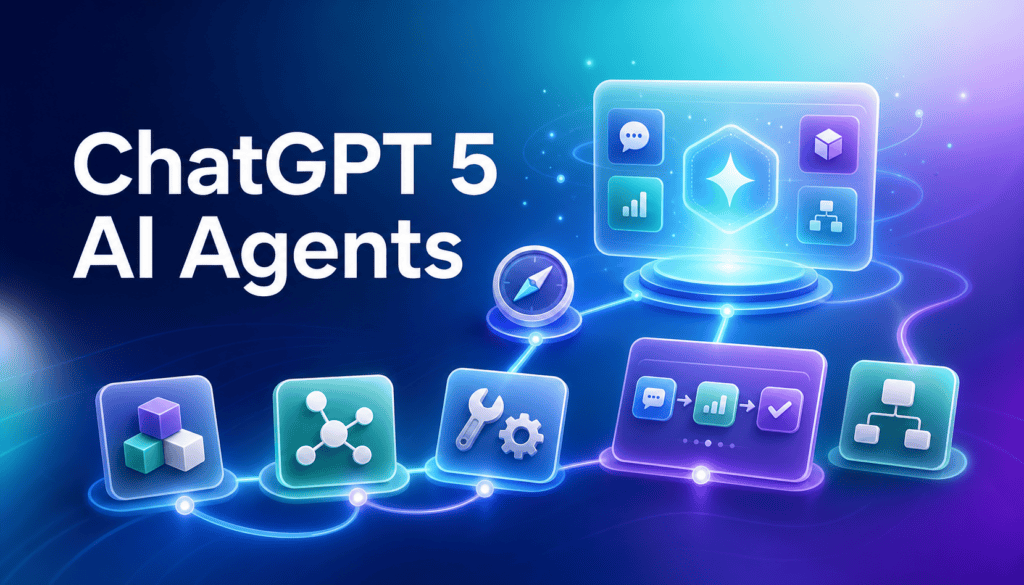
What Is a Chat GPT-5 AI Agent?
Build Your First GPT-5 AI Agent in 13 Minutes (No Code)
A Chat GPT-5 AI agent is a GPT-5 model configured to use tools, reason over steps, and loop until it reaches a defined goal. In practice, it mixes planning, tool calls, and checkpoints you can steer via structured conversations and Canvas for files, charts, and multimodal inputs.
I reviewed and analysed recent agent explainers that reduce the idea to one sentence: a model that uses tools in a loop until the job is done. That framing matches how GPT-5’s Agent Mode behaves in typical beginner workflows.
Definition
A Chat GPT-5 AI agent is a GPT-5 model configured to use tools, reason over steps, and loop until it reaches a defined goal.
Is ChatGPT an AI agent?
Yes, ChatGPT-5 can function as an AI agent when you enable Agent Mode and provide tools, data, and guardrails. The agent plans steps, calls tools (where available), checks progress, and repeats until success criteria are met. Outside Agent Mode, it’s still a chat assistant, but agents add goal-driven loops and structured outputs.
Key difference
Outside Agent Mode, ChatGPT is still a chat assistant. In Agent Mode, it adds goal-driven loops, tool use, checkpoints, and structured outputs.
Who should use GPT-5’s built-in agent features?
Beginners and busy practitioners who want results without setup friction. If your tasks fit: upload a file, analyze, visualize, draft outputs, and lightly automate next steps, GPT-5’s built-in experience is the smoothest path. When you need custom workflows, multi-app orchestration, or coded integrations, consider external AI agent tools.
Our team also reviewed how creative tools are entering agent ecosystems. Runway’s MCP notes show features callable from assistants like ChatGPT and Claude. That trend supports starting inside GPT-5, then connecting agents to specialized services once you outgrow the basics.
Best fit
GPT-5’s built-in agent features fit beginners and busy practitioners who want to upload a file, analyze, visualize, draft outputs, and lightly automate next steps without setup friction.
How do Chat GPT 5 AI agents work step by step?
The quickest reliable workflow uses structured conversations and Canvas.
1) Create a structured conversation
- Start a new chat and set a clear role: You are a data analyst focused on concise charts and executive-ready summaries.
- Add success criteria: Produce one chart, three insights, and a next-action summary under 120 words.
2) Attach data in Canvas
- Open Canvas and drop in a CSV. Add a one-line description: 5,431 ecommerce orders, 2025–2026.
3) Ask for a plan before action
- Prompt: Plan 3 steps to validate, analyze, and visualize this dataset. Confirm assumptions before running.
4) Validate and clean
- If the agent finds issues, let it propose fixes and show a short log in Canvas notes. Approve or adjust.
5) Analyze and visualize
- Prompt: Create a chart that best explains monthly revenue and AOV trends. Label axes clearly and add a one-line takeaway.
6) Summarize for stakeholders
- Prompt: Draft an executive summary in 5 bullets with one risk and one opportunity.
7) Automate a follow-up task
- Prompt: Generate a 3-line action plan and a short email template to share results with the team. Keep links and dates editable.
8) Save as a reusable agent
- Name the agent (e.g., Monthly Sales Analyst) and keep the structured conversation as a starter template for future uploads.
Key Takeaways
- Define role and success criteria first.
- Use Canvas to keep data, charts, and notes together.
- Ask for a plan, then execution, then a stakeholder summary.
Mid-article CTA: If your agent workflow includes generating ad-ready videos from product URLs or scripts, try VidAU. VidAU is an AI video ad platform that generates video ads from product URLs, images, or scripts in 49 languages. Start with VidAU AI Video, or automate creative variants with Text to Video and URL to Video. For repurposing, see VidAU Vid Remix and VidAU Vid Remake.
Turn Agent Outputs Into Ad-Ready Videos With VidAU
Use VidAU AI Video, Text to Video, URL to Video, VidAU Vid Remix, VidAU Vid Remake, UGC Avatars, and Video Enhancer when your Chat GPT-5 AI agent workflow needs marketing videos, creative variants, or repurposed ad assets.
VidAU workflow
Where VidAU Fits In Chat GPT-5 AI Agent Workflows
- Start in GPT-5 Agent Mode: Define role, constraints, success criteria, and the specific output you need before the agent acts.
- Use Canvas for files and working artifacts: Keep CSVs, images, notes, charts, and stakeholder summaries together for easier review.
- Use GPT-5 for planning and structured outputs: Ask for a plan, approve it, then generate summaries, briefs, chart narratives, or scripts.
- Use VidAU for creative downstream steps: Turn scripts, product URLs, or concepts into videos with VidAU AI Video, Text to Video, URL to Video, VidAU Vid Remix, VidAU Vid Remake, UGC Avatars, and Video Enhancer.
- Keep humans in the loop: Review sends, posts, code merges, and ad-ready videos before publishing or handing off to external platforms.
What are practical examples for beginners?
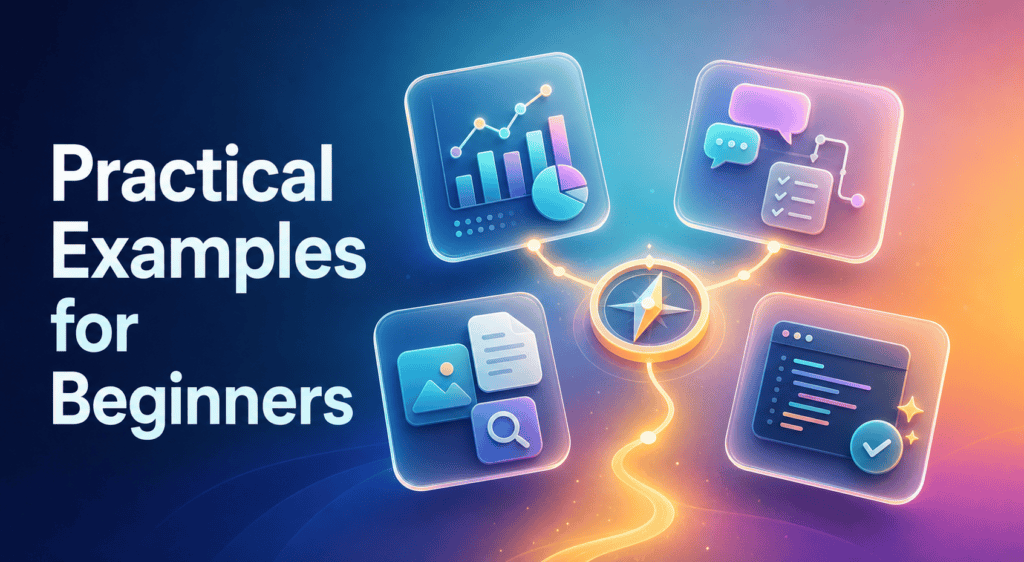
These four patterns cover 80% of starter use cases.
1) Data analysis and visualization
- Upload a CSV to Canvas, ask for validation, then request a single chart plus a short narrative.
- Follow with: Suggest 2 KPIs and one follow-up query I should run next month.
2) Light automation inside a structured conversation
- After the chart and summary, ask for an action plan and a draft email or doc outline.
- Keep automations human-in-the-loop: you approve and send.
3) Multimodality for quick research
- Paste an image or screenshot and ask for a structured extraction: bullets, table, or checklist.
- Then: Turn this into a one-slide brief with key points and a risk note.
4) Coding assistant
- Prompt: Explain a minimal script to clean this CSV and reproduce the chart. Show comments and testing steps.
- Ask for a safe refactor or unit tests before copying code to your IDE.
Beginner pattern
Start with one of four starter use cases: data analysis and visualization, light automation, multimodal extraction, or coding assistance. Keep outputs structured and review every send, post, or merge.
Which AI agent tools should beginners try next?
When you outgrow GPT-5’s built-in experience, pick a path by build tier.
I reviewed the Base44 vs n8n vs Claude Code comparisons in a 2026 beginner-focused roundup. The patterns were consistent: Base44 felt quickest from idea to working “super agent,” n8n had node-based flexibility with some troubleshooting and execution-limit considerations, and Claude Code reduced API wiring friction for developers.
| Build tier | Recommended tools | Why |
|---|---|---|
| No-code | Base44 | Guided builder, fast first results |
| Low-code | n8n | Node workflows; flexible; limits to track |
| Code-first | Claude Code | Great for API wiring and tests |
| Full-code | Open-source AI agent | Max control; hosting overhead |
Trade-offs to expect:
- Base44: Fast to publish, opinionated templates; advanced customization may be constrained.
- n8n: Visual control over steps and retries; you manage complexity and possible run caps.
- Claude Code: Best if you’re comfortable editing and testing code; more setup, more power.
- Open-source: Full control, self-hosting and maintenance; ideal for privacy or custom tools.
When should I consider an open source AI agent?
Choose open source when you need maximum control, on-premise or private hosting, or custom tools that commercial builders don’t expose. Expect to handle deployment, logging, evals, and updates yourself. For beginners, start in GPT-5 Agent Mode, then graduate to open source once your requirements stabilize.
Our in-house review of ecosystem moves (like Runway’s MCP push into ChatGPT/Claude/Cursor environments) suggests agent workflows will increasingly call specialized tools. Open source agents are a good fit when those tool calls must be customized at the protocol or policy level.
Open-source note
Choose an open source AI agent only when you need maximum control, on-premise or private hosting, or custom tools that commercial builders don’t expose. Expect to manage deployment, logging, evals, and updates yourself.
Common mistakes and how to add guardrails
Avoid these early pitfalls:
- Vague goals: Always define outcome, format, and length.
- No plan step: Ask for a 2–3 step plan before execution.
- Messy data: Validate and describe your file in Canvas.
- Missing success criteria: Specify review checkpoints and acceptance rules.
- Over-automation: Keep humans in the loop for sends, posts, or code merges.
- No logging: Ask the agent to log assumptions and tool results in Canvas notes.
Advanced strategies to scale safely
- Structured conversations: Keep role, constraints, and success metrics at the top.
- Tool selection: Limit initial tools; add only when the plan requires them.
- Evaluation: Ask for a self-check against success criteria before finalizing.
- Reusability: Save good sessions as templates to shorten future runs.
- Ecosystem connectors: Watch MCP-style connectors as more creative and data tools become agent-callable.
- Creative add-ons: If your workflow needs marketing videos, slot in VidAU AI Video, Text to Video, or URL to Video after the content plan. For UGC-style spokespeople, see UGC Avatars and enhance quality with Video Enhancer.
Mistake to avoid
Do not start with vague goals, skip planning, ignore messy data, omit success criteria, over-automate sends or merges, or forget to log assumptions and tool results in Canvas notes.
Key takeaway
Final Thoughts
Start with Agent Mode in GPT-5: define role, upload data to Canvas, plan first, then execute and summarize. That flow gets most beginners to results in under an hour. When you need custom integrations or persistent workflows, explore Base44 (no-code speed), n8n (low-code control), or Claude Code (developer-centric).
If video creation is part of your agent pipeline, connect your outputs to VidAU AI Video or generate concepts via Text to Video. Keep humans in the loop, save good templates, and iterate toward the smallest agent that reliably delivers your goal.
FAQ
Here are answers to common questions about Chat GPT 5 AI agents, whether ChatGPT is an AI agent, Agent Mode, Canvas, beginner AI agent tools, open source AI agent options, light automation, coding help, external workflow tools, and creative workflows like video.
Is ChatGPT an AI agent?
Yes. In GPT-5, enabling Agent Mode lets ChatGPT behave like an AI agent: it plans steps, calls tools where available, checks progress, and loops until it reaches a defined goal. Outside Agent Mode it’s a conversational model; agents add structure, tool use, and goal-driven execution.
How do Chat GPT 5 AI agents work?
They combine reasoning with tool use in a loop. You provide a role, constraints, inputs (like a CSV in Canvas), and success criteria. The agent proposes a plan, runs steps, logs results, and asks for approval where needed. It stops when the output meets your acceptance rules.
What is Agent Mode in GPT-5?
Agent Mode is a GPT-5 capability that turns a chat into a goal-driven workflow. It supports structured conversations, tool calls, and checkpoints. In practice, you define the role and success criteria, attach files in Canvas, request a plan, approve, and let the agent execute before summarizing results.
What are the best AI agent tools for beginners?
Start with GPT-5’s built-in Agent Mode. If you need more, Base44 offers a guided no-code builder, n8n provides low-code node-based workflows, and Claude Code suits developers who prefer code-first integration and testing. Choose based on how much configuration and control you want.
Are there open source AI agent options?
Yes. Open-source agent harnesses and toolkits exist for teams that want maximum control, private hosting, or custom tools. Expect to manage deployment, logging, evaluations, and updates yourself. Beginners should usually start with GPT-5, then move to open source when requirements are clear.
How do I use Canvas with GPT-5 agents?
Open Canvas in your GPT-5 chat, drop in a CSV or image, and add a one-line description. Ask the agent to validate the data, propose a plan, and generate a single chart plus a short narrative. Keep success criteria explicit so outputs stay concise and reusable.
Can GPT-5 agents automate tasks?
Yes, for lightweight tasks: they can draft summaries, emails, briefs, or checklists and structure next steps. Keep humans in the loop for sends, posts, or merges. When you need true multi-app automation, move to a dedicated tool like a low-code workflow builder or a code-first environment.
When should I switch from GPT-5 to external tools?
Switch when you need persistent multi-step workflows, custom integrations, API orchestration, or versioned code. No-code builders are fastest for simple deployments, low-code tools offer flexibility with visual control, and code-first IDEs are best for complex logic and testing.
Can GPT-5 agents help with coding?
Yes. Ask for a minimal script with comments, a test plan, and a safe refactor. Keep execution outside ChatGPT until you’re confident. For deeper integration and automated tests, developers often graduate to a code-first environment while keeping GPT-5 for planning and reviews.
How do agents fit creative workflows like video?
Agents are effective at planning scripts, variations, and briefs. After content planning, you can generate assets with specialized tools. For ad-ready outputs, consider VidAU AI Video, URL to Video, or Text to Video as downstream steps.






