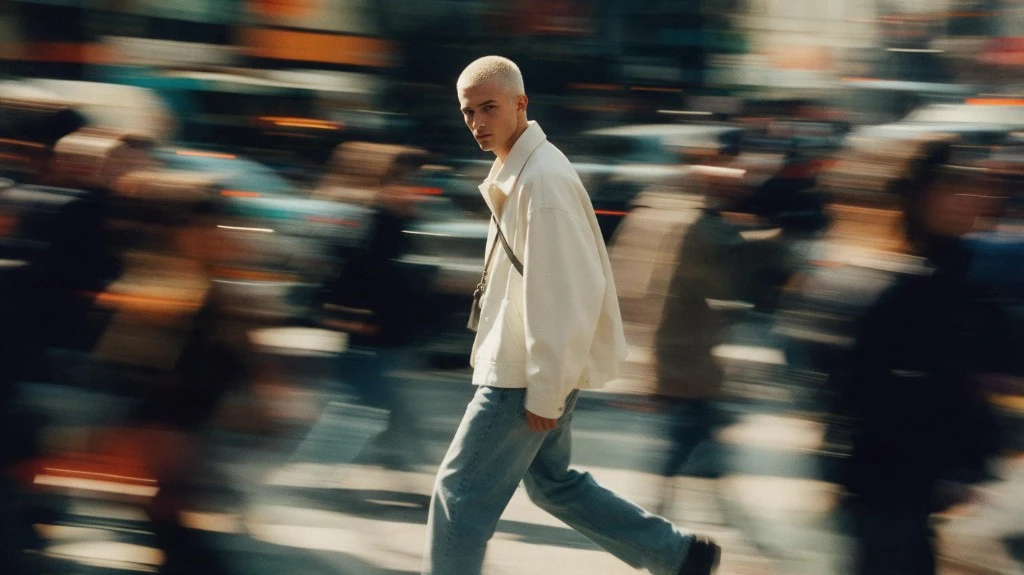
Image Transformation
Turn an existing image into a new visual concept.
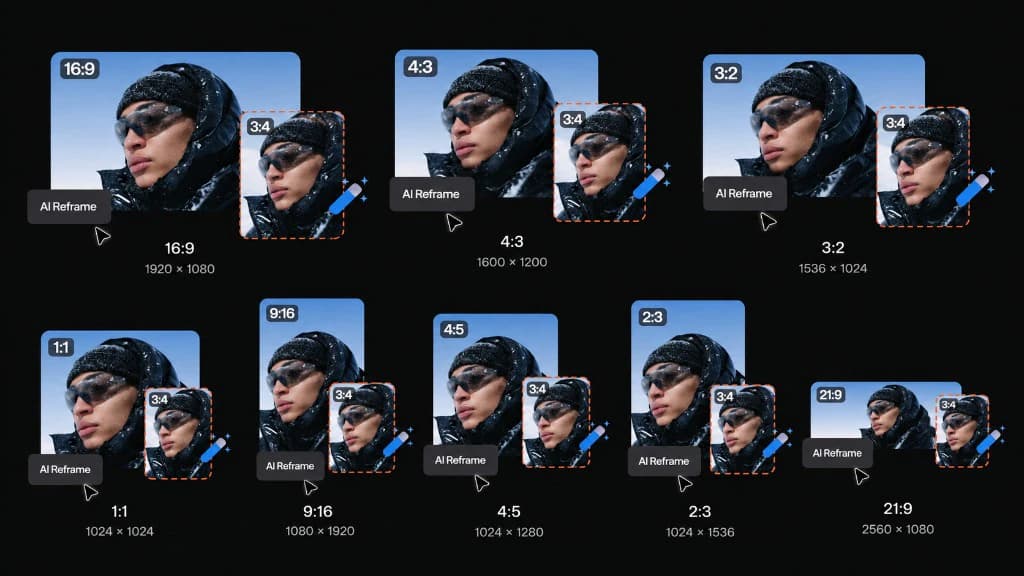
Upload an image, describe what you want to change, and generate a new visual direction with AI. Rework styles, scenes, products, characters, and creative concepts.
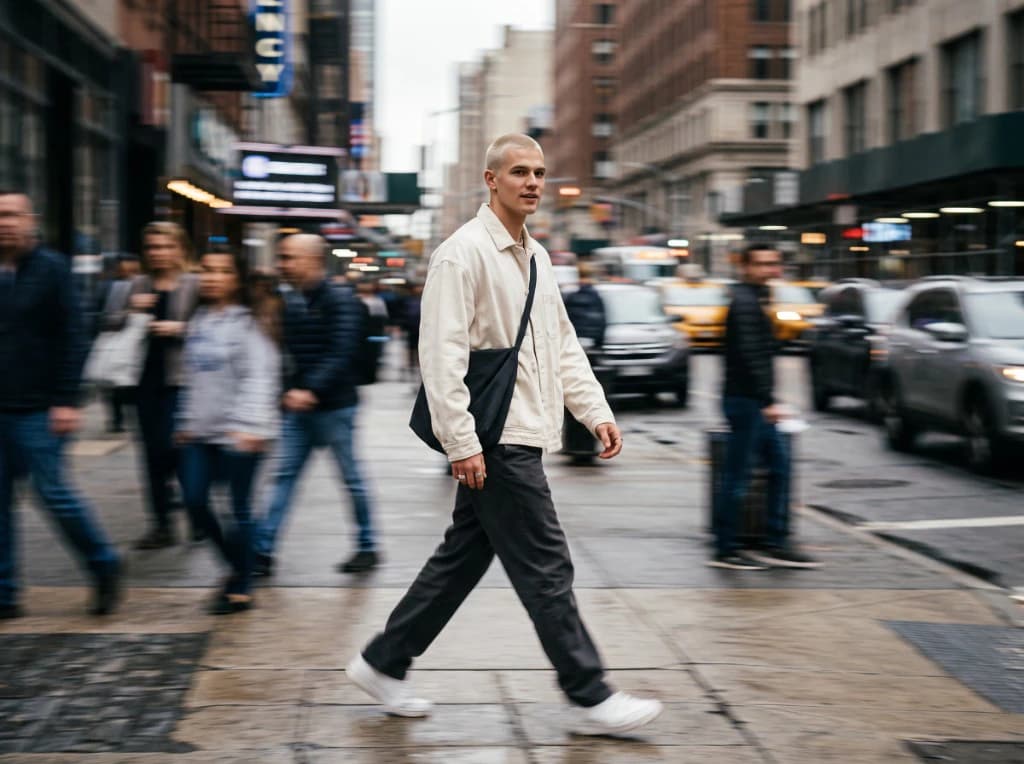
Turn an existing image into a new visual concept.
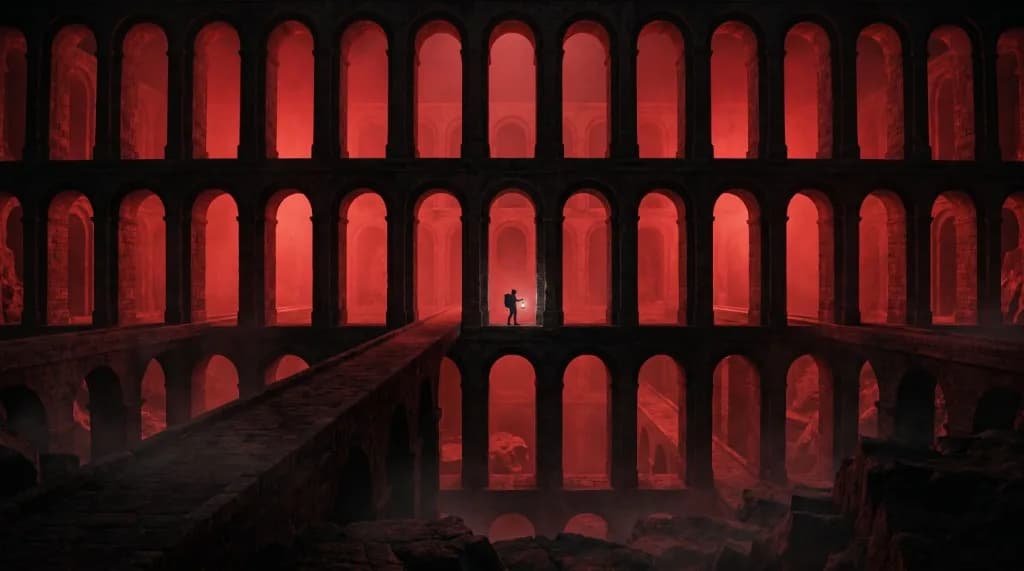
Move from realistic to artistic, cinematic, anime, or other visual directions.
Generate multiple options from one source image for testing and iteration.
VidAU brings multiple models into one AI image generator. Select from the options available based on the level of realism, creativity, detail, speed, or prompt accuracy your project requires.
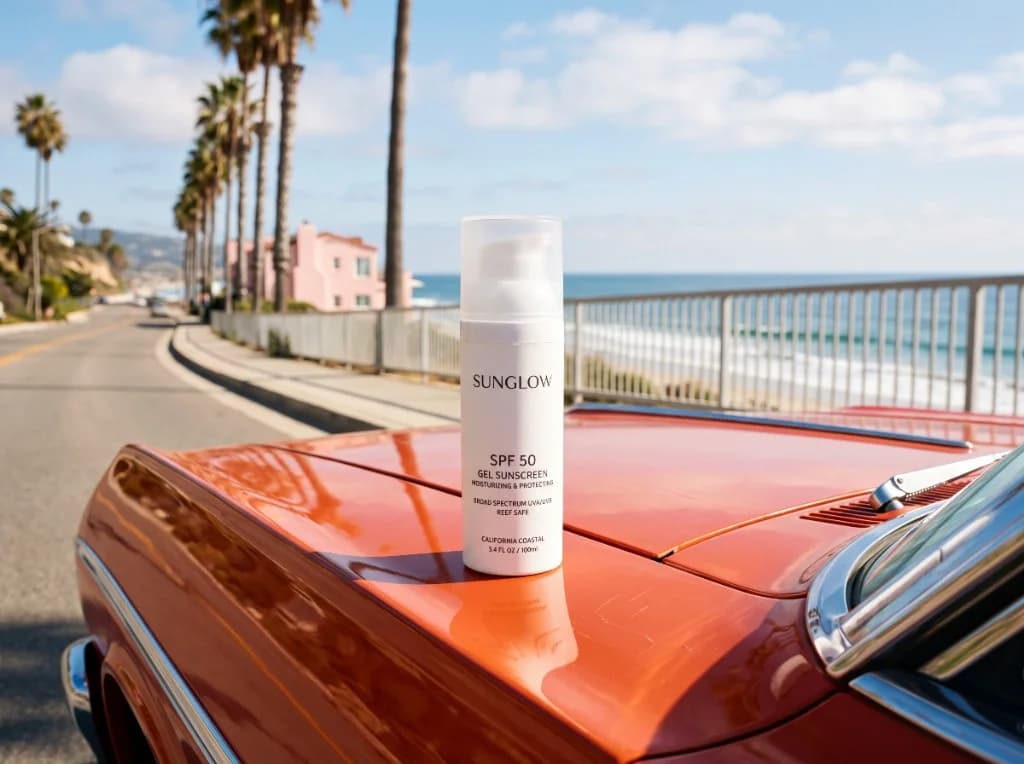
Turn a plain product shot into a styled interior or outdoor setting.
Try Image to Image AI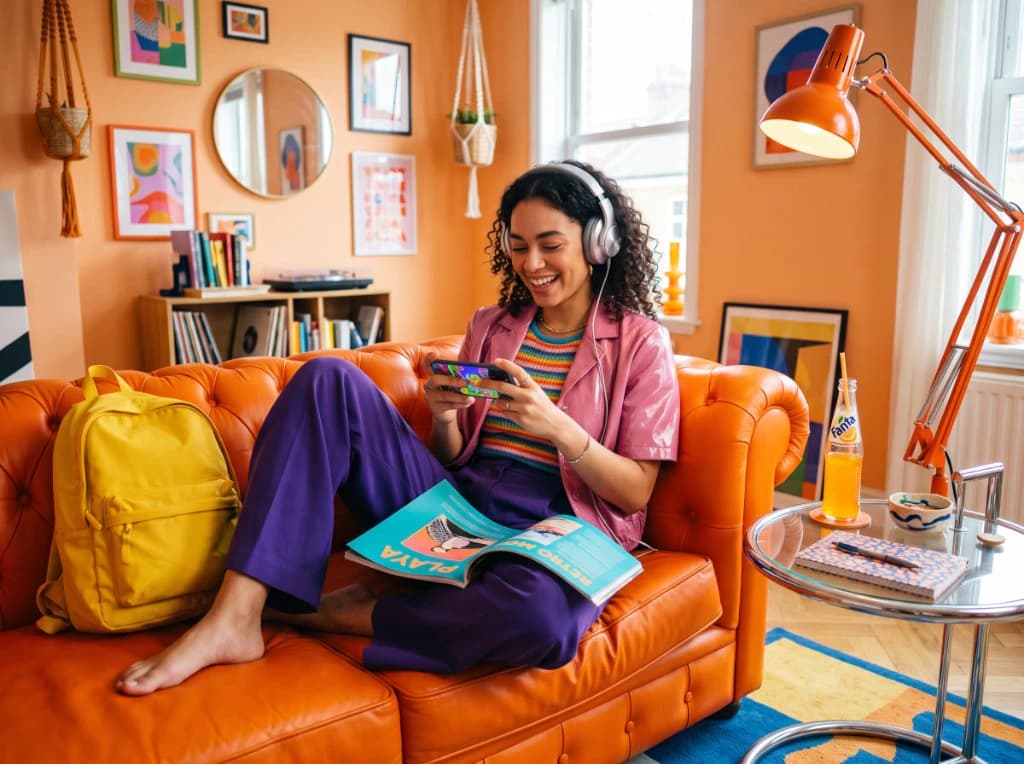
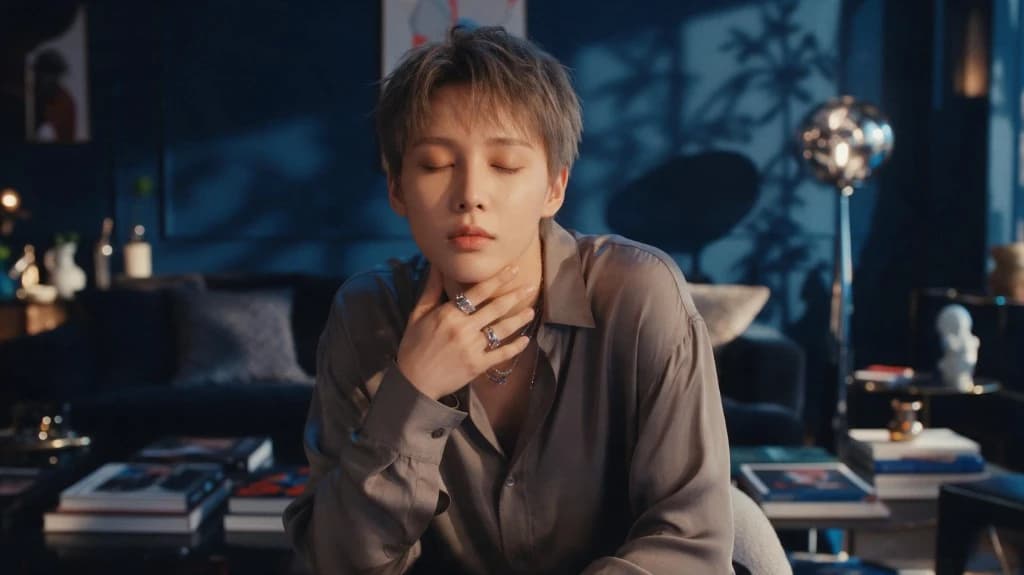
Move the same subject into a new lighting, color, and mood treatment.
Try Image to Image AI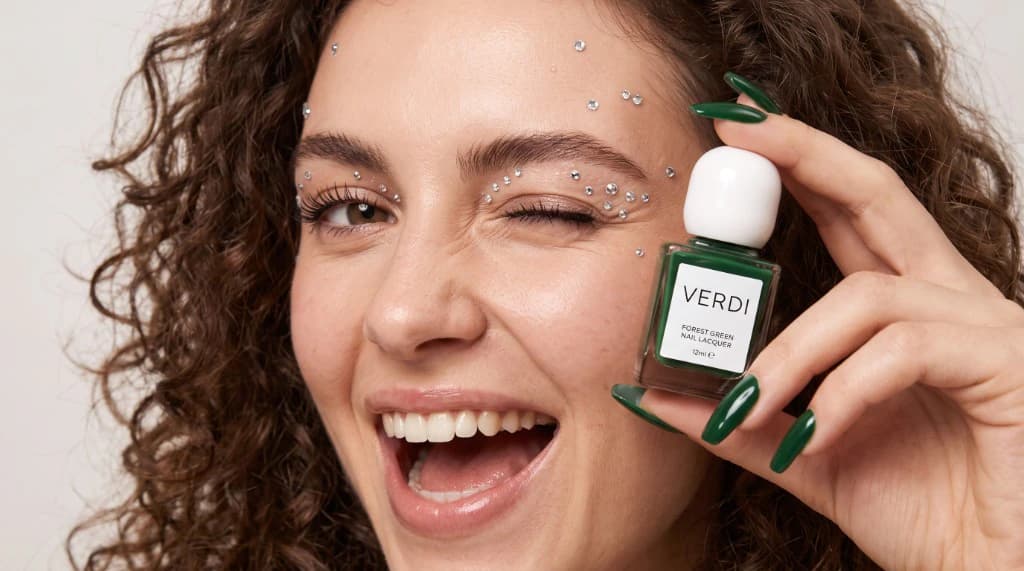
Keep the original concept recognizable while testing a fresh visual route.
Try Image to Image AI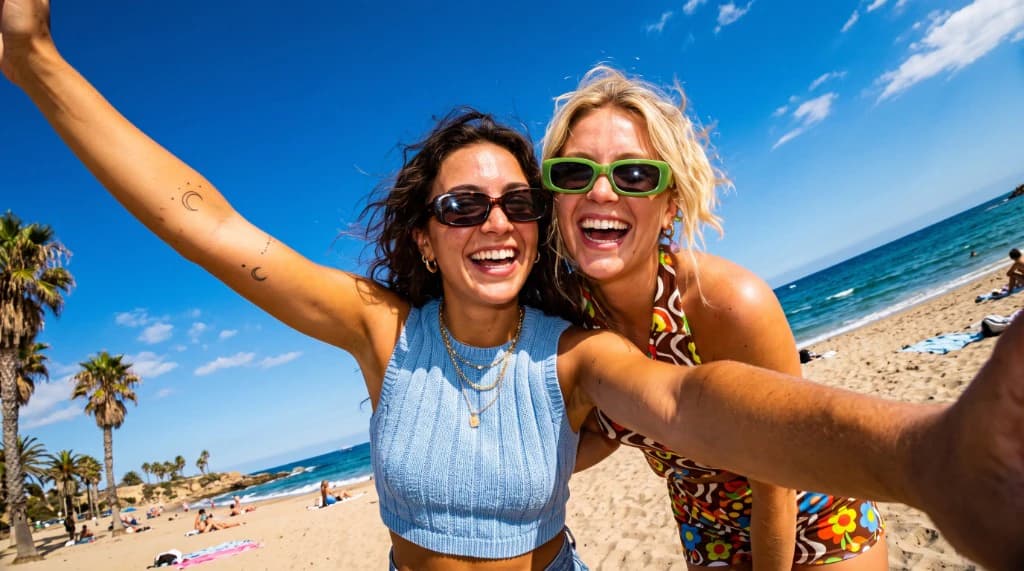
Guide appearance, wardrobe, and environment from one reference image.
Try Image to Image AI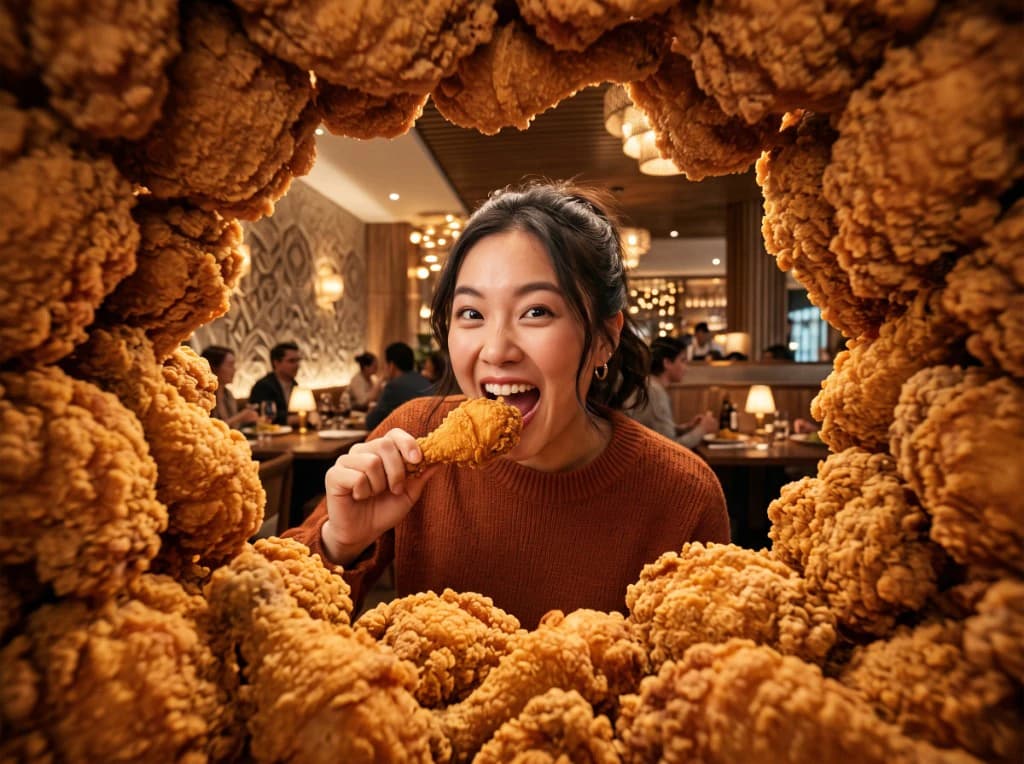
Develop a rough sketch or mood board into a finished marketing visual.
Try Image to Image AIEcommerce Sellers
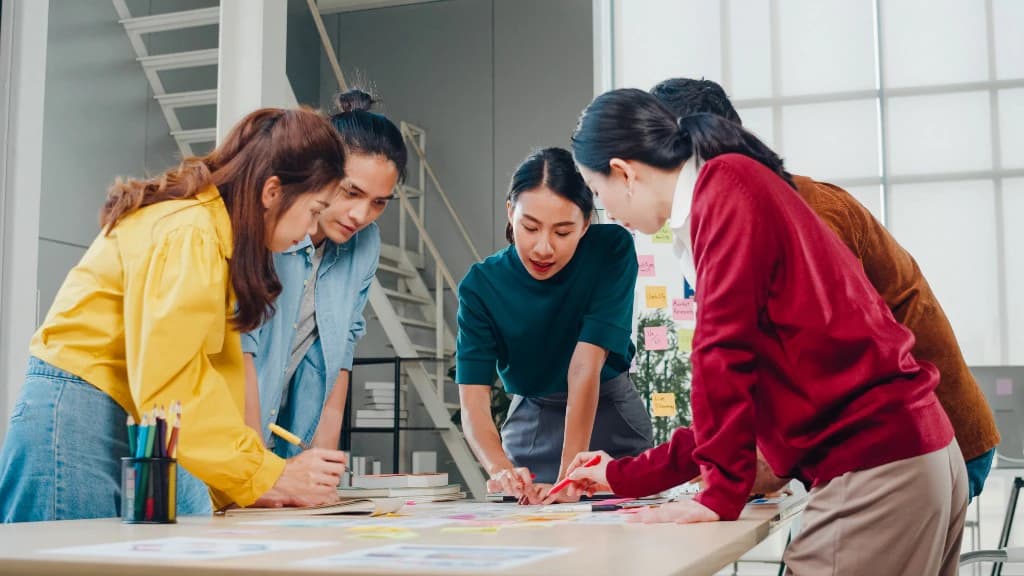
Convert isolated product shots on plain backgrounds into rich lifestyle scenes set in modern interiors, outdoor settings, or studio setups.
Marketers & Agencies
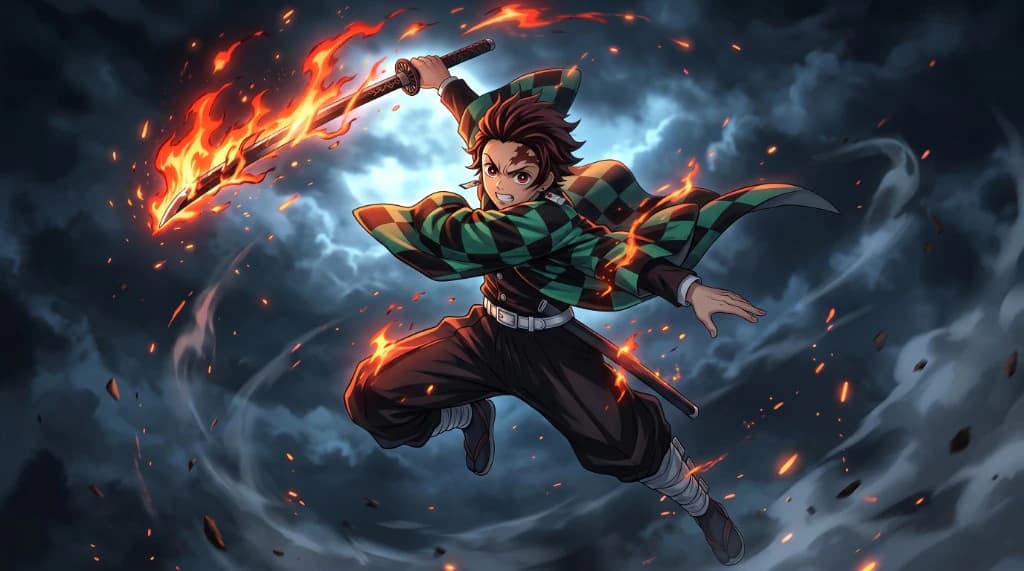
Generate fresh ad variations from existing top-performing graphics to fight ad fatigue across Meta, TikTok, and Pinterest feeds.
Brand Teams
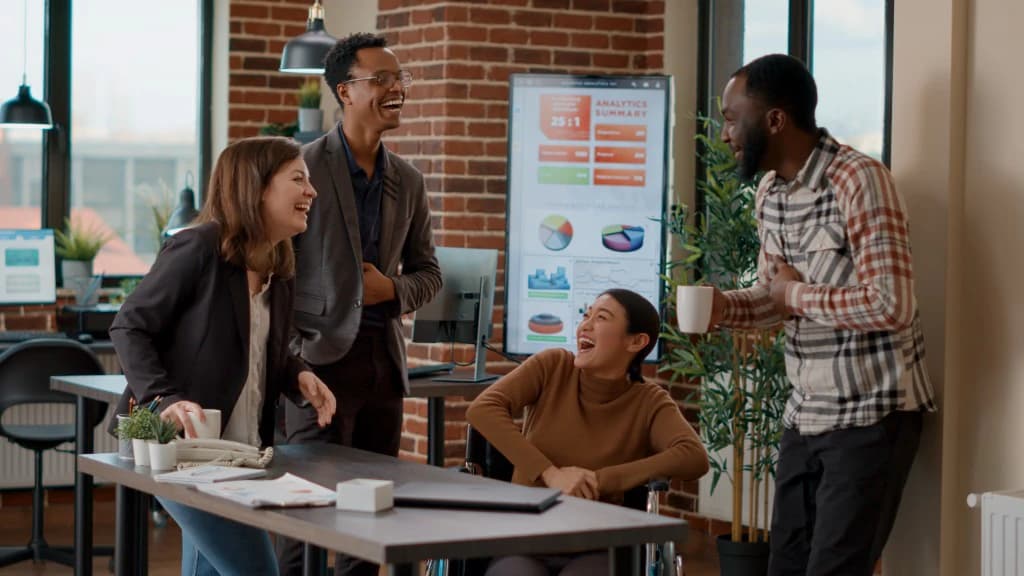
Reimagine current product photos in new artistic styles, seasonal themes, or conceptual backgrounds for promotional campaigns.
Character & Story
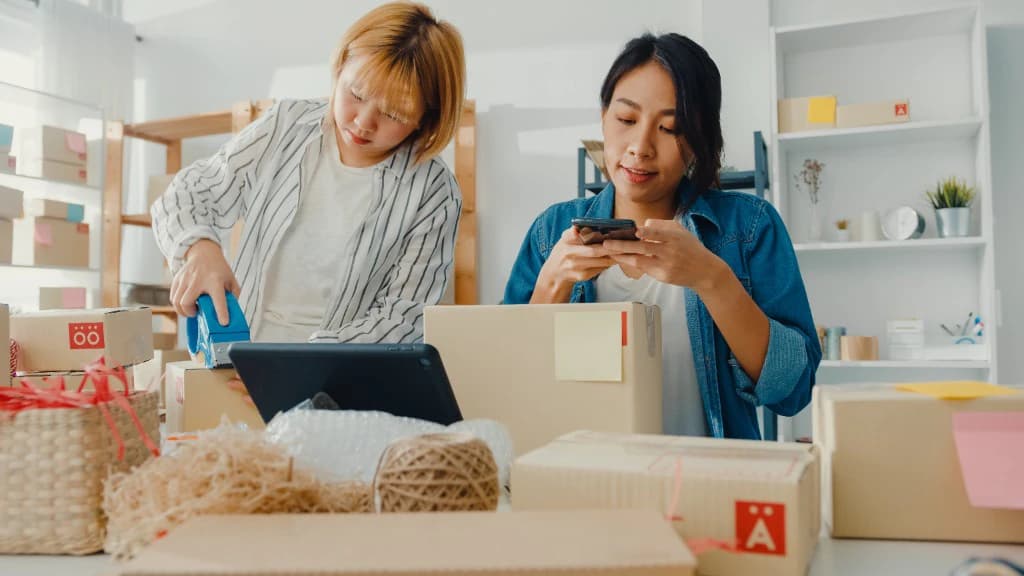
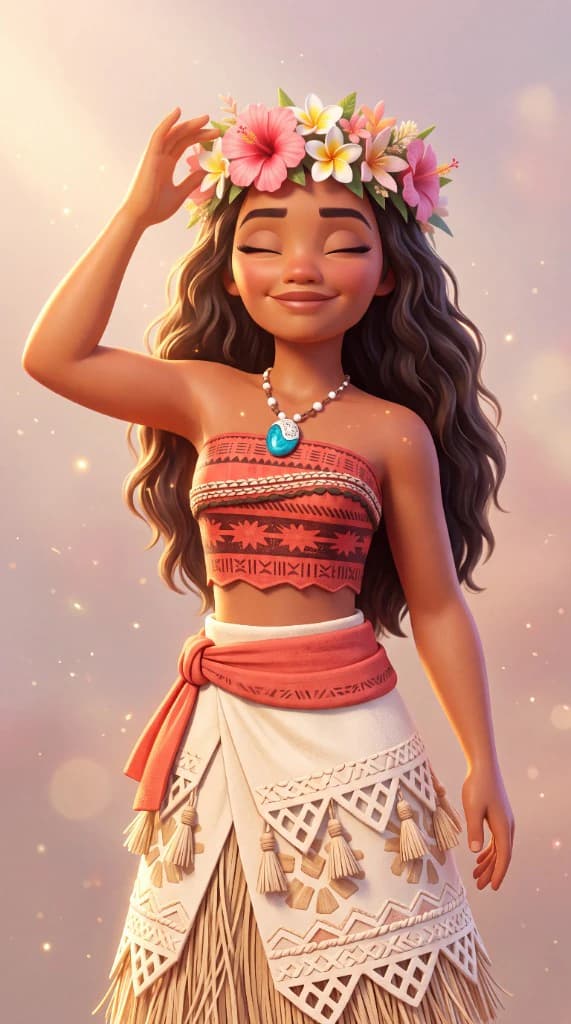
Transform characters and environments across different looks while keeping the source identity as a guide.
Upload a source image, describe the change you want, then generate, refine, and export the new visual.
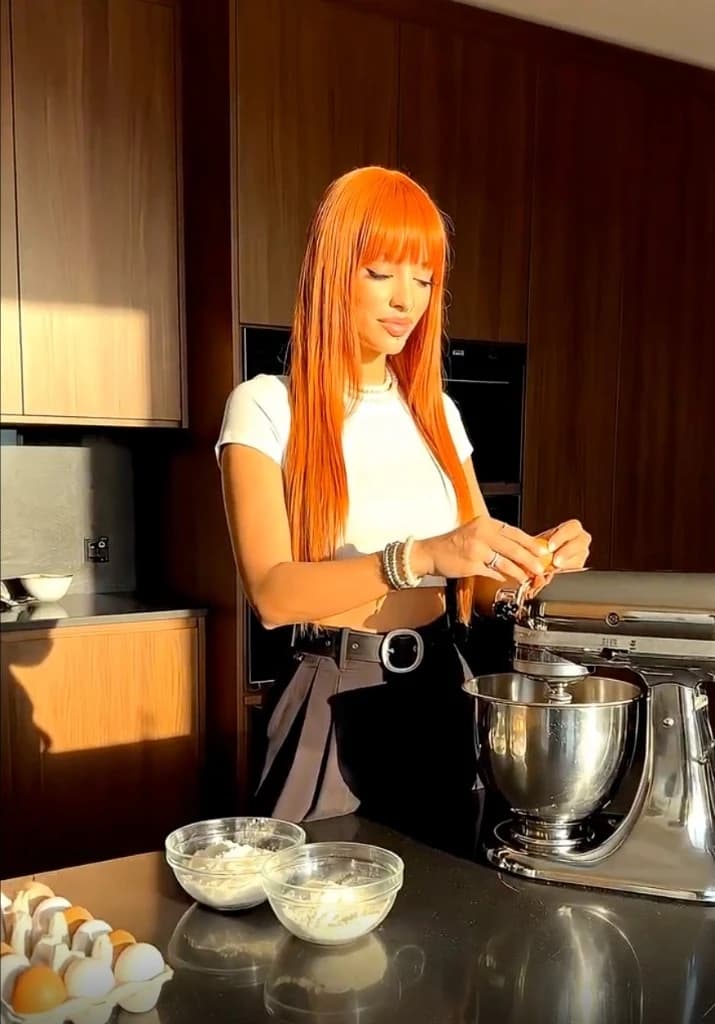
Creative and ecommerce teams use VidAU to transform existing images into new campaign-ready visuals without starting over.
“Generating seasonal lifestyle backgrounds from our standard product reference shots cut our ad creation time in half.”
“We use this AI image generator to output dozens of creative variations from single source photos every week.”

“Instead of retiring a strong campaign image, we use it to guide new creative versions. The original investment continues to support fresh work.”
Upload an existing image and use VidAU’s image to image AI to explore new styles, scenes, campaigns, and creative directions. Keep what works. Change what does not. Create the next version without starting over.
Try the AI Image to Image Generator ↗