AI TikTok Video Generator · Viral Short-Form Workflow
Best AI TikTok Video Generator Tools: How to Create Viral Content Fast
Compare the top AI TikTok video generator tools for TikTok Video Ads, auto captions, image-to-video workflows, and high-volume short-form content production.
By the VidAU Editorial Team · AI TikTok generator guide · 14 min read
The rise of the ai tiktok video generator has made it possible for solo creators, social media managers, and entrepreneurs to produce high-volume short-form content without touching a timeline. CapCut’s AI Video Generator is currently the dominant free tool for this, with Flixier filling a useful gap for image-to-video workflows. Both handle the 9:16 aspect ratio TikTok needs out of the box.
Most people spend hours editing TikToks that still feel generic. AI changes that equation completely — you can go from a script or a single image to a finished, vertical-format clip in minutes.
This guide walks you through the best tools, step-by-step workflows for both script-based and image-based creation, tips for faceless channels, and the most common mistakes that kill TikTok reach before a video even gets seen.
Quick Summary
- CapCut AI Video Generator is the leading free ai tiktok video generator for script-to-video and image-to-video workflows in 2025–2026.
- Flixier is the best lightweight option for turning a single image into an animated short-form clip with a prompt.
- Both tools produce content in the 9:16 vertical format TikTok requires without manual reformatting.
- Faceless channel creators and high-volume producers benefit most from AI-automated video workflows.
In This Guide
- What an AI TikTok video generator is and how it works
- Why AI-generated short-form content is growing fast
- Step-by-step workflow using CapCut AI Video Generator
- How to use an AI image to video generator for TikTok clips
- Best tools compared by use case
- Platform-specific optimization for TikTok
- Common mistakes creators make with AI video tools
- Advanced strategies for high-volume content production
- Final Thoughts
- FAQ
What Is an AI TikTok Video Generator?
An ai tiktok video generator is a tool that automates video creation for short-form vertical content. You provide a script, prompt, or image, and the AI assembles scenes, adds captions, selects music, and exports a finished clip — often in the correct 9:16 aspect ratio without any manual resizing.
These tools are built around the specific needs of short-form content: fast pacing, text overlays, voice narration, and visual variety that retains attention in the first two to three seconds.
Key definition
An AI TikTok video generator automates short-form vertical video creation by turning a script, prompt, or image into scenes, captions, music, narration, and a finished 9:16 TikTok-ready clip.
Why an AI TikTok Video Generator Matters for Creators
TikTok’s algorithm rewards volume and consistency. Posting one video per week rarely builds momentum. Creators running faceless channels or managing brand accounts need to publish three to seven times weekly without burning out.
This is where an ai tiktok video generator gives a real production edge. Instead of filming, editing, captioning, and exporting manually, you compress that entire workflow into a few prompt inputs and one export click.
The format advantage matters too. TikTok video ads and organic posts both perform best in vertical 9:16. AI tools built for short-form content handle this automatically, which removes one of the most common friction points when repurposing content from YouTube or other horizontal sources.
Key Takeaways
- Vertical format (9:16) is non-negotiable for TikTok — AI tools handle this automatically.
- High posting frequency is rewarded by the algorithm; AI reduces the time cost significantly.
- Faceless channels and product-focused accounts gain the most from automation.
Step-by-Step: Using CapCut AI Video Generator for TikTok
CapCut’s AI Video Generator is currently the most widely used free tool for creating TikToks from scratch. It handles script input, auto-generates scenes, adds captions, and exports in the right format.
Step 1: Access the AI Video Generator
Open CapCut on desktop or mobile. Look for the AI Video Generator inside the creation hub. If you do not see it, check the AI tools section — CapCut has been updating its interface regularly.
Step 2: Input Your Script or Prompt
Paste your script directly into the input field, or write a short prompt describing the video you want. The more specific your prompt, the better the scene selection. For TikTok, aim for scripts under 45 seconds — roughly 100 to 130 words.
Step 3: Select a Style and Format
Choose a video style (cinematic, vlog, product, explainer) and confirm the output format as vertical. CapCut defaults to 9:16 for short-form content, but double-check before generating.
Step 4: Generate and Review Scenes
CapCut automatically generates scenes based on your script. Review each scene and swap out any clips that do not match your content. This is where the capcut ai video generator saves the most time — the rough cut is done for you.
Step 5: Add Captions and Audio
CapCut’s auto-caption feature transcribes and times captions accurately. Add background music from the library or use a voiceover. For faceless content, a clean AI voiceover works well here. Tools like VidAU Text to Speech (https://www.vidau.ai/vidau-text-to-speech/) are worth testing if you want more voice variety than CapCut’s built-in options.
Step 6: Export and Post
Export at the highest available resolution. TikTok compresses video on upload, so starting with a high-quality file helps retain sharpness. Add your captions and hashtags on TikTok directly, and disclose AI-generated content in your description where required.
Tip
CapCut AI gives you the rough cut quickly, but review each generated scene before exporting. Generic or mismatched clips should be swapped before posting.
Using an AI Image to Video Generator for TikTok
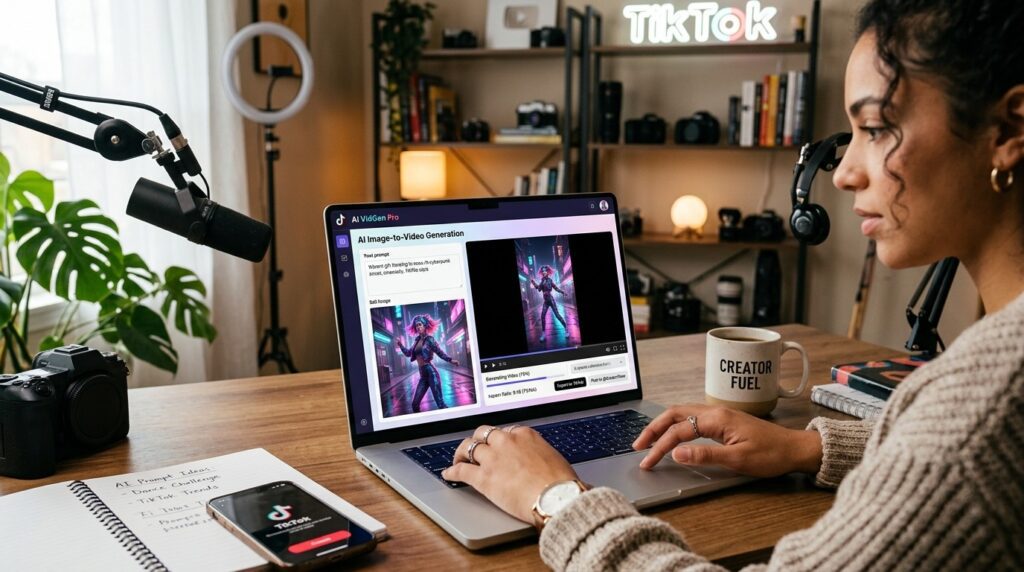
Not every TikTok needs a script. If you have product photos, brand visuals, or static images, an ai image to video generator turns them into animated clips in seconds.
Flixier is the standout tool here. The workflow is simple:
- Upload your image to Flixier’s AI image-to-video tool.
- Type a prompt describing what should happen — camera movement, background animation, subject motion.
- Generate, preview, and download.
The output works well for product showcases, B-roll filler, and ambient clips you can layer into longer TikToks. The generated clips are short (typically 3 to 8 seconds), which matches TikTok’s fast cut rhythm perfectly.
For more advanced image animation at scale — particularly for eCommerce or product-focused accounts — VidAU Product Sample to Video (https://www.vidau.ai/product-sample-to-video/) handles the product-to-video pipeline with more control over brand presentation.
Best AI TikTok Video Generator Tools by Use Case
| Use Case | Recommended Tool | Why |
|---|---|---|
| Script to full TikTok video | CapCut AI Video Generator | Free, fast, auto-captions, 9:16 native |
| Image to animated clip | Flixier AI Image to Video | Simple prompt-based animation |
| UGC-style or avatar videos | VidAU UGC Avatars | Spokesperson format without filming |
| Text prompt to video | VidAU Text to Video | Prompt-based video for ads and content |
| Repurposing existing videos | VidAU Vid Remix | Reformats and adapts existing footage |
Create Viral Content With VidAU
Use VidAU AI Video, Text to Video, Product Sample to Video, UGC Avatars, and Vid Remix to create TikTok-ready content, TikTok Video Ads, product clips, and high-volume short-form videos.
VidAU workflow
Where VidAU fits into AI TikTok video generation
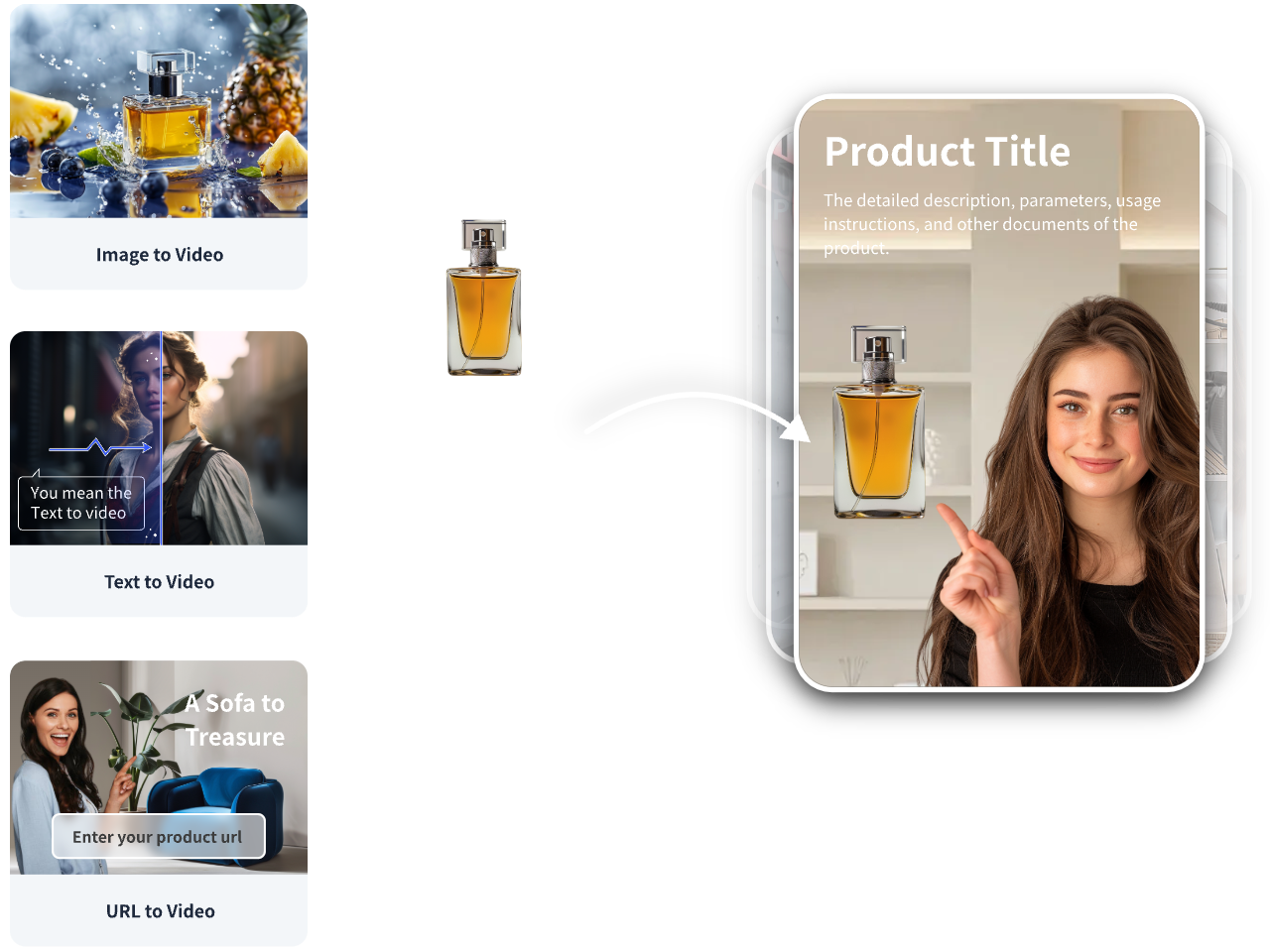
- Start with your content source: Use a script, text prompt, product image, product sample, existing video, or product URL as the input.
- Create short-form video assets: Use VidAU Text to Video for prompt-based clips, Product Sample to Video for product content, or VidAU AI Video for ad-ready production.
- Add human-facing formats: Use UGC Avatars when the TikTok needs a spokesperson-style video without filming.
- Improve voice and captions: Use VidAU Text to Speech when CapCut’s built-in voices feel limiting or when more voice variety is needed.
- Repurpose and scale: Use VidAU Vid Remix to adapt existing clips for TikTok, YouTube Shorts, Instagram Reels, and different campaign contexts.
Platform-Specific Optimization for TikTok
Creating a video is only half the job. Getting it to perform on TikTok requires a few specific settings and habits that AI tools alone cannot handle.
Format and resolution: Always export at 1080×1920 (9:16) at minimum. Blurry or letterboxed videos get deprioritized in TikTok’s feed. If you are converting videos for TikTok from a horizontal source, use auto-reframe tools like the one in CapCut or Filmora to intelligently crop without losing the subject.
Hook in the first two seconds: TikTok’s algorithm measures watch time aggressively. Your first frame needs to create immediate tension, curiosity, or visual interest. When generating scripts for AI video, write the hook as the very first sentence.
Captions: Over 70% of TikTok users watch with sound off at some point. Auto-captions are not optional — they are a reach tool. CapCut’s caption feature handles this well. Make sure the text is large enough to read on mobile.
TikTok Video Ads: If you are running paid campaigns, TikTok Video Ads have specific requirements — file format, duration limits, and safe zones for text. AI-generated videos generally meet these specs, but verify before submitting to TikTok Ads Manager. VidAU AI Video (https://www.vidau.ai/vidau-ai-video/) is built with ad-ready output in mind if you need more control over the final format.
| Optimization area | What to do |
|---|---|
| Format and resolution | Export at 1080×1920, 9:16 vertical at minimum. Use CapCut or Filmora auto-reframe when converting horizontal content. |
| Hook | Put tension, curiosity, or visual interest in the first two seconds and make the hook the first sentence in the script. |
| Captions | Use auto-captions, make text large enough to read on mobile, and treat captions as a reach tool. |
| TikTok Video Ads | Verify file format, duration limits, and safe zones before submitting AI-generated videos to TikTok Ads Manager. |
Tip
TikTok performance depends on format, hook timing, readable captions, and ad-safe exports. AI tools create the video, but you still need to optimize for the platform.
Common Mistakes When Using an AI TikTok Video Generator
Over-relying on default outputs: AI-generated scenes are a starting point, not a final product. Swap any clip that looks generic or mismatched. The tools make this easy — do not skip this step.
Ignoring the hook: AI video generators assemble content linearly. They do not automatically prioritize your most compelling moment. You have to structure the script so the hook lands in the first two seconds.
Posting without disclosing AI content: TikTok and most platforms now require or strongly recommend disclosing AI-generated content. Add a note in your description. Most tutorials in the research space include this disclosure as standard practice.
Skipping audio optimization: Auto-generated voiceovers can sound flat. If the voice does not match your brand tone, replace it. VidAU Text to Speech (https://www.vidau.ai/vidau-text-to-speech/) offers voice variety if CapCut’s built-in voices feel limiting.
Exporting at low resolution: TikTok compresses uploaded videos. Always export at the highest resolution available before uploading.
Watch out
AI TikTok videos lose reach when creators rely on default scenes, bury the hook, skip AI disclosure, ignore audio quality, or export low-resolution files before upload.
Advanced Strategies for High-Volume TikTok Production
Once you have the basic workflow down, scaling becomes the real advantage of AI video tools.
Batch scripting: Write five to ten scripts at once using ChatGPT or Claude, then process them all through CapCut AI in a single session. This turns a daily editing habit into a weekly batch workflow.
Repurposing across platforms: A TikTok video in 9:16 format also works for YouTube Shorts and Instagram Reels with zero reformatting. One AI-generated video can seed three platforms simultaneously. Tools like VidAU Vid Remix (https://www.vidau.ai/vid-remix/) help adapt existing video content for different platform contexts without starting from scratch.
Faceless channel scaling: Faceless TikTok channels using AI voiceovers, AI-generated visuals, and auto-captions are among the fastest-growing account types in 2025–2026. The workflow is: script → AI video generation → auto-caption → schedule. No camera, no filming, no complex editing. CapCut AI handles most of this pipeline natively.
Template-based consistency: Once you find a visual style and caption format that works, save it as a template in CapCut. Apply it to every new video to maintain brand consistency without rebuilding from scratch each time.
Avatar and spokesperson formats: If you want a human presence without filming yourself, UGC Avatars (https://www.vidau.ai/ugc-avatars/) generate spokesperson-style videos that work well for product TikToks and TikTok Video Ads.
Tip
Scale TikTok production by batching scripts, repurposing one 9:16 video across platforms, building faceless workflows, saving templates, and adding avatar formats when a human presence helps.
Key takeaway
Final Thoughts
The ai tiktok video generator category has matured fast. CapCut AI is the clearest starting point for most creators — it is free, handles the full script-to-export workflow, and outputs in the right format without any setup overhead. Flixier fills the image-to-video gap cleanly. For teams producing TikTok Video Ads or managing product-focused accounts at scale, dedicated platforms like VidAU AI Video (https://www.vidau.ai/vidau-ai-video/) and VidAU Product Sample to Video (https://www.vidau.ai/product-sample-to-video/) offer more control over brand presentation and ad-ready output.
Pick one workflow, build the habit, and batch your content. The creators winning on TikTok right now are not better editors — they are more consistent producers. AI tools make that consistency achievable without burning out.
FAQ
Here are answers to common questions about AI TikTok video generator tools, CapCut AI Video Generator, Flixier AI Image to Video, TikTok Video Ads, how to convert videos for TikTok, 9:16 export, AI disclosure, and VidAU short-form video workflows.
What is the best free AI TikTok video generator?
CapCut AI Video Generator is currently the most capable free option for creating full TikTok videos from scripts or images.
Can I use an AI image to video generator for TikTok content?
Yes — tools like Flixier animate static images into short clips that work well as TikTok B-roll or product showcase content.
Does CapCut AI automatically format videos in 9:16 for TikTok?
Yes, CapCut defaults to vertical 9:16 output for short-form content, which is the correct format for TikTok.
Do I need to disclose AI-generated TikTok videos?
Yes — TikTok recommends disclosing AI-generated content in your description, and many creators add a note as standard practice.
Can I create TikTok Video Ads using an AI video generator?
Yes — AI-generated videos can be used for TikTok Video Ads, but verify the file specs and safe zones in TikTok Ads Manager before submitting.
How do I convert videos for TikTok if they are horizontal?
Use an auto-reframe tool in CapCut or Filmora to intelligently crop horizontal 16:9 footage into vertical 9:16 without losing the main subject.