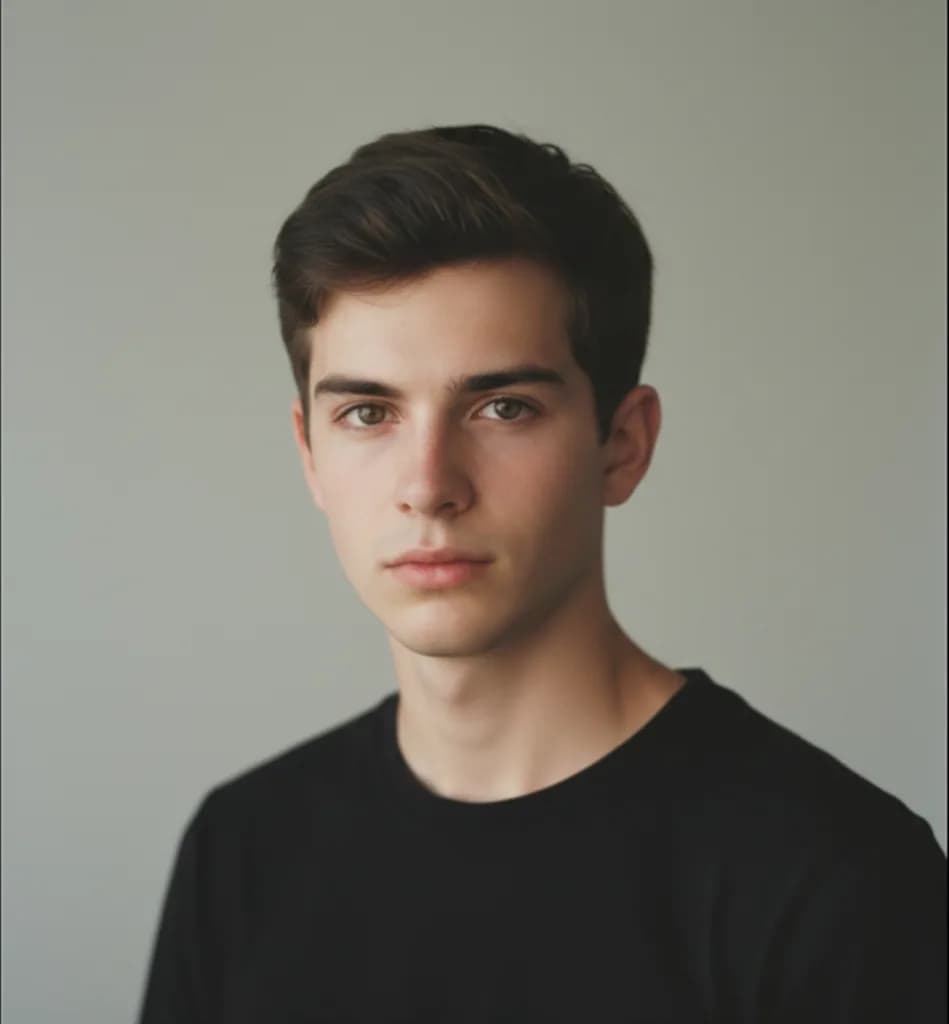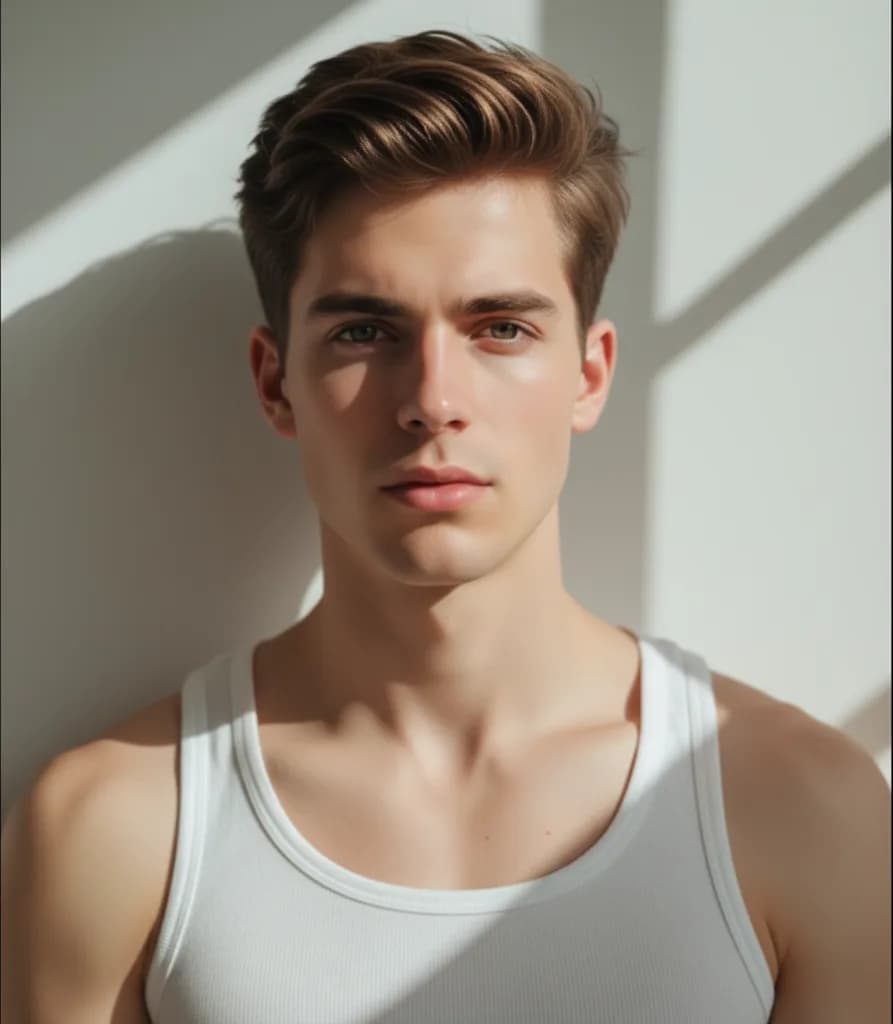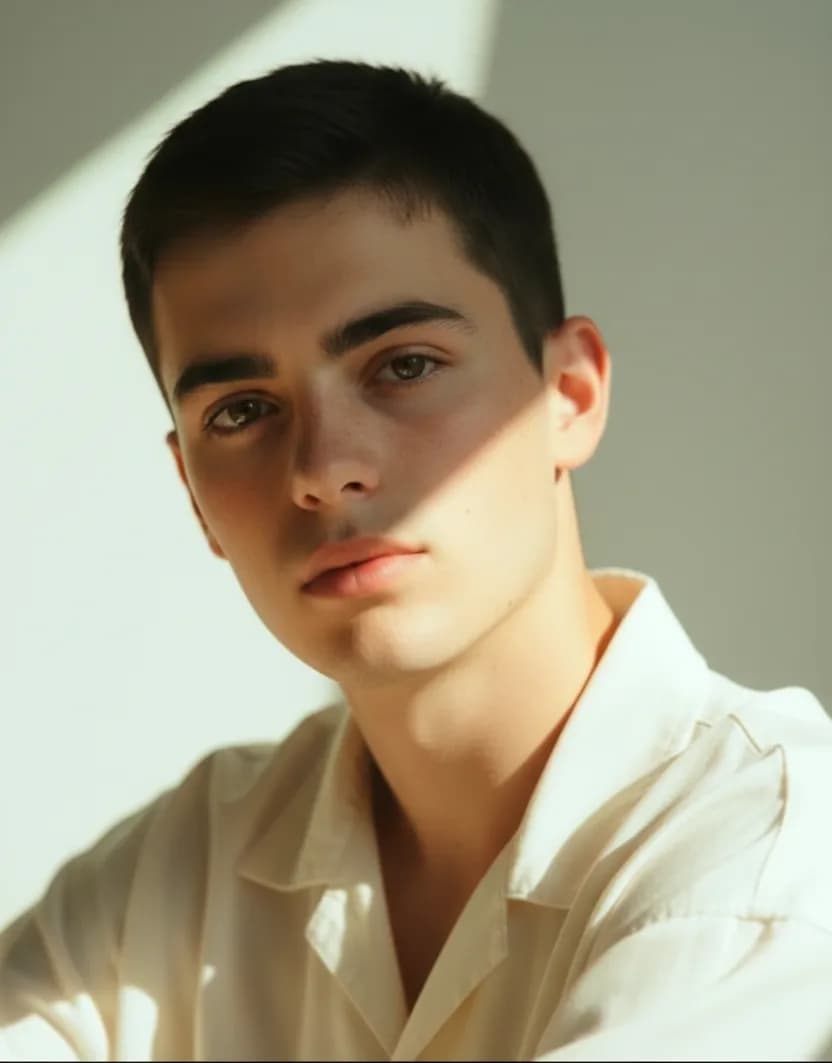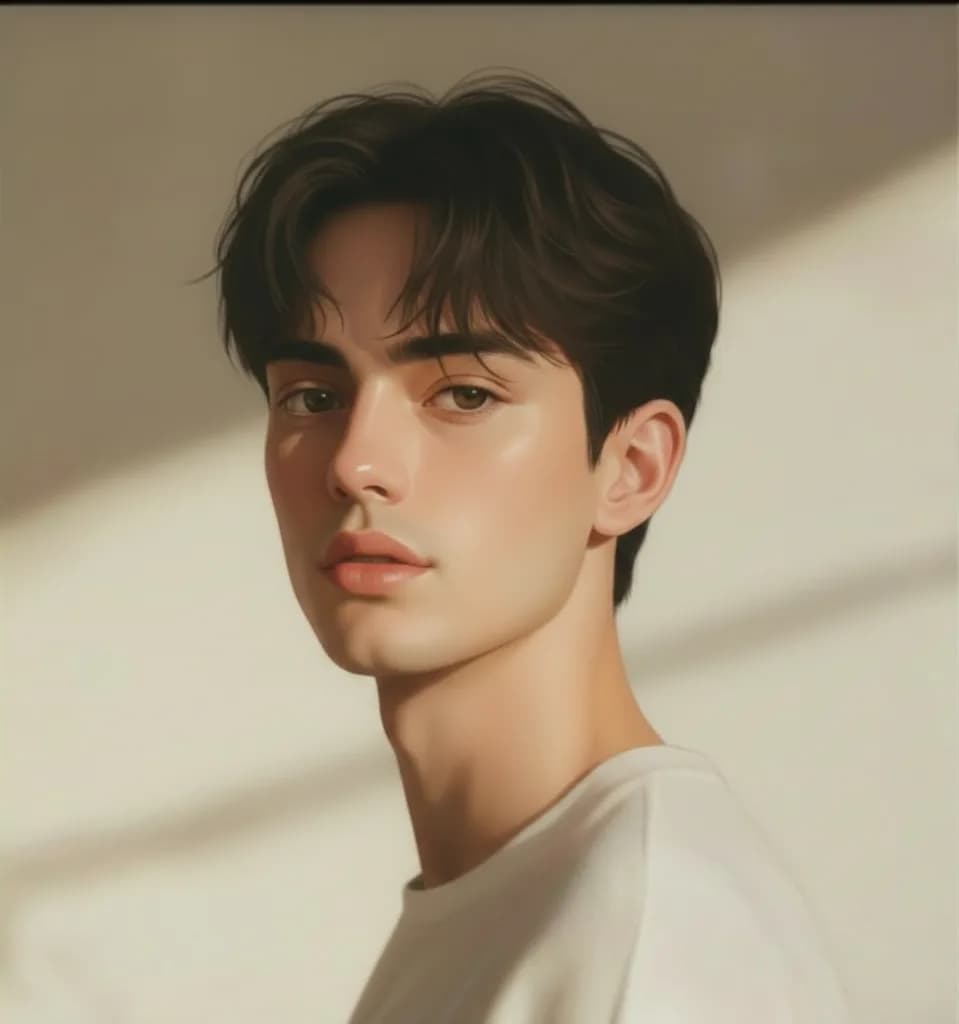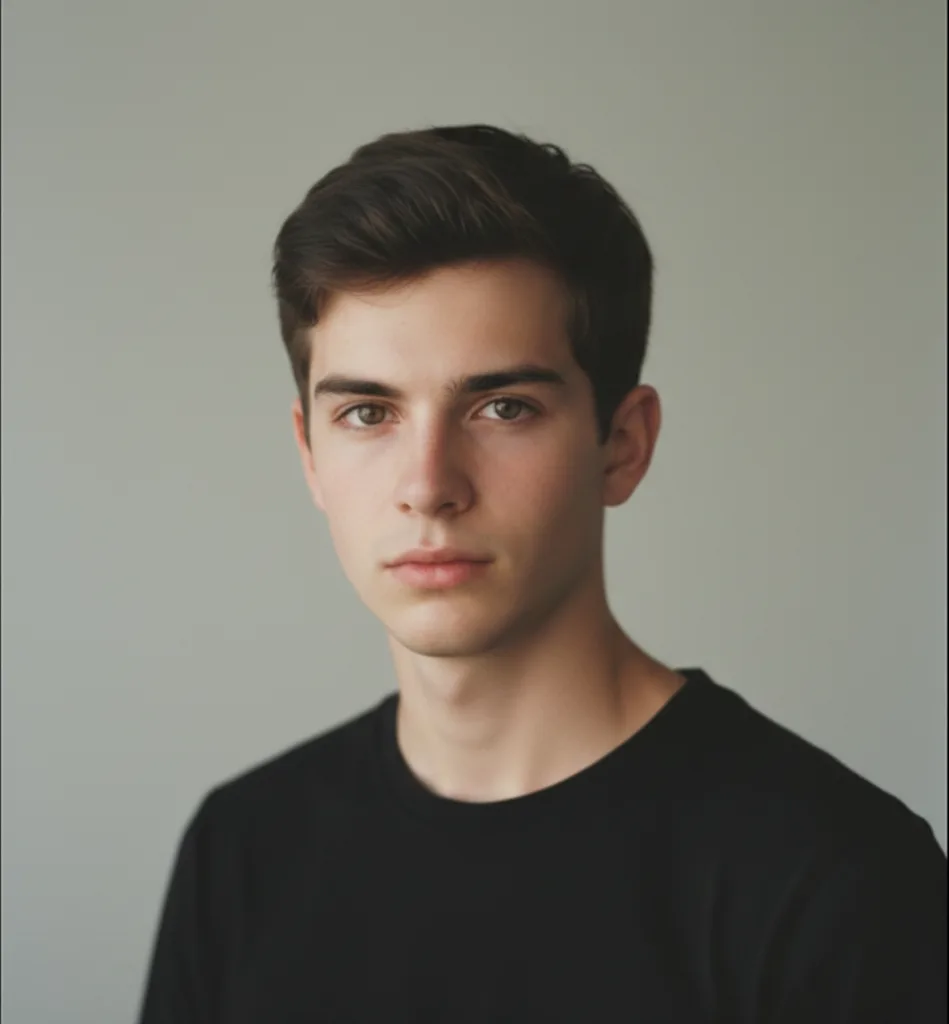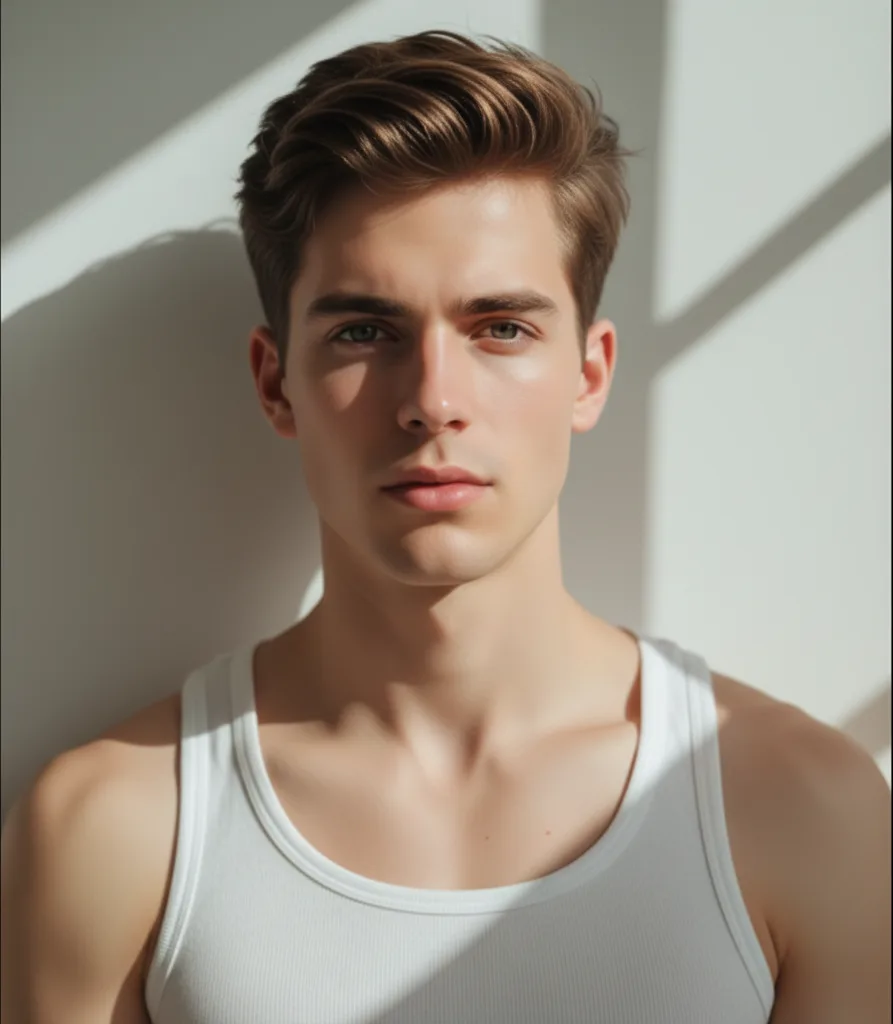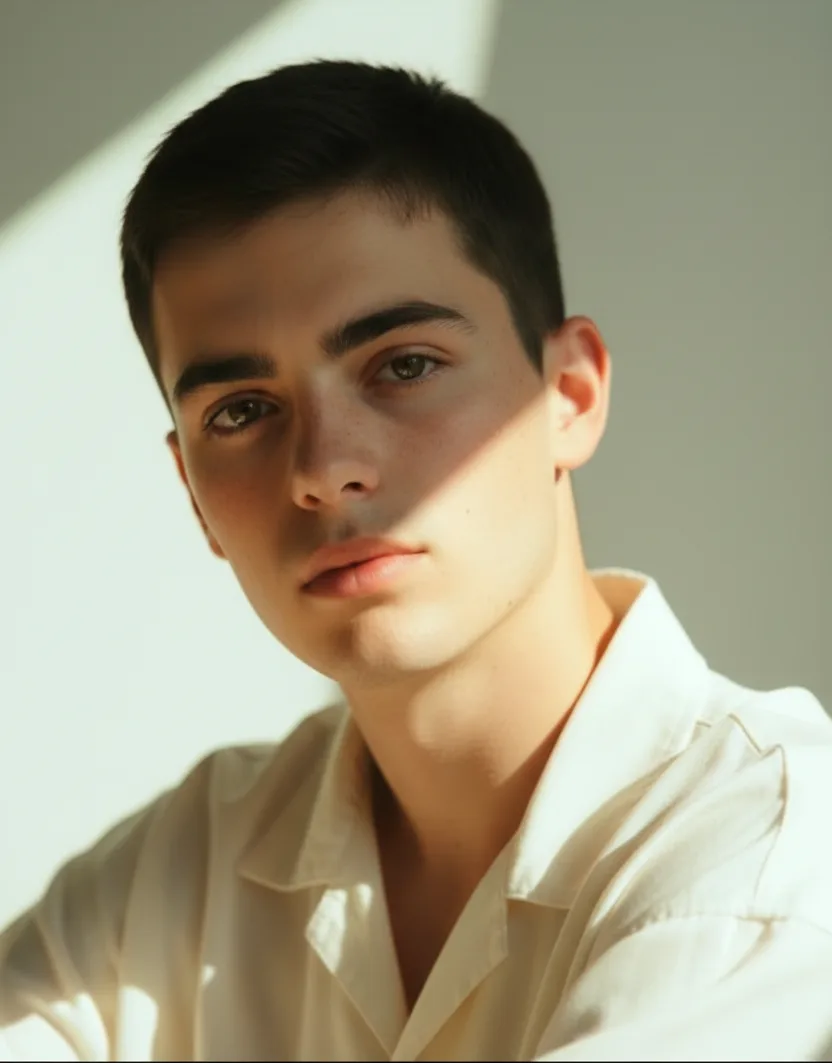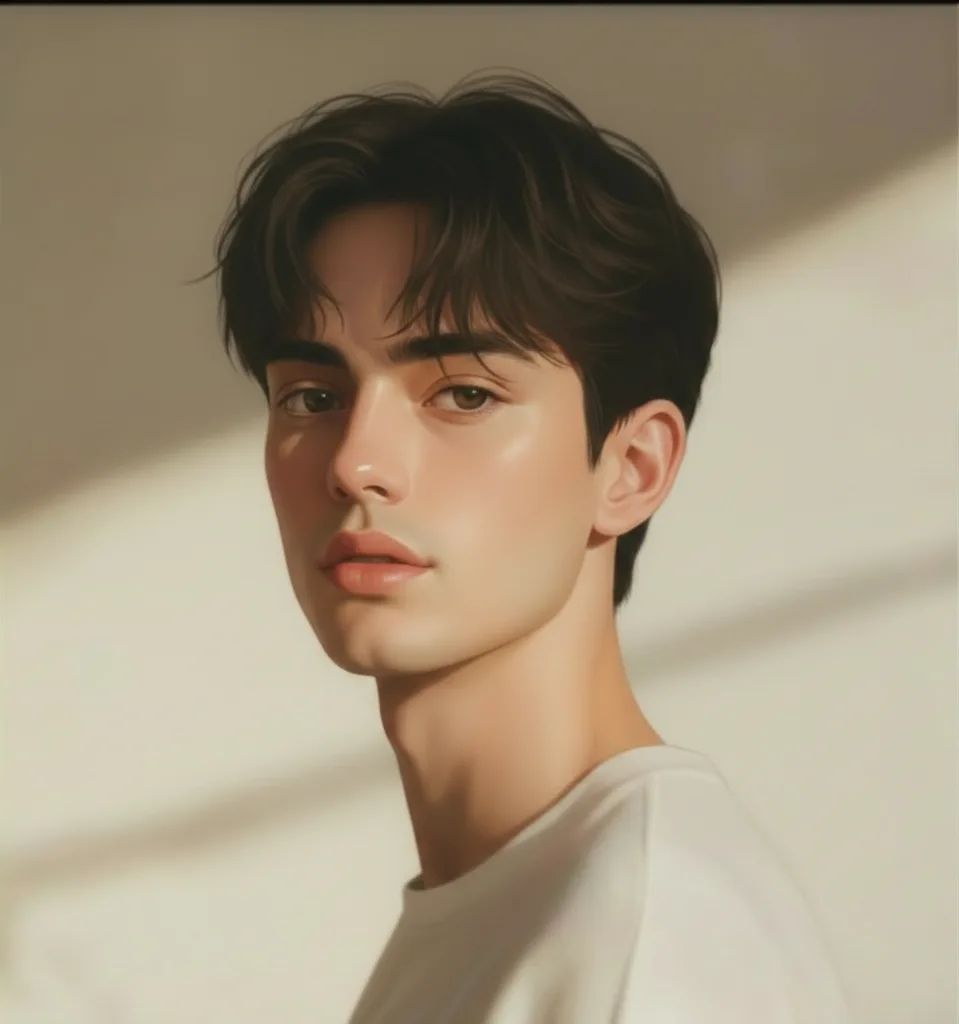
AI Image Generator

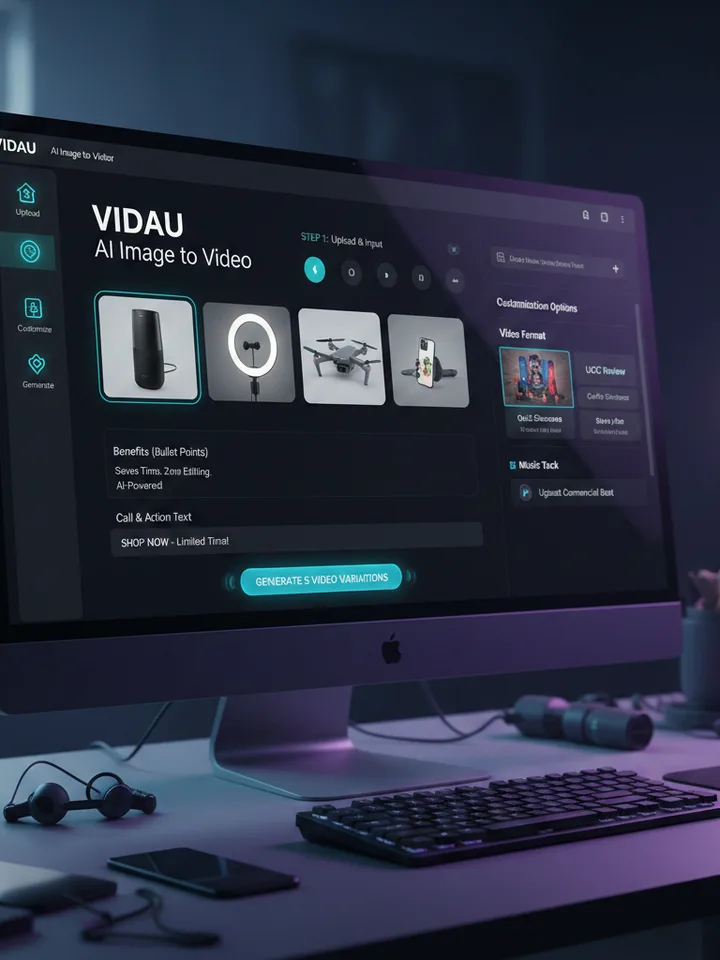
Turn a simple idea, reference image, or product photointo a new visual with VidAU’s ai image generator.

Create ai generated images for products, campaigns, portraits,social content, and creative concepts in one workspace.

Turn One Idea Into Multiple Creative Visuals.

Bring in words, an image, or several references.VidAU gives you flexible ways to guide your AI image before generation.

TEXT TO IMAGE

Turn Your Words Into Visuals

You do not need to write the perfect prompt.

Describe what you want to see, and VidAU turns your idea into an image.

Generate Text to Image

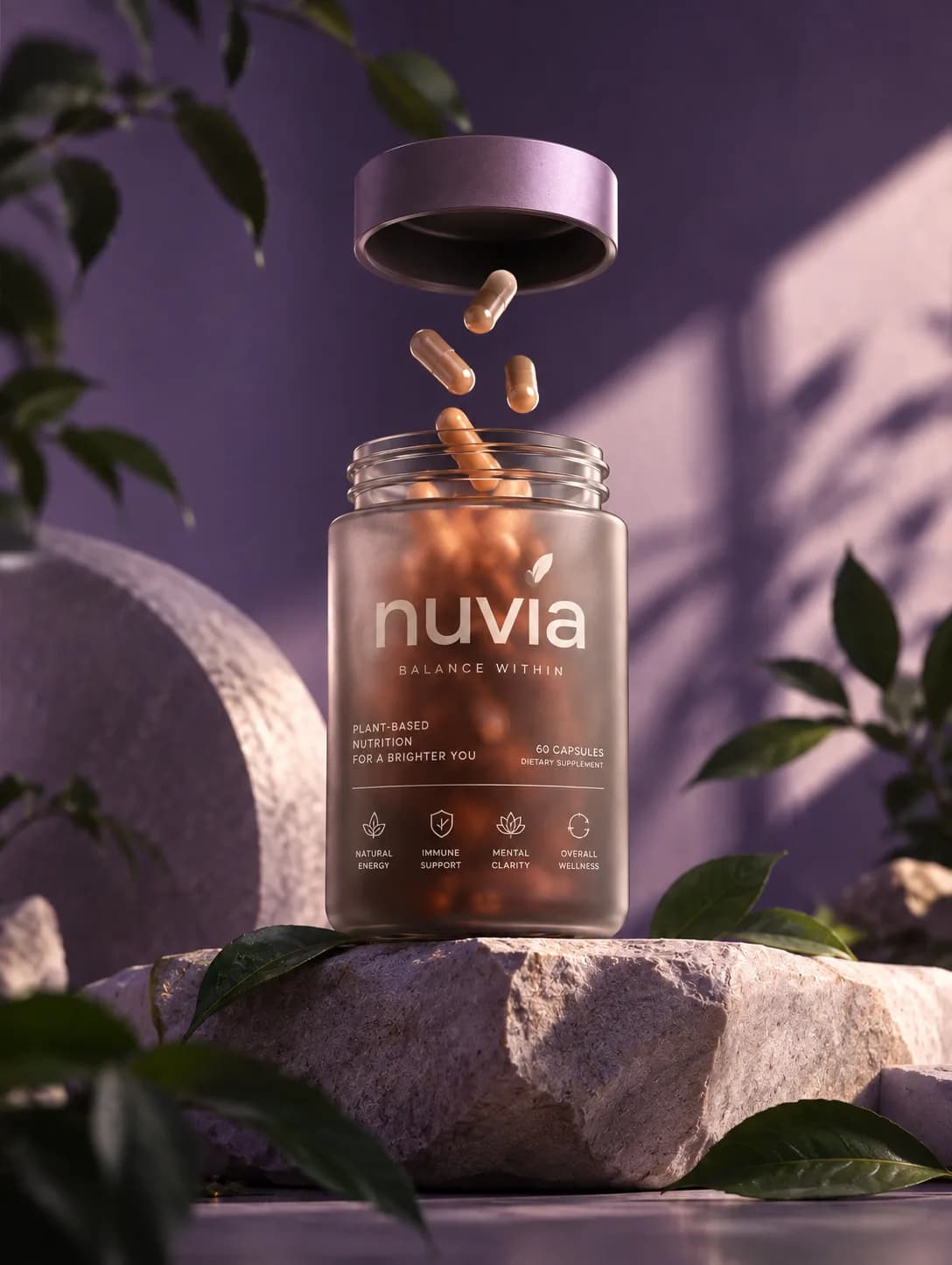
Example Prompt:

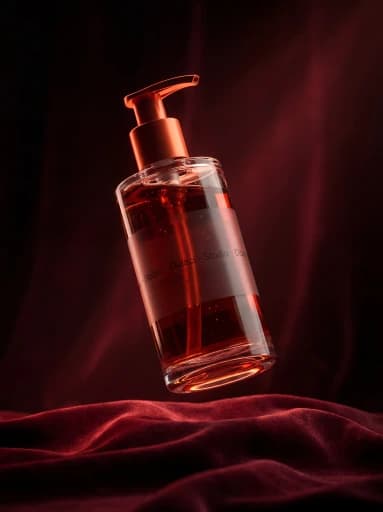
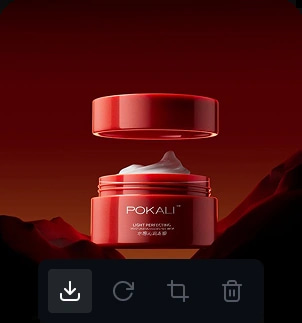
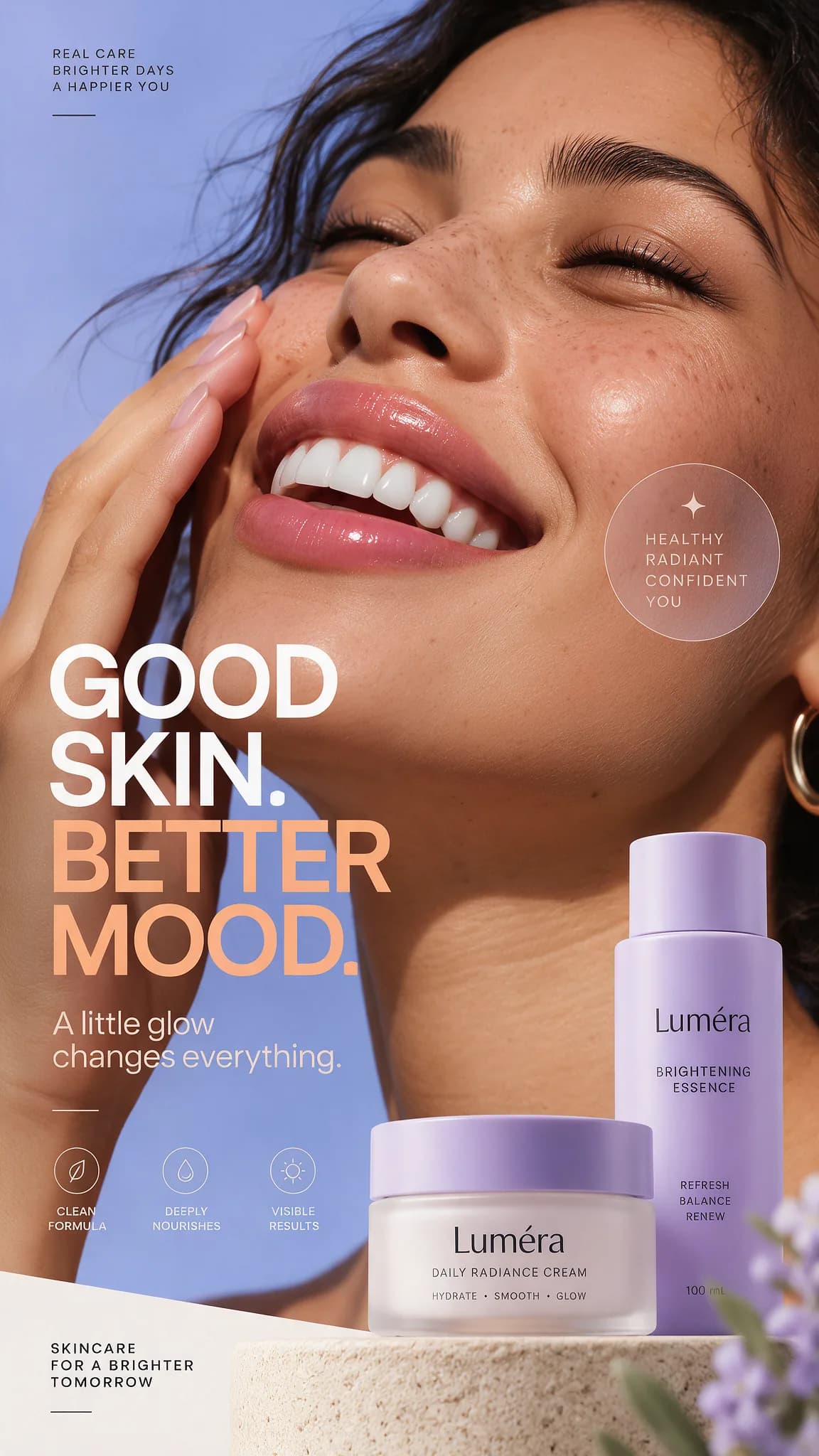
A premium skincare bottle on a sunlit stone pedestal, with soft botanical shadows, warm neutral tones, and clean editorial product photography.
Turn Your Words Into Visuals

IMAGE TO IMAGE

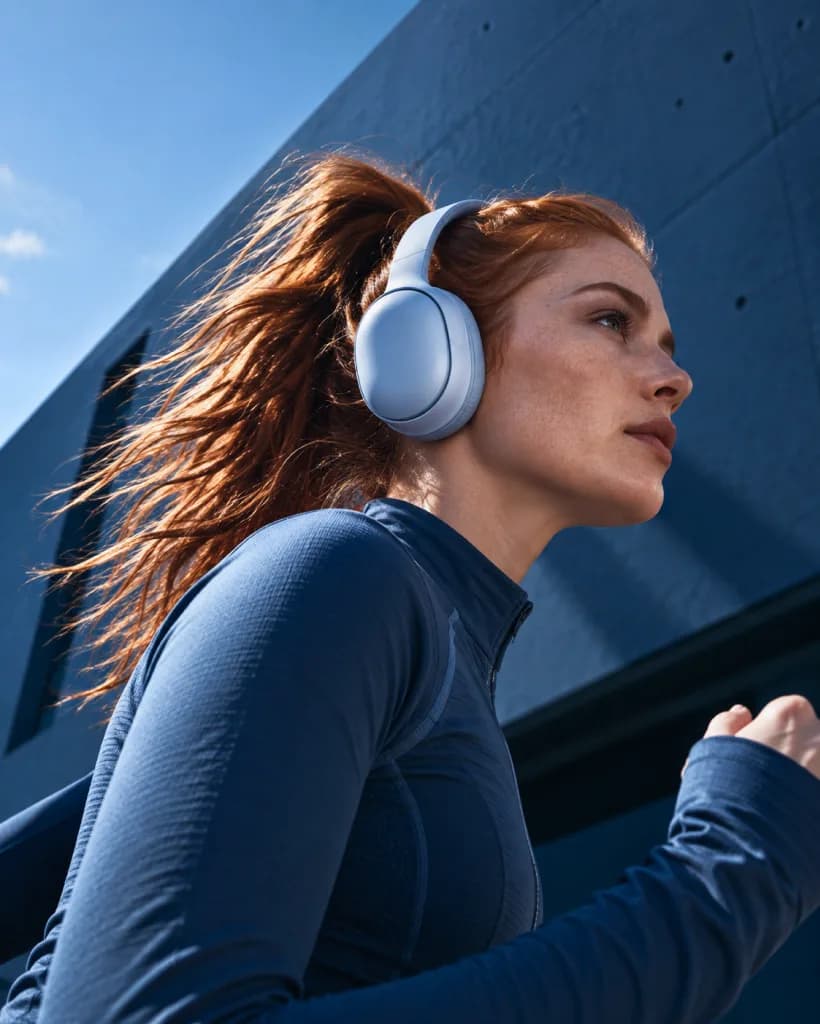
Start With an Image and Take It Somewhere New

You do not need to start over or figure out the perfect prompt.

Upload the image you already have, describe the direction you want to explore, and VidAU transforms it into a new visual.

Generate Image to Image

Example Prompt:

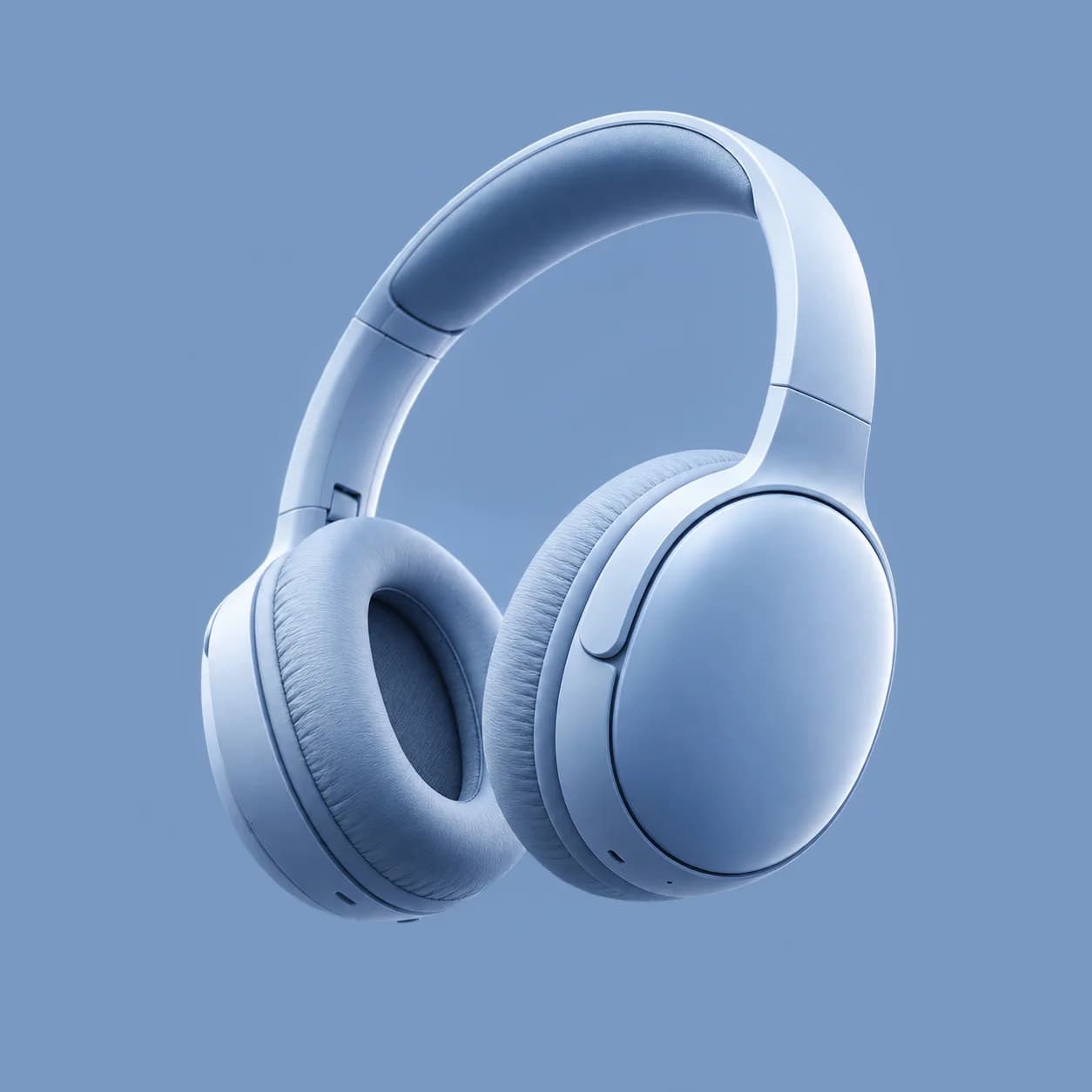
A cinematic lifestyle portrait of a woman running through a modern city, wearing sleek wireless headphones and athletic clothing. Bright natural daylight, blue sky, wind in her hair, realistic movement, clean urban architecture, soft contrast, and an effortless editorial feel.

Start With an Image and Take It Somewhere New

REFERENCE TO IMAGE

Bring Your References Together

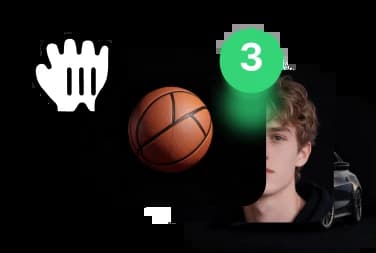
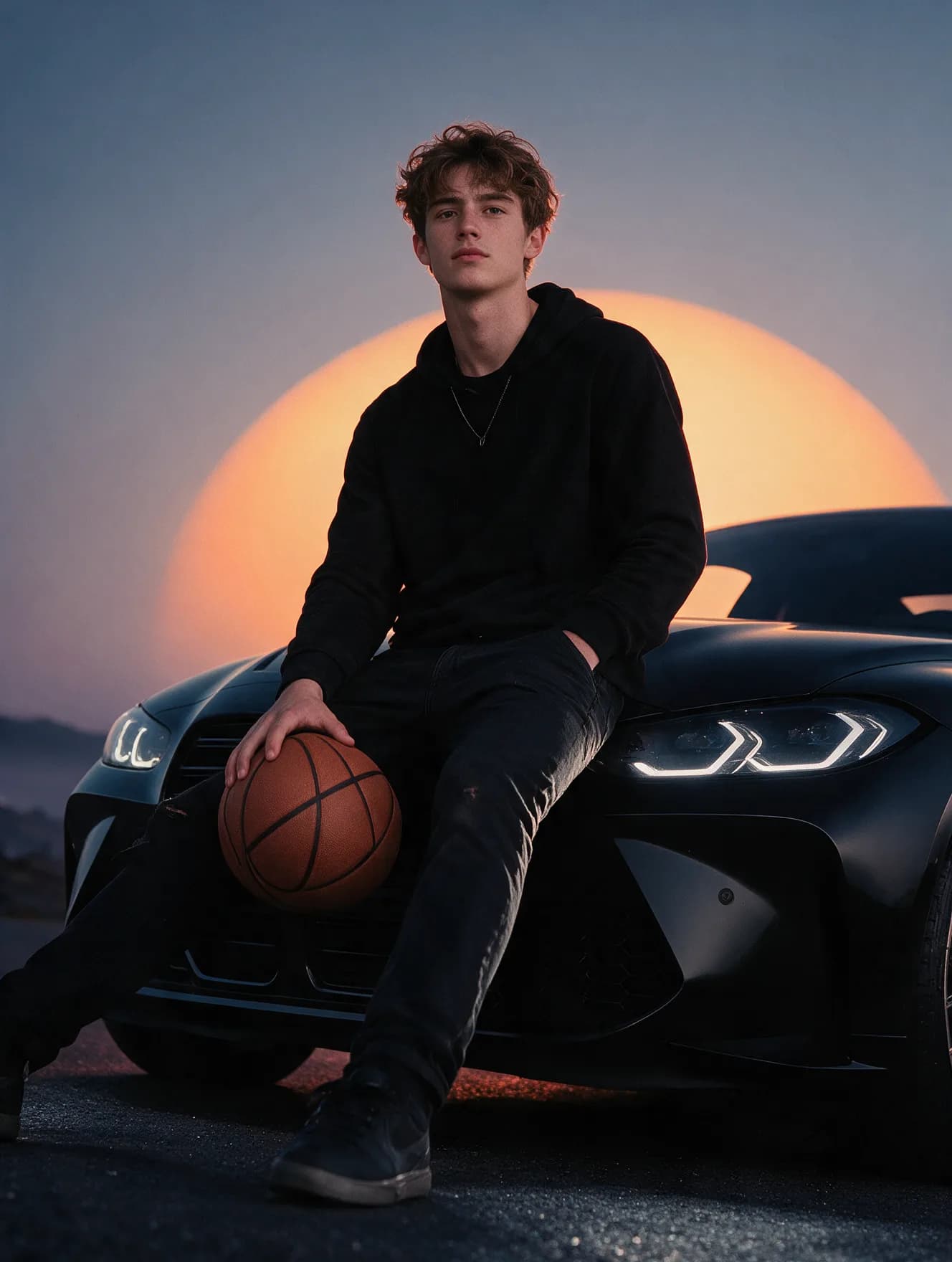
Bring separate visual ideas into one composition. Use references for people, objects, scenes, and styles to guide the final image more clearly.

Generate From References

Example Prompt:

Use the person from reference 1, the basketball from reference 2, and the car from reference 3. Create a cinematic lifestyle scene of the subject sitting casually on the car at sunset, holding the basketball, with warm natural light and a clean editorial composition.

Bring Your References Together

Control How Your AI Image Looks

Select a Model

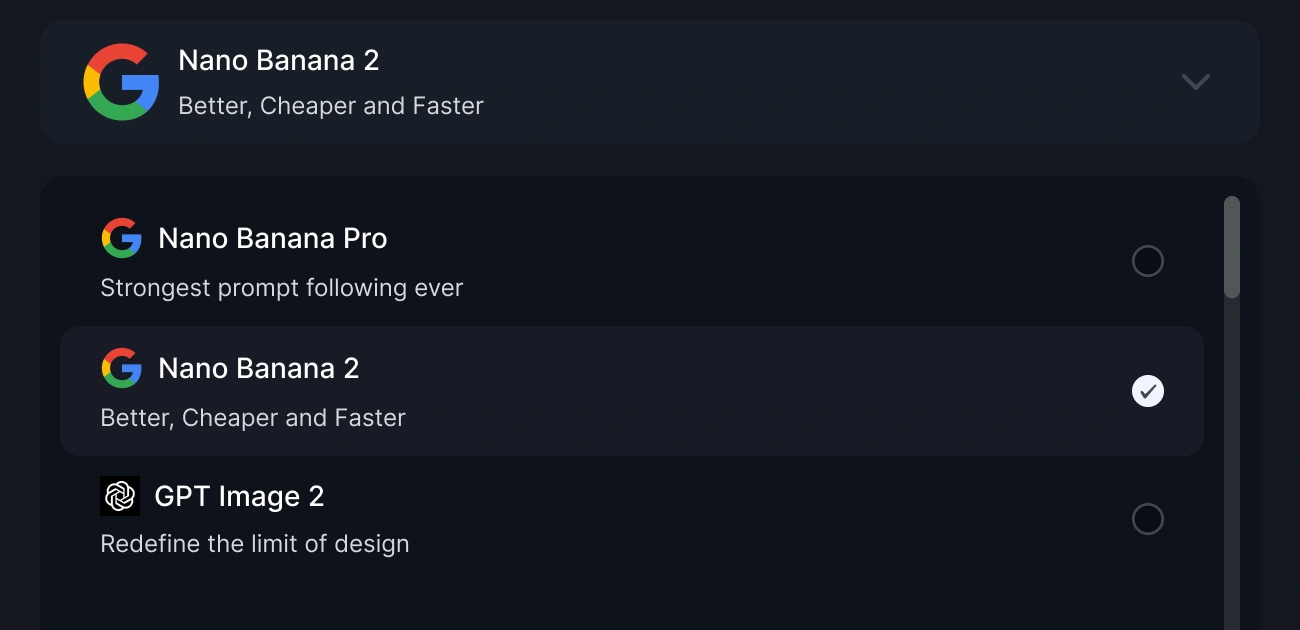
Choose an available AI image model that fits your creative direction.
Select a Model

Describe the Image

Write a clear description of your desired AI image, from the main subject and setting to the composition and visual style.

A glamorous blonde woman in oversized black safety goggles and black satin robe stands in a dark studio, gripping a heavy hammer. She raises it high, then powerfully smashes a large....|

Upload a Reference Image

Add a product, person, scene, or visual style you want the ai image generator to use as a reference.
3

Select Available Settings

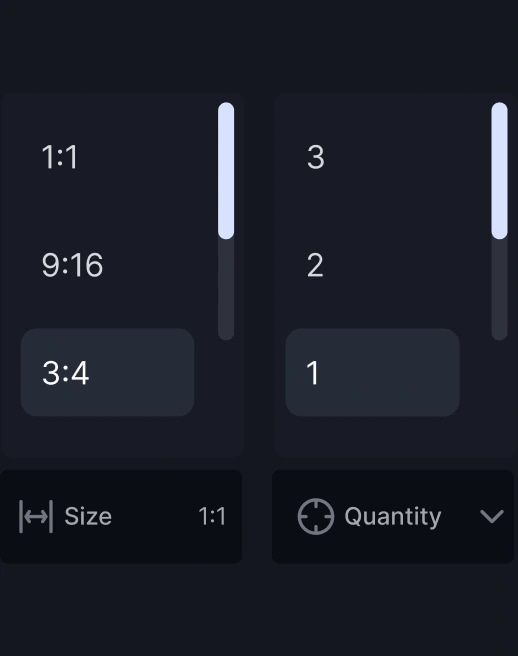
Choose the aspect ratio, quality, and other settings supported by your selected AI image model.
Select Available Settings

Generate and Refine

Create the new AI image, review the result, and adjust your prompt, reference, or settings to produce another version.
Generate and Refine

USE

CASES

Product & Commerce

Create product visuals for online stores, launches, and campaigns. Test new backgrounds and compositions around your product.

01

Product & Commerce

People & Portraits

Create expressive portraits, character concepts, and different photographic directions for your brief.

02

People & Portraits

Fashion & Lifestyle

Develop editorial concepts, outfit imagery, and lifestyle scenes that reflect a clear brand mood.

03

Fashion & Lifestyle

Food & Beverage

Create food and drink imagery for menus, promotions, packaging concepts, and social content.

04

Food & Beverage

Marketing & Design

Build visual directions for ads, posters, and campaign concepts. Compare several ideas before choosing a route.

05

Marketing & Design

Social Content

Turn content ideas into ai generated images for posts, campaigns, and brand storytelling.

06

Social Content

Art & Illustration

Experiment with illustration styles, imagined environments, and original character concepts.

07

Art & Illustration

Creative Concepts

Test unusual ideas, visual worlds, and compositions when you need a less conventional direction.

08

Creative Concepts

Create AI Images for Every Creative Direction

Use VidAU to build AI generated images across product, portrait, fashion, food, social, illustration, and campaign workflows.

Create Your AI Image

AI Image Solutions Built for Real Creative Work

Use the ai image editor workflow to change specific parts of an image while keeping the rest of the visual direction intact.
Edit an AI Image
Turn Ideas Into AI Images

Turn Ideas Into AI Images

Turn a prompt, reference, or combination of both into polished AI generated images. Test concepts, styles, compositions, and creative directions without starting from scratch.

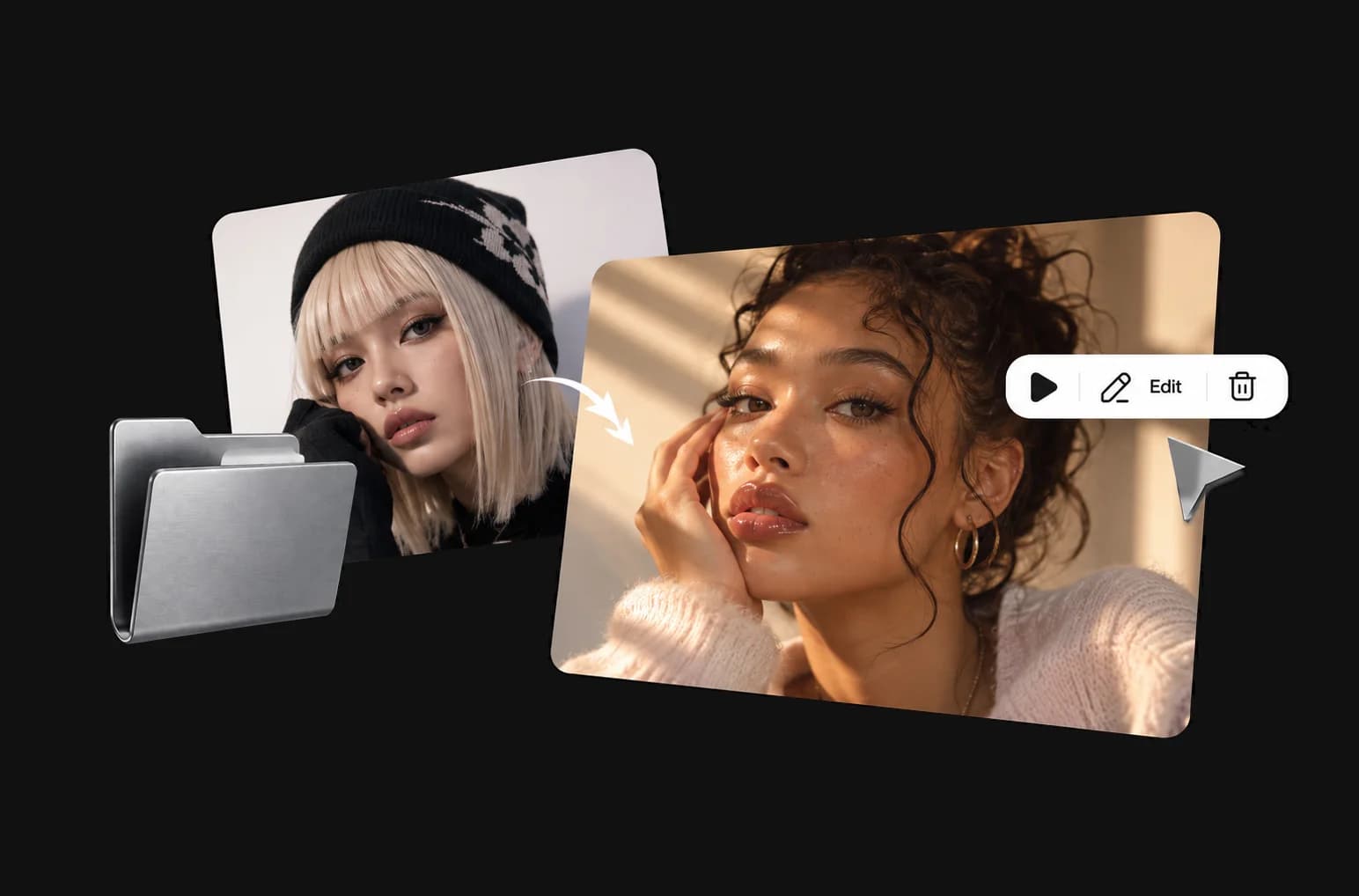
Transform Any Image Into a New Vision

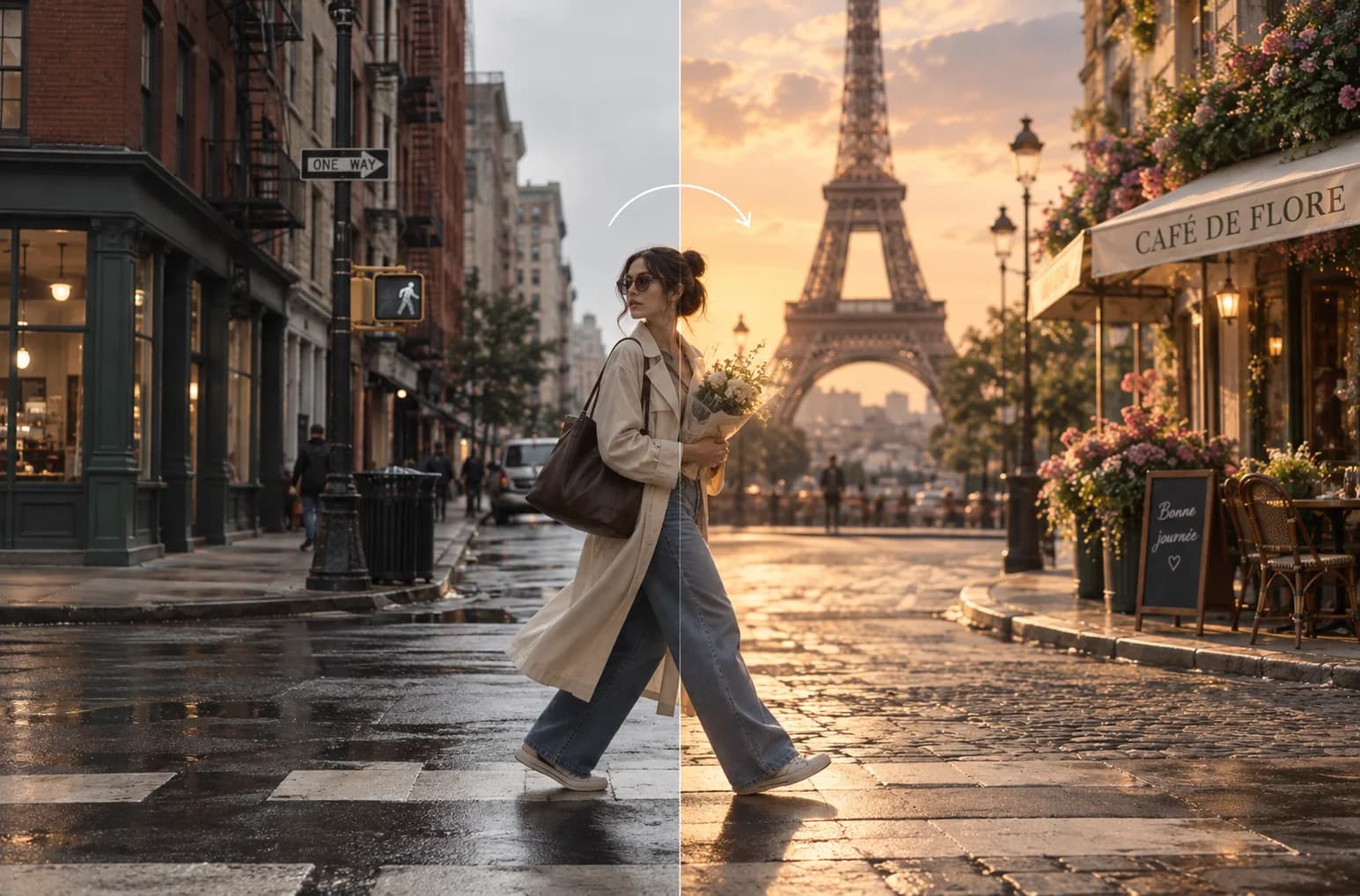
Change the setting, subject, styling, lighting, or composition while preserving the elements you want to keep. Use the AI image generator to take an existing visual somewhere completely new.
Transform Any Image Into a New Vision
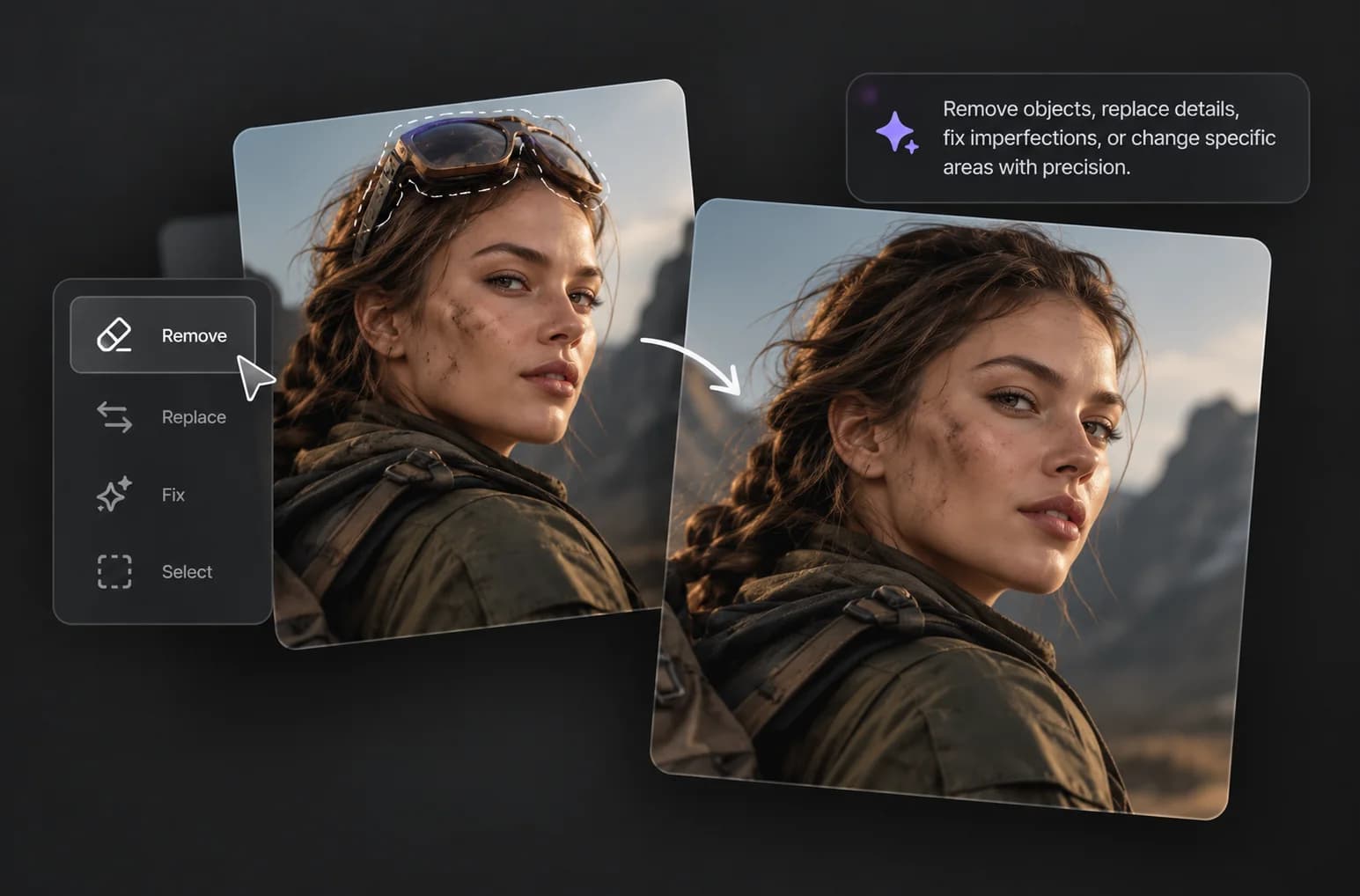
Edit Anything Without Starting Over

Edit Anything Without Starting Over

Use the AI image editor to remove objects, replace details, fix imperfections, or change specific areas with precision. Make the change you need while keeping the rest of the image intact.
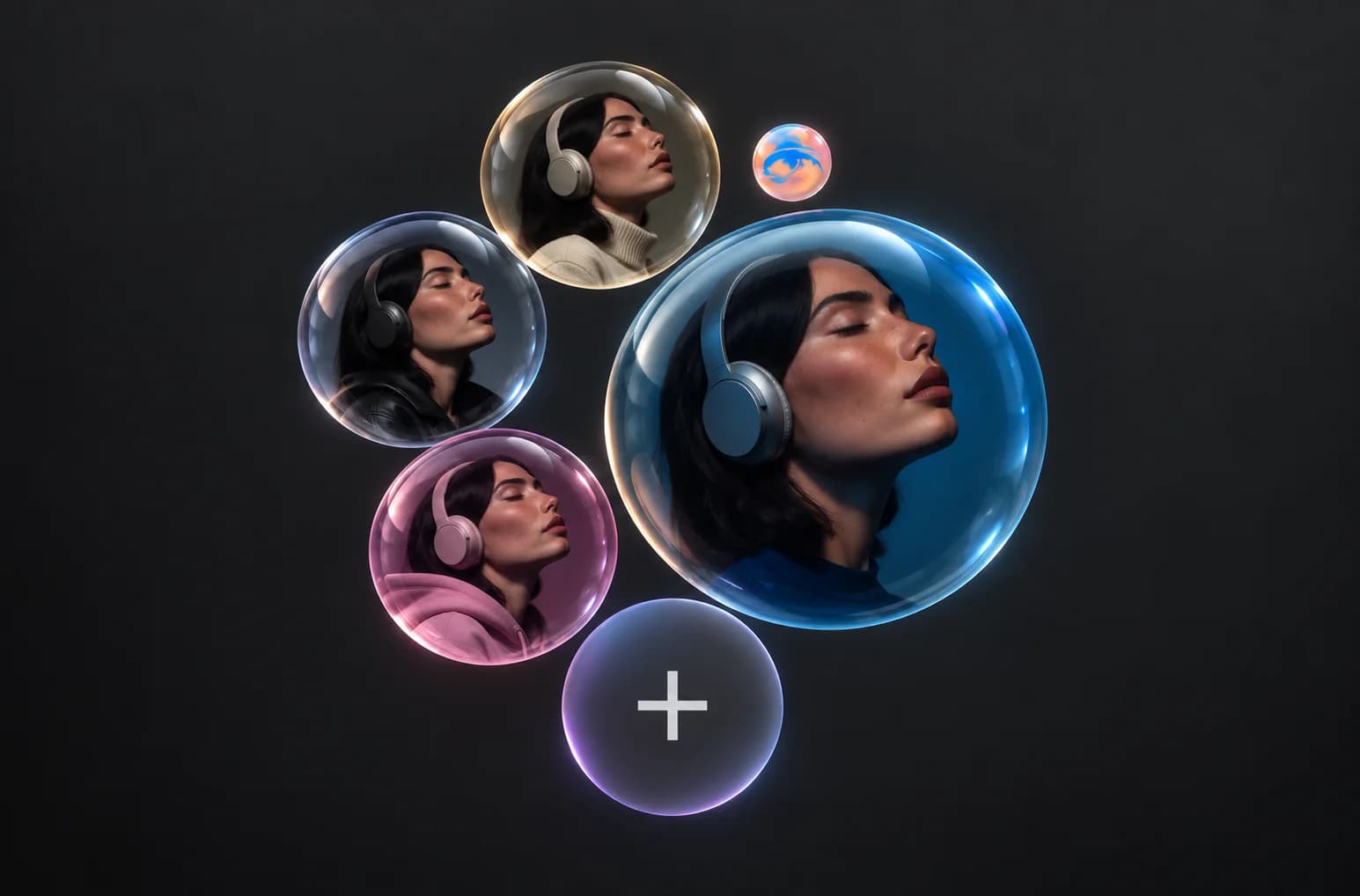
Keep the Same Character in Every Image

Keep the Same Character in Every Image

Create new scenes with the same person, product, character, or visual identity across multiple AI generated images.

More Resolution. More Possibilities.

Extend your AI image into new dimensions, compositions, and layouts while keeping the visual direction connected.
More Resolution. More Possibilities.
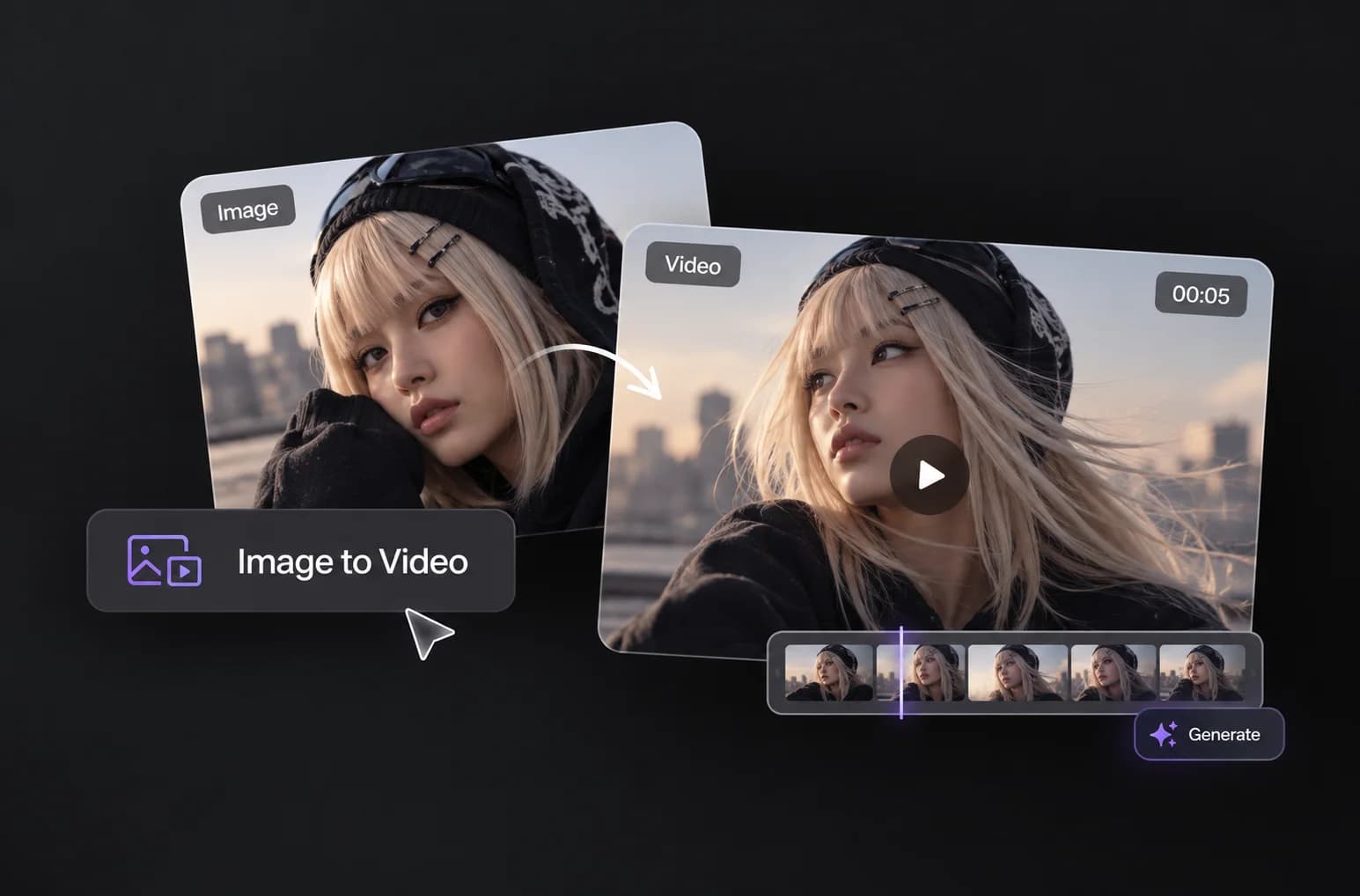
Turn Your AI Image Into Video

Turn Your AI Image Into Video

Take any generated or existing image and add movement, camera direction, and scene motion to turn a still visual into video.

Find Your Next Visual Idea

Explore ready-made image ideas for products, campaigns, portraits, social content, and more. Choose a concept, customize the details, and create your own AI image.

Powered by Next-Gen AI Engines

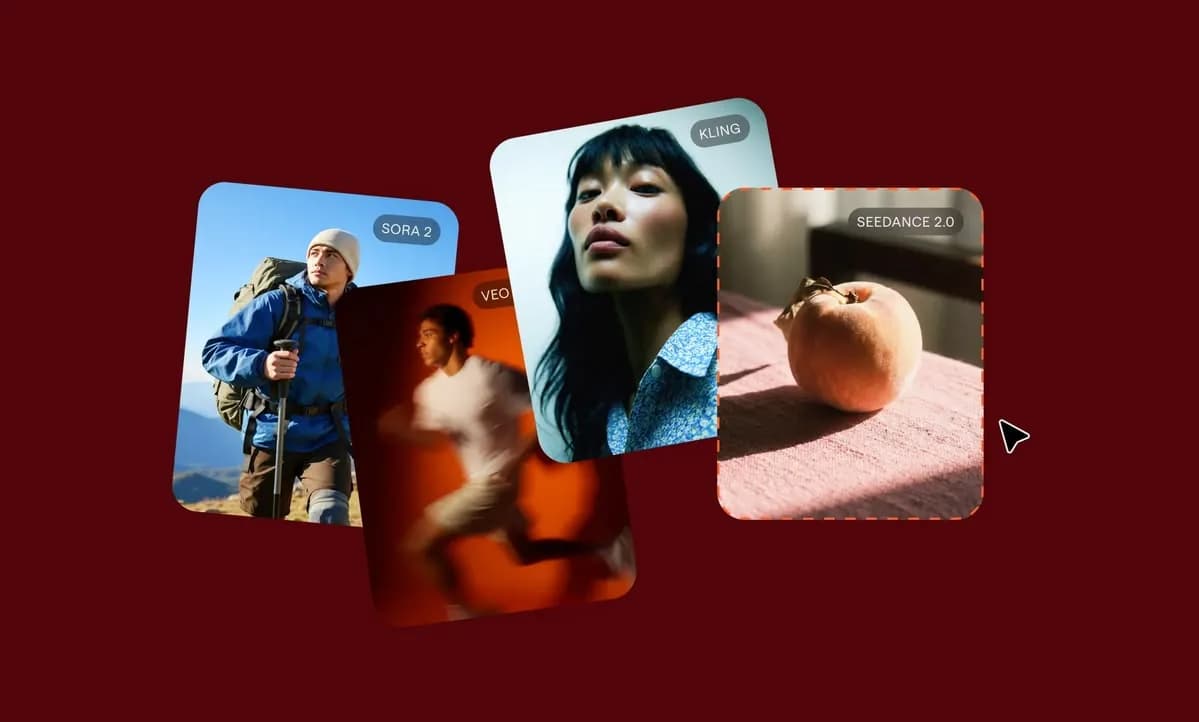
VidAU AI Image gives you model-level control. Choose from leading AI image models based on the type of visual, style, and creative direction you need.

Nano Banana

Strong prompt following for detailed instructions, structured outputs, and complex scene generation.

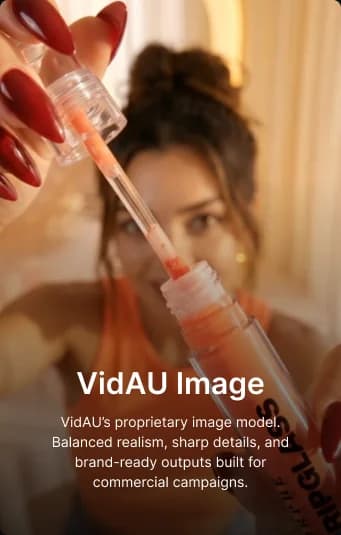
VidAU Image

VidAU’s proprietary image model for balanced realism, sharp details, and commercial-ready visuals.

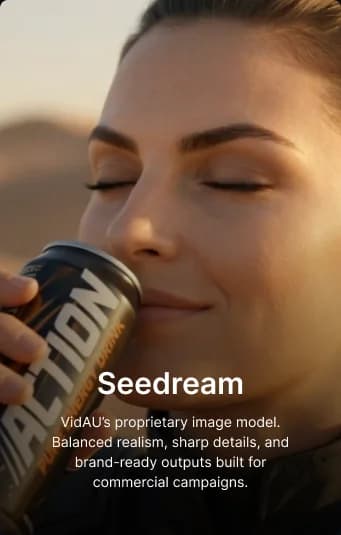
Seedream

Create polished AI generated images with strong scene detail, visual balance, and creative interpretation.

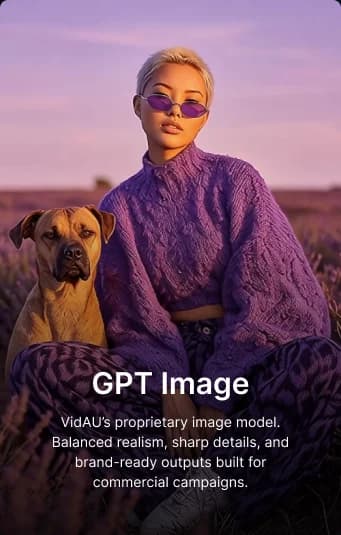
GPT Image

Generate detailed AI images with flexible styles, strong instruction following, and broad creative range.

Explore AI Image Models

VidAU AI Image for Every Creative Team

Use one AI image workspace to explore concepts, compare visual directions, create campaign assets, and refine ideas across different creative roles.
Creative Directors

Creative Directors

Turn broad ideas into visual directions, campaign concepts, and creative worlds before moving into full production.

Marketing Leads

Marketing Leads

Create image options for campaigns, product launches, and ads. Compare different directions as you develop the message.

Brand Designers

Brand Designers

Explore brand look and feel through imagery. Develop visual systems, references, and concepts around one creative direction.

Heads of Brand Strategy

Heads of Brand Strategy

Test how a brand idea might look before moving into finished creative. Turn themes and positioning into visual concepts for team review.

5,000,000+

Create Alongside 5M+ Creators and Businesses

Use the VidAU AI image generator to turn ideas and references into polished visuals for brands, campaigns, products, and everyday creative work.

Proven SuccessStrategyMarketing
Get Started with VidAU

Create images, generate AI video, experiment with different directions, and turn concepts into finished creative work.

Creative

Studio

Get Started

Helpful Resources About AI Image Creation

Learn how an ai image generator, ai image editor, prompt workflows, reference images, model selection, and ai generated images fit into practical creative workflows.

Get Started Now

What Users Are Saying

“I used it for a product launch when we were already behind schedule. I typed out what I needed, tried a few versions, and found one that worked without another long revision cycle.”

Daniel K.

Brand Founder

“I mostly use it when I need the same idea in different formats. It saves me from redoing everything manually before I start testing.”

Maria L.

Performance Marketer

“It gives our team a good first draft. We still review and refine the images, but we no longer start every campaign from a blank page.”

Ravi M.

Agency Creative Lead

“I use VidAU for product pages and social posts when I need something specific and stock images are not giving me the right look.”

Sophie A.

Ecommerce Manager

“I like being able to switch models. Some briefs need a cleaner product image, while others need something more creative. I do not have to force one model to do everything.”

Kevin T.

Creative Strategist

“I was spending too much time searching for visuals that were close enough. Now I describe the campaign idea and generate something closer to what I had in mind.”

Amara J.

Content Marketing Lead

Frequently Asked Questions

Ready to Turn Your Idea Into an AI Image?

Describe the visual you need, add a reference if needed, choose an available model and settings, then generate and refine your AI image with VidAU.