AI Video Upscaler
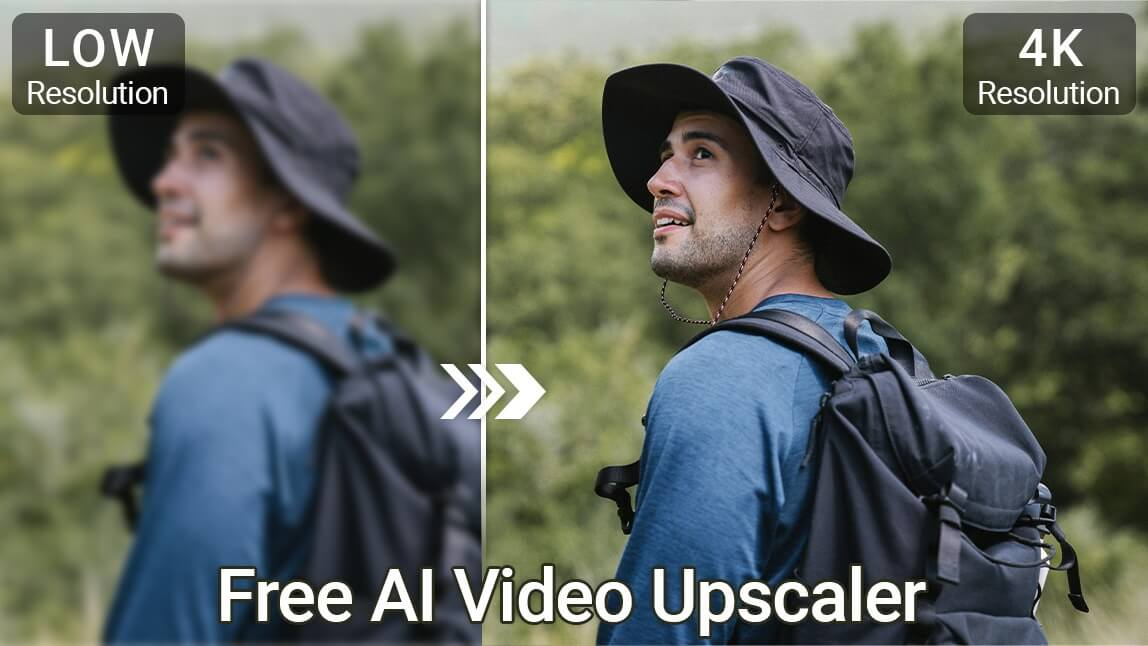
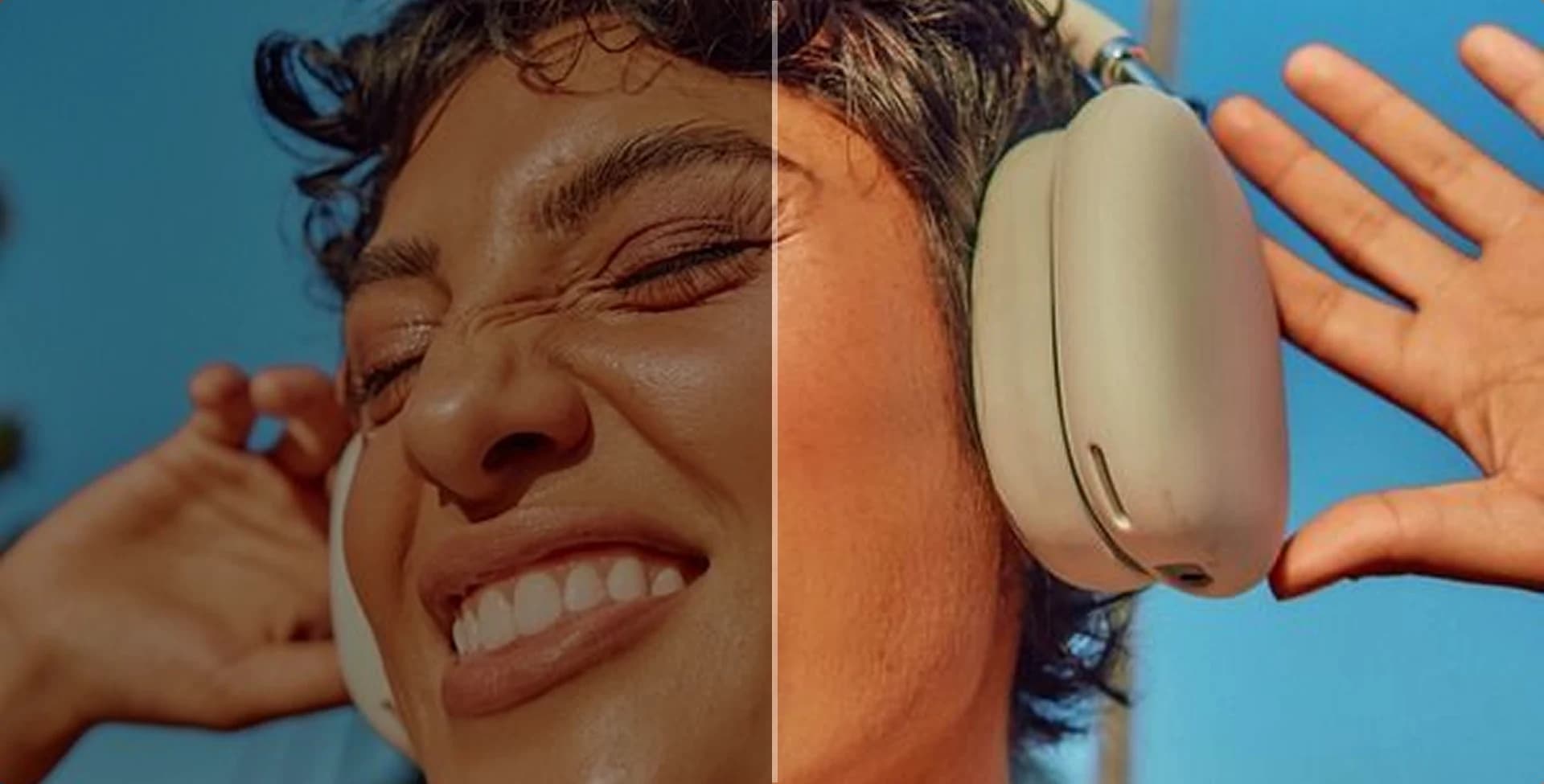
Increase resolution and improve clarity when low-resolution footage needs a sharper HD or 4K-ready version.
Improve My Video

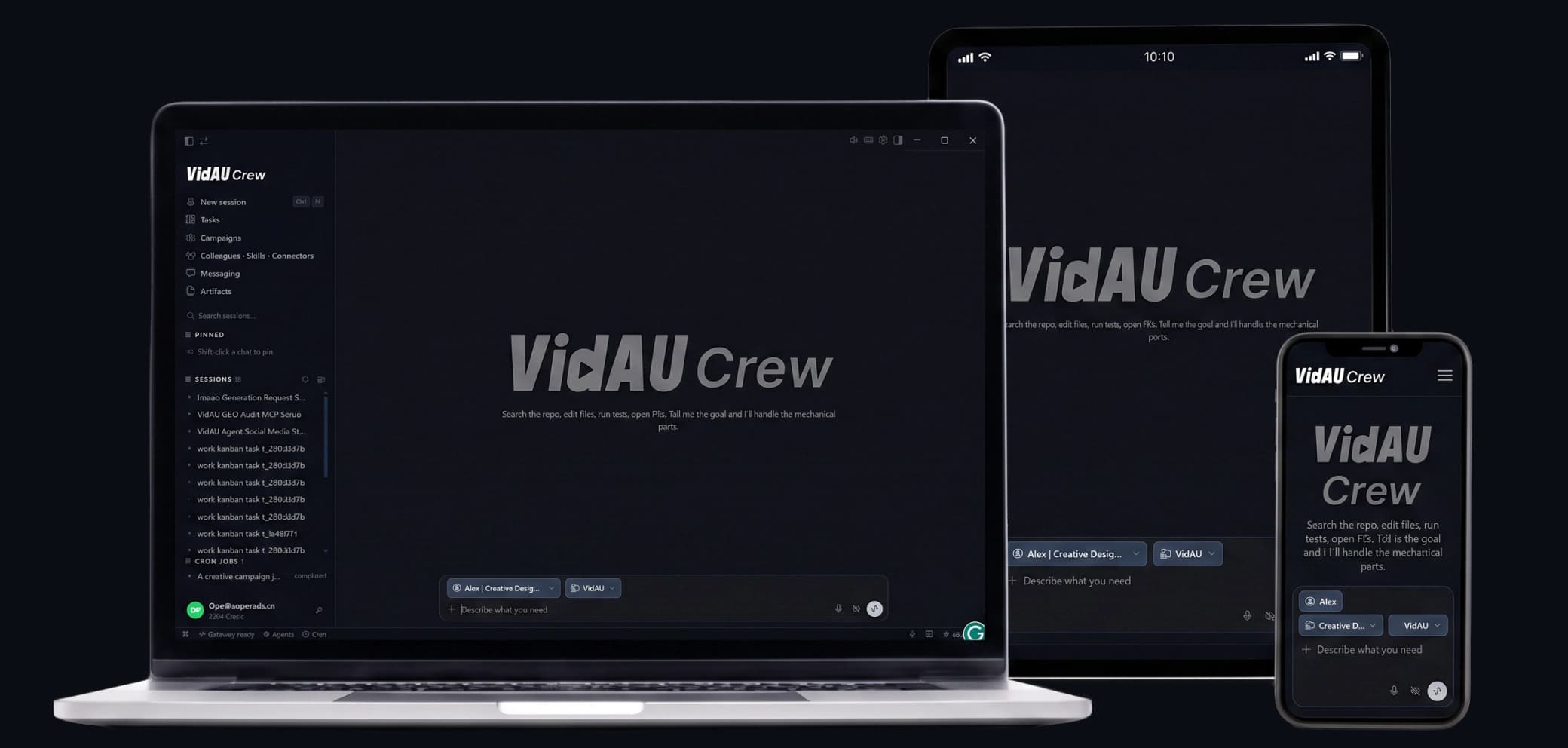
Take VidAU beyond the desktop with the VidAU mobile app. Generate and improve video from your phone, keep ideas moving while you are away from your computer, and access VidAU tools whenever inspiration or campaign work cannot wait.


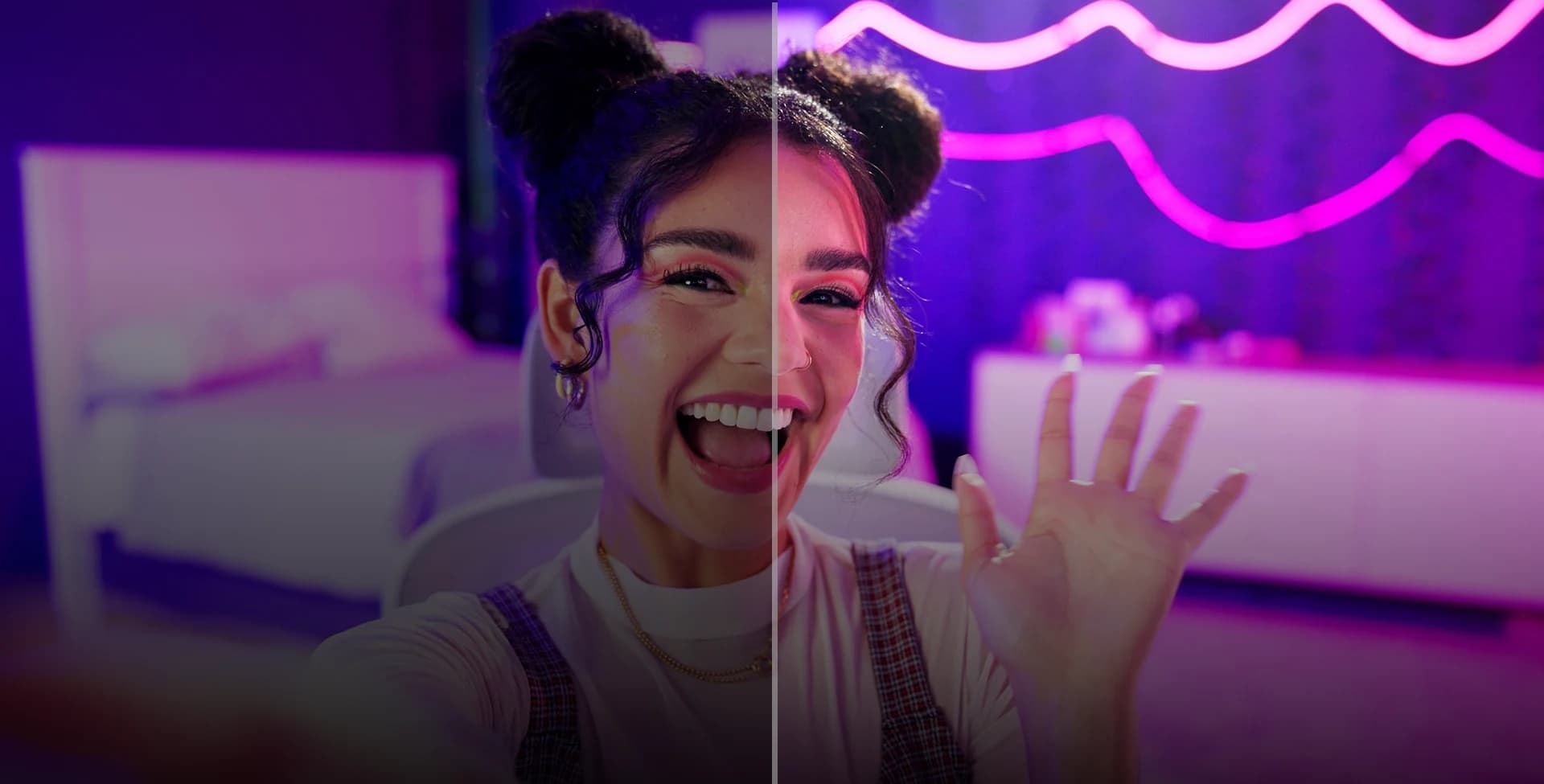
Content Creators
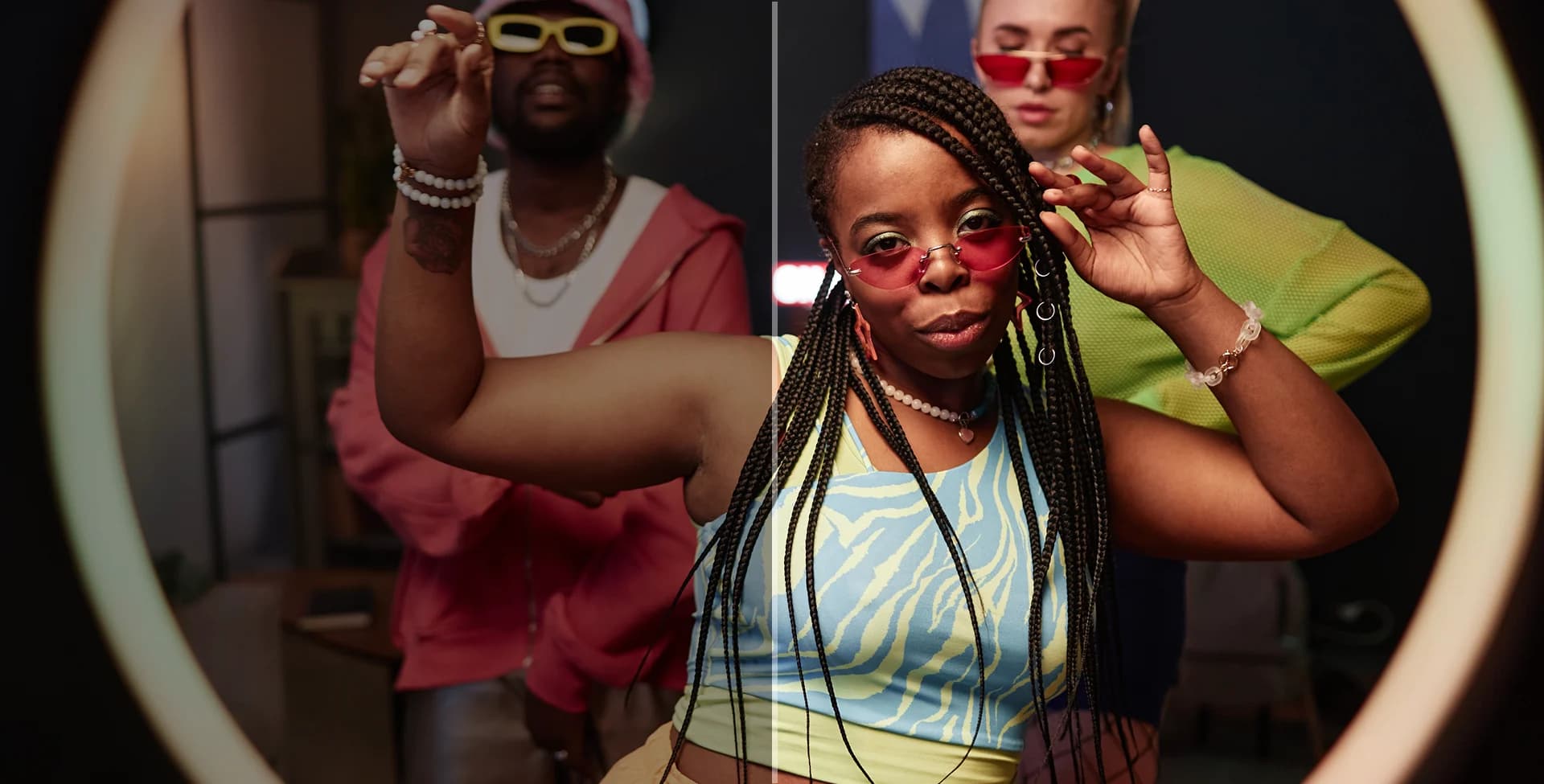
Ecommerce Teams
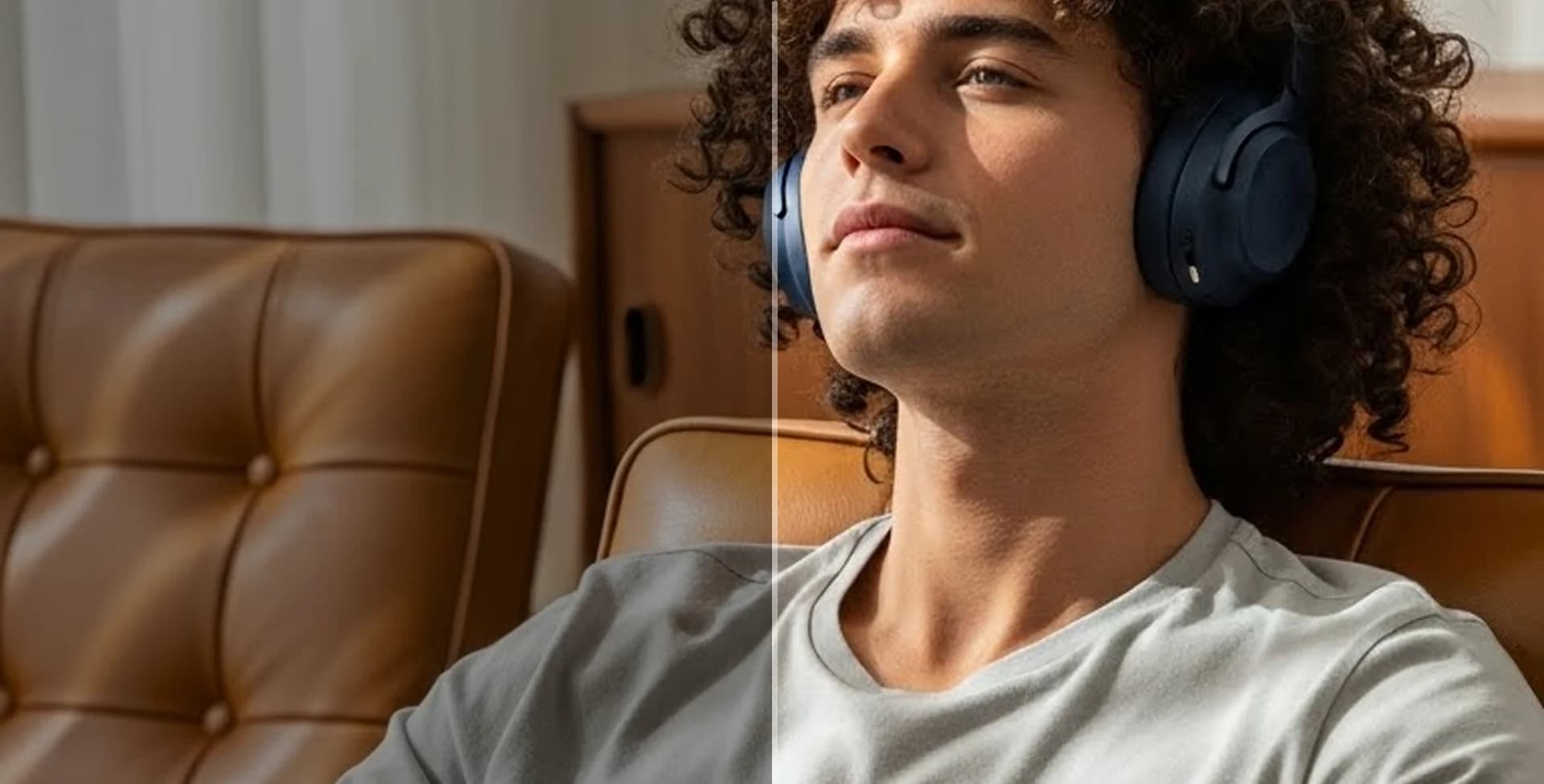
Marketing Agencies
Media Archives
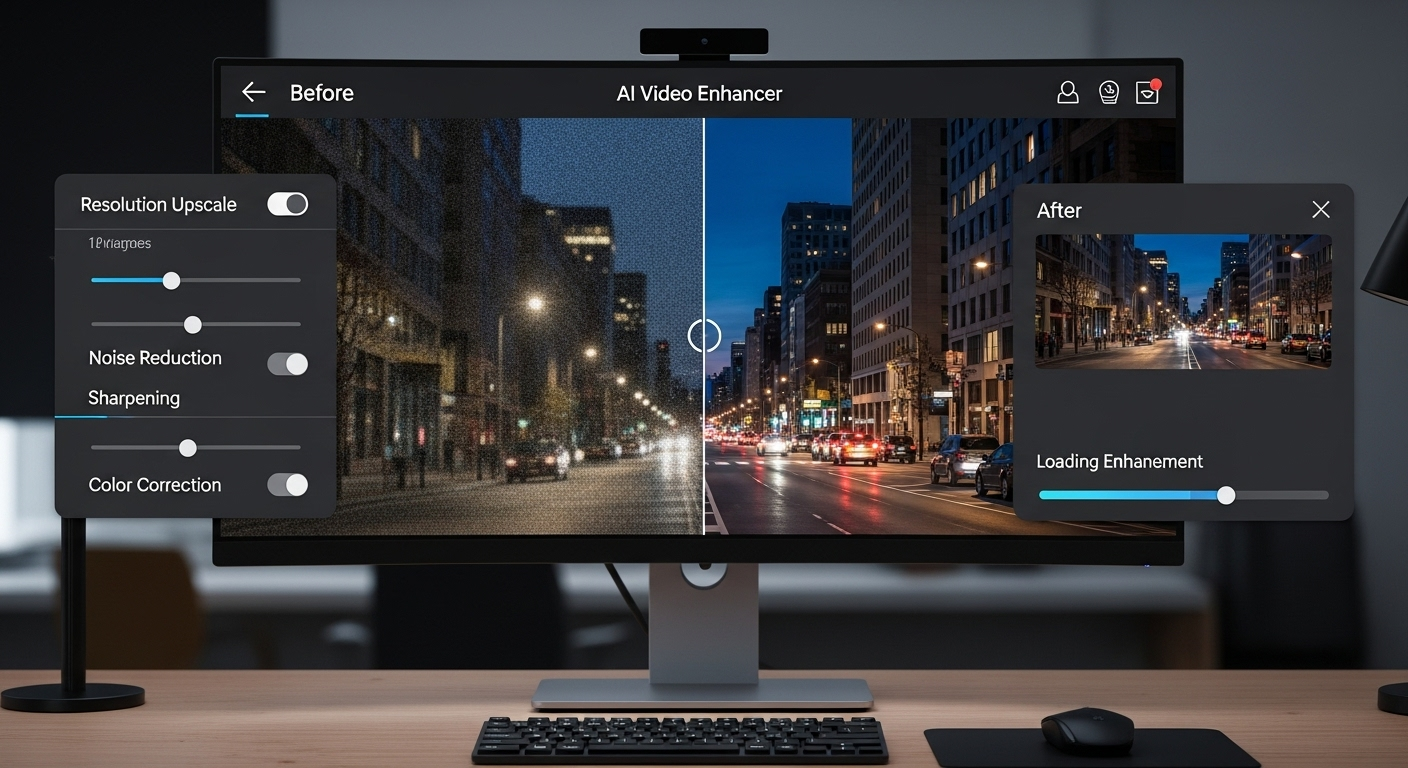
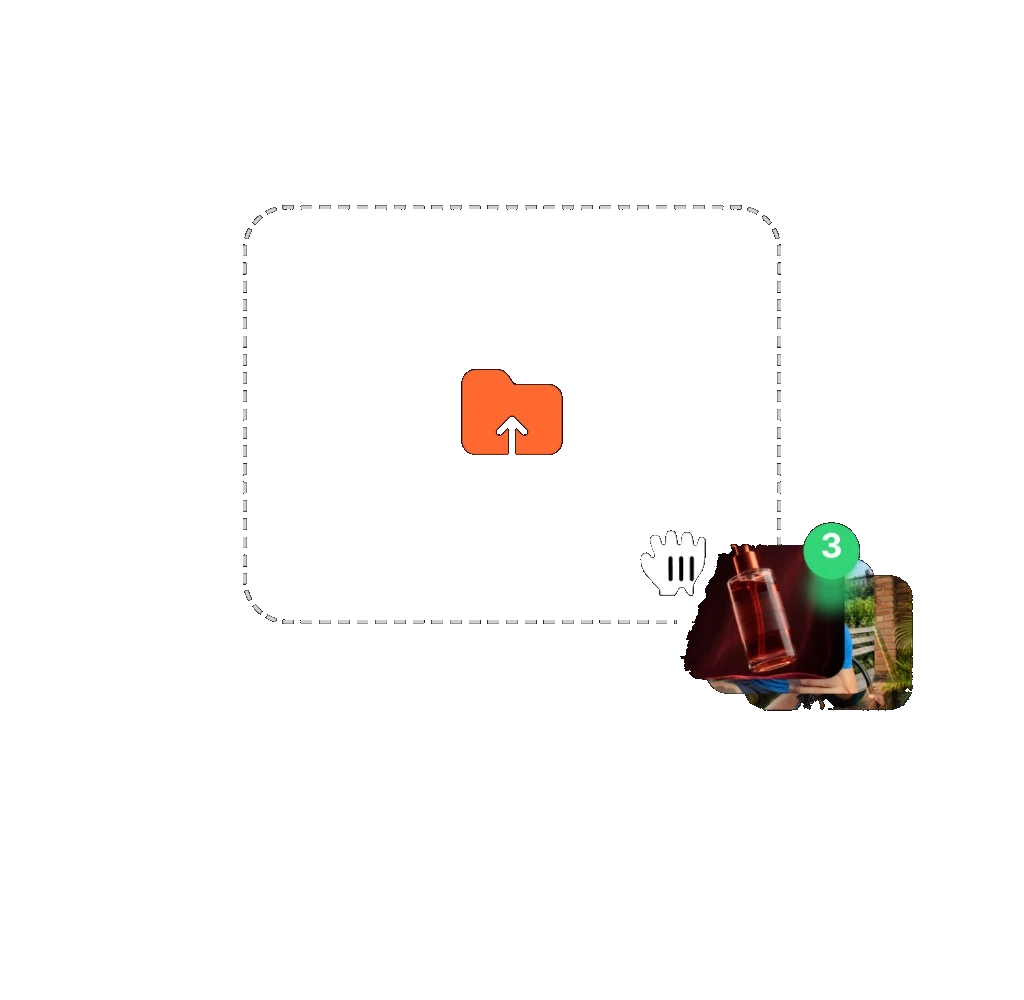
VidAU AI Video Upscaler keeps the process simple: upload the source, let AI improve the footage, then compare and export the stronger version.
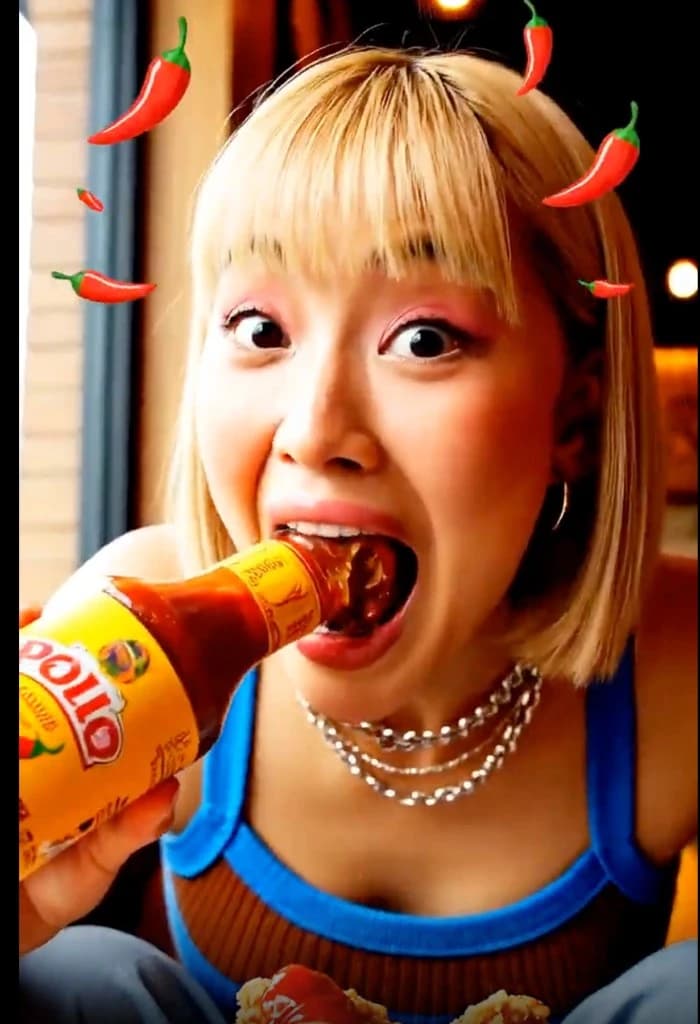

Learn when to use an AI video upscaler, how to improve weak footage without over-sharpening it, and how to prepare higher-quality video for the platforms where it will be published.
VidAU customer stories describe faster creative production, easier high-volume production, and more time for testing and creative decisions. For AI video upscaler users, the same advantage is practical: improve useful footage instead of replacing every soft or compressed clip with a new production.
“Our team already had plenty of product and campaign footage, but some older clips looked noticeably softer beside newer creative. Using VidAU made it easier to keep those assets in rotation instead of immediately planning another shoot. We could improve the presentation, reuse more of what we already had, and keep producing fresh campaign variations without the same production overhead every time.”

“My biggest issue was volume. We work with a lot of source clips from different creators, so the quality is never perfectly consistent. VidAU gave us a faster way to clean up weaker footage before it moved into testing. That meant fewer clips were discarded just because they were compressed or soft, and the team could spend more time comparing creative ideas instead of fixing basic quality problems.”
“Client assets arrive in all kinds of conditions. Some are ready to publish, while others need sharper detail and a cleaner finish before they can sit beside newer campaign work. VidAU helps us improve those weaker files without turning every quality issue into a full editing project. That saves time and gives the team more room to focus on the final creative decision.”

Use VidAU AI Video Upscaler to recover clarity, reduce distracting noise, and prepare sharper video for the next screen, campaign, product page, or edit.
Try VidAU AI Upscaler Video Now ↗