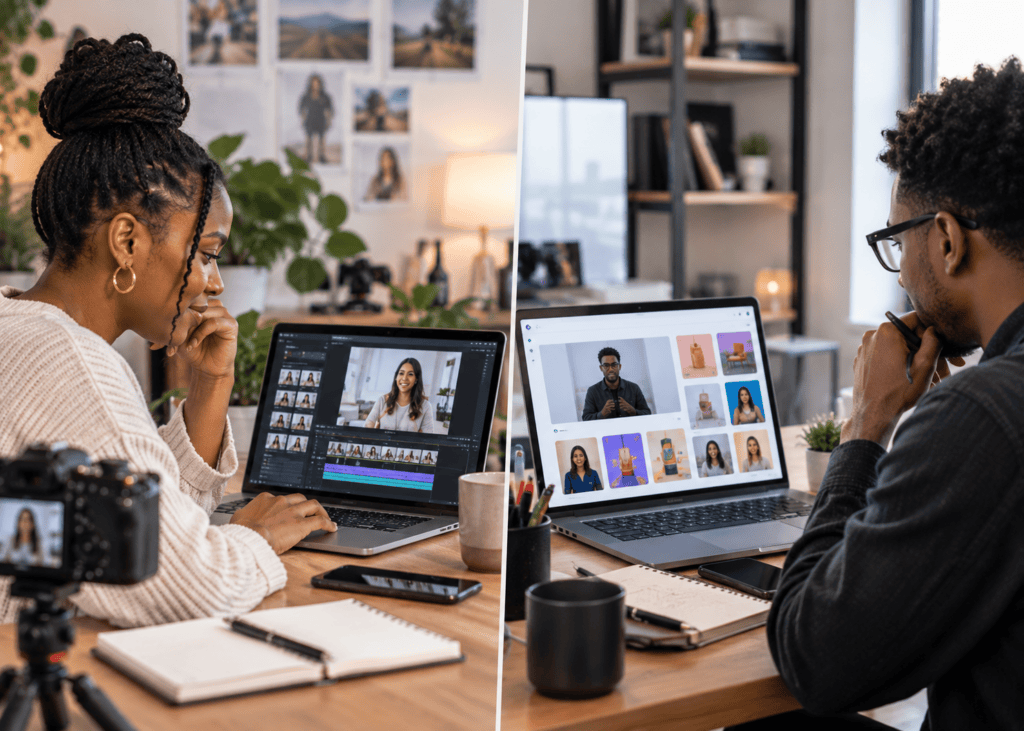
AI Avatar Solutions · YouTube & TikTok Videos
Best AI Avatar Solutions for YouTube and TikTok Videos in 2026
Compare beginner-friendly, professional, and TikTok-first AI avatar solutions for faceless YouTube videos, TikTok content, branded explainers, talking avatar AI workflows, and avatar-based video production.
By the Sarah Iruoje · AI avatar video guide · 14 min read
Creating video content without showing your face used to mean hiring actors or animators, Now a talking ai avatar can handle the whole thing in minutes. Whether you’re building a faceless YouTube channel, running TikTok ads, or producing branded explainer content, there are more capable tools available in 2025 than ever before.
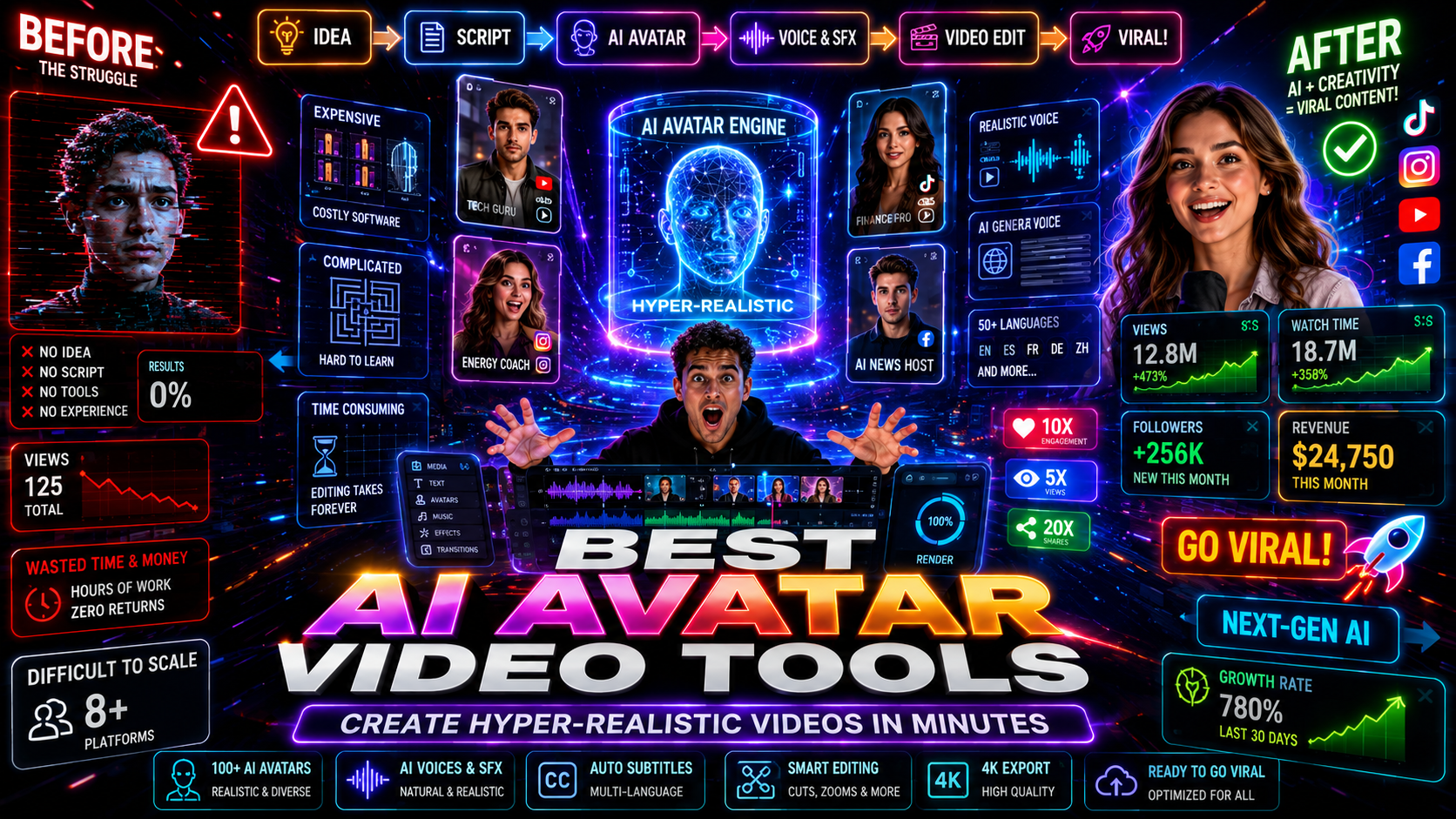
The best ai avatar solutions for youtube and tiktok videos fall into a few clear categories: beginner-friendly integrated platforms, standalone professional tools, and hybrid workflows that combine design with avatar generation. The right choice depends on your budget, how often you publish, and how realistic you need the final output to look.
This guide breaks down the leading options, explains how each one works for social media formats, and helps you match a tool to your actual workflow.
Featured image placeholder for AI avatar solutions, talking avatar AI tools, Canva avatar maker workflows, HeyGen, D-ID, Synthesia, CapCut AI Video Maker, YouTube videos, TikTok videos, and VidAU avatar content workflows.
Quick Summary
- The canva avatar maker workflow using HeyGen or D-ID is the easiest entry point for beginners wanting talking avatars inside a familiar design tool.
- HeyGen as a standalone platform offers stronger voice cloning, lip sync animation, and digital twin creation for creators who need realistic results at scale.
- Synthesia is better suited to professional and enterprise use cases where realism, brand consistency, and multi-language output matter most.
- CapCut’s native AI Video Maker is a strong free option for TikTok-first creators who want script-to-video generation without switching between apps.
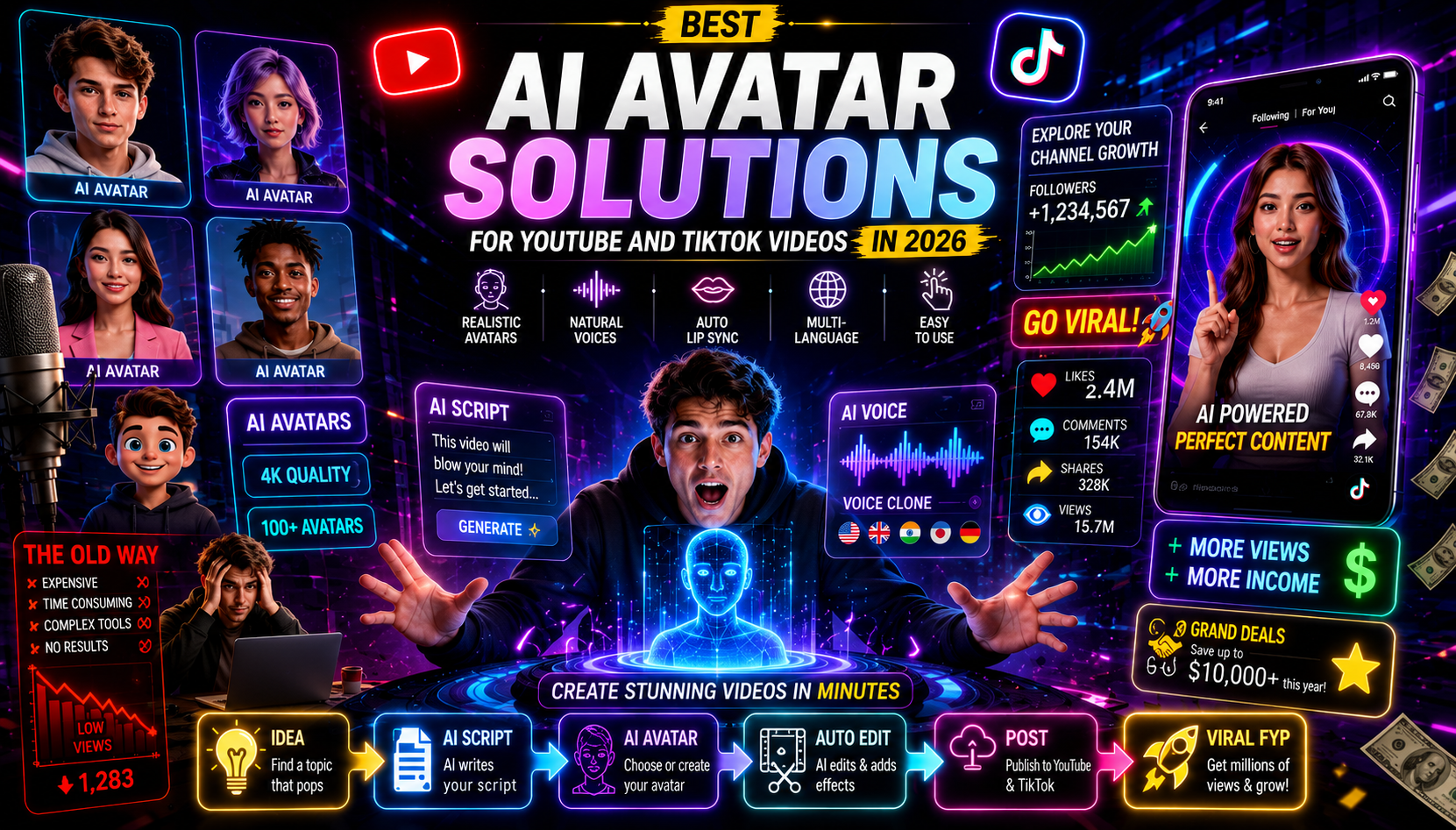
What Is an AI Avatar Solution?
An AI avatar solution is a software tool that generates a digital human or animated character, animates it with lip sync, and pairs it with AI-generated or recorded speech to produce a talking video presenter. You do not need a camera, studio, or voice actor. You write a script, choose or create an avatar, and export a finished video.
These tools typically use text-to-speech engines, facial animation models, and in some cases voice cloning to make the result feel natural. The quality range is wide, from simple cartoon characters to near-photorealistic digital twins.
Key definition
An AI avatar solution creates a digital human or animated character, syncs it with speech, and exports a talking video presenter without requiring a camera, studio, actor, or voice recording session.
Why the Best AI Avatar Solutions for YouTube and TikTok Videos Matter Now
Faceless content creation has become a serious content strategy, not just a workaround. Creators use avatars to protect their identity, publish faster, localize content into multiple languages, and maintain a consistent on-screen presence without scheduling recording sessions.
For YouTube, this means longer-form explainer videos, tutorials, and educational content where a presenter talks through a topic. For TikTok, the use case is shorter, faster, and more dependent on hooks and visual energy. The best ai avatar solutions for youtube and tiktok videos handle both formats, but some are clearly better suited to one than the other.
Key reasons creators are adopting these tools in 2025:
- No camera anxiety or on-screen appearance required
- Publish more frequently without recording new footage
- Translate and localize videos without re-recording
- Maintain a consistent visual brand across channels
- Reduce production costs for ad creatives and sponsored content
Key Takeaways
- AI avatars help creators publish faceless content without camera anxiety or recurring recording sessions.
- YouTube needs longer-form presenter workflows, while TikTok needs short, fast, hook-driven avatar clips.
- Avatar tools can support localization, brand consistency, ad creatives, and sponsored content production.
Step-by-Step: How to Choose the Right Avatar Tool
Before comparing specific platforms, it helps to answer four questions:
What is your skill level?
If you already use Canva for design, staying inside Canva with a HeyGen or D-ID integration is the fastest path. If you are comfortable with standalone tools, HeyGen or Synthesia give more control.
How realistic does the avatar need to be?
A cartoon or illustrated avatar works fine for educational TikToks. A photorealistic digital twin is necessary if you are building a personal brand or producing professional spokesperson content.
What is your publishing volume?
Low-volume creators can work with free or freemium tiers. If you are publishing five or more videos per week, you will likely need a paid plan with higher export limits.
Which platform are you targeting?
YouTube favors 16:9 horizontal video. TikTok and Instagram Reels favor 9:16 vertical. Some tools handle both formats natively; others require manual resizing.
Tip
Choose the avatar tool that fits your workflow, realism needs, publishing volume, and platform format before comparing individual features.
Best Tools and Methods for AI Avatar Video Creation
Canva with HeyGen Integration
The canva avatar maker approach using HeyGen is currently the most accessible entry point for creators who are not technical. You design your video layout in Canva, then access HeyGen directly through Canva’s Apps panel to generate a talking avatar that is placed into your design.
This workflow is especially practical for creators who already produce social content in Canva and want to add a presenter without leaving the tool. The HeyGen integration inside Canva lets you select from pre-built avatars or create your own, add your script, and generate the talking head clip within the same project.
The heygen – ai spokesperson video creator functionality includes voice selection, language options, and basic avatar customization. The result is a lip-synced presenter video that you can export alongside your Canva graphics.
Best for: Beginners, educators, marketers producing regular social content already working in Canva.
Canva with D-ID Integration
D-ID works similarly inside Canva but uses a different generation model. You can upload a photo, including AI-generated images from Canva’s Dreamlab feature, and animate it to speak your script. This is useful if you want a fully custom character rather than a stock avatar.
The avatar fx produced through D-ID animations tends to work well for short-form content and social media clips where the avatar appears briefly rather than throughout a long video.
Best for: Creators who want a photo-based or illustrated character rather than a studio-style presenter.
HeyGen Standalone Platform
HeyGen used as a full platform, rather than just a Canva plugin, is considerably more capable. This is where features like voice cloning, personal digital twin creation, multi-language translation, and the heygen – ai spokesperson video creator workflow really show their depth.
Creators can record a short video of themselves and train HeyGen to generate a digital clone that looks and sounds like them. This is particularly useful for personal brand channels where consistency and identity matter. One creator in the research grew a secondary account to over 80,000 followers using HeyGen avatar content produced at scale.
The platform also supports lip sync animation across dozens of languages, which means you can produce a single video and translate it into multiple markets without re-recording anything.
Best for: Personal brand creators, marketers needing multi-language output, and channels publishing avatar content at volume.
Synthesia
Synthesia is positioned at the professional and enterprise end of the market. It offers a large library of stock avatars, personal avatar clone creation, and document-to-video generation. Fortune 500 companies use it for training content, internal communications, and localized marketing videos.
For individual YouTube creators, Synthesia may be more than necessary unless you need broadcast-level realism or you are producing a high volume of branded content. The personal avatar creation process is thorough, and the output quality is consistently high. It also handles multi-language export cleanly, which makes it useful for channels targeting international audiences.
Best for: Brands, agencies, enterprise teams, and professional creators who need polished, scalable avatar video production.
CapCut AI Video Maker
CapCut’s native AI Video Maker is a strong option specifically for TikTok-first creators. You input a script or topic, and CapCut generates a video with scenes, captions, and a presenter avatar. The workflow is fast, and the output is already formatted for short-form vertical video.
CapCut typically offers a free tier with meaningful functionality, which makes it an easy starting point before committing to a paid platform. The tool is designed for speed over customization—you get less control over avatar appearance than HeyGen or Synthesia, but you can go from idea to published TikTok very quickly.
Best for: TikTok creators, social media managers, and anyone who wants a fast, low-cost entry point for faceless short-form content.
Suggested Visual: Comparison table screenshot showing avatar quality side-by-side across Canva/HeyGen, HeyGen standalone, Synthesia, and CapCut.
| Tool | Best Platform Fit | Skill Level | Key Strength |
|---|---|---|---|
| Canva + HeyGen | YouTube, TikTok | Beginner | Design integration |
| Canva + D-ID | Short-form social | Beginner | Photo-based avatars |
| HeyGen Standalone | YouTube, multi-platform | Intermediate | Voice cloning, digital twin |
| Synthesia | YouTube, enterprise | Intermediate–Pro | Realism, localization |
| CapCut AI | TikTok, Reels | Beginner | Speed, free access |
Create Avatar Videos With VidAU
Use VidAU AI Video and UGC Avatars to create avatar presenter videos, product-focused b-roll, ad-ready visuals, multilingual narration, and remix-ready content for YouTube, TikTok, and paid social workflows.
VidAU workflow
Where VidAU fits into avatar video production
- Start with the avatar script: Draft YouTube explainers, TikTok hooks, product pitches, or sponsored content scripts before generating the presenter video.
- Create avatar-led content: Use UGC Avatars when you need a presenter-style format that feels like a real person speaking to camera.
- Add product or ad b-roll: Use VidAU AI Video, Product Sample to Video, or URL to Video to generate supporting visuals that pair with the avatar presenter.
- Localize with voice tools: Use text-to-speech and multilingual output workflows when the same avatar content needs to reach more than one market.
- Repurpose and remix: Use Vid Remix to adapt avatar videos, product footage, and ad-ready visuals across YouTube, TikTok, Reels, and paid social formats.
Platform-Specific Optimization for YouTube and TikTok
YouTube Avatar Videos
YouTube videos typically run longer and require more polished production. For avatar content on YouTube, aim for 16:9 export at 1080p minimum. Your avatar should appear consistently throughout the video rather than only in short clips. Tools like HeyGen and Synthesia handle this better than CapCut for longer formats.
Script quality matters more on YouTube because viewers commit more time. Use AI tools like ChatGPT or Claude for script drafting before generating your avatar video. Pair your avatar presenter with supporting visuals using a tool like VidAU AI Videoo r a Text to Video workflow to add b-roll and scene variety.
TikTok Avatar Videos
TikTok demands 9:16 vertical format, strong hooks in the first two seconds, and concise delivery. CapCut is purpose-built for this. HeyGen also supports vertical export and can produce TikTok-ready clips with your digital twin or a spokesperson avatar.
For TikTok, the avatar’s energy and the script’s pacing matter more than photorealistic detail. Short, punchy scripts with a clear point perform better than polished but slow presenter videos. UGC Avatars style content, where the avatar feels like a real person speaking to camera, tends to perform particularly well in TikTok ad formats.
| Platform | Recommended avatar video approach |
|---|---|
| YouTube | Use 16:9 export at 1080p minimum, consistent avatar presence, stronger scripts, supporting visuals, b-roll, and tools like HeyGen or Synthesia for longer formats. |
| TikTok | Use 9:16 vertical format, strong hooks in the first two seconds, concise delivery, fast pacing, avatar energy, and UGC Avatars style content. |
Tip
YouTube rewards polished, longer-form avatar presentation. TikTok rewards vertical format, fast hooks, short scripts, and avatar energy.
Common Mistakes When Using AI Avatar Solutions
Choosing a tool based on features rather than workflow fit. Synthesia has excellent features, but if you’re a solo TikTok creator publishing daily, CapCut’s simpler workflow is more practical.
Using a low-quality script. The avatar can only be as good as the content it delivers. Weak scripts make even the best ai avatar solutions for youtube and tiktok videos look unconvincing.
Ignoring export format requirements. Exporting a horizontal video and posting it to TikTok without reformatting costs you engagement. Always confirm the output dimensions before publishing.
Over-relying on stock avatars for personal brand content. Generic stock presenters work for product demos and ads. If you’re building a recognizable channel, invest in creating a personal avatar clone that looks like you.
Not testing voice quality. Text-to-speech voices vary significantly between tools. Always preview the voice and adjust pacing, tone, or word choice in your script before final export. Some platforms allow you to use Text to Speech tools to generate and test voice separately.
Watch out
AI avatar videos underperform when creators choose tools that do not fit the workflow, use weak scripts, ignore export formats, rely too heavily on stock avatars, or skip voice quality testing.
Advanced Strategies for Scaling Avatar Video Production
Once you have a working avatar and workflow, a few strategies help you publish more without adding proportionally more time.
Build a template library. Create a set of branded Canva or HeyGen templates with your avatar already positioned, your brand colors applied, and intro/outro slides ready. Each new video only requires a script and a few minutes of generation time.
Batch script production. Write five to ten scripts at once using AI tools, then batch-generate your avatar videos in a single session. This is especially effective for evergreen YouTube content and for TikTok series.
Use multi-language output. If your content has international potential, HeyGen and Synthesia both support translation and lip sync in multiple languages. One video can become five to ten localized versions with minimal extra work.
Combine avatar video with product or ad content. For marketers, pairing an avatar spokesperson with product footage creates a more complete ad format. Tools like Product Sample to Video or URL to Video can generate product-focused b-roll that you combine with your avatar presenter using a Vid Remix workflow.
Monitor avatar quality over time. AI avatar platforms update their models regularly. What looked slightly robotic six months ago may now be significantly more realistic. Reassess your tool choice every few months.
Tip
Scale avatar video production with reusable templates, batch scripts, multi-language versions, product b-roll, Vid Remix workflows, and regular quality checks as avatar models improve.
Key takeaway
Final Thoughts
The best ai avatar solutions for youtube and tiktok videos in 2025 are accessible at every budget level. Beginners can start with Canva plus HeyGen or D-ID and produce credible talking avatar content inside a tool they already know. Creators who want more realism, voice cloning, or a personal digital twin should move to HeyGen as a standalone platform. Synthesia is the right call for professional and enterprise production. CapCut remains the fastest path to TikTok-ready content.
The biggest factor is not which tool has the most features—it is which tool fits your actual publishing workflow. Pick the one that removes friction, matches your platform requirements, and lets you publish consistently. If you need to combine avatar presenter videos with product footage or ad-ready visuals, tools like VidAU AI Video and UGC Avatars can fill the gaps in your production stack.
FAQ
Here are answers to common questions about AI avatar solutions, talking avatar AI tools, Canva avatar maker workflows, HeyGen, D-ID, Synthesia, CapCut AI Video Maker, YouTube avatar videos, TikTok avatar videos, avatar fx, and VidAU avatar production workflows.
What is the easiest AI avatar tool for beginners?
Canva with the HeyGen or D-ID integration is the most beginner-friendly option because you stay inside a familiar design environment.
Can I create a talking avatar that looks like me?
Yes, HeyGen and Synthesia both offer personal avatar clone creation using a short video recording of yourself.
Are there free AI avatar tools for TikTok videos?
CapCut’s AI Video Maker typically offers a free tier with avatar and script-to-video functionality suited to TikTok formats.
What video format should I export for YouTube versus TikTok?
YouTube requires 16:9 horizontal video at 1080p or higher; TikTok requires 9:16 vertical video, ideally at 1080×1920.
Does HeyGen support multiple languages for avatar videos?
Yes, HeyGen supports lip sync and voice generation across multiple languages, making it practical for localized content.
How realistic do AI avatar videos look in 2025?
Quality varies by tool—Synthesia and HeyGen produce near-photorealistic results, while simpler tools like CapCut prioritize speed over maximum realism.