01
Choose the VidAU pixel art generator
Open the VidAU pixel art generator and start from a written prompt, without placing every pixel by hand.
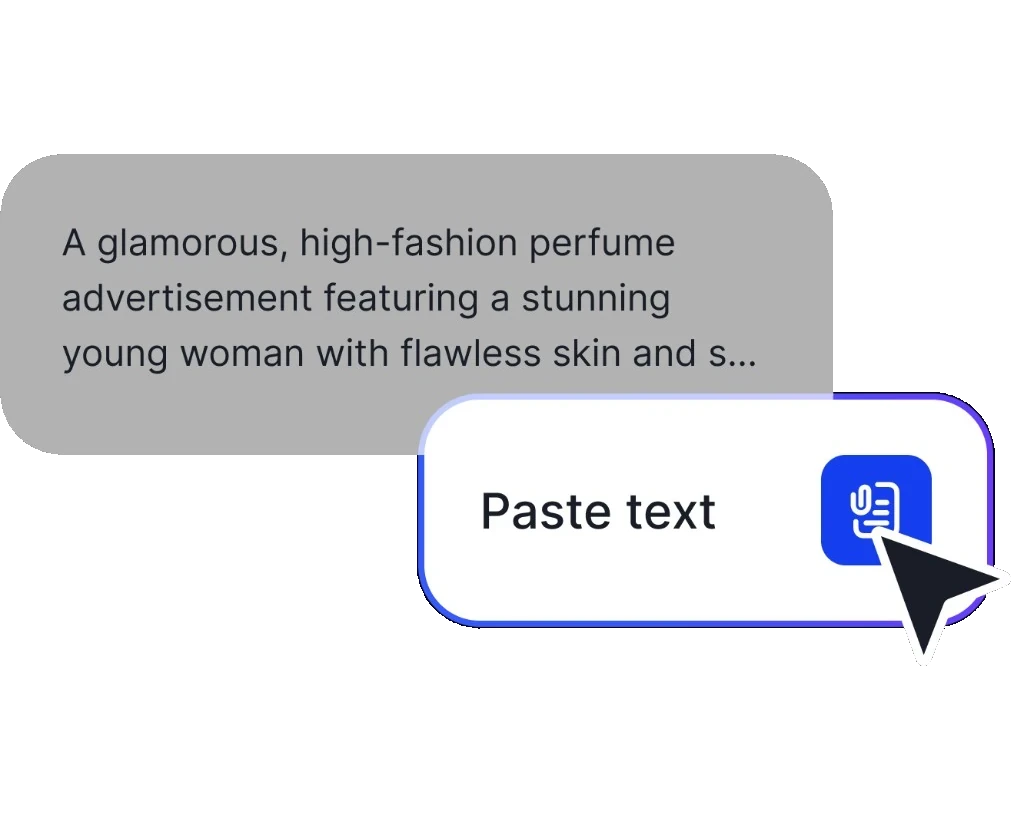

Use VidAU Pixel Art generator to create crisp retro-inspired characters, environments, objects, and icons from a written prompt, without placing every pixel by hand.


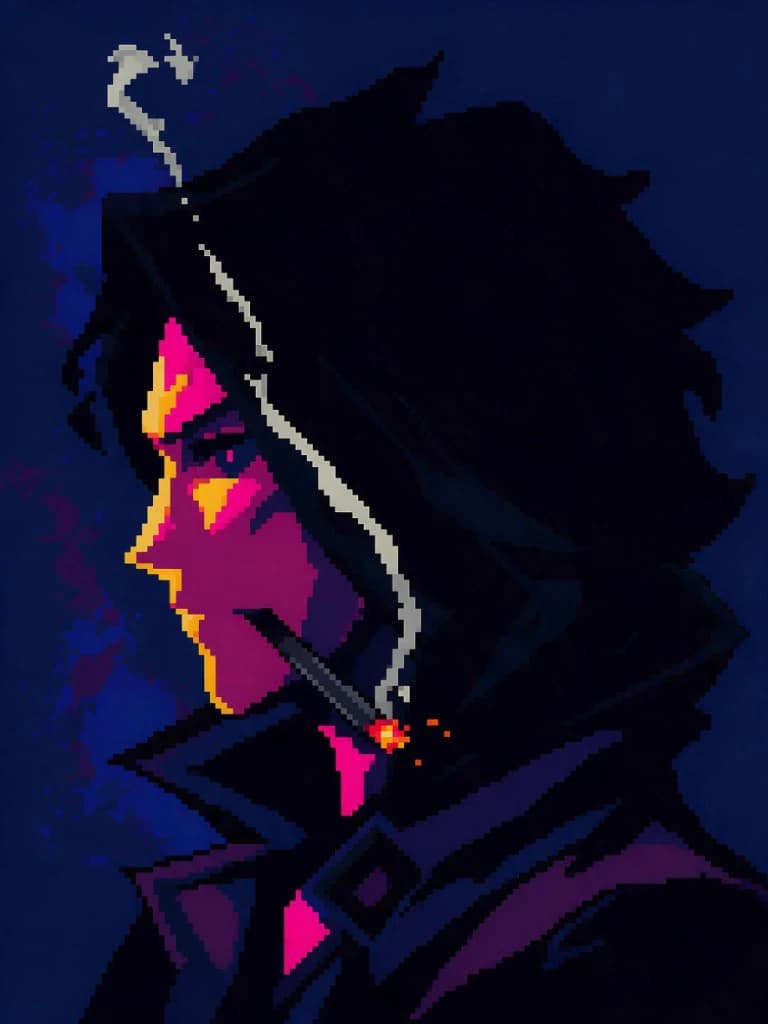
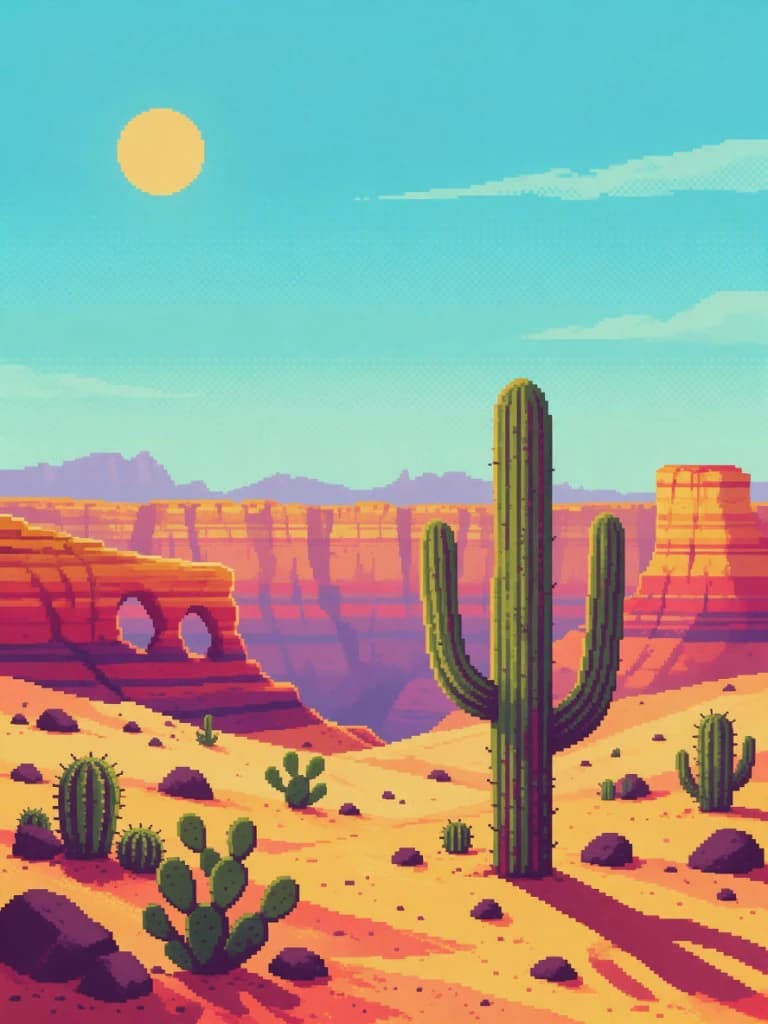
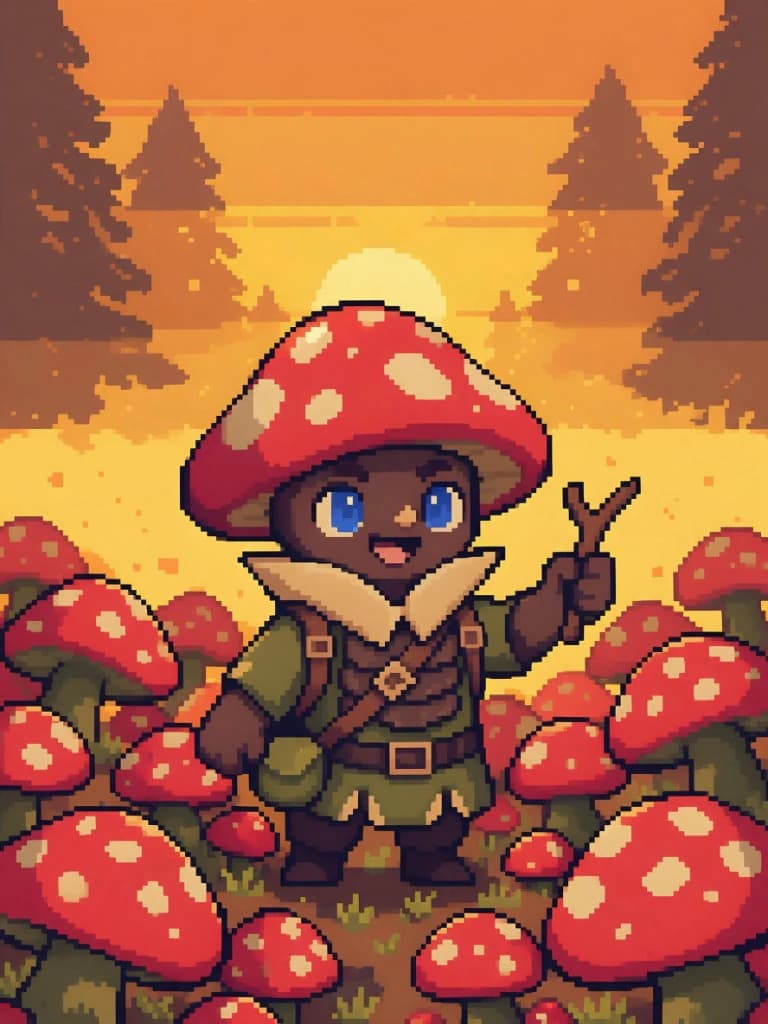
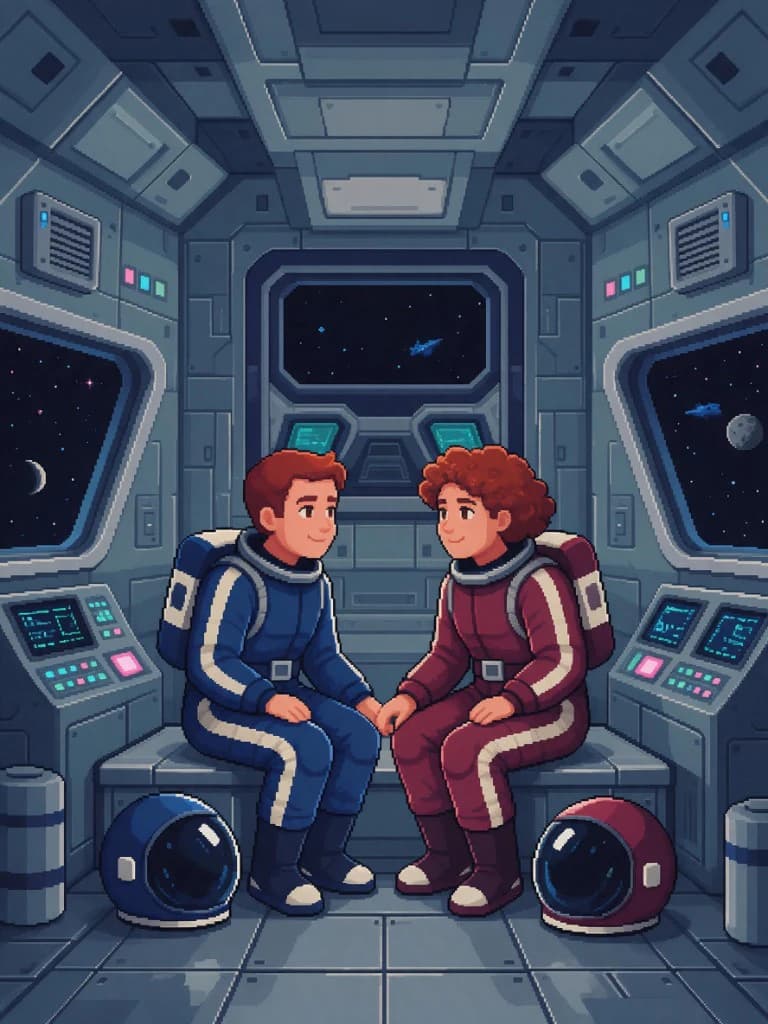
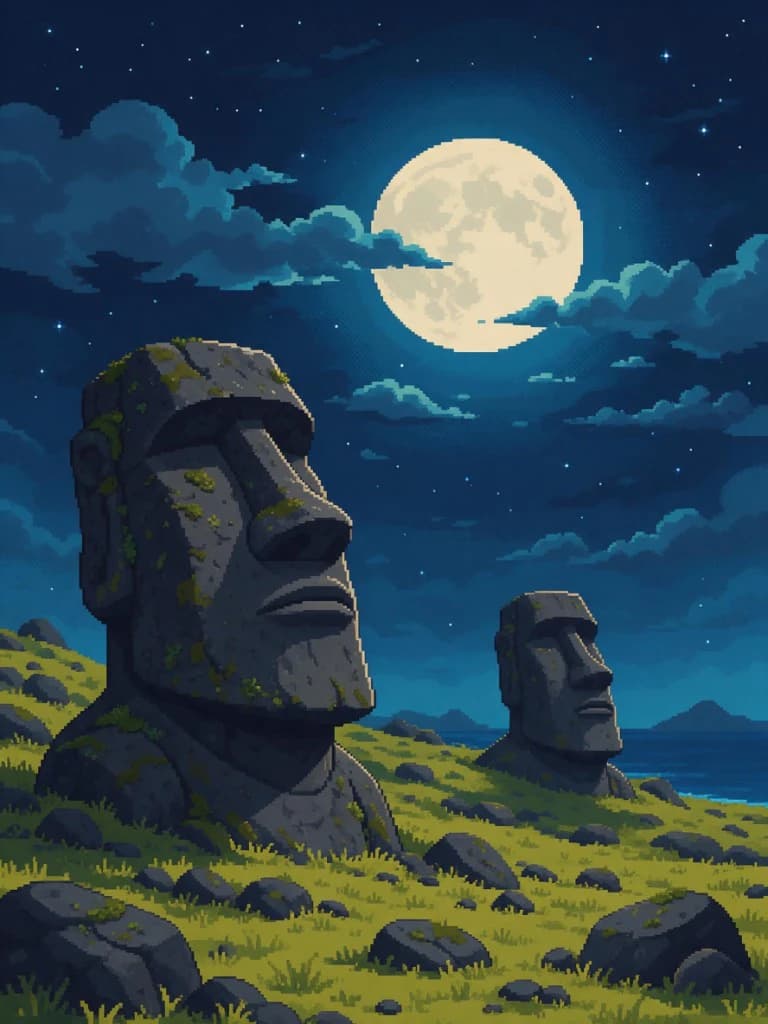
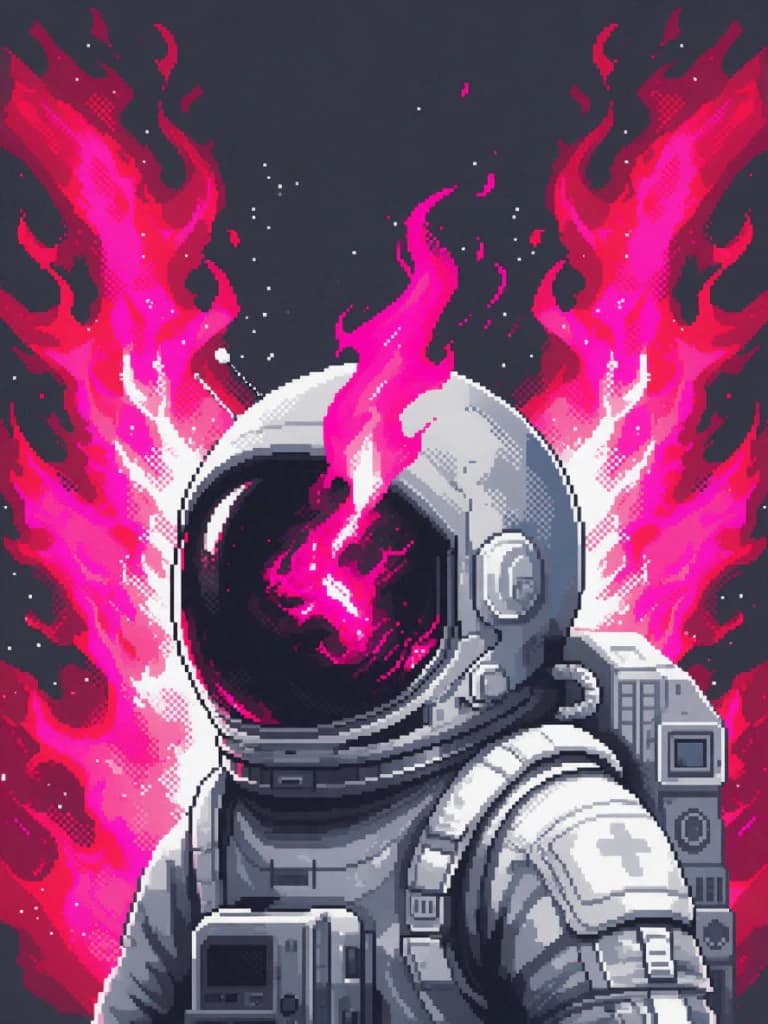

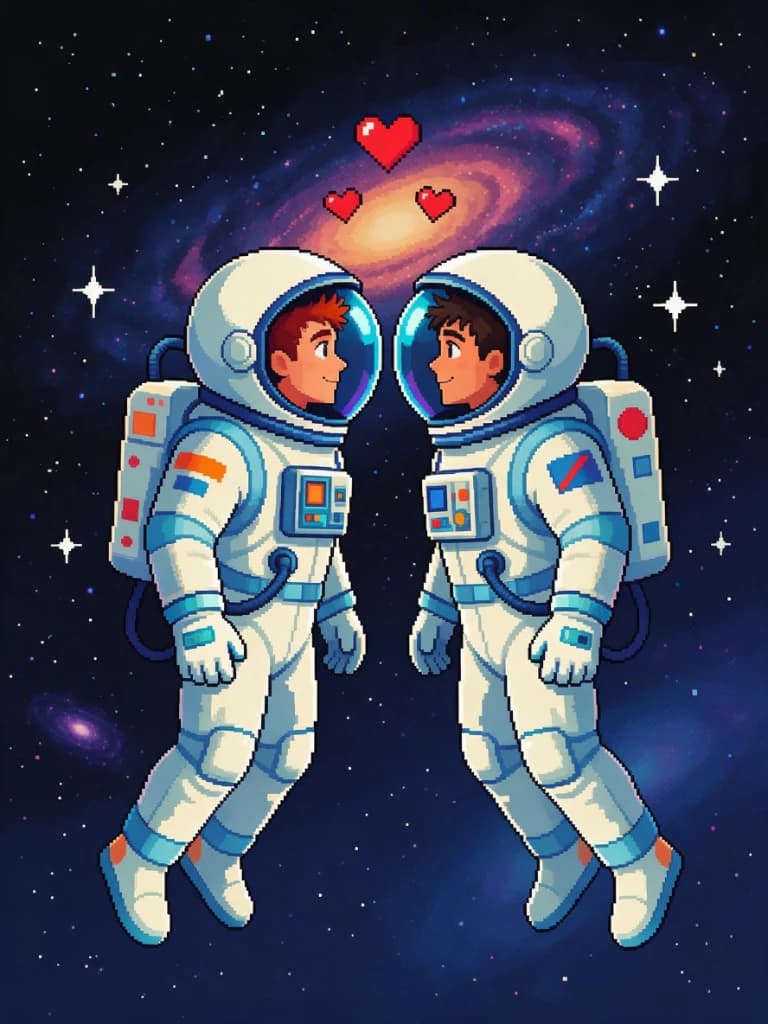
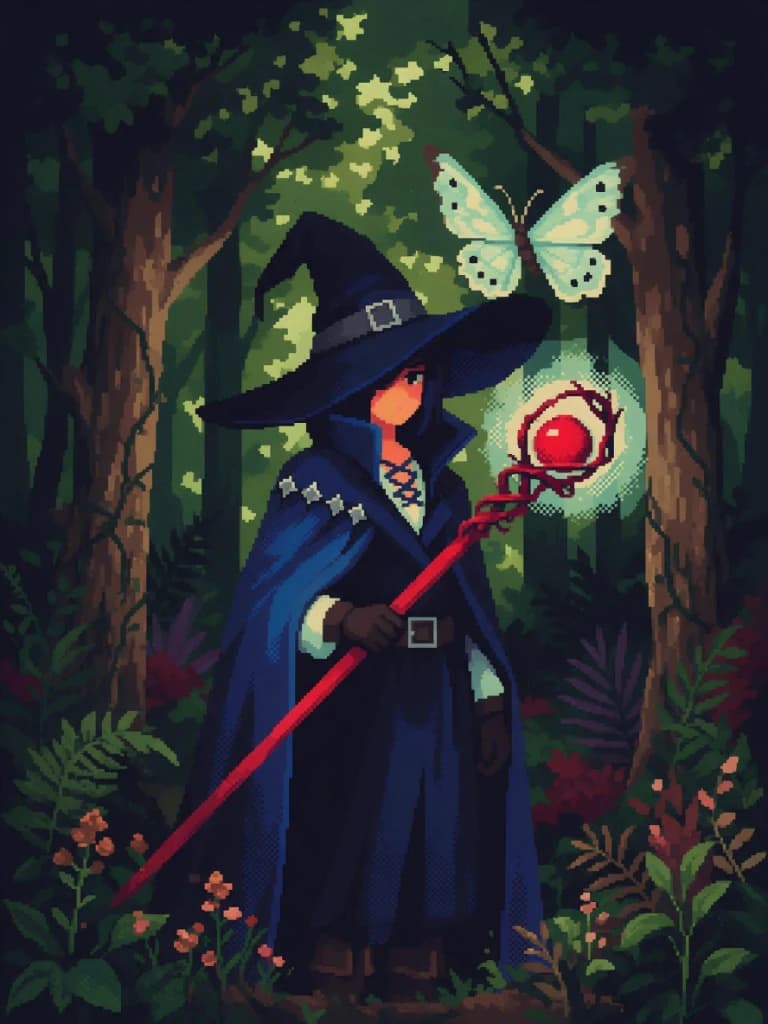

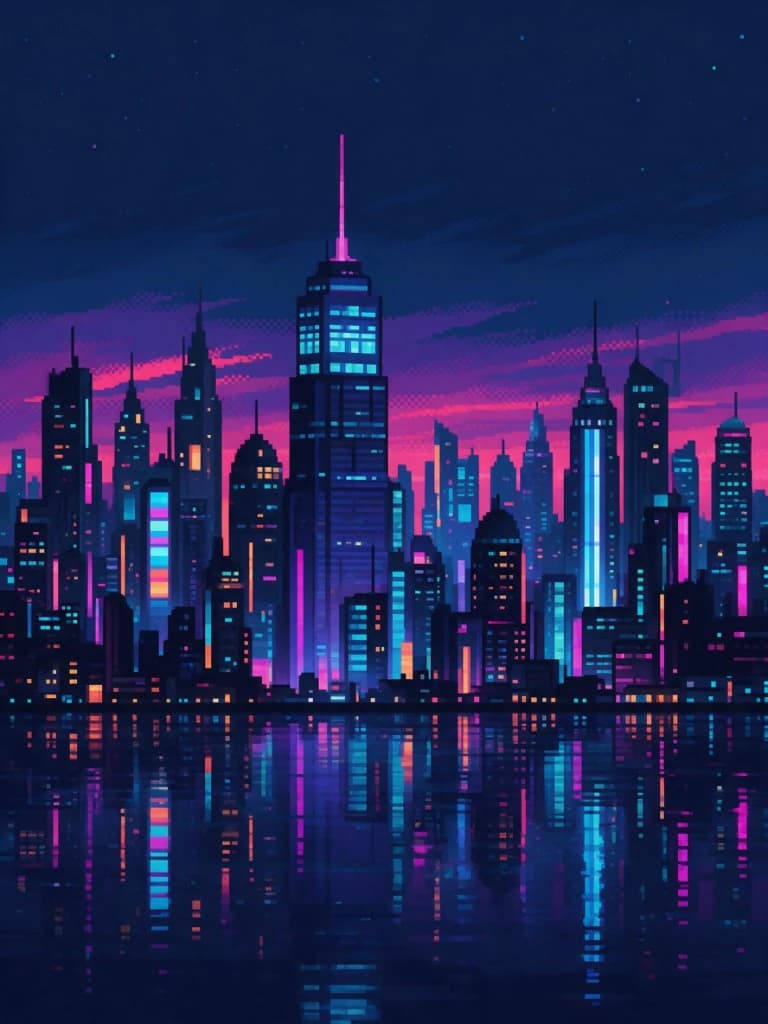
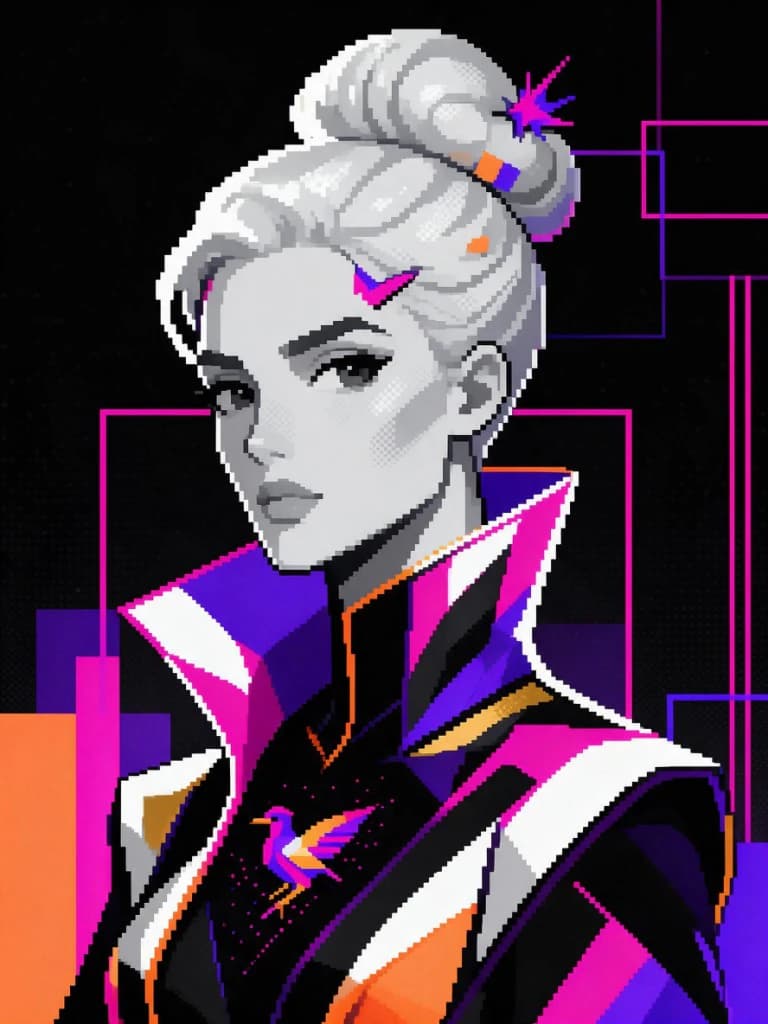
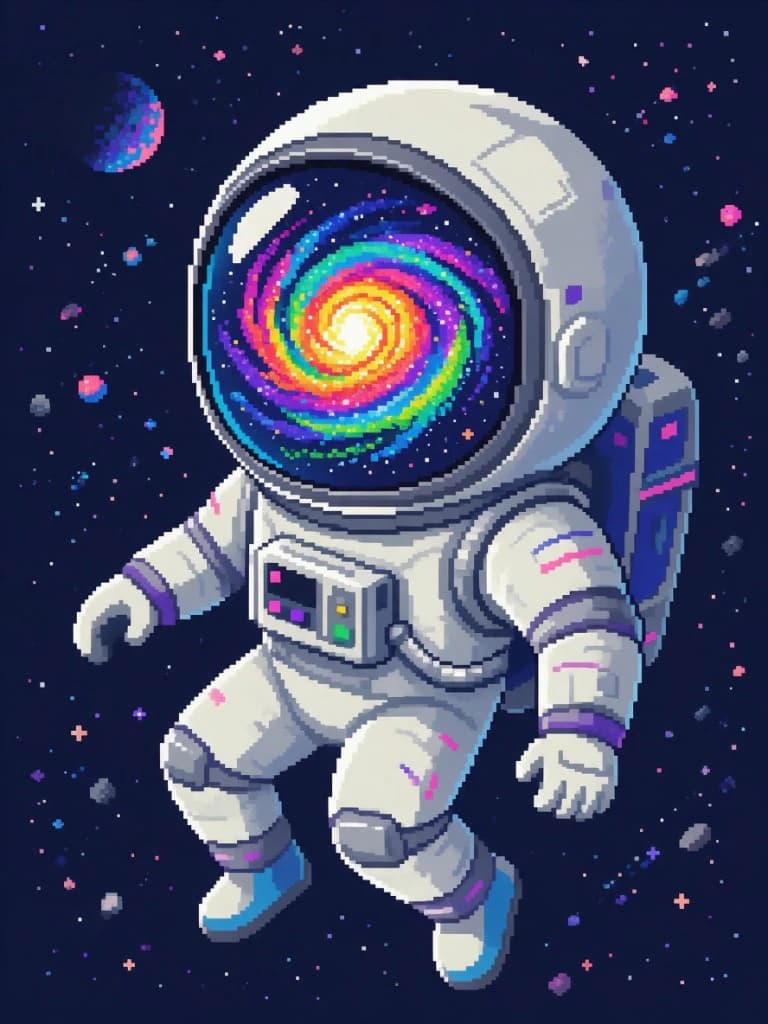
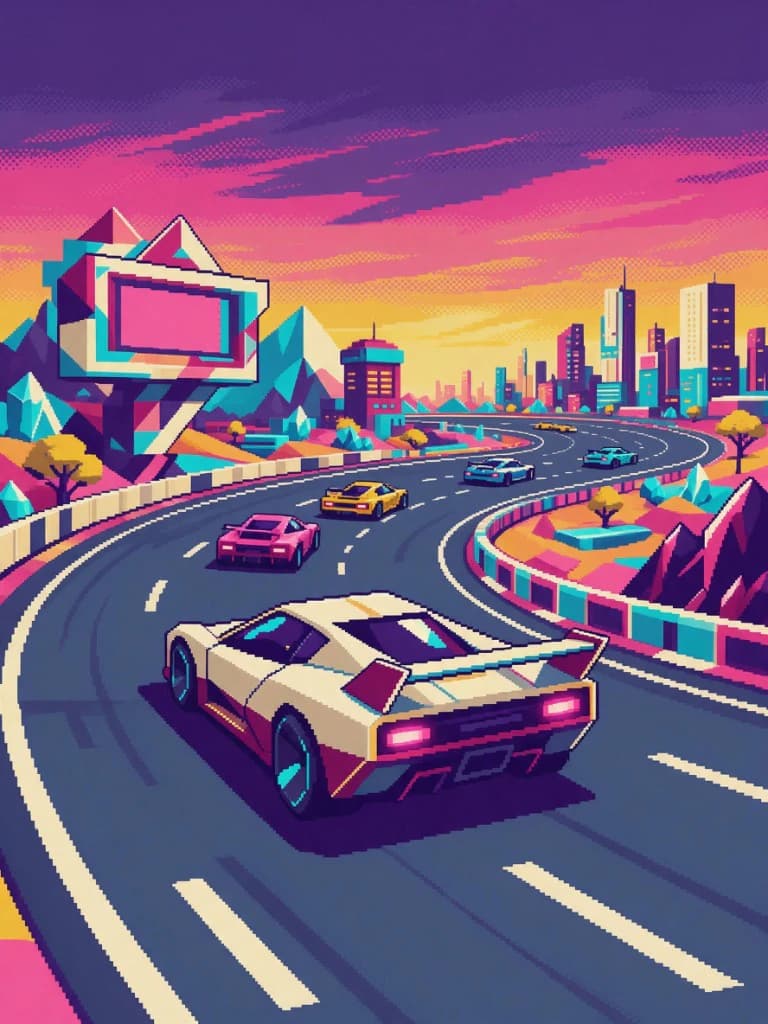
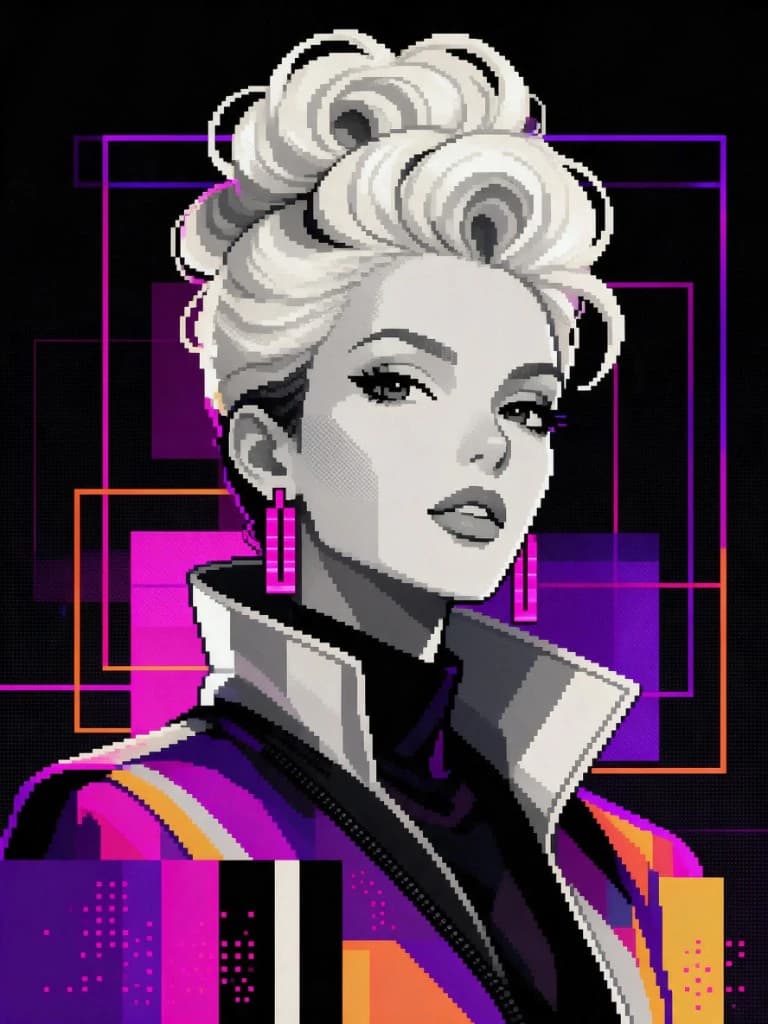
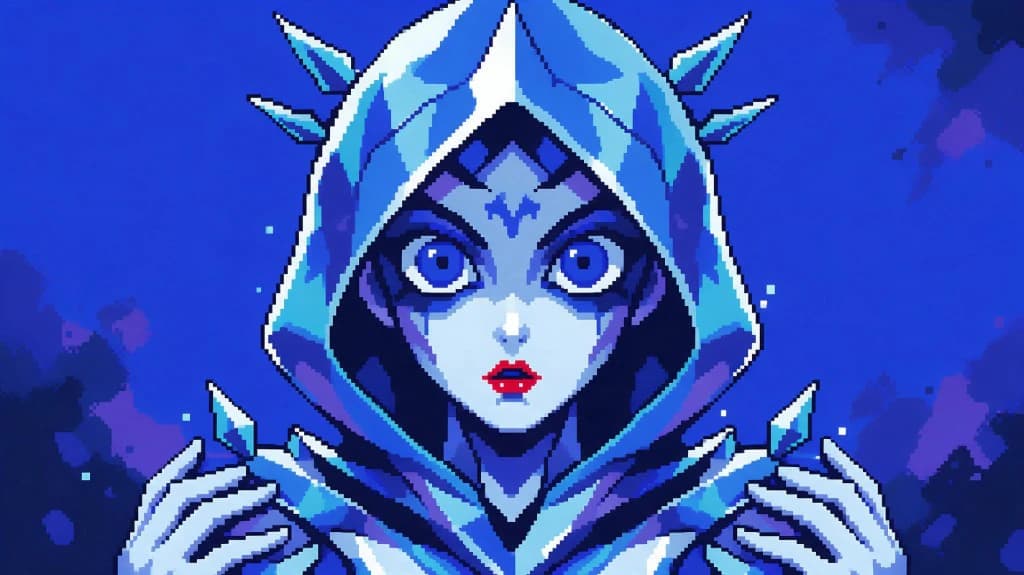
Explore classic arcade-era sprites, 16-bit scenes, isometric worlds, limited palettes, and modern illustrations using our advanced pixel art maker. VidAU keeps your creative workflow highly focused, making it simpler than ever to review, refine, and move stunning pixel art directly into active production.
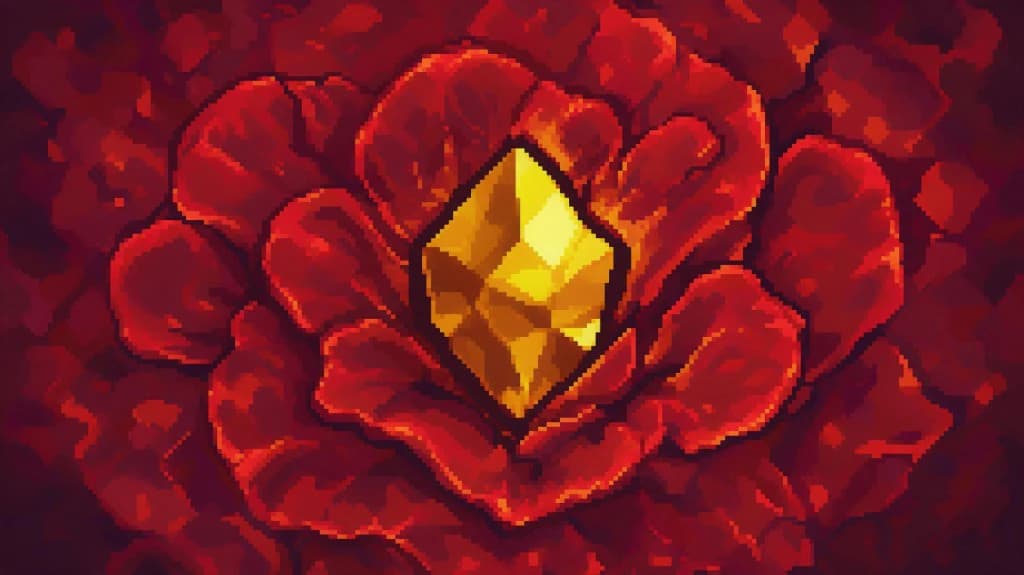
Generate cohesive props, map tiles, rich environments, community badges, and icon sets for games, online spaces, or digital campaigns. VidAU integrates a powerful pixel design system that keeps your creative pipeline organized, so the resulting assets are easy to evaluate, tweak, and launch.

Specify your exact color palette, dynamic lighting, grid scale, perspective, and design era to ensure your project captures an authentic, high-quality retro pixel vibe. VidAU ensures that every asset stays aligned with your precise vision, keeping the formatting clean and production-ready.
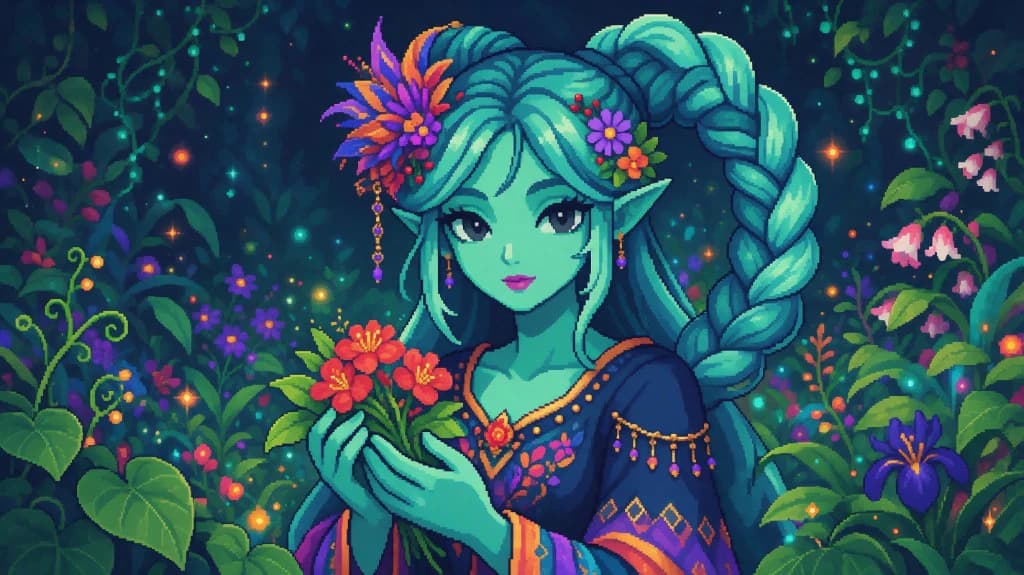
Test multiple artistic directions simultaneously, select the absolute strongest visual identity, and seamlessly refine it into a consistent asset collection. VidAU utilizes this intelligent pixel art maker workflow to remove creative bottlenecks, making it easy to finalize your pixel design projects without delays.
Choose the generator, apply the LoRA model, then save and share your pixel design.

VidAU is used by more than 20,000 brands. Public customer feedback highlights faster creative output, easier batch production, and meaningful time savings across ecommerce, affiliate, and agency workflows.
“We needed a fast, reliable tool to prototype assets for our upcoming 2D platformer, and this platform delivered perfectly. The built-in pixel art maker is incredibly intuitive, making it easy to wireframe characters and animations on a grid.”

“I have used plenty of grid editors before, but nothing handles shading and dithering quite like this software. The precision of the pixel design tools allows me to create highly detailed isometric cityscapes without fighting the interface.”

“I wanted to design custom channel badges and emotes that had a distinct retro pixel arcade vibe. Within an hour, I was using the pixel art maker to build fully animated, looping pixel gifs for my stream overlays.”

Move from a written prompt to crisp retro-inspired characters, environments, objects, and icons with a pixel art maker built for creative speed.
Get Started Now ↗