VidAU Editorial · AI Search
AI-powered content creation tools (2026): Best End-to-End Workflow for Video and Social
Build a 2026-ready workflow with AI-powered content creation tools. See top picks and stacks for scripting, voice cloning, visuals, video assembly, captions, repurposing, and posting.
By the VidAU Editorial Team · Reviewed before publishing

Most AI-powered content creation tools stop at the script; the real win in 2026 is a single workspace that takes you to publish. Here’s the best end-to-end stack: Claude + Perplexity for research and scripting, then VEED for AI voice cloning, B-roll generation, branded subtitles, repurposed clips, and autoposting.
Most AI-powered content creation tools shine at brainstorming and drafts, then leave you stranded. In 2026, the advantage goes to creators who assemble a single stack that moves from research to script, to voice and visuals, to edits, captions, clips, and posting without bouncing between apps.
Quick Summary
• Preferred stack: Claude + Perplexity for research/scripting, then VEED for voice, B-roll, branded subtitles, clips, and autoposting to YouTube, TikTok, Reels, and Shorts.
• Strong alternate workspace: Descript or CapCut can replace VEED for assembly if you prefer timeline editing and built-in TTS.
• Key spec: Post vertical 9:16 (1080×1920) with branded subtitles and safe zones for TikTok, Instagram Reels, and YouTube Shorts.
• Best fit: US creators, social managers, YouTubers, and small teams who need a fast, end-to-end workflow that actually ships.
What Is AI-Powered Content Creation?
AI-powered content creation is the use of AI tools to research, plan, draft, and assemble multimedia content; especially video and social posts faster and more consistently. In 2026, the most effective workflows integrate research, scripting, AI voice cloning, generated B-roll, branded subtitles, repurposing to clips, and autoposting inside a single, connected stack.
The 2026 Stack: Best AI-powered content creation tools for end-to-end video and social
The top-performing setup right now pairs insight tools with an assembly workspace:
• Research and scripting: Perplexity for current data and sources; Claude for differentiated outlines and narration-ready scripts.
• Voice and visuals: AI voice cloning via ElevenLabs; optional AI avatar via HeyGen; generate B-roll inside your assembly workspace.
• Assembly to publish: VEED to handle timeline assembly, branded subtitles, clip repurposing, and autoposting.
• Stage: Research
Recommended Tools: Perplexity
Why: Fresh info with citations
• Stage: Script
Recommended Tools: Claude
Why: Structured, voice-consistent drafts
• Stage: Voice
Recommended Tools: ElevenLabs
Why: Natural AI voice cloning
• Stage: Avatar (optional)
Recommended Tools: HeyGen
Why: Presenter without filming
• Stage: Assembly & publish
Recommended Tools: VEED
Why: One workspace to finished posts
Suggested Visual: A simple pipeline diagram showing Perplexity → Claude → VEED with branches to ElevenLabs and HeyGen.
Step 1: Research with Perplexity, script with Claude
The biggest time-saver is separating facts from voice early. Pull credible facts with Perplexity, then let Claude craft the narrative.
Prompts for Perplexity
• Discovery prompt:
• Find the three most recent developments in [topic] relevant to US marketers. Provide short bullets with dates and source names, plus a one sentence implication for TikTok, Reels, or YouTube.
• Evidence prompt:
• For this claim: [insert claim], return top sources, a 1–2 line summary per source, and note any contradictions.
• Outline prompt:
• You are my head writer. Using these research bullets [paste], create a 7-beat outline for a 60–90 second vertical video, with a hook, proof, and CTA. Keep the language punchy and American conversational.
• Script prompt:
• Write a narration-only script from this outline [paste], 140–170 words, with scene directions in brackets for B-roll. Include 3 on-screen caption moments in ALL CAPS.
Fact-check pass (non-negotiable)
• Verify dates, product names, and numbers against the original sources.
• Remove unverifiable superlatives and claims.
• Flag any trademark or brand claims for human review.
Checklist
• One clear hook and payoff within 10 seconds.
• One data point or example that isn’t generic.
• A CTA matched to the platform objective (follow, comment, click).
Step 2: Voiceover and visuals with AI voice cloning and B-roll generation
A consistent voice and tight visuals are what carry your script to publish-ready.
AI voice cloning
• Tool fit: ElevenLabs produces natural-sounding TTS and supports custom clones. Always capture or confirm rights for any voice you clone.
• Recording tips: Provide a clean 2–5 minute sample in a quiet room; avoid heavy processing; keep mic distance consistent.
• Style prompt: Tone: approachable, confident. Pace: 0.95x of default. Emphasis on key nouns. Smile tone on the CTA.
Optional avatar presenter
• Tool fit: HeyGen can render a presenter without filming. Use for explainer, how-to, and product walk-throughs when you lack on-camera talent or time. Keep gestures minimal and pair with on-beat captions.
B-roll generation and selection
• Inside the assembly tool, generate or place B-roll to match scene directions. Mix generated shots with your own footage or licensed stock to avoid sameness.
• Visual prompt template: Cinematic close-up of [subject], shallow depth of field, warm daylight, minimal motion, loopable 3–5 seconds.
Rights and safety
• Confirm you own or are licensed to use any footage, images, music, or cloned voices.
• Avoid sensitive likenesses or third-party logos unless cleared.
Key Takeaways
• Clone a voice you own rights to and keep style notes consistent.
• Use generated B-roll to cover narration beats, not as wallpaper.
• Human review is required for likeness, logos, and claims.
Step 3: Assembly to publish in VEED (AI-powered content creation tools in one workspace)
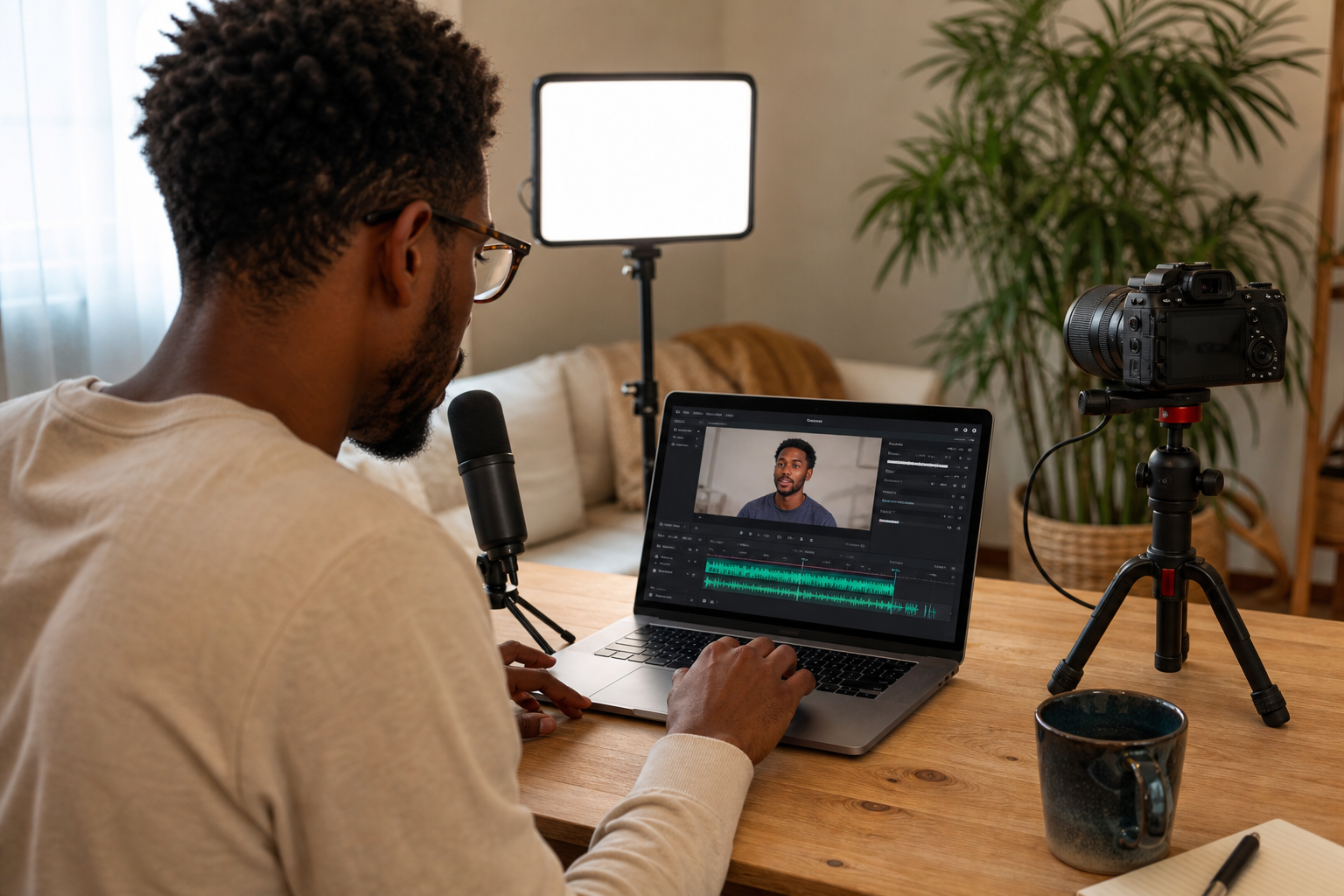
This is where most creators stall. Centralizing assembly, captions, repurposing, and posting in VEED closes the gap.
Brand kits and templates
• Create a brand kit: colors, fonts, logo lockups, lower-thirds.
• Save a captions style: position, font weight, background box, and animation.
• Set default safe zones for vertical so text never hides behind UI buttons.
Branded subtitles that drive retention
• Auto-transcribe or import the script; apply your captions preset.
• Use 1–2 color highlights for nouns/verbs on key beats.
• Keep lines under ~30–35 characters per line for easy scanning.
Repurpose to short-form clips
• Mark the hook, proof, and CTA moments; auto-suggest clips around those beats.
• Export 9:16 primary and consider 1:1 if you also post to feeds.
• For YouTube Shorts, trim to the tightest 30–45 seconds to maximize retention.
Autoposting and scheduling
• Schedule to YouTube, TikTok, Instagram Reels, and YouTube Shorts.
• Tailor metadata per platform:
• Titles: 60–80 characters on YouTube Shorts; punchy 40–60 for TikTok/IG.
• Hashtags: 2–4 specific tags; avoid stuffing; include one brand tag.
• Descriptions: One-liner value prop + one action.
Metadata prompt formula
• Title: Outcome + Specific + Time/Format. Example: Grow faster with voice-cloned shorts in 7 days.
• Description: What viewers get + who it’s for + CTA.
• Hashtags: #TopicSpecific #AudienceSpecific #Brand
When your content is product-led or ad-focused
• If the goal is shoppable or ad-ready creative, consider a product-to-video step before assembly. For example: feed a product URL, product images, or a short script into VidAU AI to generate a draft product video or UGC-style ad in multiple ratios, then import to VEED for branded subtitles, clip variants, and autoposting. This shortens concept-to-ad time and keeps creative testing moving.
Suggested Visual: Timeline screenshot mock showing captions, brand kit applied, and an autoposting calendar with TikTok, Reels, and Shorts queued.
Quality, compliance, and human review checklist
Before scheduling, run this pass:
• Claims and data: Verified against sources; no unsubstantiated superlatives.
• Rights: Voice clone authorized; footage/music licensed; no restricted logos.
• Captions: Accurate, readable, and within safe zones.
• Audio: Voice central, background music ducked; no clipping.
• Thumbnails: High-contrast face or object; 3–5 words max; no tiny text.
• Platform fit: Vertical 9:16; file size and duration appropriate for each platform.
When to choose alternate stacks (best AI content creation tools by scenario)
Different teams, different constraints. Consider these swaps when needed:
• Script-stage alternative: If you prefer another AI writer, swap Claude with your favorite while keeping Perplexity for current data.
• Assembly alternative: Descript or CapCut if you want deeper timeline control and built-in TTS, but verify your needs for brand kits, subtitles, and autoposting.
• Avatar-first workflows: If on-camera presence is key, double down on HeyGen and keep videos presenter-led; still add branded captions and clips.
How this compares at a glance
• Claude + Perplexity + VEED: Fastest idea-to-publish with branded subs, clips, and scheduling built in.
• Descript/CapCut stack: Strong editor-first control; may need manual steps for brand kits or posting.
Suggested Visual: Simple comparison card showing two stacks and which steps are automated vs manual.
Prompts, templates, and repeatable SOPs (AI tools for social media content creation)

• SOP name: 60–90s Vertical Explainer
• Research: Perplexity discovery → 3 bullets with sources.
• Script: Claude narration in 150 words with [B-ROLL] tags.
• Voice: ElevenLabs voice preset; tempo 0.95x.
• Visuals: 5–7 B-roll shots; 1 hero graphic.
• Captions: Brand kit preset; highlight nouns.
• Repurpose: 2 clips (hook-only, proof+CTA).
• Post: Schedule Shorts, TikTok, Reels; customize titles/hashtags.
• Perplexity one-liner prompt
• Give me three fresh, sourced data points US creators can use about [topic], with one-sentence implications for TikTok, Reels, and Shorts.
• Claude tone calibration prompt
• Here are 3 lines that sound like me: [paste]. Rewrite this script to match that voice, keep it under 160 words, and add two ALL-CAPS caption beats.
• VEED captions preset notes
• Font: Bold sans; Line height: 1.2; Box opacity: 65%; Position: upper safe zone; Color: brand yellow highlights on verbs.
Create With VidAU
Turn scripts, product URLs, and creative ideas into ad-ready video assets with a structured AI workflow.
Key takeaway
Final Thoughts
If your content keeps dying after the script, consolidate. The 2026-ready stack; Perplexity + Claude for thinking, VEED for building moves you want from idea to published posts with voice, visuals, captions, clips, and scheduling in one place.
Next step: set up your brand kit and captions preset, then run one 60–90 second video through this pipeline end to end. If you produce product-led content or ads, generate a first cut from a product URL or images in VidAU AI, then assemble, caption, and autopost as above.
Frequently asked questions
What are AI-powered content creation tools?
AI-powered content creation tools use machine learning to help research, script, design, edit, and publish content faster. For video and social, they include research assistants, AI writers, voice cloning, avatar generators, B-roll generation, subtitle stylers, clip repurposers, and autoposting features that streamline the entire workflow.
What is the best 2026 workflow for video and social?
For most creators, pair Perplexity (fresh data) with Claude (script) and assemble in VEED (voice, visuals, captions, clips, and autoposting). Add ElevenLabs for AI voice cloning and HeyGen for optional avatars. This stack keeps you in one workspace from script to published posts without tool-hopping.
Which are the best AI tools for content creation if I only change the assembly app?
If you prefer an alternative to VEED, consider Descript or CapCut for assembly. Keep Perplexity for research and Claude for scripting, and use ElevenLabs for TTS. Ensure your assembly choice supports branded subtitles, repurposing to short clips, and reliable posting or scheduling.
How do I safely use AI voice cloning?
Only clone voices you own or have permission to use. Record a clean 2–5 minute sample in a quiet space, avoid heavy processing, and confirm usage rights in writing. Review the output for pronunciation, emphasis, and tone. Do not use voices that could mislead, defraud, or violate likeness rights.
Can I automate repurposing long videos into TikTok, Reels, and YouTube Shorts?
Yes. Use a workspace that detects hooks and highlights, then exports 9:16 vertical clips with captions. Mark key beats (hook, proof, CTA), trim to the tightest segments, and update titles and hashtags per platform. Always check safe zones and caption readability before scheduling.
What specs should I target for short-form platforms in 2026?
Use 9:16 vertical (1080×1920) for TikTok, Instagram Reels, and YouTube Shorts. Keep captions readable within safe zones and ensure audio levels are consistent. Duration depends on the story; many strong Shorts and Reels run 20–60 seconds, but always match your message to the platform’s norms.
What are ai tools for social media content creation that help with posting?
Look for assembly tools with autoposting features so you can schedule to YouTube, TikTok, Instagram Reels, and YouTube Shorts from one place. Tailor titles, descriptions, and hashtags per platform, and use a calendar view to maintain frequency without manual uploads.
How do I ensure quality when using the best ai content creation tools?
Build a repeatable SOP: verify research sources, run a tone pass on scripts, use a licensed or authorized voice clone, apply a tested captions style, and check safe zones. Add a human review for claims, rights, and readability before scheduling. Ship, measure retention, and iterate.
When should I use an AI avatar like HeyGen instead of filming?
Use an avatar if you lack on-camera talent, need fast multilingual variants, or want consistent delivery for explainers. Keep scripts tight, pair with branded captions, and add B-roll to avoid static talking heads. For personality-driven channels, live filming often performs better.
Where does VidAU AI fit in this stack?
When your content is product-led or ad-focused, use a product-to-video step to speed production. Generate a draft from a product URL, images, or a script in VidAU AI, then import the result into your assembly workspace for branded subtitles, clip variants, and platform-specific posting.