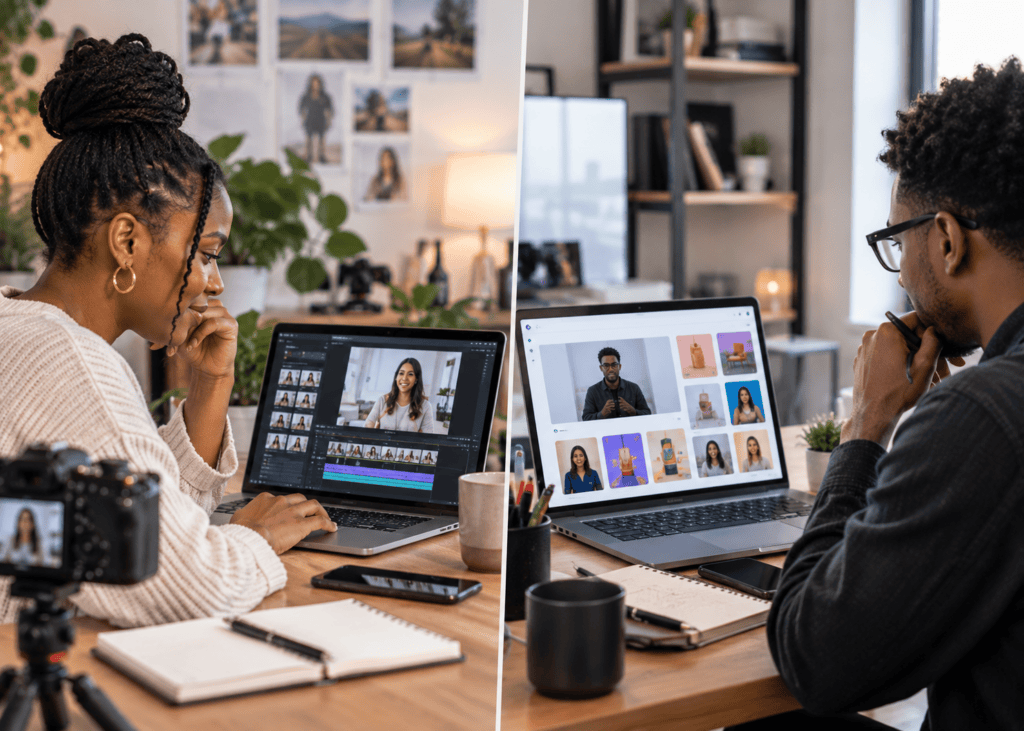
AI Product Video Maker · Premium Product Ads
AI Product Video Maker: How to Turn Product Images into Premium Video Ads
Find the best AI product video maker tools for ecommerce ads, Real Estate Ads, Beauty & Personal Care Ads, Tech & Electronics Ads, and premium AI video creation.
By the VidAU Editorial Team · AI product video guide · 15 min read
High-quality product video ads used to cost thousands of dollars and weeks of production time. Now a single product photo and the right AI product video maker can get you there in an afternoon.
High-quality product video ads used to cost thousands of dollars and weeks of coordination with videographers, stylists, and editors. That’s no longer the baseline. A good ai product video maker can take a single clean product photo and produce a polished, platform-ready ad in under an hour.
The tools have matured fast. What started as basic text-to-video has evolved into image-to-video workflows that maintain product consistency, integrate AI characters, and generate multiple ad formats from one input. For ecommerce store owners, dropshippers, and small marketing teams, that shift is significant.
This guide walks you through the full workflow: choosing your approach, crafting scripts and scenes, animating product images, adding voiceover, and adapting your content for different ad formats and industries.
Quick Summary
- An AI product video maker converts static product photos into animated, platform-ready video ads without a production team.
- The strongest workflows combine image-to-video generation with AI voiceover and scene-by-scene scripting for consistent results.
- Tools like Kling AI, Higgsfield Marketing Studio, Affogato, and ElevenLabs each serve different parts of the production pipeline.
- Output quality depends heavily on your input image quality and prompt specificity—both are worth investing time in.
What Is an AI Product Video Maker?
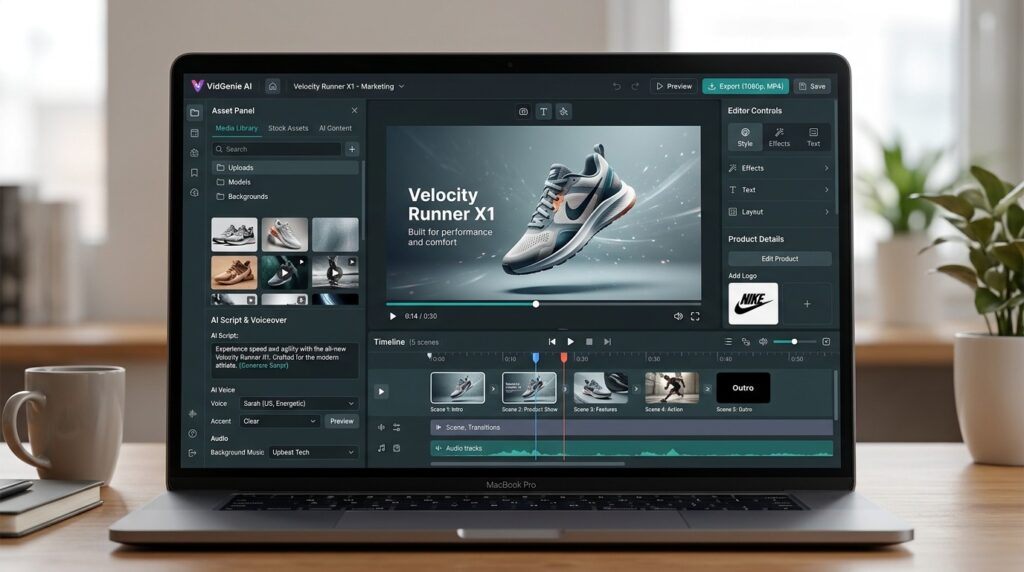
An AI product video maker is a software tool that uses generative AI to convert still product images—or text descriptions—into animated video content suitable for advertising. Most modern tools accept a product photo as the primary input, then use image-to-video generation to create motion, add cinematic effects, overlay voiceover, and produce formats sized for platforms like TikTok, Instagram, and Facebook Ads.
The category spans everything from fully automated one-click generators to more controlled workflows where you direct individual scenes using prompt engineering.
Key definition
An AI product video maker turns still product images or text descriptions into animated video content for advertising, using image-to-video generation, motion, cinematic effects, voiceover, and platform-sized exports.
Why an AI Product Video Maker Matters for Ecommerce Marketing
Traditional product video production involves product photography, talent, a studio, an editor, and often a separate audio engineer. For a small ecommerce brand or a dropshipper testing multiple products weekly, that pipeline is not realistic.
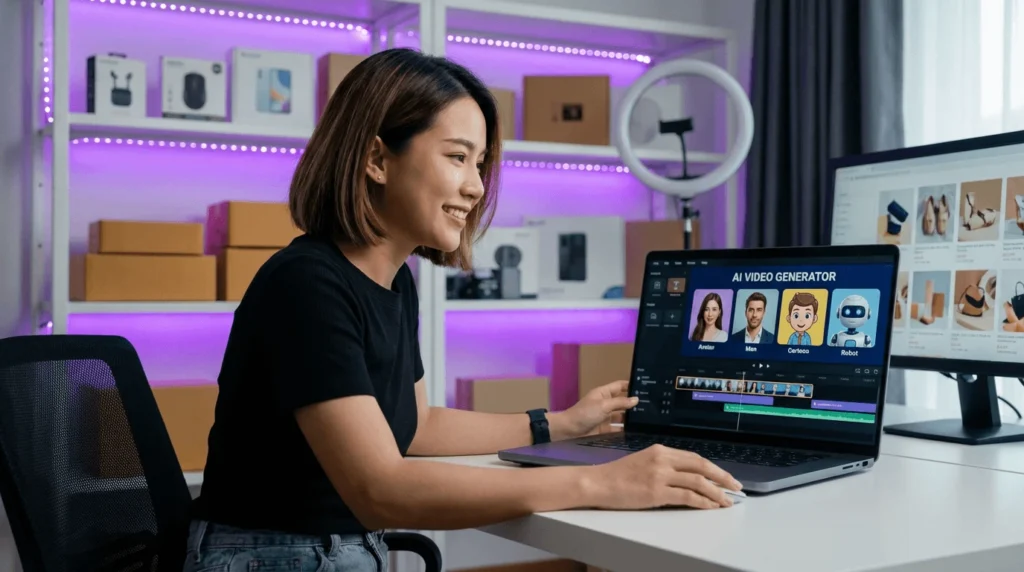
AI tools collapse that process. You upload a product photo, write or generate a script, animate the scenes, add AI voiceover, and export. The entire workflow can run in a few hours with no specialized skills required.
There are real trade-offs. AI-generated video works best for certain ad styles—UGC-style reviews, animated showcases, cinematic product reveals—and less well for complex narrative storytelling or content that requires precise human emotion. But for the formats that drive results on Facebook Ads and TikTok advertising, the output is increasingly competitive.
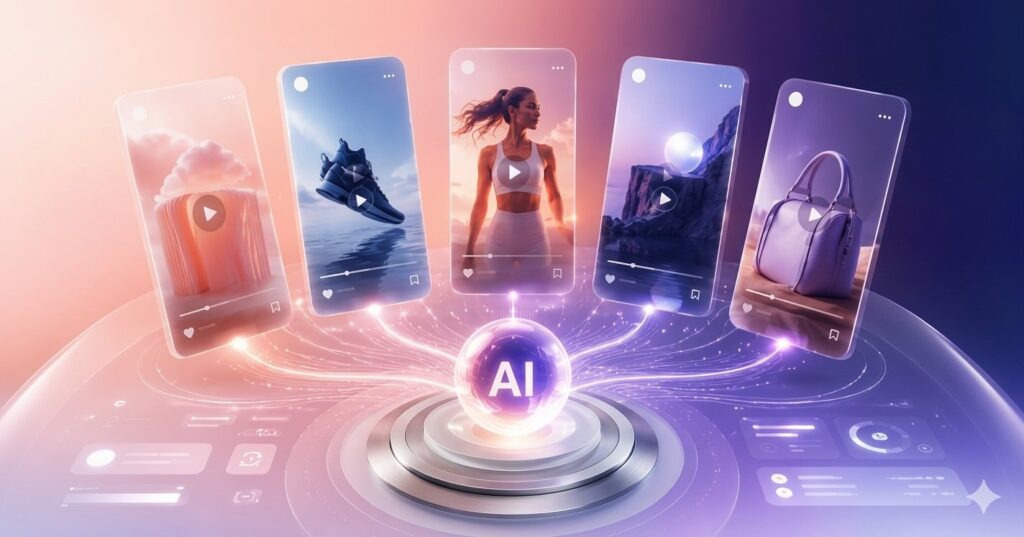
The efficiency angle matters too. One product image can generate five different ad formats in the same session: a UGC review, a hyper-motion showcase, a cinematic commercial, an unboxing sequence, and a product review clip. That kind of multi-format output from a single input is where the current generation of tools is pointing.
Key Takeaways
- AI product video tools reduce the need for product photography, talent, studio production, editing, and separate audio workflows.
- The strongest use cases are UGC-style reviews, animated showcases, cinematic product reveals, unboxing clips, and product review videos.
- One product image can become multiple ad formats for testing across Facebook Ads, TikTok advertising, and ecommerce campaigns.
Step-by-Step Process: Product Image to Finished Video Ad
Step 1: Prepare Your Product Image
This is where most results are actually won or lost. A blurry, low-contrast, or cluttered product photo produces weak AI output no matter how good your prompt is. Use a clean image on a white or neutral background with good lighting and sharp detail. If you only have mediocre source photos, tools like AI image upscalers or product photography AI can improve them before you start the video workflow.
VidAU AI Image (https://www.vidau.ai/vidau-ai-image/) can help generate or enhance product visuals before you move into video production.
Step 2: Define Your Ad Format and Platform
Decide upfront what you’re making and where it’s going. A TikTok ad needs vertical framing, fast pacing, and a hook in the first two seconds. A Facebook Ads carousel or video ad can be slightly longer and more deliberate. A product showcase for Instagram Stories needs square or vertical format.
Choosing your format before you script anything saves rework later.
Step 3: Write or Generate Your Script
AI video ads that convert well almost always have a clear structure: hook, problem or desire, product as solution, call to action. Keep scripts tight—15 to 30 seconds is the practical target for most social ad formats.
Use ChatGPT or Claude to generate scene-by-scene scripts based on your product’s core benefit. Include direction for each shot: what the product is doing, the camera angle, the setting, and the emotional tone. Specific prompts produce better AI video than vague ones.
Example prompt structure for a scene: “Close-up of a matte black water bottle rotating slowly on a white surface, studio lighting, shallow depth of field, premium product photography aesthetic.”
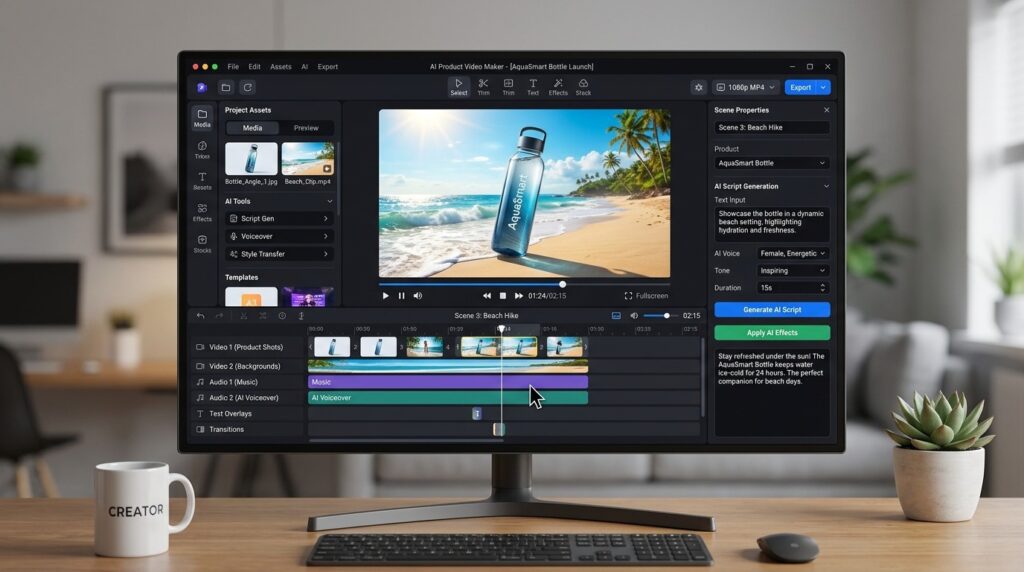
Step 4: Generate Scenes with an AI Product Video Maker
This is the core production step. Upload your product image and your scene prompts into your chosen tool. Higgsfield Marketing Studio, powered by Seedance 2.0, allows you to input a product and generate multiple ad formats—UGC, cinematic, hyper-motion—from the same session. Kling AI takes a product photo and animates it with strong visual consistency.
Expect to iterate. First outputs are rarely final. Adjust prompts, try different camera directions, and test different motion intensities. Results improve noticeably with practice.
For a faster automated starting point, VidAU AI Video (https://www.vidau.ai/vidau-ai-video/) and URL to Video (https://www.vidau.ai/url-2-video/) can generate structured product videos from minimal inputs, which works well when speed matters more than granular creative control.
Step 5: Add Voiceover and Music
Silent video ads underperform on most platforms. Use ElevenLabs to generate a natural-sounding AI voiceover from your script. Choose a voice tone that matches your brand—energetic for consumer products, calm and authoritative for tech or premium items.
For music, ElevenLabs also offers AI music generation. Alternatively, use royalty-free libraries. Write your music prompt with mood, tempo, and style in mind: “Minimal ambient underscore, slow tempo, clean synth pads, no vocals, confident and modern.”
VidAU Text to Speech (https://www.vidau.ai/vidau-text-to-speech/) is another option for generating natural voiceover directly within a video workflow.
Step 6: Assemble and Edit
Bring your generated clips, voiceover, and music into CapCut or your preferred editor. Add captions—most social platforms autoplay without sound. Keep text overlays clean and readable. Add a clear call to action at the end.
If you want to repurpose or remix the finished video for other formats, VidAU Vid Remix (https://www.vidau.ai/vid-remix/) can help adapt existing content to different aspect ratios and styles.
Tip
Start with a clean product image, define the platform before scripting, and treat the first AI output as a draft. Better prompts and iterations usually produce better product video ads.
Best Tools for Each Stage of the AI Product Video Maker Workflow
| Stage | Recommended Tools | Why |
|---|---|---|
| Product image prep | VidAU AI Image, AI upscalers | Clean inputs produce better outputs |
| Script and scene planning | ChatGPT, Claude | Fast structured ad scripts |
| Image-to-video generation | Kling AI, Higgsfield, Affogato | Core animation and product consistency |
| Voiceover and audio | ElevenLabs, VidAU Text to Speech | Natural-sounding narration |
| Editing and assembly | CapCut, VidAU Vid Remix | Final polish and format adaptation |
Create Video Ads Now
Use VidAU AI to turn product images, URLs, samples, scripts, voiceovers, and existing clips into premium product video ads for ecommerce, beauty, real estate, tech, and performance marketing campaigns.
VidAU workflow
From product image to premium ad creative
- Start with the product visual: Use VidAU AI Image to generate, clean, or enhance product visuals before moving into video.
- Create the first video draft: Use VidAU AI Video or URL to Video when you need a structured product video from minimal inputs.
- Add natural voiceover: Use VidAU Text to Speech for product narration, multilingual voiceover, or brand-matched ad audio.
- Adapt the final asset: Use VidAU Vid Remix to repurpose the video into different aspect ratios, styles, and campaign formats.
- Scale with UGC formats: Use UGC Avatars and Product Sample to Video when product ads need social proof, presenter-led creative, or AI character interaction.
Platform-Specific Optimization
Ecommerce Ads
For ecommerce ads on Facebook and TikTok, UGC-style video consistently outperforms polished studio content in many categories. An AI-generated UGC ad featuring a realistic avatar holding or reviewing your product can outperform a traditional commercial at a fraction of the cost. Tools like Affogato and Arcads specialize in this format.
Focus on the first two seconds—show the product clearly and create curiosity or urgency immediately. Use captions throughout. End with a clear, specific CTA.
UGC Avatars (https://www.vidau.ai/ugc-avatars/) from VidAU AI can generate spokesperson-style content that works well for this format.
Real Estate Ads
For real estate ads, video works best when it creates a sense of space and lifestyle rather than just showing a property. AI product video workflows can animate still property photos, add cinematic motion to interior shots, and produce professional-looking listing videos without a drone or camera crew.
Keep real estate video ads focused on emotional outcomes: the neighborhood, the light, the lifestyle—not just square footage.
Beauty and Personal Care Ads
Beauty and personal care ads perform well with close-up product detail shots, transformation-style sequences, and UGC reviews. AI tools can animate a skincare bottle with swirling liquid effects, create a before/after product reveal, or generate a review-style clip with an AI avatar.
For this category, color accuracy and skin-tone realism matter. Check output carefully before publishing.
Tech and Electronics Ads
Tech and electronics ads benefit from cinematic, precision-focused aesthetics. Kling AI and Higgsfield’s hyper-motion format work well here—rotating product shots, studio lighting environments, and clean backgrounds communicate premium quality.
Use a confident, measured voiceover tone and keep the focus on one or two key product features rather than trying to cover the full spec sheet.
| Ad category | Recommended approach |
|---|---|
| Ecommerce Ads | Use UGC-style video, show the product clearly in the first two seconds, create curiosity or urgency, add captions, and end with a clear CTA. |
| Real Estate Ads | Create a sense of space and lifestyle, animate still property photos, use cinematic motion, and focus on emotional outcomes like neighborhood, light, and lifestyle. |
| Beauty and Personal Care Ads | Use close-up detail shots, transformation-style sequences, UGC reviews, color accuracy, and careful skin-tone realism checks. |
| Tech and Electronics Ads | Use cinematic, precision-focused aesthetics, rotating product shots, studio lighting, clean backgrounds, measured voiceover, and one or two key features. |
Tip
Do not use the same product video style for every category. Ecommerce, real estate, beauty, and tech ads each need different pacing, visuals, voiceover, and proof points.
Common Mistakes
Starting with a poor quality image. AI cannot salvage a blurry or poorly lit product photo. This is the single biggest factor in output quality.
Writing vague prompts. “A product video” produces generic results. Describe the camera angle, lighting, motion type, setting, and mood in every scene prompt.
Skipping voiceover. Silent video ads feel unfinished and underperform on most platforms. Even a short AI voiceover dramatically improves completion rates.
Trying to do too much in one video. The best-performing short-form ads make one clear point. Script for that.
Not iterating. First outputs from AI video tools are starting points. Generate multiple variations, compare them, and refine your prompts based on what works.
Watch out
The fastest way to weaken AI product video ads is to start with poor images, write vague prompts, skip voiceover, overload the script, or treat the first AI output as final.
Advanced Strategies
Multi-Format Generation from One Product
The most efficient teams don’t make one ad per product—they make five or six. From a single product image and session, generate a UGC review, a cinematic commercial, a hyper-motion showcase, an unboxing clip, and a product feature highlight. Test all of them in ad campaigns and let performance data tell you which format resonates with your audience.
Build a Prompt Library
Once you’ve found prompt structures that produce strong outputs, save them. A reusable prompt library for different product categories—beauty, tech, apparel, food—dramatically speeds up future production and keeps your output consistent.
Add AI Avatars for UGC-Style Content
UGC-style ads that feature a person reviewing or demonstrating a product outperform pure product showcase content in many ecommerce categories. Affogato and similar tools let you pair your product image with an AI character who interacts with it. This creates social proof without requiring actors or filming.
UGC Avatars (https://www.vidau.ai/ugc-avatars/) and Product Sample to Video (https://www.vidau.ai/product-sample-to-video/) are built specifically for this type of workflow.
Use AI Video Enhancement on Older Content
If you have existing product video that looks dated or low quality, AI video enhancement tools can upscale resolution, improve sharpness, and stabilize footage. This extends the life of existing assets without reshooting.
VidAU Video Enhancer (https://www.vidau.ai/vidau-video-enhancer/) handles this for teams that have existing footage worth improving.
Tip
Scale by turning one product image into multiple ad styles, saving reusable prompts, adding AI avatars for UGC-style content, and enhancing older product footage before deciding to reshoot.
FAQ
Here are answers to common questions about AI product video maker tools, image-to-video product ads, ecommerce ads, Real Estate Ads, Beauty & Personal Care Ads, Tech & Electronics Ads, UGC-style content, voiceovers, prompts, and VidAU AI video workflows.
What is an AI product video maker?
An AI product video maker is a tool that converts product photos or descriptions into animated video ads using generative AI, without requiring a production team.
Which AI tools are best for turning product images into video ads?
Kling AI, Higgsfield Marketing Studio, Affogato, and VidAU AI are among the most capable tools for image-to-video product ad creation.
How good does my product photo need to be?
High quality inputs matter enormously—a clean, well-lit product image on a neutral background produces significantly better AI video output than a blurry or cluttered photo.
Can I make UGC-style ads without hiring real creators?
Yes—tools like Affogato and Arcads can pair your product with AI avatars to produce UGC-style review and demonstration content without actors.
How long should an AI-generated product video ad be?
For TikTok and Instagram, 15 to 30 seconds is the practical target; Facebook Ads can support slightly longer formats, but shorter is usually better for direct response campaigns.
Do AI product video ads actually convert?
Yes, when the format matches the platform and the hook is strong—many ecommerce brands report that AI UGC-style ads perform comparably to or better than traditionally produced content at a fraction of the cost.
Key takeaway
Final Thoughts
The barrier to professional product video advertising has dropped dramatically. With the right AI product video maker and a clean product image, a solo founder or small marketing team can produce multiple high-quality ad formats in an afternoon—content that would have required a full production crew just a few years ago.
The key variables are input quality, prompt specificity, and willingness to iterate. Start with one product and one ad format. Build your prompt library as you go. Once the workflow feels natural, scaling to multi-format campaigns becomes straightforward.
If you want to explore AI video production for your product ads, VidAU AI Video (https://www.vidau.ai/vidau-ai-video/) and Product Sample to Video (https://www.vidau.ai/product-sample-to-video/) are practical starting points worth testing against your current production workflow.