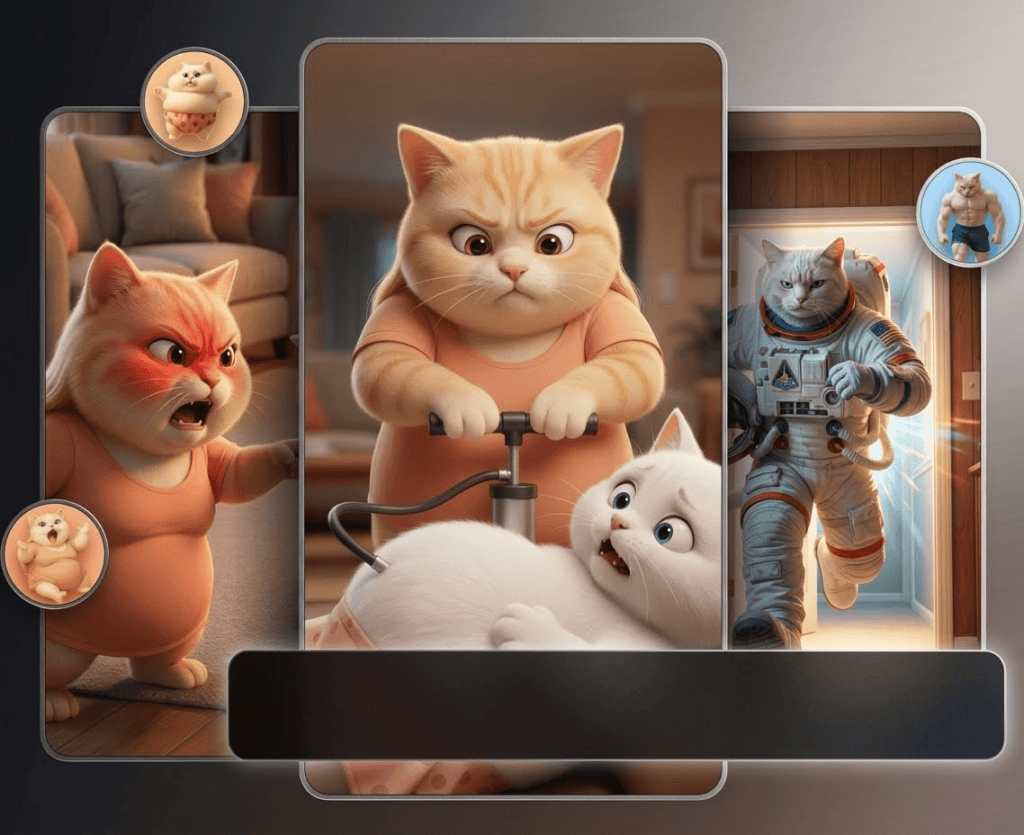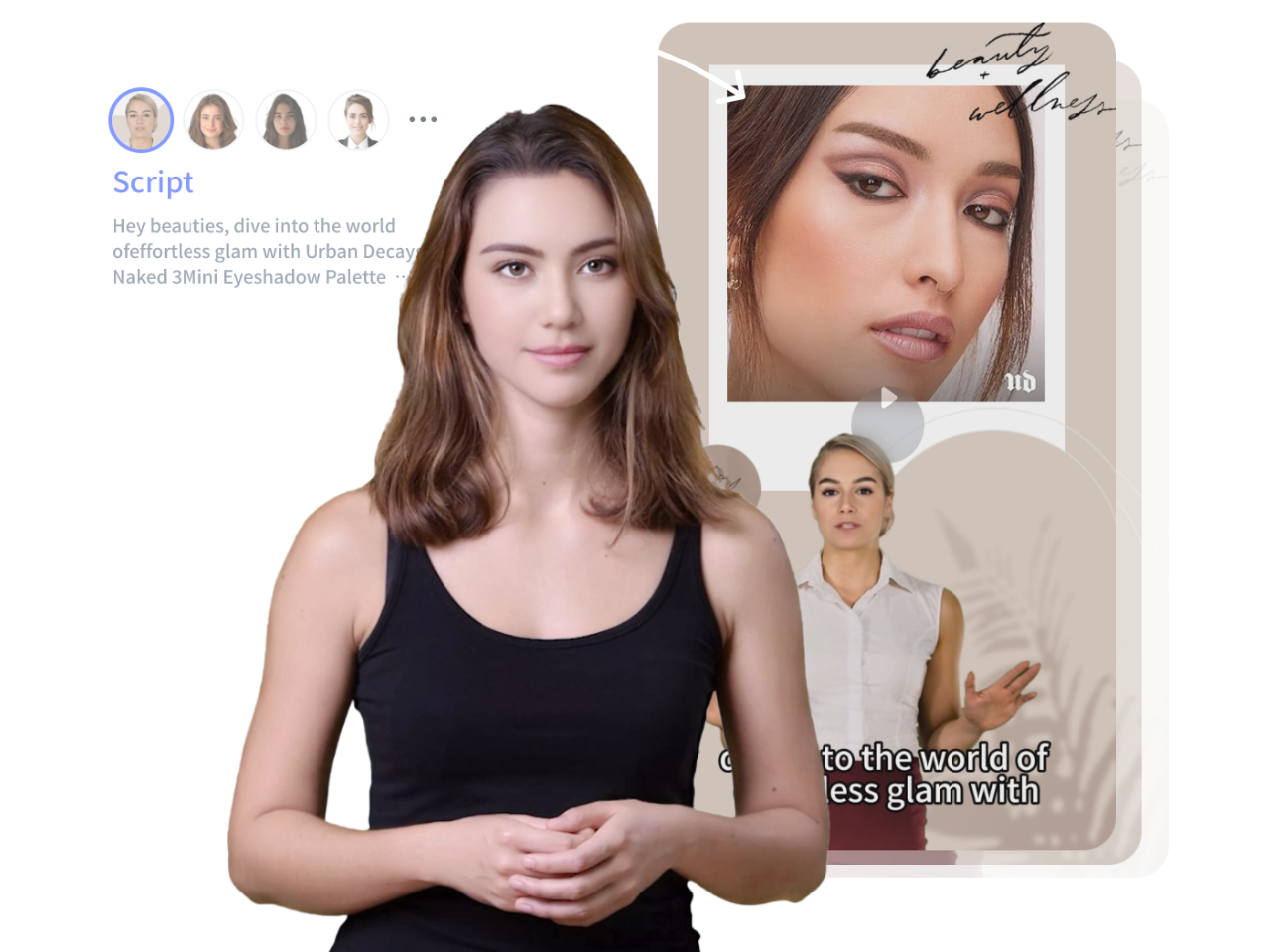
TikTok Ads · AI Actors & Motion Swap Workflow
How to Create Ads for TikTok Video with AI Actors (Step-by-Step Guide)
Learn how to create ads for TikTok video with AI actors using motion swap, AI characters, voice cloning, and lip-sync in a practical repeatable workflow.
By the VidAU Editorial Team · TikTok Shop ad workflow · AI actor tutorial
Creators are now producing TikTok Shop ads with AI actors in under 30 minutes, no camera or filming required.
You can create ads for TikTok video with AI actors by studying a proven ad, generating an AI character, applying motion swap technology, then swapping in your own script and voice. This lets affiliate marketers and e-commerce sellers ship TikTok Shop ads without filming themselves on camera. The full workflow takes well under an hour once your tools are set up.
This guide is for content creators, affiliate marketers, and e-commerce sellers who want a repeatable system. We reviewed a January 2025 tutorial workflow that recreates an 11-second TikTok Shop video with a custom AI actor, and we will walk through each step in order so you can copy the process today
Quick Summary
- The fastest way to create ads for TikTok video with AI actors is to clone a proven viral ad’s structure, then replace the on-camera person with a motion-swapped AI character.
- Motion swap tools like Kling Motion Swap apply real movement from a reference clip onto your AI image, while voice tools like ElevenLabs handle voice cloning and lip-sync.
- TikTok Shop ads perform best in 9:16 vertical format, ideally exported at 1080p or higher with high bitrate to survive platform compression.
- Affiliate marketers, faceless creators, and small e-commerce sellers who cannot film themselves benefit most from this AI actor workflow.
What Does It Mean to Create Ads for TikTok Video With AI Actors?
To create ads for TikTok video with AI actors means generating a synthetic on-camera presenter, animating that character with real movement, and pairing it with a script and voice so the clip looks like a normal creator review. The AI actor replaces a human spokesperson while the ad structure stays the same.
This approach pulls together a few technologies: AI character generation, motion swap technology, voice cloning, and lip-sync. VidAU is an AI video ad platform that generates video ads from product URLs, images, or scripts in 49 languages, and it sits in the same broader category as the standalone tools described below.
Definition
Creating ads for TikTok video with AI actors means replacing a human spokesperson with a synthetic presenter while keeping the proven ad structure, movement, script, and product review format.
Why AI Actors Matter for TikTok Shop Ad Creators
AI actors matter because they remove the biggest blocker for faceless creators: appearing on camera. You can test multiple presenters, products, and hooks without booking talent or filming yourself.
The research video we reviewed shows the practical appeal. One creator reportedly earned commission from a single 11-second TikTok Shop video, and the cloning method recreates that structure with a fresh AI actor in roughly 30 minutes. We treat earnings claims as anecdotal, not guaranteed.
There is a more useful takeaway from our research across AI video communities. Creators who get consistent results do not chase one perfect tool. They build an operating system around the tools, assigning each job to whatever handles it best and keeping the workflow repeatable.
Key Takeaways
- AI actors let you produce TikTok Shop ads without filming.
- Cloning a proven ad reduces guesswork on hook and pacing.
- A repeatable stack beats hunting for one magic generator.
Earnings note
The tutorial workflow mentions commission from a single 11-second TikTok Shop video, but earnings claims are anecdotal, not guaranteed. The more reliable lesson is the repeatable workflow.
Step-by-Step Workflow to Create Ads for TikTok Video With AI Actors
The workflow has five stages: find a winning ad, analyze it, build your AI actor, apply motion swap, then swap voice and script. Follow them in order.
Step 1: Find a winning TikTok Shop video to replicate
Browse TikTok Shop and short-form ad feeds for products with high engagement and a simple presenter format. Look for ads that are short, single-person, and product-focused, since those are easiest to recreate with one AI actor.
Save the link and note why it works: the hook in the first two seconds, the product demo, and the call to action.
Step 2: Analyze and extract the ad’s core elements
Break the reference ad into parts. Write down the script, the camera framing, the presenter’s pose, and the background. The January 2025 tutorial uses a TikTok analyzer to pull the script and extract clean reference frames automatically, but you can do this manually by pausing and transcribing.
The goal is a shot plan, not a copy. Working from a storyboard before you spend any generation credits mirrors how careful script-to-video teams operate, and it saves wasted renders.
Step 3: Generate or design your AI actor
Create a consistent AI character that fits the product and audience. Use clear prompts describing age, style, expression, and setting so the actor reads as a believable everyday reviewer. The tutorial calls its example character “Candace” and reuses the same prompt for consistency.
If you want product visuals or character variations, an AI image generator helps you lock in a repeatable look before animation.
Step 4: Extract reference frames and apply motion swap
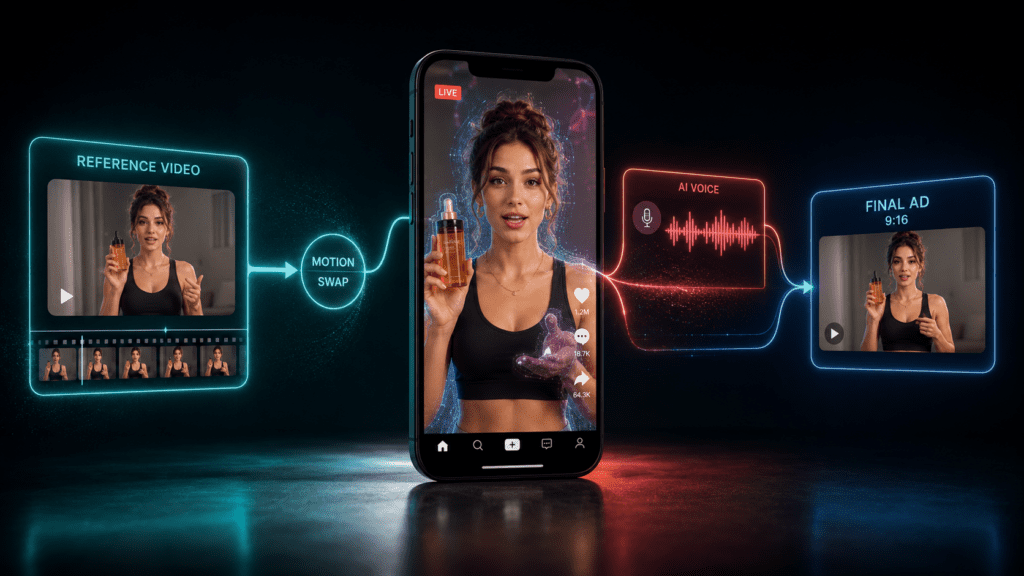
Motion swap technology maps the movement from your reference video onto your AI character image. Extract the correct reference frames from the original clip, then run motion swap with tools like Kling Motion Swap Pro so your AI actor inherits the same gestures and timing.
Modify the background and body details so your version is distinct from the original creator’s footage. This avoids copying someone else’s exact set and keeps the ad your own.
Workflow tip
The goal is a shot plan, not a copy. Storyboard before spending generation credits so the AI actor, movement, script, and product demo stay consistent.
How to Use Motion Swap and AI Character Generation Together
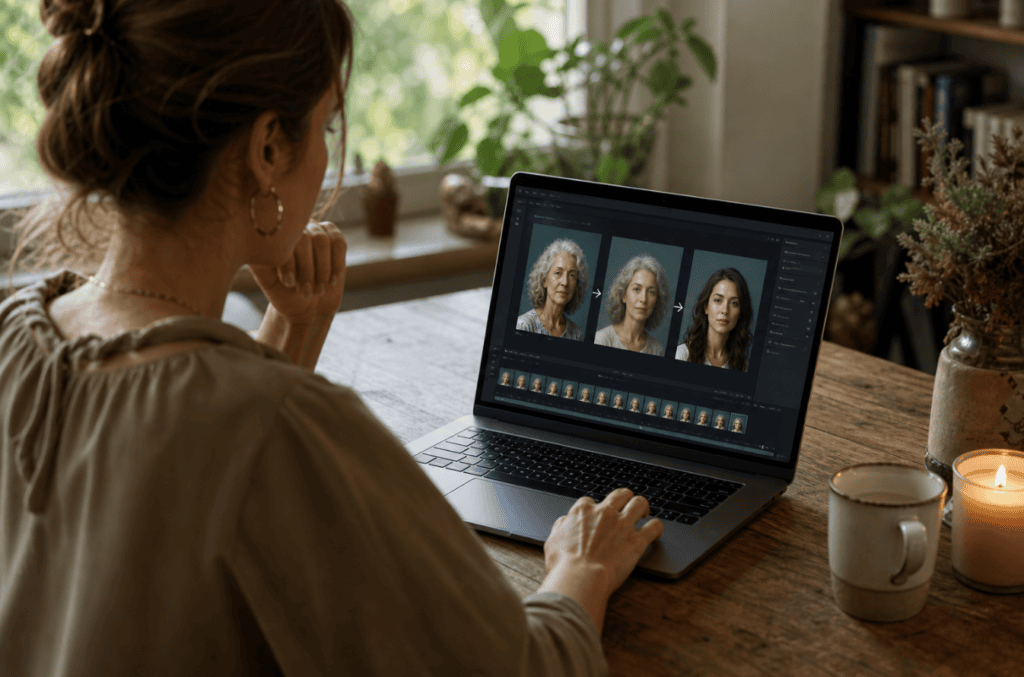
Motion swap and AI character generation work best as a sequence. First, generate or design a believable AI actor that fits the product and audience. Then use the reference video only for movement, gestures, and timing. This keeps the structure of a proven TikTok Shop ad while changing the presenter and visual identity.
A practical workflow starts with the static AI character image, then applies motion swap technology from the reference clip. The original ad supplies body movement and pacing, while your AI character supplies the new face, style, and brand fit. Background and body details should be modified so the result is distinct from the original creator’s footage.
This is also why consistent character design matters. If the actor changes appearance between frames or scenes, the ad starts to feel synthetic. Reusing the same prompt, reference style, and product setting helps the character remain stable throughout the clip.
Motion swap principle
Let the reference video supply movement and timing, but let your AI character, background, product angle, voice, and script make the final ad original.
How to Add Voice Cloning and Lip-Sync for Authenticity
Voice and script swapping is what makes the ad feel original rather than a clone. Once motion swap produces your animated AI actor, replace the audio and re-sync the mouth movement.
Write a fresh script that keeps the proven hook structure but uses your own wording and product angle. Then generate the voiceover. Tools like ElevenLabs handle voice cloning or custom voices, and a text to speech workflow can produce clean narration when you do not need a cloned voice.
Finally, apply a lip-sync model so the AI actor’s mouth matches the new audio. Accurate lip-sync is the difference between a believable presenter and an obvious fake.
If you would rather skip the multi-tool assembly, UGC avatars and text to video tools combine the actor, voice, and lip-sync in one pass, which suits batch production better than chaining four separate apps.
Authenticity tip
Keep the proven hook structure, but rewrite the script in your own wording and product angle. Then sync the AI actor’s mouth to the new audio.
Best Tools Compared by Production Job
Different jobs in this workflow need different tools. Here is how the common options line up.
| Job | Example Tools | Why |
|---|---|---|
| Analyze viral ads | TikTok analyzer, Starpop | Pulls scripts and reference frames |
| AI actor and images | AI image generators | Creates a consistent character |
| Motion swap | Kling Motion Swap Pro | Applies real movement to AI images |
| Voice and lip-sync | ElevenLabs, lip-sync models | Makes the audio unique and synced |
| All-in-one ads | VidAU, UGC avatar tools | Combines steps for batch output |
No single tool wins every job. The value shows up in the system around them, especially when you produce several ads per week.
Create AI Actor TikTok Ads With VidAU
Use VidAU AI Video, UGC Avatars, Text to Video, URL to Video, Product Sample to Video, Text to Speech, and Video Enhancer when you want batch-ready TikTok ad production without chaining every specialist tool manually.
VidAU workflow
Where VidAU fits in the AI actor ad workflow
- Use a reference ad for structure: Study the hook, product demo, pacing, framing, and call to action before generating anything.
- Use AI Image to lock the actor look: Create product visuals or character variations before animation so the presenter stays consistent.
- Use UGC Avatars and Text to Video for batch production: Combine actor, voice, and lip-sync in one pass when chaining specialist apps becomes too slow.
- Use URL to Video and Product Sample to Video for product-led ads: Turn product pages or samples into TikTok-ready ad concepts with less manual assembly.
- Use Video Enhancer before posting: Clean up softer output so the final TikTok upload holds up better after platform compression.
Common Mistakes Creators Make With AI TikTok Ads
The most common mistake is copying a reference ad too closely, including its background and exact wording. That risks looking duplicate and weakens your hook. Always change the script, voice, and setting.
A second mistake is ignoring source and export quality. Creators chase fancy effects, but on TikTok the real enemy is platform compression after upload. Match your export to TikTok’s needs and avoid upscaling weak footage, since stretching pixels does not add real detail.
A third mistake is skipping the storyboard. Generating clips with no plan burns credits and produces inconsistent AI actors. Map the shots first.
Key Takeaways
- Change the background, script, and voice to stay original.
- Protect quality at export, not just during editing.
- Plan the shot list before spending generation credits.
Originality warning
Do not copy a reference ad too closely. Change the background, script, voice, presenter, and setting so the structure becomes your own ad rather than a duplicate.
Platform-Specific Optimization for TikTok
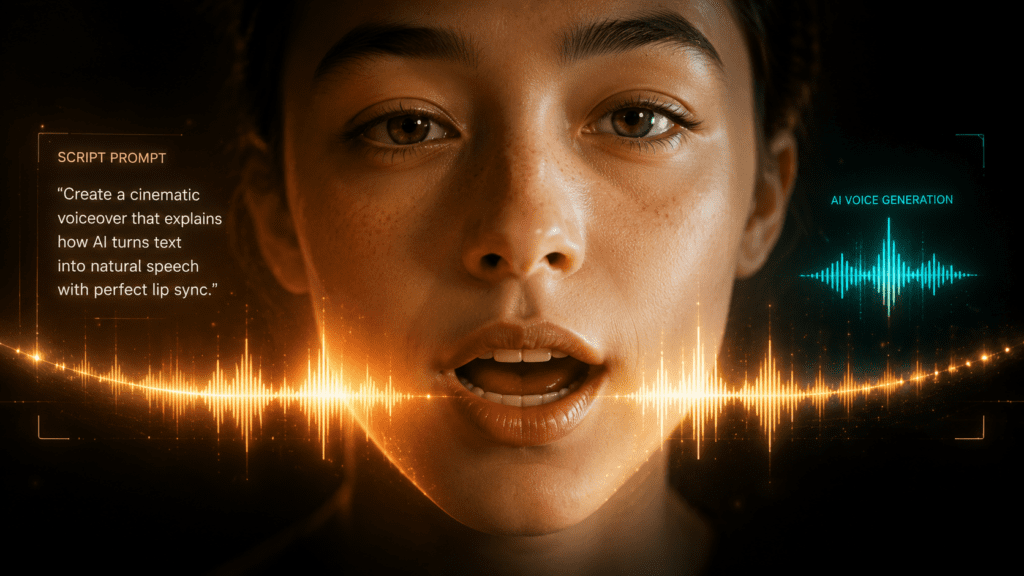
TikTok ads should be built vertical in 9:16 from the start. Keep the hook in the first two seconds, since TikTok viewers scroll fast and the opening frame decides whether they stay.
Export at 1080p or higher with a high bitrate so the clip holds up after TikTok’s compression. Captions help with sound-off viewing and accessibility, and a clear call to action near the end supports TikTok Shop conversions.
For scaling, batch tools matter. If you want to turn product pages straight into ads, a URL to video workflow or product sample to video tool removes much of the manual assembly, and a video enhancer cleans up softer output before posting.
| TikTok Requirement | Recommended Setting | Why It Matters |
|---|---|---|
| Aspect ratio | 9:16 vertical | Build for TikTok’s native feed from the start. |
| Hook timing | First two seconds | The opening frame decides whether viewers stay. |
| Export quality | 1080p or higher with high bitrate | Helps the clip survive TikTok compression. |
| Captions | Use captions | Supports sound-off viewing and accessibility. |
| Call to action | Near the end | Supports TikTok Shop conversion intent. |
TikTok export tip
Build vertical from the start, keep the hook in the first two seconds, and export at 1080p or higher with high bitrate so compression does not flatten the final ad.
Key takeaway
Final Thoughts
To create ads for TikTok video with AI actors, work in order: find a proven ad, analyze it, build a consistent AI character, motion swap the movement, then swap in your own voice and script. Keep each ad distinct, plan your shots, and protect quality at export so TikTok compression does not flatten it.
If chaining separate tools feels slow, try an all-in-one approach. You can generate ad-ready clips from a script, product URL, or image with VidAU AI Video and produce avatar-led ads through UGC avatars. It will not replace every specialist tool, but it cuts the assembly time when you produce ads at volume.
FAQ
Here are answers to common questions about creating ads for TikTok video with AI actors, motion swap technology, voice cloning, lip-sync, AI TikTok video generators, authenticity, TikTok Shop ad formats, legal concerns, tools, and production volume.
How do I create ads for TikTok video with AI actors without being on camera?
Generate an AI character with a prompt, apply motion swap technology to animate it from a reference clip, then add a cloned or synthetic voice with lip-sync. This produces a presenter-style TikTok Shop ad without filming yourself. All-in-one tools like VidAU can combine these steps for faster output.
What is motion swap technology in AI TikTok ads?
Motion swap technology transfers the body movement and gestures from a reference video onto a still AI character image. Tools like Kling Motion Swap Pro animate your AI actor using the original creator’s motion, so the new ad keeps proven pacing and gestures while showing a different presenter.
How long does it take to make a TikTok ad with an AI actor?
Once your tools and AI actor prompt are ready, a single short ad can take under 30 minutes. The first ad takes longer because you are setting up the character, analyzer, and voice. After that, the workflow becomes repeatable and much faster to batch.
Do I need to clone a viral ad to use this workflow?
No, but cloning the structure of a proven TikTok Shop ad removes guesswork on the hook, pacing, and demo. You should always change the script, background, and voice so your version is original. Treat the reference as a template, not something to copy exactly.
What format and quality should TikTok video ads use?
Use 9:16 vertical format and export at 1080p or higher with a high bitrate. Higher bitrate helps the clip survive TikTok’s compression after upload. Avoid upscaling low-quality source footage, since stretching pixels adds no real detail and can look soft.
Can an AI TikTok video generator handle the whole process?
Some AI TikTok video generators combine character, voice, and lip-sync in one tool, which suits batch production. Specialist tools still win individual jobs like motion swap or voice cloning. Many creators mix an all-in-one platform with one or two specialist tools for reliability.
How do I make AI actors look authentic in TikTok ads?
Keep the character consistent across frames, use realistic everyday styling, and apply accurate lip-sync so the mouth matches the audio. Add natural movement through motion swap rather than static delivery. Captions and a clear product demo also make AI-driven TikTok ads feel more trustworthy to viewers.
Is it legal to recreate another creator’s TikTok Shop ad with AI?
You should recreate the structure and idea, not copy someone’s exact footage, voice, or set. Change the background, script, voice, and presenter so your ad is your own work. Follow TikTok’s advertising rules and platform policies, and avoid using protected assets you do not own.
What tools are mentioned for creating AI TikTok ads?
The workflow commonly uses a TikTok analyzer for scripts and reference frames, an AI image generator for the actor, Kling Motion Swap for animation, and ElevenLabs for voice cloning. Platforms like Starpop and VidAU bundle several of these steps into a single workflow.
How many AI TikTok ads can I produce per week?
There is no fixed limit, since output depends on your tools, credits, and quality checks. The main constraint is keeping each ad distinct and on-spec rather than raw volume. A repeatable storyboard-first system lets creators ship several unique ads weekly without quality dropping.