VidAU Editorial · AI Search
Top Text-to-Video AI Models 2026: Best Generators Ranked by Use Case
See the top text-to-video AI models of 2026 ranked by use case. Realism, lip-sync, action, and free options compared with prompt tips and a fast decision guide.
By the VidAU Editorial Team · Reviewed before publishing

Identical-prompt tests across Seedance 2.5, Kling 3.0, Veo 3.1, Sora 2, Gemini Omni Flash, Grok Imagine 1.5, Wan 2.7, Hailuo, and more reveal late 2026 winners for realism, lip-sync, motion, and value. If you’re asking what are the best text to video AI generators, this ranked guide shows the best AI for text to video by use case and where rotating free access may appear.
Use the rankings below to pick a model fast, see strong contenders by scenario, and apply identical-prompt tips that reflect how US creators are testing in late 2026.
Quick Summary
• Seedance 2.5 is the most balanced 2026 pick for cinematic realism, textures, and prompt fidelity in short clips.
• Kling 3.0 is a strong alternate for fast action and physics; Gemini Omni Flash and HappyHorse stand out for lip-sync.
• Most models perform best with 5–12 second clips, one scene per prompt, 9:16 or 16:9, and concise camera/lighting directions.
• US creators, marketers, and solo filmmakers benefit most by A/B testing two to three models via hubs before committing budget.
What Is Text-to-Video AI?
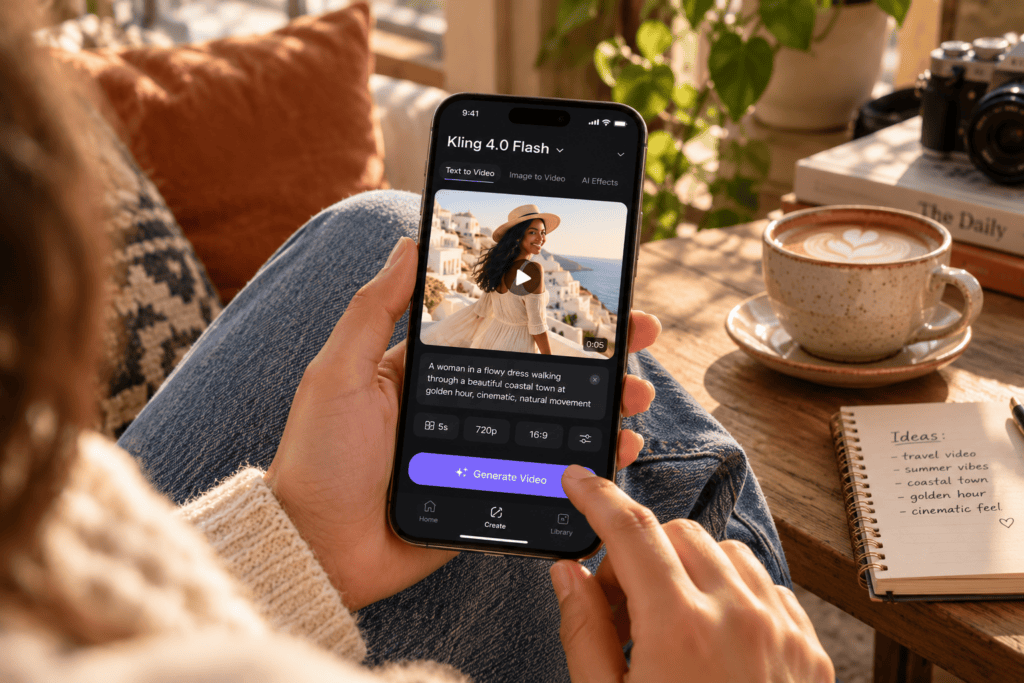
Text-to-video AI is software that generates moving images from written prompts, images, or reference audio. In 2026, top systems translate prompts into short clips with controllable subjects, motion, camera moves, lighting, and sometimes lip-sync. Performance varies by use case realism, talking heads, action physics, and value/free access which is why multi-model testing matters.
How We Ranked the top text-to-video ai models 2026
To reflect late-2026 creator testing, we applied identical prompts across models and scored outputs on:
• Prompt accuracy and art direction
• Motion quality and physics
• Temporal consistency and flicker
• Lip-sync alignment (when reference audio is supplied)
• Color stability and texture detail
Benchmark prompts used:
• Talking-head: 7–10 seconds with reference voice track, neutral lighting, medium close-up
• Action: 8–10 seconds chase scene with dynamic camera and debris interactions
• Product macro: 10 seconds, shallow depth-of-field, controlled reflections
Availability, features, and free access rotate frequently. Treat the rankings as strong contenders from recent tests not permanent winners, and re-check limits before production.
The Ranked List: Top text-to-video AI Models 2026 by Use Case
Below are use-case winners and strong contenders drawn from recent creator-style tests. Models named first in each row are the practical pick to try first.
• Use Case: Cinematic realism
Recommended Models: Seedance 2.5, Veo 3.1
Why: Rich textures, stable color, strong fidelity
• Use Case: Lip-sync talking heads
Recommended Models: Gemini Omni Flash, HappyHorse
Why: Solid alignment, facial detail
• Use Case: Fast action & physics
Recommended Models: Kling 3.0, Wan 2.7
Why: Dynamic motion, better object interactions
• Use Case: Prompt accuracy & style
Recommended Models: Sora 2, Grok Imagine 1.5
Why: Strong adherence to camera and tone
• Use Case: Product macro
Recommended Models: Veo 3.1, Seedance 2.0
Why: Crisp DoF, reflections, consistent focus
• Use Case: Value/free exploration
Recommended Models: Hailuo, Arena/Higgsfield rotations
Why: Rotating access, easy A/B tests
Cinematic realism and textures: Seedance 2.5, Veo 3.1
If your priority is photoreal faces, fabric, skin, metals, and reliable grading, start with Seedance 2.5. Veo 3.1 is a close alternate with excellent macro control and stable motion. Seedance 2.0 remains viable if 2.5 access is limited.
Lip-sync and talking heads: Gemini Omni Flash, HappyHorse
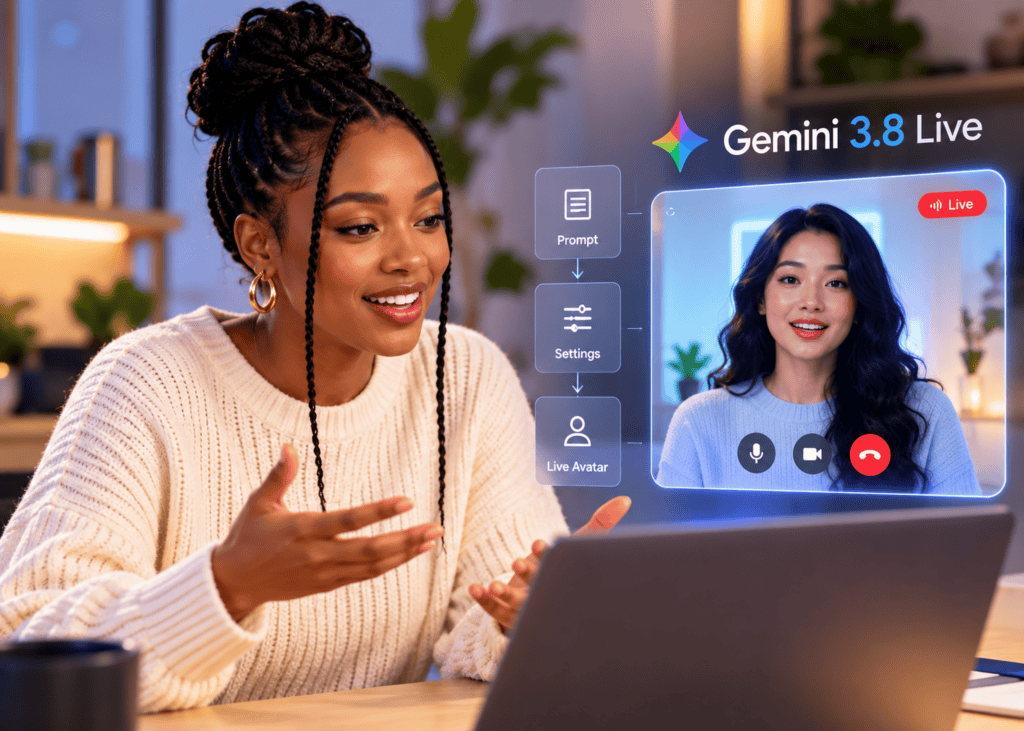
For dialogue-heavy shorts and explainers, Gemini Omni Flash and HappyHorse are strong contenders thanks to reliable lip alignment and facial micro-movements. Keep talking-head prompts simple one subject, medium framing, and a clean audio reference.
Fast action and physics: Kling 3.0, Wan 2.7
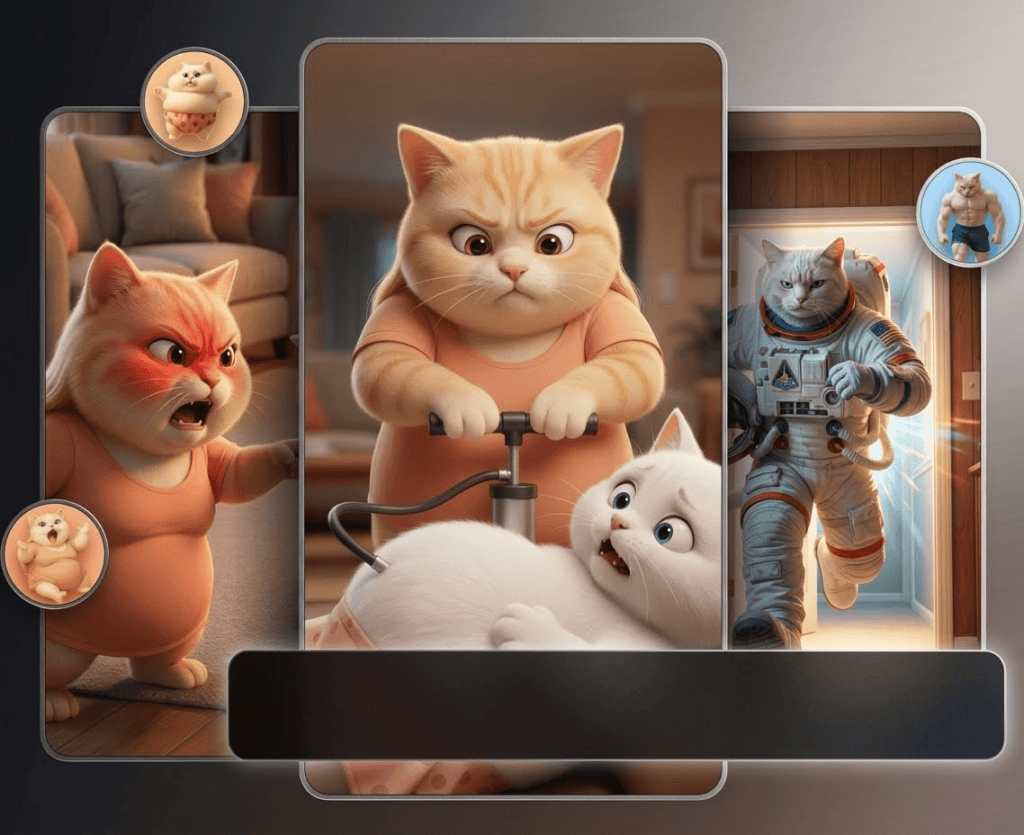
Kling 3.0 tends to handle dynamic camera moves, debris fields, and impact moments well. Wan 2.7 is a good alternate for fast sequences when you want fewer artifacts in motion blur or particle effects.
Prompt accuracy and art direction: Sora 2, Grok Imagine 1.5
When you need the camera path, mood, and composition to match instructions, Sora 2 and Grok Imagine 1.5 have tested well for shot adherence. Keep directions concise: one subject, one action, one camera move per clip.
Product macro and materials: Veo 3.1, Seedance 2.0
For cosmetics, electronics, or food close-ups, Veo 3.1 is a top pick for reflections and depth-of-field; Seedance 2.0 remains a dependable alternate with good texture detail and fewer flicker issues in short macros.
Value and rotating access: Hailuo, Arena, Higgsfield
For low-cost exploration, US creators often check Hailuo and multi-model hubs like Arena and Higgsfield. Rotations sometimes include Veo 3.1 or older Seedance tiers such as Seedance 1.5 Pro. Access changes download strong results promptly and track daily caps.
Extended tools to know: Adobe Firefly, InVideo AI V3
Adobe Firefly’s video tools emphasize commercial-use controls and are useful for brand teams cautious about licensing. InVideo AI V3 helps script-to-video assembly for longer, narrator-led content; it’s less about single ultra-cinematic clips and more about end-to-end video creation.
Quick-Start: Free and Rotating Access Tips for US Users
• Use multi-model hubs first: Platforms like Arena and Higgsfield help you A/B identical prompts without juggling multiple accounts. Expect queues, daily caps, or rotating “free” windows.
• Capture early: Download high-res results as soon as you like a take; the same model or setting may not be free later.
• Keep prompts lightweight: Free tiers and busy queues often penalize long, multi-shot prompts. One scene per clip is safer.
• Log your settings: Track seed, motion strength, and any style locks to reproduce a look when you switch models.
Key Takeaways
• Try two models per use case to confirm fit before paying.
• Save and version your best outputs immediately.
• Expect access and limits to change weekly.
Prompting and Workflow Tips That Move the Needle
Use this structure for consistent results:
• Subject and action: One character, one action, one setting.
• Camera and motion: Shot size, move type, and speed (e.g., medium close-up, slow dolly-in).
• Lighting and look: Time of day, key light quality, lens or DoF hint.
• Duration and aspect: 7–10 seconds, 9:16 or 16:9; name it early.
• References: Include a still image or mood board; for lip-sync, supply a clean, leveled WAV.
Example prompts
• Talking head: “9:16, 8s, medium close-up of a friendly teacher speaking, soft key light from camera-left, subtle background bokeh, slow 20mm dolly-in; natural skin texture, accurate lip-sync to provided audio; neutral color grade.”
• Action: “16:9, 10s, parkour runner vaults over a table, falling papers and dust; handheld chase, mild motion blur, afternoon sun flares; emphasise believable physics, no camera cuts.”
• Product macro: “1:1, 10s, glossy smartphone on matte slate, 85mm macro look, shallow depth-of-field, slow clockwise product spin, controlled reflections, soft top light, no fingerprints.”
Decision Guide: Pick the Best AI for Text to Video
• I need photoreal, cinematic texture: Start with Seedance 2.5; compare one run on Veo 3.1.
• I need perfect lip-sync interviews: Try Gemini Omni Flash; compare a take on HappyHorse.
• I need action and believable physics: Lead with Kling 3.0; back it up with Wan 2.7.
• I need product macros and clean DoF: Begin with Veo 3.1; test Seedance 2.0.
• I need strong prompt adherence/styling: Test Sora 2; compare Grok Imagine 1.5.
• I need free/rotating access: Check Hailuo; A/B on Arena or Higgsfield and download fast.
• I need longer, narrated videos: Consider InVideo AI V3 or Adobe Firefly workflows.
When your goal is ad-ready social creative
• Input: Product URL, pack shots, or approved script.
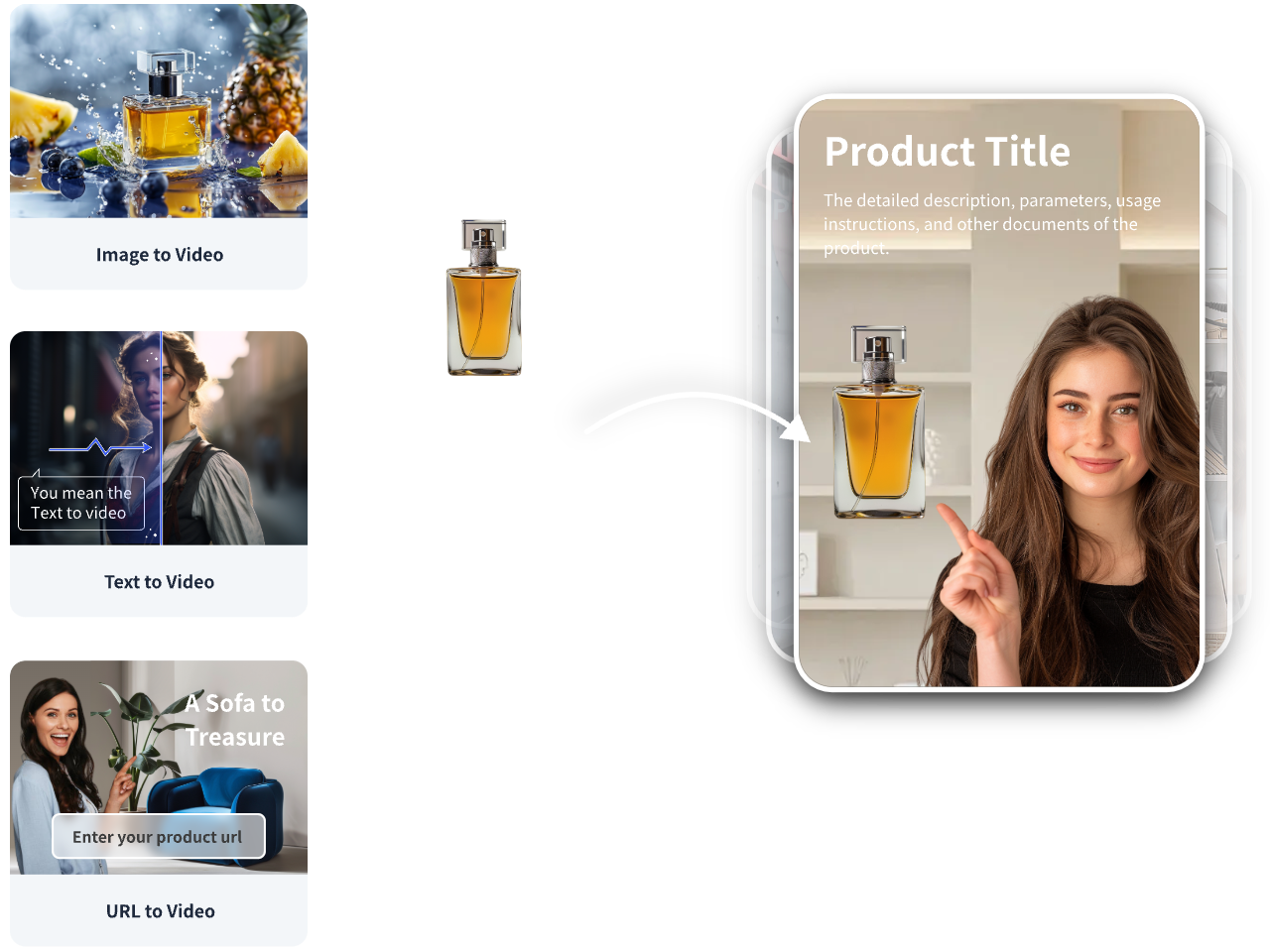
• Tool: VidAU AI can turn product URLs, images, or scripts into short-form ads for TikTok, Meta, and YouTube.
• Workflow: Import your asset → select a product-to-video or UGC talking-head template → set 9:16/1:1 → generate multiple variants → replace scenes with your favorite Seedance/Kling/Veo clips if desired → export for testing.
• Fit: Best when you need fast, on-brand variations for performance testing without building every shot from scratch.
Create With VidAU
Turn scripts, product URLs, and creative ideas into ad-ready video assets with a structured AI workflow.
Key takeaway
Final Thoughts
You do not need a single “best” model in 2026, you need the right model per job. Seedance 2.5 and Veo 3.1 excel at realism; Gemini Omni Flash and HappyHorse shine for lip-sync; Kling 3.0 and Wan 2.7 handle action; Sora 2 and Grok Imagine 1.5 follow prompts well; Hailuo and hubs like Arena and Higgsfield help you explore value.
Next step: Run identical 7–10 second prompts through two models in your primary use case, save the best outputs, and iterate. If your end goal is ad creative, use VidAU AI to turn your product URL, images, or script into testable variants, then swap in your highest-quality model shots where they add the most impact.
Frequently asked questions
What are the best text to video AI generators in 2026?
The strongest picks vary by use case. For realism, try Seedance 2.5 and Veo 3.1. For lip-sync, Gemini Omni Flash and HappyHorse are standouts. For action, look at Kling 3.0 and Wan 2.7. For prompt adherence, Sora 2 and Grok Imagine 1.5 test well. For value, explore Hailuo and hub rotations.
Which model is the best AI for text to video realism?
Seedance 2.5 is a practical first choice for cinematic realism, texture fidelity, and stable color in short clips. Veo 3.1 is a close alternate with excellent macro control and strong depth-of-field handling. If 2.5 access is limited, Seedance 2.0 remains useful for certain macro and lifestyle shots.
What should I use for accurate lip-sync and talking heads?
Gemini Omni Flash and HappyHorse are strong contenders for lip-sync alignment and facial micro-movements. Keep your prompt simple, provide a clean reference audio file, and choose medium close-up framing with neutral lighting to minimize artifacts and maintain consistent expressions across takes.
Which models handle fast action and physics best?
Kling 3.0 often performs well on dynamic camera moves, debris, and motion blur for chase scenes or sports moments. Wan 2.7 is a good alternate when you want responsive motion with fewer artifacts. Use 16:9, 8–10 second clips, and one continuous camera move for the most reliable outputs.
Are there free or rotating access options in the US?
Yes, but availability changes frequently. Hailuo and multi-model hubs like Arena and Higgsfield periodically provide free or low-credit trials for select models, sometimes including older Seedance tiers or Veo 3.1. Expect caps, queues, and changing windows; download promising results immediately.
How long should my clips be, and which aspect ratio works best?
Most 2026 models are most reliable at 5–12 seconds with a single scene per prompt. For social, use 9:16; for YouTube or cinematic frames, use 16:9. Longer prompts with multiple cuts can confuse models, so stitch short clips in an editor for sequences.
What are reliable prompting tips for better results?
Specify one subject, one action, and one camera move. Set duration and aspect ratio at the start. Add lighting and lens cues, and include a reference image when possible. For dialog, supply a clean WAV. Avoid overstuffed prompts; clarity improves prompt accuracy and motion quality.
Which tools help with longer videos or assembly?
InVideo AI V3 can turn scripts into longer, narrator-led videos and offers editing-style workflows. Adobe Firefly focuses on brand-safe controls and commercial use considerations. These are better for assembled content and consistency, while clip-oriented models handle the most cinematic single shots.
How do I choose between Seedance 2.5 and Veo 3.1?
If you value skin, fabric, and overall cinematic texture in lifestyle scenes, start with Seedance 2.5. If your project leans toward macro product shots with precise reflections and depth-of-field, Veo 3.1 may edge ahead. Test both with identical prompts and pick based on your footage’s primary need.
Can I use outputs commercially?
It depends on the platform, the specific model, and your inputs. Always review current terms, licenses, and any usage caps. Confirm rights for assets you upload, secure necessary likeness permissions, and keep documentation of allowed commercial uses for your selected model and platform.