Instagram Reels · ElevenLabs & HeyGen AI Avatar Workflow
How to Use ElevenLabs and HeyGen to Make Instagram Reels with AI Avatars
Learn how to use ElevenLabs voice cloning and HeyGen AI avatars to make Instagram Reels at scale, with setup, scripting, and 9:16 optimization tips.
By the VidAU Editorial Team · AI avatar Reels guide · Voice cloning and vertical video workflow
You can use ElevenLabs and HeyGen to make Instagram Reels by cloning your voice, building a custom AI avatar, and exporting vertical 9:16 clips that look like real footage.
You can use ElevenLabs and HeyGen to make Instagram Reels by cloning your voice in ElevenLabs, building a custom avatar in HeyGen, then pairing the two to generate vertical 9:16 videos. The basic workflow is record clean training footage, clone your voice, write a tight script, render the avatar clip, then add a human touch with B-roll before posting. This guide covers the full setup.
This tutorial is for content creators, social media managers, and entrepreneurs who want to scale Reels output without filming every video. The combined tool cost in recent creator tutorials runs around $111 per month ($89 HeyGen, $22 ElevenLabs). If you want a lighter alternative for ad-style Reels, VidAU AI Video is one option worth knowing.
Quick Summary
- The core workflow is: clone your voice in ElevenLabs, build a custom avatar in HeyGen, pair them, then render and export a 9:16 Reel.
- HeyGen handles the photorealistic avatar and lip sync, while ElevenLabs handles natural-sounding voice cloning that drives the avatar.
- Instagram Reels need 9:16 vertical video, and you should export at the highest quality, ideally 1080p or higher, to survive upload compression.
- This setup fits creators and social media managers who want 3 to 7 videos per week without filming each one, as long as they accept iteration and editing.
What Is the ElevenLabs and HeyGen Reels Workflow?
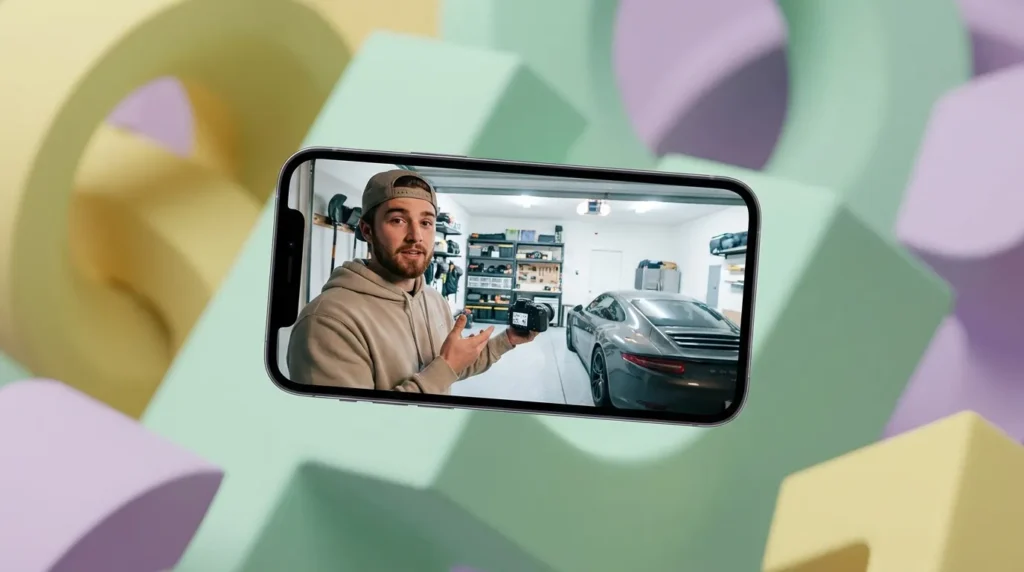
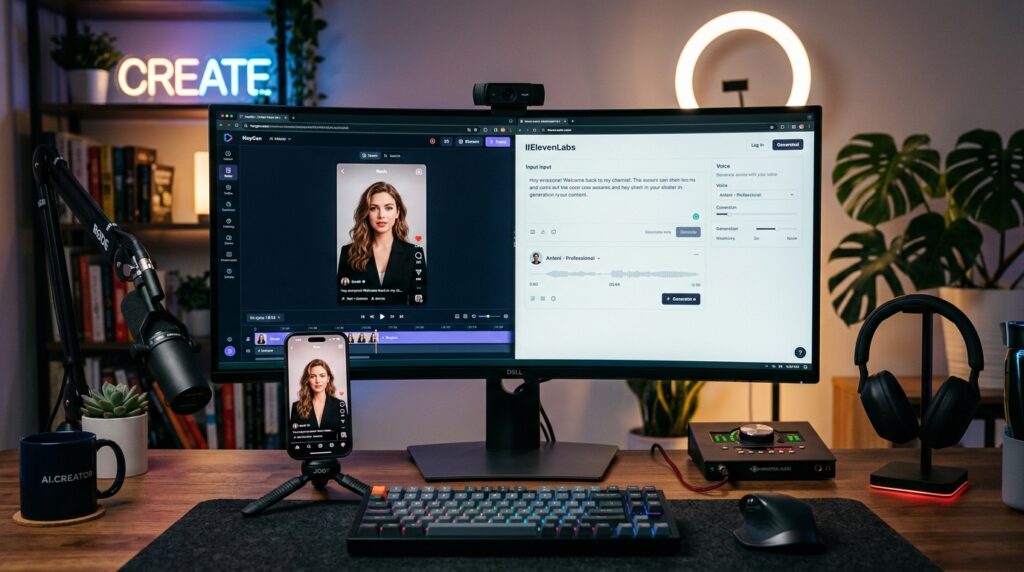
The ElevenLabs and HeyGen Reels workflow is a content process where ElevenLabs clones your voice and HeyGen generates a talking AI avatar that speaks that voice, producing vertical videos formatted for Instagram Reels. You write a script, the avatar delivers it, and you finish with light editing.
In simple terms, ElevenLabs is the voice engine and HeyGen is the face. One creator scaled to 3 to 7 videos per week using exactly this pairing, spending under two hours on video work each week. The trade-off is that quality depends heavily on your inputs, not just the tools.
Key Takeaways
- ElevenLabs handles voice, HeyGen handles the avatar and lip sync.
- The output is a vertical clip you finish for Instagram Reels.
- Results scale well once setup is done correctly.
Who This Is For
This workflow fits creators and teams who publish often and want to reduce filming time. It works best for talking-head Reels: tips, hooks, explainers, and short education clips.
It is less useful if you need spontaneous, high-energy footage or if you only post once a week. When I reviewed creator discussions, one recurring point stood out: many users tried a HeyGen trial, got weak results, and assumed the tool was bad. Deeper use with a paid creator package and better source footage changed the outcome. Treat this as an iterative setup, not a one-click button.
Expectation check
Treat this as an iterative setup, not a one-click button. Better source footage, stronger scripts, and finishing edits usually separate weak avatar results from convincing ones.
How to Set Up ElevenLabs Voice Cloning
Start with ElevenLabs because the voice drives the avatar. Record a clean voice sample with no background noise, then create your cloned voice.
Step 1: Record clean speech
Record 1 to 3 minutes of clear speech in a quiet room.
Step 2: Upload your sample
Upload it to ElevenLabs and create your custom voice clone.
Step 3: Test the voice
Test a short paragraph and listen for unnatural pauses or rushed pacing.
Step 4: Adjust voice settings
Adjust stability and similarity settings until the read sounds like you.
The cleaner your source audio, the more natural the clone. If you want a simpler narration tool for some clips, VidAU Text to Speech is an alternative for voiceover work.
Voice cloning tip
The cleaner your source audio, the more natural the clone. Test a short paragraph before producing a full Reel.
How to Build a HeyGen AI Avatar
HeyGen creates your custom avatar from training footage you record. The footage quality decides how realistic the avatar looks, so this step matters most.
Step 1: Film training footage
Film 2 to 5 minutes of training footage in good, even lighting.
Step 2: Keep delivery natural
Look directly at the camera, speak naturally, and avoid large head movements.
Step 3: Complete consent verification
Upload the footage and complete HeyGen’s consent verification step.
Step 4: Render a test clip
Let HeyGen process the avatar, then render a test clip to check lip sync.
A photorealistic clone needs sharp, well-lit source video. Blurry or shadowed footage produces a stiff, obviously fake avatar. Get this right once, and you reuse it for every Reel.
Avatar quality warning
Blurry or shadowed footage produces a stiff, obviously fake avatar. Sharp, well-lit source video is the foundation of a realistic clone.
Step-by-Step: Making the Reel With Both Tools
Here is the full process to make Instagram Reels with both tools working together.
Step 1: Write a Reel script
Write a Reel script of 80 to 150 words with a strong first-line hook.
Step 2: Format the script for natural speech
Format the script for natural speech using short sentences and clear punctuation. Commas and periods control where the voice breathes.
Step 3: Generate the voiceover
Generate the voiceover in ElevenLabs using your cloned voice.
Step 4: Attach the audio in HeyGen
In HeyGen, select your custom avatar and attach the ElevenLabs audio (or use the integrated voice).
Step 5: Render in vertical format
Set the output to vertical 9:16 and render the clip.
Step 6: Finish in your editor
Download the avatar video and move it into your editor for finishing.
Script formatting is where most people slip. AI voices read exactly what you type, so messy punctuation creates robotic pacing. Read your script out loud first.
Script tip
AI voices read exactly what you type. Use short sentences, clear punctuation, and read the script out loud before generating the voiceover.
How to Optimize the Video for Instagram Reels
Instagram Reels require a 9:16 vertical format, and the platform compresses uploads, which can soften quality. Export at the highest setting your tools allow, ideally 1080p or higher, so the Reel still looks crisp after upload.
- Keep the safe zone clear: leave room at the bottom for captions and the audio bar.
- Add automatic captions inside Instagram for accessibility and silent viewing.
- Use B-roll and overlays to break up a static talking-head clip.
- Choose a clean cover image so the Reel looks intentional in your grid.
This is the human-touch step that the strongest AI creators rely on. Blending your avatar clip with real B-roll, on-screen text, and natural cuts is what makes AI content indistinguishable from filmed footage. A bare avatar clip with no editing looks generic; a layered one does not.
Key Takeaways
- Always export 9:16 at high quality before uploading.
- Add captions, B-roll, and a cover image inside Instagram.
- Editing is what hides the AI, not the avatar alone.
If you want to repurpose one Reel into more variations, VidAU Vid Remix can help you turn one clip into several cuts.
| Instagram Reels Requirement | Recommended Approach | Why It Matters |
|---|---|---|
| Aspect ratio | 9:16 vertical | Fits the native Reels feed. |
| Export quality | 1080p or higher where possible | Helps the Reel survive upload compression. |
| Safe zone | Leave room at the bottom | Avoids captions and UI covering important content. |
| Captions | Add automatic captions inside Instagram | Supports accessibility and silent viewing. |
| Visual variety | Use B-roll, overlays, and natural cuts | Breaks up static talking-head footage. |
| Grid presentation | Choose a clean cover image | Makes the Reel look intentional on your profile. |
Common Mistakes Creators Make
Most failures here come from setup, not the tools. Avoid these:
- Using bad training footage. Poor lighting equals a fake-looking avatar.
- Quitting after a weak trial result. Iteration and better inputs fix most quality issues.
- Skipping script formatting, which causes robotic, rushed delivery.
- Posting the raw avatar clip with no B-roll, captions, or editing.
- Exporting in low resolution, then blaming Instagram compression.
From what I reviewed in creator threads, the gap between disappointing and convincing avatars almost always traces back to source assets and editing effort.
Mistake to avoid
Do not post the raw avatar clip with no B-roll, captions, or editing. The human-touch finishing step is what makes AI avatar Reels feel like real content.
Create Custom Avatar Reels Easily
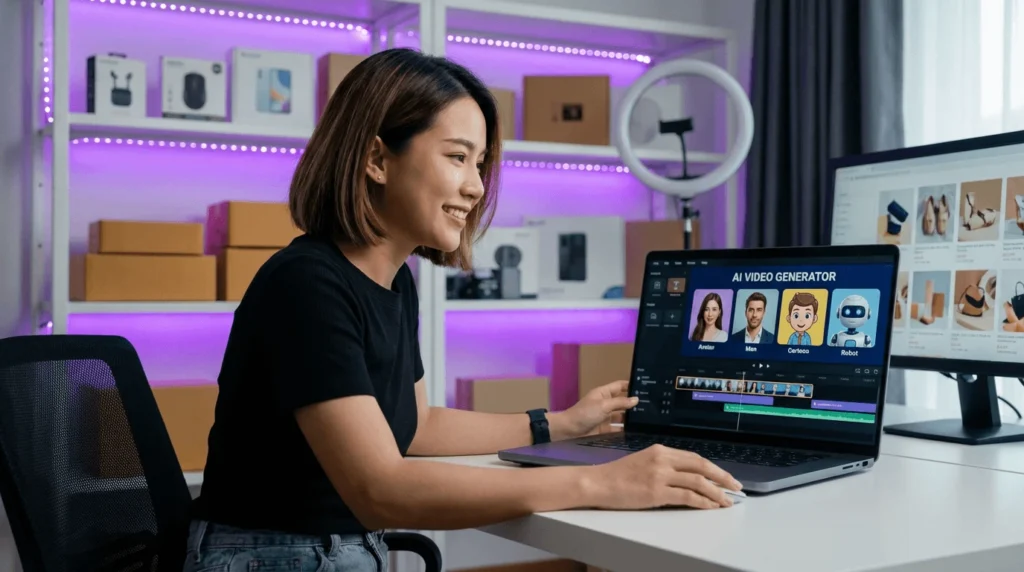
Use VidAU AI Video, UGC Avatars, Vid Remix, and Text to Speech when your Reels are product-focused, ad-style, multilingual, or need faster batch production than a fully manual HeyGen and ElevenLabs workflow.
VidAU workflow
Where VidAU fits beside ElevenLabs and HeyGen
- Use ElevenLabs when voice cloning is the priority: Clone your own voice when you need a personal brand voice that sounds close to you.
- Use HeyGen when a custom face-led avatar is the priority: Build a custom talking avatar when the Reel needs to feel like your on-camera presence.
- Use VidAU AI Video for ad-style Reels: Generate videos from URLs, images, or scripts when the content is more product or campaign focused than personal talking-head content.
- Use UGC Avatars for spokesperson-style ads: Create creator-style avatar clips without building a full personal voice-and-face clone setup.
- Use Vid Remix to multiply finished clips: Repurpose one Reel into several cuts once you have a strong base video.
Advanced Ways to Scale Reels Production
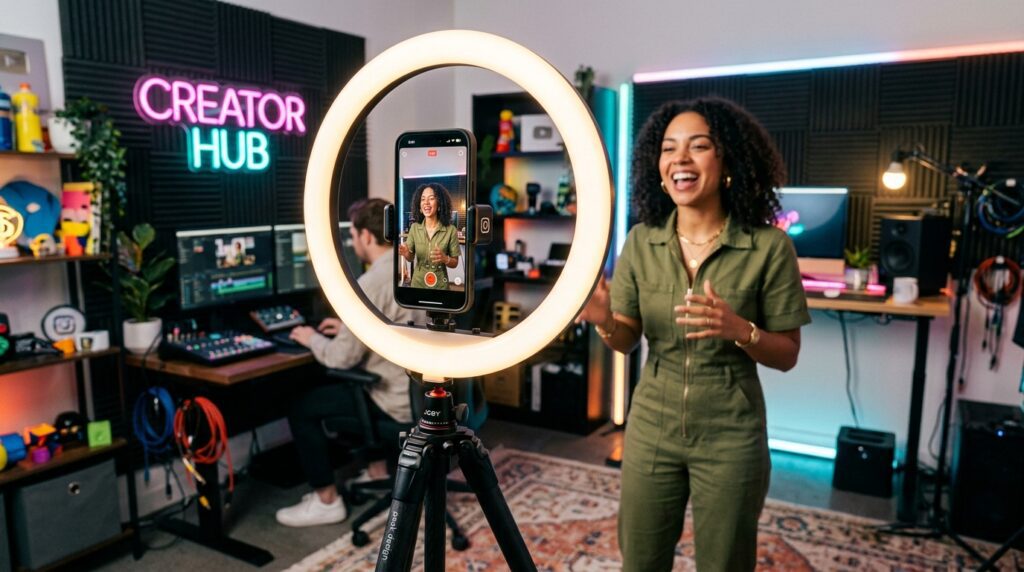
Once your avatar and voice are set, you scale by batching. Write 5 to 10 scripts in one sitting, generate all voiceovers, then render all avatar clips in one HeyGen session.
- Build a script template with a hook, three points, and a call to action.
- Reuse the same avatar across a content series for brand consistency.
- Keep a B-roll library so finishing each Reel takes minutes.
- For multilingual reach, an AI video platform like VidAU AI Video can produce video content in 49 languages.
VidAU is an AI video ad platform that generates video ads from product URLs, images, or scripts in 49 languages. It is one option when your Reels are product or ad focused rather than pure talking-head content. For a tighter face-led brand voice, the dedicated HeyGen plus ElevenLabs combo is still the most direct path.
Batching tip
Write 5 to 10 scripts in one sitting, generate all voiceovers, render all avatar clips in one HeyGen session, then finish each Reel with your B-roll library.
Key takeaway
Final Thoughts
To make Instagram Reels with ElevenLabs and HeyGen, clone your voice, build a strong avatar from clean footage, format your script for natural speech, export 9:16, and finish with B-roll and captions. The tools are only half the job; your inputs and editing decide the quality.
Start with one polished Reel before you batch. If your content leans toward product or ad-style videos rather than talking-head clips, test VidAU AI Video and UGC Avatars as alternatives, then pick the workflow that fits how often you post.
FAQ
Here are answers to common questions about using ElevenLabs and HeyGen to make Instagram Reels, AI avatars, voice cloning, 9:16 export, costs, script formatting, batching, realism, and alternatives like VidAU AI Video and UGC Avatars.
Do I need both ElevenLabs and HeyGen to make AI Reels?
Not strictly, but they pair well. HeyGen creates the avatar and includes voice options, while ElevenLabs gives you a more natural cloned voice that matches you closely. Many creators use both because the combination produces talking-head Reels that sound and look more like real footage.
How much does the ElevenLabs and HeyGen setup cost?
In recent creator tutorials, the combined cost ran around $111 per month, with HeyGen at roughly $89 for a team plan and ElevenLabs around $22 for the creator tier. Pricing changes over time, so confirm current plans on each tool’s site before committing to a monthly subscription.
What video format do Instagram Reels require?
Instagram Reels use a 9:16 vertical format. Set your HeyGen export and your final edit to 9:16, and export at the highest quality your tools allow, ideally 1080p or higher. Instagram compresses uploads, so a higher-quality export helps the Reel stay sharp after posting.
Will viewers know my Reel uses an AI avatar?
Not always, if your setup is strong. The most convincing AI Reels use clean training footage, a natural cloned voice, careful script formatting, and real editing with B-roll and captions. A raw avatar clip looks generic, but a well-finished one can be hard to distinguish from filmed footage.
How do I make my HeyGen avatar look realistic?
Realism depends mostly on your training footage. Film in even lighting, look at the camera, speak naturally, and avoid large head movements. Many creators get weak first results, then improve dramatically with better source video and a paid creator package. Treat avatar quality as setup-dependent, not plug-and-play.
How should I format scripts for ElevenLabs voice cloning?
Write short, clear sentences and use punctuation intentionally, since AI voices read exactly what you type. Commas and periods control pacing and breathing. Read your script aloud first to catch awkward phrasing. Keep Reel scripts between 80 and 150 words with a strong hook in the first line.
Can I batch produce multiple Reels with this workflow?
Yes. Once your voice clone and avatar are set, write several scripts, generate all voiceovers in ElevenLabs, then render all avatar clips in one HeyGen session. Keep a reusable B-roll library and a script template so finishing each Reel takes only a few minutes per video.
Is there an alternative to HeyGen and ElevenLabs for Reels?
Yes. For product or ad-style Reels, an AI video platform like VidAU AI Video can generate videos from URLs, images, or scripts, and its UGC Avatars feature offers spokesperson-style clips. The right choice depends on whether you want a personal cloned avatar or faster ad creatives at scale.