VidAU Editorial · AI Search
Nano Banana 2.1 AI Image Generator: Features, Business Uses and Video Creation
Use VidAU’s Product-to-Video feature to turn product ideas and visuals into promotional videos for your next campaign.
By the VidAU Editorial Team · Reviewed before publishing
The Nano banana 2.1 AI image generator gives creators, marketers, and entrepreneurs a way to produce detailed visuals from text prompts and reference images. Google’s October 2026 model release introduces improvements in image quality, instruction following, character consistency, and text rendering. These features support practical workflows for product marketing, social media campaigns, digital advertising, and visual storytelling.
Instead of building every visual from scratch, you describe your idea, generate an image, and refine the result through follow-up instructions. For businesses, this approach offers a faster way to test creative concepts and prepare visual assets for different marketing channels.
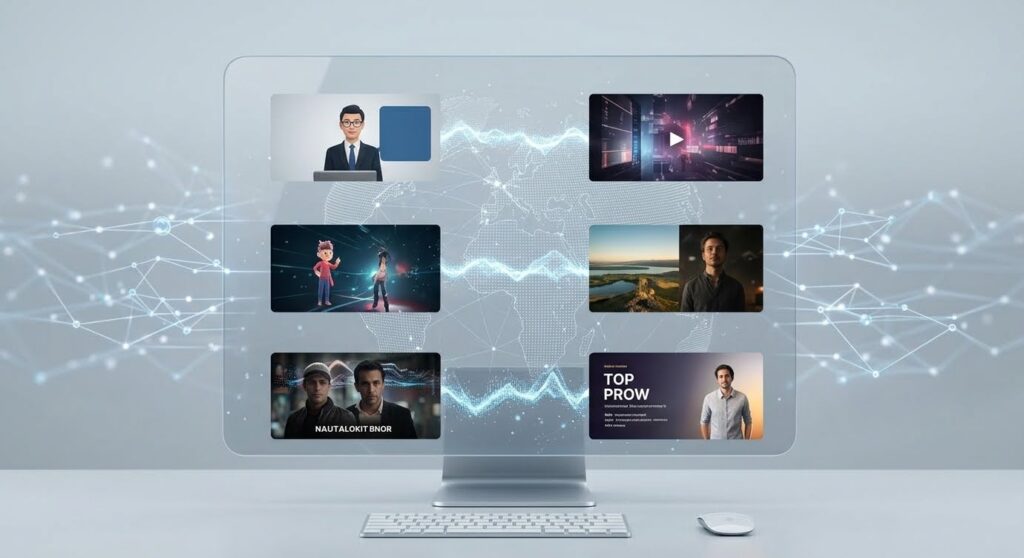
However, image generation and video production serve different purposes. Nano Banana 2.1 focuses on image generation and editing, while a video creation platform such as VidAU helps turn visual assets into promotional videos with motion, voiceovers, captions, and editing.
Quick Summary
• Create visuals from text prompts and reference images, with 1K, 2K, and 4K output options.
• Use multi-image references and conversational editing to refine products, characters, and scenes.
• Produce concepts for e-commerce, advertising, social media, presentations, and branded content.
• Nano Banana 2.1 generates images, while a separate video platform handles animation and finished video production.
• Compare Nano Banana 2.1 and Nano Banana Pro based on creative control, image quality, speed, cost, and your production needs.
Nano banana 2.1 Features

Nano Banana 2.1 builds on Google’s image-generation technology with improvements aimed at visual quality, editing accuracy, and creative control. The model supports text and image inputs and generates images and text in its responses.
High-resolution image generation
The model supports 1K, 2K, and 4K image outputs through the Gemini API. This gives users options for producing assets suited to social media posts, product presentations, advertising concepts, and larger visual layouts.
For example, an online store owner might generate a product scene for an Instagram campaign, then create a higher-resolution version for a promotional banner.
Better text rendering and infographic design
Nano Banana 2.1 improves the rendering of text within images. This helps when creating visual assets such as menus, posters, diagrams, product mockups, and infographics.
Nevertheless, review every generated word before publishing. Product names, prices, promotional terms, and brand messaging need to match your original brief.
Multi-image references and character consistency
The model supports combining up to 14 reference images. Google’s documentation describes workflows for maintaining consistency across as many as four characters and preserving details across up to ten objects.
This feature supports projects where the same character, product, or visual identity appears across multiple images.
Conversational image editing
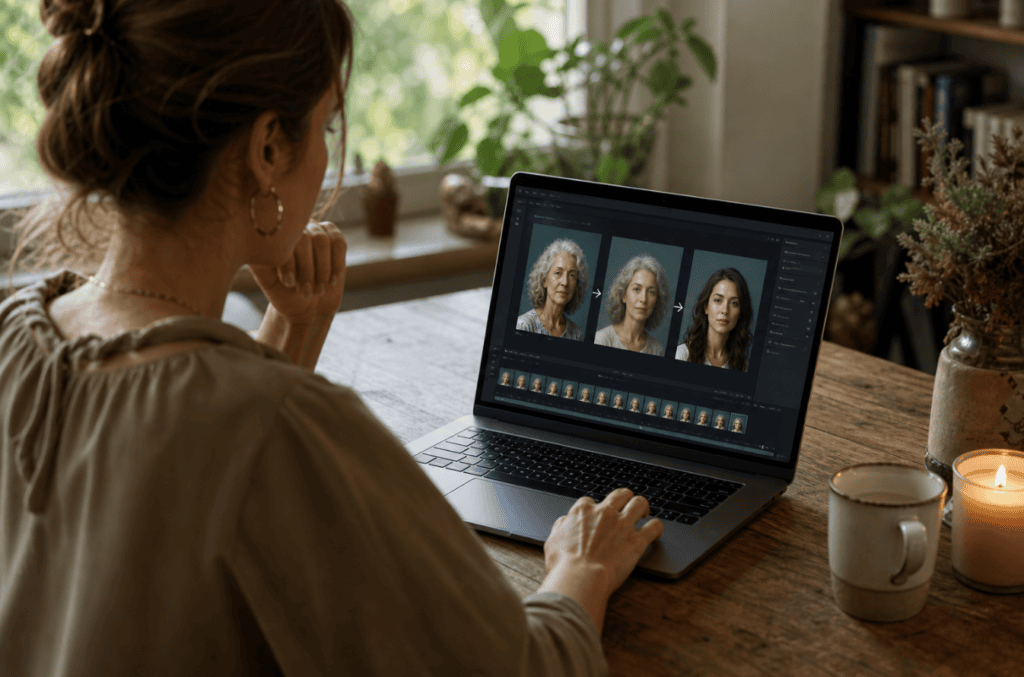
Rather than generating a new image for every change, you can refine an existing result with additional instructions. For example, start with a product image and request a different background, lighting, camera angle, or setting. Then review the result and make further adjustments.
Example prompt for product marketing
“Create a premium product advertisement featuring a minimalist skincare bottle on a cream marble surface. Use soft studio lighting, realistic shadows, a clean beige background, and an elegant commercial photography style. Keep the product shape, label, and proportions consistent with the reference image.”
Use the first result as a starting point. Refine the background, composition, and lighting until the visual matches your campaign.
Nano banana Create Video – How to use the Nano banana 2.1
The keyword nano banana create video reflects a common creator goal: turning AI-generated images into moving content for social media, advertising, and storytelling.
However, Nano Banana 2.1 is an image-generation and editing model, not a standalone video-output model. Google’s documentation also describes video-to-image generation, which uses video input as visual context to create new images. This differs from generating a finished video file.
How to turn Nano Banana images into videos
You need an image-generation tool and a video creation or editing platform to complete this workflow.
- Generate your key visual. Describe the scene, character, product, lighting, and composition you want.
- Create supporting images. Generate additional scenes or angles while using consistent reference images.
- Prepare your storyboard. Arrange the images in the order your video should follow.
- Animate the visuals. Use a suitable image-to-video tool to add movement, camera transitions, or scene changes.
- Add narration and sound. Include a voiceover, background music, and sound effects where appropriate.
- Edit for each platform. Add captions, transitions, and a clear call to action. Export the final video in the required aspect ratio.
Google nano banana 2.1 Business Use Case Creator Entrepreneur
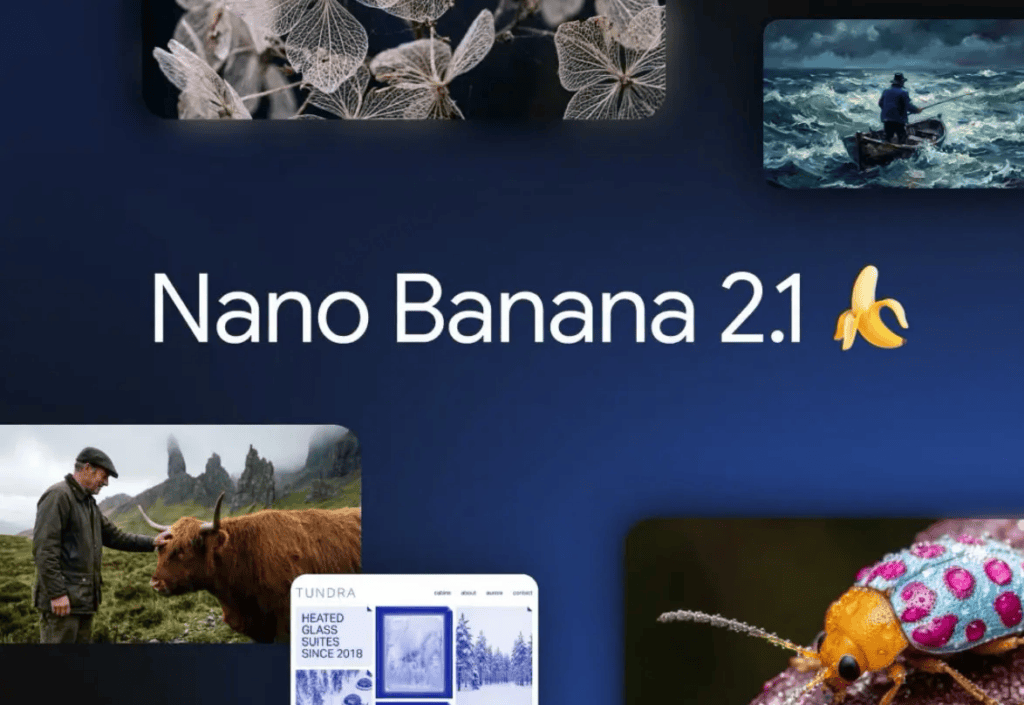
The google nano banana 2.1 business use case creator entrepreneur keyword points to the commercial value of AI-generated visuals. Small businesses, independent creators, agencies, and online sellers need visual content for product launches, advertisements, social posts, and presentations.
Nano Banana 2.1 offers a practical way to develop and refine those assets without producing every concept through a traditional photography or design workflow.
E-commerce product marketing
Online sellers need clear product images for listings, landing pages, and advertisements. Image generation and editing help teams explore different settings, backgrounds, and campaign concepts.
For example, a fashion entrepreneur might create lifestyle scenes for a clothing collection, while a skincare brand might test several visual directions for a new product launch.
Always check the generated image against the real product. Do not publish visuals that misrepresent product features, packaging, colour, or size.
Social media content creation
Creators often need a steady supply of visual assets to maintain their posting schedules. Nano Banana 2.1 helps them develop concept art, thumbnails, campaign graphics, and supporting images.
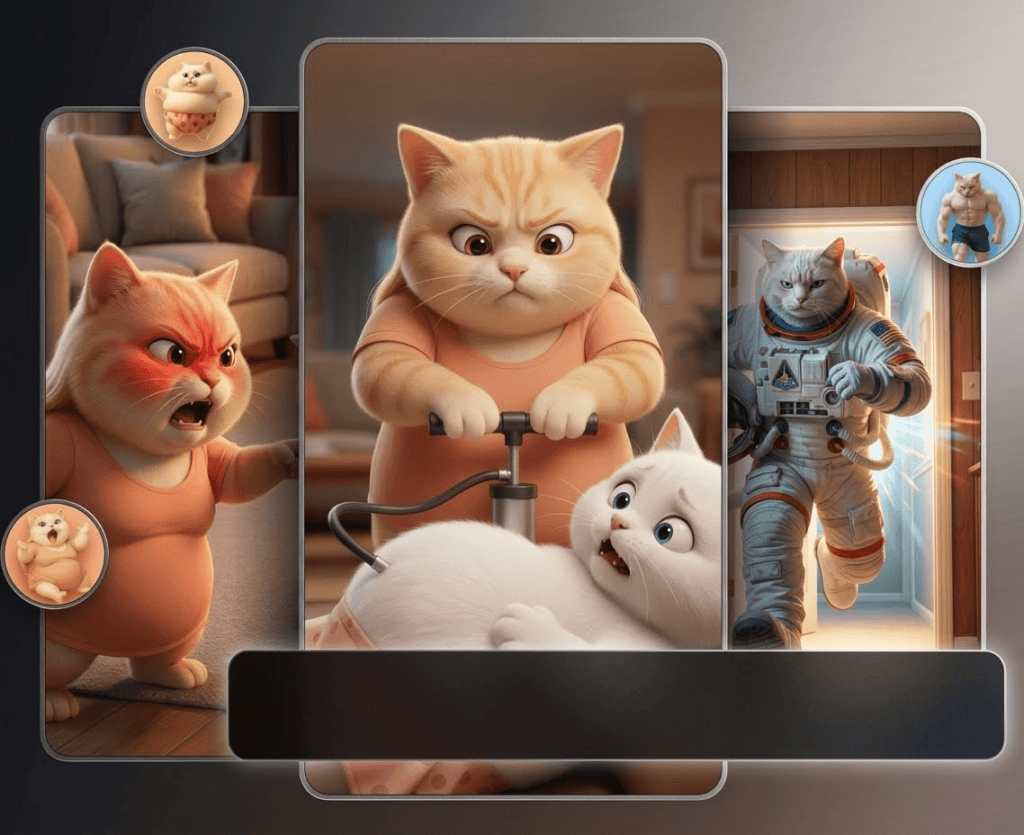
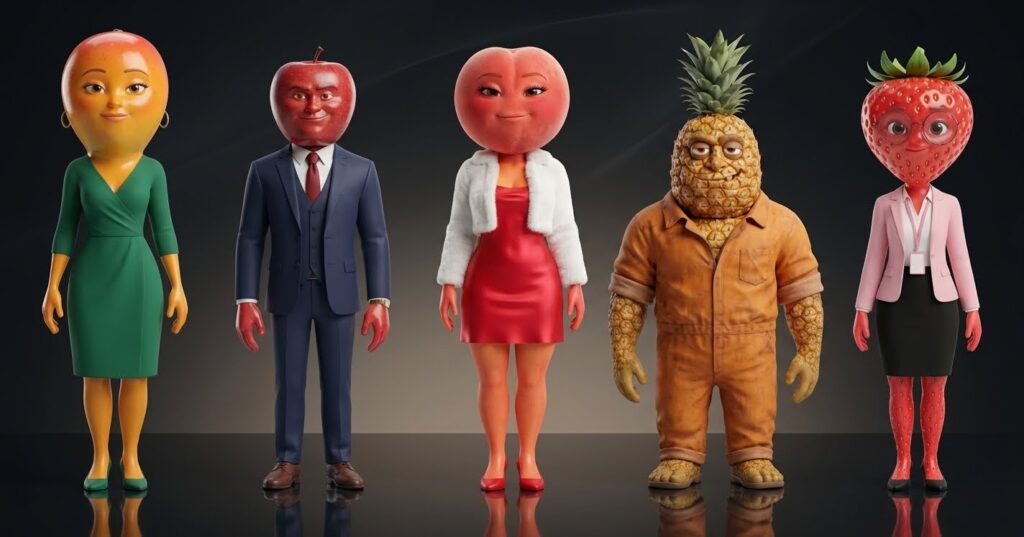
Furthermore, reference-based generation helps maintain a consistent character or visual style across a series. This is useful for educational posts, branded storytelling, and recurring social media content.
Advertising concepts and campaign testing
Marketing teams often test several creative directions before committing to a campaign. AI-generated images help them explore different settings, compositions, and messages.
For example, a travel business might compare beach, city, and resort-themed creative concepts before selecting the direction for its next advertisement.
Generated concepts still require human review. Check brand guidelines, factual claims, visual accuracy, and platform specifications before publication.
Brand assets for entrepreneurs
Entrepreneurs need more than a logo. They also need product mockups, promotional banners, launch graphics, presentation visuals, and supporting content for their websites.
Nano Banana 2.1 helps develop these assets from written instructions and reference images. A founder can test several visual directions before choosing a consistent style for the brand.
Educational and informational content
Creators and businesses can produce diagrams, infographics, and explanatory visuals for training materials, blog posts, and presentations.
Its improved text rendering and visual layout capabilities support these workflows. Still, verify any statistics, labels, and technical information before sharing the finished asset.
A practical workflow for business owners
- Define the campaign goal and target audience.
- Write a detailed image prompt.
- Generate and review several visual concepts.
- Refine the selected image using follow-up instructions.
- Prepare the image for the intended channel.
- Use VidAU or another suitable video platform when the campaign needs animation, voiceovers, or video ads.
- Track engagement and conversions to evaluate performance.
Nano banana 2.1 vs pro

Nano Banana 2 and Nano Banana Pro serve users who need different balances of speed, quality, and creative control. Google’s current model documentation identifies Nano Banana 2 as Gemini 3.1 Flash Image and Nano Banana Pro as Gemini 3 Pro Image. Nano Banana 2.1 is a separate updated model with its own documented capabilities.
Compare speed, quality, and creative needs
| Feature | Nano Banana 2.1 | Nano Banana Pro |
| Model family | Gemini 3.6 Flash | Gemini 3 Pro Image |
| Primary use | Efficient image generation and editing | Professional image production |
| Output resolution | 1K, 2K, and 4K | Professional image-generation workflows |
| Editing | Conversational and multi-image editing | Advanced image generation and editing |
| Text rendering | Improved text and infographic accuracy | Designed for high-quality visual production |
| Best fit | Frequent image creation and iterative workflows | Projects requiring advanced creative control |
Sources: Nano Banana 2.1 model card and Google’s image-generation documentation.
When should you choose Nano Banana 2.1?
Choose Nano Banana 2.1 when you need to generate multiple visual concepts, refine images through conversational instructions, maintain character consistency, or produce campaign assets efficiently.
It suits creators who regularly produce social media content and businesses that need to test multiple visual directions.
When should you choose Nano Banana Pro?
Consider Nano Banana Pro when your project depends on advanced creative control and professional image production. Evaluate the current model capabilities, availability, output requirements, and API pricing before choosing.
The right option depends on the task. Test both models with the same prompt and compare visual accuracy, editing quality, text rendering, generation time, and cost.
How to write better Nano Banana 2.1 prompts
A clear prompt gives the model specific instructions about the subject, setting, composition, lighting, style, and intended use.
Use a structured prompt
Include these elements in your prompt:
- Subject: What should appear in the image?
- Setting: Where should the scene take place?
- Composition: What should the camera capture?
- Lighting: What type of lighting should the image use?
- Style: Should the image look photorealistic, editorial, cinematic, or illustrative?
- Requirements: Which details must stay consistent?
- Output purpose: Is the image for a product listing, advertisement, thumbnail, or poster?
Example prompt for a social media campaign
“Create a photorealistic lifestyle advertisement for a premium wireless headset. Show a young adult using the headset in a modern workspace with natural window light. Use a clean composition, realistic materials, subtle shadows, and a premium technology-advertising style. Keep the headset design consistent with the supplied reference image. Leave clear space on the right for campaign text. Use a vertical 4:5 composition suitable for an Instagram feed advertisement.”
After generation, inspect the image for product accuracy, visual defects, and space for text. Add final campaign copy during editing when precise typography matters.
Limitations and responsible business use
Although Nano Banana 2.1 supports detailed image generation and editing, the output still needs review.
Verify text and factual details
Generated text, diagrams, product labels, and data visualisations may contain errors. Review every detail before publishing, particularly when the content includes prices, medical information, financial claims, or instructions.
Protect brand and customer trust
Use authorised reference images and respect privacy, intellectual property, and platform policies. Avoid presenting AI-generated product scenes as authentic photographs of a product when the visuals misrepresent what customers will receive.
Review access and pricing
Nano Banana 2.1 is documented through Google’s Gemini API and Google Cloud’s Gemini Enterprise Agent Platform. Access, usage limits, and costs depend on the platform and the selected service. Review the relevant documentation before integrating the model into a production workflow.
Create With VidAU Nano Banana 2.1
Turn scripts, product URLs, and creative ideas into ad-ready video assets with a structured AI workflow.
Key takeaway
Final Thoughts
The nano banana 2.1 AI image generator gives creators and businesses a practical way to develop, edit, and refine visual content. Its high-resolution output, reference-image support, and improved text rendering suit many marketing and creative workflows.
For video campaigns, pair generated visuals with a video platform such as VidAU. This approach helps you move from image concepts to promotional videos with voiceovers, captions, and platform-ready edits.
Frequently Asked Questions
What is the nano banana 2.1 ai image generator?
Nano Banana 2.1 is Google’s image-generation and editing model based on Gemini 3.6 Flash. It accepts text and image inputs and produces images and text.
What are the main nano banana 2 features?
Key features include 1K, 2K, and 4K image generation, improved text rendering, conversational editing, multi-image fusion, character consistency, and image generation grounded in Google Search and Image Search.
Can I use nano banana create video workflows for social media?
Yes. Generate images with Nano Banana 2.1, then use a separate image-to-video or video-editing tool to add motion, voiceovers, music, captions, and transitions. Nano Banana 2.1 itself is not a standalone video-output model.
What is the difference between nano banana 2 vs pro?
Nano Banana 2 uses Google’s Gemini 3.1 Flash Image model, while Nano Banana Pro uses Gemini 3 Pro Image. Nano Banana 2.1 is a separate updated model based on Gemini 3.6 Flash. Compare current capabilities and pricing before selecting a model.
How do entrepreneurs use Nano Banana 2.1 for business?
Entrepreneurs use image-generation workflows to develop product concepts, marketing graphics, social media visuals, campaign mockups, infographics, and branded creative assets. They can then combine these images with video tools to create advertisements and promotional content.