VidAU Editorial · AI Search
How to Make an AI Micro Drama Series Now In 2026
Step-by-step guide to make an AI micro drama series: plan a season, keep characters and locations consistent, use Seedance/Google Flow prompts, add ElevenLabs voices, edit vertical, publish and monetize.
By the VidAU Editorial Team · Reviewed before publishing
Wondering “are Micro dramas AI generated”? Yes, many of the viral clips you see are built with AI, but the best ones follow a series-first workflow that keeps faces, locations, and voices consistent. This tutorial shows exactly how to make an AI micro drama that feels like a real vertical show using a tool-agnostic stack and continuity tactics creators are using right now.
AI can make stunning scenes, but turning random clips into a bingeable vertical micro drama is a different game. Here is the late-2026, tool-agnostic workflow US creators use to build consistent characters, lock locations, direct scenes second-by-second, and publish episodes that feel like a real show.
Quick Summary
• Seedance 2.5 plus Claude or ChatGPT is the most consistent stack for directing cinematic, connected scenes in 9:16 with repeatable characters and sets.
• Google Flow (Omni 1.1 Flash video + Nano Banana Pro images) or Apob AI are strong alternates for fast iteration and scene chaining.
• Vertical packaging matters: 9:16, fast 0–3s hook, burned-in captions, clear voice, and continuity via last-frame chaining.
• US-based creators, indie filmmakers, and Shorts/TikTok/Reels publishers benefit most when building series-first with cliffhangers and a weekly release cadence.
What Is AI Micro Drama?
AI micro drama is a short, vertical series, typically 30–120 seconds per episode generated or heavily assisted by AI for story, visuals, voices, and editing. Unlike one-off clips, it uses a series bible, consistent characters and locations, and cliffhangers to produce multiple connected episodes for YouTube Shorts, TikTok, and Instagram Reels.
Plan Your AI Micro Drama Season
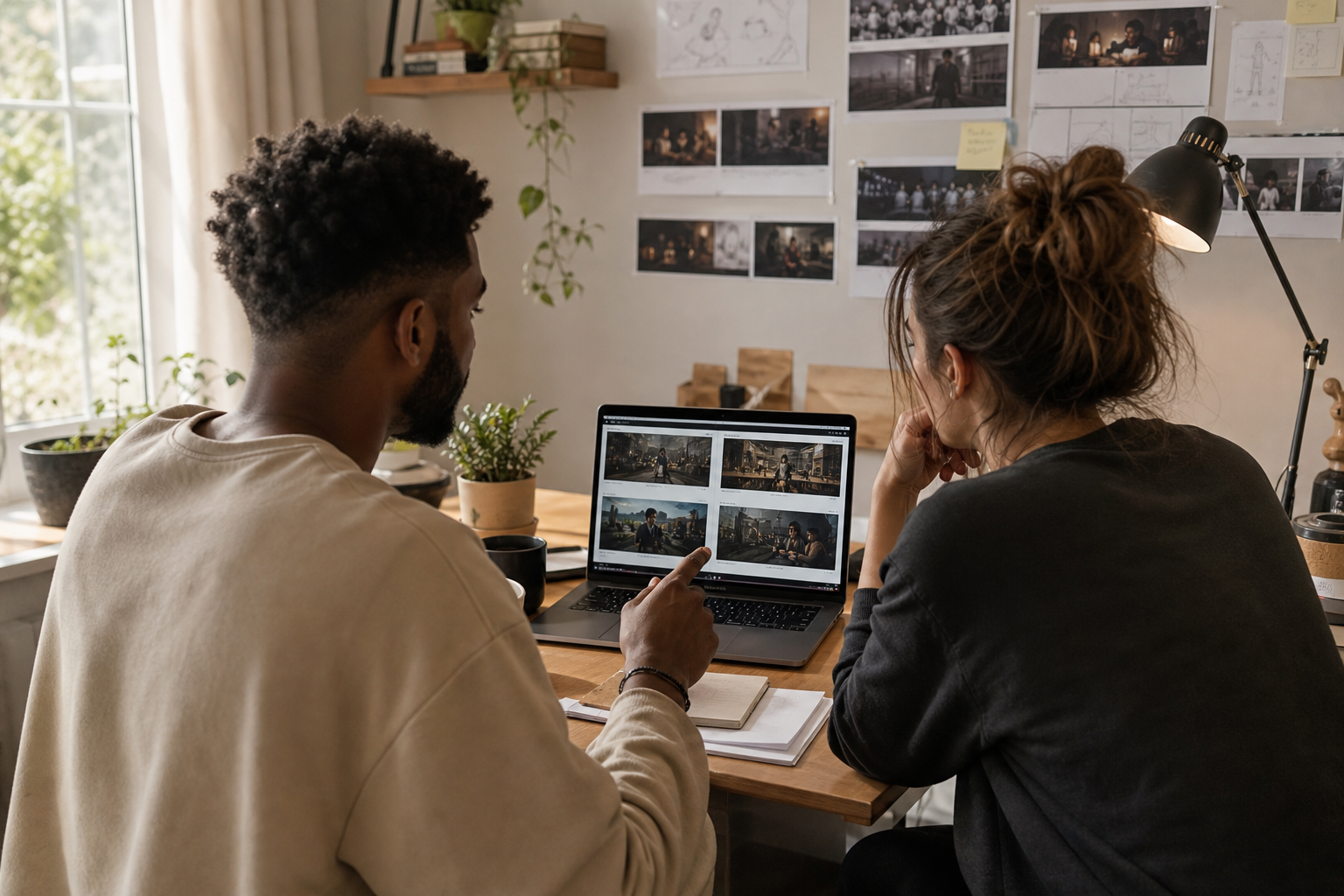
Starting with a season plan prevents continuity problems later.
• Use Claude or ChatGPT to draft a series bible: premise, world rules, tone, episode count, and recurring cliffhanger types.
• Outline 8–30 episode beats; keep each episode to one focused conflict and one escalation.
• Create character sheets: name, age, look, signature wardrobe, motivations, and a few signature actions.
• Create location sheets: one master set (apartment, diner, alley) and 1–2 alternates. Define lighting, time of day, decor, and color palette.
• Optional: Scaffold with Microdrama Kit (OpenArt) to structure scripts, prompts, covers, and trailers.
• Decide your hook style: cold open in danger, twist reveal, time pressure, or moral dilemma.
Prompt starter (Claude/ChatGPT):
“You are a showrunner. Build a 20-episode vertical micro drama bible. Include: logline, world rules, tone, three core characters with arcs, one master location description, 20 episode beats (2 sentences each) with cliffhangers, and a consistent prop motif. Keep episodes producible in 60–90 seconds.”
Design Consistent Characters, Props, and Locations – AI Micro Drama
Consistency is your superpower.
• One clean portrait per character: neutral expression, forward-facing, even lighting, 1024–2048px. Avoid accessories you do not want every scene.
• One master set image: a wide shot of your primary location, locked framing, and key props visible.
• Props and wardrobe: choose 1–2 signature items (jacket, pendant, red mug) that appear every episode.
• Image generation options:
• Google Flow (Nano Banana Pro images) for fast, clean portraits and sets.
• OpenArt for character sheets and style locking; Seedream 5 Pro for stylized stills or keyframes.
Save assets in a shared folder: /characters, /sets, /props, /reference-frames.
Generate Consistent Scenes (Seedance, Flow, Apob, Seedream) – AI Micro Drama
Pick a primary video generator and stick with it for the season.
• Scenario: Script + beat writing
Recommended Tools: Claude, ChatGPT
Why: Fast series planning
• Scenario: Character/set images
Recommended Tools: OpenArt, Nano Banana Pro
Why: Clean, repeatable refs
• Scenario: Fast video iteration
Recommended Tools: Google Flow Omni 1.1 Flash
Why: Quick drafts, retries
• Scenario: Highest consistency
Recommended Tools: Seedance 2.5
Why: Cinematic, great continuity
• Scenario: All-in-one option
Recommended Tools: Apob AI
Why: Simple pipeline alternative
• Scenario: Editing & captions
Recommended Tools: CapCut, Adobe Premiere Pro
Why: Vertical polish
Core tactics for continuity:
• Master set: Feed the same set image with each scene.
• One portrait per character: Reuse the exact image.
• Chain the last frame: Export the final frame of scene A, pass it as the first frame/reference for scene B to create a seamless take.
• Direct second-by-second: Write action and camera beats per second; avoid vague prompts.
• Negative/avoid list: Ban extra faces, random props, logo drift, unwanted cuts.
Director-style video prompt template:
“Vertical 9:16, cinematic color, soft key light. Cast: {Character A: attach portrait}, {Character B: attach portrait}. Location: {attach master set}. Avoid: extra people, logos, jump cuts, wardrobe changes, new props.
Seconds 0–3: Push-in on A at table, eyes wet, breath shaking.
Seconds 4–6: B enters frame left, sits, whispers; camera over A’s shoulder, 50mm.
Seconds 7–9: Cut-in to A’s hands gripping red mug; shallow DOF.
Seconds 10–12: Two-shot, slow dolly right; city neon reflections.
Seconds 13–15: A whispers the reveal; hold on micro-expression; room tone only.
End on A’s face, eyes to camera; match last frame for next scene.”
Generation tips:
• Aspect: 9:16; resolution: 1080×1920 if available.
• Duration: 15–25 seconds per scene; stitch 3–5 scenes per episode.
• Try 2–3 takes per scene; keep the best for assembly.
• When a face drifts, regenerate with the same portrait and add “lock facial features to reference.”
• If lighting drifts, restate time of day and key light direction in every prompt.
Key Takeaways
• Reuse one portrait per character and one master set image on every scene.
• Chain last frames to make scenes feel continuous.
• Write second-by-second action and camera beats; include an avoid list.
Voices, Dialogue, and Sound – AI Micro Drama

• Dialogue: Draft lines in Claude or ChatGPT; keep each line 5–12 words for subtitle readability.
• Voices: ElevenLabs for characters; add simple directions like “whispered with urgency,” and check name pronunciations by adding phonetic notes.
• Voice timing: Place key reveals on beat drops or short silences for impact.
• Sound bed: One music track per episode to stabilize tone; layer a few environment sounds (rain, traffic, cafe hiss).
• Cleanup: If you mix recorded and AI voice, use Demucs for voice isolation before recombining.
Edit for Vertical Delivery
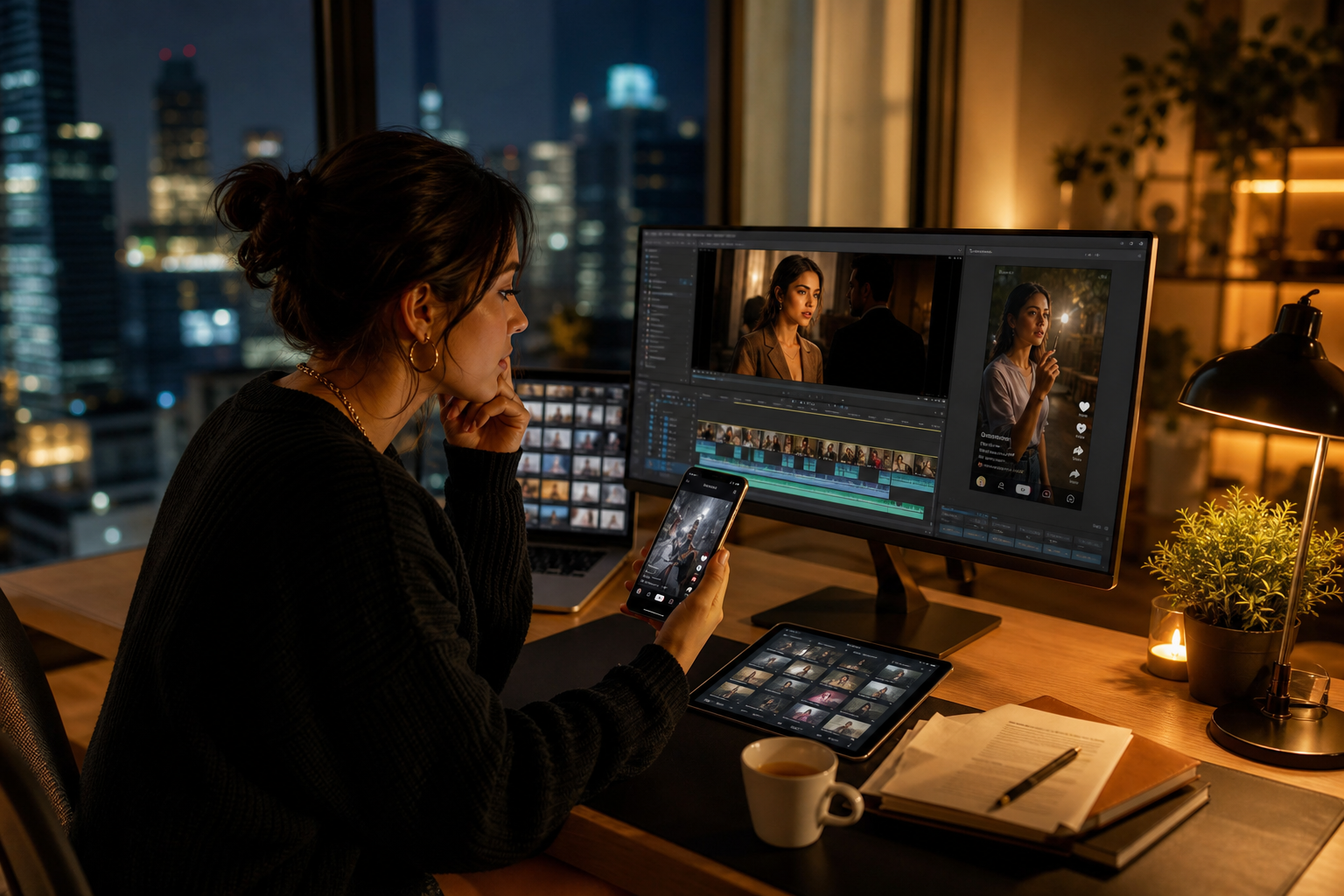
Use CapCut or Adobe Premiere Pro to assemble and polish.
• Sequence: 1080×1920, 24–30 fps; safe margins for text.
• Structure: Cold open hook (0–3s), setup (4–12s), escalation (13–35s), reveal or twist (36–60s), cliffhanger tag (final 2–4s).
• Captions: Burned-in, high-contrast, sentence-case; avoid covering faces; emphasize 1–2 keywords per line.
• Continuity: Start the next scene with the prior last frame for invisible transitions.
• Color: Match shots; keep a consistent LUT across the season.
• Pacing: Keep average shot length short; trim breaths and dead space.
• SFX: Use whooshes sparingly; let performance carry the moment.
Publish, Grow, and Monetize Your Series
Platforms and cadence
• Publish to YouTube Shorts, TikTok, and Instagram Reels simultaneously.
• Cadence: 3–5 episodes per week for the first 2–3 weeks to train your audience; switch to steady 2–3 per week.
• A/B the hook: Post two cuts with different first 3 seconds; keep the rest identical.
• Visual identity: Consistent cover, logo lockup, and color palette across episodes.
Captions, titles, and covers
• Title with dilemma + prop motif: “She finds the red mug… and a secret inside.”
• On-screen headline in the first second for clarity.
• Cover frame: Clean face, emotion peak, minimal text.
Monetization paths (results vary)
• Platform revenue: YouTube Shorts revenue share; TikTok programs where available.
• Brand integrations: Props or locations as subtle placements; disclose per platform rules.
• Affiliate hooks: Prop or costume links in descriptions.
• Platform deals: Pitch a polished season pack to ReelShort or DramaBox with a logline, 3 best episodes, and a 30-second trailer.
Note: For promos and trailers, you can produce ad-ready teasers with VidAU AI by turning approved scripts into short-form creative for TikTok, Meta, and YouTube. This helps attract viewers without touching your main production pipeline.
Prompt Templates and Production Checklist
Final prompt templates
• Series bible (Claude/ChatGPT):
“Create a vertical micro drama series: 16 episodes, thriller tone, one master location (downtown diner at night), three leads with clear arcs, and a recurring red mug prop. Deliver: show logline, world rules, character sheets, diner description, and 16 beats with cliffhangers.”
• Character sheet (Claude/ChatGPT):
“Generate a character sheet for [Name], 24–30, defining face shape, hair, wardrobe, signature accessory, vocal qualities, and one repeating behavior. Keep visual traits stable across episodes.”
• Image generation (Google Flow Nano Banana Pro / OpenArt / Seedream 5 Pro):
“Clean portrait of [Name], neutral face, even soft light, no text, no extra people, no logos. Wardrobe: black leather jacket, silver pendant. Use as consistent reference across scenes.”
• Director-style video (Seedance 2.5 / Google Flow Omni 1.1 Flash / Apob AI):
“Vertical 9:16 cinematic. Attach: character portraits; attach master diner wide. Avoid: extra faces, wardrobe changes, random props, logos, flicker. S0–3: push-in on [Name], neon rim light. S4–7: over-shoulder two-shot, 50mm. S8–11: cut-in to red mug. S12–15: confession line; hold on micro-expression. End: hold last frame for next scene.”
• ElevenLabs voice direction:
“Voice: late-20s, calm but urgent, whispered. Pronounce ‘Mireille’ as ‘mee-ray’. Read with short breaths, subtle tremble on the last line.”
Production checklist
• Pre-pro
• Series bible approved
• Character and location sheets saved
• Master set and portraits exported
• Episode beats finalized
• Generation
• Same portraits attached on every scene
• Same master set attached on every scene
• Last frame from prior scene chained into next
• Director prompts include second-by-second beats + avoid list
• Post
• 9:16 sequence, captions burned-in
• Color matched, consistent LUT
• ElevenLabs voices leveled; music and SFX balanced
• Hook optimized in first 3 seconds
• Thumbnail/cover pulled at emotion peak
• Publish
• Posted to Shorts/TikTok/Reels
• A/B tested first 3 seconds
• Description with short logline + episode number
• Trailer prepared for pitches to ReelShort/DramaBox
Create With VidAU
Turn scripts, product URLs, and creative ideas into ad-ready video assets with a structured AI workflow.
Key takeaway
Final Thoughts
An ai micro drama becomes watchable when you treat it like a series: plan a bible, lock faces and sets, direct second-by-second, and edit for vertical speed. The workflow above keeps your world stable, your episodes tight, and your cliffhangers addictive.
Next step: lock your master set and portraits, then generate your first two connected scenes with last-frame chaining. If you need promo trailers or ad creatives to launch the series, consider using VidAU AI to turn your script into short-form creative for TikTok, Meta, and YouTube with Script to Ad Film.
Frequently asked questions
Are micro dramas AI generated?
Many popular vertical micro dramas are AI generated or AI assisted. Creators use models for scripting, images, video shots, and voices, then edit in tools like CapCut or Adobe Premiere Pro. The best results come from a series-first workflow with consistent portraits, a master set, and second-by-second directing prompts.
What is an ai micro drama?
An ai micro drama is a vertical, short-form series—often 30–120 seconds per episode—made with AI tools for writing, visuals, voice, and editing. It focuses on consistent characters and locations, tight pacing, and cliffhangers, and is published on YouTube Shorts, TikTok, and Instagram Reels.
Which tools are best to create ai generated micro dramas?
For planning, use Claude or ChatGPT. For images, use OpenArt or Google Flow (Nano Banana Pro images). For video, many creators pick Seedance 2.5 for consistency or Google Flow (Omni 1.1 Flash video) for speed; Apob AI is a simple all-in-one option. Edit in CapCut or Adobe Premiere Pro; voices in ElevenLabs.
How do I keep faces consistent across episodes?
Use one clean portrait per character as a reference for every scene. Reattach the same image each generation, restate hair, wardrobe, and lighting, and include an avoid list banning new accessories or extra faces. If a face drifts, regenerate with the same portrait and add “lock facial features to reference.”
How do I keep locations consistent in a vertical micro drama?
Create one master set image—a wide shot of your main location—and pass it into every scene’s prompt. Restate time of day, lighting, and key props in each prompt. When possible, chain the last frame of the previous scene into the next to stabilize framing and continuity.
What aspect ratio and specs should I use?
Use 9:16 vertical at 1080×1920 if available. Keep the hook in the first 0–3 seconds, burn in readable captions, and aim for 30–90 seconds per episode. Maintain a consistent color grade and music bed across a season so episodes feel like the same show.
How do I write good prompts for micro drama scenes?
Write director-style prompts with second-by-second beats, camera language, and performance notes. Attach the same character portraits and master set each time. Include an avoid list to prevent extra faces, random props, or wardrobe drift. End each prompt by asking to hold the final frame for chaining.
How do I add voices and fix pronunciations?
Use ElevenLabs to assign voices per character. Add short direction like “whispered, urgent,” and provide phonetic spellings for tricky names. If mixing recorded and AI lines, isolate vocals with Demucs before final mixing. Keep dialogue concise for readability in captions.
How can I monetize an ai micro drama series?
Options include platform revenue on YouTube Shorts where eligible, brand integrations, affiliate mentions, and platform deals. Consider pitching a completed season pack with a trailer to ReelShort or DramaBox. Results vary by niche, watch time, and consistency—set expectations accordingly.
Can I use different tools in one season?
You can, but consistency may suffer. Pick one primary video model (Seedance 2.5 or Google Flow Omni 1.1 Flash) and one image source for portraits/sets (OpenArt or Nano Banana Pro). If you switch tools mid-season, lock style with the same portraits, set images, color grade, and sound palette.