How to Create Viral AI Character Videos 2026
AI character videos are dominating YouTube, TikTok, and Shorts. Characters like the Hulk, Iron Man, anime heroes, or original avatars now rack up 150K+ views with short, story-driven clips. The reason is simple: AI removes production barriers. You no longer need actors, studios, or advanced animation skills. You need the right workflow.
This tutorial breaks down the exact process behind viral AI character videos. You will learn the tools, the structure, and the creative decisions that turn simple AI outputs into high-performing content.
What Are AI Character Videos?
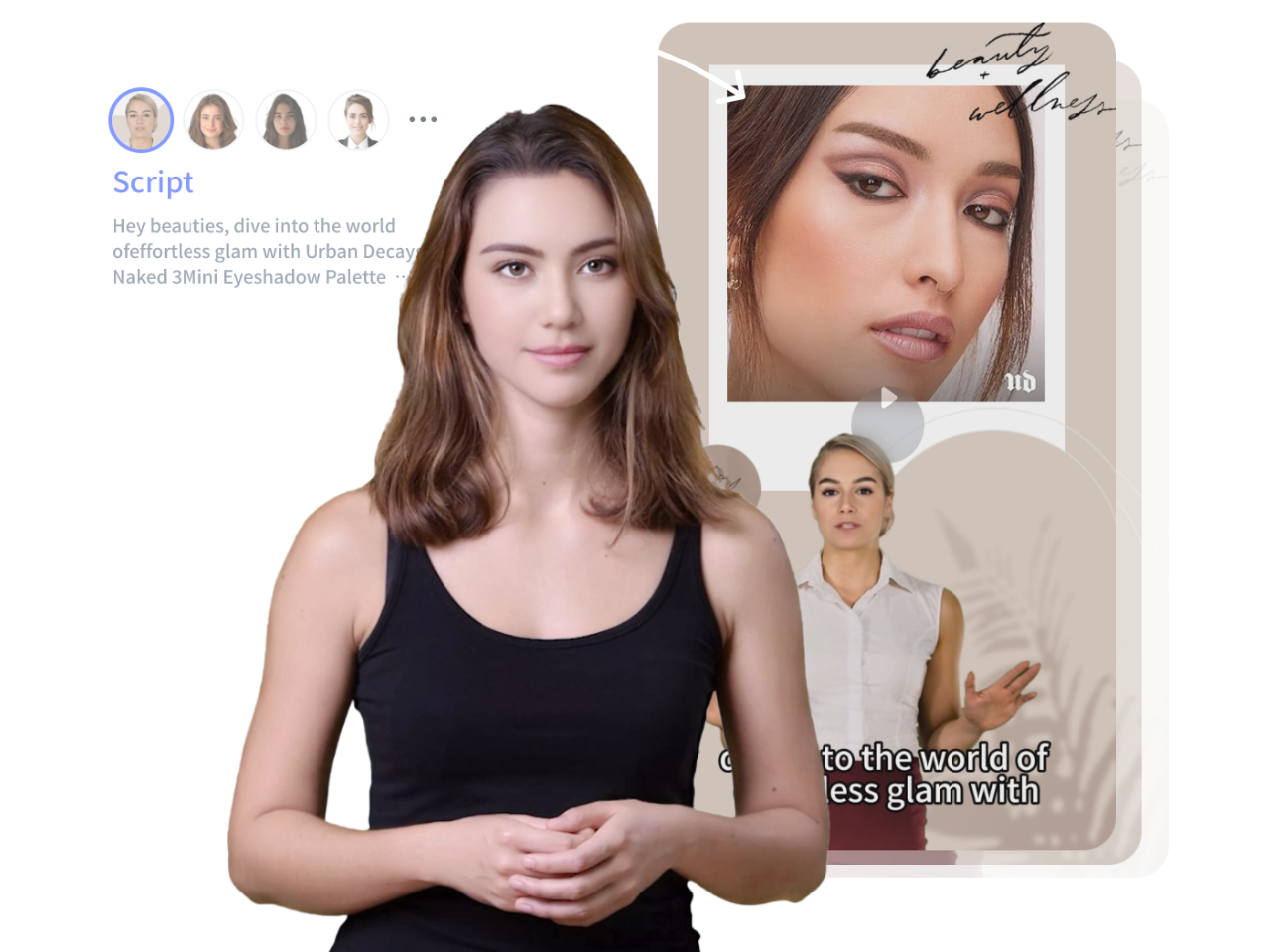
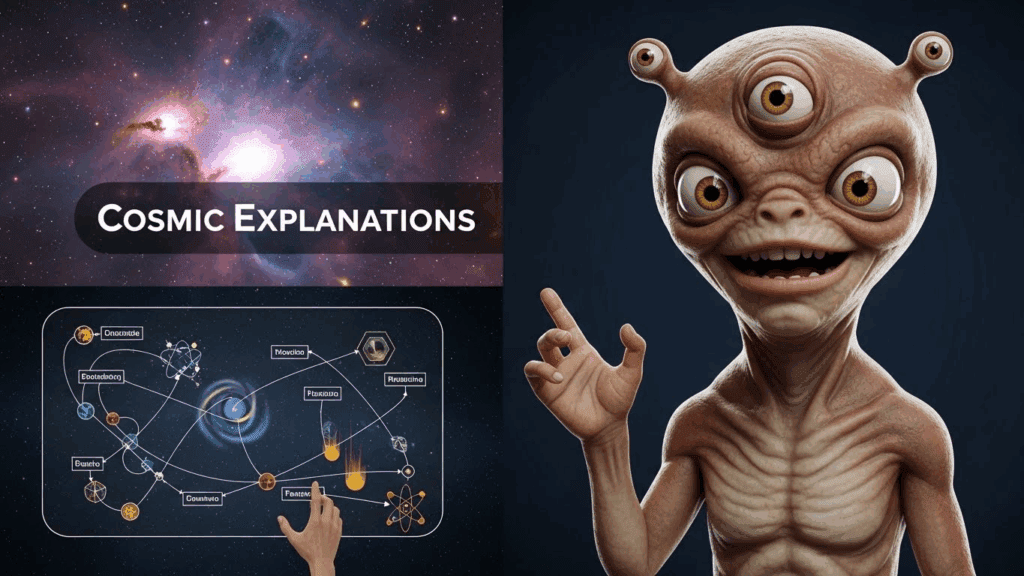
AI character videos are videos featuring digital characters created or animated using artificial intelligence. These characters can look like realistic humans, animated avatars, fictional personalities, superheroes, or entirely original creations. AI tools help generate character visuals, voices, facial expressions, lip-syncing, and movements, allowing creators to produce engaging content without traditional filming or animation expertise.
AI character videos are widely used for social media content, storytelling, marketing campaigns, educational videos, virtual influencers, gaming content, and brand promotions. With advancements in AI video generation, creators can now transform text prompts, images, or scripts into professional-quality videos featuring consistent and expressive characters.
How AI Character Videos Work
Most AI character videos are created through a combination of technologies:
- AI Character Generation: Creates the visual appearance of the character.
- AI Voice Generation: Converts text into realistic speech.
- Lip-Sync Technology: Matches mouth movements to spoken dialogue.
- Animation and Motion AI: Generates natural gestures, expressions, and movements.
- Video Rendering: Combines all elements into a finished video ready for publishing.
This streamlined workflow allows creators to produce high-quality character-driven content quickly and at a fraction of traditional production costs.
The Problem Creators Face – AI character
Most creators want to jump into AI video but feel stuck. They ask the same questions:
– Which tools actually work together?
– How do you make AI characters talk naturally?
– How do you plan scenes that keep viewers watching?
Without a clear system, creators waste time testing random tools and posting videos that fail to perform.
Best AI Character Video Tools Compared
Choosing the right tool can significantly impact the quality and efficiency of your AI character videos. The following comparison highlights some of the most popular options available today.
| Tool | Best For | Character Creation | Voice Generation | Lip Sync | Ease of Use |
|---|---|---|---|---|---|
| VidAU | End-to-end AI character videos | ✓ | ✓ | ✓ | Excellent |
| HeyGen | Talking avatars | ✓ | ✓ | ✓ | Excellent |
| Runway | Advanced video generation | ✓ | Limited | Limited | Moderate |
| Pika | AI animation effects | ✓ | No | No | Easy |
| ElevenLabs | AI voiceovers | No | ✓ | No | Excellent |
| Synthesia | Business and training videos | ✓ | ✓ | ✓ | Excellent |
Who This Tutorial Is For – AI character
This guide is designed for:
– YouTube content creators
– Short-form video creators
– Aspiring AI video makers
– Creators testing faceless or character-based content
If you want to build scalable content without filming yourself, this workflow fits your goals.
Tools and Software You Need – AI character
Before starting, gather the following tools. You do not need all paid software, but quality improves with better tools.
AI Character Generation
– Midjourney or Leonardo AI: Create high-quality character images.
– DALL·E: Useful for simpler or stylized characters.
Focus on consistency. Save your prompt and reuse it for every scene.
AI Video and Animation
– Pika Labs* or *Runway: Turn images into short animated clips.
– Kaiber: Add motion and cinematic effects.
These tools generate short video segments that you later stitch together.
Voice Generation
– ElevenLabs: High-quality, emotional AI voices.
– Play.ht: Good alternative with voice variety.
Choose one voice per character and stick to it.
Lip-Sync and Face Animation
– D-ID: Fast and reliable lip-sync for talking characters.
– HeyGen: Useful for expressive facial movement.
Video Editing
– CapCut* or *Premiere Pro: Final assembly and pacing.
– After Effects (optional): Advanced effects and transitions.
Step-by-Step Workflow for Creating AI character Videos
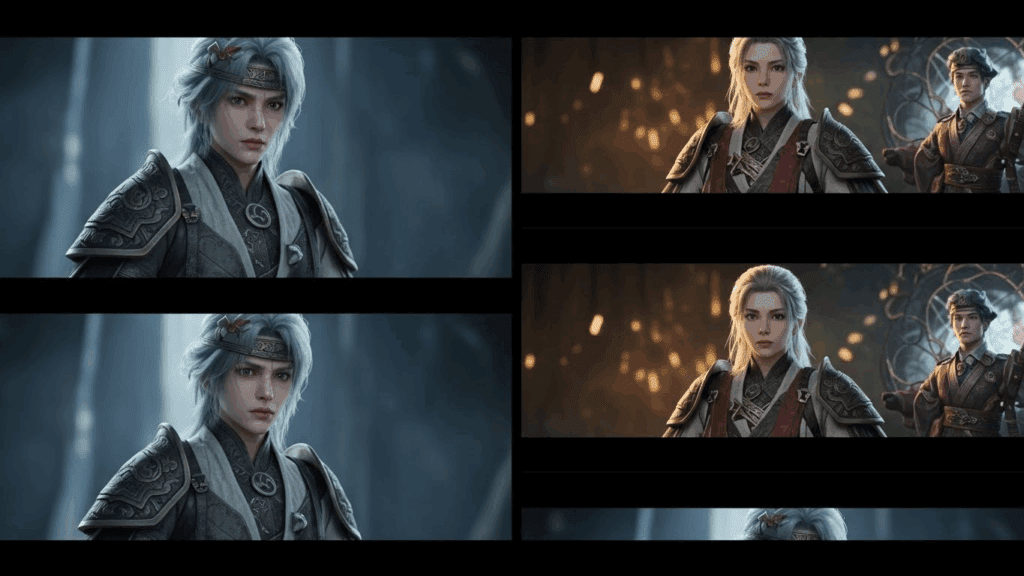
Step 1: Define the Core Idea
Every viral AI video starts with one clear idea. Ask:
– What emotion will this trigger?
– Is it funny, shocking, or inspiring?
Example ideas:
– The Hulk giving life advice
– An AI villain explaining a secret plan
– A superhero reacting to modern life
Write the idea in one sentence before moving forward.
Step 2: Write a Short Script
Keep scripts tight. For Shorts, aim for 30 to 60 seconds. For longer videos, structure in beats.
Script structure:
– Hook in the first 3 seconds
– One clear conflict or message
– Strong ending or twist
Example hook:
“Everyone thinks Hulk only smashes. But today, Hulk tells you the truth.”
Step 3: Generate the AI Character
Use your image generator with a detailed prompt. Include:
– Character appearance
– Facial expression
– Lighting style
– Camera angle
Save this prompt. Consistency builds trust and recognition.
Step 4: Animate the Character
Upload the image into your AI video tool. Generate short clips instead of long ones.
Best practice:
– 3 to 5 second clips
– Subtle motion
– Avoid extreme camera movement
This keeps the character realistic and easier to edit.
Step 5: Generate the Voice
Paste your script into your voice tool. Adjust:
– Tone
– Speed
– Emotion
Export clean audio. Listen for mispronunciations and fix them before moving on.
Step 6: Lip-Sync the Character
Upload your video clip and audio into your lip-sync tool. Choose natural mouth movement over exaggerated animation.
Check:
– Timing accuracy
– Facial alignment
– Eye movement
Redo the sync if it looks unnatural.
Step 7: Edit for Retention
Combine all clips in your editor. Add:
– Captions for silent viewers
– Sound effects sparingly
– Zooms or cuts every 2 to 3 seconds
End with a strong final frame or call to action.
Voice Generation and Lip-Sync Techniques – AI character
Natural voice makes or breaks AI character videos. Avoid robotic delivery by:
– Adding pauses in the script
– Using emotional emphasis
– Testing multiple voice models
For lip-sync, shorter sentences work better. Long monologues increase sync errors. Break dialogue into chunks and sync each part separately.
Story Scripting and Scene Planning for Engagement
Viral AI videos follow simple story rules:
– One main character
– One idea per video
– Visual change every few seconds
Scene planning example:
– 1: Character close-up with hook
– 2: Mid-shot during explanation
-3: Dramatic close-up for ending
This structure keeps viewers watching longer.
How To Make Money With AI Character Videos
AI character videos offer multiple monetization opportunities for creators, marketers, and businesses. With the right strategy, a single AI-generated character can become a valuable digital asset.
Earn Through Short-Form Video Platforms
Creators can monetize AI character videos through:
- YouTube Shorts revenue sharing
- TikTok Creator Rewards programs
- Instagram bonus programs (where available)
Consistently publishing engaging content can help grow an audience and generate recurring income.
Affiliate Marketing
AI characters can recommend products, software, tools, or services while earning commissions from affiliate partnerships. Character-driven content often achieves strong engagement because audiences connect with recurring personalities.
Sponsored Content
Brands increasingly collaborate with virtual influencers and AI creators to promote products and services. AI characters provide scalable content creation without requiring on-camera talent.
Sell Digital Products
Popular AI characters can be used to promote:
- Online courses
- E-books
- Membership communities
- Templates
- Digital downloads
Offer AI Content Creation Services
Businesses are actively seeking AI-generated content for marketing and social media. Creators who master AI character production can provide:
- Promotional videos
- Product explainers
- Training content
- Social media campaigns
Build a Long-Term Character Brand
The most successful creators treat AI characters as intellectual property. A well-developed character can evolve into a recognizable brand with multiple revenue streams, including sponsorships, merchandise, memberships, and licensing opportunities.
Key Takeaway
AI character videos are more than a content trend—they are a scalable way to create engaging digital personalities that can attract audiences, generate revenue, and support long-term brand growth.
Common Mistakes to Avoid
– Overloading scenes with effects
– Using inconsistent character faces
– Writing long, slow intros
– Ignoring captions
– Posting without testing retention
Simplicity and clarity outperform complex visuals.
Final Checklist for Publishing
Before uploading, confirm:
– Hook appears in first 3 seconds
– Character looks consistent
– Voice sounds natural
– Captions are readable
– Video length matches platform
If all boxes are checked, publish and track performance.
AI character videos reward iteration. Improve one element per upload and scale what works.
Frequently Asked Questions
Q: Do I need paid tools to create AI character videos?
A: No. You can start with free tiers of AI image, voice, and video tools. Paid tools improve quality and speed but are not required initially.
Q: How long should AI character videos be?
A: For Shorts, 30 to 60 seconds performs best. For YouTube long-form, structure videos with clear story beats and strong pacing.
Q: Can I monetize AI character videos?
A: Yes. Many creators monetize through ad revenue, affiliate links, and brand deals. Always follow platform and copyright guidelines.
Q: How do I keep characters consistent across videos?
A: Reuse the same image prompt, voice model, and visual style. Save presets for faster production.
Q: Why do some AI videos fail to go viral?
A: Most failures come from weak hooks, slow pacing, or unnatural voice delivery. Focus on retention and emotional impact.