VidAU Editorial · AI Search
Live AI Avatar: How to Use Gemini 3.8 Live for Real-Time Avatars, Speed, and Use Cases
Learn live AI avatars with Gemini 3.8 Live: quick setup, real-time speed tests, 97-language personas, voice cloning, screen-share actions, pricing basics, and top use cases.
By the VidAU Editorial Team · Reviewed before publishing
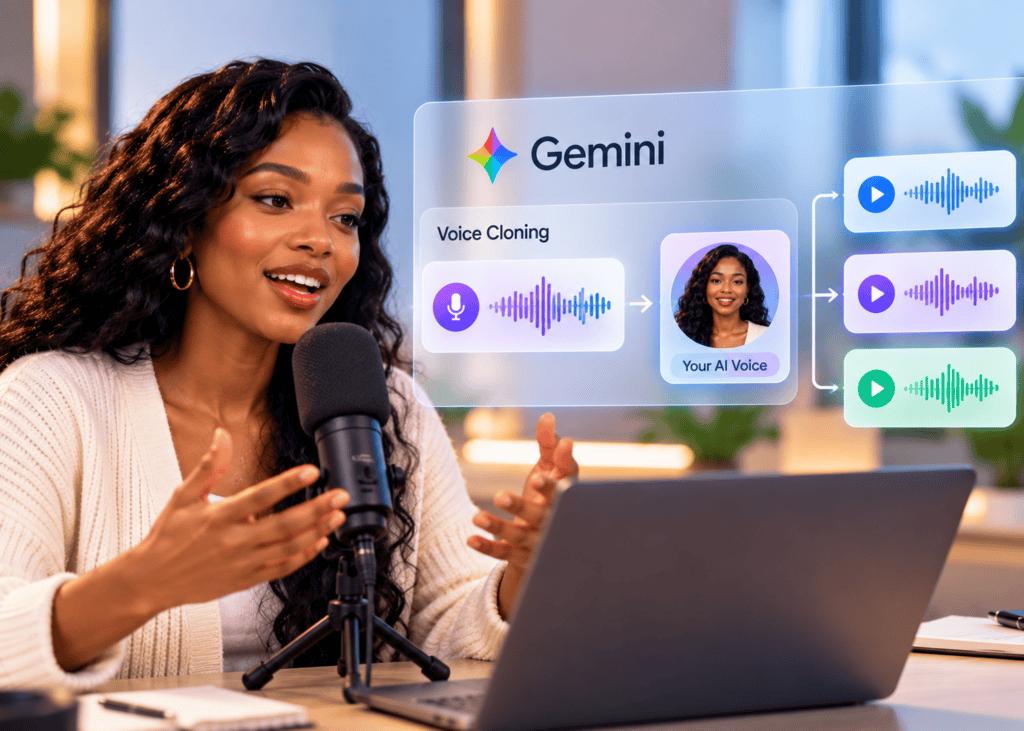
Ready to launch a live AI avatar today? This step-by-step shows exactly how to use Gemini 3.8 Live for real-time avatars with low latency, quick voice cloning, multilingual personas, and a first screen-share action.
Live AI avatar tech just jumped forward. With Gemini 3.8 Live from Google Gemini, you can hold real-time, two-way conversations with an on-screen avatar, clone a voice in under 20 seconds, switch across 97 languages, and even screen-share while the agent takes actions like filling a Google Sheet.
Quick Summary
• Gemini 3.8 Live is the fastest way to test an AI live avatar with real-time dialogue, low-latency audio, and on-screen presence.
• AI Studio offers the most direct quick-start for creating a Live Avatar, testing voice cloning, and configuring multilingual personas.
• Live screen share and agentic actions can extract values into Google Sheets, follow Google Maps, and use the Agent Development Kit (ADK).
• US-based creators, educators, and support/sales teams benefit most from fast setup, multilingual support (97 languages), and hands-on demos.
What Is AI Live Avatar?
An AI live avatar is a real-time, on-screen agent that can see and hear you, respond with Text-to-Speech (TTS) in a natural voice, and take actions while you talk. In Gemini 3.8 Live, Live Avatar enables two-way voice/video dialogue, near real-time interruption, multilingual personas, screen-share comprehension, and agentic actions through Google Cloud tooling.
How to Set Up an AI Live Avatar in Gemini 3.8 Live
Follow this zero-to-first-call path using AI Studio and Google Cloud resources as applicable.
Checklist
• Access AI Studio and select a Live Avatar starter.
• Grant mic and camera permissions.
• Pick or customize a starter persona.
• Confirm input/output devices (mic, speakers, camera).
• Run a 30–60 second dialogue test.
Example persona prompt
• You are a calm, concise technical guide who answers in under 20 seconds, confirms understanding, and can explain steps visually.
Network sanity checks
• Use wired Ethernet or strong Wi‑Fi 6/6E.
• Close heavy tabs and streaming apps.
• Keep browser hardware acceleration on.
AI Live Avatar Latency: Test Routine for Gemini 3.8 Live
Your goal is smooth, interruptible, near real-time dialogue.
Steps
1) Enable session stats: Turn on any available latency/round-trip indicators in AI Studio.
2) Barbe-in/Interruption test: Start speaking mid-response; confirm the avatar stops and adapts.
3) Audio settings: Try 16 kHz vs. 24 kHz if configurable; prioritize low jitter devices.
4) Video settings: Reduce resolution or frame rate if the session stutters.
5) Network A/B: Test on office vs. mobile hotspot to isolate network bottlenecks.
What good feels like
• Responses begin almost immediately, with natural pacing.
• Interruptions are handled gracefully without long pauses.
Troubleshooting tips
• Switch to a neutral background; minimize motion.
• Disable virtual camera or heavy filters.
• Restart the browser if TTS becomes choppy.
Key Takeaways
• Enable stats, then iterate on audio/video and network.
• Practice interruption to validate true low-latency.
• Keep sessions light: fewer background tasks, fewer tabs.
Voice Cloning in Gemini 3.8 Live: Quick Start and Safety
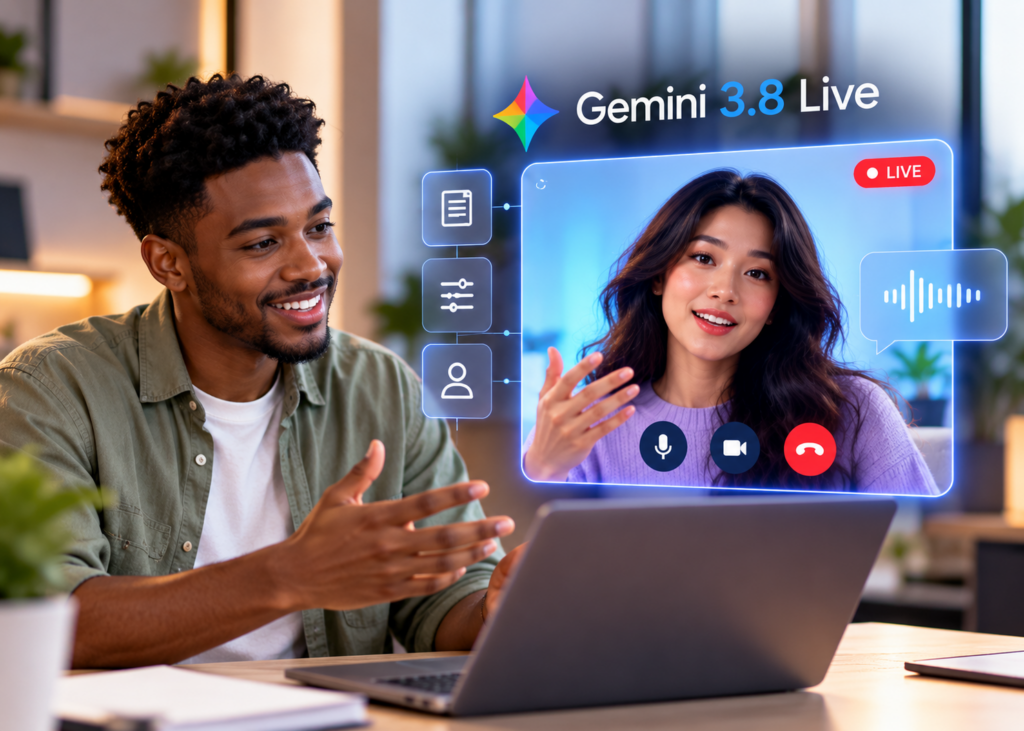
Gemini 3.8 Live supports rapid voice cloning from a short sample (~20 seconds in demos). Always obtain explicit consent for any voice you sample.
Steps
1) Prep a clean sample: 15–30 seconds, quiet room, clear diction.
2) Upload or record: Follow AI Studio’s cloning flow for your session.
3) Verify output: Ask the avatar to say a tongue twister and standard phrases.
4) Adjust style: Prompt for tone (friendly, formal), pace, and brevity.
Safety and policy reminders
• Obtain written consent from the voice owner.
• Avoid sensitive info in samples.
• Follow Google Cloud and local regulations for synthetic media.
Multilingual Personas: 97-Language Real-Time Switching
Gemini 3.8 Live supports multilingual dialogue across 97 languages. You can switch languages mid-session.
Setup
• Define a persona that can translate, summarize, and switch language on command.
• Provide example phrases for code-switching (e.g., English to Spanish, then back).
Prompts to try
• “Introduce our product in English, then answer questions in Spanish.”
• “Explain these steps in Japanese, then summarize in English in two sentences.”
• “Repeat my last sentence in French and correct grammar if needed.”
Tip: Ask for cadence adjustments for non-native speakers (slower pace, simpler words) and confirm comprehension.
First Action Demo: Screen Share to Google Sheets via Agentic Actions
Show a basic workflow where the live avatar extracts values from a form and populates a spreadsheet.
Steps
1) Start screen share: Display a simple form with fields like Name, Email, Order ID.
2) Grounding prompt: “Read the on-screen form fields and extract values accurately.”
3) Action intent: “Create a new Google Sheets tab called ‘Intake’ and add these values.”
4) Confirm and review: Ask the avatar to read back the cells and confirm formatting.
5) Extend: Have the avatar open Google Maps for a location field and verify on-screen.
Notes
• This relies on agentic actions capabilities and Google Cloud integration paths (e.g., ADK) available in your account.
• Keep sensitive data off screen unless you have consent and secure controls.
• Log actions and verify the sheet updates before ending the session.
Suggested Visual: A before/after view of the on-screen form and the populated Google Sheet.
When to Use a Live Avatar vs. a Pre-Recorded Avatar Video
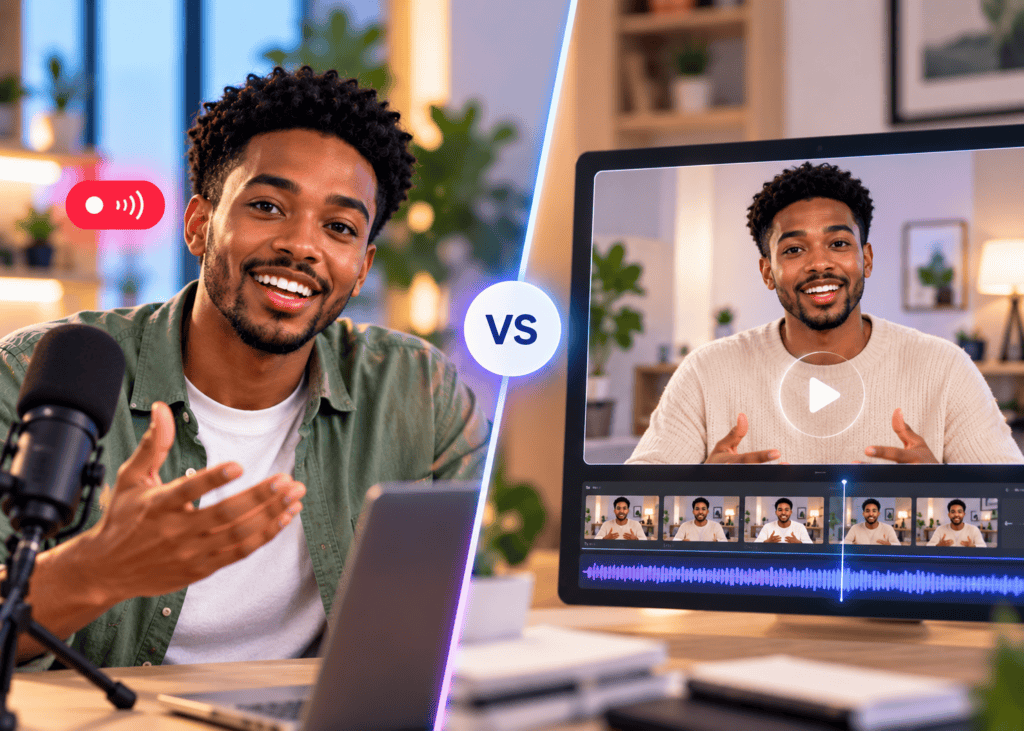
Use this quick decision helper for production.
• Scenario: Interactive support
Live Avatar (Gemini 3.8 Live): Real-time Q&A and actions
Pre-Recorded (VidAU AI): Not interactive
• Scenario: Demos/training
Live Avatar (Gemini 3.8 Live): Adaptable, multilingual flow
Pre-Recorded (VidAU AI): Polished, consistent
• Scenario: Ads/UGC creatives
Live Avatar (Gemini 3.8 Live): Overkill for most ads
Pre-Recorded (VidAU AI): Fast ad-ready videos
• Scenario: Compliance review
Live Avatar (Gemini 3.8 Live): Harder to lock script
Pre-Recorded (VidAU AI): Easy to pre-approve
• Scenario: Bandwidth limits
Live Avatar (Gemini 3.8 Live): Sensitive to network
Pre-Recorded (VidAU AI): Stable playback
• Scenario: Scale variants
Live Avatar (Gemini 3.8 Live): Per-session cost/time
Pre-Recorded (VidAU AI): Rapid multi-variant output
Practical VidAU workflow
• Input: Product URL or script.
• Capability: Generate a UGC-style AI avatar video for TikTok, Meta, or YouTube.
• Output: Editable cuts with captions, hooks, and language variants.
• Review: Swap voice/lines, export test variants for performance.
Pricing and Cost Control Basics
• Metering: Expect usage-based costs for real-time audio/video, TTS, and actions; confirm current rates in official sources.
• Session planning: Cap session length, resolution, and concurrency.
• Voice cloning: Track per-voice or per-minute costs where applicable.
• Multilingual: Reuse personas and prompts to reduce iteration time.
• Governance: Set org policies for consent, retention, and audit trails.
Create With VidAU
Turn scripts, product URLs, and creative ideas into ad-ready video assets with a structured AI workflow.
Key takeaway
Final Thoughts
Gemini 3.8 Live makes the live ai avatar practical: quick setup in AI Studio, near real-time dialogue, fast voice cloning, 97-language personas, and a credible first action demo to Google Sheets. Start with a latency routine, then test screen-share and simple actions before scaling to customer-facing flows.
If you also need polished, repeatable avatar-led ads or training assets, use VidAU AI to turn a product URL or approved script into a UGC-style video with captions and variants for TikTok, Meta, and YouTube. Pair live sessions for interaction with pre-recorded videos for scalable distribution.
Frequently asked questions
What is an live AI avatar in Gemini 3.8 Live?
A live ai avatar is a real-time, on-screen agent that listens, speaks with TTS, and can perform actions during conversation. In Gemini 3.8 Live, it supports low-latency dialogue, multilingual personas, live screen-share understanding, and integrations for tasks like populating Google Sheets.
How do I set up my first live AI avatar session quickly?
Open AI Studio, pick a Live Avatar starter, grant mic/camera permissions, load a concise persona prompt, and run a 30–60 second conversation test. Confirm your audio and camera devices, then enable session stats to benchmark latency before trying voice cloning or screen-share actions.
How can I test and reduce latency with Gemini 3.8 Live?
Enable any available session stats, test interruption by speaking mid-response, and iterate on audio/video quality. Use wired Ethernet or strong Wi‑Fi, close heavy tabs, and lower resolution if needed. Aim for immediate turn-taking with natural pacing in both directions.
Does Gemini 3.8 Live support voice cloning, and how fast is it?
Yes. Demos show rapid voice cloning from a short sample (around 20 seconds). For best results, record a clean sample in a quiet room, then verify output with varied phrases. Always obtain explicit consent and follow platform policies and local regulations for synthetic voice use.
Which languages can the live AI avatar speak or understand?
Gemini 3.8 Live supports multilingual interaction across 97 languages. You can switch languages mid-session by prompting the avatar to continue in another language, adjust pacing for non-native speakers, and summarize back to English to confirm accuracy and intent.
Can the ai live avatar take actions like filling a Google Sheet?
Yes, via agentic actions and integrations available in your environment. A common demo is screen-sharing a form, having the avatar extract values, and writing them to Google Sheets. Verify access and review outputs, especially for sensitive data or regulated workflows.
What is the Agent Development Kit (ADK) in this context?
The Agent Development Kit helps developers wire Gemini’s reasoning and tool-use into practical, repeatable actions. In a live avatar session, ADK-backed tools can power tasks such as updating Google Sheets, checking Google Maps, or other enterprise workflows, subject to your configuration.
Are there privacy or consent concerns with voice cloning and screen-share?
Yes. Obtain explicit consent from any voice owner, avoid sharing sensitive data on screen, and follow your organization’s data governance. Use logging and retention controls where available. Review official documentation for current policies, availability, and compliance requirements.
When should I choose a pre-recorded avatar video instead of live?
Use pre-recorded avatar videos for ads, onboarding, and training where you need consistent messaging, approvals, and easy distribution. Live avatars fit interactive support, consults, or collaborative demos requiring on-the-fly adaptation. Many teams use both for different stages.
How is pricing handled for Gemini 3.8 Live avatars?
Expect usage-based pricing tied to real-time audio/video, TTS, and any agentic actions or integrations. Costs vary by configuration and region. Set session limits, monitor concurrency, and consult official sources for current pricing, quotas, and enterprise billing options.