VidAU Editorial · AI Search
Compare AI Avatar Software for E-Commerce Product Ads: Creatify vs HeyGen vs Arcads vs Topview AI vs JoggAI
Looking for the best AI avatar software for e-commerce product ads? Compare Creatify, HeyGen, Arcads, Topview AI, and JoggAI by avatar realism, URL-to-video, UGC style, batch testing, localization, and value. Includes workflows for consistent brand avatars and scalable A/B testing.
By the VidAU Editorial Team · Reviewed before publishing
If you’re here to compare AI avatar software for e-commerce product ads, skip the prettiest-avatar contest and focus on what moves ROAS. This guide stacks Creatify, HeyGen, Arcads, Topview AI, and JoggAI by persistent avatars, URL-to-video, UGC realism, batch testing, and localization so you can ship winning ads faster.
Quick Summary
Creatify is the most conversion-focused choice for persistent avatars/digital twins plus fast URL-to-video from product pages.
HeyGen is the strongest alternative when you need enterprise-grade localization and polished multilingual delivery.
TikTok, Instagram, and Facebook favor 9:16 vertical, 1080×1920, 15–30 seconds, clear hooks in the first 2–3 seconds, and on-screen captions.
Shopify and Amazon sellers, DTC brands, and performance marketers benefit most from avatar consistency, UGC realism, batch testing, and localized variants.
What Is AI Avatar Software for E-Commerce Product Ads?
AI avatar software for e-commerce product ads is a class of tools that generates spokesperson-led videos using synthetic presenters, voiceovers, scripts, and product assets. For performance marketing, the best options emphasize persistent avatars or digital twins, URL-to-video from product pages, UGC-style authenticity, batch creation for A/B testing, and localization to scale across TikTok, Instagram, Facebook, and marketplaces.
How to compare ai avatar software for e-commerce product ads
Use this conversion-first checklist to evaluate platforms:
• Persistent avatar/digital twin: Can you lock one spokesperson’s face/voice across all variants and campaigns?
• URL-to-video: Can the tool turn a Shopify/Amazon product page into a draft ad by pulling product images and copy?
• UGC realism: Does the output resemble creator content (eye-lines, gestures, casual framing, on-screen captions, simple transitions)?
• Batch creation and A/B testing: Can you generate many variants (hooks, angles, CTAs, offers) quickly and track results?
• Localization: Can you switch languages, voices, and captions while preserving avatar identity and lip sync?
• Placement readiness: Are 9:16 short-form cuts with autocaptions, safe margins, and platform-legal disclosures easy to produce?
• Workflow fit: Does it match your team’s inputs (URLs, images, scripts) and approval cycles?
Side-by-Side at a Glance
• Platform: Creatify
Persistent avatar/digital twin: Yes; consistent brand avatar
URL-to-video: Yes; product URL to ad
• Platform: HeyGen
Persistent avatar/digital twin: Yes; strong localization
URL-to-video: Not a core focus
• Platform: Arcads
Persistent avatar/digital twin: Creator-style selection
URL-to-video: Template-driven, not URL-first
• Platform: Topview AI
Persistent avatar/digital twin: Yes; product avatars
URL-to-video: Yes; from product links
• Platform: JoggAI
Persistent avatar/digital twin: Custom avatars, voice cloning
URL-to-video: Yes; URL-to-video
Suggested Visual: Comparison table screenshot with green checks for persistence and URL-to-video.
URL-to-Video Pipelines From Product Pages
Turning a product page into a draft video cuts scripting time and keeps claims aligned with your listing.
What typically gets parsed
• Images and gallery shots
• Title and short description
• Bullet points and key specs
• Price, variants, and benefits
• Selected reviews or social proof (when available)
Tool patterns in practice
• Creatify: Frequently highlighted for fast URL-to-video that assembles an avatar-led script, product shots, and cutdowns for short-form placements.
• Topview AI: Positioned around product links-to-video workflows and product avatars for quick demos and ad drafts.
• JoggAI: Emphasizes flexible inputs (URLs, images, scripts) and avatar-led outputs suitable for ecommerce ads.
• HeyGen: Known more for professional and training content with robust localization rather than product-page scraping.
• Arcads: Focuses on UGC-style ads; commonly template-first versus URL-first.
Tips to get cleaner results
• Ensure your product title and bullets are concise and benefit-led.
• Add 3–5 high-contrast product images on white or lifestyle backgrounds.
• Include 1–2 short testimonials with quantifiable outcomes (if permitted).
• Keep claims compliant with platform and marketplace policies.
Suggested Visual: Flow diagram from a Shopify/Amazon URL to a 15–30s 9:16 avatar-led ad.
UGC Realism, Voice, and Trust Signals
UGC realism matters because audiences reward authenticity and fast value delivery.
What to look for
• Framing and motion: Casual head-and-shoulders, slight movement, and eye contact.
• Hooks: Clear promise or pain point within 2–3 seconds.
• Voice and tone: Conversational voiceover; optional voice cloning for brand consistency.
• On-screen text: Captions, price/offer overlays, and quick pop captions for scannability.
• Proof: Before/after visuals, ingredients/features close-ups, or simple demonstrations.
Platform tendencies
• Arcads: Prioritizes creator-style outputs and social-native vibes.
• Creatify: Balances UGC feel with structured, conversion-oriented scripts and persistent avatars.
• HeyGen: Clean, corporate polish; strongest when multilingual voice and subtitles are critical.
• Topview AI and JoggAI: Blend AI avatars with product storytelling; suitable for ads and listings.
If you need pure creator-style videos beyond avatars, MakeUGC and Zeely are frequently cited for UGC-first generation and can complement avatar pipelines for mixed creative testing.
Batch Creation, A/B Testing, and Localization Workflows
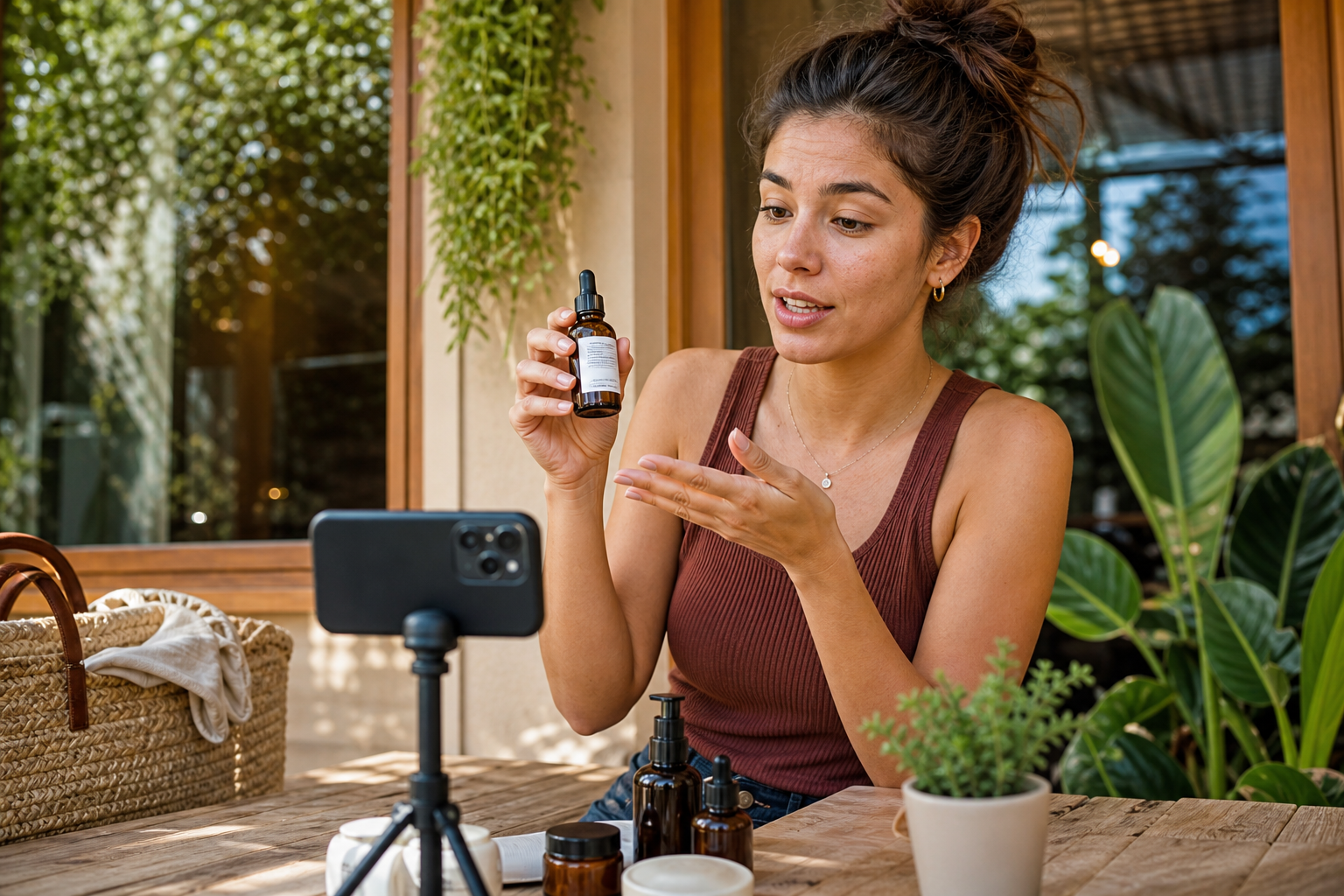
Visual for: UGC Realism, Voice, and Trust Signals
Here is a repeatable framework to scale ad variants without muddying your results.
1) Lock your identity
• Choose one persistent avatar or digital twin (face + voice profile).
• Define fixed elements across variants: brand intro, logo lockup, voice tone.
2) Plan variations by lever
• Hooks: Problem-led vs outcome-led vs offer-led.
• Proof: Demo vs testimonial vs unboxing.
• CTA: Discount vs bundle vs limited-time.
• Offer: Price point, free shipping, or bonus.
3) Generate controlled batches
• Request 6–12 variants at 15–30 seconds, 9:16.
• Keep the avatar, background, and visual language constant; change only one lever per set.
4) Localize after a winner emerges
• Recut the top performer into languages for priority markets.
• Swap captions, VO, and on-screen price/units; preserve the same avatar identity.
5) Launch and measure
• TikTok: Pair strong hooks with overlay captions; optimize first 3 seconds.
• Instagram Reels: Keep cuts brisk; emphasize lifestyle context.
• Facebook Feed/Reels: Use subtitles and clear value props.
6) Iterate
• Promote winners to 1:1 and 16:9 where needed.
• Refresh offers while keeping the same avatar for recall.
Mini-workflow example with VidAU AI (when you need quick, testable variants)
• Input: Paste a product URL or upload product images plus a short brief.
• Capability: VidAU AI can generate spokesperson-led videos and localized variants from URLs, images, or scripts in 49 languages.
• Output: A set of 9:16 clips featuring a consistent avatar, autocaptions, and editable hooks/CTAs.
• Review/testing: Launch 6–12 variants, monitor hook retention and CPA, then localize the top performer.
Key Takeaways
• Keep one avatar constant; test hooks, proof, and offers in isolation.
• Launch 6–12 short variants; localize only the top performers.
• Maintain platform-ready specs and on-screen captions for scannability.
Workflows to Keep One Consistent Spokesperson Across Campaigns
Persistent avatars (digital twins) increase brand recall, reduce production variance, and simplify approvals.
A practical process
• Create your avatar once: Choose face, voice, and style that map to your ICP.
• Build a script kit: 3 hooks, 3 value props, 3 CTAs, 2 offers.
• Produce a matrix: 3×3×3 short variants while locking the avatar.
• Standardize looks: Same framing, background, and captions.
• Approvals: Pre-approve claims and disclaimers to speed sprints.
• Scale: Promote winners into story, carousel+video, and PDP embeds.
Common pitfalls to avoid
• Changing the avatar mid-test, confounding results.
• Overediting with flashy transitions that break UGC realism.
• Forgetting autoplay captions; many users watch muted.
Scenario-Based Recommendations
• You need URL-to-video plus a brand avatar to sprint tests: Choose Creatify or Topview AI; both emphasize fast URL inputs and ad-focused pipelines. Consider JoggAI if you want custom avatars and flexible inputs.
• You need enterprise-grade multilingual delivery: Choose HeyGen for its strong localization focus and polished outputs.
• You need UGC-native vibe above all else: Choose Arcads for creator-style outputs; complement with MakeUGC or Zeely to broaden creative angles.
• You manage many SKUs and constant offers: Favor Creatify or JoggAI for batch generation; standardize your avatar and test offers fast.
• You run Amazon plus paid social: Use URL-to-video to keep PDP claims synced; publish short 9:16 cutdowns for TikTok and Reels, then repurpose in PDP videos.
Which tool to choose when you compare ai avatar software for e-commerce product ads

Use your dominant constraint to decide:
• Speed from URL to draft ad: Creatify, Topview AI, JoggAI.
• Avatar persistence across many variants: Creatify; also consider Topview AI, JoggAI.
• Multilingual campaigns at scale: HeyGen.
• UGC-first style: Arcads; augment with MakeUGC or Zeely.
If you already have a winning avatar but need more variants, prioritize batch creation tools and keep your visual language consistent for faster read-through and better recall.
Suggested Visual: Decision tree showing paths by primary constraint (speed, persistence, localization, UGC vibe).
Create With VidAU
Turn scripts, product URLs, and creative ideas into ad-ready video assets with a structured AI workflow.
Key takeaway
Final Thoughts
When you compare AI avatar software for e-commerce product ads, pick the platform that sustains one spokesperson identity, turns product pages into draft videos, and supports batch testing with easy localization. That combination drives faster learning cycles and more reliable ROAS improvement.
Next step: lock a persistent avatar, generate 6–12 short variants from a product URL, and launch tightly controlled tests on TikTok, Instagram, and Facebook. If you need a quick URL-to-video pipeline with multilingual options, VidAU AI can convert product URLs, images, or scripts into spokesperson-led ads you can localize and A/B test.
Frequently asked questions
What is the main benefit of using persistent avatars or digital twins in e-commerce ads?
Persistent avatars keep your brand’s face and voice consistent across campaigns, improving recognition and reducing variance in tests. That lets you measure the true impact of hooks, offers, and CTAs. Over time, a familiar spokesperson can lift recall and trust, especially in short 15–30 second placements.
How does URL-to-video help Shopify and Amazon sellers?
URL-to-video converts a product page into a draft ad by pulling images and copy, saving scripting time and keeping claims aligned with your PDP. It accelerates first versions for testing on TikTok, Instagram, and Facebook. After identifying a winner, you can localize and repurpose it onto product listings.
Which platform is best for multilingual e-commerce campaigns?
HeyGen is commonly chosen for enterprise-grade localization, offering strong control over languages and subtitles while retaining consistent avatar delivery. For teams balancing speed and multilingual needs, platforms emphasizing URL-to-video can draft initial English versions to test before localizing top performers.
How many ad variants should I test at once?
Start with 6–12 short 9:16 variants that keep the same avatar and visual language. Change only one lever per batch, typically the hook or offer. This reduces noise, speeds learning, and helps you pick a clear winner before scaling budgets or translating for additional markets.
How do I keep AI avatar ads compliant on TikTok, Instagram, and Facebook?
Avoid misleading claims, include required disclosures, and ensure your voice, scripts, and product visuals reflect real capabilities. Use clear captions, stay within 15–30 seconds for short placements, respect safe margins for UI overlays, and follow each platform’s ad policies for health, finance, and testimonials.
When should I choose UGC-style tools over polished corporate avatars?
Choose UGC-style outputs when your audience responds to casual, creator-like content with quick demos and conversational tone. Use polished corporate avatars for training, brand announcements, or global messaging where multilingual consistency matters. Many brands test both styles and scale whichever yields lower CPAs.
Do I need voice cloning for my avatar?
Voice cloning helps maintain brand tone and speeds iterative testing, especially if you build a digital twin. It is optional for early tests; many teams validate hooks and offers with standard voices first, then add cloning to reinforce identity and improve brand recall once a concept wins.
How can I localize winning creatives without losing performance?
Keep the same avatar, structure, and timing. Translate the script natively, adjust idioms and cultural references, and re-render captions and voice in the target language. Maintain the first 2–3 seconds of the hook, swap only necessary on-screen prices/units, and retest with region-specific audiences.