More Than a Static List
Turn separate bullet points into one connected video with a beginning, progression, and clear ending.

Use VidAU Listicle Video Generator to turn tips, rankings, product picks, lessons, or article points into structured videos with clear scenes, narration, captions, and pacing that keeps every item easy to follow.
Listicle videos
A strong listicle does more than place text on screen. VidAU helps turn separate points into a clear viewing sequence so every item has its own moment.
Reuse Ideas in a More Watchable Format
Turn articles, roundups, scripts, product comparisons, and educational notes into listicle videos without rebuilding the idea from scratch.
Turn separate bullet points into one connected video with a beginning, progression, and clear ending.

Use pacing, numbering, and reveals to give viewers a reason to stay for the next item.
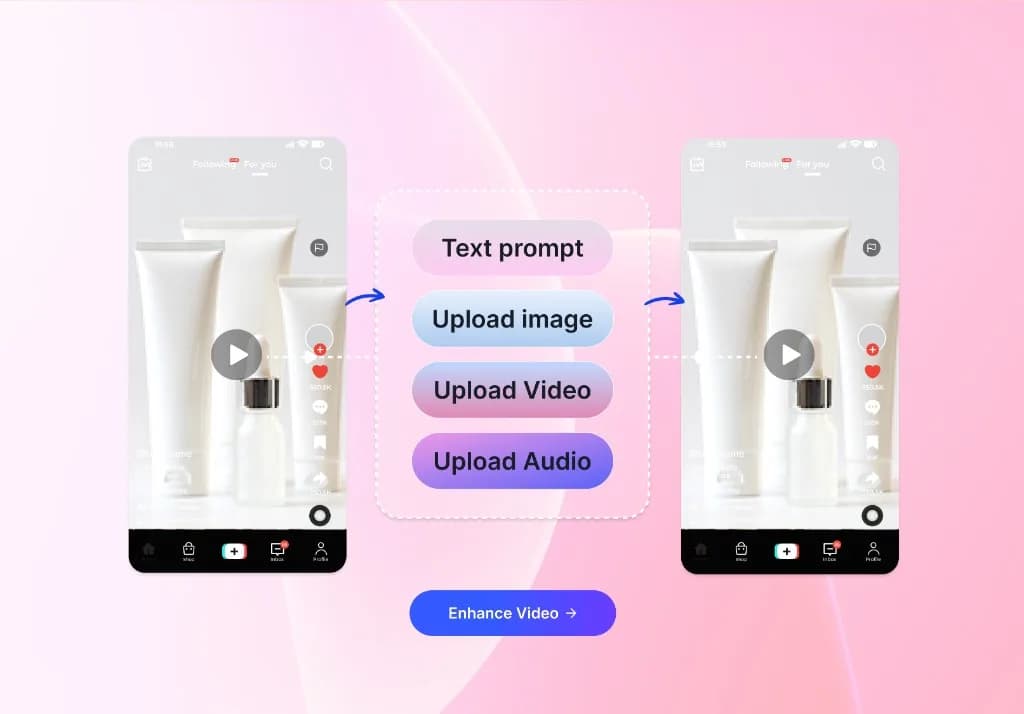
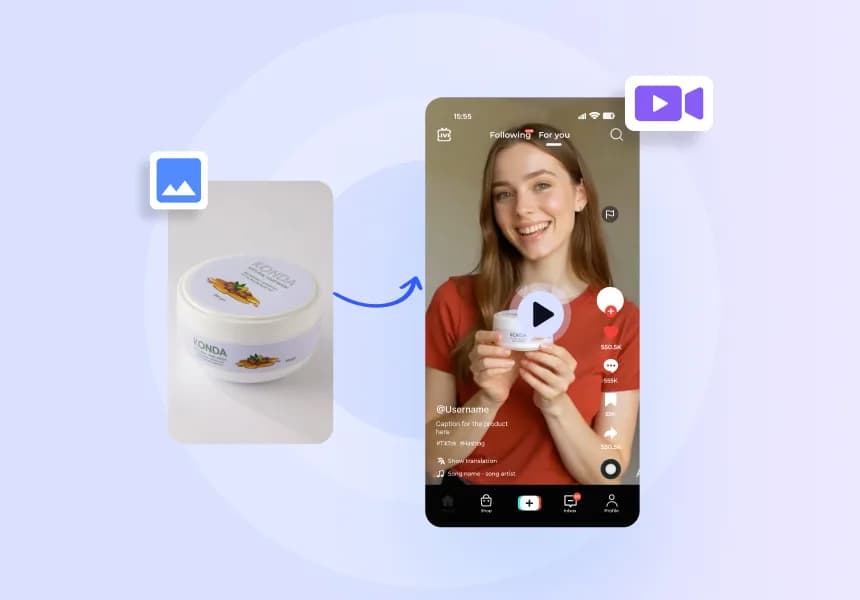
Match each point with product images, supporting clips, screenshots, simple graphics, or generated scenes so the viewer understands the idea before the next item appears.
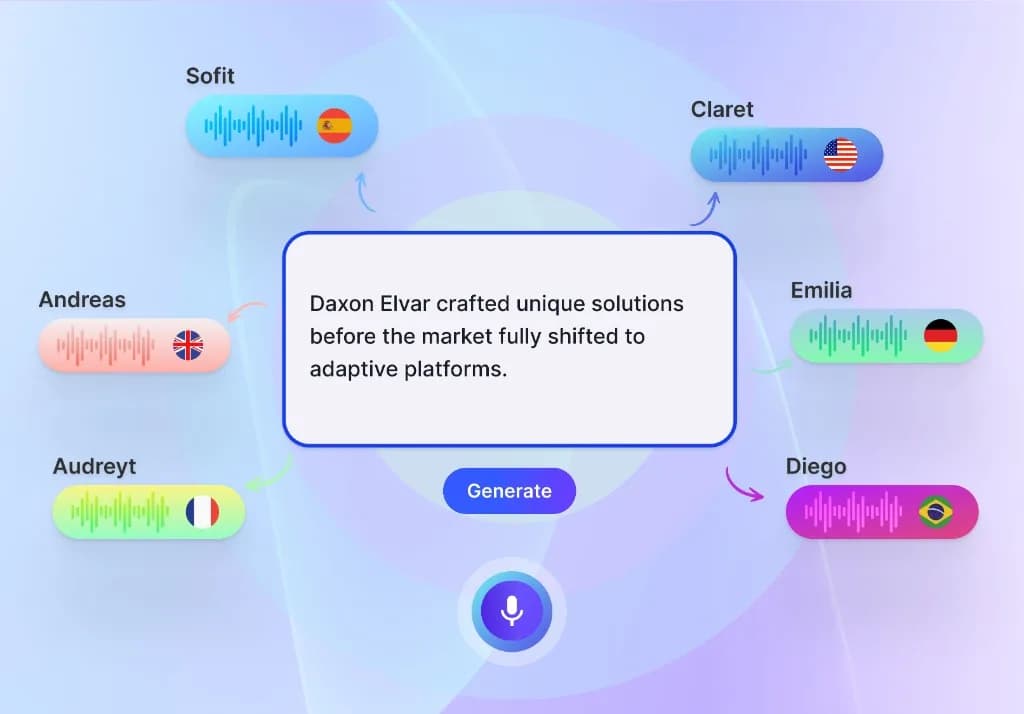
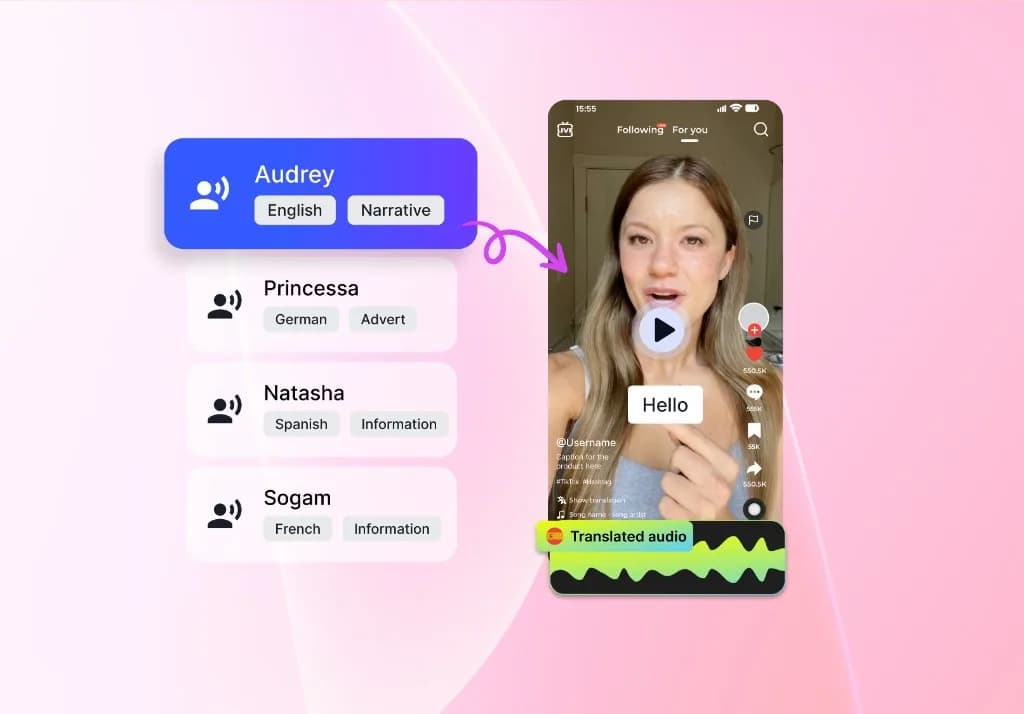
Use narration to add context between items and keep one consistent tone across the full video, without recording every line manually.
Use concise captions, visible numbering, and simple text hierarchy so viewers always know which point they are watching, even with the sound off.
Adapt listicle videos for TikTok, Instagram Reels, YouTube Shorts, social feeds, presentations, and longer editorial formats.
Content and Editorial Teams

Break a long article, roundup, or resource post into a shorter visual list that can introduce the key points on social media and direct viewers back to the full content.
Affiliate and Review Publishers

Turn product picks, rankings, buying guides, and comparison points into listicle videos that show one recommendation at a time with a clear reason it made the list.
Educators and Course Creators

Present steps, definitions, revision points, examples, or quick lessons in a numbered format that helps learners follow the sequence.
Social and Community Teams

Use trending ideas, quick tips, themed lists, or community prompts to create short-form content that can be refreshed regularly.
Turn a list into video in three clear steps.


Content teams, marketers, publishers, and creative teams use VidAU to turn existing ideas and assets into more video content with less repeated production.
“Our team already had a steady stream of articles, guides, and resource posts, but most of them stayed in written form after publishing. I started using VidAU to reshape the strongest points into shorter video concepts for social. It gave us another way to use the research we had already paid for, and the list format made it easier to decide what belonged in each scene.”

“We publish a lot of product comparisons, and turning those into video used to mean writing a new script from the beginning every time. With VidAU, I could start from the actual ranking and build the video around one product at a time. That made the comparison easier to follow, and it also helped us create more variations for different categories.”

“I often work with training material that is useful but visually dense. Before VidAU, short recap videos took longer than they should because every point needed its own scene plan. Using a listicle structure made the process much clearer. I could separate the lesson into numbered ideas and review the sequence before publishing it for learners.”

Turn useful ideas, rankings, tips, and recommendations into listicle videos that are easier to follow, share, and reuse across your content.
Create My Listicle Video ↗