Reference to Video AI

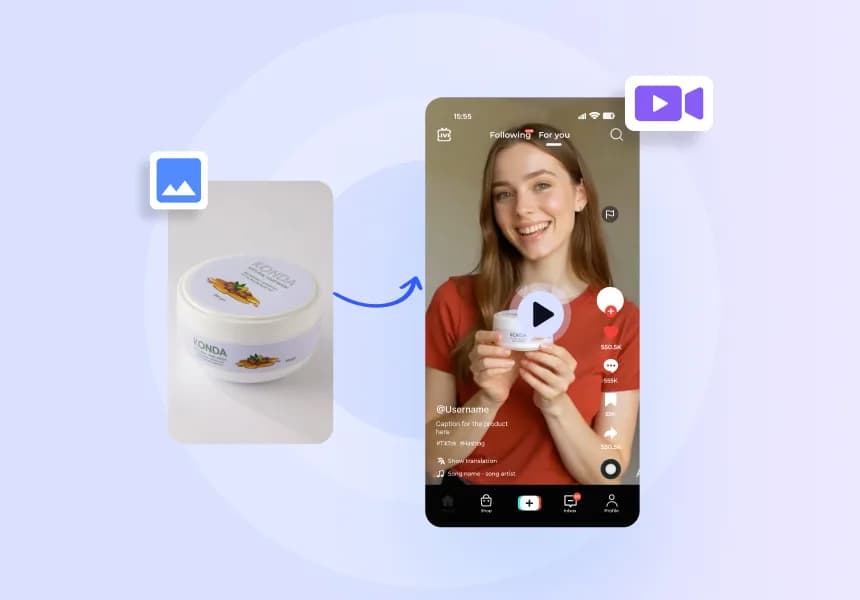
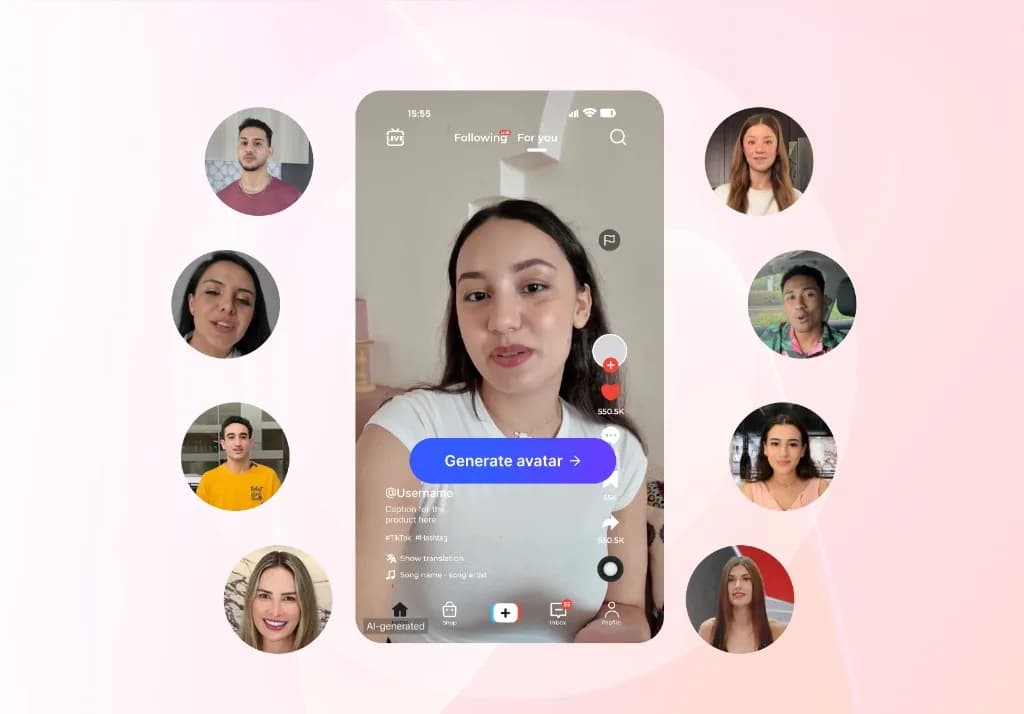
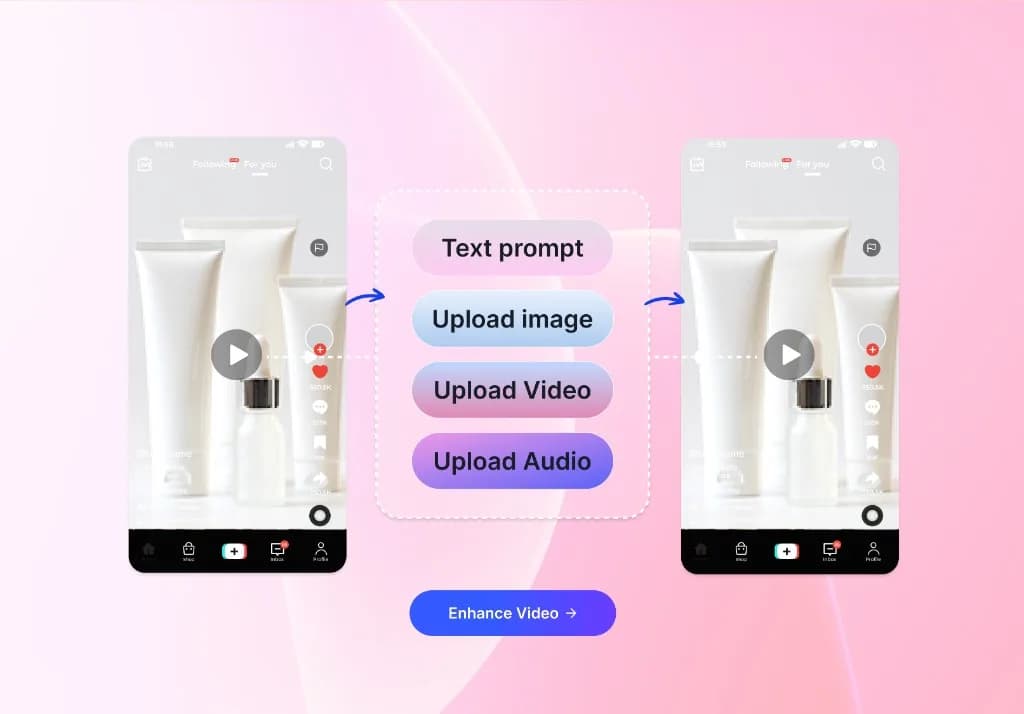
Upload reference images and create a new video while keeping the character, product, object, or visual world recognizable across fresh scenes and natural movement.

Add Characters and Objects to a Scene You Already Like

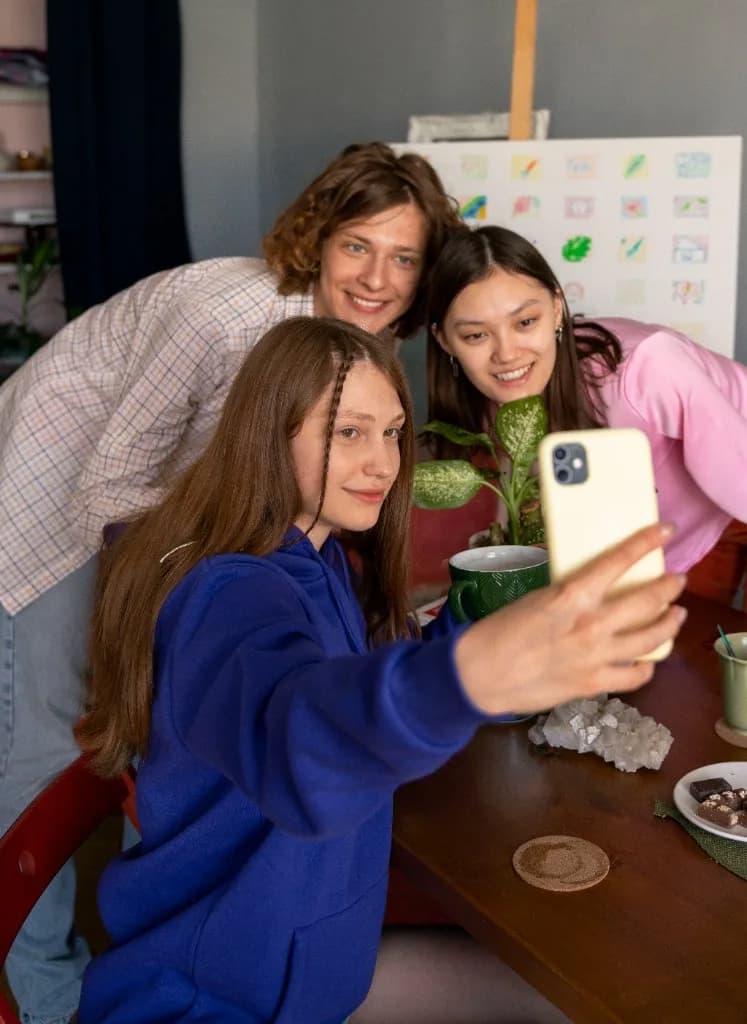
Start with a location or visual setting, then introduce a referenced character, product, or object into the scene. Referencing the video helps combine those inputs so the result feels directed rather than rebuilt from scratch.

Build a New Scene
Move the Same Subject Into New Contexts

Place consistent characters or products in a different environment while protecting the visual details viewers need to recognize. Shift a studio product into a lifestyle scene, move a recurring character into a new chapter, or test a different visual direction without losing subject continuity.

Change the Scene

Combine Multiple References Into One Connected Video

Use several references to guide the subject, environment, styling, and mood in one sequence. VidAU Reference to Video brings those visual cues together so separate images can shape a more cohesive video story.

Combine My References

Take One Reference in More Creative Directions

Turn the references you already trust into campaign variations, social stories, product moments, cinematic concepts, and imaginative scenes. Change the action, setting, or atmosphere while keeping the visual anchor clear.

Try a New Creative Direction

Reference to Video for Different Creative Teams

Use the same reference-led workflow to support consistent characters, stronger subject continuity, and faster concept development across different production needs.

Video Editors

Video Editors

Create continuity-led B-roll and supporting scenes without searching for a perfect stock clip or rebuilding the subject for every shot.

Brand Marketers

Brand Marketers

Place the same product or brand asset in different campaign environments while keeping recognizable visual features connected.

Game Designers & Animators

Game Designers & Animators

Develop recurring characters, props, and visual worlds for storyboards, previews, and early narrative concepts.

Social Media Creators

Social Media Creators

Build recognizable series, trend variations, and platform-ready stories around a consistent on-screen identity.

How to Create a Consistent Reference Video With VidAU

Upload your references, describe the new scene, then generate, review, and export.

Create My Reference Video
01

Upload Your References

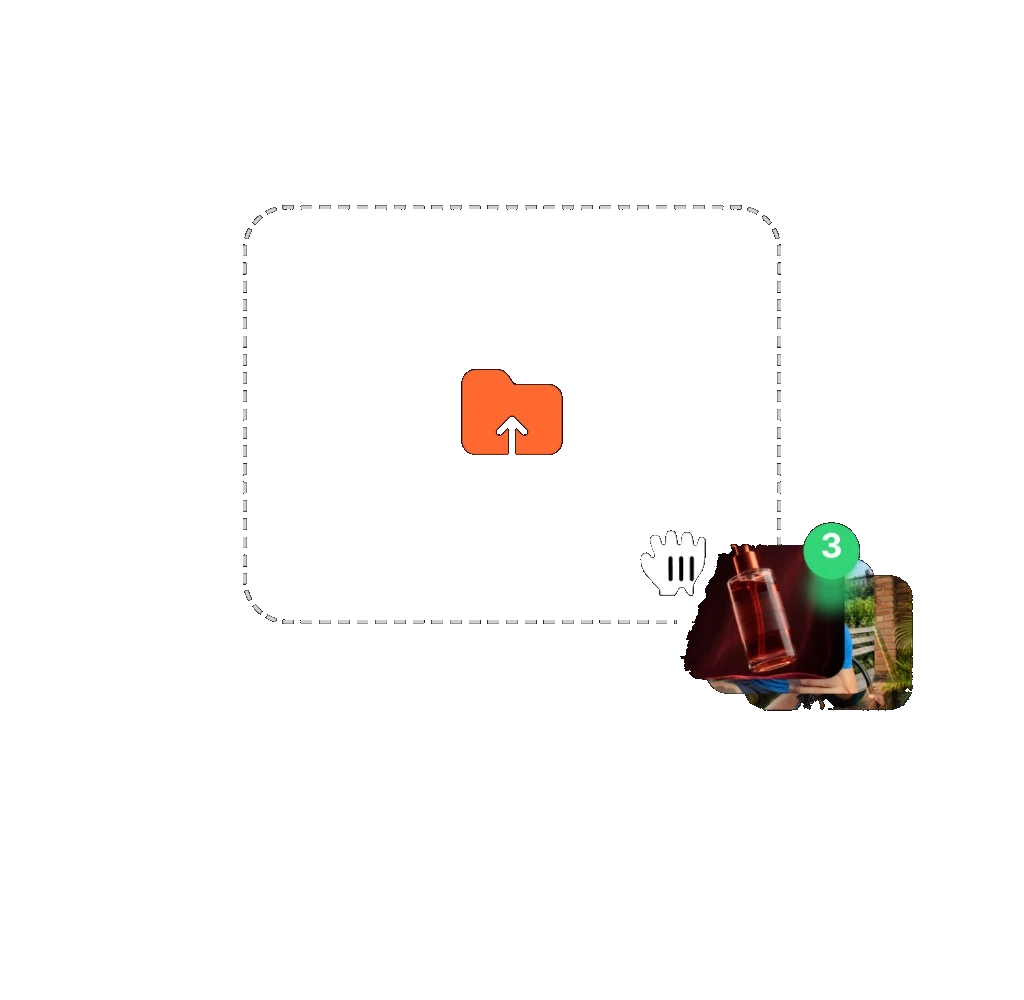
Add clear images of the character, product, object, or environment you want the video to follow.
Upload Your References
02

Direct the New Scene

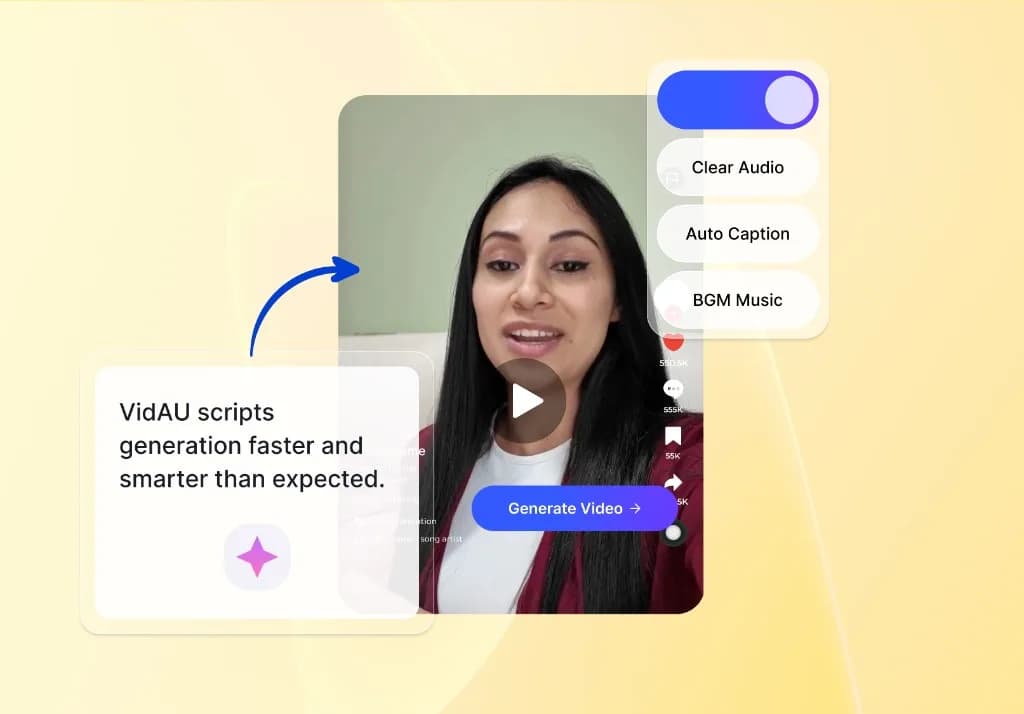
Describe the action, setting, camera movement, and mood. State which details should remain consistent.
03

Generate and Review

Create the video, check subject continuity and natural movement, refine the direction when needed, then export the approved result.
Generate and Review

Go Further With VidAU AI Video Tools

AI Video Extender
Lip Sync AI
Image to Animation
Video Upscaler
Talking Photo
Face Swap Video
Video Denoiser
AI Dance Generator

Create More Consistent Video Ideas With VidAU

Bring your references, campaign ideas, and production direction into one Reference to Video workflow designed for faster experimentation and recognizable creative output.

Join 20,000+ Brands Creating More Video With VidAU

“We often need the same product to appear across different campaign ideas. Keeping the visual direction reusable makes it much easier to test new scenes without starting over every time.”

“Our team produces a lot of creative variations each week. Having one workflow for generating different concepts helps us compare more options and move faster on the strongest ideas.”

“We work across several formats and campaign directions. VidAU gives the team a simpler way to iterate on visuals while keeping the core creative idea connected.”

Frequently Asked Questions

Turn Your References Into a Connected Video With VidAU

Upload the visuals that define your idea, describe what should happen next, and create a Reference to Video result with consistent characters, clear subject continuity, and natural movement.

Create a Reference Video ↗