Turn Scripts Into Video Ads With VidAU

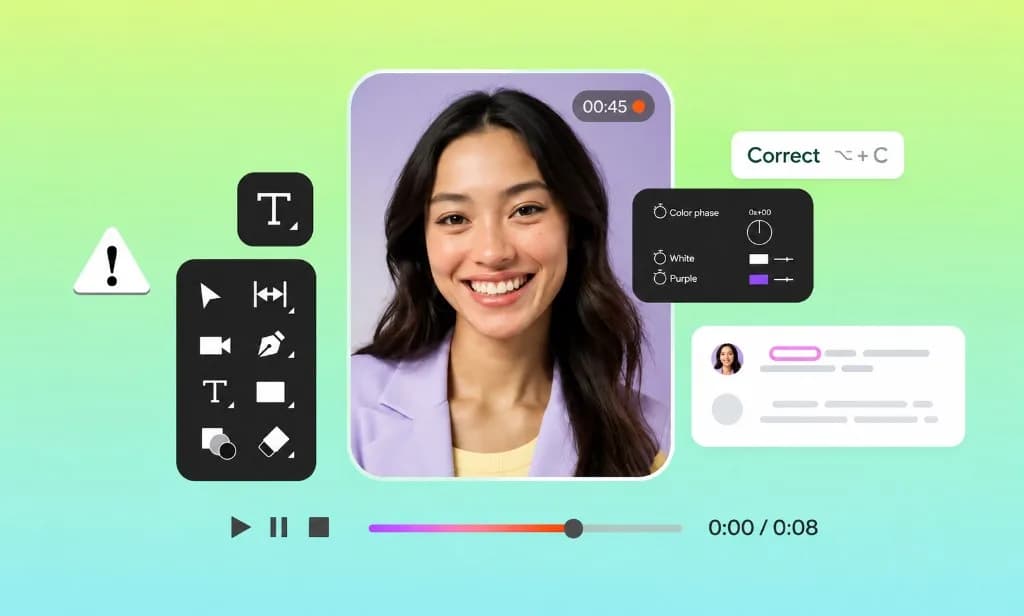
Paste your ad copy and use VidAU script-to-video AI to turn it into a complete video with matched visuals, voice, captions, transitions, and supported presenter options. Move your script into a ready-to-review ad without building every scene by hand.

Writing video scripts can be a time-consuming and sometimes overwhelming task.

Your Video's Purpose Capture attention in the first 3 seconds, show the product benefit clearly, then close with a strong call to action that feels natural on camera. Hook Open on the product in use so viewers instantly understand what you are selling. Problem → Payoff Name the frustration quickly, then show how the product solves it in one clean beat. Proof points • Keep pacing tight and conversational • Feature one clear benefit per scene • Use natural light and real product moments • End with the offer and a next step Closing line Try it today and feel the difference in your next workout.

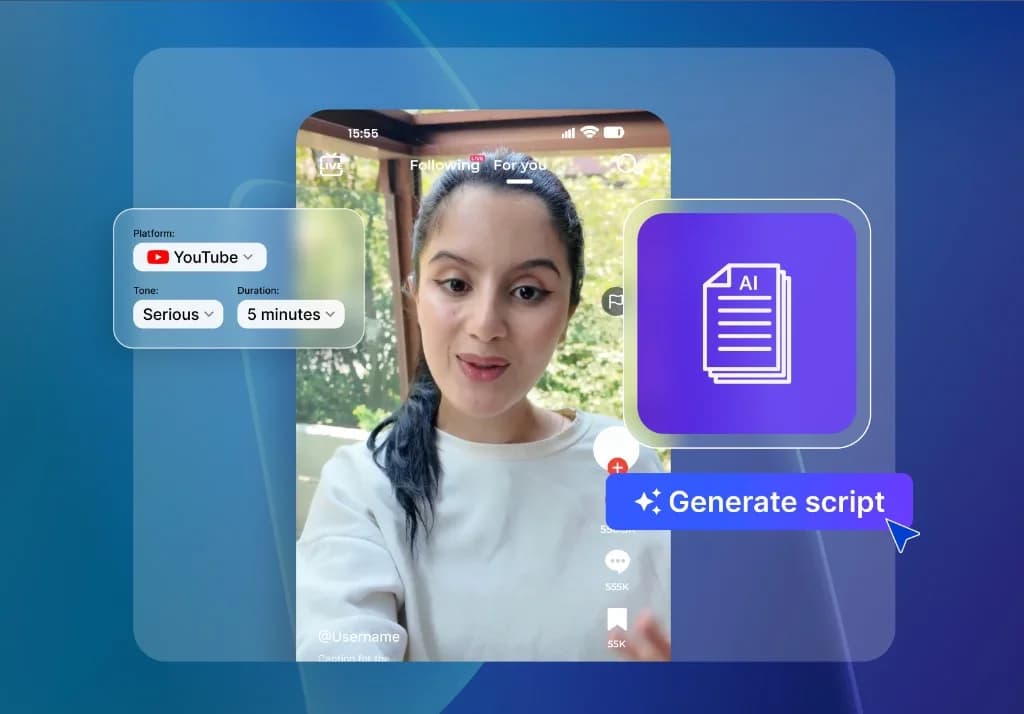
Change duration to...

  • 15s
  • 30s
  • 1m
  • 2m
  • 3m

Change tone to be...

  • Formal
  • Casual
  • Funny
  • Informative
  • Creative

Give Every Script a Full Ad Treatment

Your script already carries the message. VidAU script-to-video ads help shape it into a complete ad by pairing the copy with scenes, voice, captions, pacing, and the visual direction available in the workflow.
Turn My Script Into an Ad

No New Shoot Needed

Start with the script you already have and build the ad without arranging a fresh recording session for every version.

More Budget for Testing

Reduce repeated production setup so more time and budget can go into testing stronger campaign ideas.

One Script, More Variations

Test different voices, presenters, hooks, and visual directions without rewriting the full message.

Match Every Line With the Right Visuals

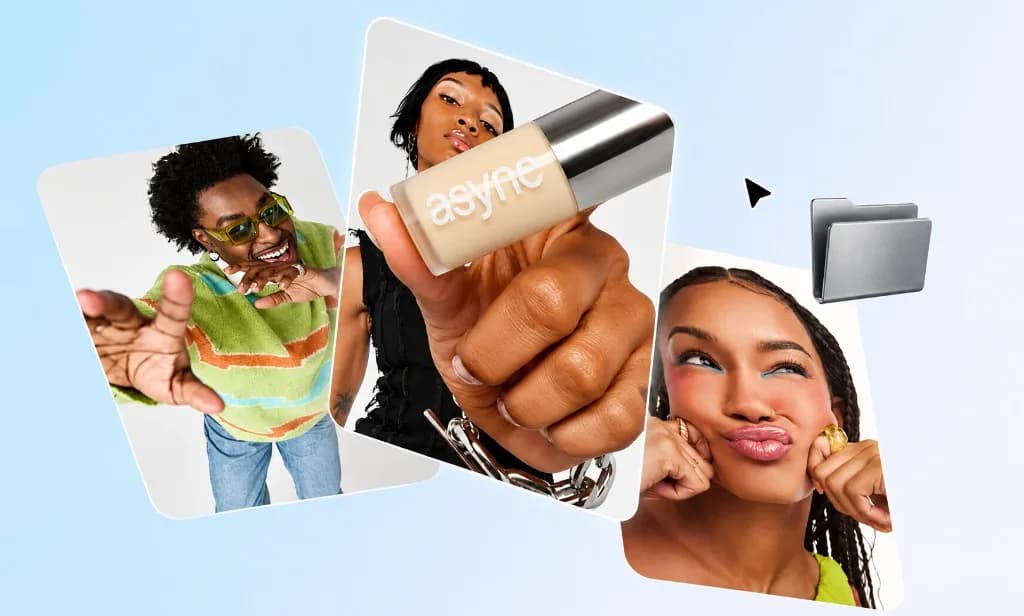
Turn each part of your script into a clearer visual moment. The AI script-to-video workflow connects hooks, product benefits, offers, and calls to action with scenes that support what the viewer is hearing.
Build My Ad Visuals

Add a Voice That Fits the Message

Pair your script with supported AI voice options that suit the tone, audience, and campaign style. Use clear delivery for explainers, energetic pacing for promotions, or a softer tone for product stories and brand messages.
Add Voice to My Ad

Put a Presenter Behind the Script

Use supported AI avatar workflows to give your message an on-screen presenter. Turn product explanations, campaign scripts, and creator-style messages into presenter-led ads without arranging a new recording session for every version.
Add an AI Presenter

Test More Ad Directions With One Script

Change the hook, voice, visual style, offer, presenter, or pacing to create more versions of the same campaign idea. A script-to-video ad generator gives you a faster starting point for comparing creative directions without rewriting the whole campaign each time.
Create Another Ad Version

Who Uses VidAU Script to Video Ads?

Turn approved copy into presenter-led or product-focused ads, then test more directions from the same script.

E-commerce Sellers

E-commerce Sellers

Turn product descriptions, offers, and launch scripts into presenter-led or product-focused ads.

Digital Marketers

Digital Marketers

Test more hooks, offers, and creative directions using one approved campaign script.

Social Media Managers

Social Media Managers

Keep promotional content moving by turning recurring campaign copy into fresh video versions.

Agencies

Agencies

Speed up concept development and turn approved client scripts into clearer video directions.

Make Script to Video Ads in 3 Simple Steps

Paste your script, choose the ad direction, then generate and review.
Convert My Script to Video Ads
01

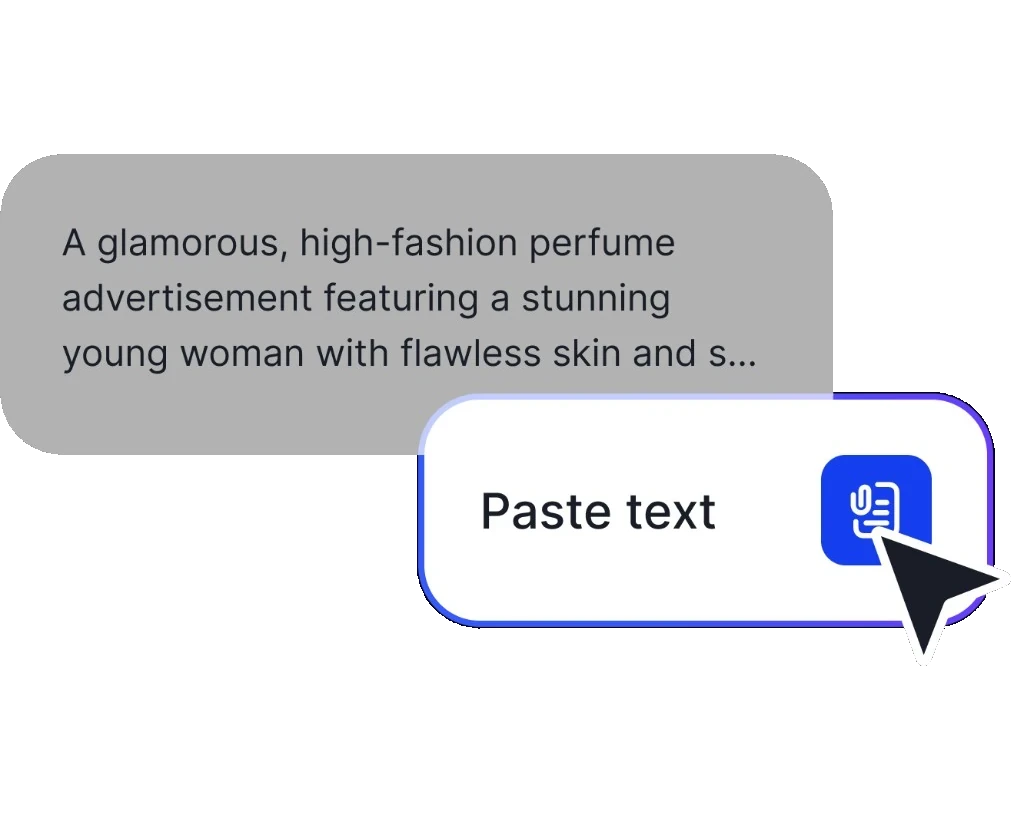
Paste Your Script

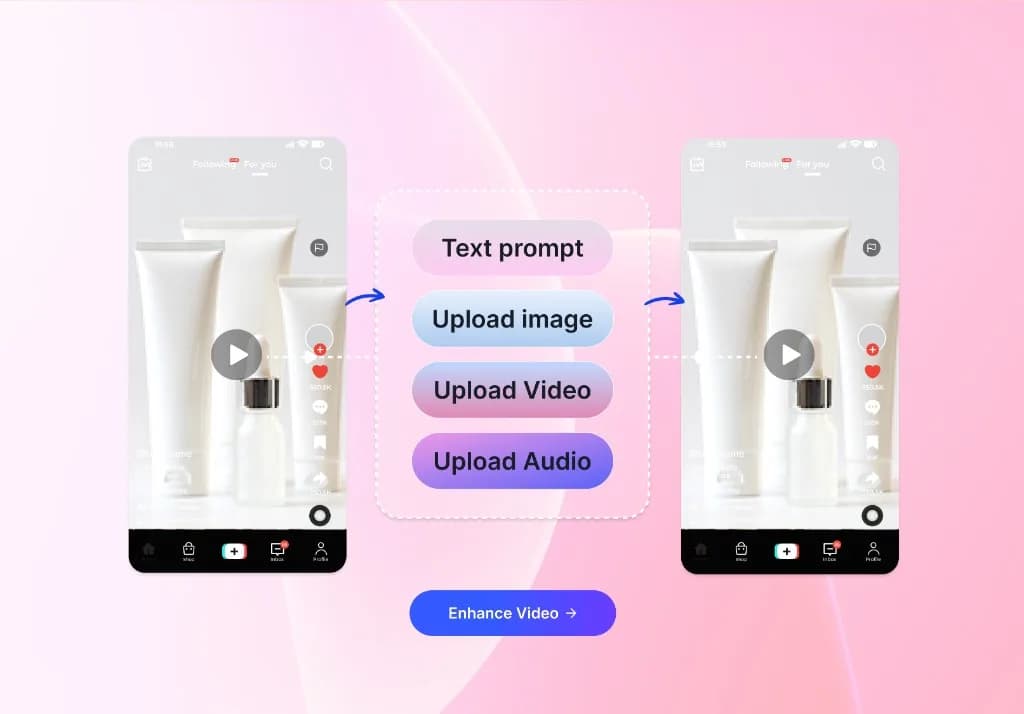
Add your ad copy, product message, or campaign script to the supported VidAU workflow.
Paste Your Script
02

Choose the Ad Direction

Set the visual style, aspect ratio, supported voice, presenter, captions, and other available controls.
03

Generate and Review

Create the video, check the script delivery, scenes, captions, voice, branding, and CTA, then export the approved version.
Generate and Review

See Why Teams Use VidAU for Ad Creation

Move campaign copy into a video you can review on screen, then test more directions from one script.

“I like having the script, visuals, and voice in one workflow. It gives me a quicker way to turn campaign copy into something I can actually review on screen.”

“We already write ad copy for every launch. Turning that script into a video starting point makes the production process much easier to manage.”

“One script gives us a clear base, then we test different hooks, voices, and visual directions without rebuilding the whole campaign.”

Frequently Asked Questions

Bring Your Next Ad Script to Life With VidAU

Paste your script, choose the creative direction, and turn your message into a video ad with visuals, voice, captions, and supported presenter options. Start with one script and build your first VidAU Script to Video Ads project.

Create Video Ad with VidAU ↗