AI Avatar Generator Comparison · Revid AI vs HeyGen
Revid AI vs HeyGen: Which AI Avatar Generator Is Better?
Compare Revid AI vs HeyGen on avatar quality, voice cloning, pricing, and use cases to see which AI avatar generator fits your content workflow best.
By the VidAU Editorial Team · AI avatar comparison guide · Short-form and presenter video workflow
Choosing between Revid AI and HeyGen comes down to one question: do you need a viral short-form video engine or a realistic talking avatar studio?
The Revid AI vs HeyGen decision usually splits along one line: Revid AI is built for fast short-form video output and distribution, while HeyGen is built around realistic talking avatars and video translation. Neither is strictly better. The right pick depends on whether you want volume and repurposing speed or polished avatar presenters for training, sales, and explainer content.
This comparison is for content creators, marketers, business owners, and video producers weighing both tools. We reviewed product positioning, public buyer sentiment, and common workflow pain points to make this practical rather than promotional. If you also want lighter ad-focused options, we mention where a platform like VidAU AI Video fits later.
Quick Summary
- HeyGen is the stronger choice when realistic talking avatars, lip-sync quality, and video translation matter most for training, sales, and explainer videos.
- Revid AI is the stronger choice for short-form creators who want link-to-video automation, fast repurposing, and watermark-free exports for TikTok, Reels, and Shorts.
- Both tools use a credit-based pricing model, so the real cost is usually wasted credits on failed generations, not the headline plan price.
- Marketers running multilingual ads or UGC-style product videos may prefer a separate ad platform like VidAU AI alongside either tool.
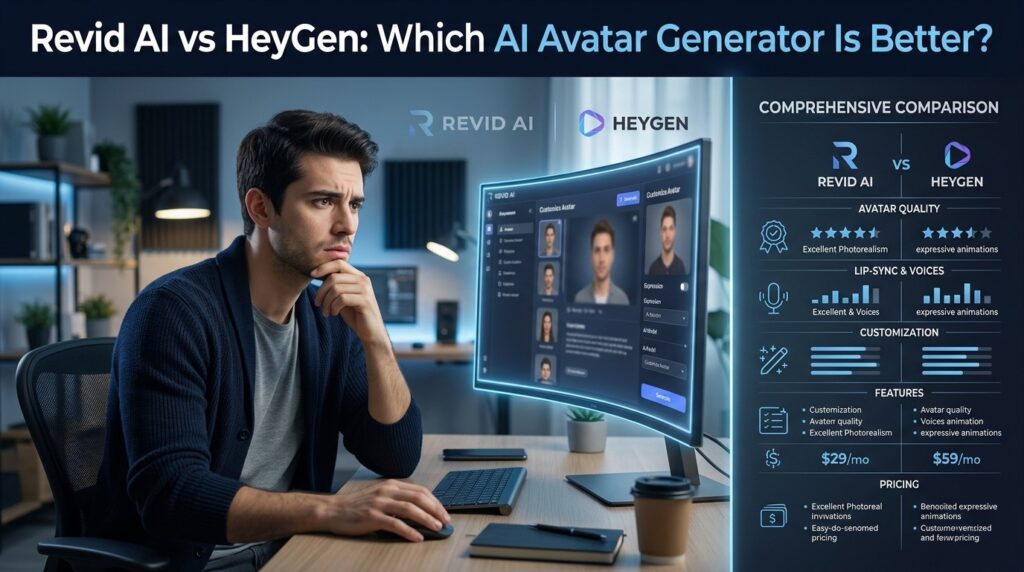
What Is the Difference Between Revid AI and HeyGen?
Revid AI is a short-form video generation platform that turns links, scripts, and ideas into ready-to-publish videos, while HeyGen is an AI avatar generator focused on realistic talking-head video with voice and lip-sync technology. Revid leans toward distribution speed. HeyGen leans toward presenter realism.
That split shapes everything else. From our review of Revid’s own positioning, the homepage frames the product as a viral-content system rather than a classic editor. It bundles idea sourcing, script writing, voices, editing, link-to-video, and publishing into one workflow. The headline promise is simple: paste a link, the AI analyzes it, and turns it into a video.
HeyGen takes a narrower, deeper path. Its core value is avatar realism, custom avatars, and translating a single video into many languages while keeping lip movement aligned. So the comparison is less about which is “better” and more about which job you are hiring the tool to do.
Key Takeaways
- Revid AI optimizes for short-form throughput and publishing.
- HeyGen optimizes for avatar realism and video translation.
- Your use case decides the winner more than raw feature counts.
Why the Revid AI vs HeyGen Choice Matters
The Revid AI vs HeyGen choice matters because picking the wrong tool means paying for capabilities you never use or fighting a tool that was not built for your format. A faceless TikTok creator and a corporate training team have almost opposite needs.
When we reviewed buyer sentiment for AI video tools, a clear pattern showed up: people judge these platforms by how expensive failure feels, not just by demo quality. One creator comparison thread put it bluntly, noting that many tools “look amazing in controlled examples but fall apart once you start stress testing them with different prompts.”
That is the real risk. A flashy avatar demo can hide weak prompt reliability. A fast publishing workflow can hide inconsistent output. So the smart approach is to match the tool to the job, then test it with your own scripts and source assets before committing budget.
Workflow warning
A flashy avatar demo can hide weak prompt reliability. A fast publishing workflow can hide inconsistent output. Test with your own scripts and source assets before committing budget.
How Do Revid AI and HeyGen Compare on Avatar Quality?
HeyGen is generally the stronger option for avatar quality and realism, since talking avatars and lip-sync technology are its main product focus. Revid AI includes avatars and voices, but its emphasis is faster short-form video assembly rather than studio-grade presenter realism.
Still, realistic avatars are not plug-and-play on either platform. When we reviewed creator discussions about AI talking avatars, one user said early HeyGen trial results were disappointing, while another reported much better output after refining inputs and using a paid creator package. That tracks with how these tools actually behave.
If you want a convincing talking avatar, expect to iterate. Better source assets, cleaner scripts, and a few test generations usually matter more than the platform name. For pure short-form clips where the avatar is one element among many, Revid’s output is often good enough without that level of tuning.
Avatar quality tip
For a convincing talking avatar, expect to iterate. Better source assets, cleaner scripts, and test generations usually matter more than the platform name.
Voice Cloning and Ease of Use Compared
Both Revid AI and HeyGen offer voice options and aim for a clean interface, but they prioritize different parts of the workflow. HeyGen treats voice as part of a realistic presenter package. Revid treats voice as one step inside a faster end-to-end content pipeline.
On ease of use, Revid’s review profile is interesting. We reviewed its public Trustpilot summary, which shows a 3.7 rating across 211 reviews. Buyers praise the workflow as easy to use and efficient, with one summary line describing it as “easy to use, intuitive, and efficient for creating videos.”
The flip side is also clear in that buyer language. The same review profile includes complaints about confusing credits, inconsistent characters, occasional deformities, and generation freezes. So Revid can feel fast and friendly while still burning credits when a generation goes wrong.
HeyGen’s ease-of-use story is similar in spirit: simple to start, but real avatar quality often arrives only after you commit to a paid tier and refine your inputs. For voiceover-only projects, a dedicated Text to Speech tool can be a cheaper, more predictable add-on.
Ease-of-use caveat
Revid can feel fast and friendly while still burning credits when a generation goes wrong. HeyGen can feel simple to start, but real avatar quality often needs refined inputs and a paid tier.
Pricing Structure and HeyGen API Pricing
Both tools use a subscription plus credit-based pricing model, which means your effective cost depends heavily on how many generations fail or need redoing. The sticker price is rarely the full story.
We will not quote exact plan numbers here, since pricing and tiers change and should be confirmed on each vendor’s site. What matters more for buyers is the structure:
- HeyGen sells avatar minutes and seats, with higher tiers unlocking custom avatars, more languages, and team features. HeyGen API pricing is typically usage-based and aimed at developers and businesses automating avatar video at scale.
- Revid AI sells credits tied to video generation and publishing volume, which suits creators producing many short clips.
The recurring lesson from buyer sentiment is that “pricing complaints” in AI video usually mean expensive failure, not just a high price tag. People feel cheated when credits vanish on a broken render, not when a good video costs money. So when you trial either tool, track your wasted-credit rate, not only your output quality.
Key Takeaways
- HeyGen API pricing is usage-based and aimed at scaled, automated avatar video.
- Revid AI credits favor high-volume short-form publishing.
- Wasted credits on failed generations are the hidden cost on both platforms.
Revid AI vs HeyGen: Feature Comparison by Use Case
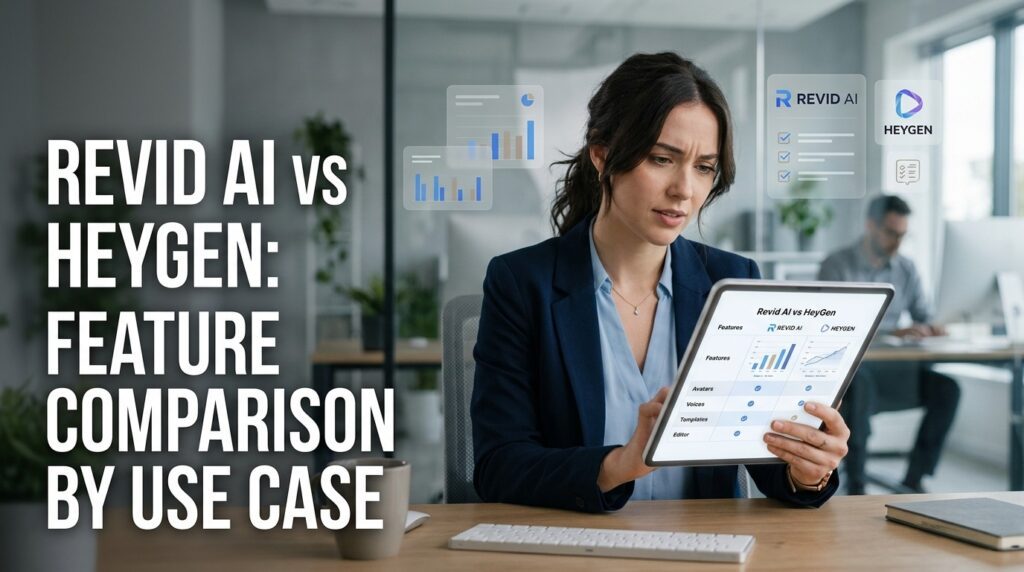
Use this table to match each platform to the job you actually need done.
| Use Case | Better Pick | Why |
|---|---|---|
| Realistic talking avatars | HeyGen | Avatar realism and lip sync are core focus |
| Video translation and dubbing | HeyGen | Built for multilingual avatar video |
| Short-form repurposing | Revid AI | Link-to-video and fast publishing flow |
| Faceless TikTok and Shorts | Revid AI | Optimized for volume and distribution |
| Training and sales explainers | HeyGen | Presenter-style avatars at scale |
| Watermark-free social output | Revid AI | High-resolution exports without watermarks |
If your real goal is product or ad video rather than a talking head, you may not need either of these as your main tool. A platform like VidAU AI Video generates video ads from a product URL, images, or a script, and VidAU is an AI video ad platform that generates video ads from product URLs, images, or scripts in 49 languages.
Which Tool Should You Choose, Plus HeyGen Alternatives
Choose HeyGen if avatar realism, lip-sync quality, and video translation are central to your work, such as training videos, sales enablement, and multilingual explainers. Choose Revid AI if you publish short-form content often and want link-to-video speed, automation, and watermark-free exports for TikTok, Reels, and Shorts.
If neither fits cleanly, there are solid HeyGen alternatives and HeyGen competitors worth a look. Synthesia and Colossyan focus on corporate avatar training video, D-ID centers on talking-photo avatars, and tools like Runway and Sora target cinematic generative clips rather than presenters.
For marketers specifically, the question often shifts from “best avatar” to “best ad output.” If you want UGC-style spokesperson content, UGC Avatars and a URL to Video workflow can cover product ads without a full avatar studio subscription. To recycle existing clips into new formats, VidAU Vid Remix is a practical add-on.
Honest limitation: if your only need is one polished, lifelike corporate avatar in many languages, a dedicated avatar tool like HeyGen or Synthesia will likely beat a general ad platform on presenter realism.
Honest limitation
If your only need is one polished, lifelike corporate avatar in many languages, a dedicated avatar tool like HeyGen or Synthesia will likely beat a general ad platform on presenter realism.
Common Mistakes When Choosing an AI Avatar Generator
The most common mistake is buying on demo quality instead of testing with your own prompts and assets. Demos are curated. Your real scripts are not.
Watch for these traps:
- Ignoring wasted-credit risk. Both tools can consume credits on failed or off-prompt generations. Track failure rate during your trial.
- Expecting plug-and-play avatars. As creators report, good results often come only after iteration, cleaner inputs, and a paid tier.
- Picking the wrong category. A short-form publishing engine will not give you studio avatar realism, and an avatar studio will not match a viral repurposing workflow.
- Overlooking output reliability. A “boring but reliable” tool often beats a flashier one for creators who ship daily.
If you mostly need clean audio or quality fixes rather than full avatar generation, lighter tools like Video to Audio (https://www.vidau.ai/vidau-video-to-audio/) or Video Enhancer (https://www.vidau.ai/vidau-video-enhancer/) can solve the problem without a new avatar subscription.
Mistake to avoid
Do not buy on demo quality alone. Test with your own prompts and assets because demos are curated and your real scripts are not.
Generate Videos Using VidAU
Use VidAU AI Video, UGC Avatars, URL to Video, Vid Remix, Text to Speech, Video to Audio, and Video Enhancer when your goal is product ads, UGC-style video, multilingual campaigns, or repurposed content rather than a full corporate avatar studio.
VidAU workflow
Where VidAU fits beside Revid AI and HeyGen
- Use HeyGen for avatar realism and translation: Choose HeyGen when realistic talking avatars, lip-sync, multilingual explainers, and training videos are central.
- Use Revid AI for short-form speed: Choose Revid AI when link-to-video automation, fast repurposing, and watermark-free social output are the main needs.
- Use VidAU AI Video for product and ad output: Generate video ads from a product URL, images, or a script when selling products matters more than presenter realism.
- Use UGC Avatars and URL to Video for ad workflows: Build UGC-style spokesperson ads and product-page videos without relying on a full avatar studio subscription.
- Use Vid Remix, Video to Audio, and Video Enhancer for reuse and polish: Repurpose clips, extract audio, and improve output quality when full avatar generation is not the actual problem.
Key takeaway
Final Thoughts
Revid AI vs HeyGen is not a contest for a single crown. HeyGen wins on avatar realism and translation. Revid AI wins on short-form speed and publishing automation. Decide by use case first, then trial each tool with your own scripts and watch your wasted-credit rate, since that is where real cost hides.
If your actual goal is selling products rather than producing talking heads, test an ad-focused workflow too. You can generate product and UGC-style video ads from a URL, images, or a script with VidAU AI Video (https://www.vidau.ai/vidau-ai-video/) and compare the output against your avatar tool before committing budget.
FAQ
Here are answers to common questions about Revid AI vs HeyGen, short-form video, avatar realism, HeyGen API pricing, credits, HeyGen alternatives, HeyGen competitors, beginners, marketers, and watermark-free video exports.
Is Revid AI better than HeyGen for short-form video?
For short-form video, Revid AI is usually the better fit. Its workflow centers on link-to-video automation, fast script-to-clip generation, and watermark-free exports built for TikTok, Reels, and Shorts. HeyGen is stronger for realistic talking avatars and translation, but it is not optimized for high-volume short-form publishing.
Which has more realistic avatars, Revid AI or HeyGen?
HeyGen generally produces more realistic talking avatars because avatar realism and lip-sync technology are its main focus. Revid AI includes avatars but emphasizes fast video assembly. On either platform, realistic results often require iteration, cleaner source assets, and a paid tier rather than relying on default trial output.
How does HeyGen API pricing work?
HeyGen API pricing is typically usage-based, charging for avatar video generation and processing through developer access rather than a flat seat fee alone. It targets businesses automating avatar video at scale. Confirm current rates and limits on HeyGen’s official site, since plans and credit structures change frequently.
Do Revid AI and HeyGen use credits?
Yes, both Revid AI and HeyGen use credit-based or usage-based pricing tied to how much video you generate. The practical cost depends on your failure rate, since credits can be consumed by off-prompt or broken generations. Track wasted credits during a trial to estimate your true monthly cost.
What are the best HeyGen alternatives and competitors?
Strong HeyGen alternatives and HeyGen competitors include Synthesia and Colossyan for corporate avatar training, and D-ID for talking-photo avatars. For ad-focused or UGC-style product video, VidAU AI is a separate option. Choose based on whether you need presenter realism, translation, or fast marketing video output.
Which tool is easier to use for beginners?
Both aim for a clean interface, and Revid AI’s public reviews often praise its intuitive, efficient workflow. HeyGen is also simple to start but tends to reward setup and paid plans for top avatar quality. Beginners producing many short clips usually find Revid faster, while presenter-focused users prefer HeyGen.
Should marketers choose Revid AI, HeyGen, or another tool?
Marketers should match the tool to the deliverable. Choose HeyGen for multilingual avatar explainers, Revid AI for high-volume short-form content, and a dedicated ad platform like VidAU AI for product ads and UGC-style creatives. Many teams use more than one tool because each is built for a different output.
Can I get watermark-free videos from Revid AI and HeyGen?
Revid AI advertises high-resolution exports without watermarks on its paid plans, and HeyGen also removes watermarks on paid tiers. Free trials on either platform may include limits or watermarks. Confirm watermark and export terms on each vendor’s current plan page before committing to a subscription.