UGC Product Videos · Smartphone Filming Guide
How to Make a Product Video Using Top UGC Video Software for Product Demos: 6 Practical Steps for High-Quality Results
Learn how to create professional product videos using a smartphone, simple editing tools, and top UGC video software for product demos without expensive production equipment.
By the VidAU Editorial Team · Updated 2026 · 16 min read
Creating a stunning product video with top ugc video software for product demos does not have to feel difficult or expensive. With a smartphone, simple editing tools, and the right top ugc video software for product demos, you can produce high-quality videos that make your products stand out.
Whether you’re selling on Amazon, launching a Shopify store, or building your social media presence, a well-crafted product video can dramatically increase conversions and customer engagement. The good news? You don’t need a professional studio or thousands of dollars in equipment to create compelling product videos that convert.
This guide will show you exactly how to make a product video using tools you likely already own—starting with your smartphone. By following these six practical steps, you’ll learn the same techniques that successful e-commerce sellers and content creators use to produce professional-looking videos on minimal budgets.
Summary
- Creating professional-quality product videos no longer requires expensive equipment or advanced production skills.
- This guide explained a six-step framework for filming better product videos using top ugc video software for product demos and simple smartphone setups.
- The process includes stabilizing your shots, selecting clean backgrounds, improving lighting, adding smooth movement, filming product demonstrations, and capturing multiple takes for editing flexibility.
- The guide also covered editing workflows, AI product video generator tools, cinematic filming techniques, and distribution strategies for e-commerce and social media platforms.
- Strong product videos focus on clarity, movement, clean lighting, and authentic demonstrations instead of overcomplicated production setups.
- Consistent practice and testing help brands create better product ads and improve customer engagement over time.
In this guide
- Why Most Product Videos Fail Before Editing
- Step 1: Stabilize Your Shot With a Tripod and Phone Mount
- Step 2: Find a Setting That Complements Your Product
- Step 3: Add Light to Improve Image Quality
- Step 4: Add Smooth Movement to Show Off Your Product
- Step 5: Show Your Product in Action
- Step 6: Take Lots of Footage and Keep Only the Best
- Editing Your Product Video
- Advanced Techniques for Cinematic Product Videos
- AI Product Video Tools: An Emerging Option
- Distribution Strategy for Your Product Videos
- Common Product Video Mistakes to Avoid
- Conclusion
- FAQ
Why Most Product Videos Fail Before Editing
Many brands focus heavily on editing software while ignoring the quality of the original footage. Even the best editing tools struggle to fix shaky shots, poor lighting, cluttered backgrounds, or weak product demonstrations.
Successful product videos usually follow simple production principles:
- Stable camera positioning
- Clean product presentation
- Proper lighting
- Controlled movement
- Clear product use cases
Fixing these areas before editing improves the final result significantly.
Key takeaway
The quality of your raw footage matters more than advanced editing effects. Clean filming creates better product videos faster.
Step 1: Stabilize Your Shot With a Tripod and Phone Mount
The single most important upgrade you can make to your smartphone video quality is stabilization. Handheld footage almost always looks amateurish, with distracting shake and wobble that immediately tells viewers this is a low-quality production.
Why Stabilization Matters
Your smartphone camera is incredibly capable, but even slight hand movements get magnified when viewers watch your video. Professional product videos feature smooth, steady shots that let the product itself be the focus not camera shake.
Essential Equipment for Stabilization
You’ll need two basic items:
- A smartphone tripod (many options available for under $30)
- A phone mount or adapter that attaches your device to the tripod
These accessories transform your smartphone into a stable filming platform. The investment is minimal, but the quality difference is dramatic. Once you have your phone securely mounted, you can focus on composition and framing without worrying about keeping your hands steady.
Stabilization Tips
Place your tripod on a flat, stable surface. Avoid positioning it on carpets or uneven ground where vibrations can still affect your shot. If you’re filming outdoors, use a weighted tripod or secure it against wind.
For product videos, you’ll typically want your camera at or slightly above product level. Adjust your tripod height accordingly before you start filming.
Tip
Stabilization is the fastest way to make smartphone footage look more professional. A basic tripod and phone mount can improve product video quality before you touch any editing software.
Step 2: Find a Setting That Complements Your Product
Your background and setting have enormous impact on how professional your product video appears. The right setting enhances your product without distracting from it.
Choosing Your Background
Look around your home or workspace for clean, simple backgrounds that relate to how customers might use your product. A few pieces of scrap wood can create a rustic aesthetic for outdoor or artisan products. A clean white countertop works beautifully for kitchen items or cosmetics. A simple fabric backdrop can provide texture and depth.
Setting Selection Strategy
Think about your product’s positioning and target audience. If you’re selling premium skincare, a marble countertop or minimalist bathroom shelf communicates quality. For tech accessories, a clean desk setup signals functionality and modern design.
Avoid busy backgrounds with clutter, multiple colors, or distracting elements. Your setting should create context for the product without competing for attention.
Creative Background Ideas
Utilize creative settings like household backgrounds to keep your videos visually engaging and professional-looking. Consider:
- Natural wood surfaces for organic or handmade products
- Solid color fabric or poster board for clean, studio-style shots
- Kitchen counters for food products or cooking tools
- Desk setups for productivity items or tech accessories
- Outdoor settings for adventure gear or outdoor products
The key is matching your setting to your product category and brand aesthetic while keeping everything clean and uncluttered.
Step 3: Add Light to Improve Image Quality
Smartphone cameras struggle significantly in low light conditions. Even if a scene looks bright to your eyes, your phone’s camera sensor may produce grainy, unclear footage. Adding light is one of the fastest, most effective ways to dramatically improve your product video quality.
Understanding Smartphone Camera Limitations
Smartphone cameras have small sensors compared to professional video cameras. In low light, they compensate by increasing ISO, which introduces digital noise and reduces clarity. The solution is simple: add more light to your scene.
Natural Light Photography Techniques
The cheapest, most accessible lighting source is natural daylight. Position your product near a window that receives indirect sunlight. Direct sunlight creates harsh shadows and overexposed areas, but diffused light from a north-facing window (in the Northern Hemisphere) provides beautiful, even illumination.
Film during midday when natural light is strongest. If sunlight is too harsh, diffuse it with a white sheet or translucent curtain hung over the window.
LED Lighting Options
For more control and consistency, invest in affordable LED lighting. Small LED panels designed for smartphone video typically cost between $20-$50 and provide adjustable brightness and color temperature.
Optimize your smartphone setup with tripod stabilization and affordable lighting to enhance video quality. Position lights at 45-degree angles from your product to create dimension and reduce harsh shadows. Use two lights on opposite sides for even coverage, or use one main light and a reflector (white poster board works perfectly) on the opposite side to fill in shadows.
Lighting Setup Tips
Avoid overhead lighting, which creates unflattering shadows under your product. Side lighting reveals texture and depth. Backlight can create dramatic silhouettes or rim lighting effects for specific creative looks.
Always check your phone’s exposure before filming. Tap on your product in the camera app to ensure it’s properly exposed. If the background is blown out (too bright) or your product appears too dark, adjust your lighting positions or intensity.
| Production area | Low-budget improvement | Why it works |
|---|---|---|
| Stabilization | Use a smartphone tripod and phone mount | Removes distracting shake and makes the product the focus. |
| Background | Use clean household surfaces, fabric, poster board, or product-relevant settings | Adds context without competing with the product. |
| Lighting | Use indirect daylight, LED panels, or white poster board as a reflector | Reduces grain, improves clarity, and reveals product details. |
| Movement | Use slow pans, tilts, dolly moves, or rotating platforms | Shows dimensions and adds visual interest. |
| Demonstration | Show the product being used, opened, worn, assembled, or compared | Helps customers understand the product and imagine using it. |
Step 4: Add Smooth Movement to Show Off Your Product
Static shots have their place, but adding controlled camera movement makes your product video significantly more engaging. Movement reveals different angles, shows product dimensions, and creates visual interest that holds viewer attention.
Types of Camera Movement
For product videos, you’ll primarily use these movements:
- Pan: horizontal movement from side to side
- Tilt: vertical movement up or down
- Dolly: moving the camera closer to or farther from the product
- Orbit: circular movement around the product
Creating Smooth Movement Without a Slider
Professional camera sliders can be expensive, but you can achieve similar results with household items. Place your tripod on a smooth surface and slowly slide it manually for dolly shots. Use your tripod’s pan and tilt functions for smooth horizontal and vertical movement.
For orbit shots, place your product on a lazy Susan or rotating platform and slowly spin it while keeping your camera stationary. This creates the effect of the camera moving around the product.
Movement Tips
Move slowly. What feels painfully slow in real-time often looks perfect on camera. Fast movements appear jerky and amateurish.
Start and end each movement with a moment of stillness. This gives you clean edit points and allows viewers to register the full shot before movement begins.
Use movement purposefully. Each camera movement should reveal something new about your product—a different angle, a detail, or the product in action.
Step 5: Show Your Product in Action
Demonstration footage is often the most valuable content in a product video. Potential customers want to see your product actually being used, not just sitting pretty on a surface.
Why Product Demonstration Matters
Showing your product in action proves it works and helps customers visualize themselves using it. This builds confidence and reduces purchase hesitation. A water bottle being opened, filled, and used for drinking is infinitely more compelling than a static shot of the bottle alone.
Filming Demonstration Footage
Plan your demonstration shots before filming. What key functions does your product perform? What problem does it solve? Your demonstration footage should clearly show these aspects.
Use your hands to interact with the product naturally. Keep movements deliberate and clear so viewers can see exactly what’s happening. Close-up shots work particularly well for demonstration footage, allowing viewers to see details and product mechanics.
Action Shot Ideas by Product Category
For physical products:
- Show assembly or unboxing
- Demonstrate key features and functions
- Display before-and-after results
- Show size comparisons with common objects
- Film the product being worn, held, or used in real scenarios
For digital products:
- Screen recordings of software interfaces
- Real user interactions with apps or platforms
- Results or outputs created using the product
Demonstration Best Practices
Keep hands and surrounding elements clean and presentable. Viewers notice dirty fingernails, clutter, or messy backgrounds even when focus is on the product.
Film demonstrations from multiple angles. A close-up of the product being opened, followed by a wide shot showing the full context, provides visual variety and thorough coverage.
Why this matters
Product demonstration footage does more than make a video look active. It proves the product works, shows the customer what to expect, and reduces purchase hesitation by making the use case visible.
Step 6: Take Lots of Footage and Keep Only the Best
Here’s a truth that surprises many first-time video creators: most of your footage will look pretty bad. And that’s completely normal and expected.
The Reality of Video Production
Professional videographers shoot far more footage than they actually use. A 30-second product video might require 5-10 minutes of raw footage. This high shooting ratio gives you options in editing and ensures you capture those perfect moments when lighting, movement, and product positioning all align.
Shooting Multiple Takes
Film each shot multiple times. If you’re doing a product reveal, film it five times from the same angle. If you’re adding a pan across your product, do it ten times. Each take will be slightly different, and only one or two will have the perfect combination of smooth movement, good lighting, and proper focus.
Learn editing techniques that cut out poor quality footage and focus on the best shots. This editing approach is what separates amateur product videos from professional ones.
What to Look for When Reviewing Footage
As you review your clips, look for:
- Sharp focus throughout the shot
- Smooth, consistent camera movement
- Proper exposure without blown-out highlights or crushed shadows
- Clean product presentation without dust, fingerprints, or defects
- Natural-looking actions without awkward pauses or fumbling
Building a Shot List
Before you start filming, create a simple shot list of what you need:
- Wide establishing shot showing the full product
- Medium shots showing the product from multiple angles
- Close-ups highlighting key features or details
- Action shots demonstrating product use
- Lifestyle shots showing the product in context
Film every item on your list multiple times. This systematic approach ensures you don’t miss critical footage and gives you plenty of options during editing.
Editing Your Product Video
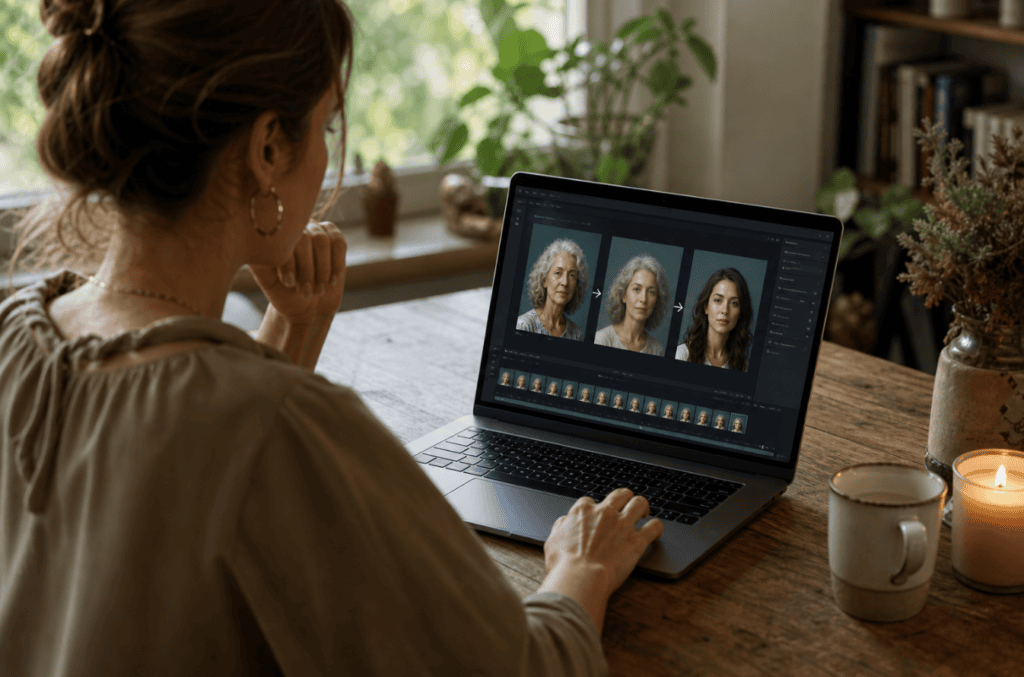
Once you’ve captured your footage, an ai product video generator helps bring everything together into a cohesive, compelling product video with faster editing, smoother transitions, and professional-quality output.
Choosing Video Editing Software
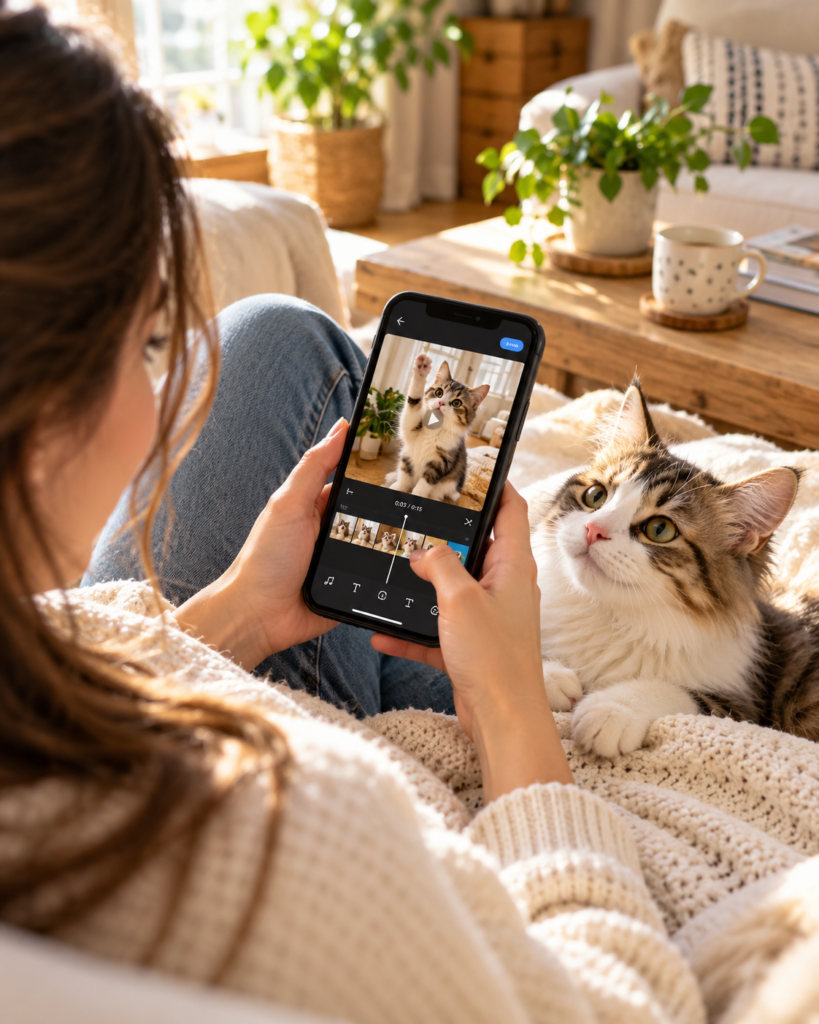
For smartphone-based editing, CapCut is an excellent free option with professional-grade features. It works on both iOS and Android and includes tools for trimming clips, adding music, inserting text, and applying transitions.
For desktop editing, consider:
- iMovie (free for Mac users)
- DaVinci Resolve (free with professional features)
- Adobe Premiere Pro (subscription-based, industry standard)
Basic Editing Workflow
- Import all your footage and review every clip
- Select only the best takes of each shot
- Arrange clips in a logical sequence
- Trim clips to remove dead space at the beginning and end
- Add transitions between clips (use subtle cuts or dissolves)
- Insert music that matches your brand aesthetic
- Add text overlays for product names, features, or calls-to-action
- Review the complete video and make adjustments
Editing Tips for Product Videos
Keep your product video concise. For social media and e-commerce, 15-30 seconds is often ideal. For YouTube or detailed product explanations, 1-2 minutes works well. Longer videos risk losing viewer attention.
Match cuts to music beats. When your visual cuts align with musical accents, your video feels more polished and professional.
Use text overlays strategically to highlight key product features or benefits. Keep text brief and ensure it’s readable on small mobile screens.
Color Correction and Grading
Even basic color correction can dramatically improve your product video. Most editing apps include automatic color correction tools, or you can manually adjust:
- Exposure: overall brightness
- Contrast: difference between light and dark areas
- Saturation: intensity of colors
- White balance: ensuring whites appear neutral
Consistent color across all clips makes your video look more professional and intentional.
| Editing step | Purpose |
|---|---|
| Review every clip | Identify the strongest raw footage before assembling the video. |
| Select best takes | Remove shaky, poorly lit, unfocused, or awkward footage. |
| Arrange clips logically | Create a clear sequence that introduces, demonstrates, and sells the product. |
| Trim dead space | Keep pacing tight and avoid losing viewer attention. |
| Add subtle transitions | Maintain flow without distracting from the product. |
| Add music and text overlays | Reinforce brand style, product benefits, and calls to action. |
| Color correct | Create consistent brightness, contrast, saturation, and white balance across clips. |
Create Product Videos Here
Use VidAU AI to turn product images, scripts, demos, UGC-style concepts, voiceovers, captions, and product launch messages into high-quality product videos for e-commerce, ads, and social media.
VidAU workflow
From product footage to UGC-style video assets
- Start with clean product assets: Use stable, well-lit smartphone footage, product images, or demonstration clips as the foundation.
- Add a product message: Turn your product benefit, launch angle, UGC-style hook, or customer use case into a short script.
- Generate video variations: Use VidAU AI to combine product visuals, voiceover, captions, avatars, and music into product-ready video formats.
- Adapt for each channel: Export versions for Amazon, Shopify, TikTok, Instagram Reels, YouTube Shorts, Facebook ads, Pinterest, and email campaigns.
- Test and improve: Compare different hooks, demonstrations, calls to action, and formats to improve engagement and conversions over time.
Advanced Techniques for Cinematic Product Videos
Once you’ve mastered the basics, these advanced techniques can elevate your product videos to truly cinematic quality.
Using Household Items for Creative Effects
A TV screen can become a dynamic backdrop, displaying colors, patterns, or relevant imagery that complements your product. Simply film your product with a TV in the background displaying curated content.
Acrylic sheets or trays create reflection effects that add depth and visual interest. Place your product on a clear acrylic surface and position your camera to capture both the product and its reflection.
Ziploc bags filled with water can create light diffusion or lens-like refraction effects when placed between your light source and product.
Slow Motion Footage
Most modern smartphones can film in slow motion. Use this feature for dramatic product reveals, liquid pouring, product drops, or any action that benefits from seeing motion details.
Slow motion works best when you have good lighting and a very steady camera position. The effect exaggerates any camera shake, so ensure your tripod is completely stable.
Macro and Detail Shots
Smartphone cameras can focus quite close to subjects. Extreme close-ups of product textures, materials, or small details add production value and help customers understand product quality.
Use your phone’s focus lock feature (usually by tapping and holding on the area you want sharp) to maintain consistent focus during close-up shots.
Product Video Composition Principles
Apply the rule of thirds by positioning your product along the intersecting lines rather than dead center. This creates more dynamic, visually interesting compositions.
Leave appropriate headroom and breathing room in your frame. Don’t crop your product too tightly—give it space within the frame.
Consider your aspect ratio based on distribution platform. Square (1:1) or vertical (9:16) videos work best for Instagram and TikTok, while horizontal (16:9) is standard for YouTube and e-commerce product pages.
AI Product Video Tools: An Emerging Option
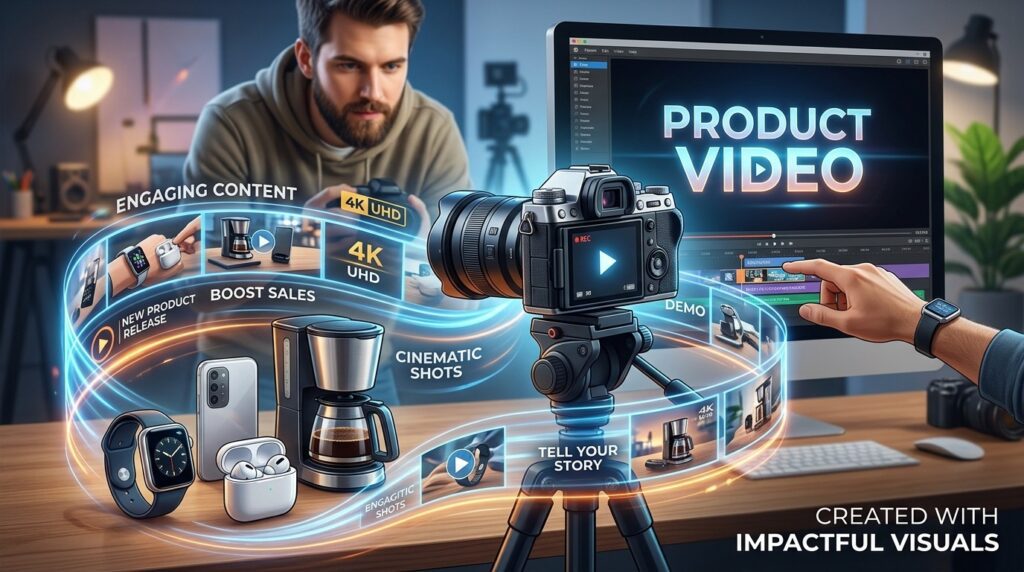
While this guide focuses on practical DIY filming techniques, AI video generation tools are emerging as alternative approaches to creating product videos. Platforms like VidAU AI offer automated video creation from product images, potentially useful for quickly generating multiple ad variations or testing different creative approaches.
These AI tools can complement rather than replace the hands-on filming techniques covered here. The most successful e-commerce sellers often use both approaches: high-quality filmed content for main product pages and hero marketing, alongside AI-generated variations for rapid ad testing and social media content.
The advantage of learning practical video production remains significant; you gain complete creative control, authentic product demonstration footage, and videos that reflect your specific brand aesthetic in ways that AI tools are still developing toward.
Distribution Strategy for Your Product Videos
Creating the video is only half the battle. Strategic distribution ensures your product video reaches your target audience.
E-commerce Platforms
Upload your product video directly to:
- Amazon product listings (primary video and additional spots)
- Shopify product pages (multiple videos per product)
- Etsy listings
- Your own website product pages
Product pages with videos typically see 80-144% higher conversion rates than those with only images.
Social Media Distribution
Adapt your product video for different social platforms:
- Instagram: Use in Reels, feed posts, and Stories
- TikTok: Optimize for the platform’s fast-paced, authentic content style
- Facebook: Use in organic posts and paid advertising
- YouTube: Create both short-form (YouTube Shorts) and long-form versions
- Pinterest: Video pins outperform static images
Video Advertising
Your product video becomes a powerful advertising asset:
- Facebook and Instagram ads
- TikTok advertising
- Google Shopping ads with video
- YouTube pre-roll advertising
Email Marketing
Embed product videos in:
- Product launch announcements
- Abandoned cart recovery emails
- New subscriber welcome sequences
- Holiday and promotional campaigns
Videos in emails can increase click rates by 200-300% compared to text-only emails.
| Distribution channel | How to use product videos |
|---|---|
| Amazon | Add product videos to the primary listing and additional video spots. |
| Shopify | Place multiple videos on product pages to show features, use cases, and benefits. |
| Etsy | Use short product videos to help shoppers understand handmade or visual products. |
| Repurpose product videos into Reels, feed posts, and Stories. | |
| TikTok | Adapt videos for fast-paced, authentic product discovery. |
| Facebook and Instagram ads | Use product video as a paid advertising asset. |
| YouTube | Create Shorts and longer product demonstrations or explainers. |
| Email marketing | Add videos to launch announcements, cart recovery, welcome flows, and promotions. |
Common Product Video Mistakes to Avoid
Learning what not to do is as valuable as learning best practices.
Poor Audio Quality
If your product video includes narration or dialogue, poor audio quality destroys professionalism instantly. Invest in a basic lavalier microphone for your smartphone or record voiceover separately in a quiet environment.
For music-only product videos, choose high-quality tracks and ensure music doesn’t overpower or distract from the visual content.
Ignoring Mobile Viewing
Most product videos are viewed on smartphones. Always preview your video on a mobile device before publishing. Check that text is readable, important visual details are visible, and the video makes sense without sound (many users watch with audio off).
Inconsistent Branding
Your product video should match your overall brand aesthetic. Use consistent colors, fonts, music styles, and visual treatments across all your video content to build brand recognition.
Overcomplicating the Message
Product videos should communicate clearly and quickly. Don’t try to showcase every single feature in one video. Focus on the primary benefit or use case. You can always create additional videos highlighting other features.
Neglecting Call-to-Action
End your product video with a clear next step. Whether it’s “Shop now,” “Learn more,” or “Tap to purchase,” tell viewers exactly what action you want them to take.
Watch out
Do not rely on editing to rescue weak footage. Poor audio, cluttered backgrounds, unreadable mobile text, inconsistent branding, unclear messaging, and missing calls to action can all reduce the effectiveness of an otherwise well-shot product video.
Key takeaway
Conclusion
Creating a strong product video with top ugc video software for product demos starts before editing. Stabilized footage, clean backgrounds, better lighting, controlled movement, real product demonstrations, and multiple takes give you the raw material needed for high-quality results.
The six-step framework in this guide shows that brands do not need a professional studio or expensive equipment to make product videos that look polished and convert. A smartphone, a tripod, basic lighting, a clear shot list, and a practical editing workflow can take you far.
AI product video generator tools such as VidAU AI can also support the process by helping brands create faster product video variations, test ad angles, and repurpose product visuals for e-commerce, social media, and launch campaigns. The strongest workflow combines clean filmed content with smart AI-assisted production, giving brands both authenticity and speed.
FAQ
Here are answers to common questions about filming product videos with a phone, choosing backgrounds, lighting setups, video length, editing apps, AI product video generator tools, product demonstrations, music licensing, and platform formats.
What equipment do I need to make a product video with my phone?
You need three essential items: a smartphone with video capability, a tripod to stabilize your shots, and a phone mount to attach your device to the tripod. Additional helpful items include LED lights or access to natural light, a clean background or simple backdrop, and basic video editing software on your phone or computer.
How long should a product video be?
For social media platforms like Instagram, TikTok, and Facebook, aim for 15-30 seconds. For YouTube or detailed product demonstrations, 1-2 minutes works well. E-commerce product page videos can range from 30 seconds to 2 minutes depending on product complexity. The key is keeping content concise and engaging throughout.
Do I need professional lighting equipment?
No, professional lighting isn’t necessary. Natural light from a window provides excellent illumination for product videos. If you need more control or consistent lighting, affordable LED panels designed for smartphone video cost $20-$50 and significantly improve quality. Position lights at 45-degree angles from your product and use white poster board as a reflector to fill shadows.
What’s the best background for filming product videos?
The best background is clean, simple, and complements your product without distracting from it. Options include plain colored poster board, wood surfaces for rustic products, clean countertops for kitchen items, or simple fabric backdrops. Match your background to your product category and brand aesthetic while avoiding clutter and busy patterns.
How do I make my smartphone video look professional?
Stabilization is the most important factor. Use a tripod instead of handheld filming. Add adequate lighting to avoid grainy footage. Plan your shots in advance, film multiple takes of each shot, and edit ruthlessly to keep only the best footage. Use smooth, slow camera movements and ensure your product is clean and well-presented.
Should I film in horizontal or vertical orientation?
This depends on your distribution platform. Vertical (9:16) works best for Instagram Reels, TikTok, and Stories. Horizontal (16:9) is standard for YouTube and many e-commerce platforms. Square (1:1) offers versatility across platforms. Consider filming multiple orientations or planning your composition to allow for different crops.
What video editing app should I use on my phone?
CapCut is an excellent free option with professional features available for both iOS and Android. It includes trimming, transitions, music, text overlays, and color correction. Other options include iMovie for iPhone users, Adobe Premiere Rush for cross-platform editing, and InShot for quick social media edits.
How many takes should I film for each shot?
Film each shot at least 5-10 times. Professional videographers use high shooting ratios because most footage doesn’t meet quality standards. Multiple takes give you options during editing and ensure you capture at least a few perfect versions of each shot with proper focus, smooth movement, and good lighting.
Do I need to show my product being used or is a static shot enough?
Demonstration footage showing your product in action dramatically increases effectiveness. Customers want to see the product working, being opened, assembled, or used in realistic scenarios. Combine static beauty shots with action footage for comprehensive product coverage that builds buyer confidence.
Can I use music in my product videos?
Yes, but ensure you have proper licensing. Use royalty-free music from platforms like Artlist, Epidemic Sound, or YouTube Audio Library. Avoid copyrighted music unless you have explicit permission. Music should complement your video without overpowering it, and remember many users watch with sound off, so videos must work visually without audio.
How do I know if my lighting is good enough?
Check your phone’s camera preview before filming. Tap on your product in the camera app to set exposure. Your product should be clearly visible with detail in both bright and dark areas. If the image looks grainy, add more light. If shadows are too harsh, diffuse your light source or add a fill light from the opposite side.
Should I consider AI video tools instead of filming myself?
AI video generation tools can complement traditional filming but work best for specific use cases like rapid ad variation testing or creating multiple versions quickly. Learning practical filming skills gives you complete creative control, authentic demonstration footage, and videos that precisely reflect your brand. Many successful sellers use both approaches for different purposes in their content strategy.