AI Video Editor Online
Generar vídeo con IA y editarlo en línea
Convierte tus ideas en vídeos atractivos con VidAU.AI, el editor de vídeo con IA único. Crea vídeos para TikTok, Instagram, YouTube o cualquier otro medio.
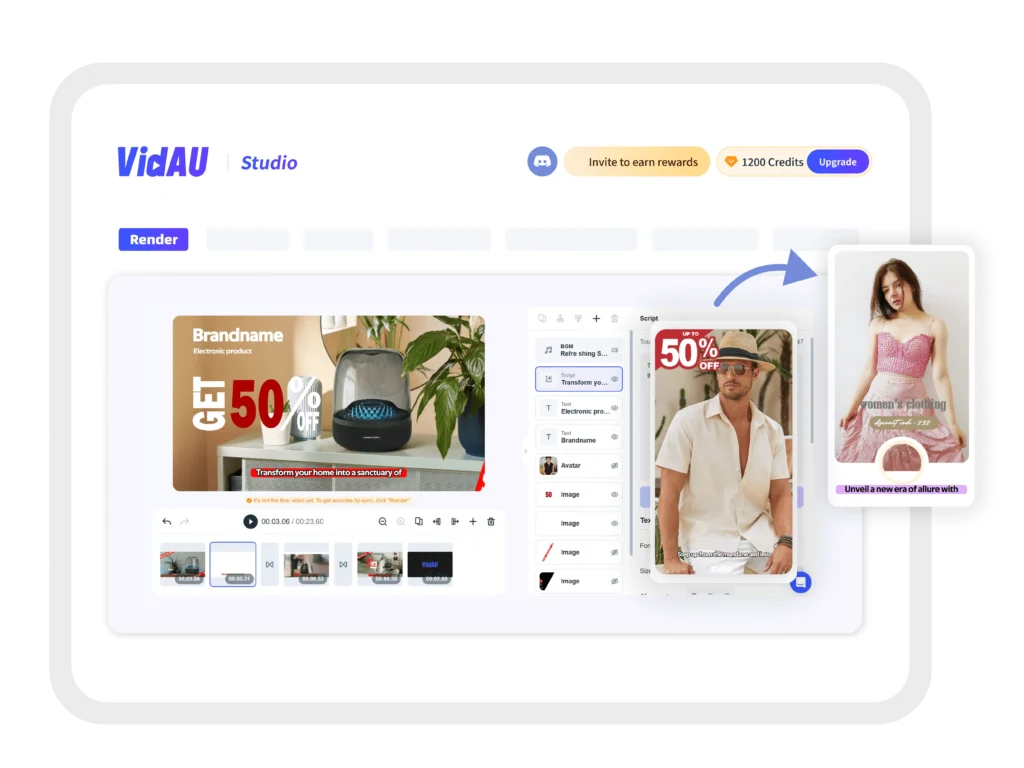
¿Qué puede hacer un editor de vídeo ai para crear vídeos fácilmente?

Cree vídeos cautivadores sin esfuerzo con herramientas intuitivas basadas en IA
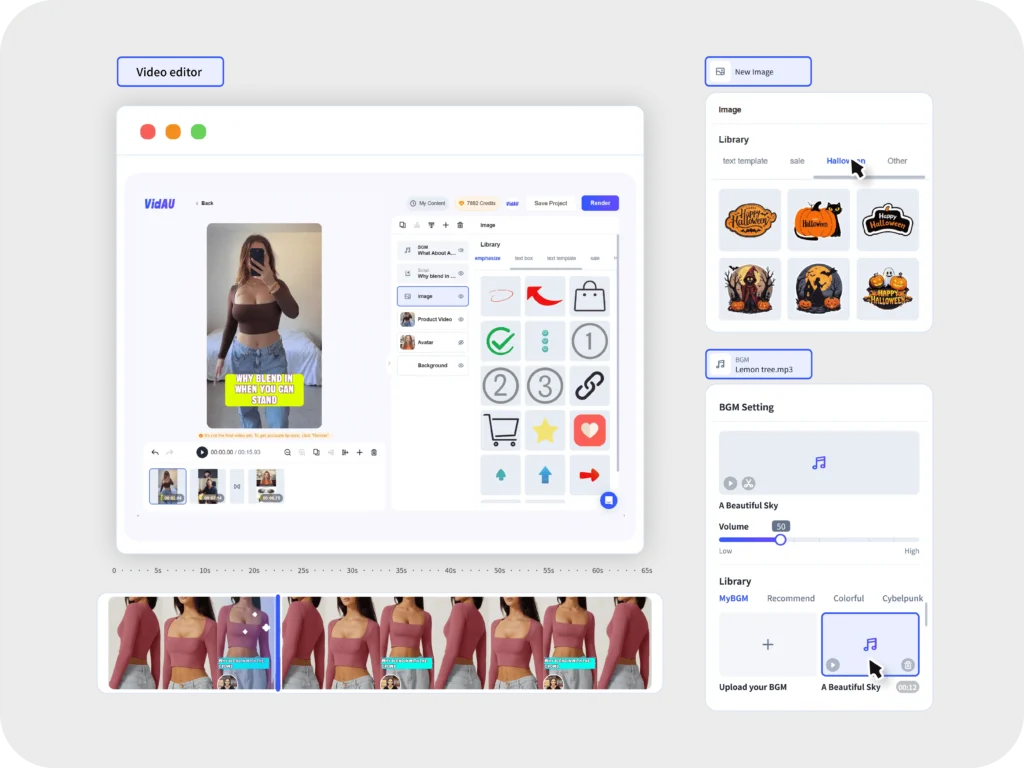
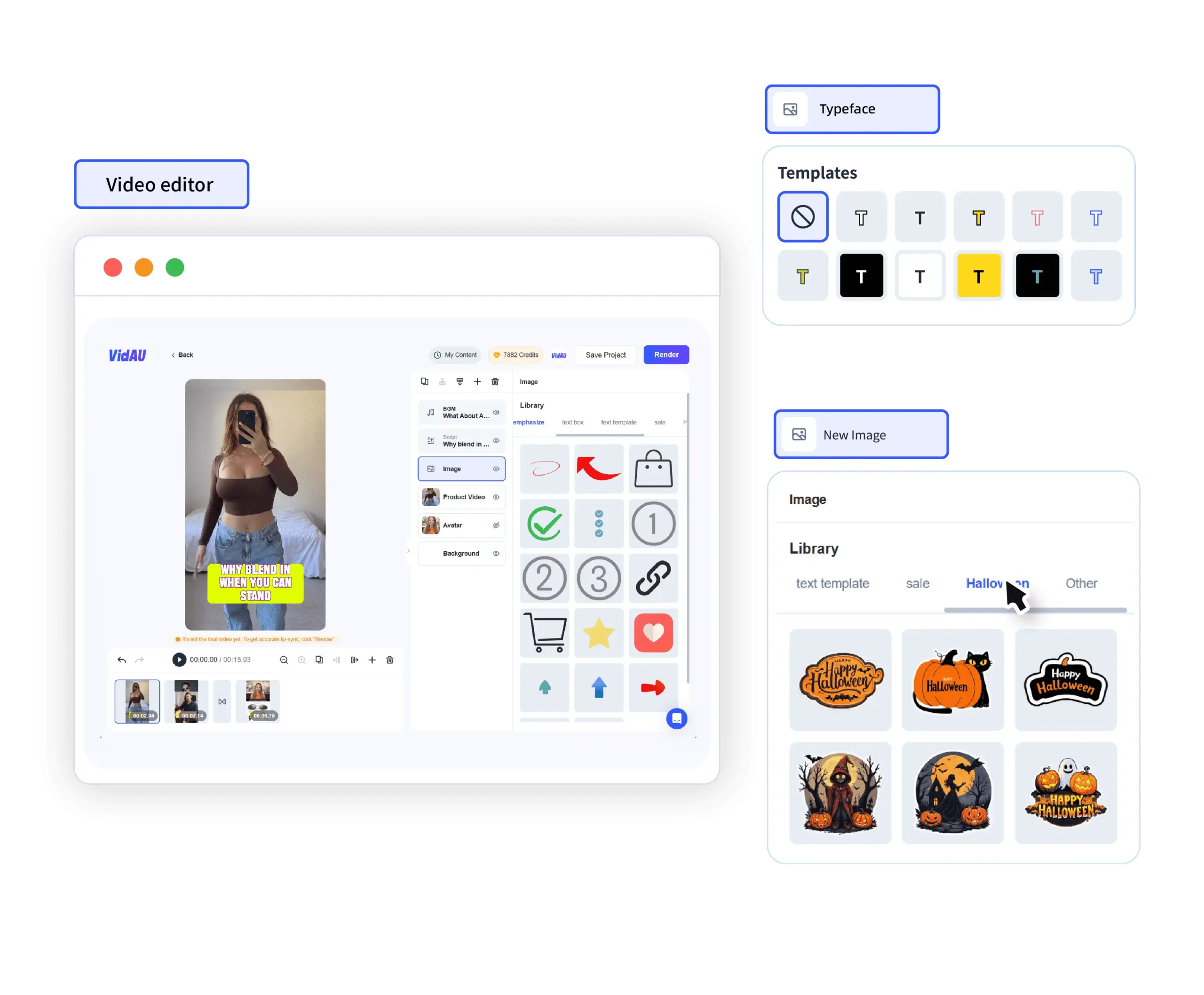
Elige tu estilo de vídeo: Selecciona entre una variedad de plantillas prediseñadas o personaliza la tuya para que se adapte a tu visión única.
Añade imágenes y clips de vídeo: Combina fácilmente diversos elementos multimedia para contar tu historia.
Añade música y voz en off: Mejora tu vídeo con una banda sonora cautivadora y una narración profesional.
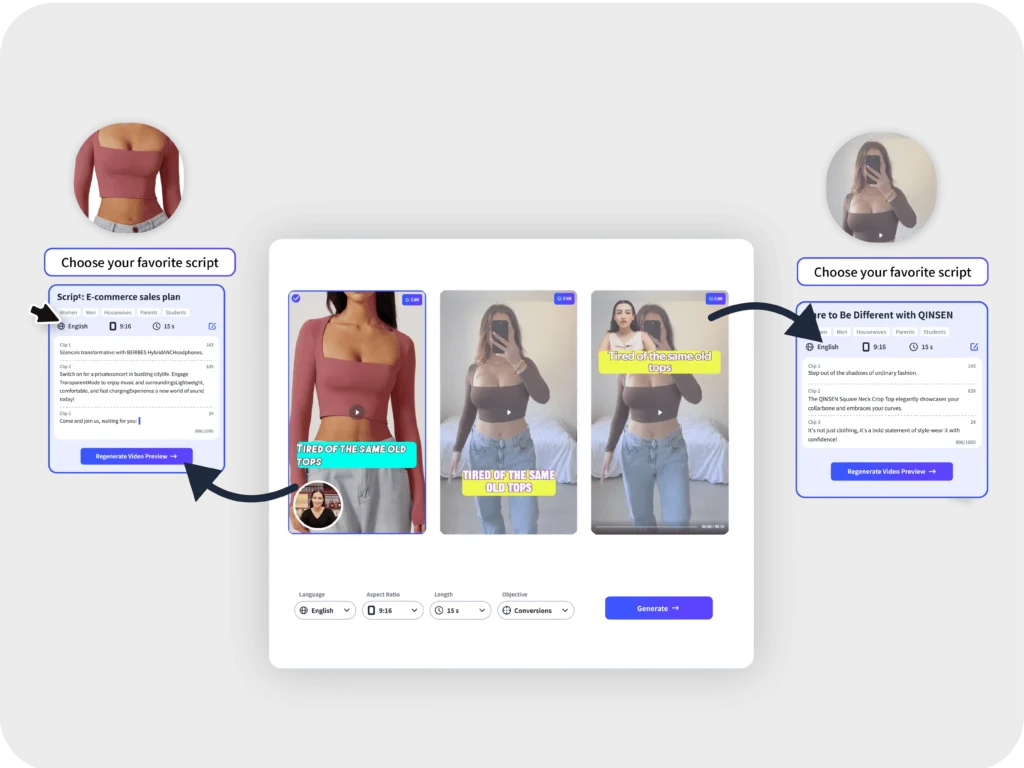
Da vida a tus ideas transformando instantáneamente el guión en vídeo
Generación de vídeo en tiempo real a partir de guiones: Vea cómo sus palabras cobran vida mientras escribe.
Ajustes de guión flexibles: Itere y perfeccione su guión sobre la marcha para plasmar a la perfección su visión creativa.
Creación de vídeos sin esfuerzo: Produce vídeos asombrosos con facilidad, aunque no tengas experiencia previa en edición.
Añade un toque personal a tus vídeos con avatares basados en IA
Presentadores dinámicos y atractivos: Elija entre un variado elenco de avatares de IA para transmitir su mensaje.
Narración mejorada: Cautive a su audiencia con personajes virtuales expresivos.
Contenido único y memorable: Destaca entre la multitud con avatares de IA personalizados.
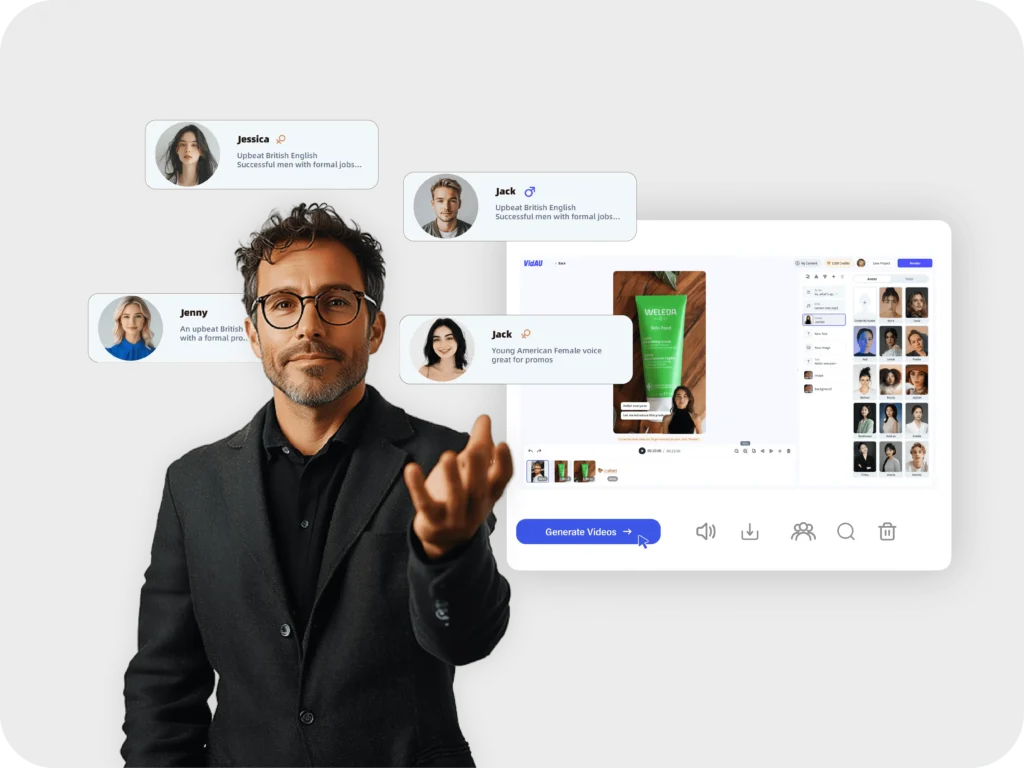
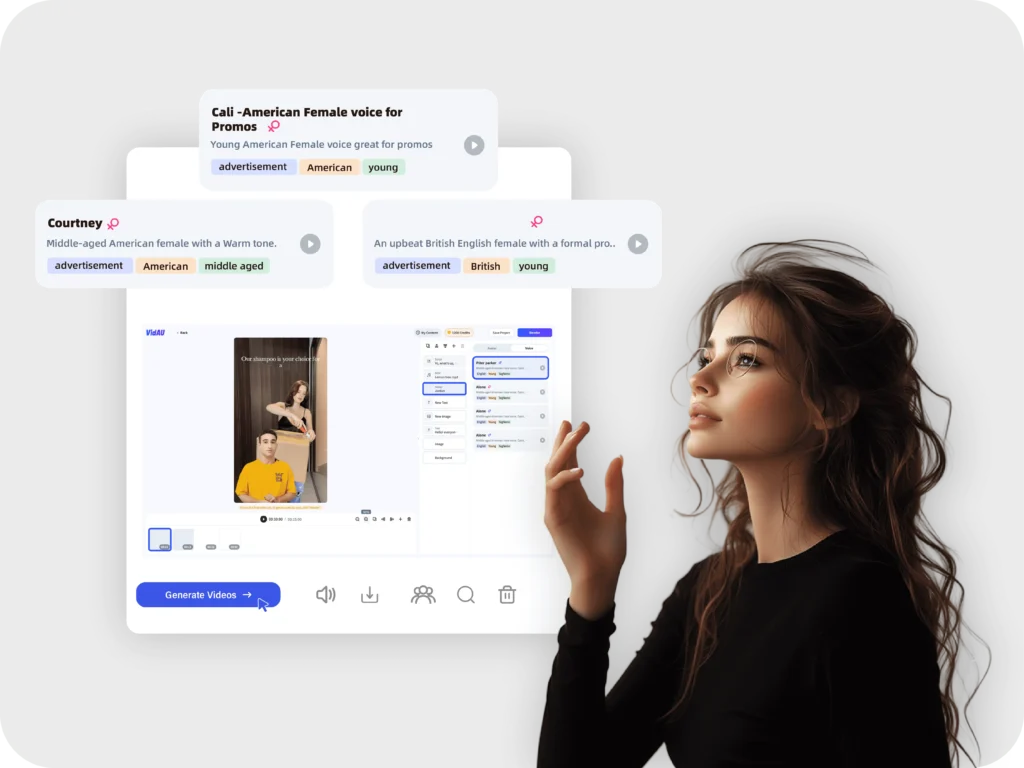
Cree locuciones auténticas y atractivas con la clonación de voz por IA
Narración personalizada: Utiliza tu propia voz o recrea las voces de otros.
Locuciones únicas y expresivas: Añade carácter y emoción a tus vídeos.
Accesibilidad mejorada: Haz que tus contenidos sean accesibles a un público más amplio.
Esté atento a las novedades.
Innovamos constantemente y añadimos nuevas funciones a nuestro editor de vídeo con IA.
Te esperan actualizaciones periódicas con herramientas y funcionalidades de vanguardia.
Prepárate para sorprenderte con el futuro de la creación de vídeo con IA.
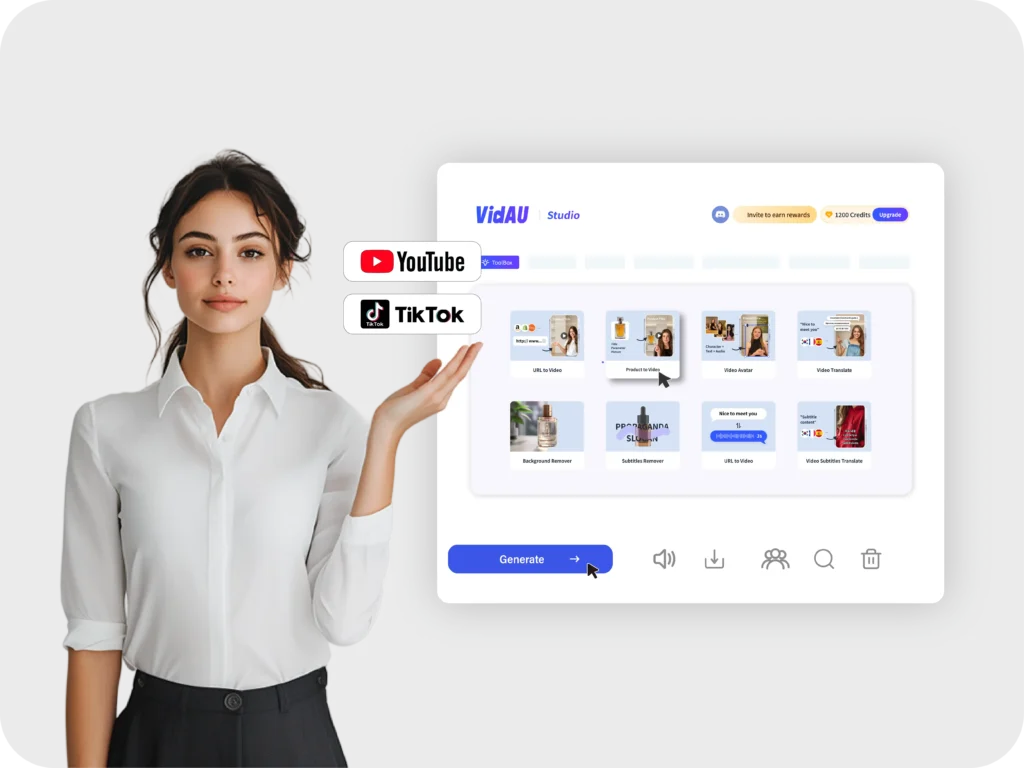
¿Cómo utilizar AI Video Editor?

Seleccionar plantilla de vídeo
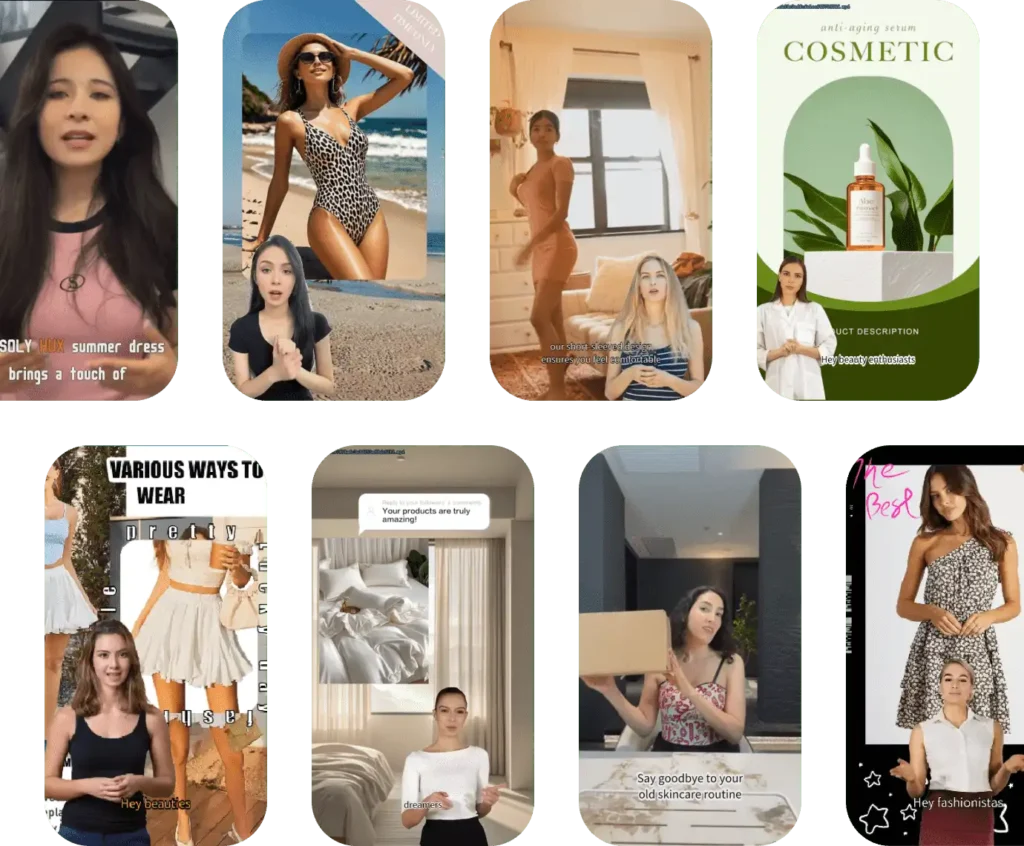
VidAU.AI ofrece más de 140 plantillas de vídeo para satisfacer todas sus necesidades.

Editar vídeo con herramientas AI
Puedes utilizar varias funciones de vídeo y audio de IA para optimizar tus vídeos.

Generar y descargar vídeo
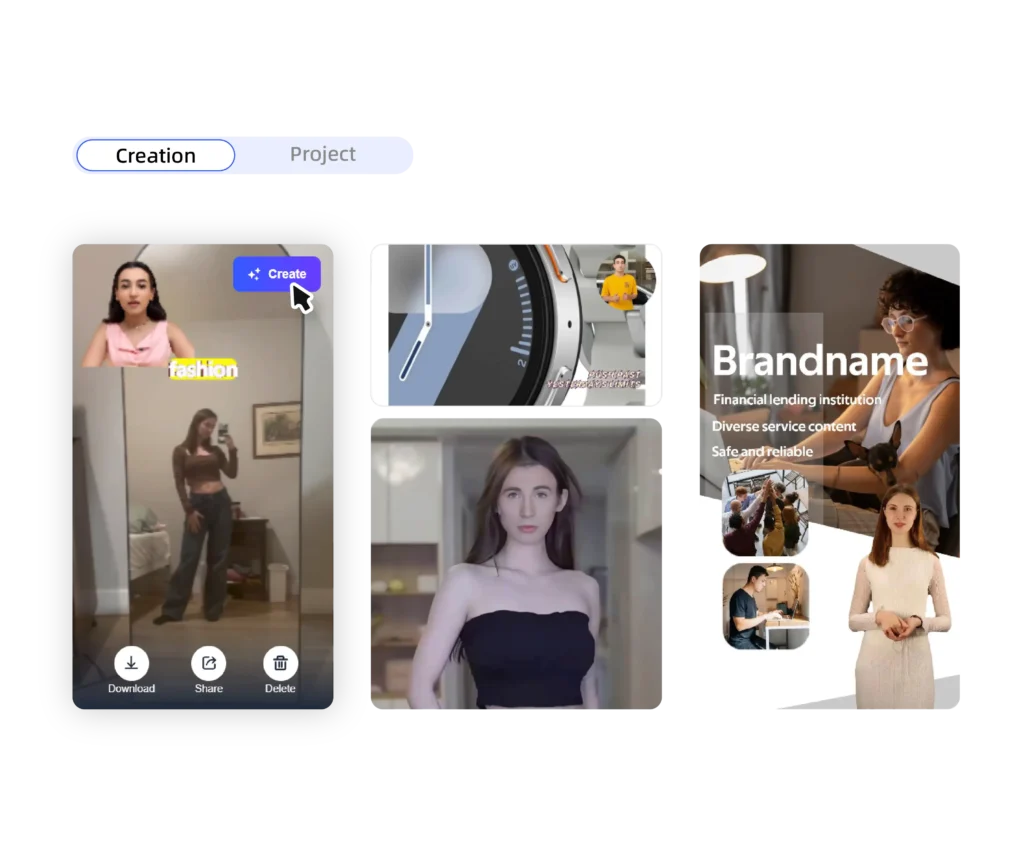
Previsualiza el vídeo hasta que estés satisfecho, genera vídeo de alta definición y exporta el archivo.
Qué sienten nuestros clientes
Escuche a nuestros clientes satisfechos que han experimentado la calidad y el valor de nuestro editor de vídeos ai.
VidAU cambia las reglas del juego. Este editor de vídeo AI es tan intuitivo y fácil de usar. Fui capaz de crear un vídeo de aspecto profesional en cuestión de minutos, a pesar de que no tengo experiencia previa en edición. Las características de AI son increíbles, y los resultados son increíbles. Recomiendo VidAU a cualquiera que quiera crear vídeos impresionantes con facilidad.

Sarah J.
Estoy alucinado con VidAU. La función de avatar AI es increíble. Pude crear un avatar personalizado que representa perfectamente mi marca. La clonación de voz también es impresionante. Mis vídeos son ahora más atractivos e informativos que nunca. VidAU me ha ayudado a llevar mi video marketing al siguiente nivel.

John D.
VidAU es imprescindible para cualquier creador de contenidos. La herramienta de eliminación de fondos me ha salvado la vida. Ahora puedo eliminar fácilmente los fondos que distraen la atención de mis vídeos y crear un aspecto limpio y profesional. La función de convertir guiones en vídeos también es muy útil. Puedo convertir rápidamente mis ideas en vídeos impresionantes. VidAU tiene todo lo que necesito para crear vídeos de alta calidad.

Emily L.
¡VidAU ha superado mis expectativas! Estoy impresionado con la calidad de los vídeos generados por la IA. Tienen un aspecto y un sonido increíbles. Las herramientas de edición son muy potentes, pero fáciles de usar. Me encanta poder personalizar mis vídeos para que coincidan con mi marca. VidAU es el mejor editor de vídeo AI que he utilizado.

David M.


Quizá le interese conocer nuestro editor de vídeo ai en línea
P: ¿Qué es exactamente un editor de vídeo con IA?
R: Un editor de vídeo con IA es una aplicación de software que utiliza inteligencia artificial para simplificar y mejorar el proceso de edición de vídeo. Estas herramientas pueden automatizar tareas como cortar secuencias, añadir transiciones, corregir el color e incluso generar efectos especiales, lo que hace que la edición de vídeo sea más accesible y eficiente para todos.
P: ¿Cómo pueden ahorrarme tiempo y esfuerzo los editores de vídeo con IA?
R: Los editores de vídeo con IA automatizan tareas que requieren mucho tiempo y tradicionalmente un esfuerzo manual. Esto incluye cosas como transcribir audio, generar subtítulos, eliminar ruido de fondo e incluso sugerir música relevante para tu vídeo. Al automatizar estas tareas, la IA te deja tiempo libre para centrarte en los aspectos creativos de la edición de vídeo.
P: ¿Puedo utilizar un editor de vídeo AI aunque no tenga experiencia en edición de vídeo?
R: ¡Por supuesto! Los editores de vídeo VidAU.AI están diseñados con interfaces fáciles de usar y funciones intuitivas que los hacen accesibles a los principiantes. Suelen incluir plantillas prediseñadas, funciones de arrastrar y soltar, y guías basadas en IA para ayudarte a crear vídeos de aspecto profesional incluso si nunca has editado antes.
P: ¿Cuáles son las ventajas de utilizar el editor de vídeo AI para los contenidos de las redes sociales?
Optimización de vídeos para distintas plataformas: Ajuste automático de relaciones de aspecto y formatos de vídeo para diversos canales de medios sociales.
Generación de contenidos de tendencia: Utilizando IA para identificar temas de tendencia y crear contenido de vídeo relevante.
Añadir elementos interactivos: Incorporación de elementos interactivos como encuestas, cuestionarios y enlaces en los que se puede hacer clic.
Analizar el rendimiento de los vídeos: Seguimiento de métricas clave como visualizaciones, me gusta y compartidos para mejorar la estrategia de contenidos.