Product Videos · Ecommerce Ads & SaaS Demo Workflow
How to Create Product Videos That Drive Conversions
Learn how to create product videos for demos, ecommerce ads, and SaaS marketing with the types, tools, and conversion tactics that turn viewers into buyers.
By the VidAU Editorial Team · Product video strategy guide · Ecommerce and SaaS conversion workflow
Most product videos fail because they describe the product instead of showing why someone should buy it. The fix is matching the right video type to the buying moment, then optimizing for the platform where the click happens.
Good product videos sell by showing the product in use, answering the buyer’s main objection, and ending with a clear next step. To create product videos that drive conversions, match the video type to the buying stage, keep the value clear in the first three seconds, and optimize each cut for the platform where it runs. VidAU is an AI video ad platform that generates video ads from product URLs, images, or scripts in 49 languages.
This guide is for marketing professionals, ecommerce owners, and SaaS product marketers who need video that performs, not just video that exists. You’ll get a step-by-step workflow, when to use demos versus ads versus explainers, and how an AI product video generator fits into a faster pipeline.
Featured image placeholder for product videos, product demos, ecommerce video ads, SaaS explainers, AI product video generator workflows, 9:16, 1:1, and 16:9 formats, URL to Video, Product Sample to Video, UGC Avatars, Video Enhancer, Text to Speech, and VidAU AI Video.
Quick Summary
- The highest-converting product videos lead with the product in action and address one buyer objection per video, not a full feature list.
- An AI product video generator turns a product URL, image set, or script into ad-ready cuts in minutes, useful for testing multiple angles fast.
- Vertical 9:16 video at 1080p or higher works for TikTok, Reels, and Shorts, while 1:1 and 16:9 suit feed ads and landing pages.
- Ecommerce sellers, SaaS marketers, and DTC brands benefit most from a mix of short demos, ecommerce video ads, and longer product explainer videos.
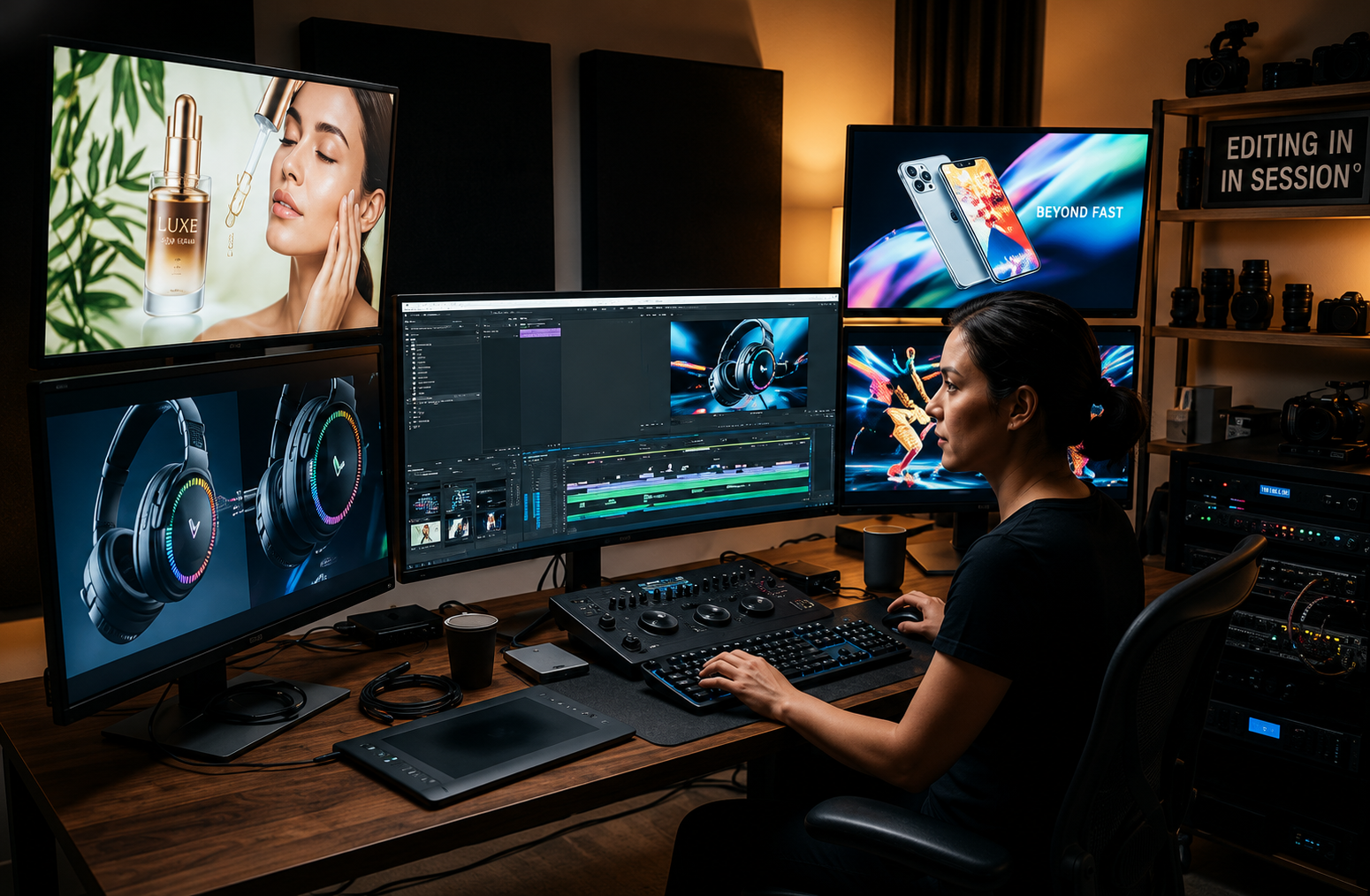
What Are Product Videos?
Product videos are short marketing videos built to show a product’s features, benefits, and value so a viewer is more likely to buy. They include product demos, ecommerce video ads, interactive demos, and product explainer videos. The goal is conversion, not just awareness, so each video should move the viewer one step closer to purchase or signup.
The format depends on context. A physical product needs to show texture, scale, and use. A software product needs to show the interface solving a real task. Both need a clear hook and a reason to act now.
Definition
Product videos are conversion-focused marketing videos that show how a product works, why it matters, and what the viewer should do next.
Why Product Videos Matter for Conversions
Product videos matter because buyers want to understand a product before they commit, and video answers that faster than text or images. For ecommerce, a short demo reduces return-driving confusion about size, function, or fit. For SaaS, an interactive demo lets buyers experience the product before signup, which shortens the path from interest to trial.
A newer pattern is worth flagging. Interactive product demos let prospects click through the actual experience, which builds confidence in a way static screenshots can’t. Treat this as one method in your toolkit, not the only answer.
Conversion principle
Video helps buyers understand faster. For ecommerce, it reduces confusion. For SaaS, demos and interactive experiences shorten the path from interest to trial.
Step-by-Step Workflow to Create a Product Video
Follow this order to keep production tight and conversion-focused.
Step 1: Define one goal and one objection
Decide the single outcome (sale, signup, click) and the one doubt the video must remove.
Step 2: Write a tight script
Lead with the hook in the first three seconds, then show the product solving the problem.
Step 3: Gather assets
Pull product images, a product URL, or short clips. For software, screen-record the exact task you want to show.
Step 4: Build the cut
Assemble footage, add captions, and keep the runtime short, often 15 to 30 seconds for ads.
Step 5: Add a clear call to action
Tell the viewer exactly what to do next and why now.
Step 6: Export for the placement
Match aspect ratio and resolution to the platform before you upload.
If you have raw product footage but no time to edit, a tool like VidAU AI Video can assemble ad-ready cuts from your assets. For a script-first approach, Text to Video turns a written script into a structured video.
Workflow tip
Keep production focused by choosing one goal, one buyer objection, and one clear next step before editing or generating anything.
Types of Product Videos and When to Use Each
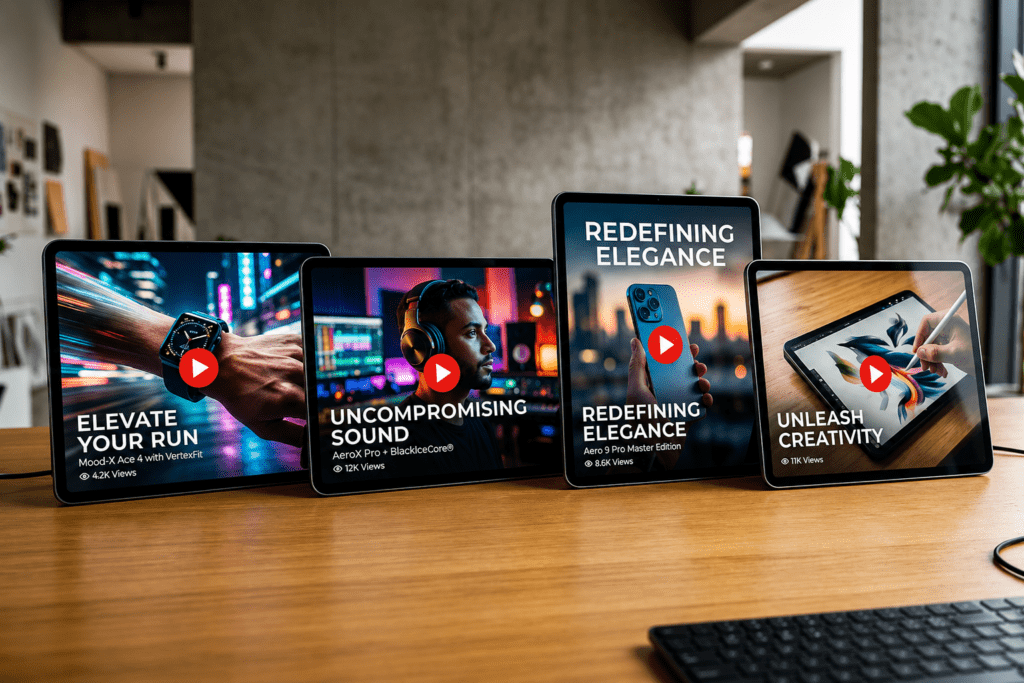
Different buying moments need different videos. Picking the wrong type is where most teams waste budget.
| Video Type | Best Use | Goal |
|---|---|---|
| Product demo | Show how it works in use | Build understanding |
| Ecommerce video ad | Paid social and feed placements | Drive clicks and sales |
| Product explainer | Complex or SaaS products | Explain value clearly |
Use a product demo when the product is easy to show and the value is visual, Use ecommerce video ads when you need a scroll-stopping hook for paid traffic. Use product explainer videos when the product needs context, like software with several features. For SaaS, an interactive demo often outperforms a passive video because the buyer drives the action.
Key Takeaways
- Demos build understanding; ads drive clicks; explainers reduce confusion.
- Physical products need use and scale; software products need a real task solved.
- Match the type to the buying stage, not to what’s easiest to film.
How to Use an AI Product Video Generator
An AI product video generator turns a product URL, image set, or script into a finished video without a full editing workflow. This matters most when you need to test several angles fast. Instead of producing one video over a week, you can generate variations and let performance data pick the winner.
Here’s a practical path:
- Drop a product URL into a tool like URL to Video to pull product details into a draft.
- Upload product samples to Product Sample to Video when you want the actual item on screen.
- Use UGC Avatars spokesperson-style ads when a human face lifts trust.
One honest caveat from our review of creator discussions: AI avatar and generator output is rarely plug-and-play. In community threads, users often report that first-pass results disappoint until they refine the script, swap source assets, or adjust settings. Plan for one or two iterations rather than expecting a perfect first export. AI is a speed advantage, not a magic button.
Want faster ad testing? Generate three product video variations from one script, run them as ecommerce video ads, and scale the winner.
Honest caveat
AI is a speed advantage, not a magic button. Plan for one or two iterations rather than expecting a perfect first export.
Generate Product Videos Now
Use VidAU AI Video, URL to Video, Product Sample to Video, UGC Avatars, Video Enhancer, Text to Speech, and Text to Video to turn product URLs, images, footage, and scripts into conversion-focused video variations.
VidAU workflow
Where VidAU fits in product video production
- Use AI Video for ad-ready cuts: Assemble product footage, images, or scripts into videos when you need fast campaign assets.
- Use URL to Video for product pages: Turn product URLs into draft videos that pull product details into a faster creative workflow.
- Use Product Sample to Video for physical items: Show the actual item on screen when texture, scale, and use matter.
- Use UGC Avatars for spokesperson-style ads: Add a human face when trust and direct-response hooks matter.
- Use Video Enhancer and Text to Speech for polish: Improve softer footage where possible and keep narration consistent across product video variations.
Platform-Specific Optimization for Conversions
The same product video should not run identically everywhere. Format and quality settings change by placement.
- TikTok, Reels, Shorts: Use 9:16 vertical, hook in the first second, captions on by default.
- Feed and carousel ads: Use 1:1 or 4:5, since square frames hold more space in the feed.
- Landing pages and YouTube: Use 16:9 for explainers and demos that need room to breathe.
A point our team kept seeing in creator forums: people chase a hidden export setting when the real quality problem starts earlier. One Reddit reply put it bluntly, saying you simply can’t fake high resolution after the fact. Source quality, lighting, and the actual footage matter more than maxing out an export menu. Platform compression then trims sharpness on upload, so clean source footage protects your final look.
Export at 1080p or higher with a high bitrate when your source supports it. If your raw clips are soft, a Video Enhancer can help, but it won’t invent detail that was never captured. For voiceover-driven explainers, Text to Speech keeps narration consistent across versions.
Suggested Visual: A three-panel comparison showing the same product video framed as 9:16, 1:1, and 16:9. Filename: product-video-aspect-ratios.png. Alt text: Product video formatted for TikTok, feed ads, and YouTube.

| Placement | Recommended Format | Conversion Note |
|---|---|---|
| TikTok, Reels, Shorts | 9:16 vertical | Hook in the first second, captions on by default. |
| Feed and carousel ads | 1:1 or 4:5 | Square and vertical-ish frames hold more space in the feed. |
| Landing pages and YouTube | 16:9 | Use for explainers and demos that need room to breathe. |
| Export quality | 1080p or higher with high bitrate | Use when your source supports it so platform compression has more detail to preserve. |
Quality warning
Source quality, lighting, and the actual footage matter more than maxing out an export menu. You cannot fake high resolution after the fact.
Common Mistakes That Hurt Product Video Conversions
Most weak product videos share the same fixable problems.
- Burying the value. If the hook isn’t in the first three seconds, mobile viewers leave.
- Listing every feature. Cover one objection per video and let other cuts handle the rest.
- Ignoring captions. Many viewers watch on mute, so on-screen text isn’t optional.
- Wrong aspect ratio. A 16:9 video in a vertical feed gets cropped or ignored.
- No clear next step. A video without a specific call to action wastes the attention it earned.
- Chasing export settings over source quality. Polish can’t rescue blurry or poorly lit footage.
From reviewing creator discussions, the pattern is consistent: teams overthink editing tools and underthink the product story and the source footage. Fix the message and the assets first.
Mistake to avoid
Do not overthink editing tools and underthink the product story. Fix the message and the source assets first.
Key takeaway
Final Thoughts
Product videos convert when they show the product solving a real problem, address one objection, and end with a clear action tied to the right platform format. Start with one goal, script a tight hook, and test more than one angle so the data picks your winner. AI generators speed up that testing, but the strategy still belongs to you.
If you want to move from planning to publishing quickly, try building your next product video ad with VidAU AI Video and generate a few variations to test before you scale.
FAQ
Here are answers to common questions about product videos, product demos, ecommerce video ads, AI product video generators, aspect ratios, professional footage, interactive demos, and testing video variations.
What makes a product video convert better?
A converting product video leads with the value in the first three seconds, shows the product solving one specific problem, and ends with a clear call to action. It targets a single buyer objection rather than listing every feature, and it matches the format and length to the platform where it runs.
How long should a product video be?
For ecommerce video ads on social platforms, 15 to 30 seconds usually performs best because attention is short. Product explainer videos for SaaS or complex products can run 60 to 90 seconds when the extra time clarifies value. Always cut anything that doesn’t move the viewer toward action.
Can an AI product video generator make good product videos?
Yes, an AI product video generator can create ad-ready product videos from a URL, images, or a script, which is useful for testing multiple angles quickly. Output usually needs one or two rounds of refinement to the script or source assets, so treat the first export as a draft rather than a finished result.
What is the difference between a product demo and an explainer?
A product demo shows the product in action so the viewer understands how it works, which suits visual or hands-on products. A product explainer focuses on the value and the problem solved, which suits complex or software products. Many SaaS brands use both, plus an interactive demo for hands-on prospects.
What aspect ratio should I use for ecommerce video ads?
Use 9:16 vertical for TikTok, Reels, and Shorts, and 1:1 or 4:5 for feed and carousel ads since square frames fill more space. Use 16:9 for YouTube and landing-page explainers. Export at 1080p or higher with a high bitrate so quality survives platform compression on upload.
Do I need professional footage for product videos?
You don’t need a full studio, but source quality matters more than export settings. Clean lighting, a stable shot, and a clear view of the product determine the final look more than any editor. If your footage is soft, an enhancer helps slightly, but it can’t add detail that was never captured.
How do interactive product demos help conversions?
Interactive product demos let buyers click through the real product experience before they sign up, which builds confidence faster than a passive video. They work especially well for SaaS, where seeing the interface solve a task reduces hesitation. Use them alongside short ad videos that drive traffic to the demo.
How many product videos should I create to test?
Start with at least three variations of the same product video, each with a different hook or angle, then run them as ecommerce video ads and scale the strongest performer. An AI product video generator makes this practical because you can produce variations from one script instead of filming each version separately.