AI UGC · YouTube Marketing · 2027
AI UGC Generator: The YouTube Strategy to Get Ahead in 2027
Build a repeatable YouTube strategy with creator-style videos, organic and paid testing, and performance-led creative scaling.
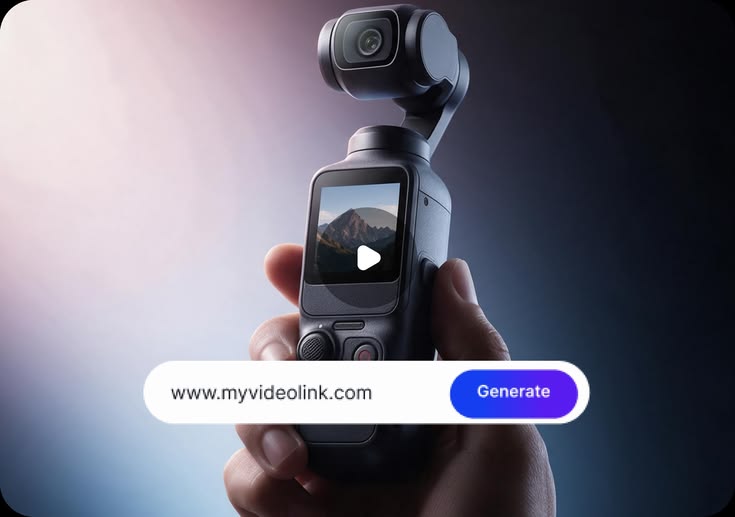
What if your next YouTube marketing campaign started with one product image, five scripts and 30 creator-style videos instead of weeks of filming?
An AI UGC generator gives marketers a different approach to video production. Rather than hiring multiple content creators for every campaign, you develop product demonstrations, conversational videos, unboxing clips and promotional content using artificial intelligence.
The opportunity for 2027 goes beyond producing more videos. Businesses need to identify which hooks attract attention, which messages drive purchases and which video formats deserve a larger advertising budget.
With the right AI UGC generator, you build a repeatable YouTube content production and testing strategy without starting every campaign from scratch.
Key Takeaways
- Use AI-generated UGC-style videos to test multiple YouTube advertising concepts.
- Combine organic YouTube Shorts with paid advertising.
- Evaluate free video generation platforms before investing in subscriptions.
- Scale video production using retention, conversion and acquisition data.
- Follow YouTube’s AI disclosure and content originality requirements.
Contents
- How to Use an AI UGC Generator for YouTube in 2027
- How to Use a UGC Maker AI Tool to Build a YouTube Content Ecosystem
- The AI UGC Generator Strategy for Organic and Paid YouTube Growth
- Five High-Intent AI UGC Generator Prompts for YouTube Videos
- Build a 30-Day YouTube Content Strategy With an AI UGC Generator
- What YouTube Metrics Should You Track When Using AI UGC?
- Will YouTube Allow AI-Generated UGC Content in 2027?
- Create YouTube UGC Videos With VidAU AI
- Conclusion: Build Your 2027 YouTube Strategy With an AI UGC Generator
- Frequently Asked Questions
How to Use an AI UGC Generator for YouTube in 2027
The most practical way to use an AI UGC generator for YouTube involves developing multiple versions of a product message, testing them with your target audience and scaling the videos with the strongest performance.
Here is how to build your strategy.
Step 1: Research Your YouTube Audience
Before generating videos, identify what your potential customers want to know about your product.
Review YouTube comments, competitor videos, customer reviews and frequently asked questions. Pay attention to recurring problems, purchase objections and product expectations.
For example, if you sell skincare products, your audience might want to understand product ingredients, application methods and suitability for different skin types.
Use these questions to inform your video scripts.
Step 2: Develop Multiple Video Hooks
Your opening seconds influence how long viewers stay with your video. Instead of relying on one introduction, prepare multiple hooks for the same product.
Here are five hook formats worth testing:
- Problem hook: “Struggling to organize your morning skincare routine?”
- Demonstration hook: “Here is how this three-step skincare routine works.”
- Educational hook: “Three things to check before buying a facial cleanser.”
- Comparison hook: “Gel cleanser or cream cleanser? Here is the difference.”
- Curiosity hook: “What happens when you simplify your skincare routine?”
Feed these hooks into your AI UGC generator to produce different versions of your YouTube video.
Step 3: Select an AI Presenter
Choose an AI presenter whose delivery style, setting and appearance align with your intended audience and brand identity.
A casual home setting might suit lifestyle products, while a professional environment might work better for business software.
Focus on clear communication rather than presenting synthetic presenters as real customers.
Step 4: Generate Multiple Video Variations
Use your AI UGC generator to combine different hooks, presenters, product visuals and calls to action.
For example, three hooks, two presenters and five script variations give you 30 possible video combinations.
You now have several creative directions to test without organizing 30 separate filming sessions.
Step 5: Optimize Your Videos for YouTube Shorts
Google Ads recommends vertical videos with a 9:16 aspect ratio for YouTube Shorts. For action-oriented advertisements, Google recommends videos between 10 and 30 seconds.
Design your videos around mobile viewing, readable captions, clear product demonstrations and direct messaging.
Avoid lengthy introductions. Show viewers the product or its primary benefit early.
Step 6: Test Before Increasing Your Advertising Budget
Publish selected videos organically or run controlled advertising tests through Google Ads.
Monitor audience retention, click-through rate, conversion rate and cost per acquisition.
Use the results to determine which creative elements improve performance before committing more resources to production.
How to Use a UGC Maker AI Tool to Build a YouTube Content Ecosystem
Using a UGC maker AI tool for individual videos serves a purpose, but developing a connected content ecosystem gives each video a defined marketing objective.
Your YouTube channel should address different stages of the customer journey, including product awareness, consideration and purchase decisions.
Awareness: Introduce Your Product
Use a UGC maker AI platform to develop short educational videos addressing common customer problems.
For example, a brand selling portable chargers might develop videos explaining battery management, travel charging essentials and common charging mistakes.
These videos introduce potential customers to the product category without immediately pushing a sale.
Consideration: Demonstrate Product Value
At this stage, your audience already understands the problem and wants a suitable solution.
A UGC maker AI tool helps you produce product demonstrations, feature explanations and comparison videos.
Show how your product works, what customers receive and how the product addresses specific needs. Use genuine product footage where accuracy matters.
Conversion: Address Purchase Objections
Use your UGC maker AI software to develop videos addressing questions about pricing, product functionality, delivery and usage.
For example, if customers frequently ask about product durability, develop a video demonstrating the product’s verified specifications and actual performance.
Include a clear call to action directing interested viewers to your product page.
Retention: Support Existing Customers
YouTube marketing does not end after a customer completes a purchase.
A UGC maker AI platform helps you develop onboarding videos, product tutorials, maintenance guides and frequently asked question videos.
These resources help customers understand their purchases and get more value from your products.
Localization: Reach Different Markets
Instead of recording separate videos for every country, use a UGC maker AI platform with multilingual voiceovers and captions.
Adapt your messaging, currency, offers and cultural references for each target market.
With an AI UGC generator, businesses gain more opportunities to develop localized campaigns without rebuilding the entire production process.
The most effective use of a UGC maker AI tool involves connecting every video to a specific customer need and marketing objective.
Five High-Intent AI UGC Generator Prompts for YouTube Videos
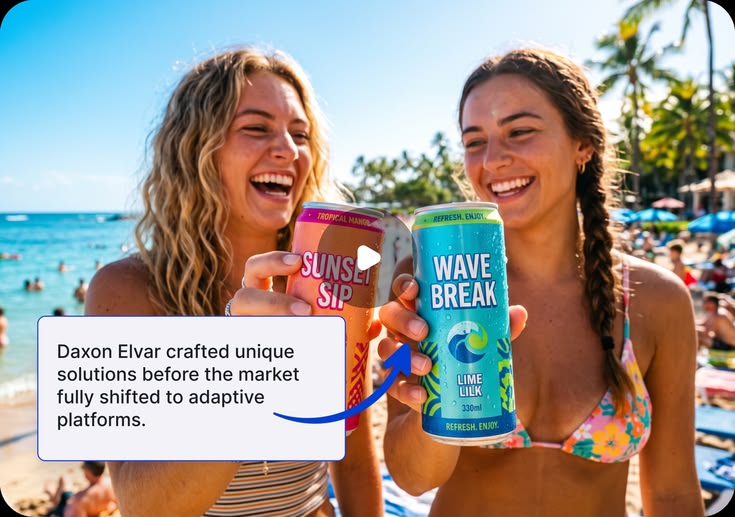
Your video quality depends partly on the instructions you provide. Instead of entering a general product description, specify the audience, message, visual direction and desired outcome.
Use these five prompts to develop your YouTube content.
1. Product Demonstration Prompt
Generate a 25-second vertical UGC-style YouTube video featuring an AI presenter demonstrating [product name]. Open with a common customer problem. Show the product in use, explain three verified benefits and end with a direct purchase CTA. Use conversational speech, natural lighting and readable captions. Identify the presenter as AI-generated where required.
2. Problem-Solution Prompt
Generate a 20-second YouTube Short addressing [customer problem]. Introduce [product name] as a possible solution, demonstrate its verified functionality and finish with a CTA directing viewers to the product page. Avoid exaggerated claims.
3. Unboxing Video Prompt
Generate a 30-second vertical product unboxing demonstration using the supplied product images and verified packaging details. Show the packaging, included accessories and primary product features. Present the video as an AI-generated product demonstration rather than a genuine customer experience.
4. Product Comparison Prompt
Generate a 30-second YouTube video comparing [product A] and [product B] using verified features, pricing and practical applications. Use an AI presenter, product close-ups, readable captions and a neutral conversational tone.
5. Educational YouTube Shorts Prompt
Generate a 25-second educational YouTube Short explaining three practical ways to use [product name]. Begin with a relevant question, demonstrate each application and finish with a clear CTA. Use vertical 9:16 framing and accurate product visuals.
These prompts give your AI UGC generator a defined creative direction while reducing unnecessary revisions.
Build a 30-Day YouTube Content Strategy With an AI UGC Generator
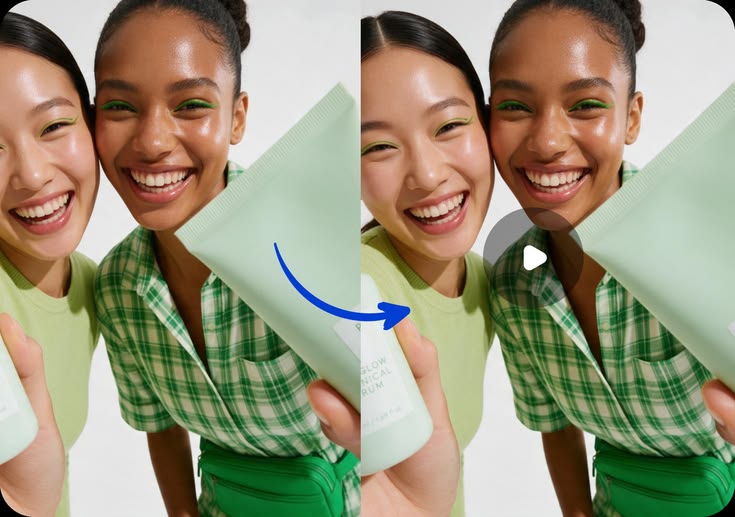
A YouTube campaign needs a consistent production and evaluation schedule.
Instead of generating videos whenever you need new content, divide your monthly activities into four stages.
Week 1: Research and Production
- Research customer needs.
- Develop multiple video hooks.
- Prepare product visuals and scripts.
- Produce 10 initial videos.
Week 2: Organic Content Testing
- Publish selected videos on YouTube Shorts.
- Review audience retention and engagement.
- Identify promising creative concepts.
- Produce five additional video variations.
Week 3: Paid Campaign Testing
- Select promising organic video concepts.
- Adapt five videos for paid advertising.
- Run controlled advertising tests.
- Review click-through and conversion rates.
Week 4: Optimization and Scaling
- Review conversion data.
- Identify cost-effective advertising creatives.
- Refine your video messaging.
- Produce 10 additional video variations.
By the end of the month, you have 30 video assets and performance insights to inform your next campaign.
What YouTube Metrics Should You Track When Using AI UGC?
Generating more videos does not automatically translate into better marketing results. Establish performance indicators before publishing your content.
Audience Retention
Audience retention helps you understand how long viewers remain engaged with your videos.
If viewers consistently leave during the opening seconds, review your hook, visual presentation and pacing.
Click-Through Rate
For paid advertisements, click-through rate measures how frequently viewers click after seeing your ad.
A low click-through rate might indicate an unclear offer, weak CTA or insufficient product interest.
Conversion Rate
Conversion rate measures how frequently users complete your intended action after interacting with your campaign.
Compare conversion rates across different videos to identify messages associated with stronger purchase intent.
Cost Per Acquisition
Cost per acquisition measures the advertising cost of generating a customer or another defined conversion.
Your AI UGC generator should support your ability to develop and test more creative concepts, while campaign data determines which concepts warrant additional spending.
Will YouTube Allow AI-Generated UGC Content in 2027?
YouTube currently permits AI-generated content, subject to its content, disclosure and monetization requirements.
When developing your 2027 YouTube strategy, review the platform’s updated policies before publishing AI-generated videos.
When using an AI UGC generator, follow these responsible publishing practices:
Responsible publishing practices
- Disclose realistic AI-generated content when YouTube requires disclosure.
- Avoid presenting synthetic actors as genuine customers.
- Verify product specifications and advertising claims.
- Use commercially licensed images, music and voices.
- Develop original, useful videos rather than publishing repetitive content.
- Review YouTube’s updated policies before launching your campaigns.
The US Federal Trade Commission also prohibits fake consumer testimonials, including AI-generated reviews misrepresenting genuine customer experiences.
AI-generated UGC-style advertising should communicate product value without inventing customer experiences.
Create YouTube UGC Videos With VidAU AI
Develop creator-style videos using product information, images, scripts and AI presenters.
Create YouTube UGC Videos With VidAU AI
VidAU’s AI UGC generator helps marketers develop creator-style videos using product information, images, scripts and AI presenters. Instead of organizing a separate filming session for every advertising concept, you develop multiple creative directions within one production workflow.
For marketers comparing an AI UGC video generator free option or searching for a customizable UGC maker AI platform, VidAU offers a product-focused approach to video advertising. Develop educational videos, product demonstrations, unboxing concepts and promotional clips using the same product assets.
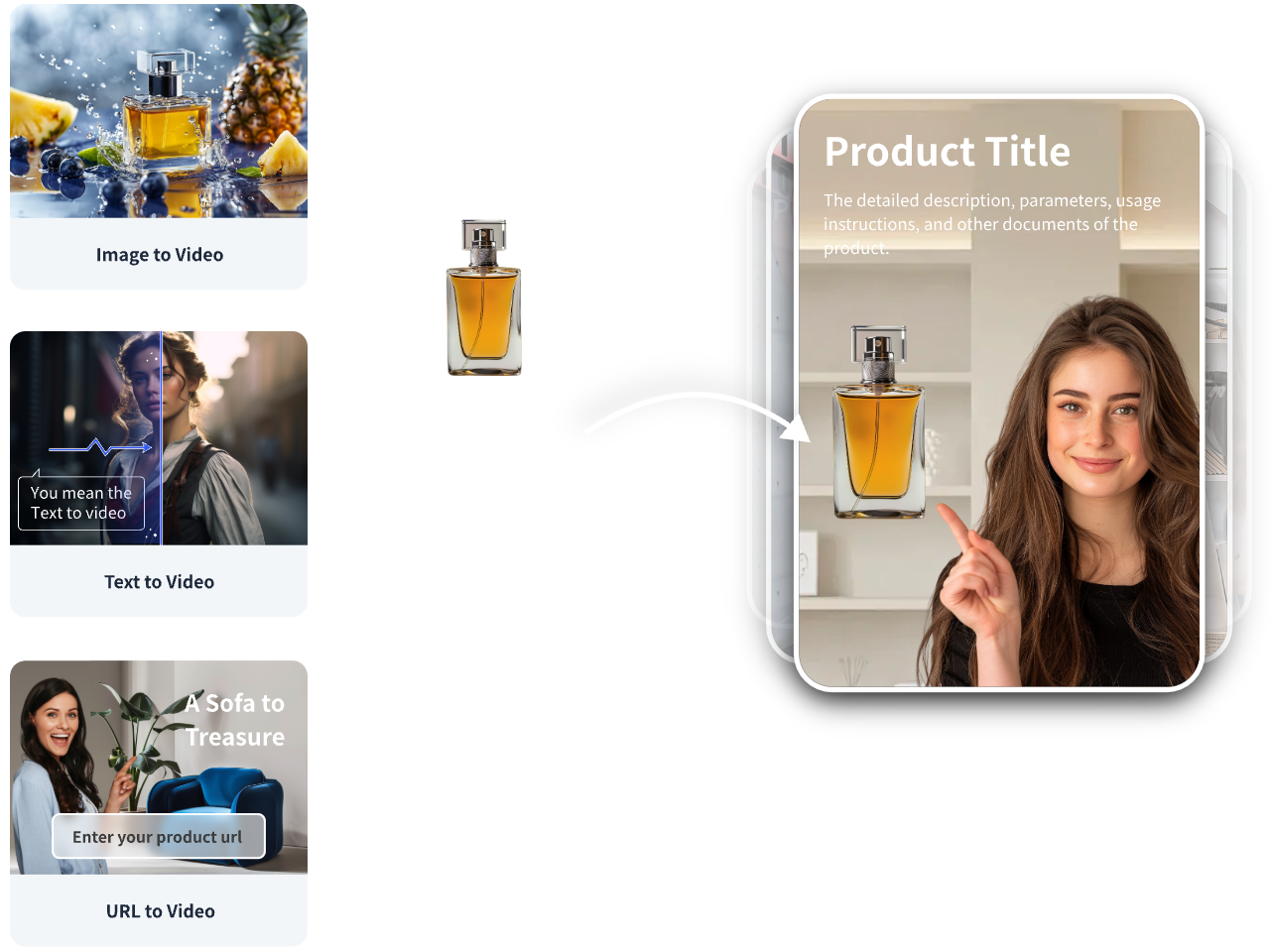
Use the URL to Video workflow to develop additional creative concepts, test different product messages and prepare videos for your next YouTube marketing campaign.
Key takeaway
Conclusion: Build Your 2027 YouTube Strategy With an AI UGC Generator
An AI UGC generator gives you a practical way to produce, test and refine YouTube content without relying on repeated filming sessions. Start with one product, develop different hooks and use audience retention, conversion rates and acquisition costs to guide your next campaign.
For 2027, focus on original content, accurate product demonstrations and consistent creative testing. With VidAU, you have a central platform for developing creator-style videos and scaling the concepts backed by campaign data.
Helpful answers
Frequently Asked Questions
Answers to common questions about AI UGC generators, YouTube production, advertising and monetization.
What is an AI UGC generator?
An AI UGC generator is software for producing creator-style videos using artificial intelligence, product assets, scripts, synthetic presenters and voiceovers.
Is there an AI UGC video generator free to use?
Yes. Platforms such as Creatify and HeyGen offer limited free generation options. Review usage limits, watermarks and commercial export requirements before choosing a platform.
What is the best AI UGC generator for YouTube?
VidAU, Creatify, Arcads and HeyGen offer different features for YouTube content production. Choose based on your video format, budget and campaign objectives.
How does a UGC maker AI tool work?
A UGC maker AI tool processes product information, images and scripts to generate videos featuring synthetic presenters, voiceovers, product visuals and captions.
What are the top AI tools for generating UGC video content?
VidAU, Creatify, Arcads and HeyGen are notable options for producing product advertisements, presenter-led content and marketing videos.
Does YouTube monetize AI-generated UGC videos?
AI-generated videos remain eligible for monetization when they satisfy YouTube Partner Program requirements, including originality and applicable content policies.
How long should AI UGC videos be for YouTube Shorts ads?
Google recommends 10–30-second vertical videos for action-oriented Shorts advertisements. Other campaign objectives support different video durations.
Are AI UGC videos effective for advertising?
AI UGC videos support rapid creative testing and product demonstrations. Advertising effectiveness depends on messaging, audience relevance, production quality and campaign optimization.
Is AI-generated UGC the same as traditional UGC?
No. Traditional UGC originates from real users or creators. AI-generated UGC-style content reproduces aspects of creator-led video formats using synthetic media.