VidAU Editorial · AI Search
Vidu Q3 vs Vidu Q4: Features, Differences, and Which Model to Choose
Use VidAU’s Product-to-Video feature to turn product ideas and visuals into promotional videos for your next campaign.
By the VidAU Editorial Team · Reviewed before publishing
AI video generation gives creators new ways to produce cinematic scenes, product advertisements, character animations, and social media videos. However, choosing the right model matters when you need consistent characters, realistic motion, high-resolution output, or precise control over visual references.
The comparison between Vidu Q3 vs Vidu Q4 focuses on two generations of AI video technology from Vidu. Vidu Q3 offers established video generation workflows, including text-to-video and multi-shot storytelling. Vidu Q4 Preview focuses on improved visual quality, additional reference images, expressive character performances, and more advanced camera work.
Both models serve different creative needs. Therefore, the right choice depends on whether you prioritise flexible text-based generation, reference-guided video production, output quality, or production readiness.
Quick Summary
• Vidu Q3 supports text-to-video, image-to-video, and reference-based generation, while Q4 Preview focuses on image-to-video and reference-to-video workflows.
• Q3 Pro supports up to 1080p output, while Q4 Preview supports up to 4K resolution and 10-bit color.
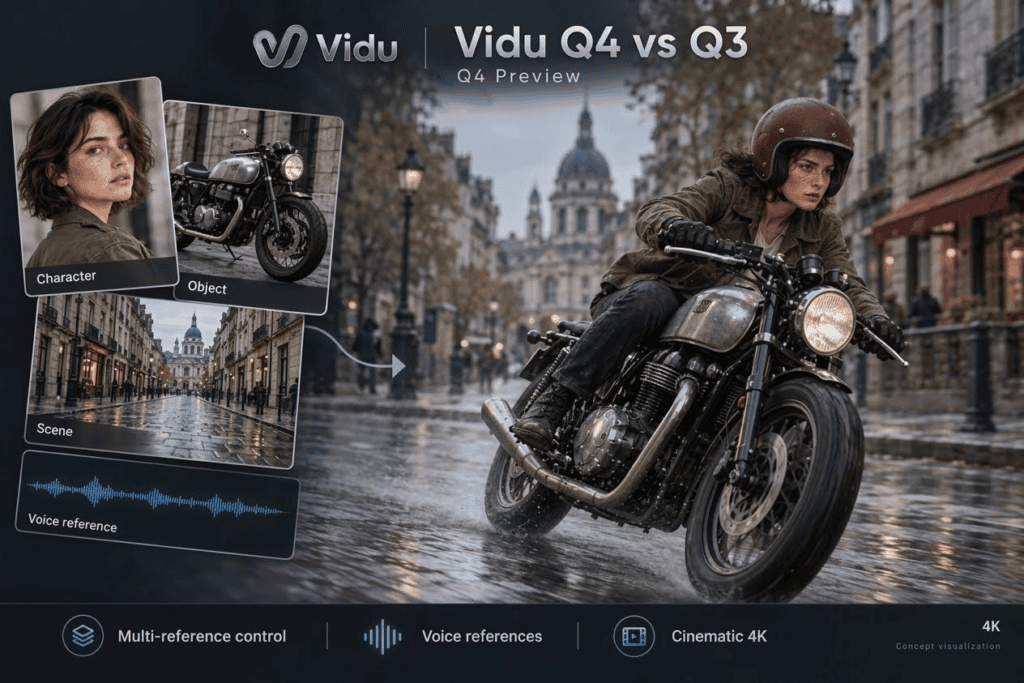
• Q3 supports up to seven reference images in its documented reference-to-video workflow, while Q4 supports up to 15 images and three audio references.
• Q3 Pro suits creators who need text-driven concepts and established production workflows. Q4 suits projects requiring more reference control, cinematic motion, and high-resolution output.
• Test both models using the same images, prompts, and target duration. Compare output quality, consistency, generation costs, and editing time before selecting a model.
Vidu Q3 vs Vidu Q4 Vidu Video : Comparing Quality, Motion, and Creative Control
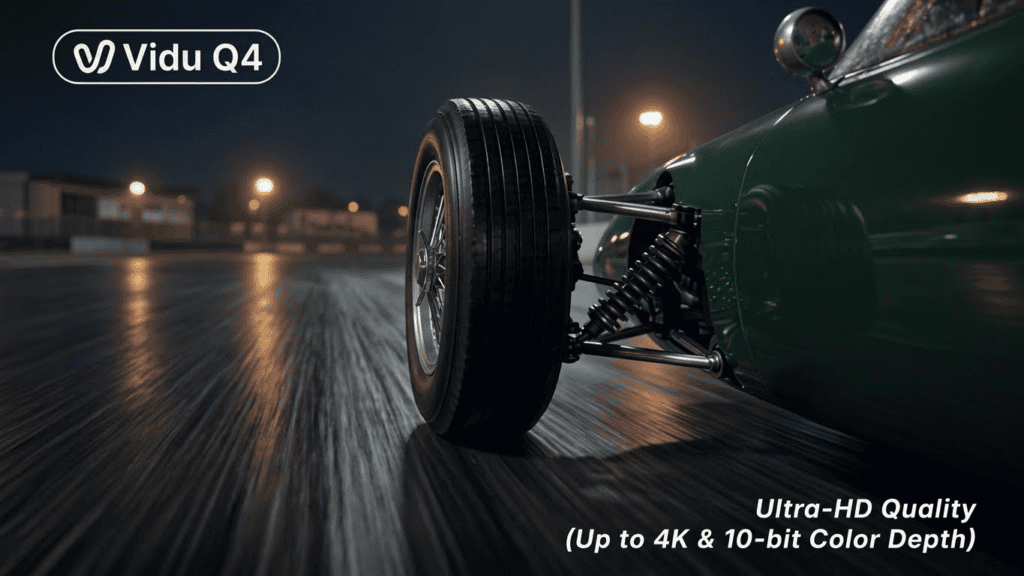
The quality of Vidu video output depends on the model, the input material, and the prompt. Vidu Q3 provides established workflows for generating scenes from text, images, and reference materials. Vidu Q4 Preview places more emphasis on reference-led scenes, detailed motion, character performances, and cinematic effects.
Resolution and Color Depth
Vidu Q3 Pro supports output up to 1080p. Vidu Q4 Preview supports output up to 4K and 10-bit color, providing more room for fine detail and smoother tonal transitions.
Higher resolution does not guarantee a better video in every situation. Your source image, motion, lighting, and prompt also affect the final result.
Motion Quality and Camera Movement
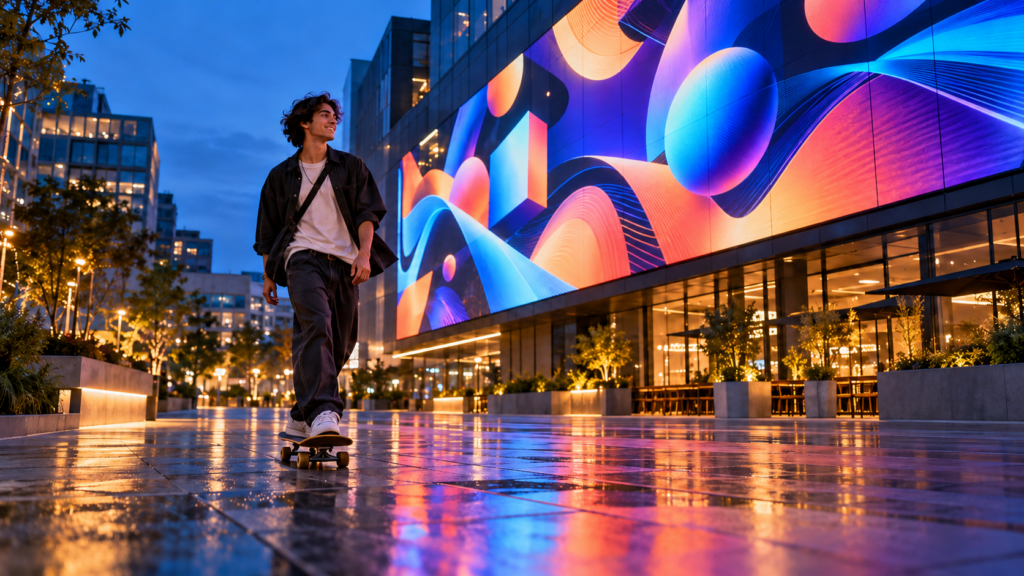
Both models support intelligent camera switching and synchronized audio-video generation in supported workflows. Q4 emphasizes smoother movement, expressive performances, and more detailed visual effects.
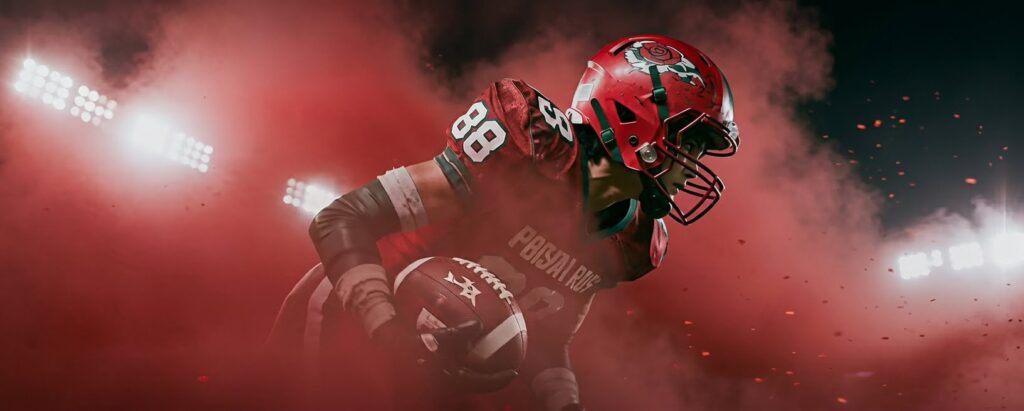
For example, a creator producing a martial arts scene might use Q4 to test rapid movement, camera changes, smoke, and impact effects. The creator should still inspect the clip for distorted limbs, inconsistent object positions, and unnatural transitions.
Reference Images and Subject Consistency
Vidu Q3 supports up to seven reference images in its documented reference-to-video workflow. Vidu Q4 supports up to 15 image references, helping creators guide character appearance, clothing, objects, environments, and visual style.
This difference matters when you create a recurring character, a product campaign, or a scene involving several visual elements.
Audio and Voice References
Vidu Q3 supports synchronized audio and video, including dialogue and sound effects. Q4 Preview adds support for up to three audio references, which guide voice identity, emotional delivery, and lip synchronization.
For a short drama, these features help creators develop dialogue-driven scenes. Nevertheless, check pronunciation, timing, and lip movements before publishing the finished clip.
Vidu Q3 Pro: Features, Strengths, and Use Cases – Vidu Q3 vs Vidu Q4

Vidu Q3 Pro is a model in Vidu’s Q3 series. The official documentation lists image-to-video, text-to-video, and start-end-to-video workflows, with clips from 1 to 16 seconds and output up to 1080p. It also supports audio-video generation.
Text-to-Video for Concept Development
Text-to-video lets you describe a scene without supplying a starting image. This makes Q3 Pro useful for testing creative concepts, story ideas, and scene compositions.
For example, you might prompt the model to create a cinematic shot of a woman walking through a rainy Lagos street at night, with reflections on the road and moving headlights in the background.
Image-to-Video for Existing Visual Assets
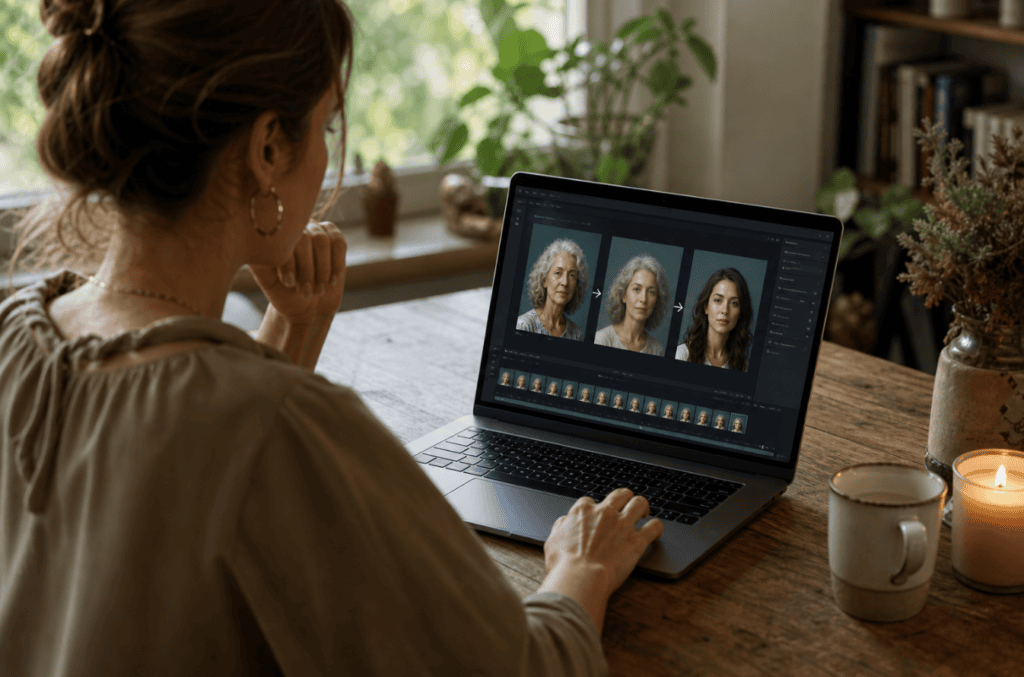
Image-to-video starts with an image and uses your prompt to animate the scene. This approach suits product photographs, character portraits, illustrations, and marketing visuals.
You might upload a photograph of a sneaker and request a slow camera orbit, moving studio lights, and subtle reflections while preserving the shoe’s shape and colors.
Audio-Video Generation
Q3 Pro supports synchronized audio-video generation, giving creators a workflow for producing visuals alongside dialogue and sound effects.
This feature is useful for short advertisements, character scenes, and narrative clips where sound plays an important role.
When Should You Choose Vidu Q3 Pro?
Choose Q3 Pro when you need a model with established text-to-video support, image animation, and flexible clip durations.
It also suits teams that rely on 1080p output and already have a working Q3 production pipeline. If your project depends on 4K output or a larger set of visual references, test Q4 Preview before making your final choice.
Vidu AI Image to Video Generator: How to Create Videos From Images
A Vidu ai image to video generator transforms a still image into a moving video using motion instructions and camera directions. Both Q3 and Vidu Q4 support image-to-video workflows, although their available resolutions, reference controls, and generation settings differ.
Step 1: Choose a Suitable Image
Start with a clear image of your subject. Use a product photograph, character portrait, fashion image, or illustration.
For the best starting point, check the following:
- The main subject appears clearly.
- Important details remain visible.
- The image has enough resolution for your intended output.
- You have permission to use the image.
Step 2: Write a Motion Prompt
Describe the movement you want rather than repeating details already visible in the image.
For example, use this prompt for a product advertisement:
Animate the uploaded perfume product image into a cinematic luxury advertisement. Slowly push the camera toward the bottle while soft reflections move across the glass. Add subtle mist and warm studio lighting in the background. Preserve the bottle’s exact shape, label, logo, and colors. Keep the movement smooth and realistic, with no extra objects or distorted text.
Step 3: Select Your Model
Choose Q3 Pro when you need text-to-video support alongside image animation. Choose Q4 Preview when you want to experiment with higher-resolution output, multiple image references, and audio-reference features.
Check the selected platform’s available controls before generating your video.
Step 4: Generate and Review
Generate the clip and inspect the entire sequence. Look for changes to the product, unnatural movement, visual flickering, and camera transitions.
If the output misses your target, simplify the motion prompt or use a clearer source image. Make one change at a time so you understand which adjustment improves the result.
Step 5: Edit for Your Target Platform
After generation, add captions, branding, music, and a call to action where appropriate.
Use vertical video for TikTok and Instagram Reels, and landscape video for conventional YouTube content. Check the final export before publishing.
Vidu Q3 vs Vidu Q4 Pricing and Availability
Vidu Q3 has established model variants available through the official Vidu API. Vidu Q4 launched as a Preview model on October 7, 2026, with access through Vidu and selected creative platforms.
Pricing depends on the model, resolution, duration, and provider.
The official Vidu API pricing page lists Q3 Pro at $0.12 per second for 1080p output and $0.10 per second for 720p output. At those rates, a five-second Q3 Pro clip costs approximately $0.60 at 1080p or $0.50 at 720p, before applicable taxes or other charges.
Vidu Q4 Preview launch pricing started at $0.014 per second, although the final price depends on the supported workflow and current platform terms.
Before choosing a model, compare the price of your intended clip length and resolution. Also account for the number of attempts you expect to need.
Official resources:
- Vidu Q4 official page
- Vidu model catalogue
- Vidu API pricing
- Media.io Vidu image-to-video tool
- Pollo AI Vidu Q4 guide
Create With VidAU
Turn scripts, product URLs, and creative ideas into ad-ready video assets with a structured AI workflow.
Key takeaway
Final Thoughts
The Vidu Q3 vs Vidu Q4 comparison highlights two useful approaches to AI video generation. Q3 Pro offers flexible text-to-video and image-to-video workflows, while Q4 Preview introduces more reference images, 4K output, 10-bit color, and additional voice-reference controls.
If you need to generate concepts directly from written prompts, start with Q3 Pro. If you already have strong visual references and want to explore more detailed scenes, test Q4 Preview.
Whichever model you select, use clear prompts, inspect every generated clip, and compare the cost of producing a finished video rather than a single generation.
Frequently Asked Questions
What is the main difference between Vidu Q3 and Vidu Q4?
Vidu Q3 supports text-to-video and several other generation workflows. Vidu Q4 Preview focuses on reference-guided video generation, expressive character performances, synchronised audio, and higher-resolution output.
Is Vidu Q4 better than Vidu Q3 Pro?
Q4 Preview offers 2K and 4K output, up to 15 image references, and up to three audio references. Q3 Pro supports text-to-video and output up to 1080p. Your choice depends on your required features and production workflow.
Does Vidu Q4 support text-to-video?
The initial Q4 Preview documentation lists image-to-video and reference-to-video workflows. For text-only video generation, use a supported Q3 model such as Q3 Pro.
How long are videos generated with Vidu Q3 and Vidu Q4?
Both model families support short clips of up to 16 seconds in their documented workflows. Available minimum durations vary by model and generation mode.
Which Vidu model is best for product advertising?
Q3 Pro suits text-led concepts and established advertising workflows. Q4 Preview suits reference-guided product scenes, higher-resolution output, and more complex camera movements. Test both with your actual product images before choosing.