VidAU Editorial · AI Search
Nano Banana 2.1 AI Image Generator: Features, Pricing, and Model Comparisons
Use VidAU’s Image to Image AI, and AI image feature to create images, ideas and visuals for your UGC.
By the VidAU Editorial Team · Reviewed before publishing
AI image generation has become an important tool for marketers, designers, e-commerce sellers, and content creators. From product photography to social media graphics, creators now use AI models to develop visual assets without relying on a full photography setup for every project.
The Nano Banana 2.1 ai image generator has attracted attention from users comparing image quality, generation speed, editing control, and cost. However, choosing an image model requires more than comparing names. You need to understand which features your workflow requires and how each option handles your prompts.
This guide compares Nano Banana 2.1, Nano Banana Pro, Nano Banana 2, and GPT Image 2. It also covers pricing considerations, practical use cases, and tips for selecting an image generation tool for your next project.
A note on model naming: Nano Banana product names and third-party listings sometimes differ. Confirm the model’s official identity, release status, and capabilities before purchasing access. The comparisons below distinguish general workflow considerations from specifications that require confirmation through the provider.
Quick Summary
• Nano Banana 2.1 is Google’s updated image generation model, with improvements to prompt following, text rendering, composition, and targeted editing.
• Nano Banana Pro targets complex visual tasks, while Nano Banana 2 focuses on efficient image generation for everyday creative work.
• The comparison between Nano Banana 2 vs gpt image 2 depends on the exact OpenAI model available, your editing workflow, and the quality of the results.
• Nano Banana 2 pricing depends on resolution and provider. Published API estimates start at approximately $0.045 for a 512-pixel image and $0.067 for a 1K image.
• Test models with identical prompts, verify every generated detail, and calculate the full cost of producing usable images before selecting a tool.
What is the Nano Banana 2.1 AI Image Generator?
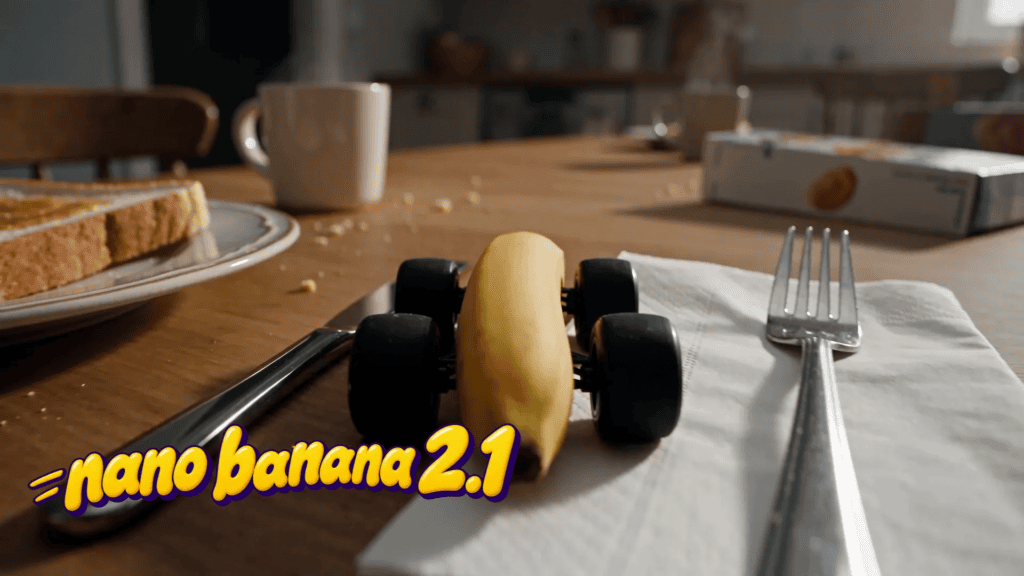
Nano Banana 2.1 is Google’s AI image generation and editing model, released on October 6, 2026. It updates Nano Banana 2 with improvements to prompt following, image composition, subject consistency, text rendering, and targeted editing. The model also introduces three thinking levels, allowing users to adjust how much reasoning a generation requires.
Unlike a basic text-to-image tool, Nano Banana 2.1 supports iterative editing. You start with a prompt or reference image, generate an image, and refine selected details through follow-up instructions.
Key Features of Nano Banana 2.1
The following features make the model useful for creative and commercial workflows.
Improved Prompt Following
Nano Banana 2.1 follows detailed prompts more closely. You can specify the position of objects, lighting, background details, colors, and visual style in one request.
For example, a product photographer might request a white skincare bottle in the center of a beige stone surface, with one eucalyptus leaf on the left and soft lighting from the right. A detailed prompt gives the model clearer instructions for arranging the scene.
More Precise Image Editing
The model supports targeted edits. You might replace an object, change a background, or adjust an element while asking the model to preserve the rest of the image.
This approach helps when you need multiple versions of an existing creative asset without rebuilding the entire scene.
Better Text Rendering and Composition
Text rendering matters when you generate advertisements, posters, thumbnails, and promotional graphics. Nano Banana 2.1 improves its handling of text and layouts, although you should still proofread every generated word before publishing.
Multiple Resolution Options
Nano Banana 2.1 supports 1K, 2K, and 4K image output. Unlike Nano Banana 2, the updated model does not offer the 512-pixel output option listed for its predecessor.
Who Should Use Nano Banana 2.1?
Nano Banana 2.1 suits users who need flexible image creation and editing.
- Digital marketers producing advertisements and campaign graphics.
- E-commerce sellers creating product images and lifestyle scenes.
- Graphic designers developing posters, layouts, and visual concepts.
- Social media managers generating platform-specific creative assets.
- Content creators maintaining character consistency across a series of images.
For these users, the key advantage is a workflow that combines image generation, editing, and visual refinement in one model.
What Is Better Nano Banana Pro or Nano Banana 2.1 ?
The answer depends on the complexity of your project, the output quality you require, and your budget.
Nano Banana 2.1 targets efficient everyday image generation. Nano Banana Pro uses Google’s Gemini 3 Pro Image model and focuses on demanding creative tasks, complex compositions, detailed graphics, and professional visual production. Nano Banana 2.1 aims to narrow the quality gap while keeping generation costs lower.
Nano Banana 2.1 vs Nano Banana Pro: Main Differences
| Feature | Nano Banana 2.1 | Nano Banana Pro |
| Main focus | Efficient generation and editing | Complex, detail-intensive image tasks |
| Model family | Gemini Flash image model | Gemini Pro image model |
| Output resolution | 1K, 2K, 4K | 1K, 2K, 4K |
| Thinking controls | Minimal, Medium, High | Reasoning enabled by default |
| Reference images | Up to 14, including up to 10 objects and 4 characters | Up to 14, with different object and character limits |
| Best suited to | Marketing assets, social graphics, product images | Complex infographics, detailed compositions, demanding creative work |
Specifications are based on the published model comparisons and documentation available at the time of writing. Access and limits vary by platform.
When Should You Choose Nano Banana 2.1?
Choose Nano Banana 2.1 when you need to:
- Generate multiple creative concepts quickly.
- Produce product images for online stores.
- Create social media graphics and advertising variations.
- Edit existing images through follow-up prompts.
- Work with 2K or 4K output while controlling generation costs.
For example, an e-commerce business testing 20 background styles for one product benefits from an efficient model that supports repeated image generation and editing.
When Should You Choose Nano Banana Pro?
Choose Nano Banana Pro when your project demands complex visual reasoning, detailed layouts, or greater control over demanding compositions.
Examples include data-rich infographics, technical illustrations, intricate product mockups, and designs containing substantial amounts of text.
Nevertheless, do not assume Pro will produce a perfect image on the first attempt. Both models require review, and their results vary by prompt.
Which Model Offers Better Value?
Nano Banana 2.1 offers lower published image-output prices than Nano Banana Pro. The difference matters when you generate images at scale. Pro remains an option when its capabilities justify the additional expense.
The most reliable way to choose is to generate the same image with both models. Compare text accuracy, composition, subject consistency, generation time, and total cost before committing to one.
Nano Banana 2.1 vs GPT Image 2
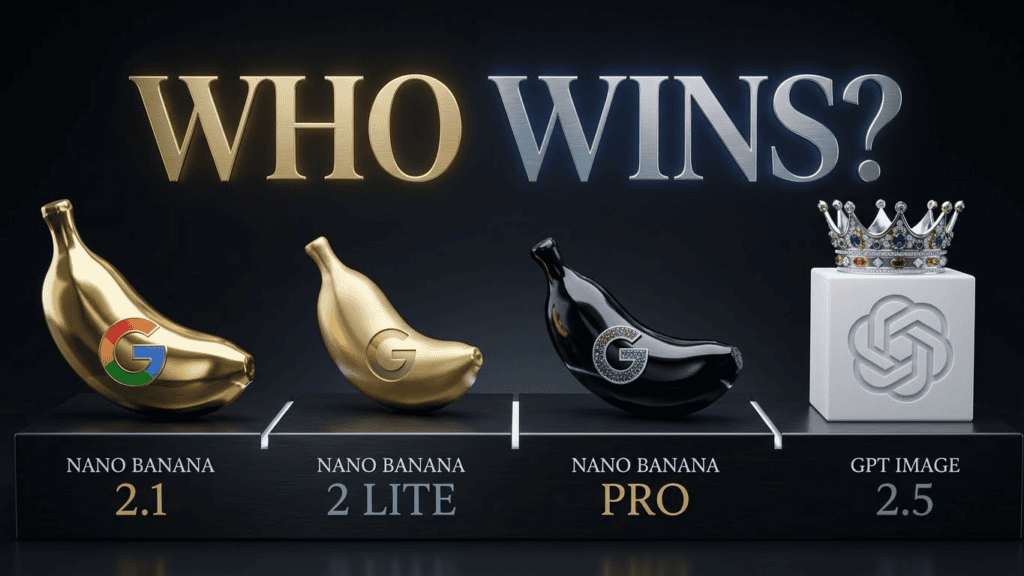
Nano Banana 2 and GPT Image 2 represent two different approaches to AI image generation. Google’s Nano Banana family emphasises image creation, reference-based editing, and integration with Google’s AI ecosystem. OpenAI’s image generation tools focus on following detailed instructions, creating and editing visuals, and interpreting natural-language requests.
One naming detail matters here: Google’s Nano Banana 2 is a documented model, while the exact label GPT Image 2 requires verification against the provider or platform where you intend to use it. OpenAI’s image model names and available options might differ across ChatGPT and API services. Therefore, check the model identifier before comparing prices or specifications.
Image Quality and Prompt Accuracy
Both image generation workflows support detailed prompts, but results depend on the subject, composition, reference images, and requested style.
Nano Banana 2 supports high-resolution generation and reference-guided creative workflows. GPT Image tools offer instruction-based image creation and editing, which suits users who prefer describing changes in natural language.
For a fair comparison, use the same prompt with both models. Request the same subject, lighting, composition, and text. Then compare how accurately each model follows the instructions.
Text Rendering and Graphic Design
Text accuracy matters for posters, advertisements, product labels, and social media graphics.
Nano Banana 2 supports text rendering and in-image translation. Nano Banana 2.1 further improves text handling and composition.
When evaluating GPT Image, test exact spelling, font placement, alignment, and the amount of unwanted text. Do not rely on a single sample to judge overall performance.
Image Editing and Reference Control
Nano Banana 2 supports image references and conversational editing. Nano Banana 2.1 adds more precise editing controls, while maintaining support for multiple visual references.
For either tool, provide the original image and clearly state which details must remain unchanged. For example, when editing a product photograph, specify that the packaging, logo, product shape, and camera angle must stay the same while the background changes.
Which Tool Should You Use?
Consider Nano Banana 2 when your workflow relies on Google’s image generation ecosystem and reference-based creative work.
Consider OpenAI’s image generation tools when you prefer ChatGPT-based prompting and editing.
If you intend to use either model for commercial production, test the same prompts, inspect the results, and compare the total cost per usable image. The model that needs fewer corrections might deliver better value, even if its initial generation costs more.
Nano Banana Pro vs Nano Banana 2.1
Nano Banana Pro and Nano Banana 2.1 serve overlapping creative needs, but they have different priorities. Nano Banana 2 uses Google’s Gemini 3.1 Flash Image model, while Nano Banana Pro uses Gemini 3 Pro Image. Nano Banana 2 focuses on efficient image generation at scale, while Pro targets more complex creative work.
Speed and Workflow Efficiency
Nano Banana 2 suits creators who generate multiple images, test several prompts, or produce assets in batches.
Nano Banana Pro fits projects where additional attention to complex details matters more than rapid iteration. Actual generation time varies with the prompt, output resolution, platform, and current demand.
Image Quality and Detail
Both models support high-resolution images, including 4K output. Nano Banana Pro targets demanding compositions, while Nano Banana 2 delivers a balance of speed and visual quality for routine creative work.
For product photography, compare packaging details, reflections, shadows, and object placement. For graphic design, inspect text, alignment, and spacing.
Reference Images and Character Consistency
Both models support multiple reference images. Their reference limits and supported combinations differ, so check the model documentation before building a production workflow around a specific number of characters or objects.
For recurring characters, generate a small test series. Compare faces, clothing, colors, and other identifying details across multiple outputs.
Cost Considerations
Nano Banana 2 generally costs less per generated image than Nano Banana Pro under Google’s published API pricing. However, the final bill depends on output resolution, input tokens, and any additional processing or grounding features.
For everyday content production, Nano Banana 2 offers a practical starting point. For complex images that need fewer corrections, compare the full production cost of both models before deciding.
Nano Banana Pro or 2.1 Which is Better
Choosing between Nano Banana Pro and Nano Banana 2 depends on your intended use. Neither model is the right choice for every project.
Best Model for Social Media Content
Nano Banana 2 suits routine social media production, including promotional graphics, post backgrounds, thumbnails, and campaign variations.
Its emphasis on speed and efficient generation supports workflows where you need multiple concepts before choosing a final design.
Best Model for E-Commerce Product Images
Nano Banana 2 offers a useful starting point for product images, lifestyle mockups, and advertising visuals. Nano Banana Pro deserves consideration when you need more complex compositions or detailed product scenes.
Whichever model you use, check logos, packaging text, product dimensions, and colors. Correct any generated errors before publishing product images.
Best Model for Posters and Infographics
Nano Banana Pro suits demanding designs that combine multiple visual elements, dense information, and complex layouts. Nano Banana 2 also supports text-heavy graphics, so test both if your project requires exact text and positioning.
For charts and infographics, provide the exact data and verify every label, number, and relationship in the output.
Best Model for High-Volume Production
Nano Banana 2 suits high-volume production because of its Flash-based design and lower published image-output cost compared with Pro. Nano Banana 2.1 extends this efficient approach with improved prompt following and editing features.
For a large content campaign, test a sample batch first. Measure the number of acceptable images, correction time, and total cost before generating hundreds of assets.
How much is Nano Banana 2
The cost of Nano Banana 2 depends on where you access the model. Google API pricing, third-party image generation platforms, and subscription-based creative tools might charge different rates.
Google’s API pricing information and third-party model comparisons list the following approximate output costs for Nano Banana 2.
| Output resolution | Approximate cost per image |
| 512 pixels | $0.045 |
| 1K | $0.067 |
| 2K | $0.101 |
| 4K | $0.151 |
These figures represent image-output estimates from published API pricing comparisons. Input tokens, additional features, taxes, and third-party platform fees might increase the final cost. Check the current pricing page before purchasing credits.
Nano Banana 2.1 vs Nano Banana 2 Pricing
Nano Banana 2.1 reduces the published output-token rate compared with Nano Banana 2. The exact savings depend on resolution and the pricing schedule used by your provider.
For example, the published comparison from DEV Community lists these approximate standard API output costs:
| Resolution | Nano Banana 2.1 | Nano Banana 2 |
| 1K | $0.0336 | $0.067 |
| 2K | $0.0504 | $0.101 |
| 4K | $0.0756 | $0.151 |
These figures exclude input processing and other charges. Pricing varies across platforms, so use your provider’s current rates for budgeting.
How Much Does It Cost to Generate 100 Images?
Using the estimates above, 100 Nano Banana 2 images would cost approximately:
- 100 images at 1K: $6.70.
- 100 images at 2K: $10.10.
- 100 images at 4K: $15.10.
These calculations cover image output only. Your final cost depends on the model, provider, and any extra processing.
How to Reduce Your AI Image Generation Costs
You do not need to generate every image at maximum resolution.
- Start with lower-cost drafts when your platform supports them.
- Refine prompts before generating final assets.
- Use 1K images for early concept testing.
- Reserve 4K output for projects that need the extra detail.
- Compare the total cost of generating and correcting images, rather than the initial price alone.
This workflow helps you control spending while maintaining the quality your project requires.
How to Get Better Results From the Nano Banana 2.1 AI Image Generator
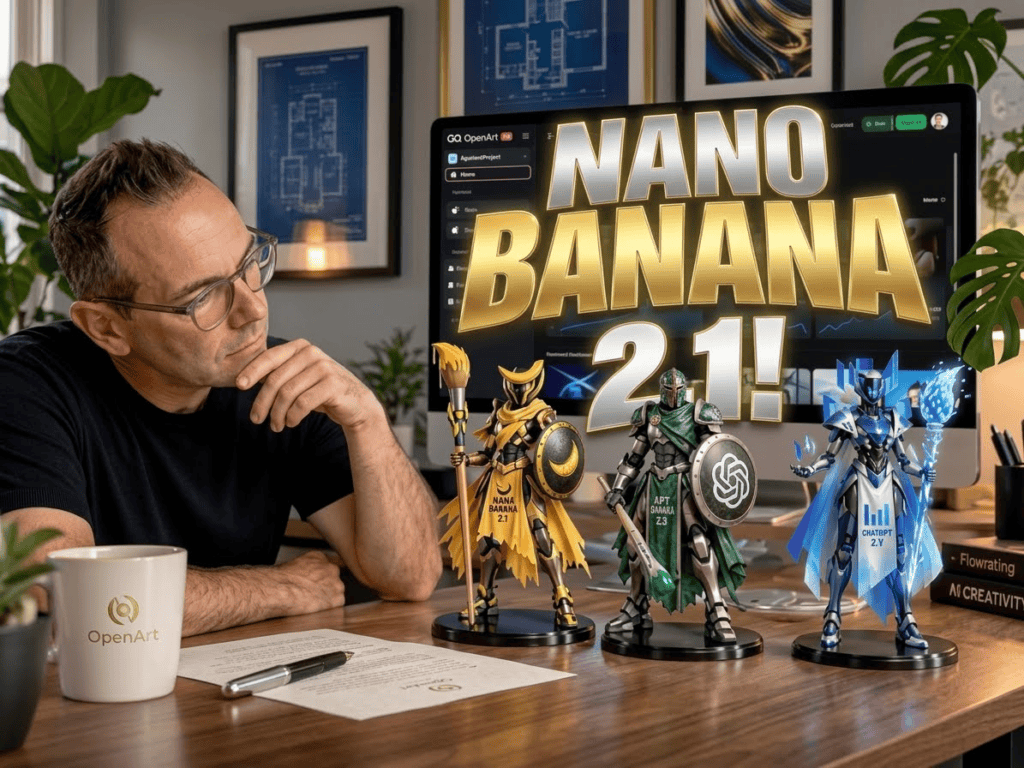
A good image prompt describes the result you want and the details you need to preserve. Nano Banana 2.1 supports detailed instructions and targeted editing, so clear prompts help you direct the generation process.
Use a Structured Image Prompt
Follow this format when generating an image:
Subject: A premium skincare bottle with a white label and glass packaging.
Setting: A minimalist beige studio with a natural stone surface.
Composition: Center the bottle, place one green leaf to the left, and leave clear space above the product.
Lighting: Soft directional light from the upper right, with natural reflections and gentle shadows.
Style: Photorealistic commercial product photography.
Quality: Sharp product details, realistic materials, balanced colors, and a clean background.
Restrictions: Preserve the bottle shape, label, logo, and packaging colors. Do not add extra products or text.
Make Targeted Edits
Instead of regenerating the entire image, specify the exact change you want.
For example, ask the model to replace the background with a modern bathroom while preserving the product, its label, its lighting, and its position.
Review the output after every edit. Small changes sometimes affect other parts of an image, even when your instructions ask the model to preserve them.
Compare Models Before Publishing
Use the same prompt and reference image across Nano Banana 2.1, Nano Banana Pro, and Nano Banana 2 when access permits.
Evaluate:
- Prompt accuracy.
- Image quality and composition.
- Text spelling and placement.
- Subject consistency.
- Generation time.
- Total cost per acceptable image.
This process helps you choose a model based on your own results instead of relying solely on marketing claims or isolated demonstrations.
Create With VidAU
Generate AI Images using VidAU Nano Banana 2.1. Turn creative ideas into ad-ready images with a structured AI workflow.
Key takeaway
Final Thoughts
The Nano Banana 2.1 ai image generator gives creators an updated option for producing and editing images with detailed prompts, reference images, and high-resolution output.
Nano Banana 2.1 suits everyday creative production, Nano Banana 2 remains relevant for existing workflows, and Nano Banana Pro serves users who need more control over complex visual tasks. Your choice should depend on image quality, editing requirements, speed, and budget.
Compare the models with real prompts before committing to a paid workflow. A consistent testing process helps you produce better images, reduce unnecessary generations, and spend your budget more effectively.
Frequently Asked Questions
What is the Nano Banana 2.1 ai image generator?
Nano Banana 2.1 is Google’s AI image generation and editing model. Released in October 2026, the model improves prompt adherence, composition, text rendering, and editing precision compared with Nano Banana 2.
What is better Nano Banana pro or Nano Banana 2.1?
Nano Banana 2.1 suits everyday image generation, editing, and cost-conscious production. Nano Banana Pro suits more complex compositions and demanding visual tasks. Test both with your own prompts to determine which produces the best results for your project.
Is Nano Banana 2 better than GPT Image 2?
The answer depends on the exact GPT Image model available through your chosen platform. Compare image quality, text accuracy, editing controls, reference support, and pricing using the same prompts before selecting a tool.
How much is Nano Banana 2?
Published API comparisons estimate Nano Banana 2 output costs at approximately $0.067 for a 1K image, $0.101 for a 2K image, and $0.151 for a 4K image. Provider rates and additional charges vary.
Which Nano Banana model should I use for product photography?
Start with Nano Banana 2.1 or Nano Banana 2 for routine product images and advertising variations. Test Nano Banana Pro for more demanding compositions. Check product labels, packaging, colors, and logos before using generated images commercially.