AI Video Ad Maker · Free Tools for Paid Ads
Best AI Video Ad Makers in 2026 (Free Tools That Actually Work for Paid Ads)
Learn which AI video ad maker tools actually work for paid campaigns, how to combine free tools into a usable workflow, and when paid platforms justify the cost.
By the VidAU Editorial Team · Updated 2026 · 14 min read
Scaling video ad creatives without a big production budget is one of the most common problems paid media teams face. You need volume for testing, but every additional creative costs time and money. Most general AI video tools don’t solve this, they produce clips, not ads.
The best ai video ad maker tools in 2026 are purpose-built for advertising workflows. They handle ad structure, scripts, hooks, and platform-specific formats rather than just generating visuals. That distinction matters when you’re running campaigns on Meta Ads, TikTok Ads, or Google Ads and need creatives that can actually convert.
This guide breaks down which tools are worth your time, how to combine free options into a working ad production workflow, and where paid tools start to justify the cost at scale.
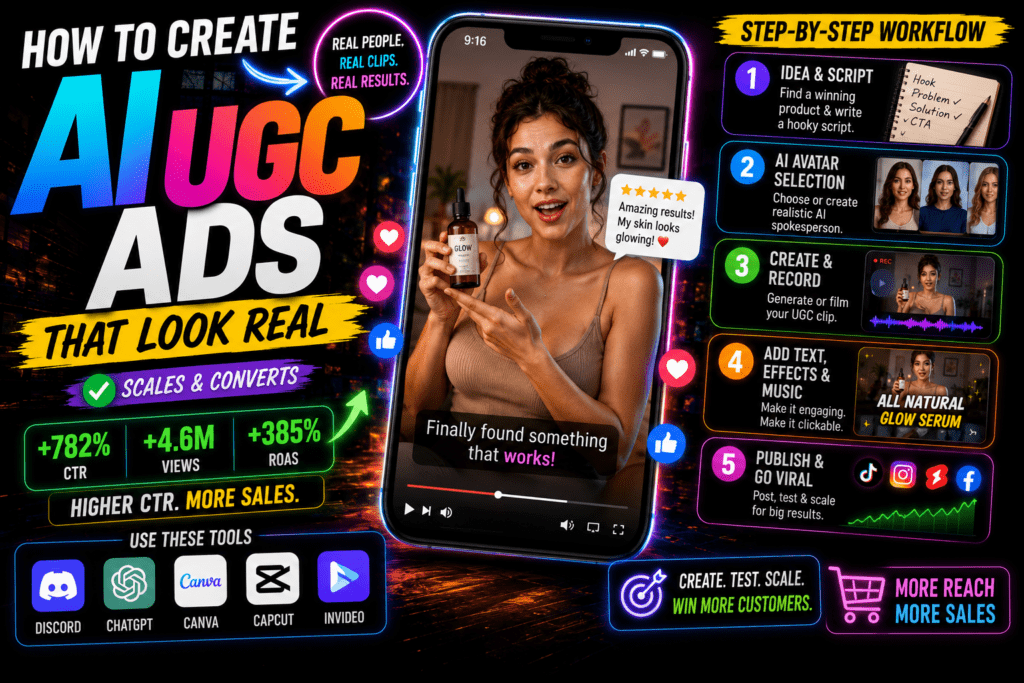
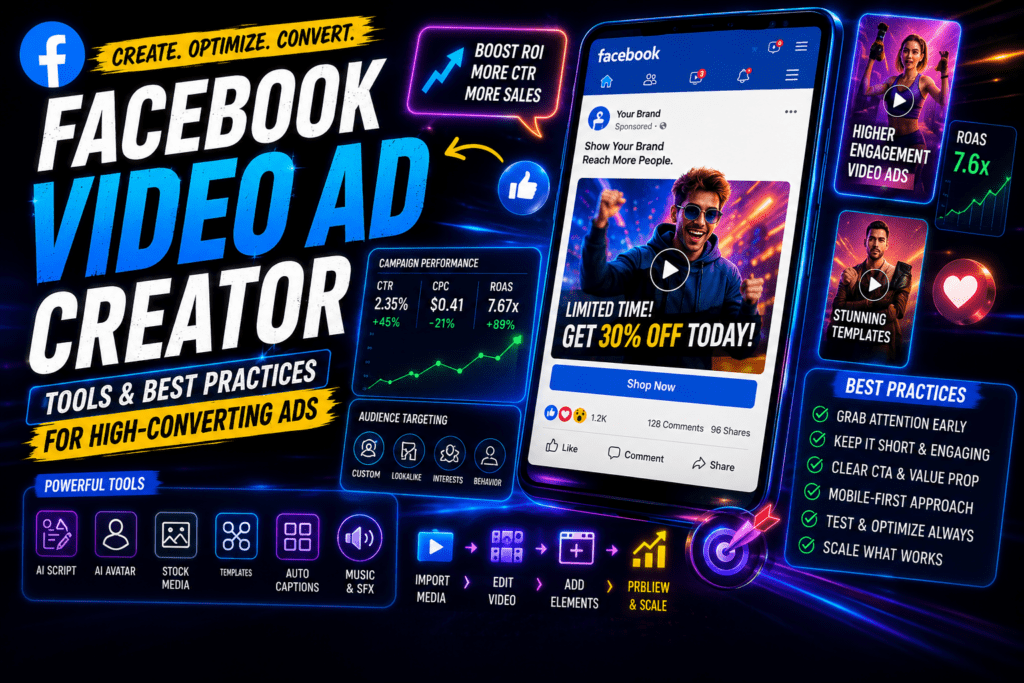
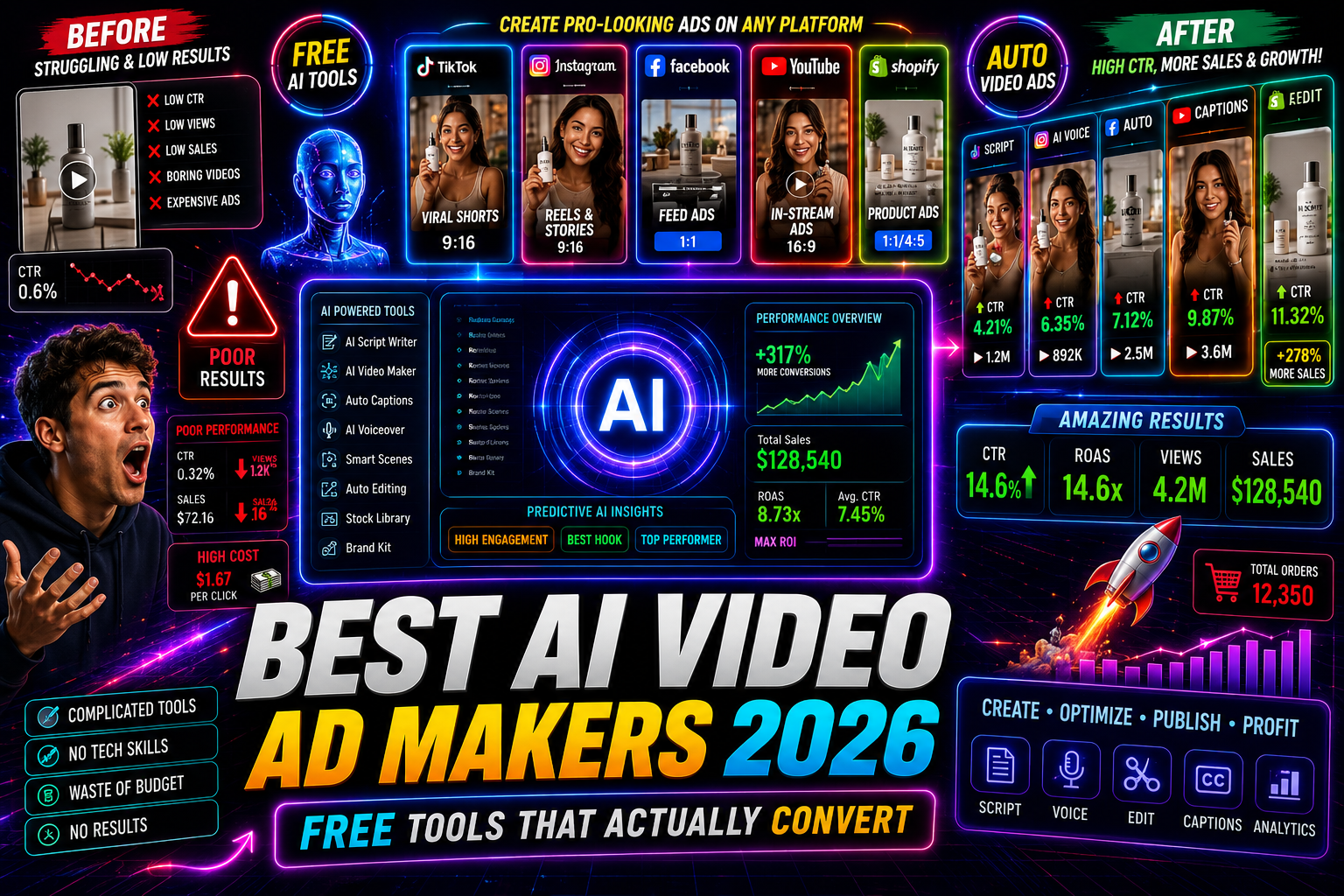
Featured image placeholder for AI video ad maker tools, free ad production workflows, CapCut editing, Creatify UGC ads, InVideo AI, HeyGen, Meta AI, Kling AI, and VidAU AI video ad production.
Quick Summary
- Most general AI video generators are not built for paid ad workflows — look for tools that handle hooks, scripts, and ad structure.
- Free tools like CapCut, Meta AI, and InVideo AI can produce usable ad creatives, but all have export limits, watermarks, or credit caps.
- Purpose-built ad tools like Creatify are better for A/B testing at volume because they combine scripting, video generation, and UGC-style formats in one place.
- Platform format matters: Meta prefers 1:1 or 9:16, TikTok needs native-style vertical video, and Google Performance Max needs multiple aspect ratio variants.
In This Guide
- What an AI video ad maker actually is
- Why ad-specific tools outperform general video generators
- Step-by-step workflow for creating ads with free tools
- Best tools compared by use case and platform
- Platform-specific format and style requirements
- Common mistakes marketers make with AI ad tools
- Advanced strategies for scaling creative testing
- Conclusion
- FAQ
What Is an AI Video Ad Maker?
An ai video ad maker is a tool that uses artificial intelligence to generate video content specifically structured for paid advertising. Unlike general AI video generators that produce raw clips or cinematic footage, ad-focused tools typically combine script generation, visual production, voiceover, and ad-format export into a single workflow.
The key difference is intent. A general ai video ad generator might give you a beautiful 10-second clip. An ad maker gives you a 15 to 30-second video with a hook, a product benefit, and a call to action — formatted for Meta, TikTok, or YouTube.
Key definition
An AI video ad maker is built for paid advertising structure, not just video generation. It combines script, visuals, voiceover, hook, product benefit, CTA, and export format into a campaign-ready workflow.
Why AI Video Ad Makers Matter for Paid Campaigns
Paid advertising runs on creative testing. The more ad variations you can test, the faster you find what converts. Traditional video production limits testing volume because each creative is expensive to produce.
AI changes that math. A marketer who can produce five to ten ad variants in a day, instead of one per week, can identify winning creatives much faster. That’s the real value of an ai video ad maker for performance marketing teams.
This is also why the distinction between general AI video tools and ad-specific tools matters. Tools like Runway Gen 2, Kling AI, and Google Veo 3 produce impressive video quality, but they’re optimized for visual output, not ad structure. They don’t generate hooks, write benefit-driven scripts, or output 9:16 vertical video with on-screen text formatted for TikTok Ads.
For A/B testing ad creatives at volume, you need tools that understand advertising, not just video.
Key Takeaways
- Ad-specific tools handle the full workflow: script, visuals, voiceover, and format.
- General video generators are better for brand content or creative experimentation.
- Testing volume is the main advantage AI brings to paid advertising.
Step-by-Step Workflow: Building Ads with Free AI Tools
This is the manual free-tool path. It takes more steps than a paid all-in-one platform, but it works and costs very little.
Step 1: Generate the ad script
Use ChatGPT or an ai ad copy generator like Copy.ai to write a 15 to 30-second ad script. Include a hook in the first three seconds, one or two product benefits, and a clear call to action. Be specific about your platform, TikTok hooks differ from YouTube pre-roll.
Step 2: Create visuals
For static images that you’ll animate, use Meta AI or Leonardo AI. For direct text-to-video generation, InVideo AI has a free tier. Keep clips short — three to five seconds per scene works best for ad editing.
Step 3: Add motion to images
Kling AI can animate still images into short video clips. The free tier has credit limits, but it’s enough for testing. Pika Labs is another option for image-to-video if you need more variety.
Step 4: Add voiceover
ElevenLabs and Fliki AI both offer free tiers for AI voiceover. ElevenLabs produces more natural-sounding results for English-language ads. If you want VidAU AI’s Text to Speech option, it fits naturally here for multilingual ad voiceovers.
Step 5: Edit and assemble
CapCut is the strongest free editor for this workflow. It handles 9:16 and 1:1 export formats, has text overlay tools, and exports without watermarks on the free plan. Assemble your clips, add the voiceover, layer in on-screen text, and export.
Step 6: Export and test
Export at least two to three variants with different hooks. Upload to Meta Ads or TikTok Ads and run a small A/B test before scaling spend.
Suggested Visual: Screenshot of a CapCut timeline showing a 20-second ad assembled from AI-generated clips with on-screen text overlays and voiceover track.
Tip
The manual free-tool path works best when you separate the job into clear stages: script, visuals, motion, voiceover, editing, export, and testing.
Best AI Video Ad Maker Tools Compared
Here’s how the main tools stack up specifically for paid advertising use cases.
| Tool | Best For | Free Tier Limitation |
|---|---|---|
| Creatify | End-to-end ad creation with UGC avatars | Limited monthly credits |
| CapCut | Editing and final assembly for Meta and TikTok | Full free, some templates locked |
| InVideo AI | Script-to-video for YouTube and Meta ads | Watermark on free exports |
| HeyGen | AI spokesperson and avatar-style ads | 1 minute per month free |
| Meta AI | Image generation for ad visuals | No video export, images only |
| Kling AI | Animating product images into short clips | Credit-based, resets monthly |
Creatify stands out because it’s purpose-built as an ai video ad generator. It combines script generation, avatar-style UGC video, and multiple ad format exports in one interface. It’s the closest free-tier option to a full ad production workflow without stitching together separate tools.
CapCut is the best free editor in this list. It’s widely used for TikTok ad production because the format defaults match TikTok’s requirements. For Meta Ads and Instagram Ads, the 1:1 and 4:5 export options work cleanly.
HeyGen is useful when you need a spokesperson-style format — common for direct-response ads. The free tier is very limited, so it’s better as a paid option if avatar ads are core to your strategy. UGC Avatars from VidAU AI is a comparable option for teams that want avatar-driven ad content without the HeyGen price point.
InVideo AI is solid for turning a script into a rough cut quickly. The watermark on free exports is a real limitation for live campaigns, but it’s fine for internal creative reviews and testing concepts before committing to production.
For teams who want to turn a product URL directly into ad video content, URL to Video and Product Sample to Video from VidAU AI are worth looking at as workflow shortcuts.
Create AI Video Ads Faster With VidAU
Use VidAU AI to create avatar-driven ad content, product sample videos, URL-to-video ads, text-to-video campaigns, voiceovers, and remix-ready creatives for paid social workflows.
VidAU workflow
How VidAU fits into an AI video ad maker workflow
- Start with the ad source: Use a product URL, sample image, written script, product visual, or existing winning organic clip as the input.
- Create the draft: Use URL to Video, Product Sample to Video, or Text to Video to turn the input into a structured ad-ready video asset.
- Add human-facing formats: Use UGC Avatars when you need a spokesperson-style or direct-response ad without filming talent.
- Improve sound and clarity: Use Text to Speech for multilingual voiceovers and apply captions for sound-off viewing environments.
- Repurpose and scale: Use VidAU Vid Remix to adapt winning organic content or existing ads into new formats for Meta, TikTok, Google Ads, and YouTube.
Platform-Specific Optimization for AI Video Ads
Each ad platform has different creative requirements. Getting the format wrong wastes spend even if the creative is strong.
Meta Ads (Facebook and Instagram Ads)
Meta favors 1:1 square and 9:16 vertical formats for feed and Stories respectively. Ads need a strong hook in the first two to three seconds because the feed is fast. On-screen captions matter because most users watch without sound. Keep primary text short and front-load the value proposition.
TikTok Ads
TikTok requires 9:16 vertical video. Native-style content — meaning it looks like an organic TikTok rather than a polished commercial — consistently outperforms produced ads. This is why UGC creator style content and avatar-based formats perform well here. Use CapCut’s TikTok-native templates to match the expected aesthetic.
Google Ads and Performance Max
YouTube pre-roll requires you to capture attention in the first five seconds because viewers can skip. Horizontal 16:9 is still the standard for YouTube. For Performance Max, Google recommends multiple aspect ratios — 16:9, 1:1, and 9:16 — so the system can place ads across YouTube, Display, and Discover. Tools that export in multiple formats save significant time here.
YouTube Ads
YouTube ad creative needs to be more structured than TikTok. Viewers expect slightly more polish. Longer pre-rolls of 30 to 60 seconds can work if the hook is strong. Use an ai ad copy generator to write the script with a clear problem-solution structure before producing the video.
| Platform | Recommended setup |
|---|---|
| Meta Ads | Use 1:1 square and 9:16 vertical formats, hook in the first two to three seconds, captions for sound-off viewing, short primary text, and front-loaded value proposition. |
| TikTok Ads | Use 9:16 vertical video, native-style content, UGC creator style or avatar-based formats, and TikTok-native templates when relevant. |
| Google Ads and Performance Max | Prepare 16:9, 1:1, and 9:16 variants so the system can place ads across YouTube, Display, and Discover. |
| YouTube Ads | Use a clear problem-solution script structure, a strong hook, and 30 to 60 second pre-rolls when the format needs more explanation. |
Tip
Export format is part of ad strategy, not a final technical step. Meta, TikTok, Google Ads, and YouTube each reward different formats and viewing behaviors.
Common Mistakes When Using AI Video Ad Makers
Using general video tools for ad production. Tools like Google Veo 3 and Runway Gen 2 produce high-quality video but aren’t structured for ad workflows. Don’t mistake visual quality for ad readiness.
Skipping the script step. The visual is only half the ad. Weak copy produces weak results regardless of video quality. Use ChatGPT or an ai ad copy generator to write the script first, then build the visual around it.
Ignoring free tier watermarks. Several tools add watermarks on free exports. Running watermarked ads on Meta or TikTok looks unprofessional and can flag account quality issues. Check export settings before assuming a tool is fully free for live campaigns.
Producing one ad and calling it a test. A/B testing requires at least two to three variants. AI makes this cheap use it. Change one variable at a time: hook text, opening image, voiceover tone, or call to action.
Not matching platform format before exporting. Exporting a 16:9 video and running it as a TikTok ad will crop awkwardly and reduce performance. Export at the correct aspect ratio for each platform before uploading.
Watch out
Do not confuse high-quality AI video output with campaign-ready ad creative. Paid ads still need script quality, platform formatting, captions, correct export settings, and multiple variants for testing.
Advanced Strategies for Scaling AI Ad Creative
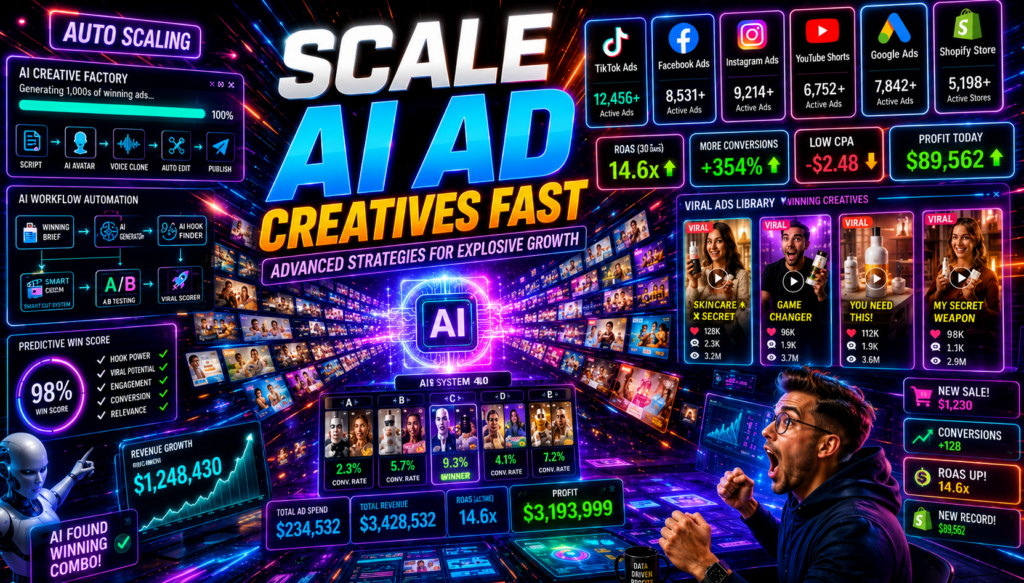
Build a modular ad template. Create a base structure — hook clip, product benefit clip, CTA clip — and swap individual segments rather than rebuilding each ad from scratch. This is how you produce ten variants from three core assets.
Use AI for hook testing specifically. The hook is the highest-leverage element of any video ad. Use your ai video ad maker to produce five different opening hooks for the same product, run them against each other with minimal spend, then scale the winner.
Combine copy and video generation tools. Use an ai ad copy generator to produce multiple headline and description variants alongside your video creative. Running matched copy and creative variants together gives you cleaner data on what’s actually driving performance.
Repurpose winning organic content into ads. If you have organic video content that performed well, use a tool like VidAU Vid Remix to repurpose and adapt it for paid ad formats. Winning organic content is one of the best signals you have for ad creative direction.
Use avatar ads for direct-response testing. UGC-style and avatar-based ads typically require less production effort than filmed creative and perform competitively on TikTok and Meta. UGC Avatars can fill this role for teams without on-camera talent.
Tip
Scale creative by building modular systems. Test hooks, swap CTA clips, combine matched copy and video variants, repurpose organic winners, and use avatar ads when speed matters.
Key takeaway
Conclusion
The gap between general AI video tools and purpose-built ai video ad maker platforms is real and worth understanding before you invest time building a workflow. For teams with tight budgets, combining ChatGPT for scripting, Meta AI or Leonardo AI for visuals, Kling AI for animation, ElevenLabs for voiceover, and CapCut for editing gives you a fully functional free ad production pipeline. It takes more steps, but the output is campaign-ready.
If volume and testing speed matter more than cost savings, tools like Creatify or VidAU AI’s UGC Avatars and Text to Video tools compress that workflow significantly. The right choice depends on how many creatives you need per week and how much manual assembly you’re willing to do. Either way, AI has made high-volume creative testing accessible to teams of any size.
FAQ
Here are answers to common questions about AI video ad maker tools, free AI video ad generators, Meta Ads, TikTok Ads, Google Ads, CapCut, Creatify, InVideo AI, HeyGen, VidAU AI, ad copy generators, watermarks, A/B testing, and aspect ratios.
What is the best free AI video ad maker for Meta Ads in 2026?
Creatify and CapCut are the strongest free options for Meta Ads, with Creatify handling full ad scripting and CapCut handling format-specific editing and export.
Can I use general AI video generators like Runway or Veo 3 for paid ads?
Yes, but they’re not optimized for ad structure — you’ll need to add scripting, copy, voiceover, and formatting steps separately.
Do free AI video ad tools add watermarks?
Many do, including InVideo AI’s free tier — always check export settings before using any tool for live paid campaigns.
How many ad variations should I create for A/B testing?
Test at least two to three variants per campaign, changing one element at a time such as the hook, CTA, or opening visual.
What aspect ratios do I need for TikTok Ads versus Google Ads?
TikTok requires 9:16 vertical; Google Performance Max benefits from 9:16, 1:1, and 16:9 variants to cover all placement types.
Is an AI ad copy generator the same as an AI video ad maker?
No, an ai ad copy generator produces text-based scripts and headlines, while an ai video ad maker turns that copy into finished video creative.