AI Generated Social Media Videos · Beginner Workflow
How to Create AI Generated Social Media Videos: A Complete Guide for Beginners
Learn what AI generated social media videos are, which tools work in 2025–2026, how to write better prompts, and how to publish across Instagram, TikTok, and YouTube Shorts.
By the Sarah Iruoje · AI social video guide · 15 min read
Creating professional video content used to mean owning a camera, hiring an editor, or spending hours in software you barely understood. That barrier is mostly gone now. AI video generators have made it realistic for a solo creator or small business owner to produce short-form content without any prior editing experience.
The catch is that there are a lot of tools, and the quality gap between them is real. This guide focuses on ai generated social media videos what they are, which tools actually work in 2025–2026, how to write prompts that produce usable results, and how to finish and publish content across Instagram, TikTok, and YouTube.
Whether you want to post videos on IG, fill your content calendar, or test video ads without a production budget, this guide walks you through the full workflow from scratch.
Create Your first Video Ads
Quick Summary
- AI video generators like Veo3 let you turn text prompts into short video clips suitable for social media posts
- Good prompt engineering is the single biggest factor separating polished AI videos from generic ones
- Most beginners can produce a simple social media video in under 15 minutes once they understand the workflow
- Platforms like Instagram Reels, TikTok, and YouTube Shorts each have specific format and length requirements worth optimizing for
In This Guide
- What AI generated social media videos actually are
- Why this approach matters for creators and businesses
- Step-by-step creation process using current AI tools
- Best tools and how they compare
- Platform-specific optimization for Instagram, TikTok, and YouTube
- Common beginner mistakes
- Advanced strategies for better results
- Final thoughts
- FAQ
What Is an AI Generated Social Media Video?
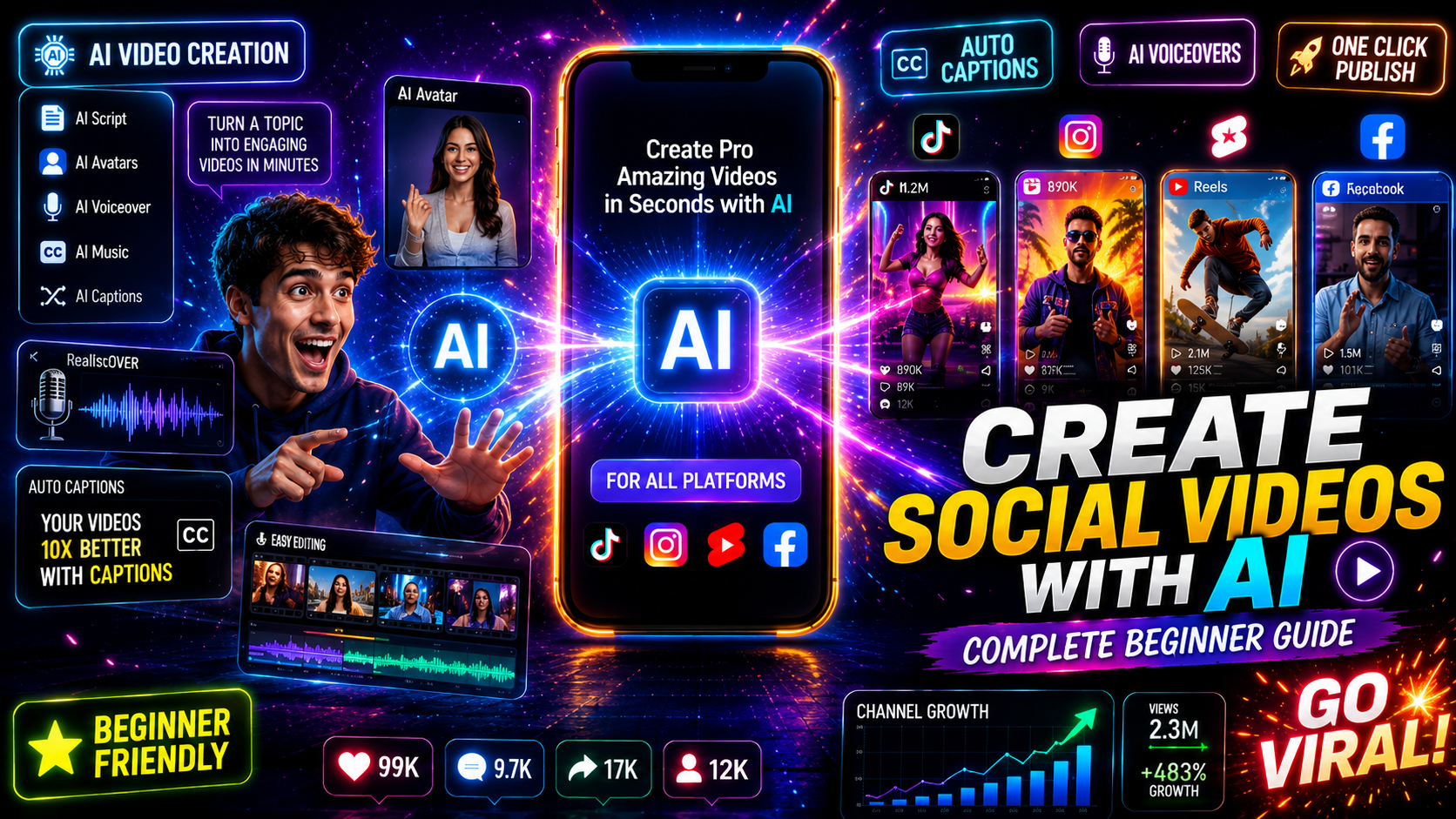
An AI generated social media video is a short video clip created entirely or partially by an AI model based on a text prompt, image input, or URL — without traditional filming or manual editing. Tools like Veo3 (Google DeepMind), text-to-video AI platforms, and tools like VidAU AI Video (https://www.vidau.ai/vidau-ai-video/) handle the generation, motion, audio, and sometimes voiceover automatically.
The output is a ready-to-edit or ready-to-post video file that fits the vertical or square formats used across Instagram Stories, Instagram Reels, TikTok, and YouTube Shorts.
Key definition
An AI generated social media video is created from a prompt, image, or URL instead of traditional filming. The AI handles generation, motion, audio, and sometimes voiceover, while the creator reviews, edits, and publishes the final video.
Why AI Generated Social Media Videos Matter
For small teams and solo creators, the time savings are substantial. Traditional video production — even a simple 30-second reel — involves filming, organizing clips, trimming, color correction, adding captions, and exporting. That process can take two to four hours for a beginner.
With AI video tools, you can go from idea to finished clip in under 15 minutes for basic content. That efficiency matters when you need to post consistently across multiple platforms.
There’s also the cost factor. Hiring a freelance video editor for recurring content adds up quickly. AI tools shift that cost to a monthly software subscription, which makes regular video output viable for businesses that couldn’t justify it before.
Content creators are already using this approach at scale. Videos made with tools like Veo3 have reached millions of views on social media, which confirms that AI-generated content can compete with traditionally filmed content when the prompts and editing are done well.
Key Takeaways
- AI video removes the technical skill barrier for producing social content
- Faster turnaround means more consistent posting schedules
- Cost is lower than hiring editors or production crews for every video
Step-by-Step Process for Creating AI Generated Social Media Videos
Here is a practical workflow you can follow immediately, even with no prior experience.
Step 1: Define Your Video Concept
Before opening any AI tool, write one sentence describing exactly what the video should show. Be specific. “A product landing on a white surface with cinematic lighting” is more useful than “cool product video.” Specificity in your concept translates directly to better AI output.
Decide on:
- Platform (Instagram Reels, TikTok, YouTube Shorts)
- Length (15 seconds, 30 seconds, or 60 seconds)
- Tone (professional, casual, high-energy, calm)
- Goal (awareness, clicks, follows, sales)
Step 2: Write an Effective Prompt
Prompt engineering is where most beginners either get stuck or waste time regenerating clips. A strong prompt for text-to-video AI includes:
- Subject: who or what is in the shot
- Action: what is happening
- Environment: where the action takes place
- Camera style: wide shot, close-up, slow motion, cinematic
- Mood or lighting: golden hour, studio lighting, dark contrast
Example prompt for a product video: “Close-up of a skincare serum bottle being placed on a marble surface, soft studio lighting, slow motion, cinematic depth of field, no text.”
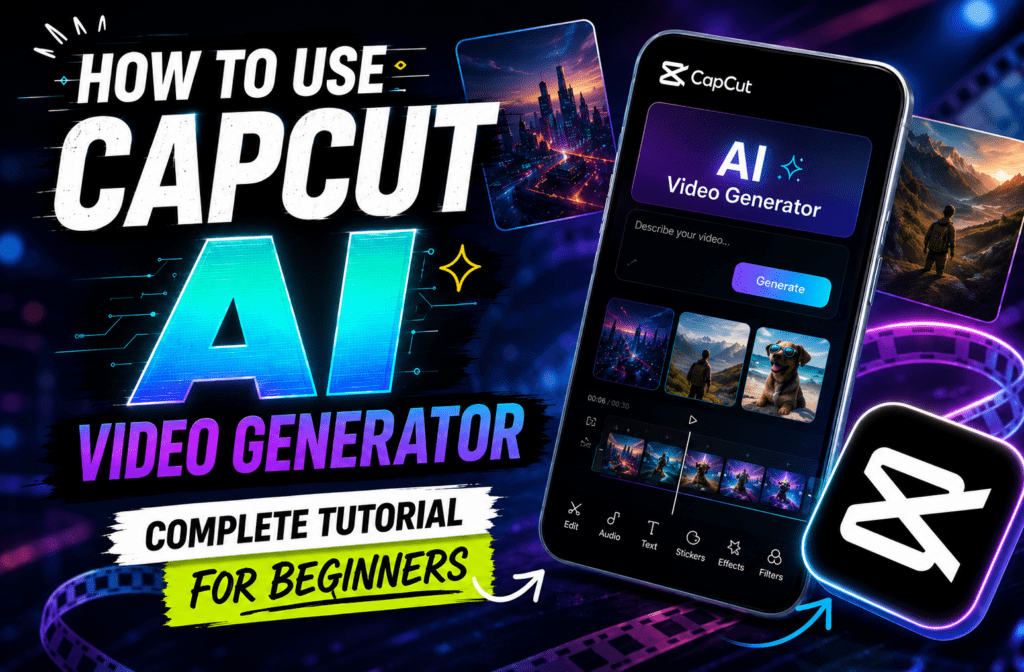
Using ChatGPT to help draft and refine prompts before feeding them into your video generator is a reliable approach used by many experienced AI creators. The Veo3 workflow described in recent tutorials specifically recommends writing your full prompt in ChatGPT first, then pasting it into Flow (Google’s interface for Veo3).
Step 3: Generate the Video
For Veo3, you access it through Flow at deepmind.google. For other platforms, the process is similar — paste your prompt, select duration and aspect ratio, and generate.
Expect to generate two to four versions before finding one you want to use. This is normal. The first output often has pacing or motion issues. Use the “Jump To” feature in Flow rather than “Extend” for better consistency between shots.
For product-focused content, VidAU’s Product Sample to Video tool lets you upload product images and generate video directly, a practical shortcut if you’re promoting a physical product.
Step 4: Edit the Output
AI-generated clips usually need light editing before publishing:
- Trim dead frames at the start or end
- Add captions or text overlays
- Layer background music or AI voiceover
- Adjust color if the output looks flat
- Add a simple transition if you’re combining multiple clips
For voiceover, VidAU’s Text to Speech tool can turn a script into a natural-sounding narration track that fits directly over your generated footage.
Step 5: Export and Publish
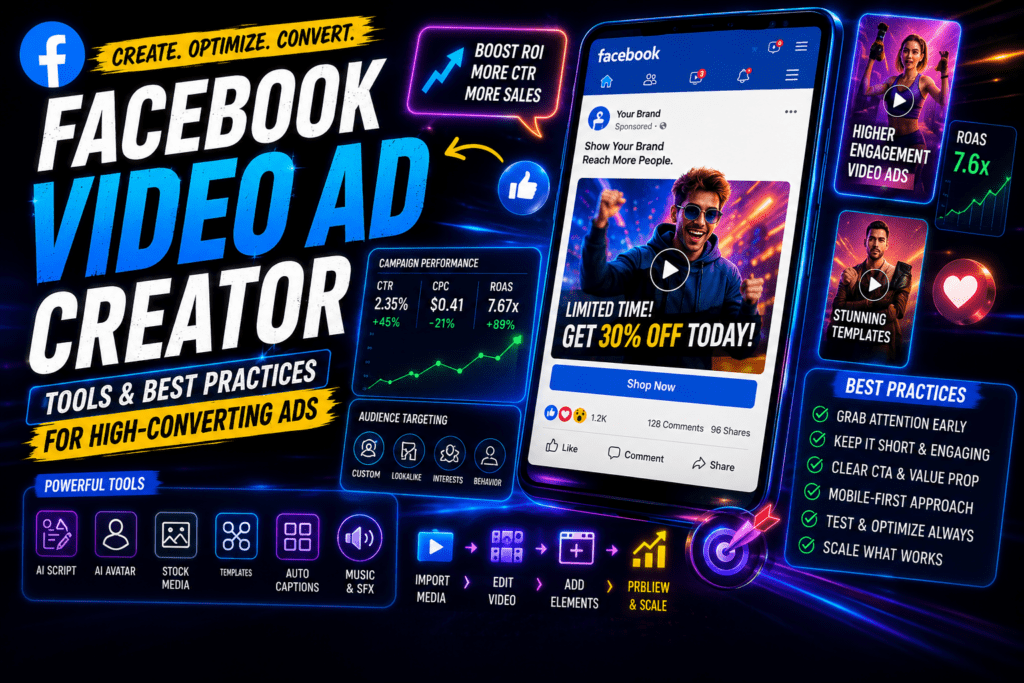
Export at the native resolution for your platform. For Instagram Reels, TikTok, and YouTube Shorts, that’s 1080 x 1920 pixels (9:16 aspect ratio). For posts for IG feed, 1080 x 1080 or 1080 x 1350 works better.
Write your caption, add relevant hashtags, and post during your platform’s active hours.
Tip
Do not judge the workflow by the first generation. Create two to four versions, pick the strongest one, then edit lightly with captions, audio, trimming, and platform-specific export settings.
Best Tools for AI Generated Social Media Videos
| Tool | Best For | Access |
|---|---|---|
| Veo3 via Flow | Cinematic short clips, high realism | Google DeepMind / paid plans |
| VidAU AI Video | Ad-ready videos, product content | vidau.ai |
| Text to Video AI | Script-to-video automation | Multiple platforms |
| CapCut | Editing AI-generated clips | Free, mobile + desktop |
| Descript | Adding captions, removing filler | Free tier available |
Veo3 produces some of the most realistic AI video available right now. It handles motion, lighting, and cinematic quality better than most competing tools. The trade-off is cost, pricing sits between $124.99 and $250 per month depending on the plan, which is meaningful for a beginner.
For creators who want a more accessible entry point, VidAU’s Text to Video tool and URL to Video converter offer a lower-friction workflow, particularly for marketing and product content.
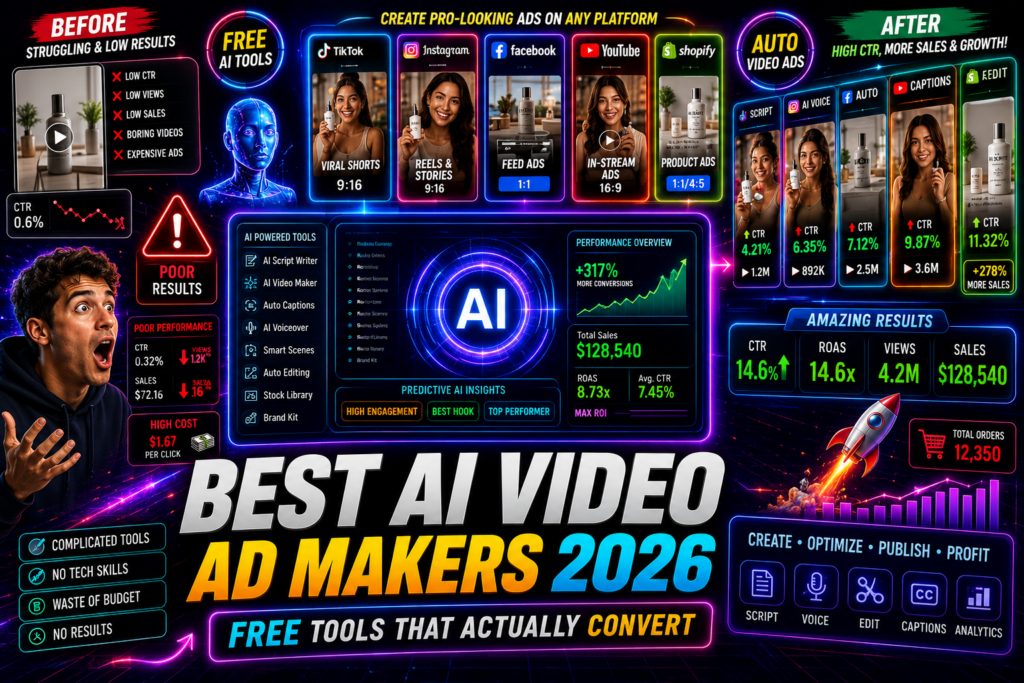
Create Your First Video Ads With VidAU
Use VidAU AI Video to create product videos, social media ads, short-form clips, AI voiceovers, URL-based videos, and marketing-focused content without traditional filming or complex editing.
VidAU workflow
From concept to publish-ready AI social video
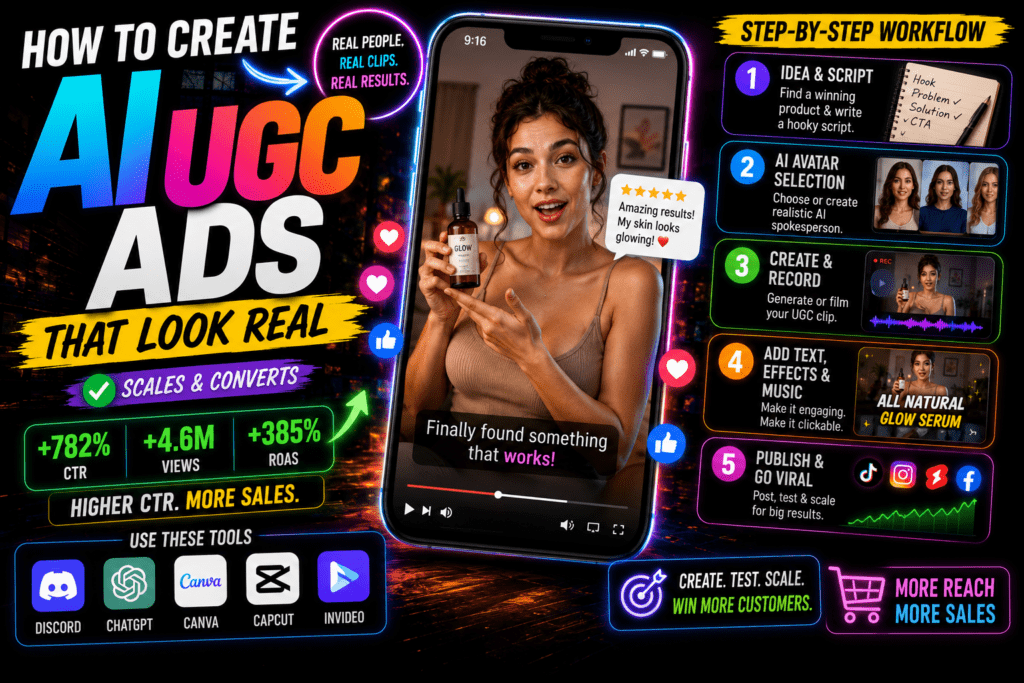
- Start with a clear concept: Define the platform, length, tone, and goal before generating any clip.
- Write a strong prompt or use a content source: Use a specific text prompt, product image, product sample, URL, or existing content as the foundation.
- Generate with VidAU tools: Use VidAU AI Video, Text to Video, URL to Video, Product Sample to Video, or UGC Avatars depending on the content type.
- Add production layers: Use Text to Speech for narration, captions for silent viewing, and light editing to improve clarity and pacing.
- Repurpose and scale: Use VidAU Vid Remix to turn longer content into short-form clips for Instagram, TikTok, and YouTube Shorts.
Platform-Specific Optimization
Videos on IG (Instagram Reels and Stories)
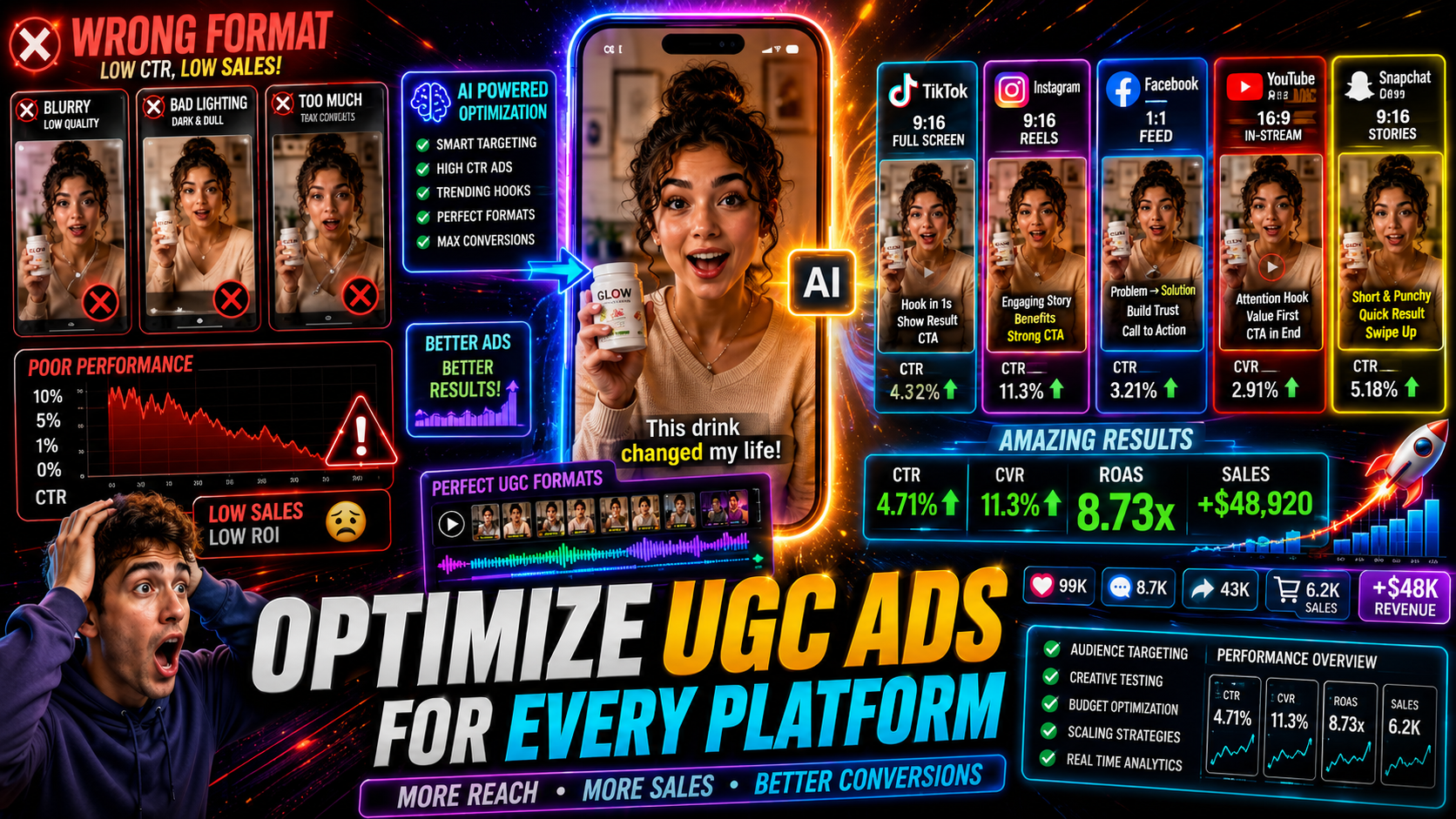
Instagram rewards vertical video. For Reels, keep length between 15 and 30 seconds for best reach. Add captions, a large portion of Instagram users watch without sound. Use a strong visual hook in the first two seconds.
For Instagram Stories, the format is more casual. An instagram story template approach, meaning a consistent visual style, font, and color scheme, makes your brand recognizable even when you’re using AI-generated footage. Tools like Canva provide templates you can overlay on your AI clips before uploading.
Posts for IG feed perform best at 1080 x 1080 (square) or 1080 x 1350 (portrait). Keep these under 60 seconds.
TikTok
TikTok’s algorithm favors content with strong audio sync and fast early engagement. Use trending audio when possible, even over AI-generated visuals. Keep your AI clips tight, 15 to 30 seconds works consistently for discovery.
YouTube Shorts
Shorts benefit from a slightly longer format (45 to 60 seconds) and benefit from a clear verbal hook in the first three seconds. If you use VidAU AI Video for Shorts, generate clips with slightly more visual narrative, Shorts viewers tolerate more context than TikTok audiences.
| Platform | Recommended format | Optimization notes |
|---|---|---|
| Instagram Reels | 9:16 vertical | 15 to 30 seconds, captions, strong visual hook in the first two seconds. |
| Instagram Stories | 9:16 vertical | Casual format with consistent visual style, font, and color scheme. |
| Posts for IG Feed | 1080 x 1080 or 1080 x 1350 | Keep under 60 seconds. |
| TikTok | 9:16 vertical | Use strong audio sync, fast early engagement, trending audio when possible, and 15 to 30 second clips. |
| YouTube Shorts | 9:16 vertical | 45 to 60 seconds can work, with a clear verbal hook in the first three seconds. |
Tip
Create in 9:16 first when targeting Reels, TikTok, and Shorts. Then adapt square or portrait versions for posts for IG feed when needed.
Common Mistakes Beginners Make
Vague prompts. “Make a cool video about my brand” produces unusable output. The more detail you give, the better the result.
Skipping the editing step. Raw AI output almost always needs trimming, captions, and audio before it’s publish-ready. Posting unedited clips makes the AI origin obvious in a way that hurts engagement.
Wrong aspect ratio. Generating horizontal video for Instagram Reels is a common mistake. Always set your aspect ratio to 9:16 before generating.
Ignoring audio. Silent AI videos perform significantly worse on every platform. Even a simple music track changes how the video lands.
Over-generating. Running 20 generations looking for a perfect clip wastes time and budget. Two to four variations, then pick the best one and edit it.
Watch out
The fastest way to weaken AI generated social media videos is to use vague prompts, skip editing, export in the wrong ratio, ignore audio, or waste budget searching for a perfect generation instead of polishing a good one.
Advanced Strategies for Better AI Generated Social Media Videos
Combine multiple AI clips. Generate three to five short clips around a single theme, then edit them together into one cohesive video. This gives you more creative control and produces more dynamic content than a single generated clip.
Use UGC-style AI avatars. Platforms like VidAU’s UGC Avatarslet you create spokesperson-style videos without filming a real person. This works well for product explainers and ad content that needs a human presence.
Repurpose long-form content. If you already have a YouTube video or podcast, use VidAU Vid Remix to extract and reformat segments into short-form clips for Instagram and TikTok.
Test hooks systematically. Generate two or three versions of the first three seconds with different visual approaches, then test which one performs better before committing to a full series.
Layer Gemini for scripting. Gemini (Google’s AI) integrates with the Veo3 workflow through Flow. Use it to refine your prompts and generate scene-by-scene scripts before generating video, especially for longer or more structured content.
Tip
Use AI for more than one generation. Build a workflow around multiple short clips, UGC-style avatars, repurposed long-form content, tested hooks, and improved scripts.
Key takeaway
Final Thoughts
AI generated social media videos have moved from novelty to practical workflow tool for creators and businesses at every level. The technology in 2025–2026, from Veo3 to text-to-video platforms, is good enough to produce real content that gets real engagement, as long as you invest time in prompt quality and basic editing.
Start simple. Write a specific prompt, generate a few variations, trim the best one, add captions and audio, and post it. That single cycle will teach you more than reading ten guides. Once you’ve got the basic workflow down, start layering in more advanced techniques, combining clips, testing hooks, using AI avatars, repurposing longer content.
If you want a platform that handles the full video creation workflow in one place, from product sample or URL to finished social video, VidAU AI Video is worth exploring as a practical option for marketing-focused content.
FAQ
Here are answers to common questions about AI generated social media videos, Veo3, VidAU AI Video, videos on IG, Instagram Reels, TikTok, YouTube Shorts, prompt writing, editing, publishing, and paid social media ads.
What are AI generated social media videos?
They are video clips created by AI tools from text prompts, images, or URLs — without traditional filming or manual editing.
Is Veo3 the best AI video generator for social media?
Veo3 produces some of the highest-quality cinematic AI video available, but it comes at a significant cost; other tools like VidAU AI offer more accessible workflows for marketing and product content.
How long does it take to create an AI video for Instagram?
A simple 15 to 30-second clip can be generated, lightly edited, and ready to post in under 15 minutes once you understand the workflow.
Do I need video editing experience to use AI video tools?
No, most AI video generators are designed for users with no prior editing experience, though basic trimming and caption-adding skills will noticeably improve your results.
What format should I use for videos on IG?
Use 9:16 vertical format (1080 x 1920 pixels) for Instagram Reels and Stories; use square or portrait formats for standard feed posts.
Can I use AI generated videos for paid social media ads?
Yes, many marketers use AI video tools specifically for ad creatives, though you should review each platform’s advertising policies regarding AI-generated content.