Facebook Video Ad Creator · High-Converting Ads
Facebook Video Ad Creator: Tools and Best Practices for High-Converting Ads
Learn how to choose a facebook video ad creator, use the right dimensions, protect safe zones, and build high-converting ads for Feed, Reels, and Stories.
By the Sarah Iruoje · Facebook video ads guide · 14 min read
Creating Facebook video ads that actually convert involves more than good visuals. It requires the right tools, the right dimensions, and a clear understanding of where your ad will appear. Get those three things wrong, and even a well-produced video will underperform.
The good news is that using a solid facebook video ad creator doesn’t require a production team or advanced editing skills. Modern tools handle most of the technical lifting, and understanding a few key specifications can make a significant difference in how your ads look and perform across Feed, Reels, and Stories.
This guide covers the best creator tools available, the exact video dimensions for facebook ads you need to know, what example facebook video ads actually look like when done right, and the common mistakes that quietly kill ad performance.
Create your Video Ads
Quick Summary
- The best facebook video ad creator tools include InVideo, CapCut, and VidAU AI, each suited to different workflows and skill levels.
- The 9:16 aspect ratio (1080x1920px) is now the recommended format for Reels and Stories; 4:5 (1080x1350px) performs best in Feed.
- Safe zone awareness is critical—UI elements from Meta can overlap your text and visuals if you ignore the top and bottom margins.
- Short, hook-driven videos between 15 and 30 seconds consistently outperform longer formats for direct-response Facebook ads.
In This Guide
- What a Facebook video ad creator is and how it works
- Why video dimensions and aspect ratios directly affect performance
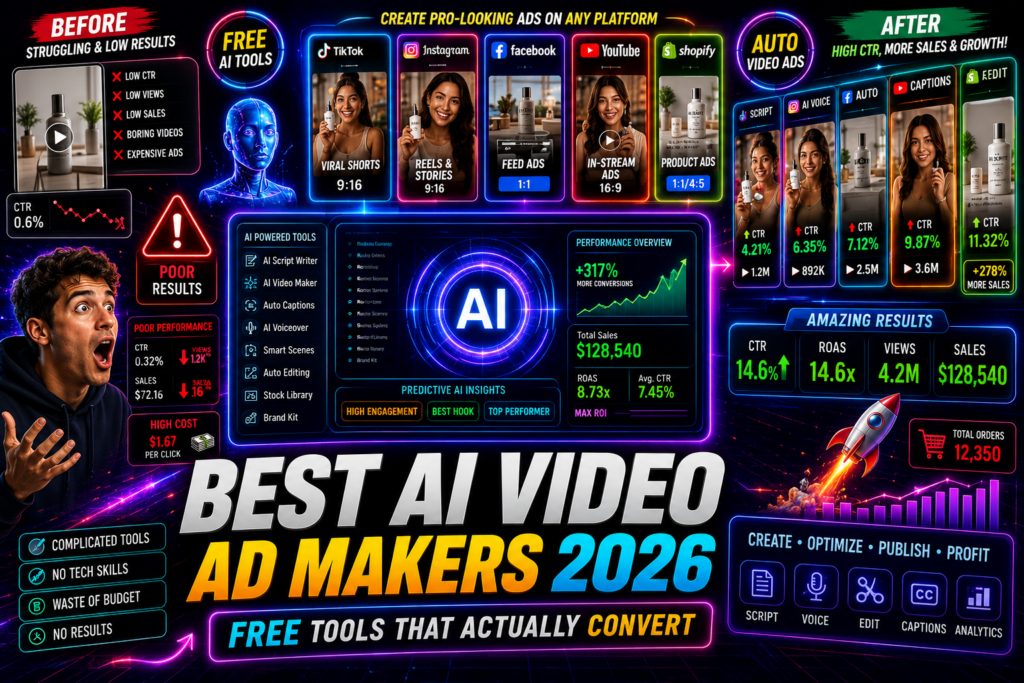
- The best tools for creating Facebook video ads
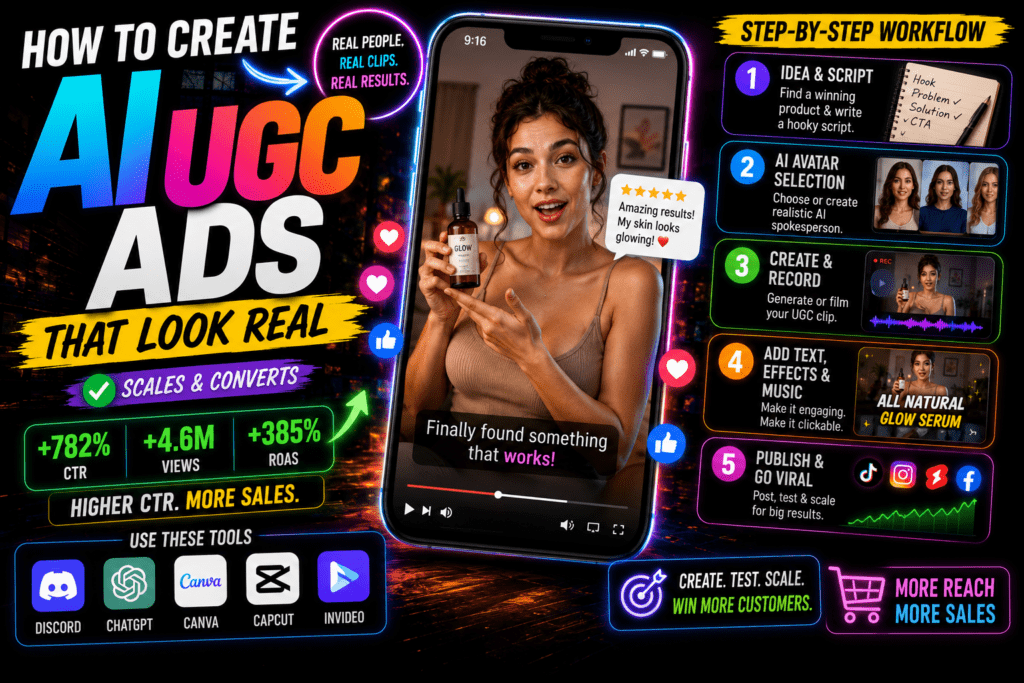
- Step-by-step process for building your first ad
- Platform-specific optimization for Feed, Reels, and Stories
- Common mistakes advertisers make with video formats
- Advanced strategies for scaling creative output
- Final thoughts
- FAQ
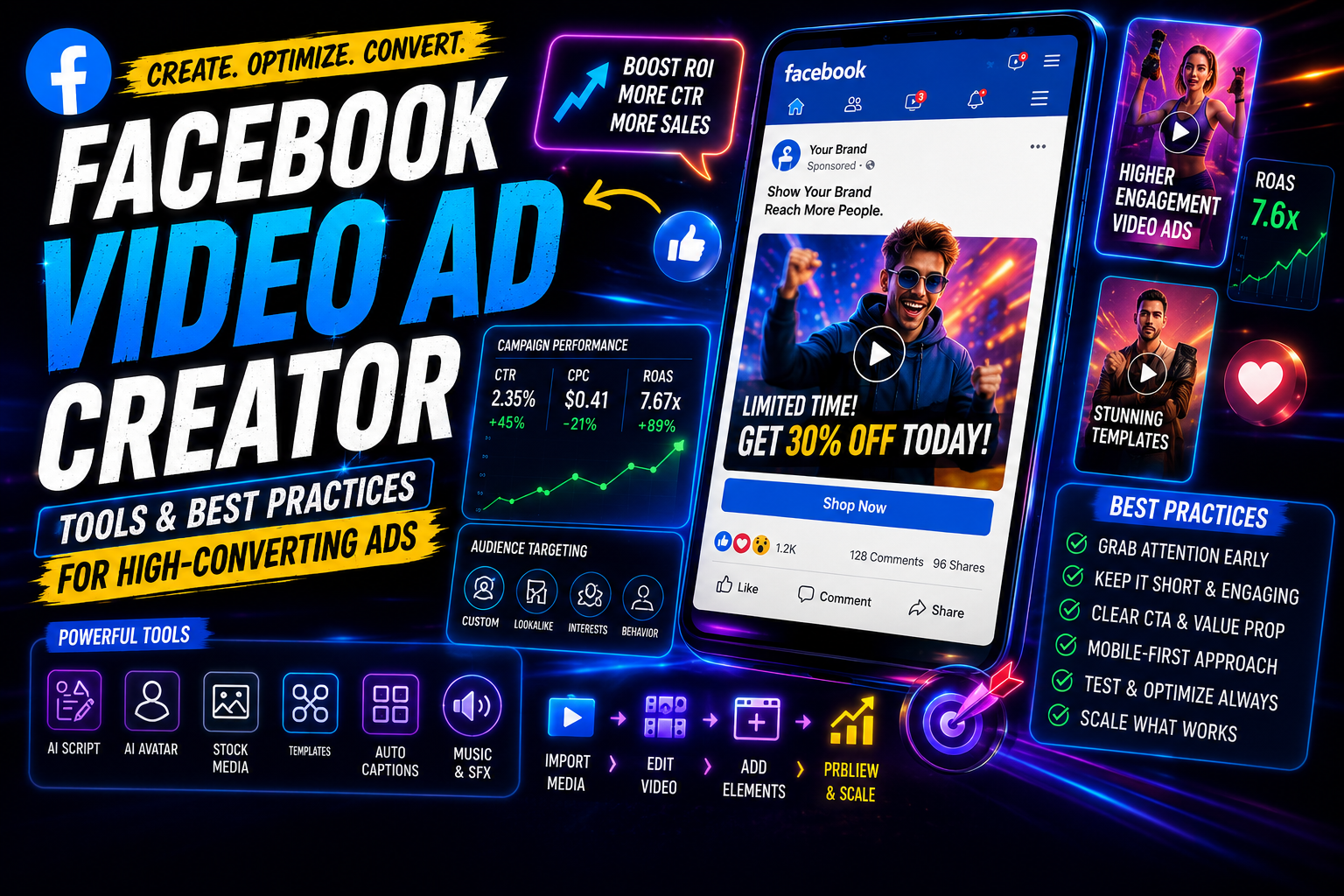
What Is a Facebook Video Ad Creator?
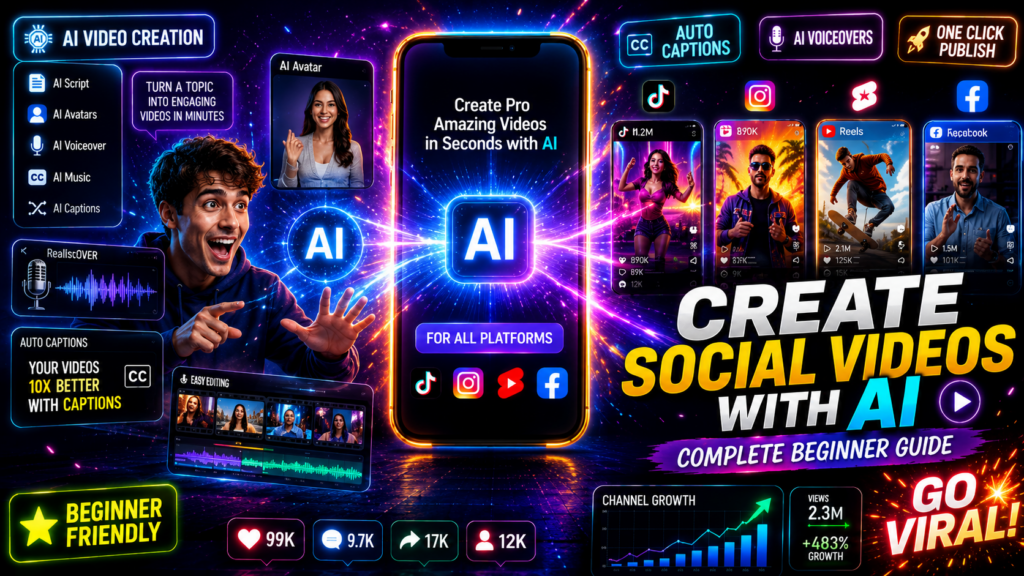
A facebook video ad creator is an online tool or software platform that lets you produce video content formatted specifically for Meta ad placements. These tools typically include templates, aspect ratio presets, text overlays, music libraries, and export settings optimized for Facebook and Instagram ads.
They range from simple drag-and-drop editors to AI-powered platforms that can generate full ad videos from a product URL, script, or sample image.
Key definition
A facebook video ad creator is built around Meta ad placements, not just general video editing. The best tools include templates, aspect ratio presets, overlays, music, export settings, and AI workflows for turning URLs, scripts, or sample images into ad videos.
Why Facebook Video Ad Dimensions Matter More Than You Think
Dimensions are not just a technical detail. They determine how much screen real estate your ad occupies, how it renders across devices, and whether your text and visuals are readable without cropping.
The biggest shift in 2025 is the move away from the 1:1 square format that dominated Facebook Feed ads for years. Practitioners running large ad accounts are increasingly reporting better performance with vertical formats, because mobile users hold their phones vertically and vertical ads fill more of the screen.
Here is a clear breakdown of the facebook video ad dimensions you should actually use:
| Placement | Recommended Ratio | Pixel Size |
|---|---|---|
| Feed (Facebook) | 4:5 | 1080 x 1350px |
| Reels (Facebook/Instagram) | 9:16 | 1080 x 1920px |
| Stories (Facebook/Instagram) | 9:16 | 1080 x 1920px |
| In-Stream / Feed fallback | 16:9 or 1:1 | 1920×1080 or 1080x1080px |
If you shoot or export in 9:16, that single file can serve Reels, Stories, and often Feed placements with minimal cropping. That makes it the most efficient format to produce first.

Safe Zones: The Detail Most Advertisers Miss
Meta’s interface overlays buttons, profile icons, and captions over your video. If your text or key visuals sit too close to the edges, they get covered. For a 9:16 video, keep all important content inside the middle 80% of the frame, roughly 250px from the top and 350px from the bottom. This is where the facebook video ad size guidance from Meta’s own business help center becomes practically useful.
Watch out
Do not place key text, product names, CTAs, or visual details near the top or bottom edge of a 9:16 video. Meta UI elements can cover them, so keep important content inside the middle 80% of the frame.
Best Tools for Creating Facebook Video Ads
The right facebook video ad creator depends on your workflow, budget, and how much customization you need.
InVideo is one of the most widely used online editors for ad videos. It has a large template library, Facebook-specific presets, and straightforward text and media controls. It works well for marketers who need to produce ads quickly without starting from scratch.
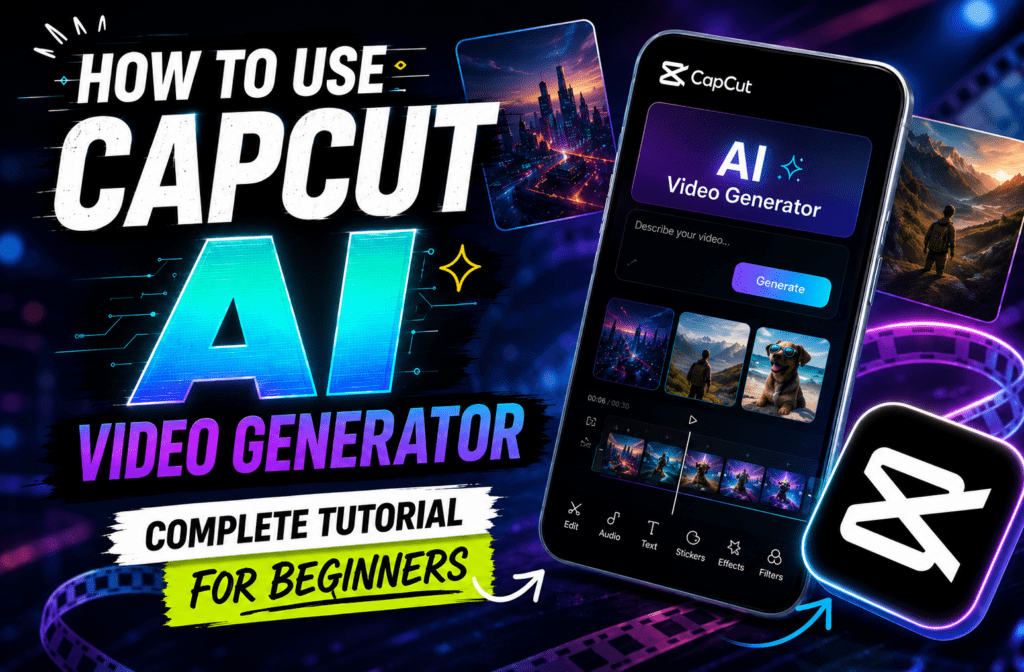
CapCut for Business is popular among e-commerce brands running UGC-style content. It handles vertical video naturally, includes auto-caption tools, and the learning curve is low.
Meta Ads Manager has a basic built-in video creation tool, but it is limited. It is best used to add simple overlays to existing clips, not to build full creative from scratch.
VidAU AI is worth considering if your workflow involves turning product pages, scripts, or sample images into ready-to-run video ads. The URL to Video feature can pull product details from a URL and generate a video automatically, which is useful for e-commerce teams managing large product catalogs. The Product Sample to Video tool handles similar conversion from raw assets. For AI-generated voiceover on your ads, Text to Speech gives you narration without recording sessions.
Canva remains a reliable option for static and short animated ads. Its video export is functional, though less suited to complex ad creative than dedicated video tools.
| Tool | Best fit | Why it helps |
|---|---|---|
| InVideo | Marketers producing ads quickly | Large template library, Facebook-specific presets, straightforward text and media controls. |
| CapCut for Business | E-commerce brands and UGC-style content | Handles vertical video naturally, includes auto-caption tools, and has a low learning curve. |
| Meta Ads Manager | Simple overlays on existing clips | Useful for basic built-in creation, but limited for full creative production. |
| VidAU AI | Product pages, scripts, sample images, AI voiceover, e-commerce ad production | Can support URL to Video, Product Sample to Video, Text to Speech, AI Video, Text to Video, Vid Remix, UGC Avatars, and Video Enhancer workflows. |
| Canva | Static and short animated ads | Reliable for simple creative, but less suited to complex ad videos than dedicated tools. |
Create Your Facebook Video Ads Faster
Use VidAU AI to turn product URLs, scripts, product samples, voiceovers, existing videos, and UGC-style ideas into ready-to-run Facebook ad creative.
VidAU workflow
From product asset to ready-to-run Facebook ad
- Start with the source: Use a product URL, script, prompt, product sample, existing video, or raw asset as the foundation.
- Generate a draft ad: Use URL to Video, Product Sample to Video, AI Video, or Text to Video workflows to create a first version quickly.
- Add narration and human-facing creative: Use Text to Speech for voiceover or UGC Avatars for spokesperson-style ads without organizing a live shoot.
- Adapt the format: Build a master 9:16 video, then create variations for Feed, Reels, Stories, or fallback placements using Vid Remix or placement-specific exports.
- Improve and scale: Use modular creative, test hooks, enhance underperforming footage, and create multiple ad versions without rebuilding the entire campaign from scratch.
Step-by-Step Process for Creating a Facebook Video Ad
This workflow applies whether you are building your first ad or optimizing an existing campaign.
Step 1: Define the goal and placement first.
Decide if this ad is going into Feed, Reels, Stories, or all three. That determines your dimensions before you open any tool.
Step 2: Write your hook.
The first 3 seconds determine whether someone keeps watching. Lead with the problem, the result, or a visual that creates immediate curiosity. Do not open with your logo or brand name.
Step 3: Choose your format and tool.
For vertical ads, start your project at 1080x1920px. If you need a Feed version at 4:5, export a second crop. Most editors let you do this without rebuilding the project.
Step 4: Keep the video between 15 and 30 seconds.
This is where most direct-response Facebook video ads perform best. Longer videos work for retargeting warm audiences who already know your brand.
Step 5: Add captions.
A large share of Facebook video views happen with the sound off. Captions are not optional. Most tools, including CapCut and InVideo, auto-generate them.
Step 6: Export at the right settings.
Meta recommends H.264 codec, MP4 format, and a minimum resolution of 1080px on the shortest side. Keep file size under 4GB, though most well-produced ads come in far below that.
Step 7: Test in Ads Manager before scaling.
Upload the video and preview it in each placement using the ad preview tool. Check that text stays in safe zones and the hook is visible within the first frame.
Platform-Specific Optimization for Facebook Placements
Each placement has different viewer behavior, and your creative should reflect that.
Facebook Feed users are scrolling actively. A strong visual contrast in the first frame stops the scroll. Text overlays work well here because the environment is less immersive than Reels.
Facebook Reels is a full-screen, sound-on environment. Treat it like TikTok content. Energy, pacing, and a fast hook matter more than polished production. The video dimensions for facebook ads in this placement must be 9:16 to avoid black bars.
Facebook Stories are often skipped quickly. Your key message should appear in the first 2 seconds. Use bold text and keep the visual simple. Avoid cluttered designs.
If you are running the same creative across all three, 9:16 is the safest choice. Meta will crop it to 4:5 for Feed automatically, though you lose some control over what gets trimmed.
| Placement | Viewer behavior | Creative guidance |
|---|---|---|
| Facebook Feed | Users scroll actively. | Use strong visual contrast in the first frame. Text overlays work well because the environment is less immersive than Reels. |
| Facebook Reels | Full-screen, sound-on environment. | Treat it like TikTok content. Use 9:16, energy, pacing, and a fast hook. |
| Facebook Stories | Users often skip quickly. | Put the key message in the first 2 seconds. Use bold text and simple visuals. |
Tip
Start with a 9:16 master version when running across Feed, Reels, and Stories. Then preview each placement carefully in Ads Manager so you can see what gets cropped or covered before scaling spend.
Common Mistakes with Facebook Video Ad Formats
Using 1:1 for everything. Square still works in Feed but leaves significant screen space unused in vertical placements. If you only produce one format, 9:16 serves more placements effectively.
Ignoring safe zones. Placing your CTA or product name near the bottom of a 9:16 video is a reliable way to have it covered by the comment bar or action buttons.
Skipping captions. Sound-off viewing is common on Facebook Feed. Ads without captions lose a significant portion of their message before anyone decides to tap the volume.
Long intros. If your ad does not have a clear hook in the first 3 seconds, most users will scroll past it before the message lands.
Exporting at low resolution. A 720p video looks noticeably soft on modern phone screens. Always export at 1080px minimum.
Watch out
Most format mistakes are preventable before export. Choose the right aspect ratio, keep text in safe zones, add captions, open with the hook, and export at 1080px minimum.
Advanced Strategies for Scaling Facebook Video Ad Creative
Once your base creative is working, these approaches help you scale output without losing quality.
Build modular creative. Shoot or produce a master 9:16 video, then create variations by swapping the hook clip while keeping the middle and end sections the same. This lets you test multiple angles without rebuilding the entire ad.
Use AI tools to speed up production. Tools like VidAU AI Video and Text to Video can generate draft ad videos from a script or prompt, which is useful for testing concepts before investing in filmed content. VidAU Vid Remix lets you repurpose existing video content into new ad formats quickly.
Run UGC-style ads alongside polished creative. Authentic, low-production content often outperforms high-production ads in cold audience campaigns. Platforms like UGC Avatars let you create spokesperson-style video without organizing a live shoot.
A/B test dimensions, not just copy. If your 1:1 version and your 4:5 version are running in the same campaign, the data will tell you which format your specific audience responds to better. Do not assume, test it.
Improve existing footage before retiring it. Before pulling a video that is underperforming, try running it through a Video Enhancer to improve resolution and clarity. Sometimes the creative is fine; the quality just needs a lift.
Tip
Scale creative by changing the hook, format, or spokesperson style while keeping the strongest middle and CTA sections. This gives you more testable variations without rebuilding every ad from zero.
Key takeaway
Final Thoughts
Choosing the right facebook video ad creator is only part of the equation. The tools matter, but so do the dimensions, the hook, and an understanding of where your ad actually appears on screen. Getting the facebook video ad dimensions right, especially the shift toward 9:16 for Reels and Stories, is one of the most practical improvements most advertisers can make right now without changing their budget or targeting.
If you are starting out, pick one tool, shoot or create in 9:16, add captions, and keep the hook under 3 seconds. If you are scaling, modular creative and AI-assisted production tools like VidAU AI Video or Text to Video can help you maintain output volume without compromising on quality.
FAQ
Here are answers to common questions about facebook video ad creator tools, facebook video ad size, video dimensions for facebook ads, Feed formats, Reels and Stories dimensions, safe zones, captions, and VidAU AI video ad production.
What is the best facebook video ad size for 2025?
The 9:16 ratio at 1080x1920px is the most versatile format, covering Reels, Stories, and Feed with minimal cropping.
What are the recommended video dimensions for facebook ads in the Feed?
Facebook Feed performs best with a 4:5 ratio at 1080x1350px, which takes up more vertical screen space than the older 1:1 format.
How long should a Facebook video ad be?
For cold audiences, 15 to 30 seconds is the most effective range; longer videos work better for retargeting warm audiences.
Can I use the same video for Facebook Reels and Stories?
Yes, a 9:16 video at 1080x1920px works for both placements without reformatting.
What is the safe zone for Facebook video ads?
Keep all key text and visuals within the central 80% of the frame to avoid overlap with Meta UI elements like buttons and captions.
Do Facebook video ads need captions?
Yes, captions are strongly recommended because a large portion of Facebook video views happen with sound off.