VidAU Editorial · AI Search
GTA-6 Video Generator: How to Create GTA-Style Gameplay Videos with AI (Free Options)
Want GTA 6–style videos without advanced editing? Learn how to use an AI video generator to create GTA-style gameplay clips, Shorts formats, prompts, export settings, and monetization tips—using free or low-cost tools.
By the VidAU Editorial Team · Reviewed before publishing
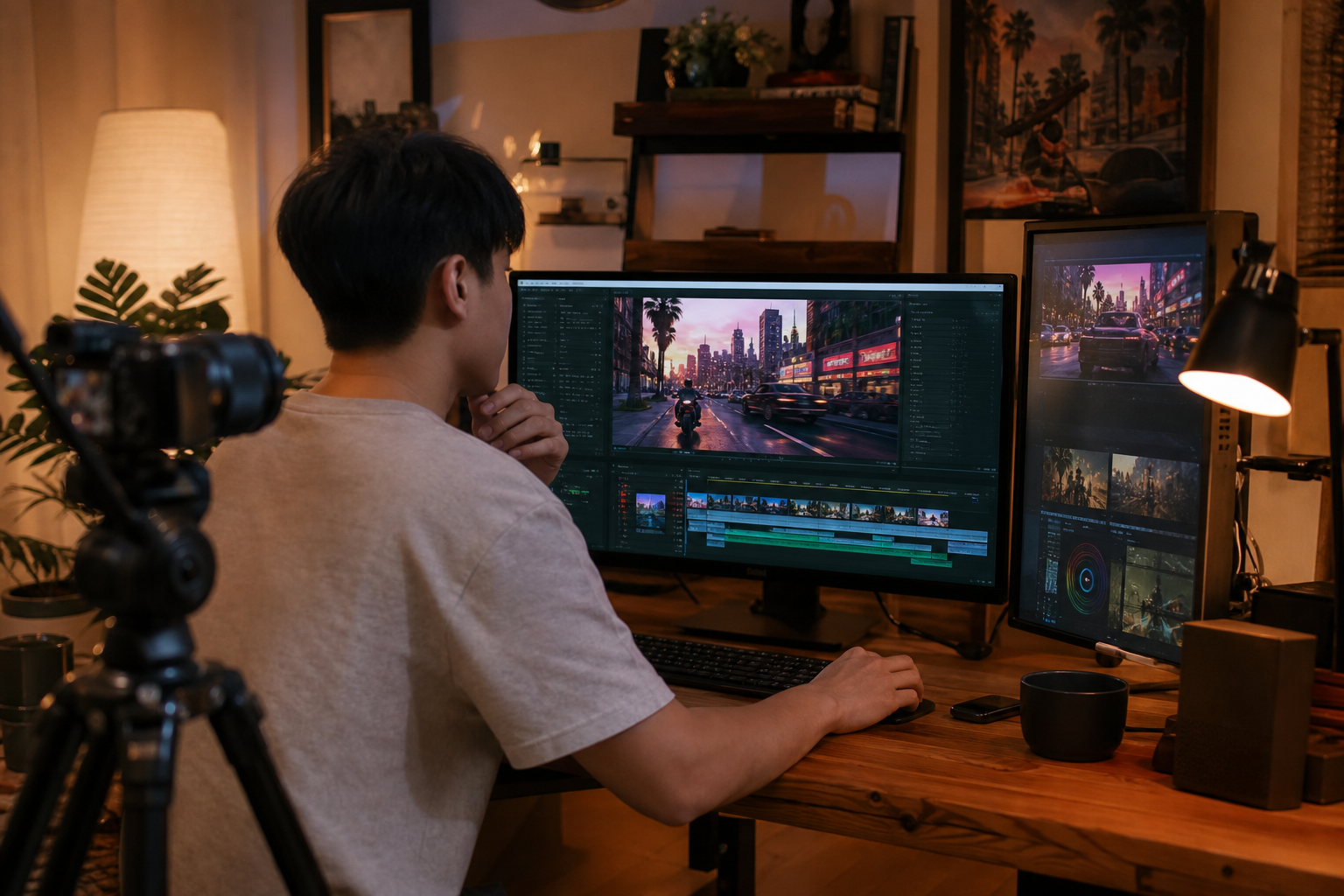
Looking for a GTA-6 video generator that can produce Shorts-ready GTA 6–style AI videos for free? This tutorial walks you through text-to-video and image-to-video prompts, 9:16 framing, and export settings to generate convincing GTA-style clips fast.
Creating GTA 6–style AI gameplay clips does not require a big budget or advanced editing. With a capable AI video generator, you can turn short prompts or still images into vertical, Shorts-ready videos in minutes, while staying within legal and ethical boundaries.
Quick Summary
• Text-to-video AI workflows with 9:16 framing and 24–30 fps are the fastest way to produce GTA 6–style YouTube Shorts in under 10 minutes.
• Image-to-video or video-to-video stylization is a strong alternate method for tighter visual control and consistency.
• Shorts specs that work: 1080×1920, 24–30 fps, 9–15 seconds; avoid Rockstar Games logos and UI, and label content as AI-generated.
• US creators, YouTubers, and TikTok editors benefit most when chasing trend-driven, low-cost GTA 6–style content.
What Is a GTA-6 Video Generator?
A GTA-6 video generator is an AI video tool that converts text prompts, images, or short clips into footage resembling open-world, third-person action aesthetics. It uses text-to-video or image-to-video models to synthesize scenes with cinematic camera movement, neon city lighting, and chase dynamics suitable for YouTube Shorts, TikTok, and social posts.
Free Workflow With a GTA-6 Video Generator (Prompt to 1080×1920 in Under 10 Minutes)
Follow this step-by-step process to create GTA 6–style AI videos quickly and affordably.
1) Plan a 9–15 second scene
• Concept: A quick street chase at dusk, neon city lights, light rain.
• Shot list: 3–4 micro-shots of 2–4 seconds each (establishing, follow-cam, pass-by, reveal).
• Aesthetic: Third-person follow camera, slightly elevated, shallow depth of field.
2) Generate core shots (text-to-video)
• Use an AI video generator with text-to-video.
• Prompt intent: Describe camera, subject, motion, lighting, and vibe; do not reference trademarks, logos, fonts, or UI.
• Duration: 2–4 seconds per shot for faster, cleaner outputs.
3) Alternate path (image-to-video)
• Start from a stylized still (city street, muscle car, palm-lined boulevard at night).
• Set motion hints: forward momentum, camera follow, gentle handheld.
4) Settings that usually work well
• Aspect ratio: 9:16 vertical.
• Resolution: 1080×1920.
• Frame rate: 24–30 fps.
• Style strength: Medium, to keep faces/vehicles coherent.
• Motion: Smooth, with mild handheld for realism.
5) Quick polish pass
• Stabilization: Apply light stabilization to reduce AI jitter.
• Denoise/sharpen: Subtle denoise; add a small clarity/sharpen pass.
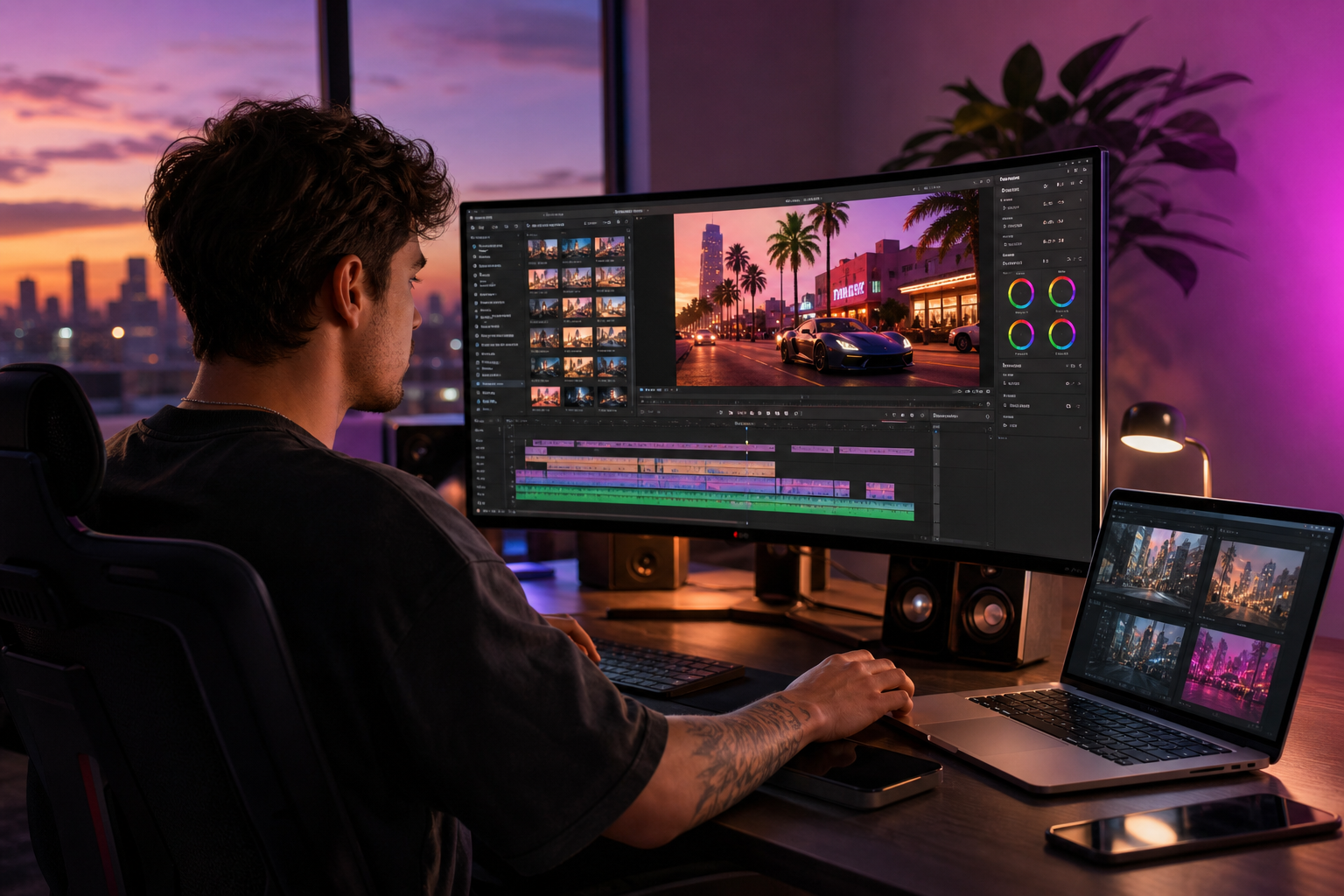
• Color: Add teal–orange contrast or neon magentas for a stylized city look.
• Audio: Choose royalty-free music; add tire squeals or siren SFX from licensed libraries.
6) Export for Shorts/TikTok
• 1080×1920, 24–30 fps, H.264.
• Bitrate: 8–12 Mbps (CBR or high-quality VBR).
• Length: 9–15 seconds; snappy intro within 1–2 seconds.
• Title/desc: Label as AI-generated; avoid misleading terms about real GTA 6 gameplay.
Suggested Visual: A simple storyboard showing 4 vertical frames with camera notes and timing.
Key Takeaways
• Short, well-structured prompts and 2–4 second shots yield cleaner AI footage.
• Vertical 1080×1920, 24–30 fps, and 9–15 seconds are safe defaults for Shorts.
• Light stabilization, color, and licensed audio elevate believability without heavy editing.
Copy-Ready Prompt Templates (GTA-6 Video Generator, No Trademarks)
Use these starter templates and tweak nouns, lighting, and motion. Avoid naming Rockstar Games assets, fonts, UI, or logos.
Text-to-video: third-person chase
• Aerial third-person follow camera trails a black muscle car weaving through neon-lit Miami-like streets at dusk, light rain, cinematic depth of field, reflections on wet asphalt, mild handheld, dynamic tilt, 24 fps, 4 seconds, dramatic but realistic.
Text-to-video: alley escape on foot
• Shoulder-height third-person camera follows a hooded runner sprinting through a neon alley with steam vents, shallow depth, soft rain, moody rim light, slight handheld sway, smooth forward motion, 3 seconds, realistic textures.
Image-to-video: from a still car shot
• Animate this parked car on a wet city street at night; camera pulls alongside as the car accelerates past storefronts; neon signs reflect on the hood; subtle raindrops, 24 fps, smooth follow.
Video-to-video stylization: re-shoot a bland clip
• Re-style this generic street drive clip into a neon city at dusk with cinematic color, third-person follow cam, wet road reflections, medium style strength, minimal warp, 4 seconds.
Suggested Visual: Side-by-side of a prompt and a resulting frame with callouts for camera, lighting, and motion words.
Choosing a Method: Text, Image, or Stylize Existing Clips
• Stage: Text-to-video
Recommended Tools: Any AI video generator
Why: Fastest idea-to-clip path
• Stage: Image-to-video
Recommended Tools: Any AI video generator
Why: Stronger composition control
• Stage: Video-to-video
Recommended Tools: Any AI video generator
Why: Easiest for consistency and pacing
Note: Keep each shot short to minimize artifacts. Mix methods if needed—e.g., start with text-to-video establishing, then image-to-video for hero shots.
Shorts Formatting: Specs, Captions, and Audio – GTA-6 Video Generator
• Resolution & AR: 1080×1920 (9:16).
• FPS: 24–30 fps; pick one and stay consistent.
• Captions: Add on-screen captions or a simple hook in the first 1–2 seconds.
• Audio: Use royalty-free music and SFX. Keep peaks around -1 dB; loudness to platform norms.
• Thumbnails: Stylized city frame is fine; do not use Rockstar Games logos or GTA-type UI.
Legal & Ethics: Avoid IP Pitfalls – GTA-6 Video Generator
• No trademarks or UI: Do not use Rockstar Games logos, fonts, HUDs, or direct GTA 6 assets.
• Truthful labeling: Clearly note AI-generated content in title or description.
• Fair use basics: Commentary, critique, or educational framing increases transformation, but fair use is context-specific and not guaranteed.
• Thumbnails/titles: Avoid implying official leaks or real gameplay.
• Music rights: Use royalty-free or properly licensed tracks and SFX.
Optional: Packaging With VidAU AI (When It Fits)
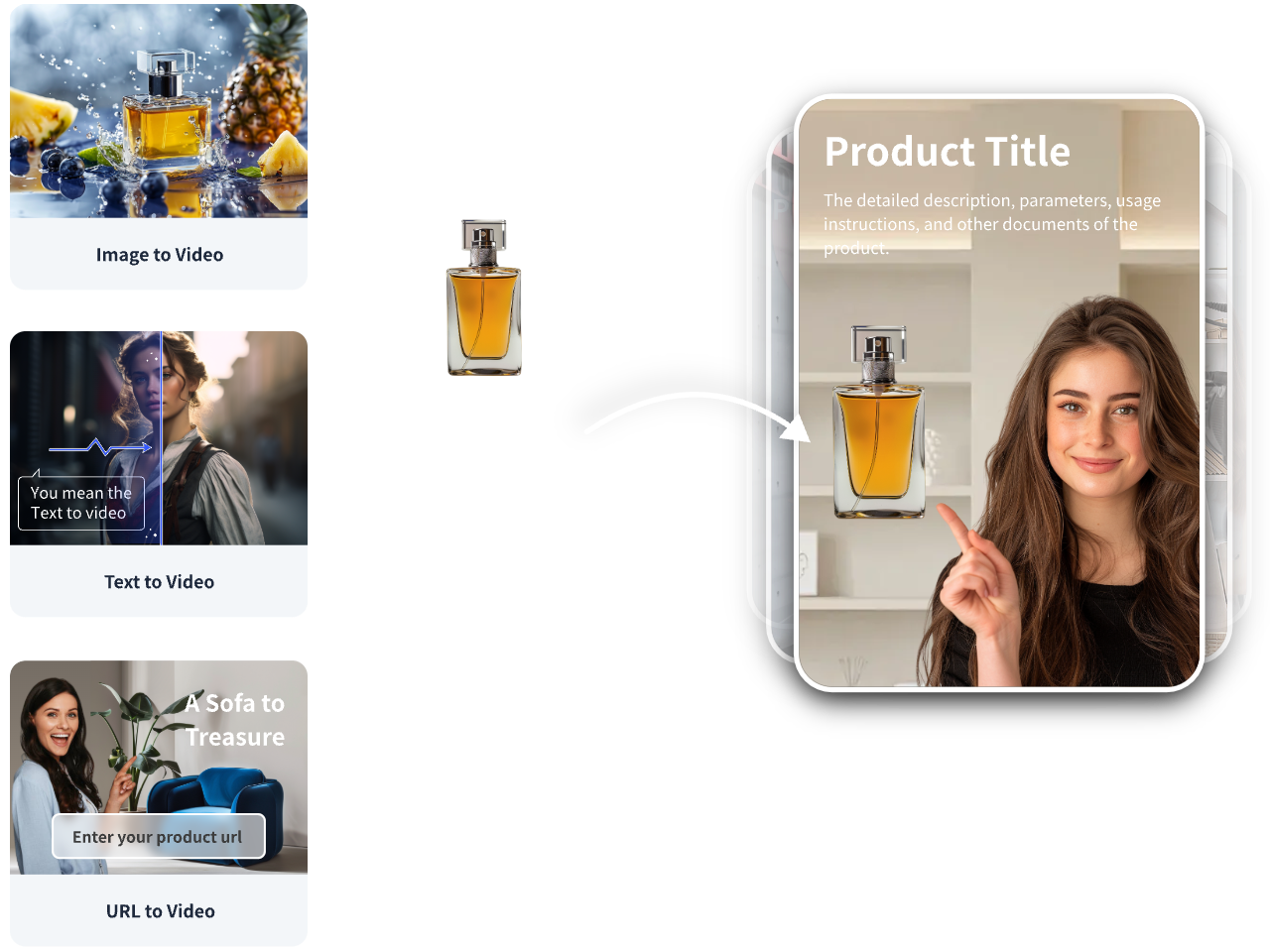
If you need to turn a concept or product tie-in into an ad-ready vertical clip, VidAU AI Video can help package your GTA 6–style scene into Shorts-friendly creative.
Mini-workflow:
• Your input: A short script or product URL with a 10–15 second concept.
• VidAU capability: Script to ad film or product/image to video, with vertical 9:16 layouts and captions.
• Output: Editable draft with text overlays and brand-safe elements.
• Review/testing: Adjust hook frames, swap captions, and export 1080×1920 at 24–30 fps for TikTok/YouTube.
Use this when you want rapid, brand-safe variants from one concept without heavy manual editing.
Monetization Basics for AI Gaming Shorts – GTA-6 Video Generator
• Platform eligibility: Follow YouTube Shorts and TikTok rules; avoid deceptive practices.
• Add value: Brief voiceover or on-screen tips (camera moves, prompts) improves engagement and transformation.
• Consistency: Post in batches; test different 3–5 word hooks.
• Metadata: Include relevant keywords like AI video generator, text-to-video, and image-to-video without spam.
Create With VidAU
Turn scripts, product URLs, and creative ideas into ad-ready video assets with a structured AI workflow.
Key takeaway
Final Thoughts
A fast, free-friendly path to GTA 6–style AI videos is simple: write tight prompts, generate 2–4 second shots, stabilize lightly, color-grade, add royalty-free audio, and export at 1080×1920 and 24–30 fps. Keep it short, label it AI, and avoid trademarks or UI.
If you are packaging these clips for brand-safe Shorts or product tie-ins, consider drafting variants with VidAU AI Video to speed up vertical layouts, captions, and testing. Then iterate on hooks and pacing to find what resonates.
Frequently asked questions
What is a GTA-6 video generator?
A GTA-6 video generator is an AI video tool that turns text prompts, images, or short clips into footage with open-world, third-person action aesthetics. It supports text-to-video and image-to-video workflows to create short, cinematic scenes suited to YouTube Shorts and TikTok without copying specific Rockstar Games assets.
Can I make GTA 6–style videos for free?
Yes. Many AI video generators offer free tiers or trials that can output short 2–4 second clips. Combine a few shots, stabilize lightly, add royalty-free music, and export at 1080×1920, 24–30 fps to create a complete Short without advanced editing or paid plugins.
What prompts work best for GTA 6–style AI videos?
Prompts that specify camera type, subject motion, lighting, and mood perform best. For example: third-person follow camera, neon-lit city at dusk, wet asphalt reflections, slight handheld, 24 fps, 4 seconds. Avoid trademarked names, UI, or logos. Keep sentences short and concrete for clearer results.
What are the ideal settings for YouTube Shorts or TikTok?
Use 9:16 vertical at 1080×1920, 24–30 fps, and 8–12 Mbps bitrate. Keep videos 9–15 seconds. Open with a hook within 1–2 seconds, add readable captions, and ensure audio is royalty-free. Consistent frame rate and color improve perceived quality across platforms.
Is it legal to upload AI GTA 6–style clips?
It can be, if you avoid trademarked elements and do not mislead viewers. Do not use Rockstar Games logos, fonts, or UI. Label content as AI-generated and avoid titles suggesting official gameplay or leaks. Fair use may apply when adding commentary or education, but it is not guaranteed.
How do I avoid music copyright issues?
Use royalty-free music and SFX from reputable libraries and follow license terms. Keep music levels under dialogue if you add voiceover. Avoid unlicensed mainstream tracks. If a platform flags audio, swap in a cleared track and re-upload.
How long should my GTA 6–style Short be?
Aim for 9–15 seconds. Shorter, high-impact sequences with 2–4 second shots perform well. Front-load the hook in the first second, maintain motion throughout, and end with a clean cut or quick caption to encourage replays and retention.
How do I stabilize, upscale, and polish AI footage?
Apply light stabilization to reduce micro-jitter, a mild denoise pass to remove grain, and subtle sharpening. If available, use AI upscaling to maintain detail at 1080×1920. Finish with a targeted color grade that enhances neon highlights and road reflections without crushing shadows.