VidAU Editorial · AI Search
Best UGC AI Video Creator (Free): Step-by-Step Workflow for Realistic UGC Ads
Looking for a UGC AI video creator? See the best free options and a step-by-step workflow to make realistic UGC ads, avatars, scripts, clips, voice, and transitions, in one guide.
By the VidAU Editorial Team · Reviewed before publishing
Looking for a UGC AI video creator that does not look plasticky? This guide shortlists the most practical free and low-friction options and shows the newer image plus video reference workflow that creators use to cross the uncanny valley. Follow the simple steps to build a consistent avatar, generate realistic clips, and finish native edits that pass the scroll test.
Save this workflow and use the free tools below to get started.
Quick Summary
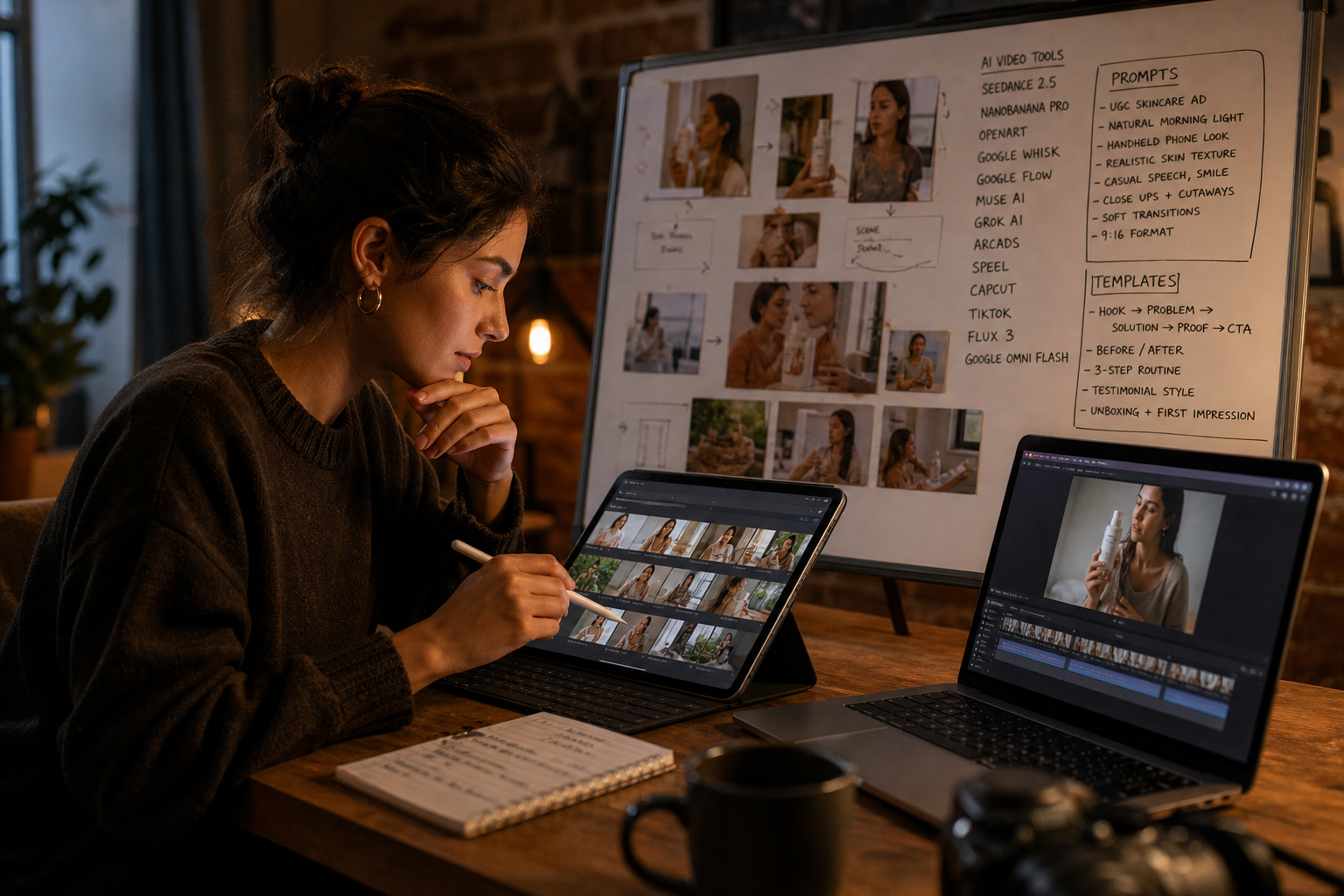
• Seedance 2.5 with image plus video references is the top pick for realistic UGC-style clips when paired with TikTok-native references and a NanoBanana Pro avatar.
• Google Whisk and Google Flow, Muse AI, or Grok AI offer a free ugc generator path if you cannot access Seedance 2.5.
• TikTok and Meta Reels favor 9:16 vertical, 24–30 fps, under-30-second cuts with burned-in captions and native transitions.
• US DTC founders, UGC freelancers, and social marketers who need affordable, testable ad variants will benefit most.
What Is a UGC AI Video Creator?
A UGC AI video creator is a tool or workflow that generates short, user-generated-style videos using AI models for avatars, scenes, and motion. Instead of filming a human, you combine references, prompts, and voice to produce talking shots and B‑roll. The best results mimic smartphone footage and native platform pacing while avoiding the uncanny valley.
Best UGC AI Video Creator: Free Shortlist and Use Cases
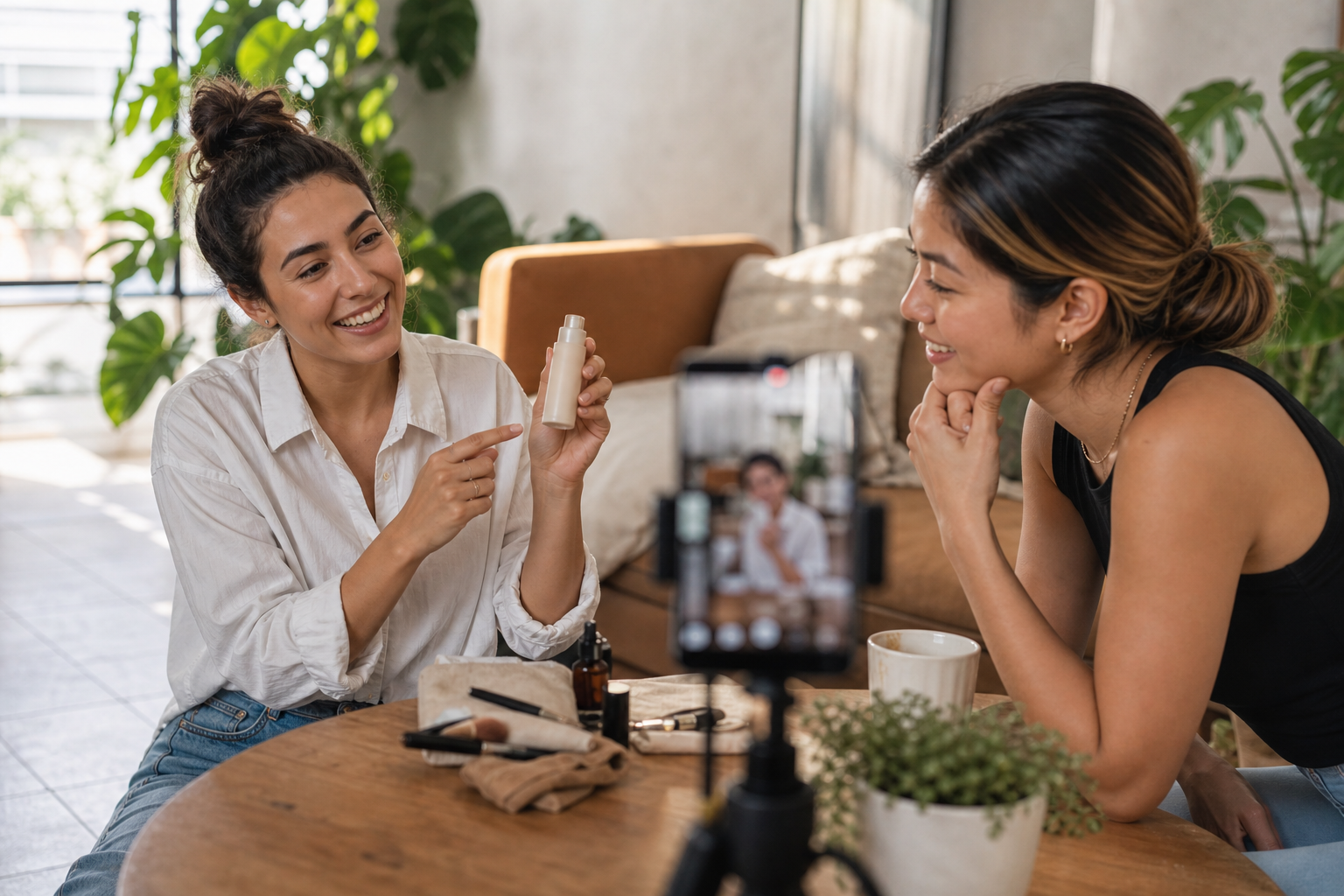
Free tiers and features change, but the tools below repeatedly show up in current creator tutorials. Use them in combination rather than hunting for a single magic button.
• Stage: Avatar images
Recommended Tools: NanoBanana Pro via OpenArt
Why: Consistent, natural smartphone look
• Stage: Clip generation
Recommended Tools: Seedance 2.5
Why: Popular for image plus video references
• Stage: Free paths
Recommended Tools: Google Whisk, Google Flow, Muse AI, Grok AI
Why: Entry routes for AI ugc video creator free
• Stage: Image-only alt
Recommended Tools: Flux 3, Google Omni Flash
Why: Strong with still-image reference
• Stage: Lip sync and voice
Recommended Tools: Speel, Arcads
Why: Talking shots and expressions
• Stage: Edit and transitions
Recommended Tools: CapCut
Why: Fast vertical editing, transition maker feel
Notes and cautions:
• Tutorials often favor TikTok references instead of Pinterest to avoid over-polished, AI-looking frames.
• If you cannot supply a video reference, use Flux 3 or Google Omni Flash with a strong image reference and add motion later.
• Free or trial usage may vary by account and region; expect changes over time.
The Realism Workflow: Image plus Video References
This is the 2026-ready path many creators use to get lifelike results.
Step 1: Define the ad and structure the script
• Choose one product pain point and one clear promise.
• Keep it 20–30 seconds with 4–6 shots.
• 30‑second UGC script framework:
• 0–3s Hook: Call out the pain or curiosity gap.
• 3–10s Problem: One relatable symptom in a real setting.
• 10–20s Solution and demo: Show the product solving it.
• 20–27s Proof: Quick before or social proof line.
• 27–30s CTA: Simple action for TikTok, Reels, or Shorts.
Copyable prompt for script and shot list
• Task: Write a 30s UGC ad for [product], targeting [audience] with [primary pain].
• Constraints: 5 shots max, each with location, framing, action, line, and on-screen text under 6 words. Keep smartphone language and slight imperfections.
• Output: Script plus shot list and B‑roll suggestions.
Step 2: Gather native references
• Pull three to five TikTok videos matching your niche, lighting, and framing. Look for handheld, front camera angles, soft natural light, small camera shake, and micro-expressions.
• Avoid Pinterest or studio-perfect shots, which push models toward glossy, uncanny results.
Step 3: Build a consistent face with NanoBanana Pro (via OpenArt)
• Generate 4–8 avatar stills in everyday settings similar to your references. Favor iPhone-era tones, mild motion blur, and imperfect skin texture.
Copyable prompt for avatar stills
• Model: NanoBanana Pro
• Style intent: smartphone selfie indoors, window light, slight motion blur, imperfect skin texture, casual tee, neutral background.
• Camera: 24–28mm equivalent, f/2.0, ISO 400, gentle highlight rolloff.
• Expression: friendly, natural eye contact, hint of smile, no glam retouch.
Step 4: Generate motion clips with Seedance 2.5
• Provide both the best avatar image and a short video reference that matches the shot type. Tutorials emphasize that pairing image plus video references reduces plastic skin, stiff head motion, and eye lock.
• Prompt for each shot: framing, lens feel, light direction, facial micro-movements, head turns, and hand gestures. Keep it short and concrete.
Copyable motion prompt snippet
• Input: avatar_image_ref, video_ref of handheld indoor vlog
• Output spec: 9:16, 24–30 fps, 3–5s clip
• Direction: gentle handheld sway, natural blink, eye-line slightly off-center, quick smile beat at second 2.5
If you lack video references
• Use Flux 3 or Google Omni Flash with a strong image reference and detailed motion guidance. Then add extra movement later in CapCut with speed ramps, whip cuts, and sound design.
Step 5: Free paths and alternates
• Google Whisk and Google Flow can create short UGC‑style clips without a camera. Expect to iterate prompts and accept occasional artifacts.
• Muse AI or Grok AI can serve as a free ugc generator path depending on access at the time. Use them for B‑roll or quick drafts if Seedance 2.5 is unavailable.
Step 6: Voice, lip sync, and expressions
• For talking shots, run clips through Speel or Arcads to align voice and mouth movement. Keep pacing conversational and avoid robotic intonation. Short lines per shot work best.
Step 7: Assemble and finish in CapCut
• Cut vertical 9:16, 720p or 1080p, 24–30 fps.
• Add burned‑in captions, light grain, and light compression noise for phone realism.
• Use a native transition maker approach: match cuts on action, 3‑frame whip pans, speed ramps into beats, L‑cuts for audio carryover, and a fast smash cut on the CTA.
Key Takeaways
• Pair image plus video references to avoid plasticky motion and frozen expressions.
• Source references from TikTok for real lighting and framing.
• Keep shots short, edit fast, and rely on sound design to sell realism.
Where VidAU AI Fits in the UGC Workflow – UGC AI Video Creator
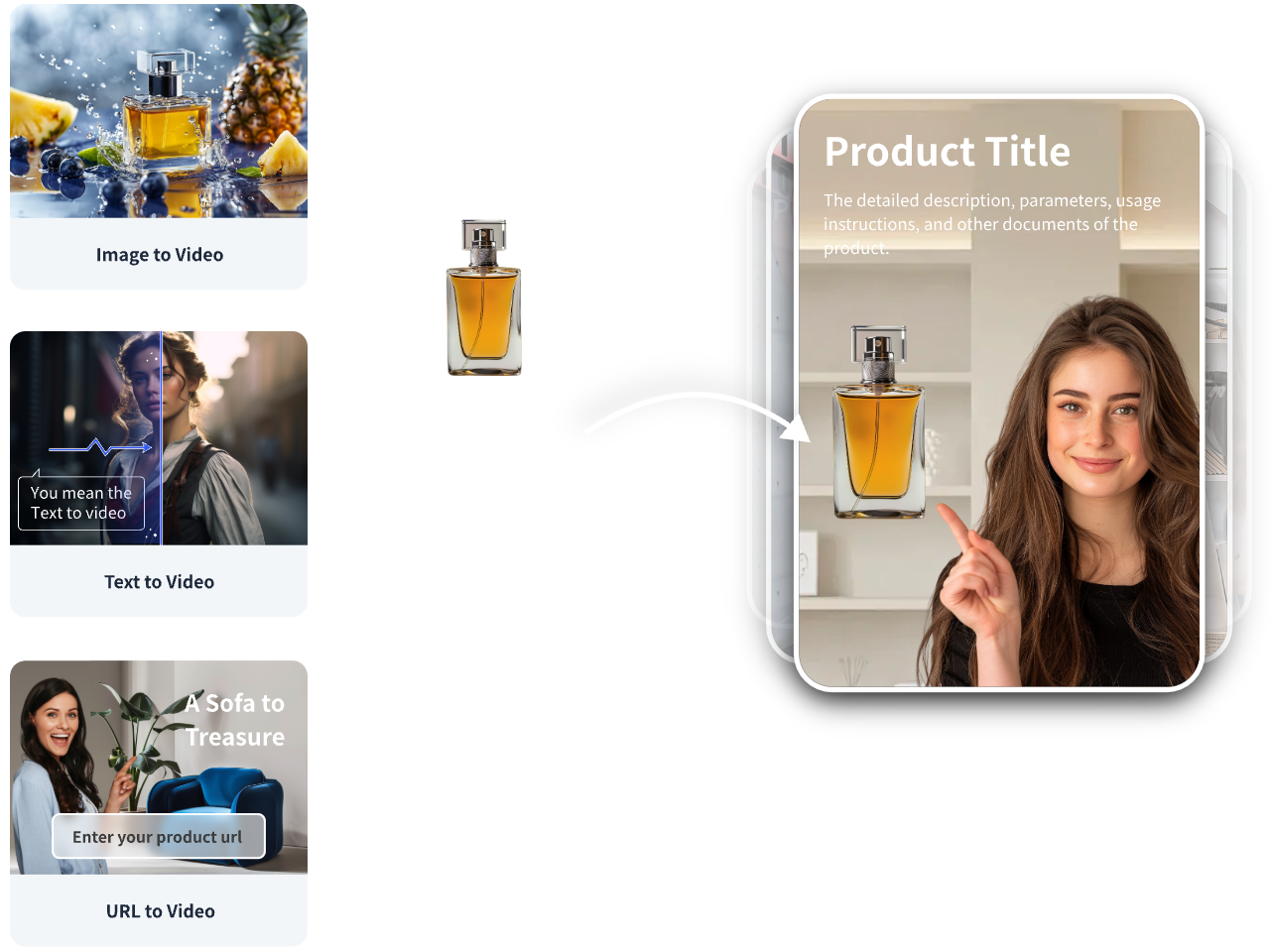
When you already have a product URL, images, or a finished script and need ad‑ready drafts fast, VidAU AI can slot into this workflow.
Mini‑workflow
• Your input: product URL or images plus a short UGC script.
• VidAU capability: generate short, vertical ad variants using UGC Talking‑Head Ad or Product Image to Video styles, with captions and platform‑ready formats.
• Output: editable, ad‑ready clips for TikTok, Meta, and YouTube. Export them, then finish with your transition sequence and SFX in CapCut.
• Fit: ideal for quickly producing multiple creative angles before deeper avatar work, or for turning winning scripts into language or style variants.
Step-by-Step Edit: Native Transitions, Captions, and SFX – UGC AI Video Creator
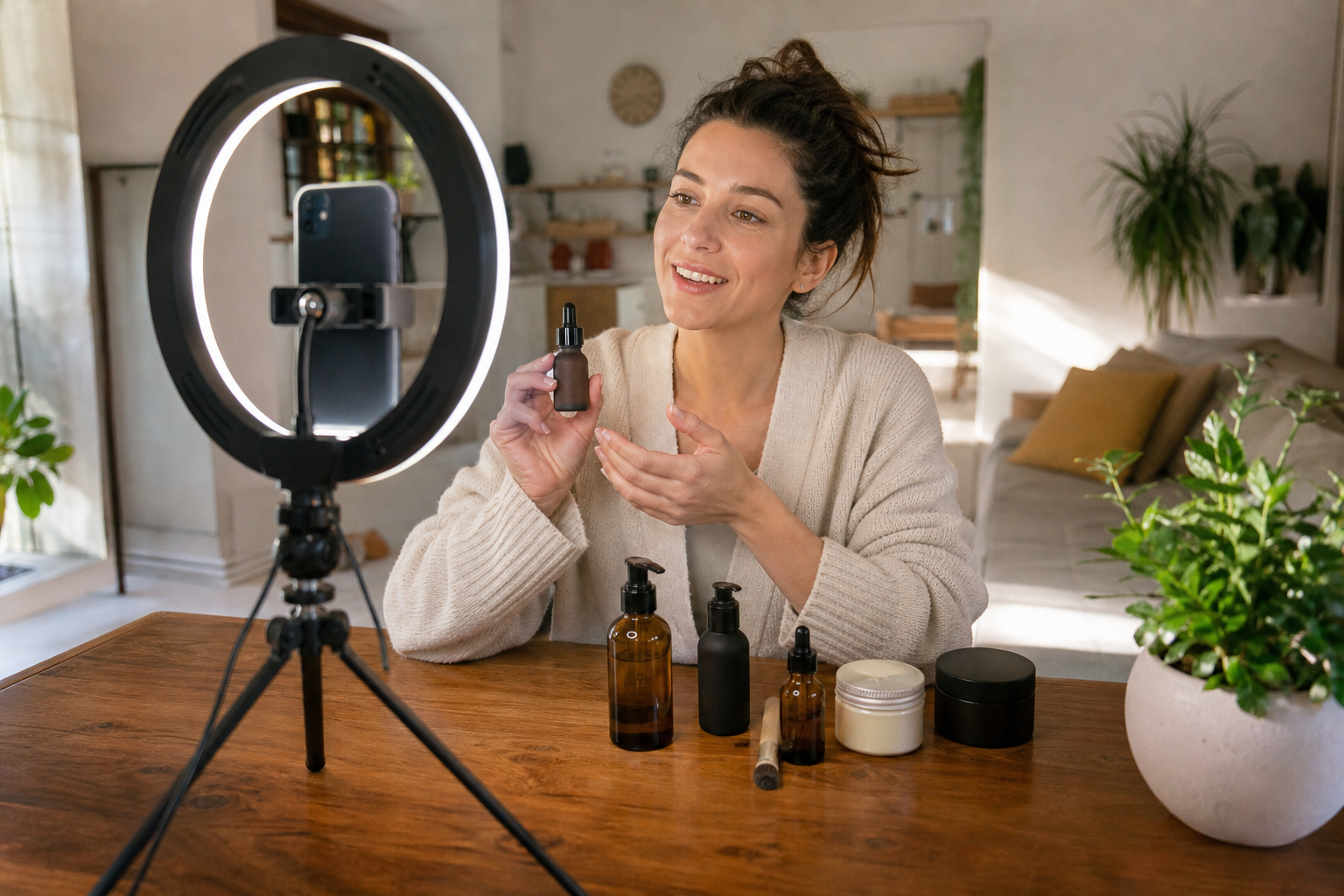
Use this quick pass to make AI footage feel like real UGC.
1. Foundations
• Timeline: 24–30 fps, 9:16, 1080×1920.
• Stack order: video, captions, overlays, SFX, music.
2. Transition maker sequence
• Hook cut: hard smash on beat at 0.3–0.5s.
• Match cut: hands or head turn to hide the cut.
• Whip pan: 2–3 frames, add motion blur and whoosh.
• Speed ramp: 50 percent dip into a 120–150 percent ramp for energy.
• L‑cut: let audio from next clip start 6–10 frames early.
3. Captions and overlays
• Big, legible, sentence case. One to two lines max.
• Emphasize keywords with bold or color, not emojis every word.
4. Sound design
• Layer a light room tone, subtle mic rustle, and tiny whooshes for each transition. Add one tactile SFX on the product reveal.
5. Final checks
• Fix lip sync misses by slightly time‑shifting lines or choosing shorter spoken lines per shot.
• Export: H.264 or HEVC, high bitrate for TikTok and Reels.
Prompts and Templates You Can Copy – UGC AI Video Creator
Avatar realism prompt starter
• Model: NanoBanana Pro
• Intent: casual, indoor, soft side-window light, slight motion blur
• Wardrobe and makeup: everyday tee, minimal makeup, no beauty filter
• Expression: natural blink, subtle smile, relaxed shoulders
• Negative cues: porcelain skin, studio lighting, plastic sheen
Talking shot motion prompt starter
• Input: avatar image plus vlog video reference
• Direction: head nod on key word, glance aside at 1.2s, micro-brow raise, natural blink cadence
• Camera: handheld 24–28mm, slight sway, tiny focus breathing
• Length and spec: 3–5s, 9:16, 24–30 fps
30‑second script skeleton
• Hook: Real pain in one line
• Problem: One relatable moment
• Solution: Show product fixing it
• Proof: Quick before or testimonial beat
• CTA: Simple, direct action
Mistakes to Avoid and Troubleshooting – UGC AI Video Creator
• Perfect studio look: Over‑clean lighting and retouched skin signal AI. Add natural light, grain, and small exposure shifts.
• Pinterest references: They trend stylised and glossy. Favor TikTok for real‑world framing and light.
• No video reference: Expect stiffer motion. Use image‑only models plus strong editing and SFX to compensate.
• Long monologues: Break lines into short beats across shots to reduce mouth sync errors.
• Ignoring platform rules: Keep to 9:16, captions burned in, safe text margins, and short cuts for TikTok and Reels.
• Free tier surprises: Access and limits change. Always have a backup generator in your stack.
Key Takeaways
• Realism is a chain: references, avatar, motion, voice, and edit.
• Small imperfections sell authenticity more than over-polished frames.
• Maintain a fallback stack for when a tool rate limits or changes features.
Create With VidAU
Turn scripts, product URLs, and creative ideas into ad-ready video assets with a structured AI workflow.
Key takeaway
Final Thoughts
Realistic AI UGC is no longer about a single button. It is the combination of TikTok-native references, a consistent NanoBanana Pro avatar, motion from Seedance 2.5 or a free alternative, and a tight CapCut pass with native transitions and sound.
If you need fast, ad‑ready variants from a product URL, images, or a finished script, use VidAU AI to generate vertical UGC-style drafts, then finish the transition maker sequence and SFX in CapCut. Ship quick tests, learn from the data, and iterate the winning angles.
Frequently asked questions
What is the best ugc ai video creator for realistic results right now?
Seedance 2.5 is a popular pick in current tutorials because it can leverage both image and video references, which helps avoid plasticky motion. Pair it with NanoBanana Pro for consistent faces, TikTok-native references, and a tight CapCut finish. Features and access can change, so keep alternates handy.
Is there a truly free ugc generator I can use today?
Free options come and go. Google Whisk and Google Flow tutorials show workable, camera-free paths. Muse AI and Grok AI can also provide ai ugc video creator free routes depending on availability. Expect usage caps or verification, and plan a backup tool in case limits change.
How do I avoid the uncanny valley in AI UGC ads?
Use TikTok-native references, not glossy Pinterest shots. Build a smartphone-style avatar with NanoBanana Pro, then generate motion using image plus video references. Keep shots short, embed micro-movements and natural eye lines, add light grain, and finish with native transitions and SFX in CapCut.
What specs should I export for TikTok and Reels?
Export 9:16 vertical at 1080×1920, 24–30 fps, with a high bitrate in H.264 or HEVC. Burn in captions, keep text away from safe-margin edges, and cap the ad around 20–30 seconds. Maintain strong first-frame contrast for the hook, and avoid heavy filters.
What if I cannot access Seedance 2.5?
Use Flux 3 or Google Omni Flash for image-only references, then add motion and realism in editing. For free routes, try Google Whisk, Google Flow, Muse AI, or Grok AI for draft clips. Strengthen prompts with concrete camera and motion cues and rely on CapCut transitions for energy.
How do I get good lip sync and voice without it sounding robotic?
Keep lines short per shot, use Speel or Arcads for lip sync and expression, and add light room tone plus subtle mic rustle under the VO. Slightly shift audio timing to align mouth closure on consonants. Avoid monotone delivery and over-processed voices.
What transitions work best for native UGC style?
Use a transition maker approach: smash cut on hook, match cuts on action, 2–3 frame whip pans with whoosh, short speed ramps into beats, and L-cuts to carry audio across cuts. Keep transitions fast and purposeful, not flashy for their own sake.
Can VidAU AI replace the entire workflow?
It can accelerate parts of it, especially when you have a product URL, images, or a script and need ad-ready drafts quickly. Generate multiple vertical variants, then polish transitions, captions, and SFX in CapCut. For high realism avatars, you may still prefer NanoBanana Pro plus reference-led motion.
How do I structure a 30-second UGC ad for conversions?
Use a five-beat layout: punchy hook, one relatable problem moment, product solving it on screen, quick proof or before, and a single, clear CTA. Keep each beat to a few seconds, ensure legible captions, and end on a strong visual plus verbal call to action.
Where should I source references for the avatar and shots?
Pull real clips from TikTok in your niche that match lighting, framing, and energy. Look for natural skin texture, slight motion blur, and handheld sway. Avoid studio-perfect looks and overly stylized images that push the model toward an artificial, glossy aesthetic.