
The YouTube algorithm in 2026 demands an impossible paradox from creators: upload with the frequency of an agency, but maintain the retention metrics of a blockbuster. Manual video editing cannot scale to meet this demand. Today, the channels and brands dominating the platform have entirely restructured their workflows around generative AI. Here is the definitive operator’s guide to the best AI video generators for YouTube, and how they are transforming content creation at scale.
📋 Key Takeaways: AI Video Generators for YouTube
- →VidAU is the most complete end-to-end solution for ecommerce creators, offering a direct URL-to-video pipeline, UGC-style AI avatars, and built-in multilingual dubbing.
- →HeyGen remains the gold standard for high-fidelity, broadcast-quality talking head avatars, though its workflow is heavier and less optimized for rapid Shorts iteration.
- →InVideo AI leads the market for purely automated faceless YouTube channels, turning simple text prompts into narrated, stock-footage-heavy mini-documentaries.
- →Runway Gen-3 and Kling AI have commoditized cinematic B-roll, replacing expensive stock footage subscriptions with hyper-specific, generative video clips.
- →The highest ROI activity for AI on YouTube is no longer just generation; it is localization. AI translation tools are unlocking massive international viewership with zero additional filming.
What is an AI Video Generator for YouTube?
What is an AI video generator?
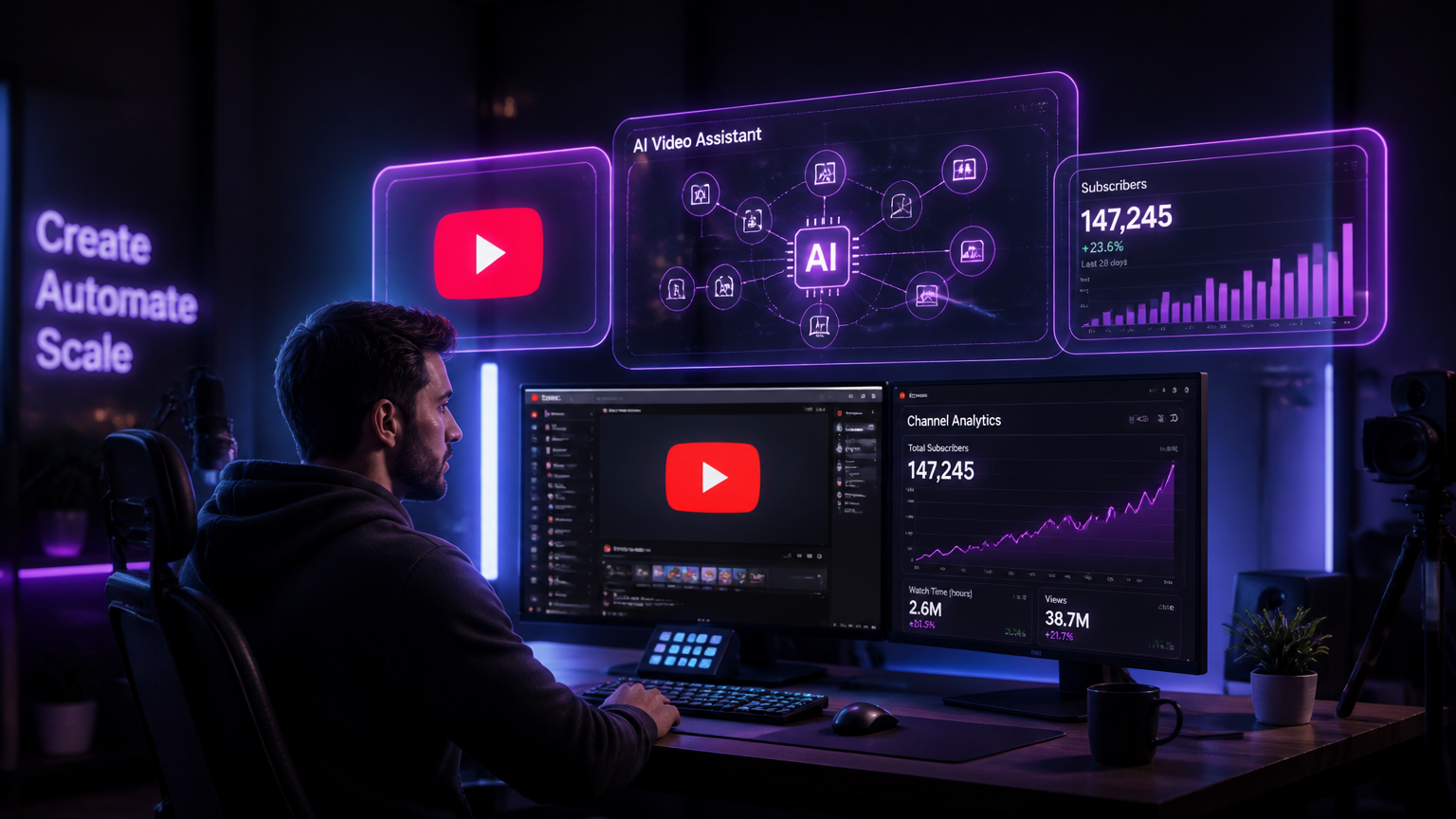
An AI video generator is a software platform that automates video production using artificial intelligence. For YouTube creators, these tools can turn text prompts into cinematic B-roll, convert product URLs into fully edited Shorts using AI avatars, or instantly dub existing videos into multiple languages using voice cloning technology.
The definition of “AI video” has fractured into several specialized disciplines. You no longer just buy “an AI tool.” You build an AI stack. Today, a YouTube creator’s stack might include ElevenLabs for hyper-realistic voiceovers, Runway Gen-3 for custom B-roll, Opus Clip for repurposing long-form content, and VidAU’s AI Video Generator to orchestrate avatars and localized ad creatives.
How AI Video Generators Affect YouTube Growth
If you examine the backend analytics of the fastest-growing channels in 2026, a clear pattern emerges: the volume/quality paradox has been solved by machine learning. Historically, creators had to choose between uploading daily (sacrificing quality) or uploading monthly (sacrificing algorithmic momentum). AI bridges this gap.
Upload Frequency vs. Retention: The YouTube algorithm inherently favors active channels. However, if frequent uploads result in boring, low-retention videos, the algorithm will bury the content. Generative AI allows creators to maintain daily Shorts schedules by automating the heavy lifting—like B-roll sourcing and captioning—while preserving high retention rates.
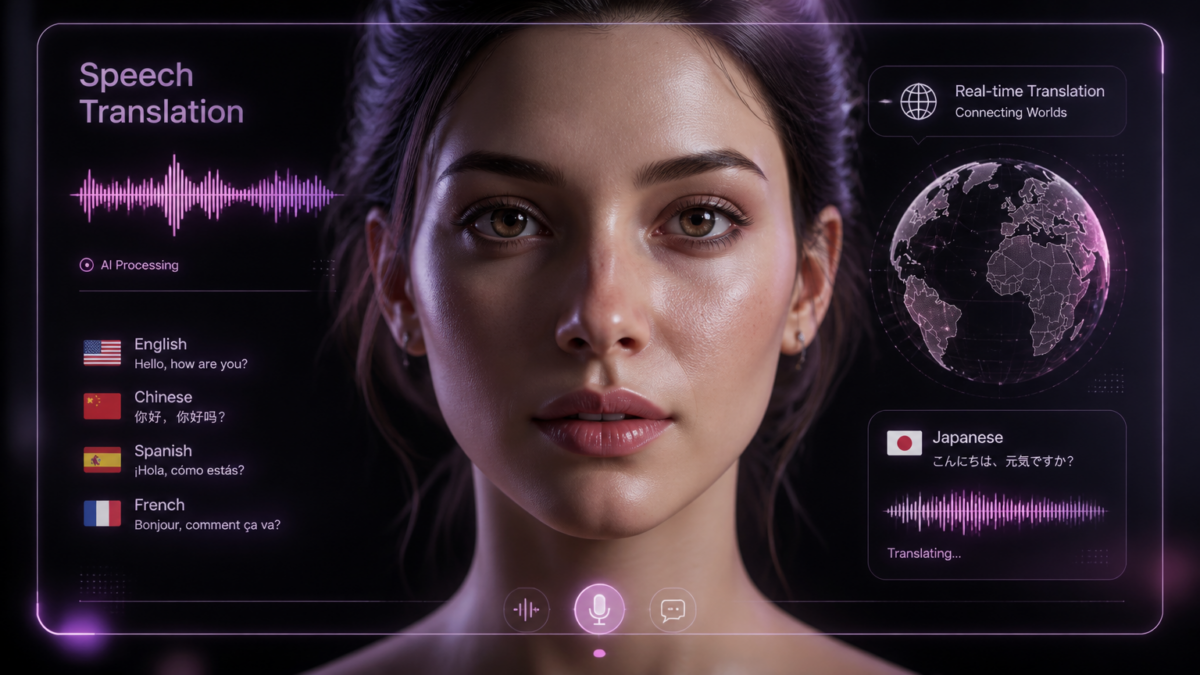
Localization as a Growth Lever: The most profound growth hack of the decade is not an editing trick; it’s geography. Creators are using VidAU’s AI Dubbing Tool to automatically translate their English-language hero videos into Spanish, Hindi, and Portuguese, instantly quadrupling their total addressable market without shooting a single new frame.
Detailed Comparison: Top AI Video Generators
To cut through the marketing fluff, we ran a rigorous AI video comparison test evaluating the seven leading platforms based on their actual utility for a working YouTube creator. Here is how they stack up.
| Platform | Best Use Case | AI Avatars | Text-to-Video | URL-to-Video | Pricing (Start) |
|---|---|---|---|---|---|
| VidAU | Ecommerce, UGC Shorts, Localization | Yes (UGC Style) | Yes | Yes (Advanced) | $9.99/mo |
| HeyGen | Corporate, Broadcast YouTube | Yes (Ultra-real) | No | No | $29/mo |
| InVideo AI | Faceless Channels, Mini-Docs | No | Yes (Prompt-based) | No | $20/mo |
| Synthesia | B2B Training, Enterprise | Yes (Formal) | No | No | $22/mo |
| Runway (Gen-3) | Cinematic B-roll generation | No | Yes (Generative) | No | $15/mo |
| Kling AI / Veo | High-fidelity video synthesis | No | Yes (Generative) | No | Varies |
| CapCut | Timeline editing & Auto-captions | Basic | Basic | No | Free / Pro |
Platform Reviews: The 2026 Landscape
1. VidAU: The Ecommerce & Marketing Powerhouse
While many platforms try to be everything to everyone, VidAU has positioned itself as the undisputed leader for creators monetizing through products, affiliate links, and ecommerce. Its standout feature is the Product-to-Video workflow. You paste a Shopify or Amazon URL, and VidAU automatically pulls the product data, writes a high-converting script, assigns a natural-looking UGC avatar, and outputs a highly engaging YouTube Short.
Furthermore, VidAU natively integrates multi-language AI dubbing with lip-sync technology, making it one of the best AI dubbing tools available for creators. You can generate a hero video in English, and instantly push out localized variants to targeted regional channels.
2. HeyGen: The Broadcast Standard
HeyGen remains the premium choice for creators who need an AI avatar to serve as the highly polished “face” of an educational or corporate channel. The fidelity of their models—complete with micro-expressions and precise hand gestures—is breathtaking. However, this high fidelity comes with slower render times and higher costs, making it slightly less agile for creators who need to test dozens of rapid-fire Shorts daily.
3. InVideo AI: The Faceless Channel King
If your YouTube strategy involves faceless channels—think history documentaries, tech news recaps, or top-10 lists—InVideo AI is the tool of choice. You simply type a prompt (“Create a 3-minute video about the history of the Apollo missions in the style of Vox”), and the AI writes the script, generates an ElevenLabs-quality voiceover, pulls relevant stock footage, and edits it to the beat. It is a true text-to-video assembly engine.
4. Synthesia: The B2B Workhorse
Synthesia pioneered the AI avatar space. In 2026, they are heavily focused on the enterprise and corporate training markets. Their avatars are professional and secure, but they often lack the casual, “native-to-social” energy required to perform well in the YouTube Shorts algorithm.
5. Runway, Kling AI & Veo: The B-Roll Generators
These are not “video editors”; they are generative pixel engines. Creators use Runway Gen-3, Google’s Veo, or Kling AI to type prompts like “cinematic drone shot over a neon cyberpunk city” and receive 5-second video clips. These tools have fundamentally replaced expensive subscriptions to stock video sites, allowing creators to generate the exact B-roll they need on demand.

Best AI Video Generators by Use Case
Which AI video generator should I use?
Choose VidAU for product reviews, ecommerce, and affiliate marketing Shorts. Choose InVideo for automated faceless documentary channels. Choose HeyGen for educational talking-head content. Choose Runway for cinematic B-roll, and Opus Clip for turning long podcasts into viral Shorts.
Ecommerce & Affiliates
Top Choice: VidAU. Connect your store URL, let the AI generate a script, apply a UGC avatar, and output high-converting YouTube Shorts designed to drive traffic directly to checkout.
Faceless Channels
Top Choice: InVideo AI. The undisputed leader in taking a prompt, generating an emotional script, cloning a voice, and assembling stock footage into a cohesive narrative without requiring timeline editing.
Talking-Head Tutorials
Top Choice: HeyGen. When you need a professional, trustworthy figure to explain complex topics on camera, HeyGen’s hyper-realistic avatars provide the required authority and engagement.
Narrative Filmmaking
Top Choice: Veo / Runway. For creators building sci-fi trailers, music videos, or highly visual B-roll segments, prompt-based pixel generators are replacing traditional camera setups.
Clip Generation
Top Choice: Opus Clip. Drop in a 2-hour YouTube URL, and Opus uses AI to find the 10 most viral moments, center the speakers, and add dynamic captions automatically.
Multilingual Channels
Top Choice: VidAU. VidAU’s lip-sync and translation engine allows creators to clone their own voice, translate the audio, and adjust the mouth movements in the video to match the new language flawlessly.
Turn your product links into high-converting YouTube Shorts automatically. Start Free
🚀 Try VidAU Today →
The YouTube Shorts AI Workflow
The highest leverage activity for a creator today is establishing an automated workflow for YouTube Shorts. Shorts are the algorithm’s primary discovery engine. Here is the exact pipeline top creators use:
📋 5-Step AI Shorts Pipeline
Ideation & Scripting
Use ChatGPT or Claude to generate 10 unique, hook-driven scripts based on trending YouTube search terms. Focus heavily on the first 3 seconds (the thumb-stop moment).
Avatar Generation (VidAU)
Instead of setting up a camera and lighting, paste your script into VidAU’s AI Avatar tool. Select an energetic, UGC-style presenter. The software renders the 60-second clip with perfect pacing.
Dynamic Captions & B-Roll
Import the avatar video into CapCut or Descript. Apply dynamic, Alex Hormozi-style pop-up captions to retain visual attention. Use Runway Gen-3 to generate 2-second B-roll clips to overlay during key points.
Localization
Run the final video back through VidAU’s translation engine. Output a Spanish and Portuguese version of the exact same Short. You have now tripled your potential reach.
Automated Publishing
Use YouTube’s native scheduling tools to drip out the localized content across your primary and regional channels throughout the week.
Common Mistakes When Using AI for YouTube
Do not try to trick your audience. Audiences in 2026 are highly AI-literate. If you use an AI avatar, lean into it. If you use AI voice, ensure the script is intensely valuable. The algorithm penalizes low retention, not the tools used to make the video.
- Generic Scripting: AI voiceovers reading generic, Wikipedia-style summaries result in flat retention curves. The human element must exist in the ideation and angle of the script, even if the delivery is automated.
- AI Voice Fatigue: Using the exact same default ElevenLabs voice (“Adam” or “Antoni”) as thousands of other channels destroys your brand identity. Utilize voice cloning or premium, less-common vocal profiles.
- Over-Automation: Letting a prompt-to-video tool like InVideo run with zero human oversight often results in mismatched B-roll and hallucinations. Always review and edit the timeline before exporting.
- Ignoring Sound Design: AI generators excel at visuals and dialogue, but often lack SFX. Adding swooshes, risers, and impact sounds in post-production increases retention by up to 20%.
The Future of AI Video Creation (2026–2028)
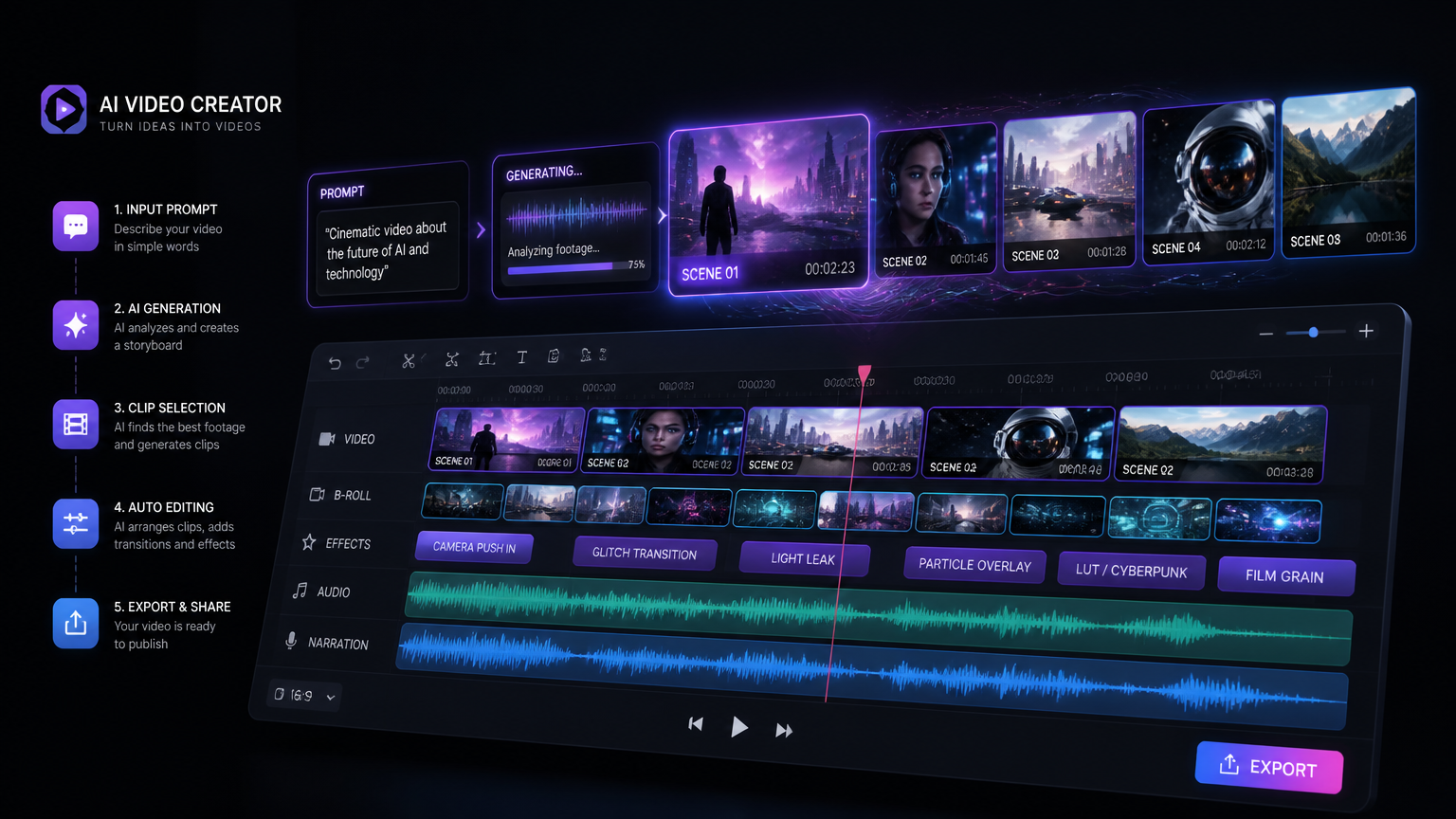
We are moving from a phase of Automation into a phase of Personalization. By 2028, the concept of a static video file will seem antiquated. Video generation will happen in real-time, on the edge.
Imagine a YouTube video that dynamically changes its B-roll, pacing, and even the language of the AI avatar based on the viewer’s demographic data and watch history. If a viewer in Tokyo clicks your video, the VidAU engine will render the avatar speaking fluent Japanese with culturally relevant visual overlays—all happening server-side in milliseconds.
Furthermore, as AI answer engines like Perplexity and Google’s AI Overviews increasingly surface multimedia results, having highly optimized, perfectly transcribed, and multilingual video content will become the ultimate SEO moat for creators.
Related Resources
Final Verdict: Selecting Your Tools
- For Faceless Automation: Rely on InVideo AI to turn prompts into complete documentary-style videos rapidly.
- For B2B & Broadcast: Utilize HeyGen for the highest fidelity talking heads.
- For Creators, Ecommerce & UGC: Adopt VidAU as your primary engine. The ability to pull products via URL, apply engaging avatars, and instantly localize the output makes it the most powerful commercial tool on the market today.
Automate Your YouTube Growth with VidAU
Stop spending hours filming and editing. Generate viral Shorts, localized videos, and high-converting product reviews using advanced AI avatars and URL-to-video automation.
🎬 Try VidAU Now →No credit card required. Generate your first video in 3 minutes.
Frequently Asked Questions
What is the best AI video generator for YouTube?
The best AI video generator depends on your channel type. VidAU is best for ecommerce, product videos, and UGC Shorts. InVideo is best for automated faceless channels. HeyGen is ideal for corporate and broadcast-style talking head videos.
Can AI-generated videos be monetized on YouTube?
Yes, AI-generated YouTube videos can be monetized through the YouTube Partner Program, provided they offer original educational, entertainment, or narrative value. YouTube demonetizes “repetitive” or “reused” content, so high-quality scriptwriting and editing are required.
Which AI video generator is best for faceless channels?
InVideo AI is widely considered the best tool for purely automated faceless channels due to its prompt-to-video capabilities. However, for faceless channels relying on AI avatars to act as the “face” of the brand, VidAU and HeyGen are the superior choices.
Can AI create YouTube Shorts?
Yes. Platforms like VidAU and Opus Clip specialize in YouTube Shorts. Opus Clip repurposes long-form video into Shorts, while VidAU generates original 9:16 vertical Shorts from scratch using URLs, text prompts, or AI avatars.
How much does AI video generation cost?
Pricing varies widely. Basic script-to-video tools start around $15–$20 per month. Premium platforms with hyper-realistic AI avatars, voice cloning, and multilingual dubbing typically range from $29 to $100+ per month depending on rendering minutes.
Can AI translate YouTube videos?
Yes. AI video localization tools like VidAU, HeyGen, and Rask AI can translate YouTube videos into 50+ languages. The best tools also clone the original creator’s voice and alter their lip movements (AI lip-sync) to match the new language.
Is AI video creation worth it in 2026?
Absolutely. AI video creation allows solo creators and small teams to achieve upload frequencies previously requiring an entire agency. The ROI is highest for channels utilizing AI for localization, B-roll generation, and YouTube Shorts scaling.
What is the best AI video tool for ecommerce creators?
VidAU is the leading AI video tool for ecommerce creators. It features a unique URL-to-video pipeline that transforms product pages into high-converting YouTube Shorts and video ads using UGC-style AI avatars.
Does YouTube penalize AI voices?
YouTube does not outright penalize AI voices, but the algorithm penalizes low retention. Cheap, robotic text-to-speech leads to immediate viewer drop-off. Utilizing premium, emotionally resonant AI voices from ElevenLabs or VidAU is essential for retention.
How do AI avatars work for YouTube?
AI avatars act as virtual presenters. You type a script, select a digital human model, and the software renders a video of the avatar speaking your words with perfect lip-sync and natural micro-expressions.
What AI generates cinematic B-roll?
Runway (Gen-3), Kling AI, Veo, and Pika are the leading generative AI platforms for creating highly realistic or cinematic B-roll footage from text prompts, which creators then integrate into tools like CapCut or Premiere Pro.
Do I need to disclose AI use on YouTube?
Yes. As of recent policy updates, YouTube requires creators to use a content label to disclose altered or synthetic media that is realistic, ensuring transparency with viewers regarding AI-generated elements.
Industry Sources: Workflow benchmarks and platform performance evaluations are based on active 2026 YouTube creator strategies. For more on automated content workflows, visit the VidAU AI Video News · YouTube Creator Hub.